- Age rating4+
- CategoryUtilities
- DeveloperLG Electronics, Inc.
- LanguagesEnglish+ 12 more
- Size324.7 MB
Links to the official App Store page
Download.org hosts no file of LG gram Link. The button opens its official App Store page, published by LG Electronics, Inc. Listing last checked on Nov 20, 2026.
Screenshots

About
■ App Info
Connect your PC and LG webOS TV with your Smartphone regardless of the OS
LG gram Link is a Smartphone connectivity application for LG PC users
Try to connect your LG PC and LG webOS TV with any Smartphone regardless of the operating system
You can transfer files, mirror your Smartphone, use it as a secondary monitor and more!
※ To use LG gram Link on gram PC, you must run the LG gram Link app on your iPhone (iPad).
• Easy connection with QR code
You can easily connect LG PC with your Smartphone just by scanning the QR code.
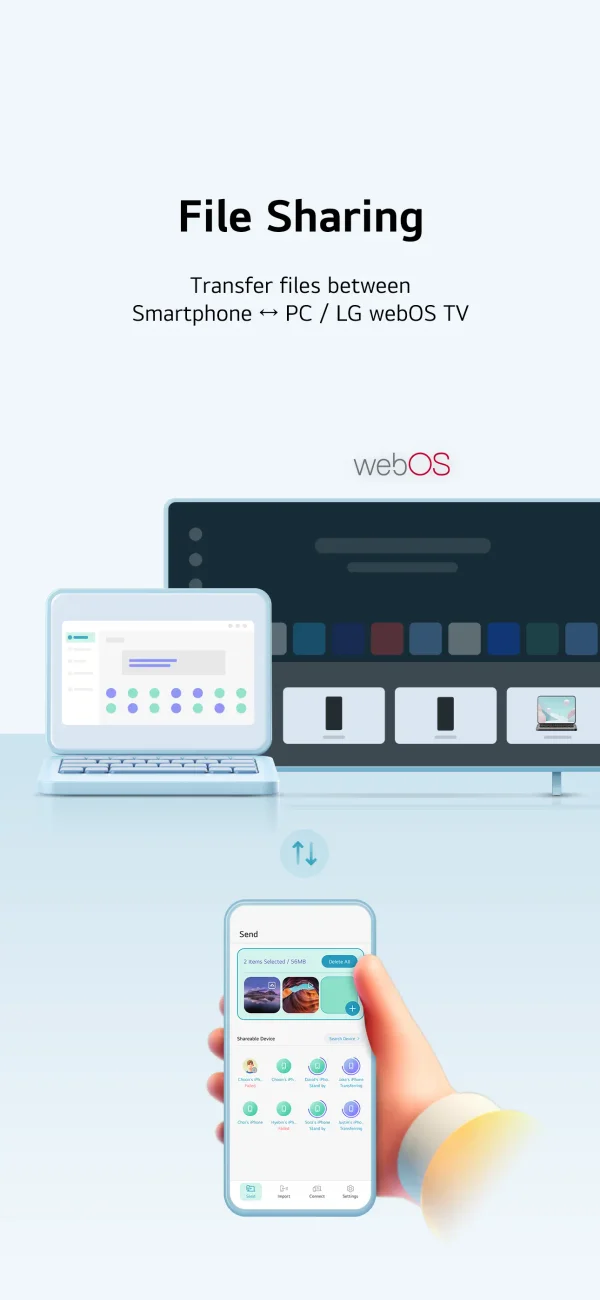
• Smartphone ↔ PC / LG webOS TV file transfer
Send any photos, videos or files you want to your Smartphone or LG webOS TV
• Import files and photos from PC to Smartphone
Quickly search for files and photos on your PC and effortlessly import them to your Smartphone.
Access the data you need on your PC instantly to work more efficiently.
(This feature works in conjunction with the gram chat On-Device, so the gram chat On-Device must be installed and run for the first time before it can be used.)
• AI classification
Manage and search your photos easily using LG AI Gallery feature.
Your photos will be organized automatically by date, person, location, etc.
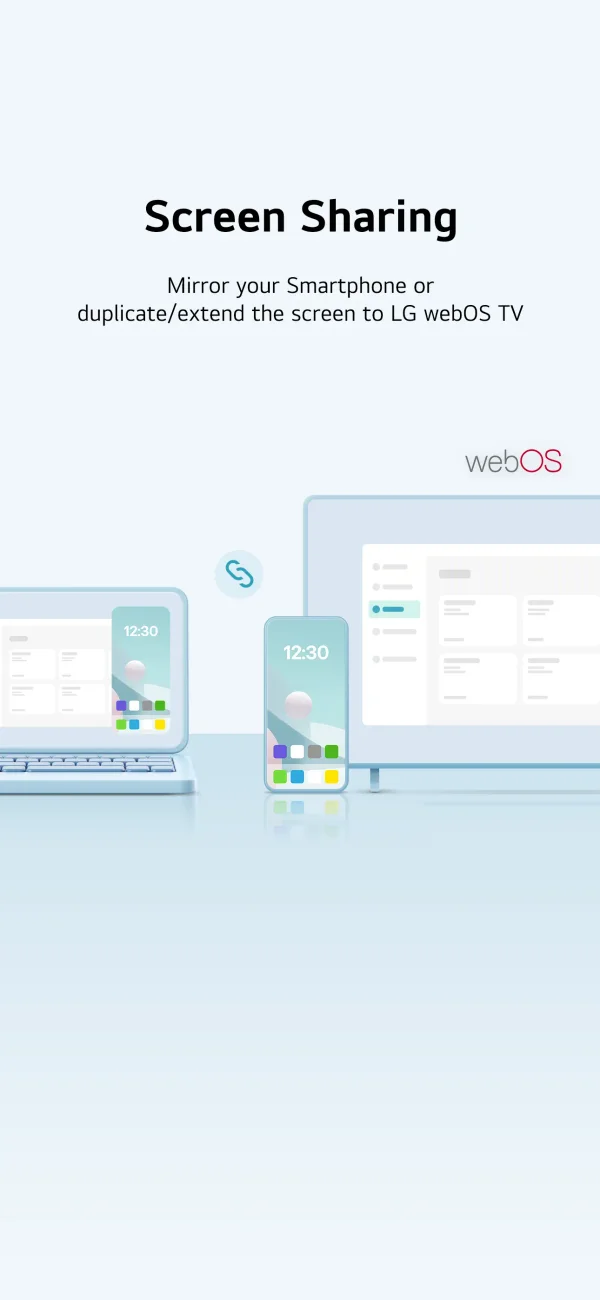
• Screen mirroring
Cast your Smartphone screen on your PC.
• Display extension/duplication
Use your Smartphone or LG webOS TV as a second screen.
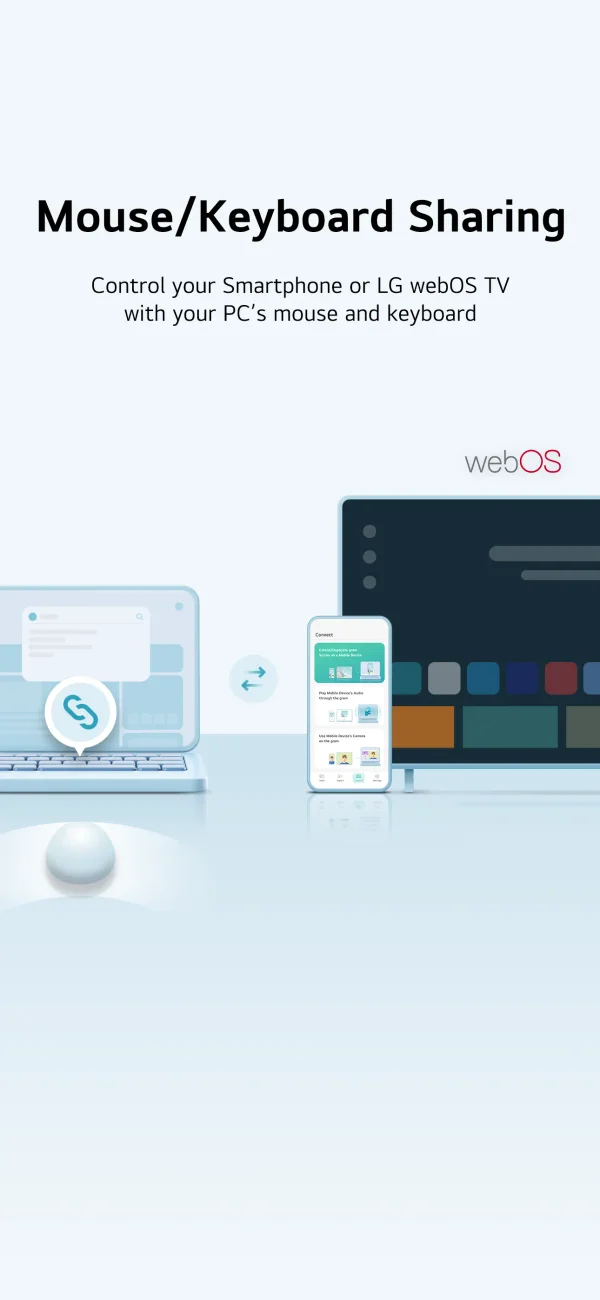
• Keyboard/Mouse sharing
Control your Smartphone or LG webOS TV with your PC's keyboard/mouse.
※ To use the “Keyboard/Mouse share” feature, your iPhone needs to have Assistive Touch enabled.
(Includes when trying to use "Keyboard/Mouse share" with mouse click in mirroring)
Go to Settings > Accessibility > Touch > AssistiveTouch
Assistive Touch Guide : https://support.apple.com/en-us/111794
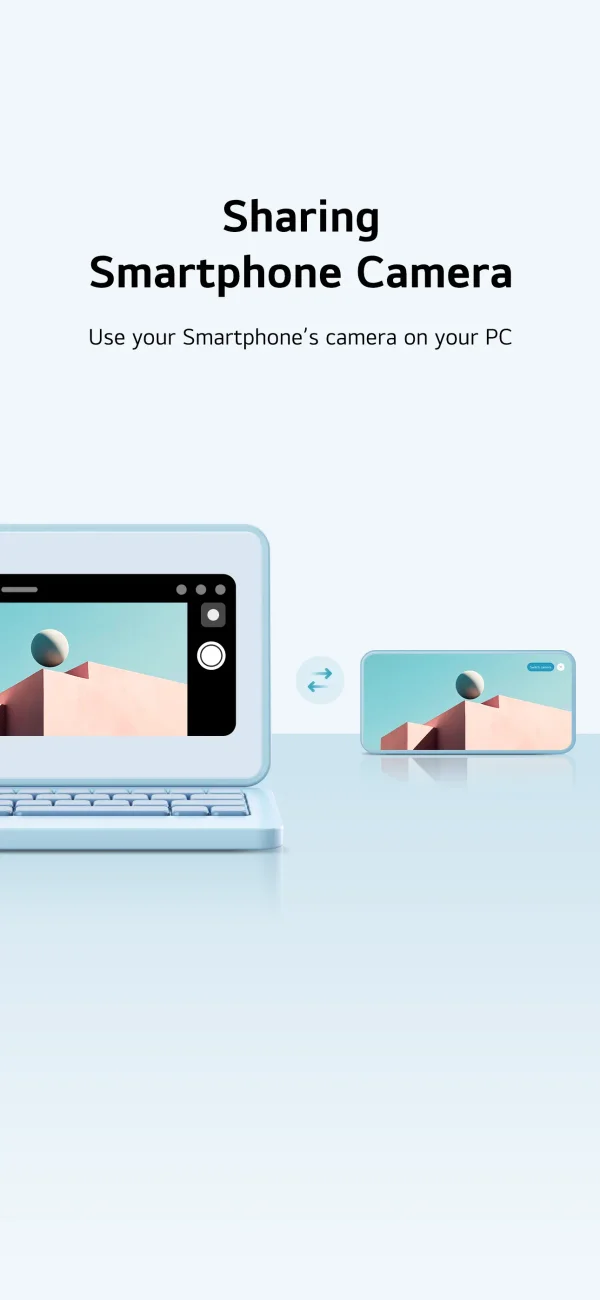
• Sharing Smartphone camera
Use your Smartphone's camera on your PC.
Perfect for video conferencing or photography, offering flexible functionality.
• Sharing Smartphone audio
Play audio from your Smartphone through your PC speakers.
Enjoy your content with enhanced sound quality.
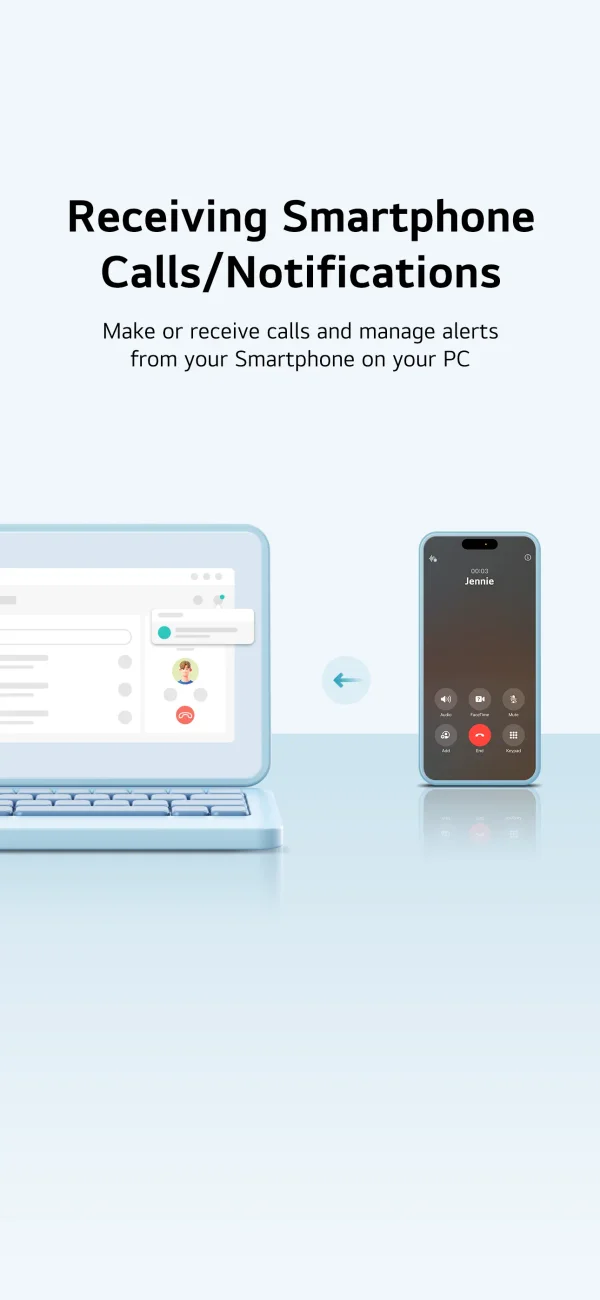
• Talking on the phone via PC
Make or receive calls directly on your PC.
Talk hands-free while working, boosting your productivity.
• Get Smartphone notifications on PC
View Smartphone notifications directly on your PC.
Stay updated and conveniently manage your notifications without missing anything.
■ Supported models :
webOS TV - webOS26 version or later required
■ Access rights
- Photos (all photos) (Required) : Accessing photos and videos to be transmitted
- Camera (Required) : Scanning a QR code to connect to a PC, taking photos, and attaching them
- Notification (Required) : Checking connection, receiving files, and sending a transfer complete notification
- Local network (Optional) : Accessing a local network to connect to a PC
- Bluetooth (Optional) : Searching LG gram Link app users nearby
- Files and folders (Optional) : Accessing files and folders to be transmitted to a PC
- Location services (camera) (Optional) : Accessing locations where photos are saved
- Microphone (Optional) : Accessing a microphone while recording videos
■ Support E-mail : lg-gramlink@lge.com
What’s new
Version 4.0.4 · Jun 30, 2026
UI Bug Fix
App privacy
What LG Electronics, Inc. declares on the App Store about how this app handles data.
-
Data not linked to you
May be collected but is not linked to your identity.
- User content
- Identifiers
Privacy practices may vary, for example with the features you use or your age.
Information
- Seller
- LG Electronics
- Category
- Utilities
- Version
- 4.0.4
- Updated
- Jun 30, 2026
- Released
- Jan 26, 2023
- Size
- 324.7 MB
- Requires
- iOS 16.2 or later
- Age rating
- 4+
- Price
- Free
- Languages
- English, French, German, Italian, Japanese, Korean, Polish, Portuguese, Simplified Chinese, Spanish, Thai, Traditional Chinese + 1 more
- Copyright
- © LG Electronics, inc.
You might also like
-
 Mobile IDentification AppMobile ID
-
 VestMailUtilities
-
 Whale - Naver Whale BrowserUtilities
-
 KollusPlayerUtilities
-
 네이버 스마트보드 - Naver Smartboard검색,번역,맞춤법 기능을 키보드에서 한 번에!
-
 ICN SMARTPASS (인천공항 스마트패스)Utilities
-
 SpaceWalker by VITURENatively Support Spatial Video
-
 Bitdefender CentralUtilities
-
 Eversolo ControlEversolo Control
-
 ScanSnap Home:Scan・PDF・OCRScan Crisp Documents Fast