Lifetime AR Draw
Trace anything with AR
Designed for iPhone, iPad, iPod touch
Free · In-app purchases
- Age rating4+
- CategoryGraphics & Design
- DeveloperTrang Nguyen
- LanguagesEnglish
- Size46.7 MB
Links to the official App Store page
Download.org hosts no file of Lifetime AR Draw. The button opens its official App Store page, published by Trang Nguyen. Listing last checked on Nov 15, 2026.
Screenshots


About
Free Trial Available – Pay Once, Never Subscribe!
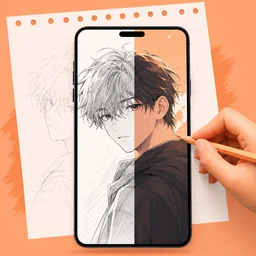
Trace anything onto paper with AR using your phone camera. No annoying ads, no expensive weekly subscriptions — enjoy drawing with complete freedom.
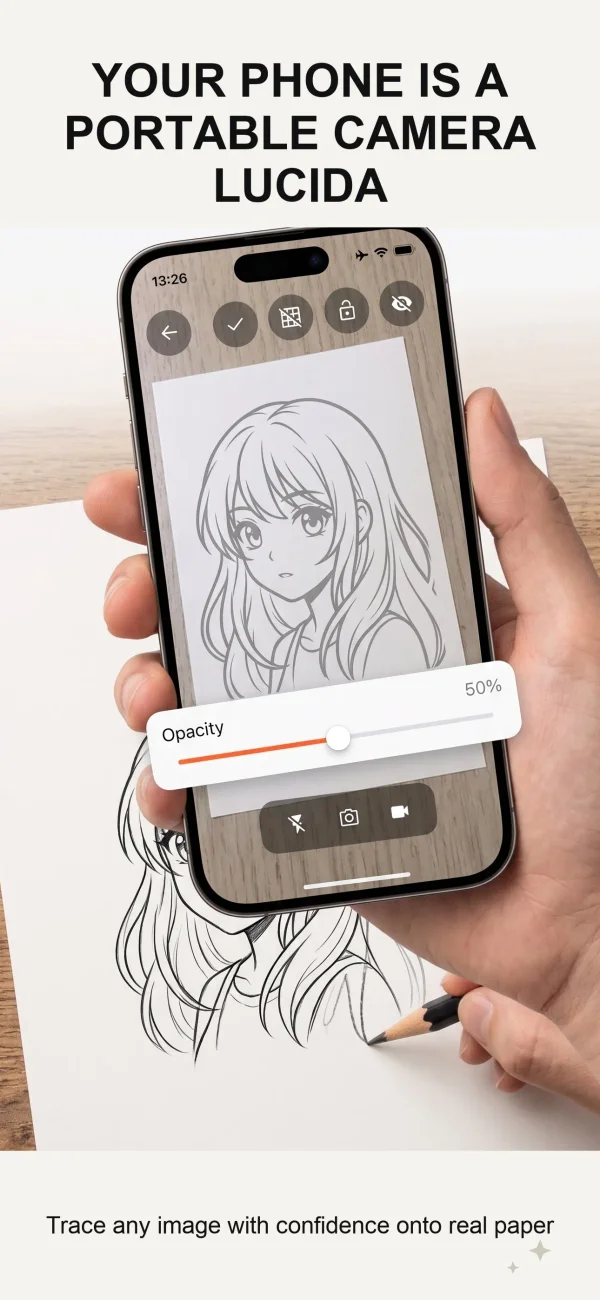
AR Drawing - Draw AR for Life turns your phone camera into a portable camera lucida. Pick from built-in tracing templates or import images from your gallery, overlay them on the camera preview with adjustable opacity, and trace on paper with confidence.
Need to prepare a reference before tracing? Open any photo in the built-in image editor and turn it into a pencil sketch, clean outline, grayscale study or posterized color guide. Clean up lines with the floating eraser, remove the background in one tap, adjust the effect intensity, pick from extracted colors, then save the result to your images and start tracing.
Whether you want to draw from photo references, practice sketching, or learn AR drawing for the first time, this app makes it simple.
Key features
Camera overlay tracing
• See your camera feed with a transparent image on top
• Adjustable opacity so you can see your paper clearly
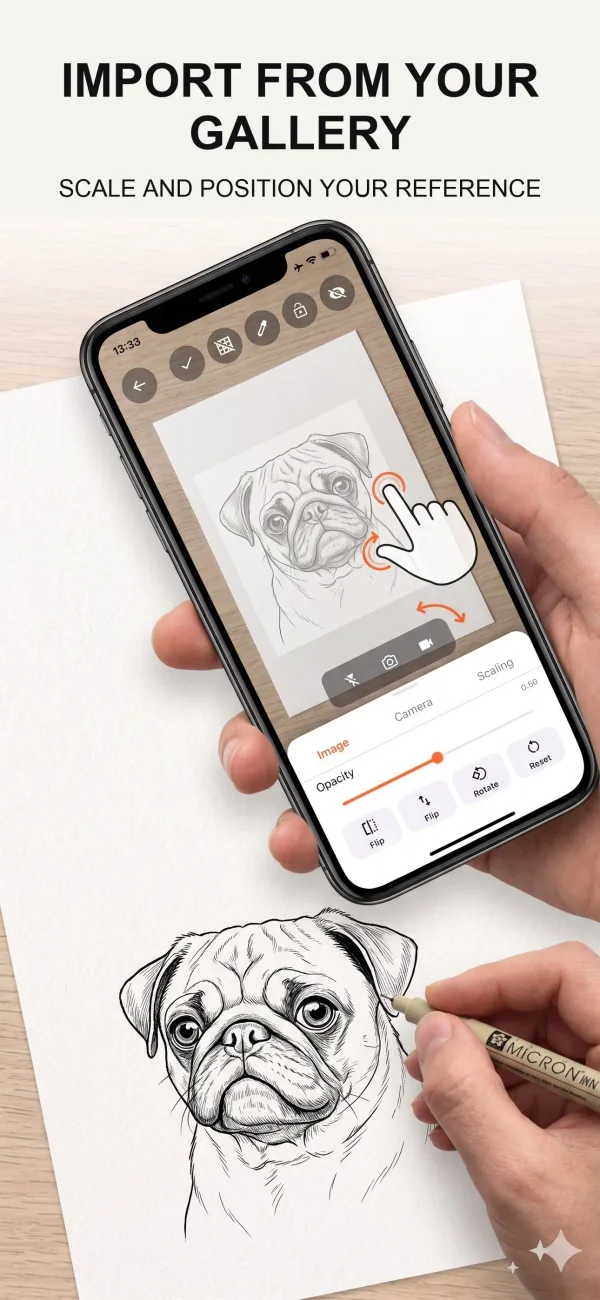
• Pinch, pan and scale the reference to fit any surface
Templates & imports
• Tracing templates for quick practice
• Import images from your camera roll or gallery
• Crop and position before you start
Built-in image editor
• Pencil sketch, outline, grayscale and posterize effects
• Adjustable intensity for every effect
• Floating eraser with brush preview and undo for Sketch and Outline
• One-tap background removal, 100% on-device
• Extracted color palette for easy reference
• Save to My Images, auto-grouped by day with newest first
Simple, focused tools
• Minimal drawing helper with no distractions
• Works with any pencil, pen or marker
• No account required to get started
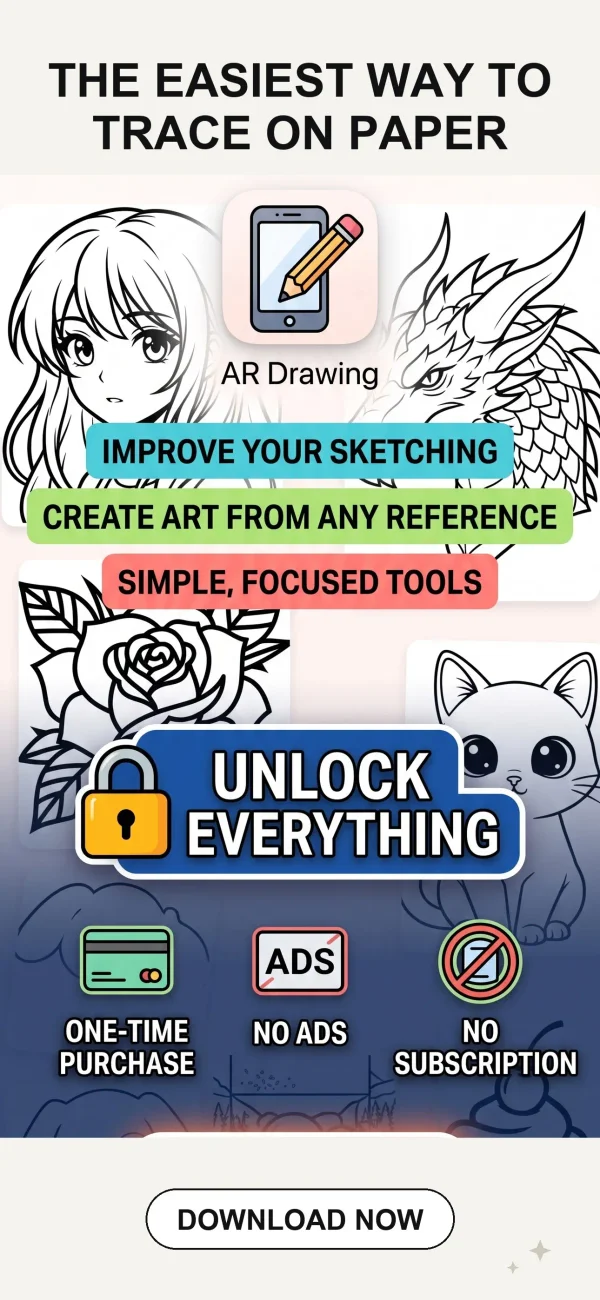
AR Drawing is the easiest way to trace on paper, improve your sketching, and create art from any reference. Upgrade with a one-time purchase to unlock everything. No ads. No subscription.
Download now and start tracing.
What’s new
Version 1.0.12 · Nov 10, 2026
Bug fixes, image editor improvements and performance enhancements.
App privacy
What Trang Nguyen declares on the App Store about how this app handles data.
-
Data linked to you
May be collected and linked to your identity.
- Purchases
- Identifiers
-
Data not linked to you
May be collected but is not linked to your identity.
- Usage data
- Diagnostics
Privacy practices may vary, for example with the features you use or your age.
Information
- Seller
- Trang Nguyen
- Category
- Graphics & Design
- Version
- 1.0.12
- Updated
- Nov 10, 2026
- Released
- Jul 1, 2026
- Size
- 46.7 MB
- Requires
- iOS 15.0 or later
- Age rating
- 4+
- Price
- Free
- In-app purchases
- Yes
- Languages
- English
- Copyright
- © Devculi
You might also like
-
 AR Drawing: Learn to Sketchhow to draw step by step
-
 AR Drawing:: Sketch & TraceDraw Pictures, Easy & Paint
-
 ArSketch - AR Draw SketchTrace & Draw with AR Camera
-
 Trace Draw: Paint & Sketch AppTrace & Learn to Draw Easily
-
 Translucent: AR Trace & DrawSketch on Paper, Light Box
-
 Photo to Sketch: AI AR DrawingSketchbook, Trace & Pencil Art
-
 AR Draw & Sketch - TraceXTrace Photo, Paint & Doodle
-
 Drawing & Sketch Trace AppTrace Photos & Learn Drawing
-
 Tracer: Trace Drawing CameraLearn to Draw & Trace Photos
-
 Photo Trace & Draw - TracelyTrace photos onto paper