
Tracer: Trace Drawing Camera
Learn to Draw & Trace Photos
Designed for iPhone, iPad
Free · In-app purchases
- Age rating4+
- CategoryGraphics & Design
- DeveloperPull Apps
- LanguagesEnglish+ 4 more
- Size49.6 MB
Links to the official App Store page
Download.org hosts no file of Tracer: Trace Drawing Camera. The button opens its official App Store page, published by Pull Apps. Listing last checked on Nov 24, 2026.
Screenshots


About
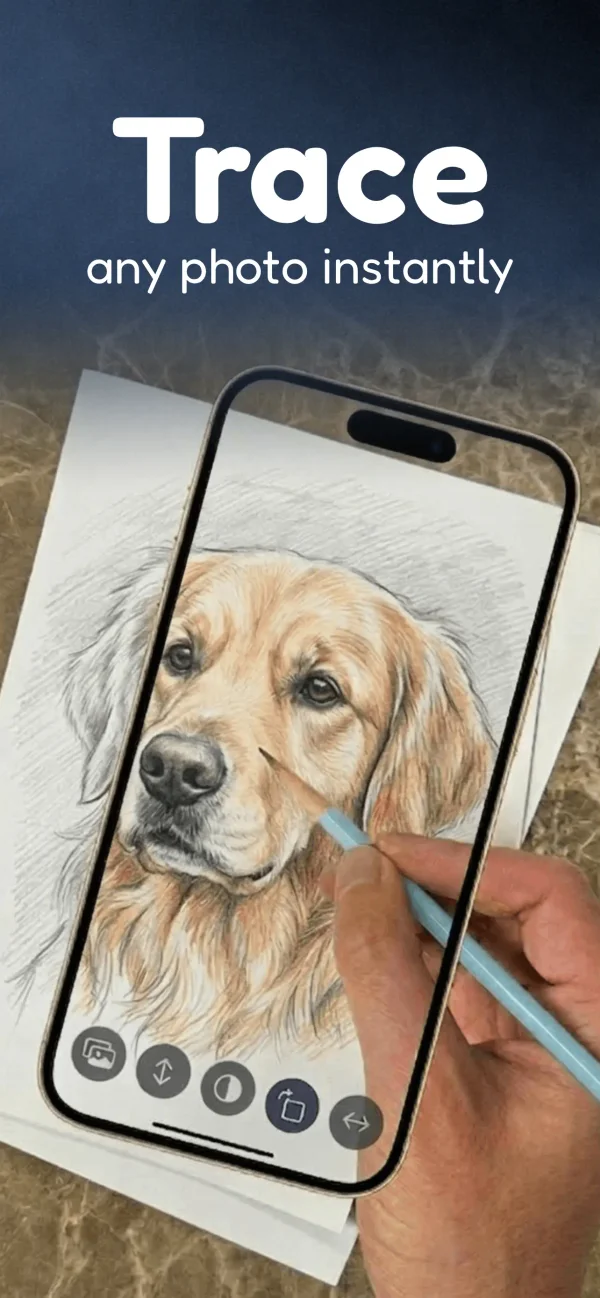
Tracer turns your phone into a digital tracing tool that helps you practice drawing and recreate images step by step.
Import any image, adjust its opacity, place your phone over paper, and trace the lines to create your own drawings.
Whether you're a beginner or just want to improve your sketching skills, Tracer makes drawing easier and more fun.
Create Your Own Projects
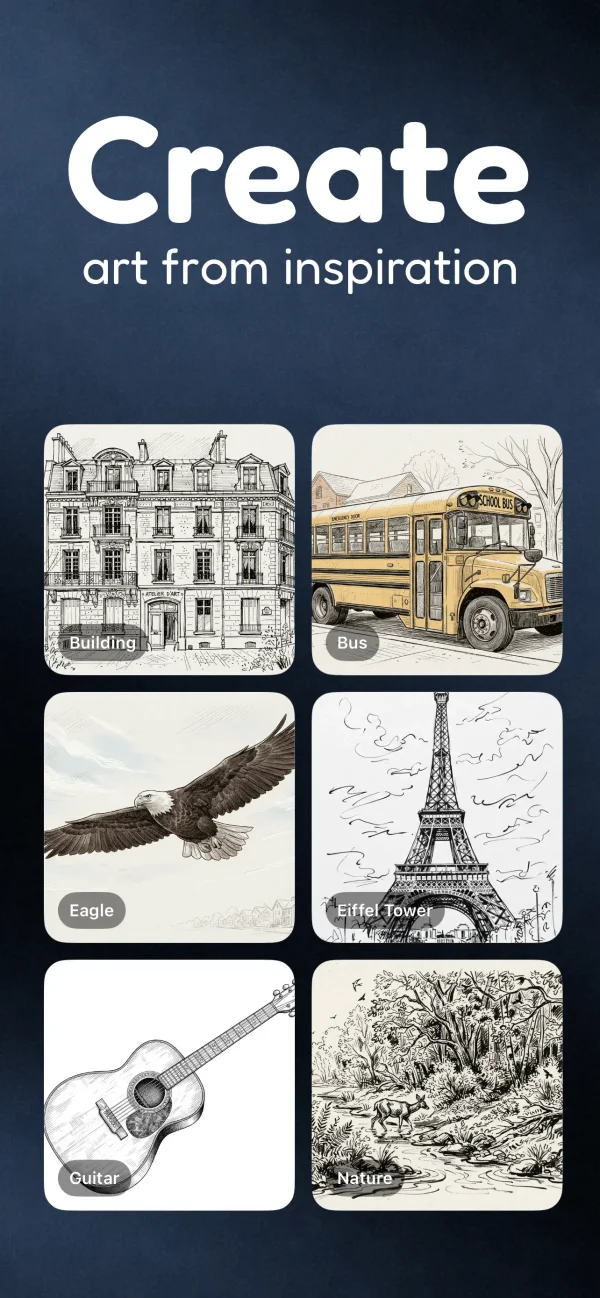
Import any image from your photo library or capture one with your camera.
Adjust the image opacity and trace it directly on paper to recreate drawings.
Tracer includes built-in project management to organize and manage your work:
• Create and manage multiple drawing projects
• Keep your imported images and sketches organized per project
• Easily switch between ongoing projects without losing progress
Tracer also includes two modes to fit different workflows:
• Classic Mode – a simple and focused tracing experience
• AR Mode – overlay images in real-world space for more accurate tracing
Advanced tools to improve your tracing sessions:
• Zoom to focus on details and extend image reach
• 0.5x zoom for a wider field of view
• Flashlight option for low-light drawing sessions
• Smart alignment for better positioning accuracy
• Grid overlays to help structure and align your drawings
Perfect for tracing:
• Characters
• Illustrations
• Logos
• Tattoos
• Sketches
• Any image you want to learn to draw
Learn With Step-by-Step Guides
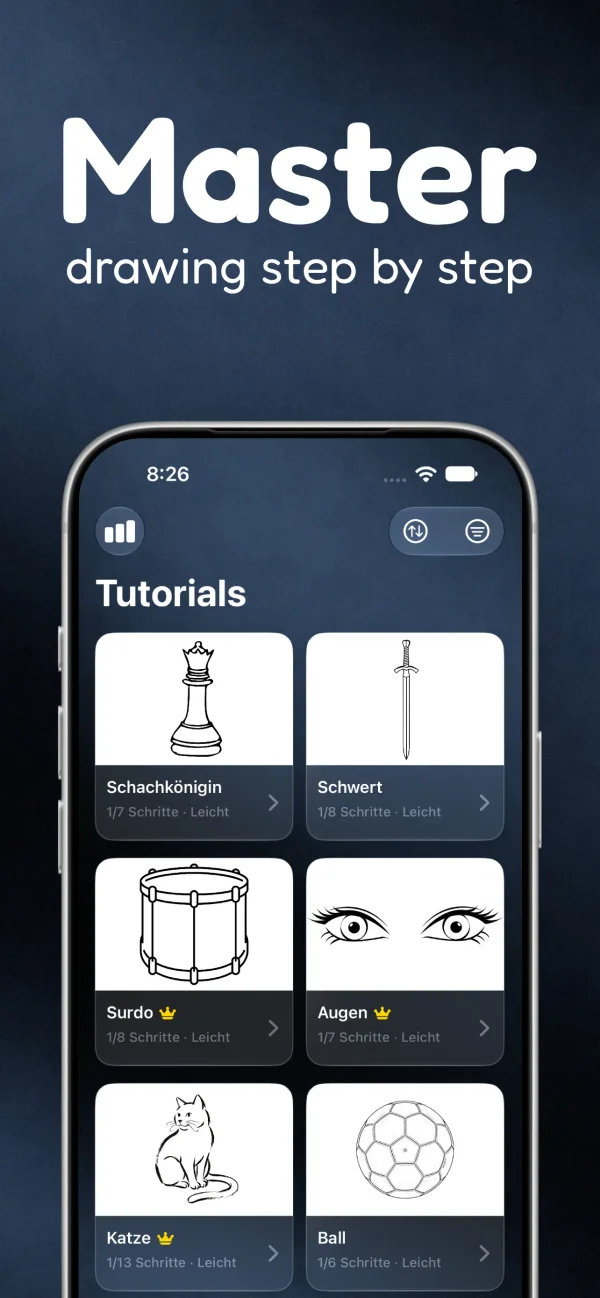
Use the Learn tab to follow ready-made tutorials.
Each guide breaks down drawings into simple steps so you can understand how they are built from basic shapes to finished sketches.
Great for beginners who want to start drawing.
Support: support@pullapps.app
Privacy Policy: https://pullapps.app/privacy-policy-tracer
Terms of Use (EULA): https://www.apple.com/legal/internet-services/itunes/dev/stdeula/
What’s new
Version 1.4.3 · Nov 13, 2026
Tracer is now available in Portuguese!
You can also track the time spent on each project, start a new project by sharing a photo from another app, and enjoy a handful of bug fixes and improvements.
Thank you for drawing with Tracer!
App privacy
What Pull Apps declares on the App Store about how this app handles data.
-
Data not linked to you
May be collected but is not linked to your identity.
- Usage data
Privacy practices may vary, for example with the features you use or your age.
Information
- Seller
- Pull apps
- Category
- Graphics & Design
- Version
- 1.4.3
- Updated
- Nov 13, 2026
- Released
- Mar 23, 2026
- Size
- 49.6 MB
- Requires
- iOS 26.0 or later
- Age rating
- 4+
- Price
- Free
- In-app purchases
- Yes
- Languages
- English, French, German, Portuguese, Spanish
- Copyright
- © 2026 Pull Apps
You might also like
-
 Trace Drawing - DrawLensDrawing Projector for Tracing
-
 Trace CameraLearn how to Draw & Sketch
-
 Photo Trace & Draw - TracelyTrace photos onto paper
-
 Trace Studio: Draw & SketchDrawing Projector for Tracing
-
 Translucent: AR Trace & DrawSketch on Paper, Light Box
-
 Drawello:Learn Drawing & traceTrace Pictures & Learn Drawing
-
 AR Drawing:Sketch & Trace appDrawing Projector for Photos
-
 Drawing Projector: AR TraceHow to Draw: Sketch & Paint
-
 Overtrace: AR Drawing & SketchTrace Your Photos on Paper
-
 AR Draw: Trace & Sketch MasterDraw & Trace Images with AR