LightDrop - QR Transfer
Send files by QR, no network
Designed for iPhone, iPad, Mac
Free · In-app purchases
- Age rating4+
- CategoryUtilities
- Developer杨 高
- LanguagesEnglish+ 10 more
- Size15.5 MB
Links to the official App Store page
Download.org hosts no file of LightDrop - QR Transfer. The button opens its official App Store page, published by 杨 高. Listing last checked on Nov 25, 2026.
Screenshots
About
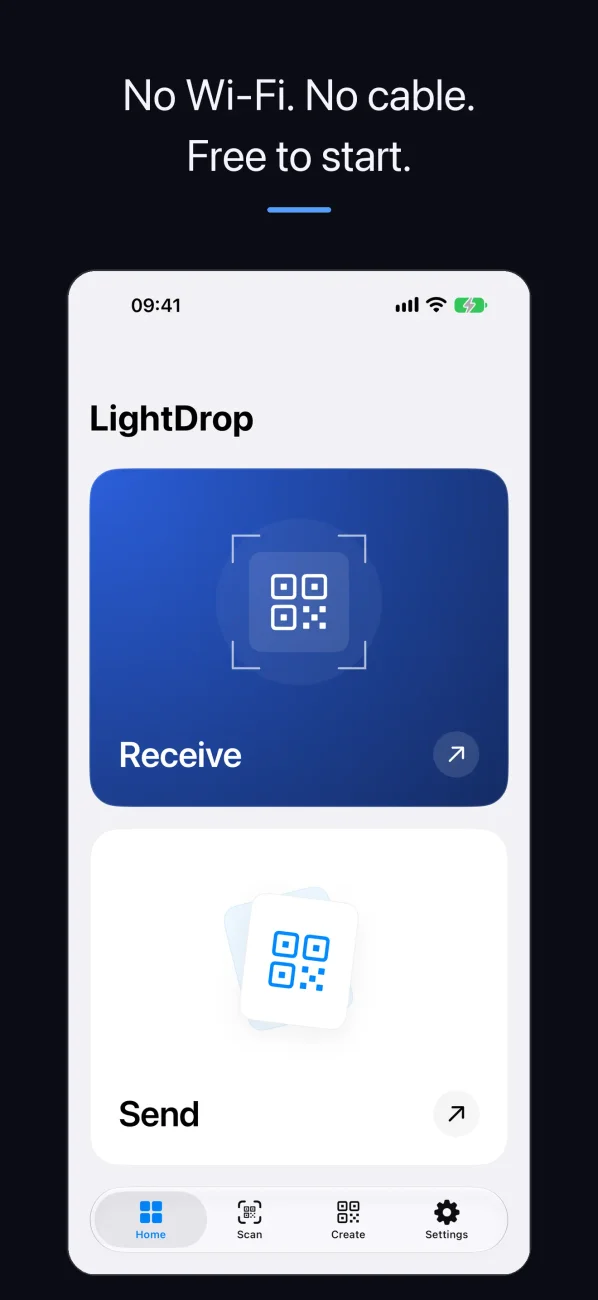
LightDrop transfers files by QR between two devices running LightDrop. One screen displays QR frames and the other device’s camera reads them. File transfer needs no shared network, Bluetooth, cable or app account.
WHEN YOU NEED IT
• An air-gapped or locked-down machine that will never join your network.
• A work computer where USB ports are disabled and cloud drives are blocked.
• Guest Wi-Fi that isolates every client, or a hotel network you would rather not trust.
• A second screen nearby across iPhone, iPad, Mac, Windows, and companion devices when email, cloud drives, and cables are not an option.
HOW IT WORKS
• Pick text or a file on the sending device. LightDrop turns it into an animated QR stream.
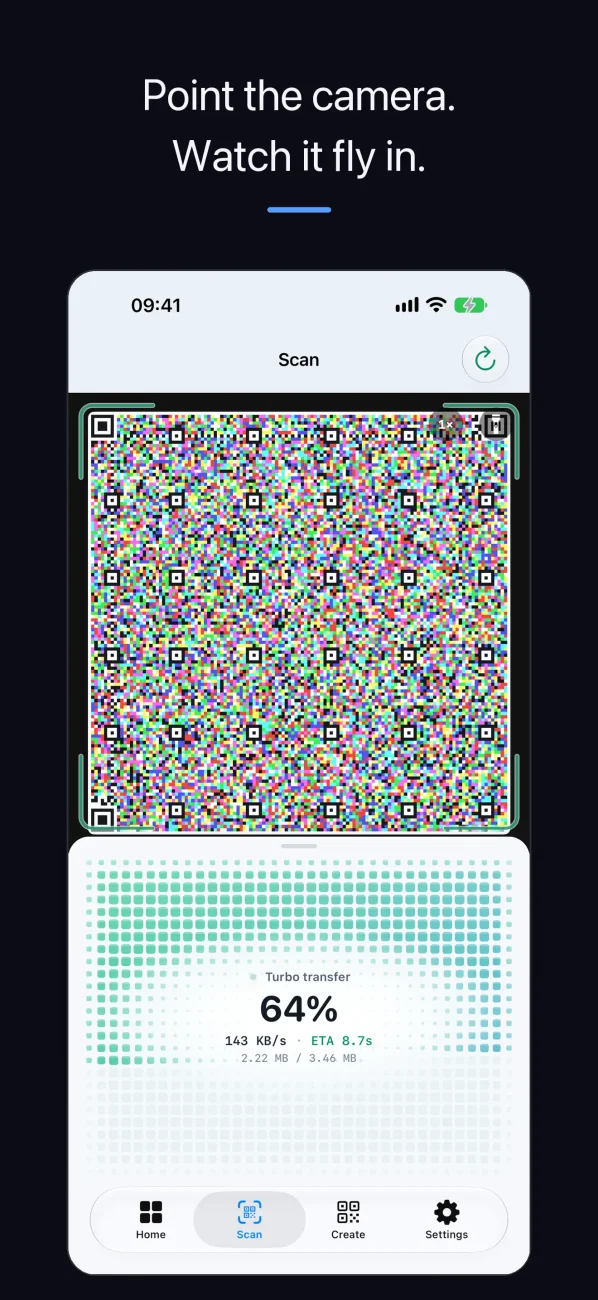
• Point the receiving device's camera at that screen. Fragments land continuously and the live dot-matrix HUD fills in.
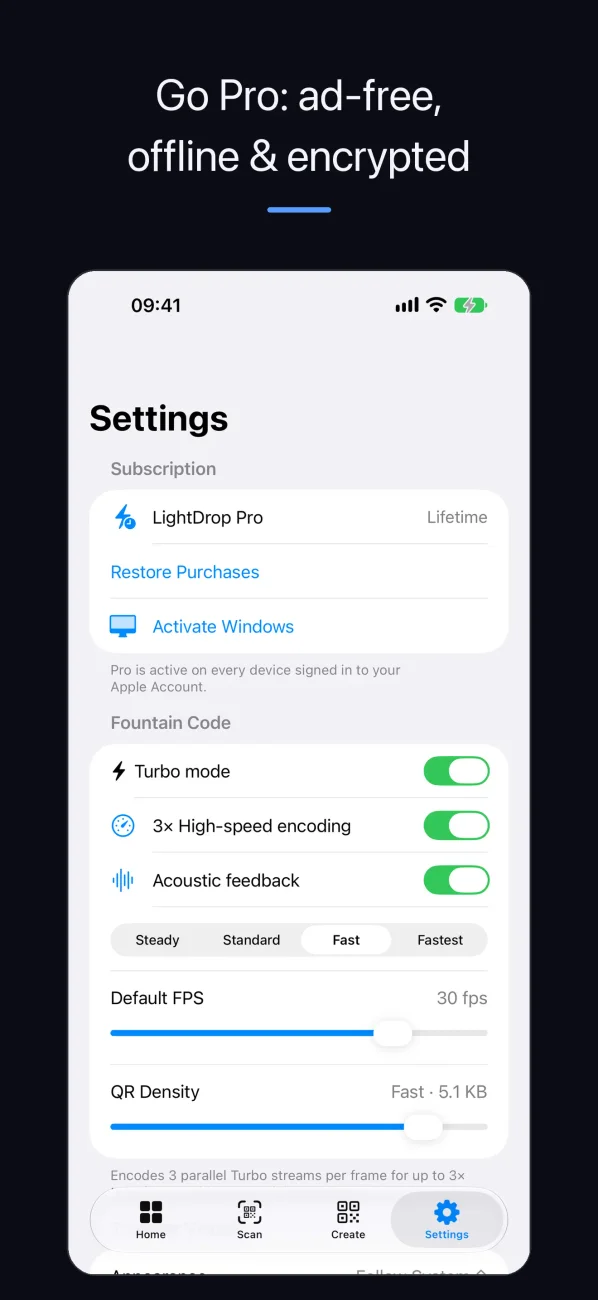
• Fountain coding means order does not matter and a dropped frame never restarts the transfer — ultrasonic feedback signals completion automatically.
3× COLOR QR & TURBO ENGINE
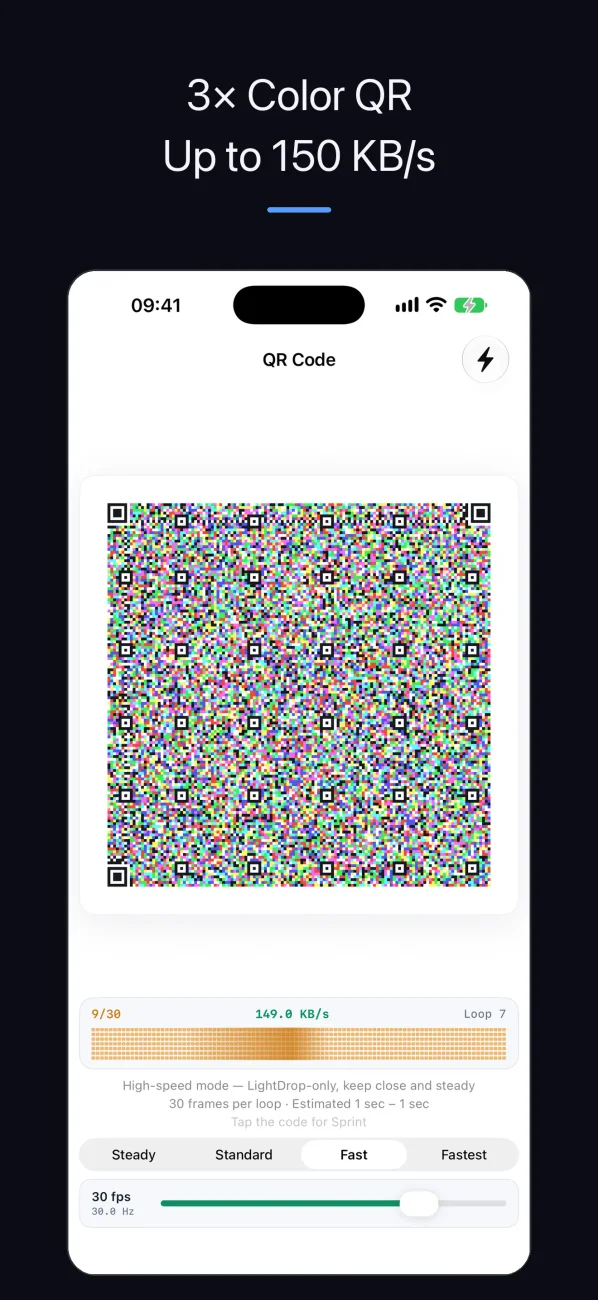
• Redesigned optical decoder and 3-channel RGB color multiplexing carry binary bytes directly, reaching peak speeds up to 150 KB/s under good lighting and framing.
• Adjustable playback up to 60 frames per second with unified Steady, Standard, Fast, and Fastest presets.
• Compatible standard mode remains automatic so any LightDrop device recognizes the stream with zero setup.
FREE TO USE & LIGHTDROP PRO
• Compatible QR transfers are free to use (ad-supported on iOS and iPadOS, with non-optical banner ads never shown on camera or QR screens).
• Need extra speed? Watch an optional rewarded video ad anytime to unlock 3× Turbo speed for 3 transfers.
• Upgrade to LightDrop Pro (Monthly with 3-day free trial for eligible new subscribers, or one-time Lifetime) to remove all ads, unlock unlimited 3× Color Turbo, AES-GCM password encryption, and 100% offline operation.
PASSWORD ENCRYPTION (PRO)
• Encrypt payloads locally with AES-GCM before a single frame hits the screen. Share your strong password separately — nothing ever leaves your device.
IMAGES, HANDLED
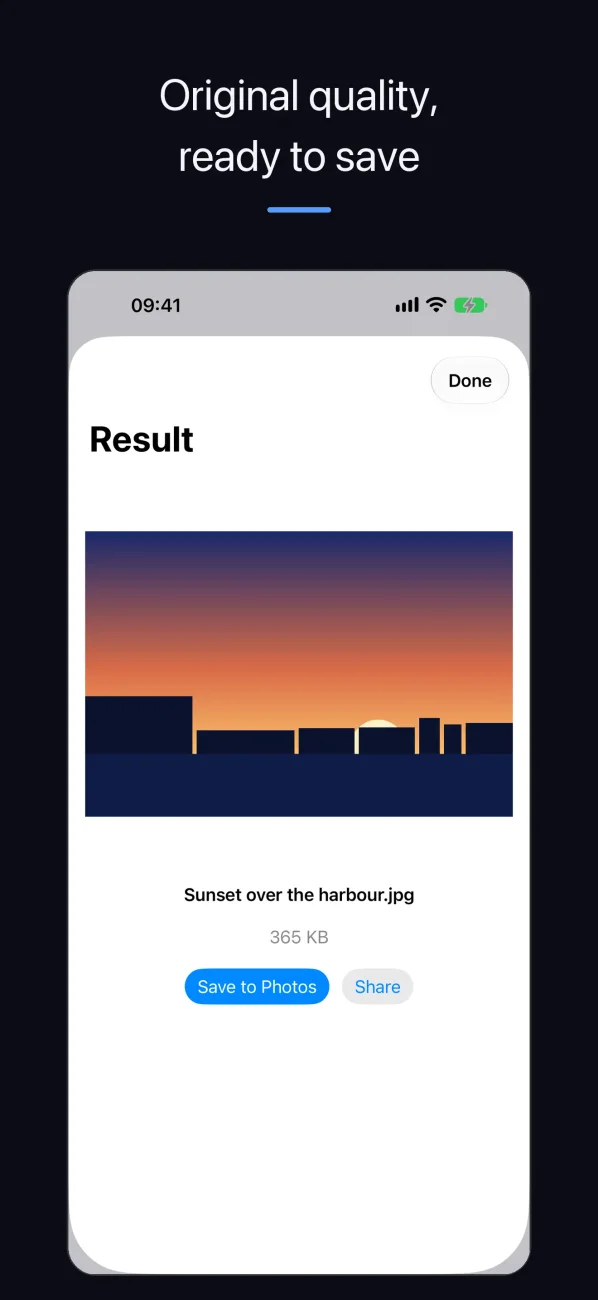
• Selected files are transferred as raw original bytes without photo recompression, previewed inline, and saved to Photos on iPhone/iPad or to disk on Mac.
—
Privacy Policy: https://yangworks.dev/lightdrop/privacy
Terms of Use: https://www.apple.com/legal/internet-services/itunes/dev/stdeula/
What’s new
Version 1.3.2 · Nov 24, 2026
• Major optical & 3× Color QR algorithm upgrade: faster camera acquisition, ultrasonic completion feedback, and peak throughput up to 150 KB/s (up to 60 fps across Steady, Standard, Fast, and Fastest tiers).
• Free to use (ad-supported): compatible QR transfers are now free on iPhone & iPad, with optional rewarded video ads to unlock 3× Turbo for 3 transfers.
• LightDrop Pro removes all ads and unlocks unlimited 3× Color Turbo, AES-GCM password encryption, and 100% offline transfers.
• Aligned cross-platform optical protocol and speed layout across iPhone, iPad, Mac, Windows, and companion devices.
App privacy
What 杨 高 declares on the App Store about how this app handles data.
-
Data used to track you
May be used to track you across apps and websites owned by other companies.
- Identifiers
-
Data linked to you
May be collected and linked to your identity.
- Purchases
- Location
- Identifiers
- Usage data
-
Data not linked to you
May be collected but is not linked to your identity.
- Identifiers
- Diagnostics
Privacy practices may vary, for example with the features you use or your age.
Information
- Seller
- 杨 高
- Category
- Utilities
- Version
- 1.3.2
- Updated
- Nov 24, 2026
- Released
- Aug 15, 2026
- Size
- 15.5 MB
- Requires
- iOS 16.0 or later
- Age rating
- 4+
- Price
- Free
- In-app purchases
- Yes
- Languages
- English, French, German, Italian, Japanese, Korean, Portuguese, Russian, Simplified Chinese, Spanish, Traditional Chinese
- Copyright
- © 2026 Yangworks
You might also like
-
 Air Gap TransferSend files with no network
-
 USB Connection InformationUSB Speeds at a Glance
-
 Whispr – Watch MicrophoneLive mic from wrist to iPhone
-
 Light Share: File Sharing AppShare files over WiFi or USB.
-
 QRDrop: QR Code File TransferTransfer files with a QR code
-
 YoooTekUtilities
-
 Super PiBenchPi Benchmark & Leaderboard
-
 PassKeyboard - password manageHelp you remember and fill in
-
 TracerouteXTraceroute and network tools
-
 飞鱼水印Utilities