Light Share: File Sharing App
Share files over WiFi or USB.
Designed for iPhone, iPad
Free · In-app purchases
- Age rating12+
- CategoryUtilities
- DeveloperMarkloc
- LanguagesEnglish+ 15 more
- Size40.6 MB
Links to the official App Store page
Download.org hosts no file of Light Share: File Sharing App. The button opens its official App Store page, published by Markloc. Listing last checked on Nov 29, 2026.
Screenshots
About
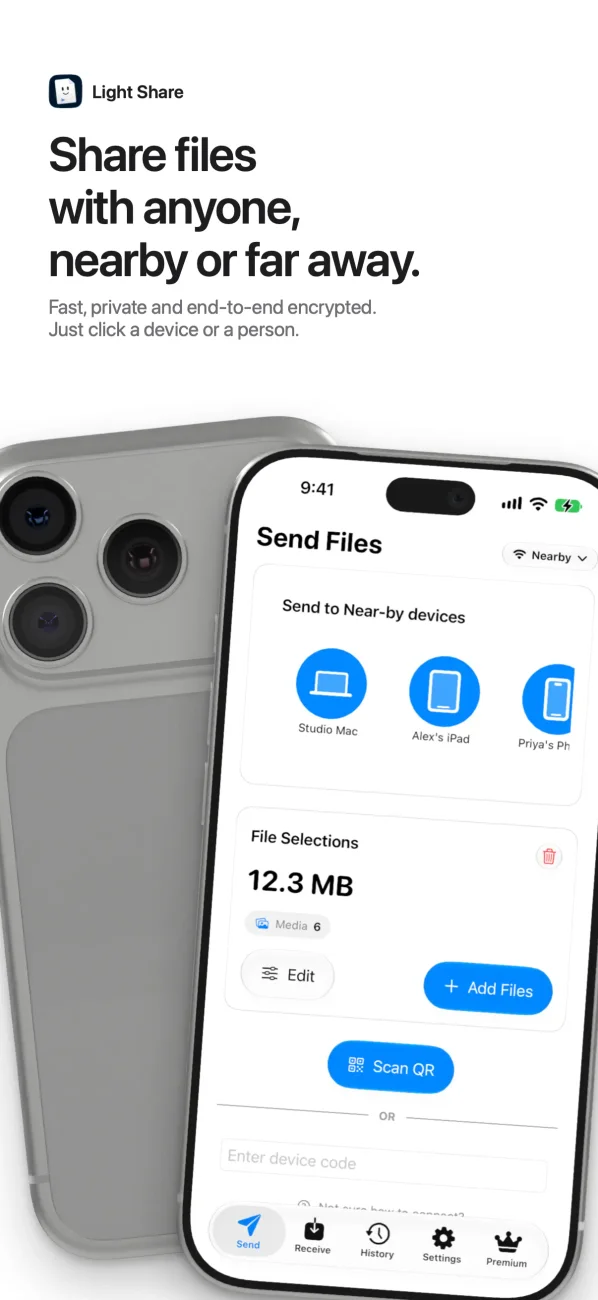
Fast, private file sharing between all your devices: nearby over Wi-Fi or USB, even with no network around, or over the internet to anyone, anywhere.
Send photos, videos, documents and whole folders to phones, tablets and computers, whatever they run. Nearby sharing needs no account and no internet connection.
NEW: INTERNET MODE
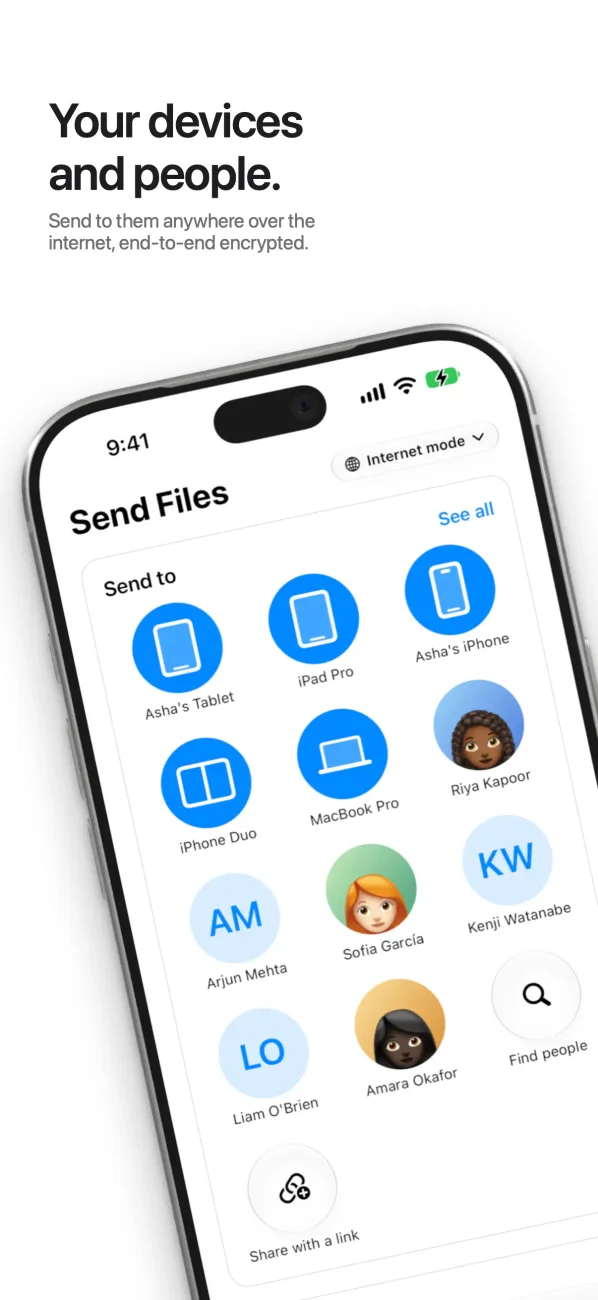
Send files to anyone, anywhere, over Wi-Fi or mobile data.
• Your own devices appear on their own when you sign in, with no pairing and no device limit
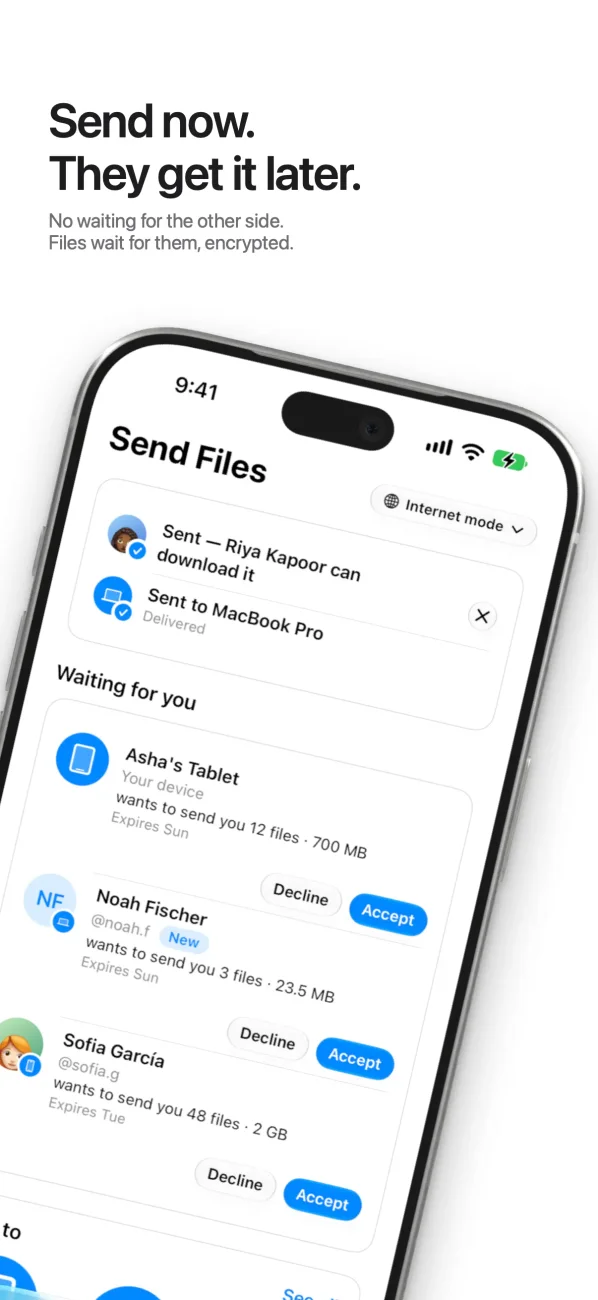
• Find people by their exact email or username; a send is offered on all of their devices
• Offline devices still receive: a phone is woken by a notification, a computer gets the files when it reconnects
• Large transfers between your devices or contacts switch to a direct connection when the two devices can reach each other
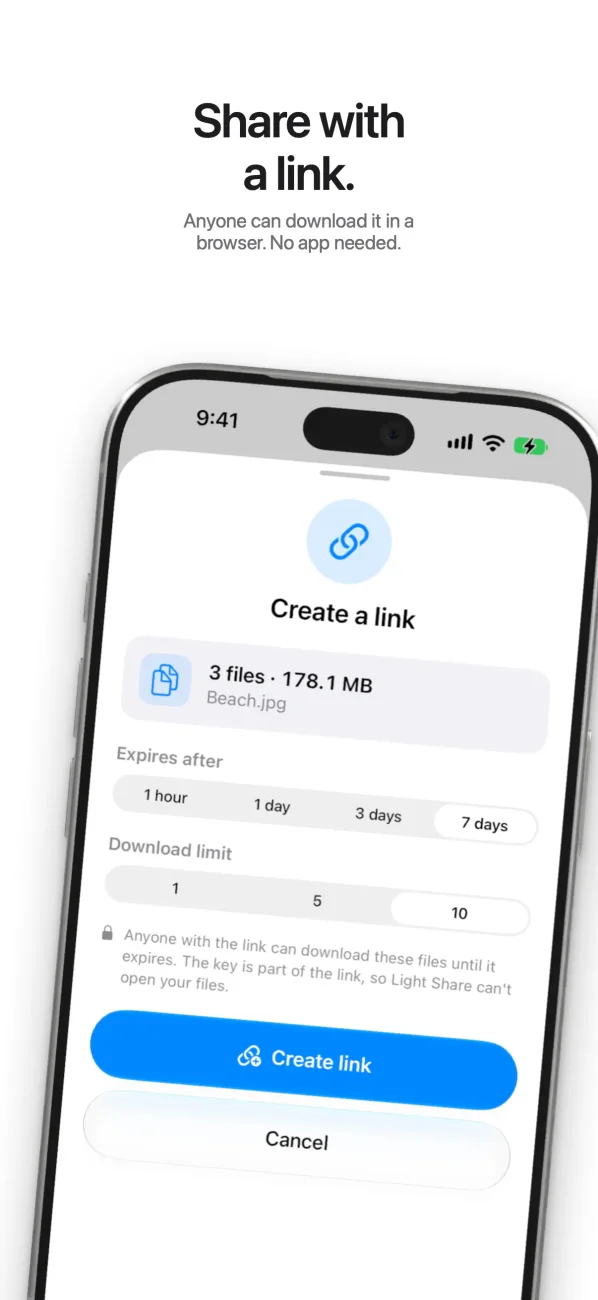
• Share a web link anyone can open in a browser, with no app or account
• Files are end-to-end encrypted on your device; our servers never see file names or contents
• You choose who can reach you, and can report and block anyone
NEARBY DEVICES, NO WI-FI NEEDED
Not on the same Wi-Fi? Light Share finds nearby devices over Bluetooth and connects them for you. Two iPhones use Wi-Fi Aware on supported models, iPhones and Macs use peer to peer Wi-Fi, and other phones and computers start a private hotspot your iPhone joins. Your files travel over Wi-Fi, never over Bluetooth.
BLISTERING SPEEDS
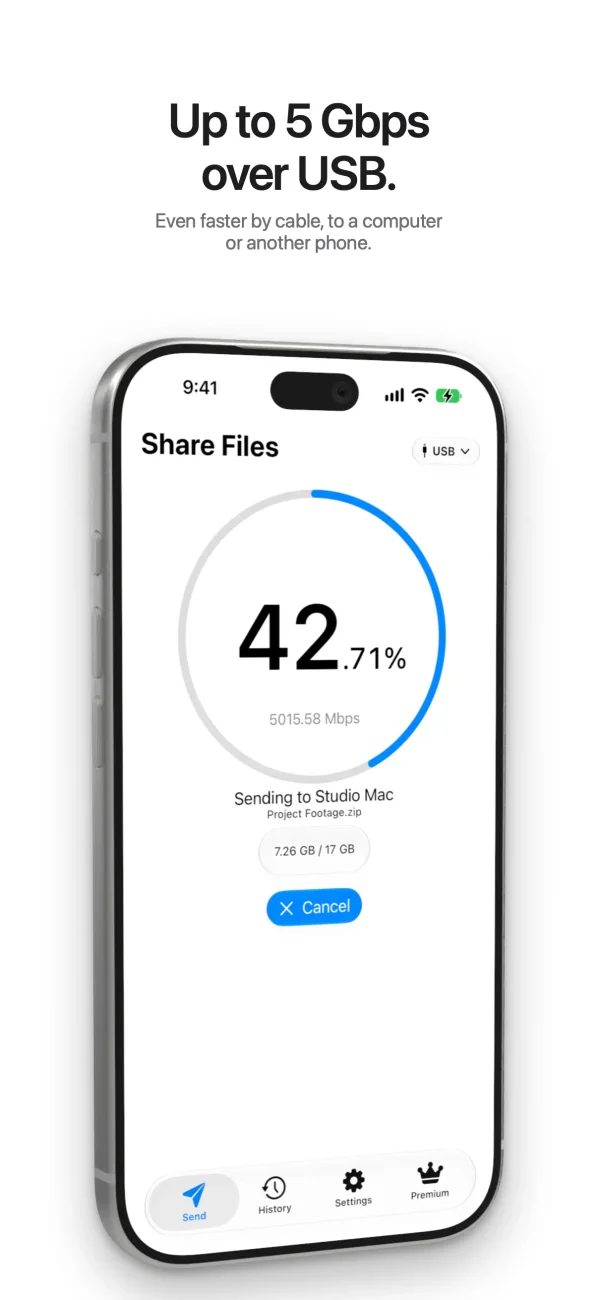
• Up to 5.6 Gbps over a USB cable between an iPhone with USB 3 and a Mac
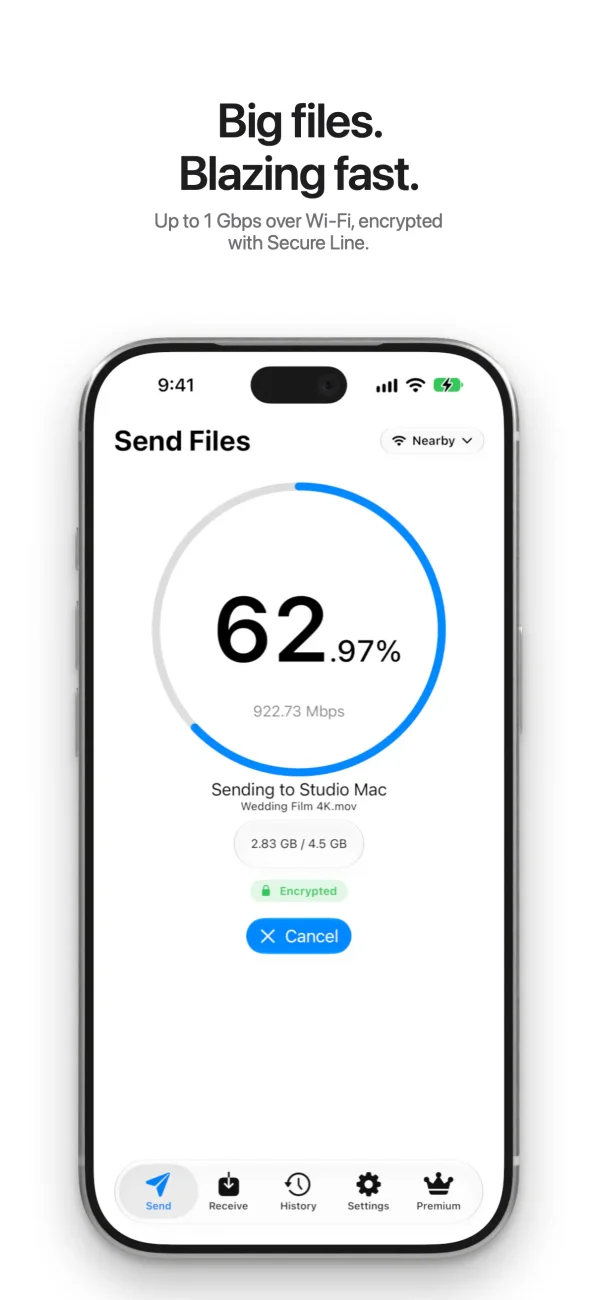
• Up to 1 Gbps through the private hotspot of another phone or a computer
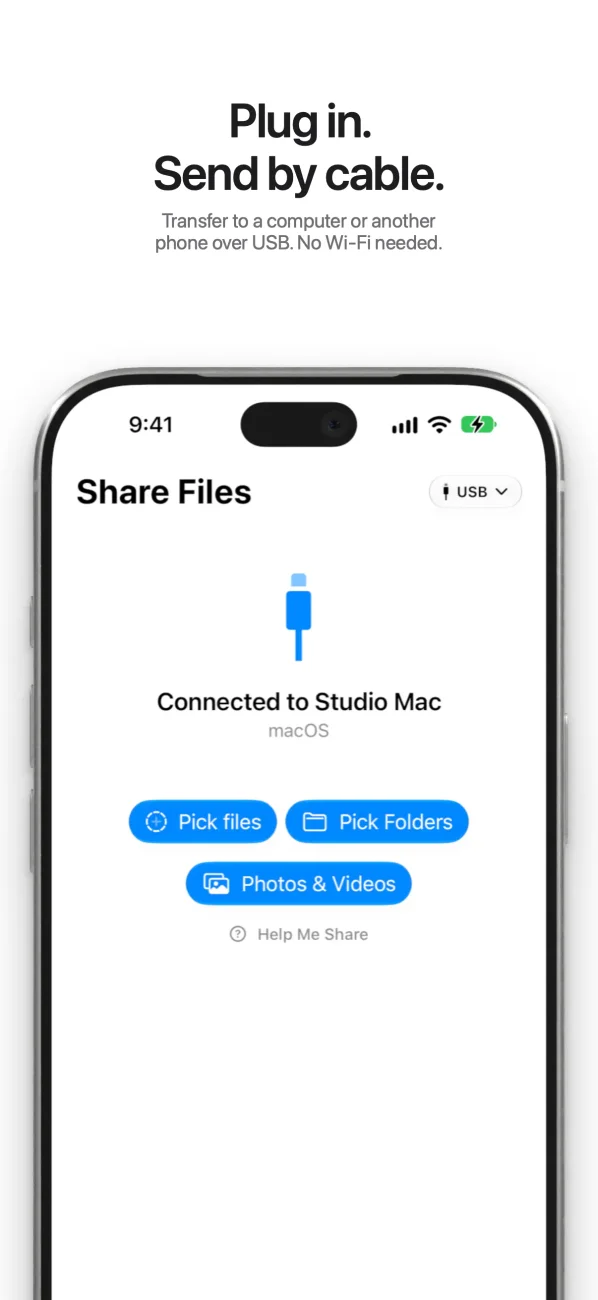
No network at all? Plug in a cable. Speeds are from our tests; yours depend on your network and devices.
WORKS ON EVERY PLATFORM
Light Share runs on the phones, tablets and computers of every major platform, so your iPhone can share with all of them.
PRIVATE AND SECURE
Nearby and USB transfers go straight from one device to the other and are never uploaded. Turn on Secure Line and every local transfer is encrypted with TLS. Pair devices with a QR code or a six digit code, and Light Share warns you if a trusted device's identity ever changes. Every incoming transfer from someone else asks for your consent.
RESUMABLE TRANSFERS
Wi-Fi dropped or the cable slipped out? Light Share picks up where it left off instead of starting over.
FOLDERS AND ORIGINAL QUALITY
Send whole folders with their structure preserved, and full resolution photos and 4K videos exactly as they were captured.
INSTANT QR CONNECT
Scan a QR code or type a short connection code to connect to any device. Not sure how to connect? Help Me Share recommends the best way.
BACKGROUND TRANSFERS AND SHARE SHEET
Transfers keep running when you switch apps. Pick Light Share in the share sheet of Photos, Files or any other app.
16 LANGUAGES
English, Hindi, Marathi, Spanish, Portuguese, French, German, Chinese (Simplified and Traditional), Japanese, Korean, Arabic, Italian, Dutch, Turkish and Indonesian.
PLANS
• Free: every nearby, Wi-Fi and USB transfer up to 2 GB, with no ads. Over the internet, a transfer goes through when you or the other person has a subscription.
• Nearby Lifetime: pay once to remove the 2 GB limit for nearby sharing on all your devices. If either device has it, the transfer is unlimited.
• Pro (monthly or yearly): Internet mode with 1 TB of transfer a month and web links up to 25 GB, plus everything in Nearby Lifetime.
• Pro Plus (monthly or yearly): everything in Pro, with 2 TB a month, a full week for people to receive, and web links up to 100 GB.
No ads in any version.
Subscriptions renew automatically unless cancelled at least 24 hours before the end of the current period. Payment is charged to your Apple Account at confirmation of purchase, and renewals are charged within 24 hours before the period ends. Manage or cancel in your Apple Account settings.
Terms of Use: https://lightshare.markloc.tech/terms
Privacy Policy: https://lightshare.markloc.tech/privacy
Light Share is developed by Markloc.
What’s new
Version 4.5.11 · Nov 28, 2026
NEW: INTERNET MODE
Send files to anyone, anywhere, over Wi-Fi or mobile data.
• Sign in and your own devices appear on their own, with no pairing
• Find people by their exact email or a username, and send to all of their devices
• Offline devices still receive, and large transfers go direct when the devices can reach each other
• Share a web link anyone can open in a browser
• End-to-end encrypted on your device; our servers never see file names or contents
• Choose who can reach you, and report or block anyone
NEW PLANS
• Pro and Pro Plus subscriptions add Internet mode, with 1 TB or 2 TB of transfer a month
• The Lifetime License is now Nearby Lifetime. Everything you bought stays yours, and owners get about 10% off their first year of a subscription
• Nearby, Wi-Fi and USB sharing stays free up to 2 GB per transfer, with no account and no ads
• Now send copied contents as well as Text/Url.
ALSO NEW
• The Network mode is now called Nearby, covering nearby devices and your LAN
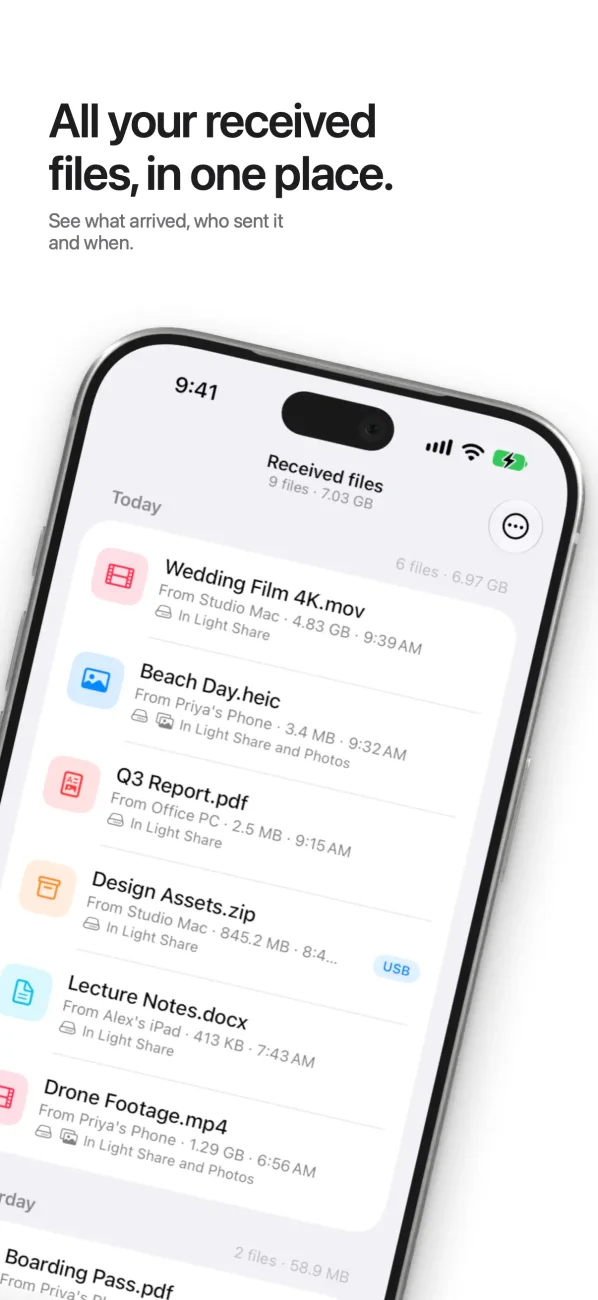
• Received files are grouped by day
• A refreshed plans page with Restore Purchases and sign-in in one place
• You can now link your account with other sign-in methods
• Bug fixes and improvements
App privacy
What Markloc declares on the App Store about how this app handles data.
-
Data linked to you
May be collected and linked to your identity.
- Purchases
- Contact info
- User content
- Identifiers
- Diagnostics
-
Data not linked to you
May be collected but is not linked to your identity.
- Usage data
Privacy practices may vary, for example with the features you use or your age.
Information
- Seller
- Markloc Technologies (OPC) Private Limited
- Category
- Utilities
- Version
- 4.5.11
- Updated
- Nov 28, 2026
- Released
- Mar 31, 2026
- Size
- 40.6 MB
- Requires
- iOS 26.0 or later
- Age rating
- 12+
- Price
- Free
- In-app purchases
- Yes
- Languages
- English, Arabic, Dutch, French, German, Hindi, Indonesian, Italian, Japanese, Korean, Marathi, Portuguese + 4 more
- Copyright
- © Markloc Technologies Private Limited
You might also like
-
 i2DroidDirect file transfer, no cloud
-
 RelayPony: Fast File TransferPrivate, encrypted, no cloud
-
 ViaPortal: File Transferour Wireless Data Cable
-
 ShareByLight File TransferOffline Air-Gap QR Transfer
-
 LightDrop - QR TransferSend files by QR, no network
-
 Photo Transfer To Android & PCShare Photos Videos Files Data
-
 Fast File Transfer - BurstsendSend Photos, Videos, Documents
-
 Mobile Speaker: PC & MacStream audio over USB or Wi-Fi
-
 BBStelnetUtilities
-
 My Fuel Log: Mileage & CostsFuel, mileage & car expenses