Limemo: AI Note Taker
Record & Transcribe Meetings
Designed for iPhone
Free · In-app purchases
- Age rating17+
- CategoryProductivity
- DeveloperOrvanta Digital Limited
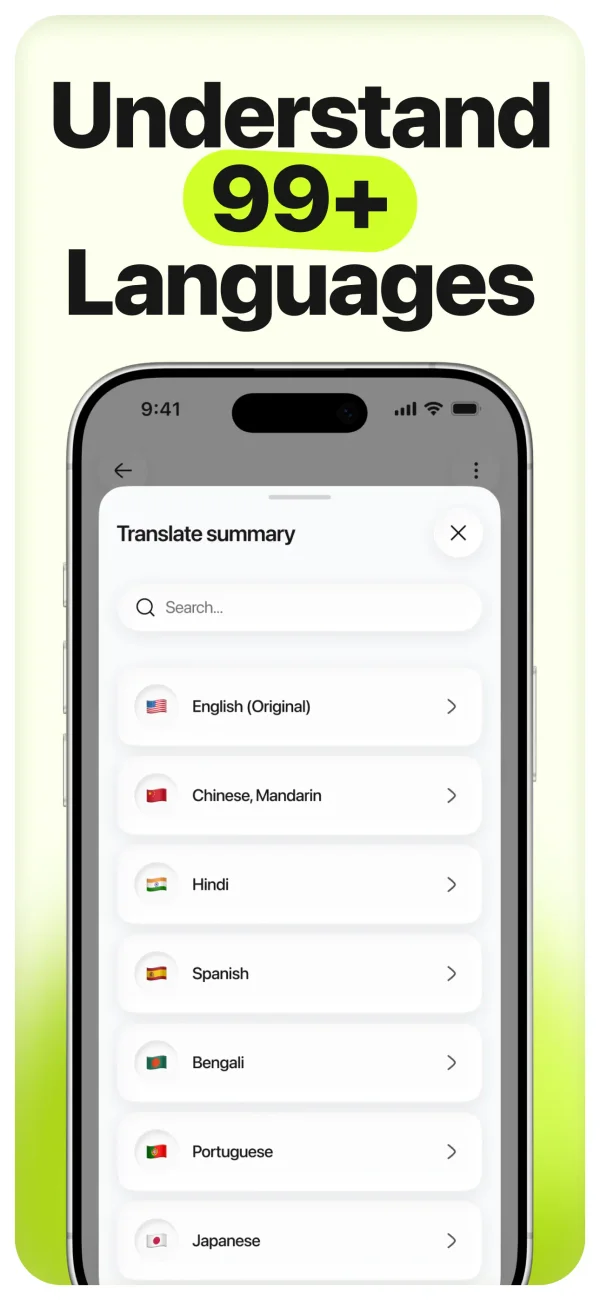
- LanguagesEnglish+ 6 more
- Size118.0 MB
Links to the official App Store page
Download.org hosts no file of Limemo: AI Note Taker. The button opens its official App Store page, published by Orvanta Digital Limited. Listing last checked on Nov 24, 2026.
Screenshots
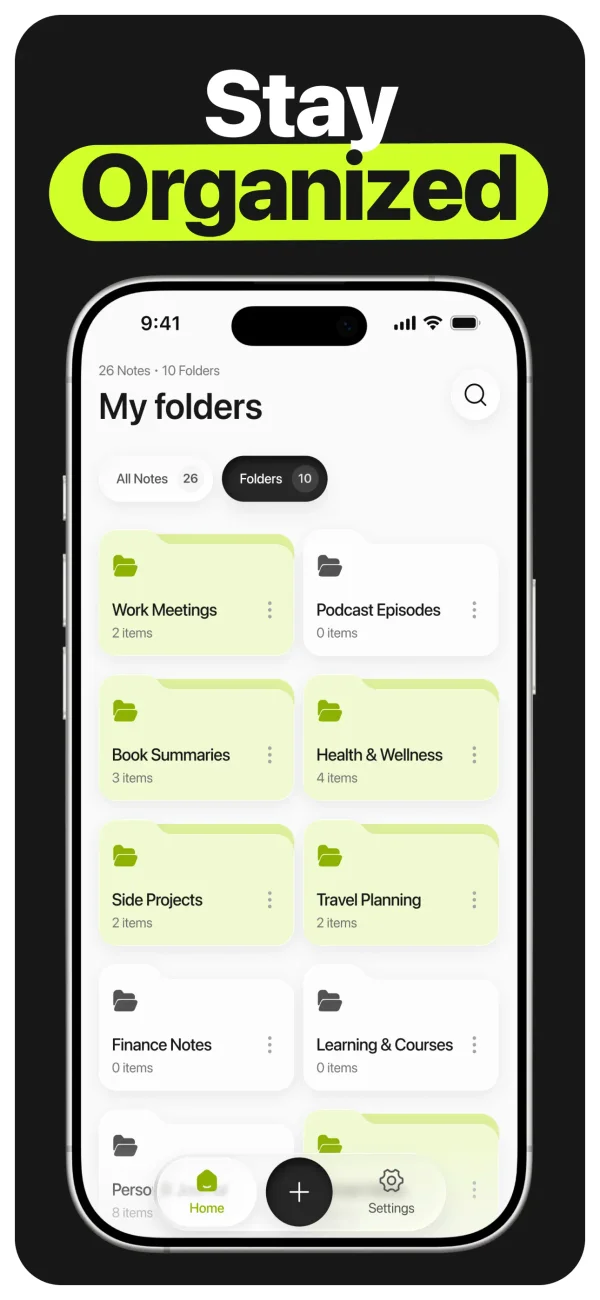
About
Limemo — AI Note Taker, Transcription & Smart Summaries
Limemo is an AI note taker and transcription app for iPhone that helps you capture, understand, and organize spoken information. Record meetings, lectures, interviews, voice memos, and everyday conversations, or upload audio and video files to turn them into text, structured notes, and AI-powered summaries.
Weekly Recap
One digest of everything you recorded last week. Limemo groups your notes by topic and surfaces the follow-ups you only notice when you look across a whole week instead of one note at a time. It refreshes every Monday, and you can generate it on any day. Every recap lists the notes behind it, so any line can be checked against the original transcript.
Record & Transcribe
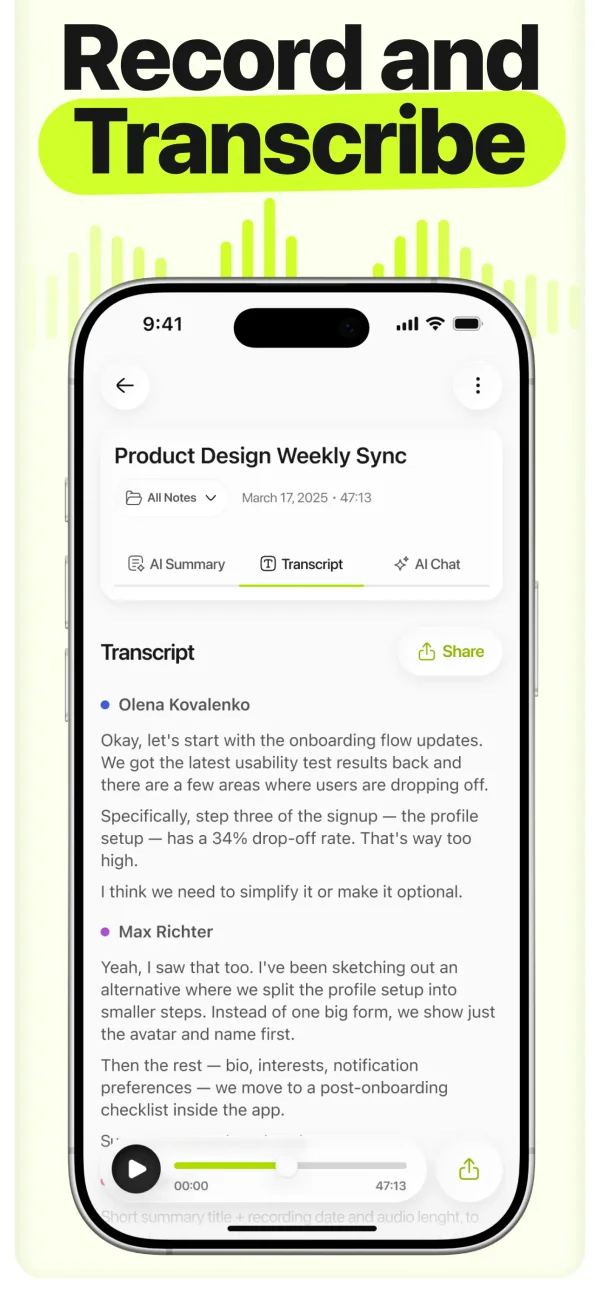
Capture audio and automatically convert speech into text. Use Limemo as a voice recorder, audio transcription tool, or speech-to-text app to keep a searchable record of what was said.
Automatically separate speakers in transcripts, so you can clearly see who said what.
- Record audio directly in the app
- Upload audio, video and PDF files
- Convert speech to text
- Create editable transcripts
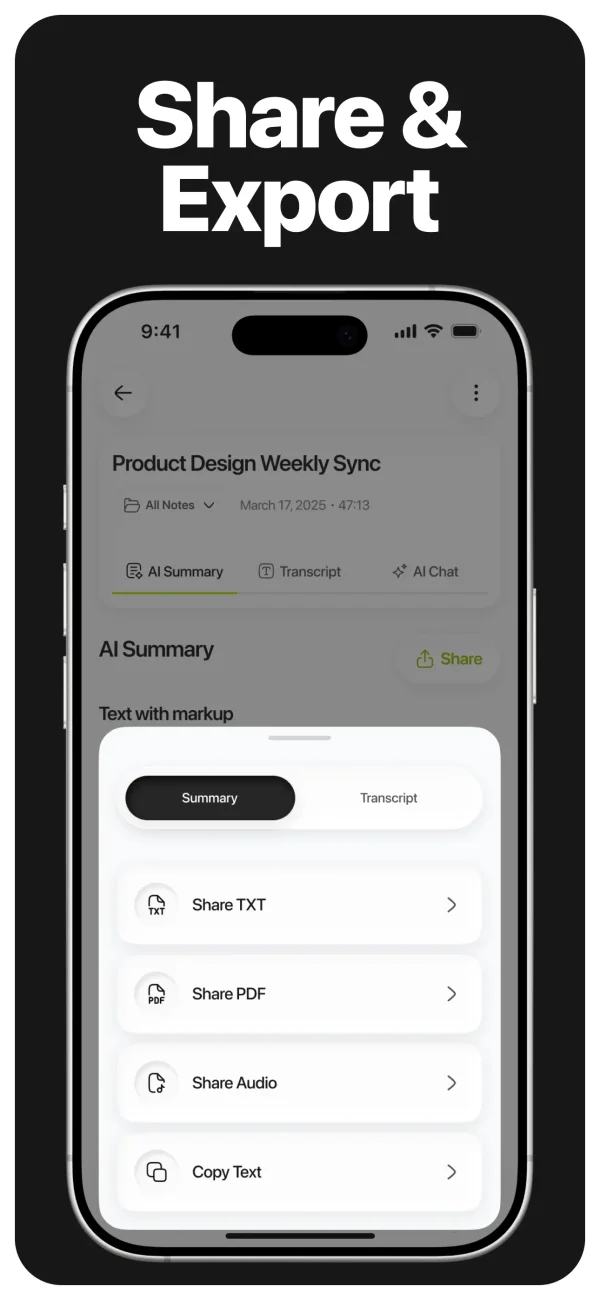
- Edit and share your notes
Audio, video, PDF
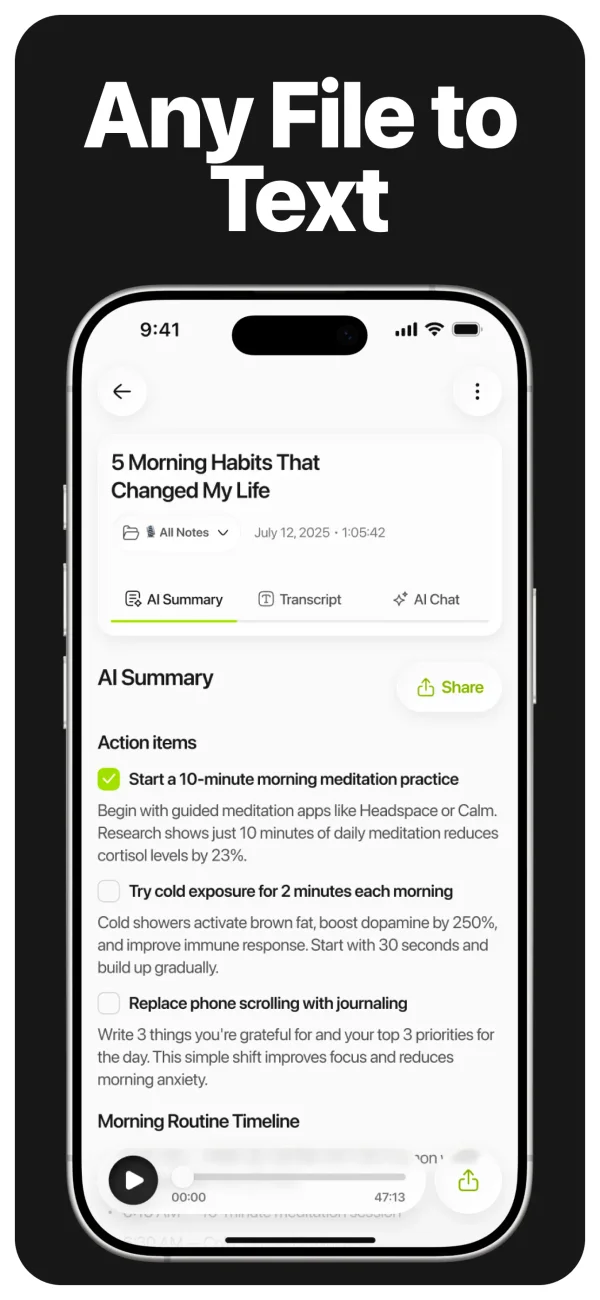
Turn meetings, interviews, lectures, podcasts, voice memos, and videos into readable text. Limemo supports audio to text and video transcription, so you can review content without replaying the entire recording. Import a PDF and the document becomes a note like any other.
AI meeting notes & Summaries
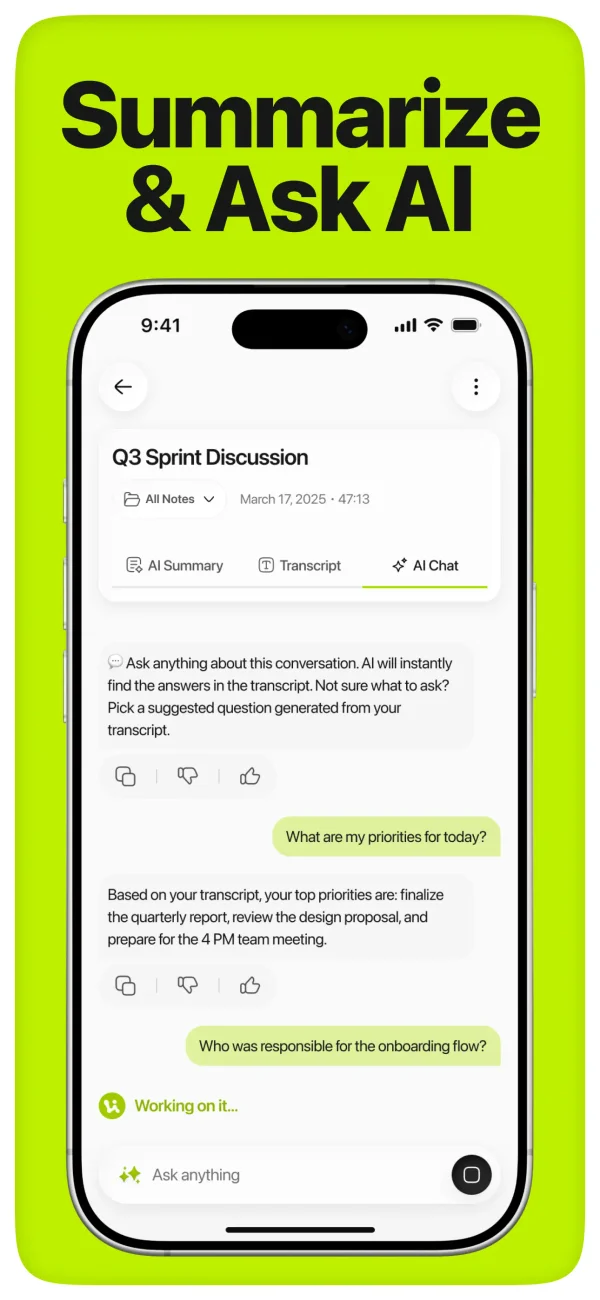
Turn conversations into structured notes with AI. Create meeting notes, meeting minutes, interview transcripts, lecture notes, key points, and conversation summaries from your recordings. Customize each summary — from a quick overview to detailed notes — and focus on the information that matters most.
AI chat
Ask questions about your transcript or summary, find specific information, revisit important parts of a conversation, and explore your notes without searching through the entire recording.
Edit, Share & Apple Watch
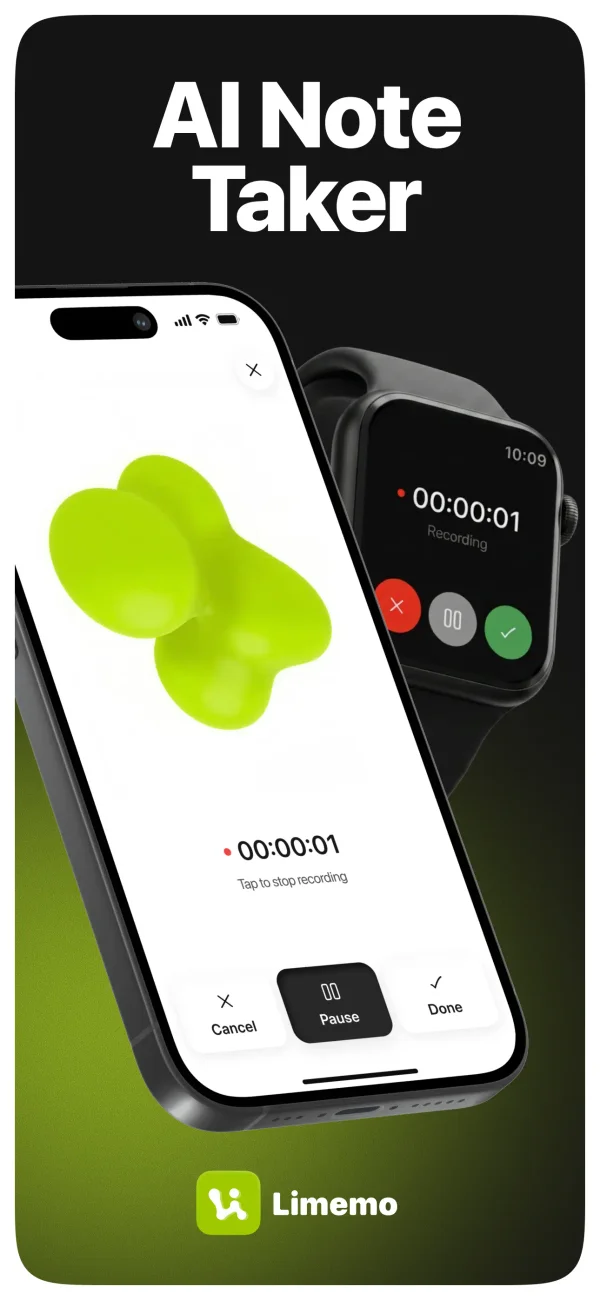
Edit transcripts and notes, refine AI summaries, and share your work. Use Limemo with Apple Watch to capture audio on the go, then continue working with the recording, transcript, summary, and notes on your iPhone.
Who is Limemo for?
- Professionals — record meetings, conversations, and interviews and create AI meeting notes.
- Students — transcribe lectures and study sessions into structured notes.
- Journalists & Researchers — turn interviews into searchable transcripts.
- Creators — convert audio, podcasts, and videos into text and summaries.
- Everyone — capture voice memos, ideas, reminders, and everyday conversations.
A smarter way to work with information
Voice recording help you record, transcribe, summarize, organize, and explore content. From speech-to-text and video transcription to AI summaries, meeting notes, and AI Chat, Limemo turns spoken information into useful, actionable information.
Security and privacy
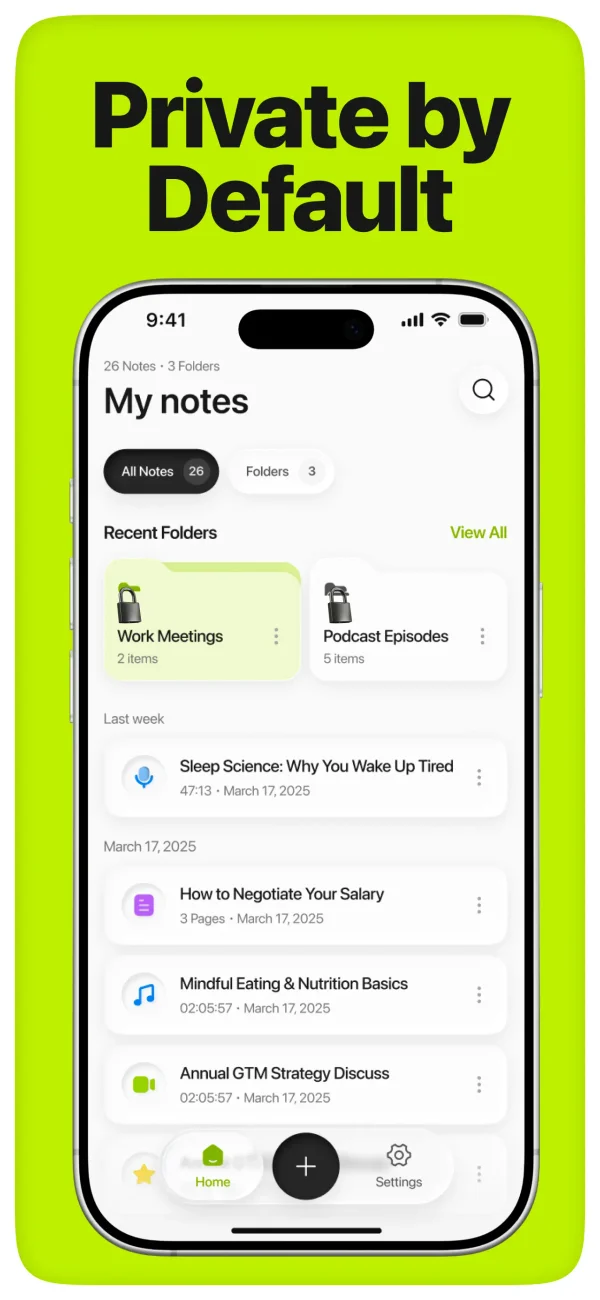
Your notes belong to you. Recordings, transcripts and summaries are encrypted in transit and at rest, stay private to your account, and can be deleted at any time.
Information about subscription auto-renewal:
Payment is charged to your Apple Account upon purchase confirmation. Subscriptions renew automatically unless auto-renew is turned off at least 24 hours before the end of the current period. Your account is charged for renewal within 24 hours before the period ends. Manage or cancel in Apple Account Settings; after cancellation, the subscription stays active until the period ends. Any unused part of a free trial is forfeited when you purchase a subscription.
Privacy Policy: https://limemo.ai/hub/legal/privacy-policy-ios
Terms of Use: https://limemo.ai/hub/legal/terms-of-use-ios
Subscription terms: https://limemo.ai/hub/legal/terms-of-subscription-ios
What’s new
Version 1.0.7 · Nov 13, 2026
Dear customers,
We’ve fixed bugs and made improvements to give you an even better app experience. We hope you enjoy this update!
Thank you for your continued support!
App privacy
What Orvanta Digital Limited declares on the App Store about how this app handles data.
-
Data used to track you
May be used to track you across apps and websites owned by other companies.
- Identifiers
- Usage data
-
Data linked to you
May be collected and linked to your identity.
- Purchases
- Location
- Contact info
- User content
- Identifiers
- Usage data
- Diagnostics
Privacy practices may vary, for example with the features you use or your age.
Information
- Seller
- Orvanta Digital Limited
- Category
- Productivity
- Version
- 1.0.7
- Updated
- Nov 13, 2026
- Released
- Oct 2, 2026
- Size
- 118.0 MB
- Requires
- iOS 17.0 or later
- Age rating
- 17+
- Price
- Free
- In-app purchases
- Yes
- Languages
- English, French, German, Italian, Japanese, Portuguese, Spanish
- Copyright
- © 2026 Orvanta Digital Limited
You might also like
-
 Minine: AI Note TakerRecord, Transcribe, Translate
-
 Notez: AI Note Taker & SummaryRecord Voice, Transcribe Notes
-
 Plnnr AI: Daily PlannerYour day, planned & replanned
-
 Beck: AI Assistant for WorkMeeting Notes, Calendar, Tasks
-
 Quickmind: Voice to AI NotesAI Meeting Notes & Summaries
-
 Nuet: The parent assistantSchool email to calendar
-
 Notico - AI Note TakerMeeting & lecture transcriber
-
 OpenWhispr: Voice to TextVoice Transcription & Notes
-
 Ultimate Planner AppWhere Paper Meets Digital
-
 Wispy - AI Voice RemindersDaily tasks, quick and easy