Ultimate Planner App
Where Paper Meets Digital
Designed for iPhone, iPad
Free · In-app purchases
- Age rating4+
- CategoryProductivity
- DeveloperEvopaper
- LanguagesEnglish
- Size59.4 MB
Links to the official App Store page
Download.org hosts no file of Ultimate Planner App. The button opens its official App Store page, published by Evopaper. Listing last checked on Nov 24, 2026.
Screenshots

About
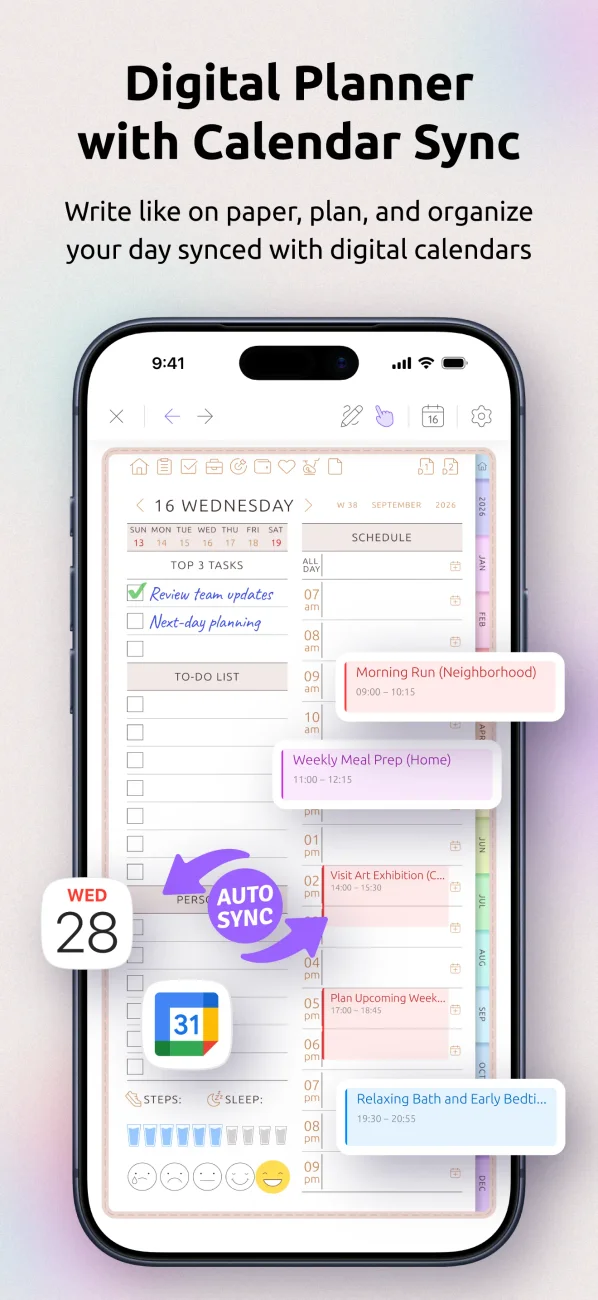
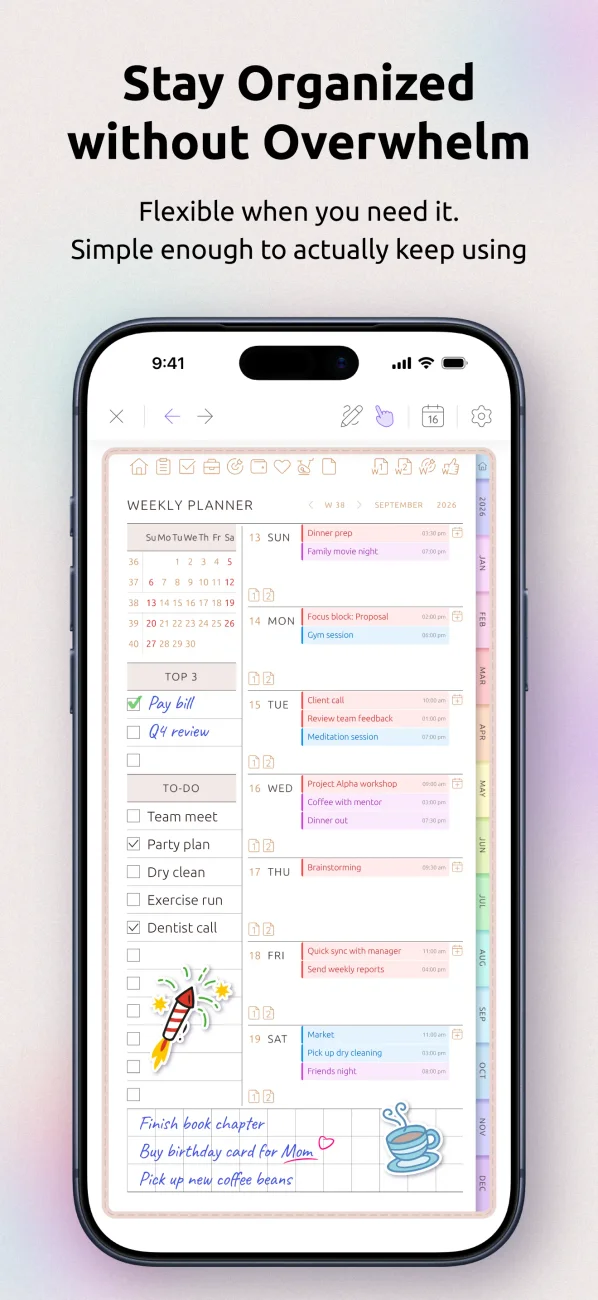
Ultimate Planner is a flexible digital planner app for iPad and iPhone, built for handwriting, calendar planning, tasks, notes, habits, goals, routines, and personal organization. Plan your day, week, month, and year on visual planner pages, write naturally with Apple Pencil or your finger, type text when needed, and sync your real schedule with Apple Calendar and Google Calendar.
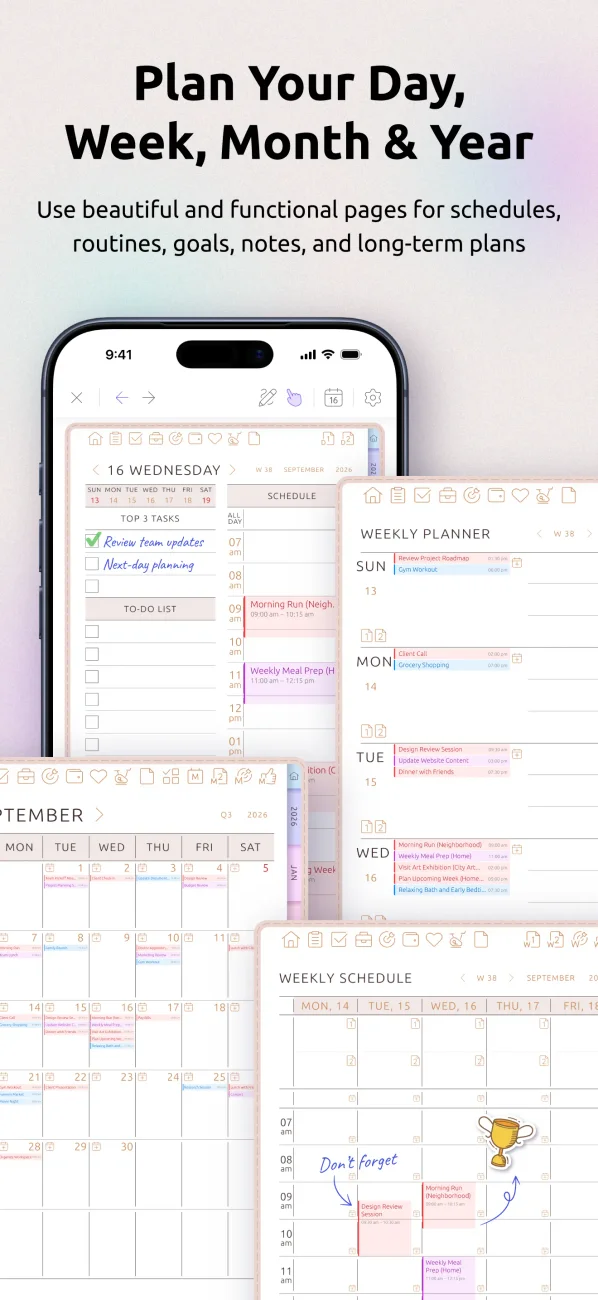
Use Ultimate Planner as your daily planner, weekly planner, monthly planner, yearly planner, task planner, habit tracker, goal planner, note-taking app, and visual calendar planner in one simple planning system. It is designed for people who want the feel of a real planner with the flexibility of a modern productivity app.
More than a to-do list, Ultimate Planner gives you real planner pages for daily schedules, weekly routines, monthly plans, yearly goals, notes, trackers, budgets, meal planning, projects, journaling, wellness, study, work, and home organization. It helps you build a planner that fits the way you actually plan.
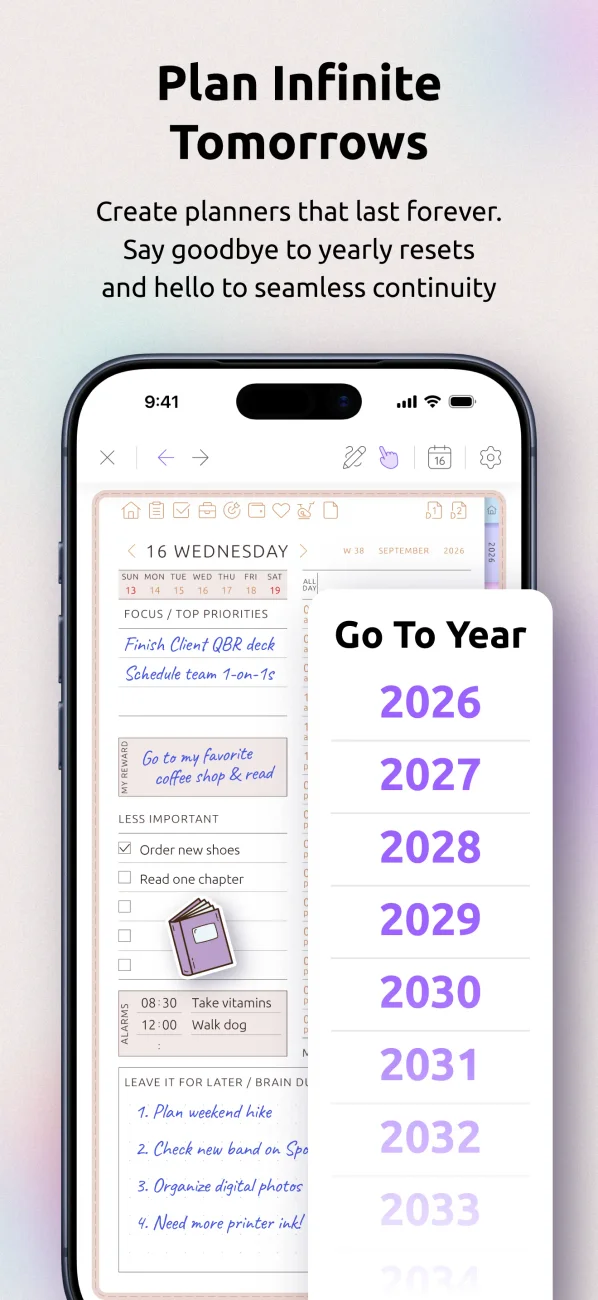
Ultimate Planner is not a static PDF planner. You can customize layouts, add pages, create multiple planners, change covers and themes, sync calendar events, type text, use checkboxes, add images, paste content, write by hand, and continue planning across future years without rebuilding your planner from scratch.
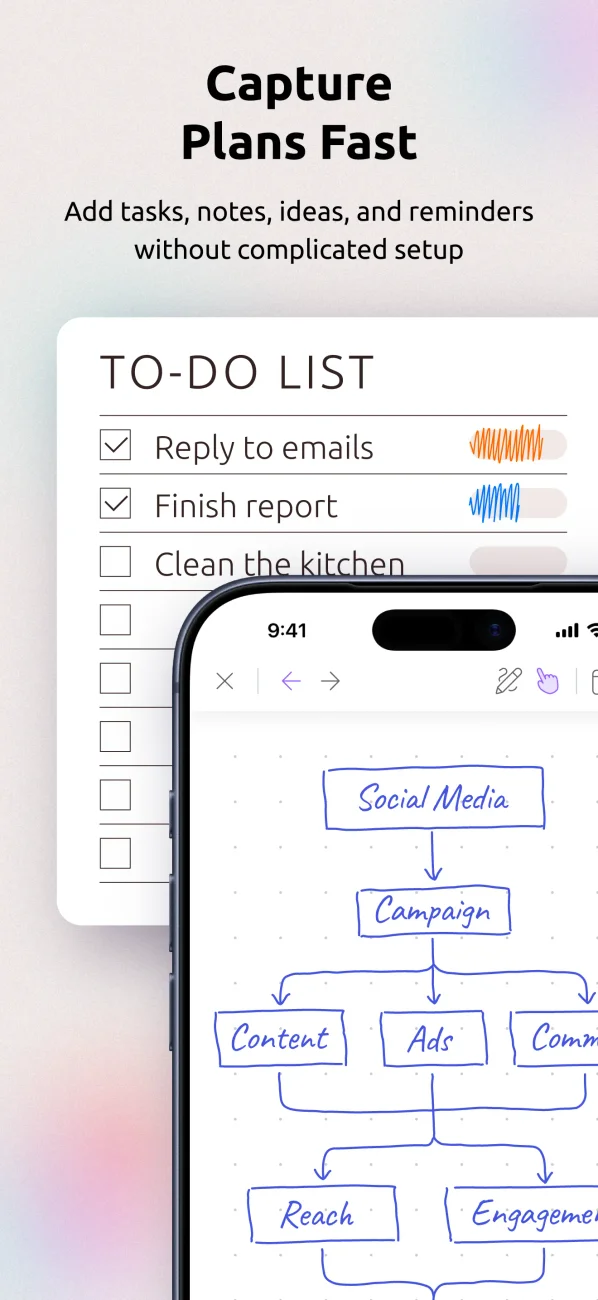
Capture plans without friction. Add tasks, notes, ideas, reminders, routines, and calendar events, then organize everything into daily, weekly, monthly, yearly, or custom planner pages when you are ready. Ultimate Planner is flexible enough for detailed planning, but simple enough to keep using every day.
Key Features:
• Digital planner app for iPad and iPhone
• Handwriting with Apple Pencil or finger
• Apple Calendar sync and Google Calendar sync
• Daily planner, weekly planner, monthly planner, quarterly planner, and yearly planner pages
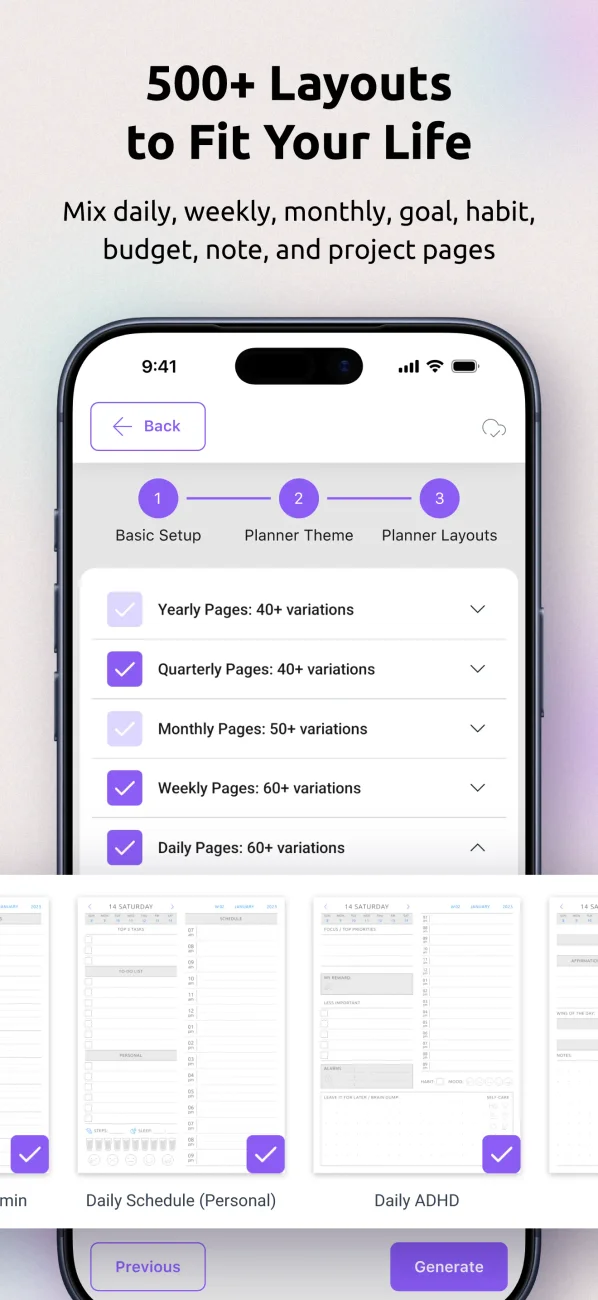
• 500+ flexible planner layouts, templates, and page designs
• Checklists, reminders, recurring plans, and routines
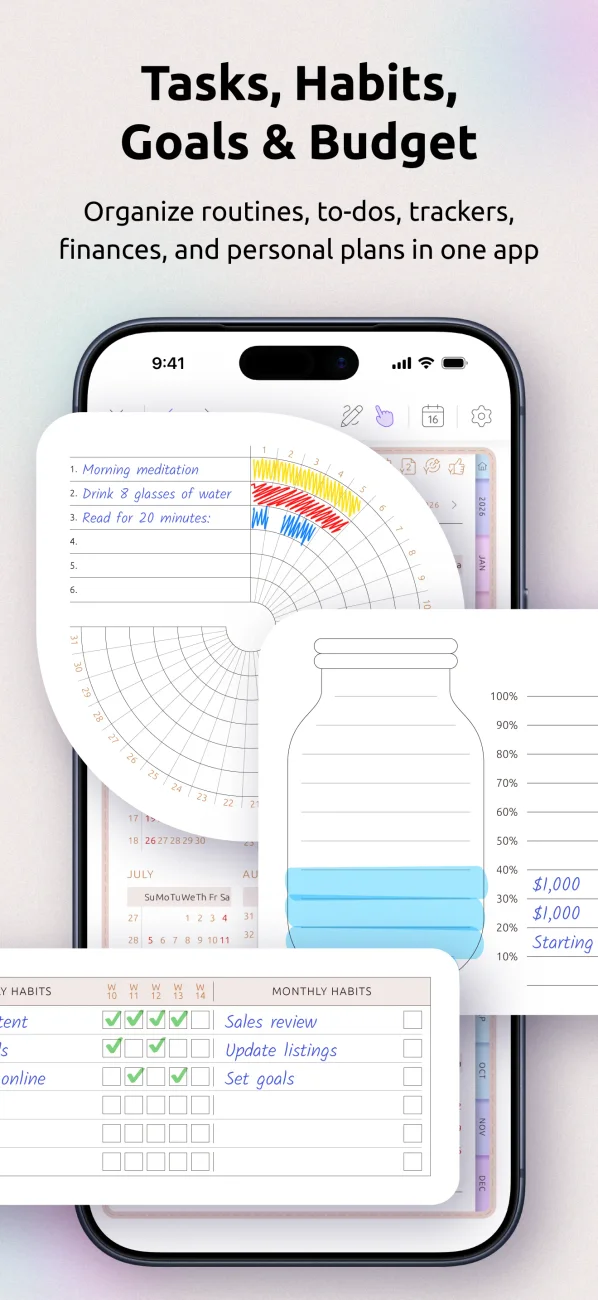
• Habit tracker, goal planner, routine tracker, progress tracker, and wellness planner pages
• Notes, journals, sketches, stickers, images, handwriting, typed text, and pasted content
• Budget planner, meal planner, project planner, student planner, teacher planner, ADHD-friendly planner pages, and more
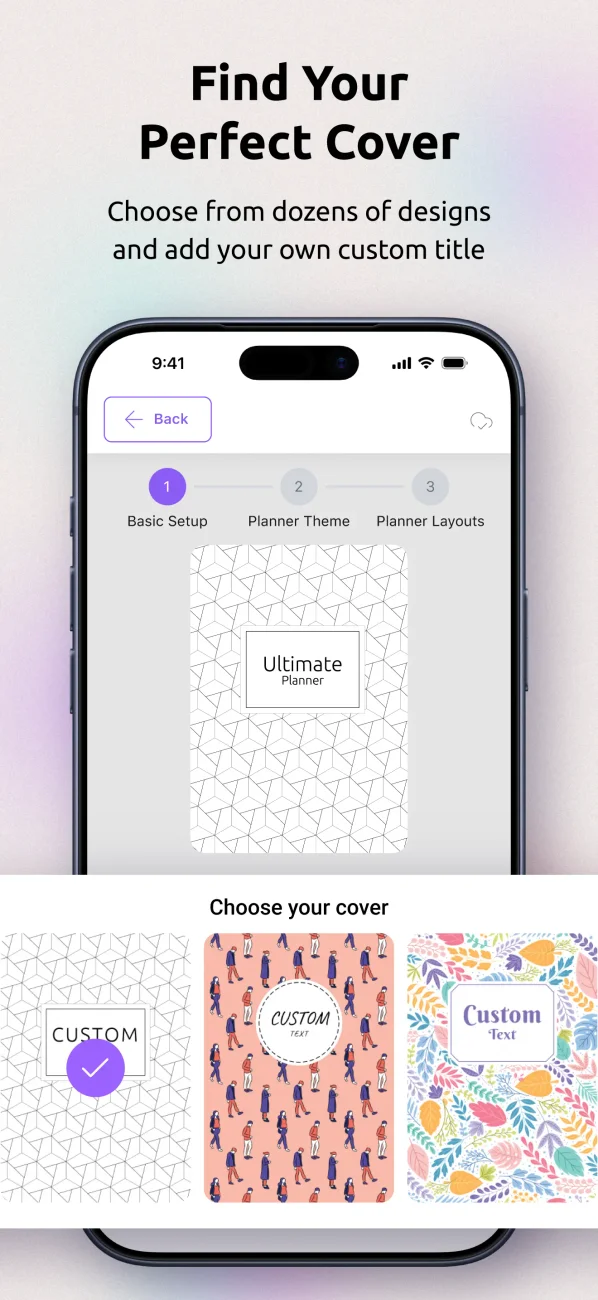
• Light and dark mode, planner themes, covers, colors, fonts, and custom sections
• Multiple planners for work, study, home, wellness, school, projects, and personal life
• Cross-device and cross-platform sync
• Offline planning support when you do not have internet access
Use Ultimate Planner for:
• Daily planning and time blocking
• Weekly routines and recurring tasks
• Monthly planning and long-term goals
• Work planning, project planning, and meeting notes
• Budget planning, expense tracking, and personal finance organization
• Meal planning, grocery planning, wellness planning, habits, and journaling
• ADHD planning, visual planning, flexible routines, and personal productivity
• Notes, checklists, schedules, trackers, and custom planner pages
Ultimate Planner helps you organize your life without forcing you into one rigid productivity system. Start free and build a digital planner that works the way you do.
Subscriptions:
- App subscriptions are paid on either monthly or yearly intervals
- Payment will be charged to iTunes Account at confirmation of purchase
- Subscription automatically renews unless auto-renew is turned off at least 24-hours before the end of the current period
- Account will be charged for renewal within 24-hours prior to the end of the current period, and identify the cost of the renewal
- Subscriptions may be managed by the user and auto-renewal may be turned off by going to the user's iTunes Account Settings after purchase
- Any unused portion of a free trial period will be forfeited when the user purchases a subscription
- Privacy Policy: https://ultimate-planner.app/privacy/
- Terms of Service: https://ultimate-planner.app/terms/
What’s new
Version 1.0.2 · Nov 11, 2026
Bug fixes and UX improvements
App privacy
What Evopaper declares on the App Store about how this app handles data.
-
Data not linked to you
May be collected but is not linked to your identity.
- Contact info
- User content
- Identifiers
- Usage data
- Diagnostics
Privacy practices may vary, for example with the features you use or your age.
Information
- Seller
- Evopaper LLC
- Category
- Productivity
- Version
- 1.0.2
- Updated
- Nov 11, 2026
- Released
- Dec 12, 2025
- Size
- 59.4 MB
- Requires
- iOS 17.0 or later
- Age rating
- 4+
- Price
- Free
- In-app purchases
- Yes
- Languages
- English
- Copyright
- © 2026 Evopaper LLC
You might also like
-
 Miracal: Calendar & PlannerTo-Do List & Birthday Reminder
-
 Plnnr AI: Daily PlannerYour day, planned & replanned
-
 PersonAI: To-Do & Life PlannerMental Load & Daily Planner
-
 Busy B PlannerTo-do lists for busy lives
-
 Pencil Planner: PencilTimeWrite, Type & Plan Your Way
-
 PlanDaySimple & Elegant Daily Planner
-
 Monthly Planner - Month+Aesthetic Calendar App
-
 Beck: AI Assistant for WorkMeeting Notes, Calendar, Tasks
-
 Kora - Family AI AssistantA new way to live organized.
-
 Digital Planner for iPad Day+Pencil Planning & Calendar