Limits: AI Usage Tracker
Codex, Claude, Cursor limits
Designed for iPhone
Free · In-app purchases
- Age rating4+
- CategoryDeveloper Tools
- DeveloperPranav Karthik Mruthyunjayan
- LanguagesEnglish+ 10 more
- Size19.5 MB
Links to the official App Store page
Download.org hosts no file of Limits: AI Usage Tracker. The button opens its official App Store page, published by Pranav Karthik Mruthyunjayan. Listing last checked on Nov 21, 2026.
Screenshots

About
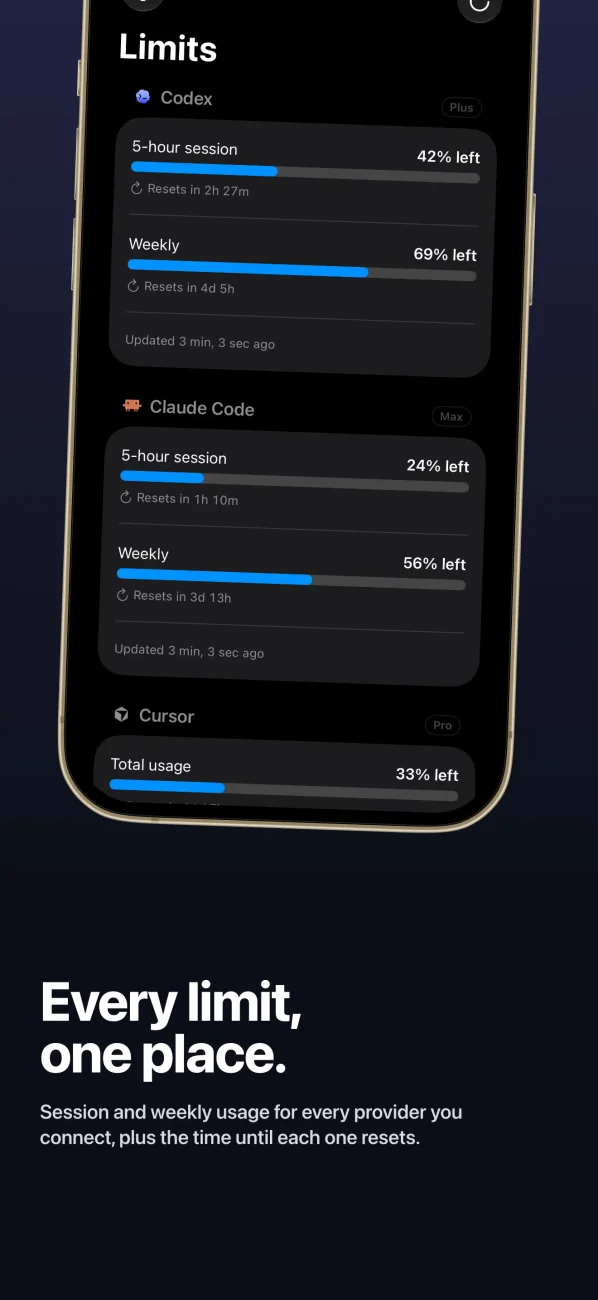
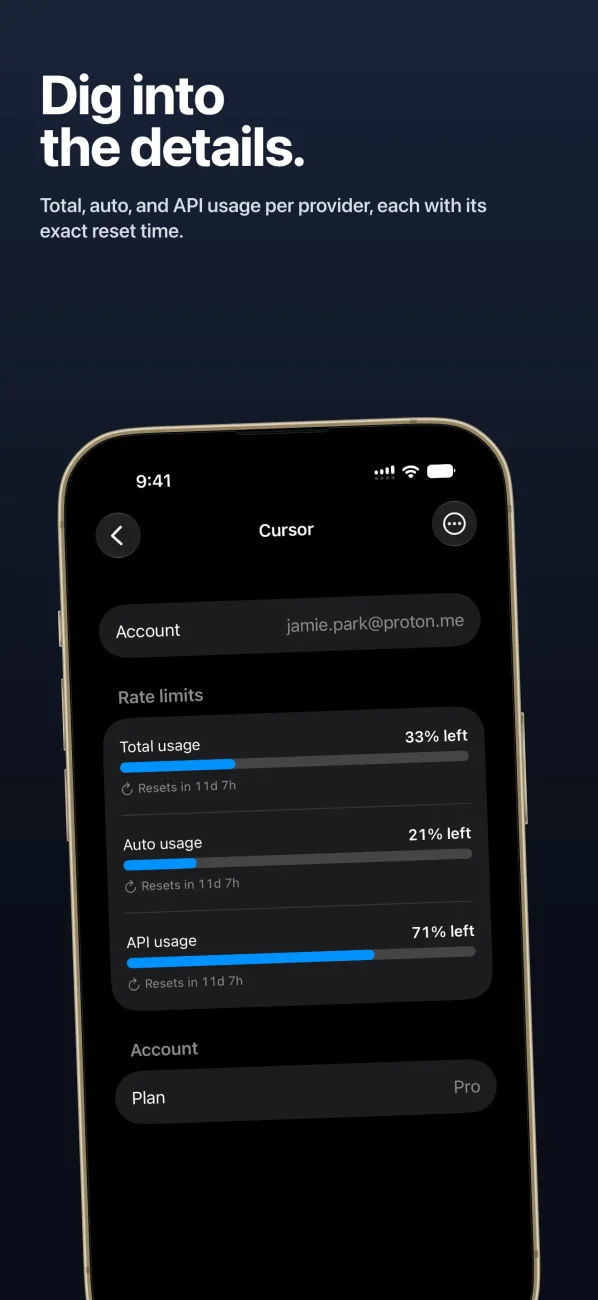
Limits shows your AI coding rate limits at a glance. See session usage, weekly quotas, and reset timers for the providers you connect, all in one place.
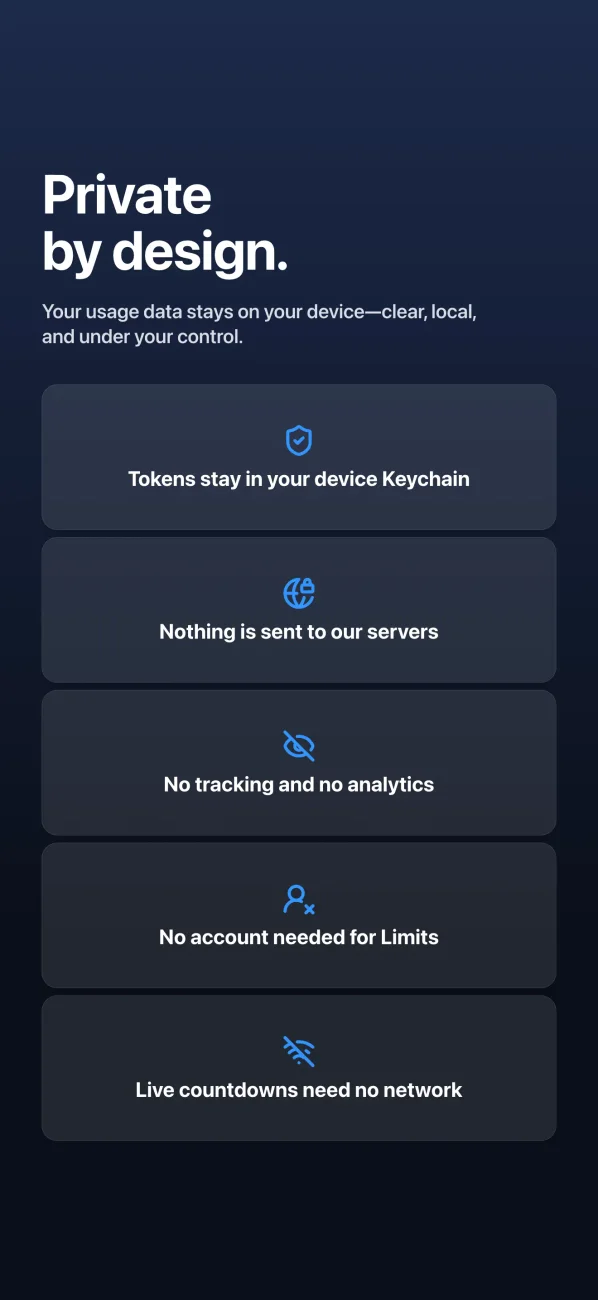
Connect with secure sign in. Limits never sends your tokens to a server. Your tokens stay on your device in the Keychain, and your usage is cached on device so the widgets can read it.
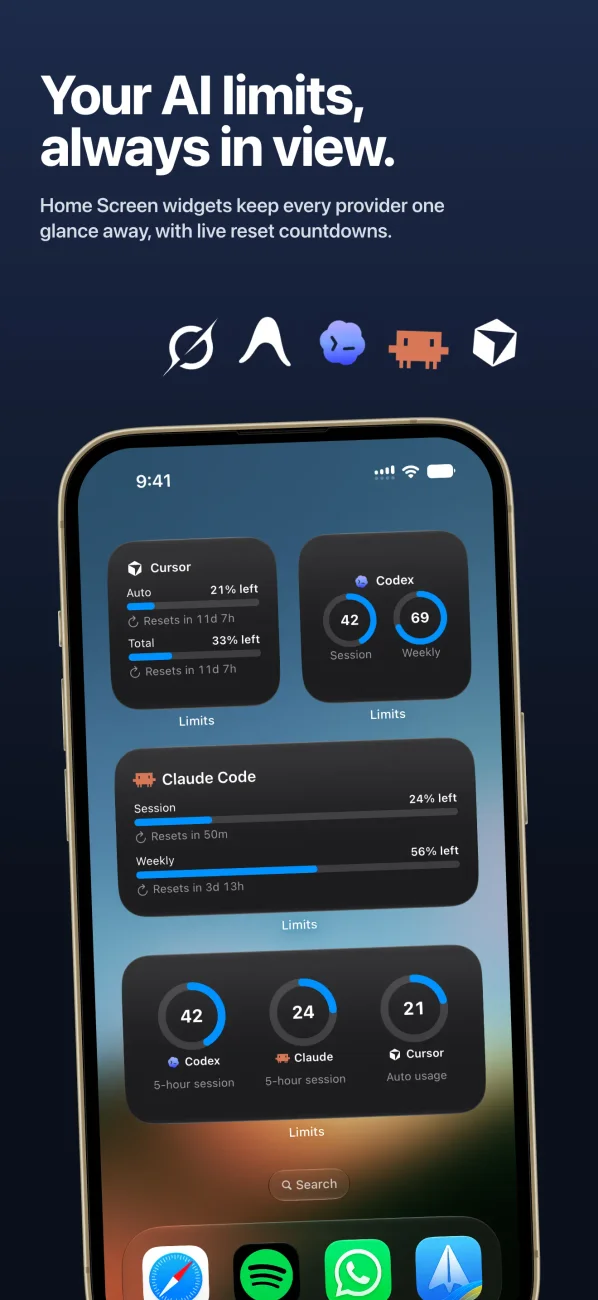
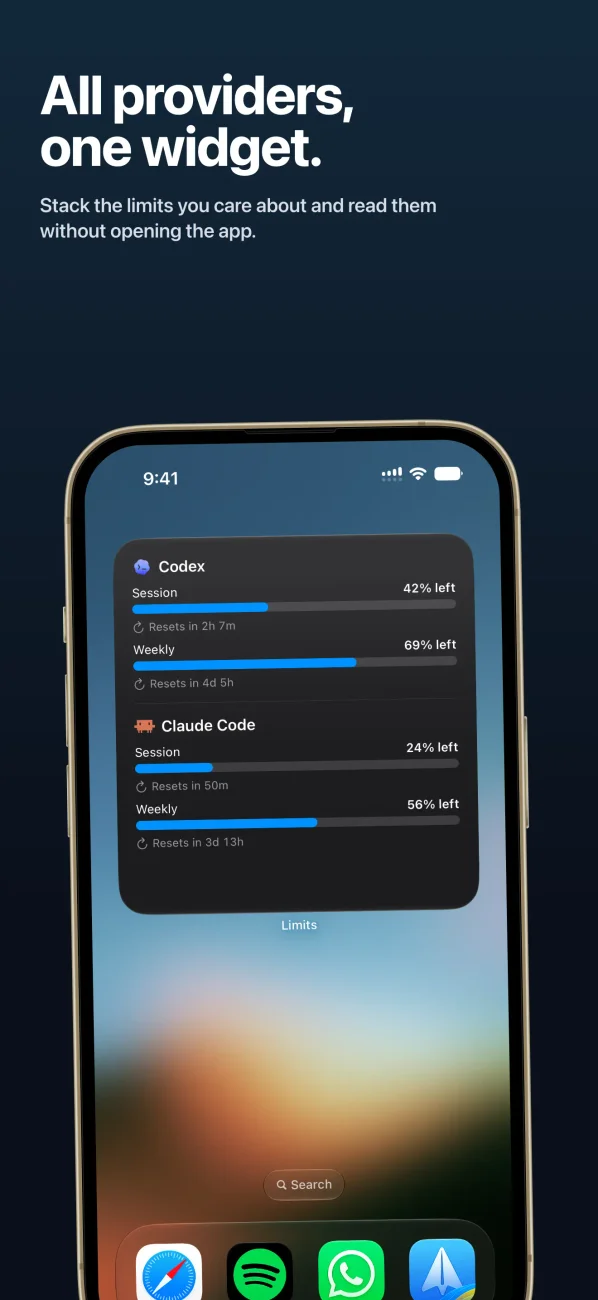
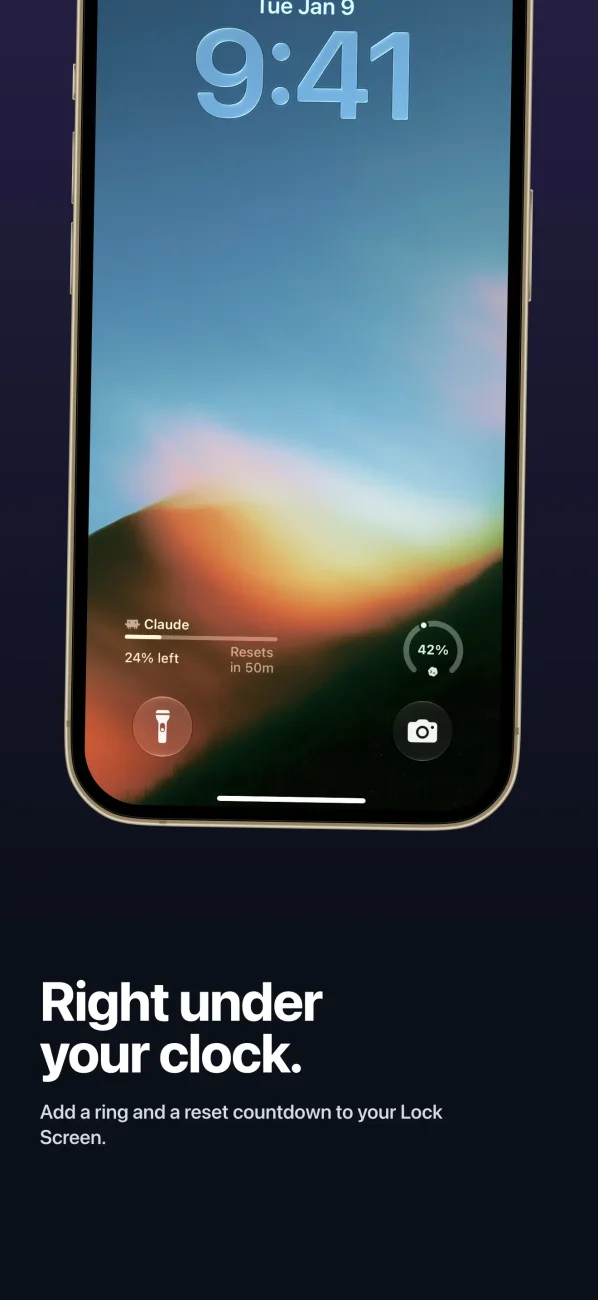
Home Screen and Lock Screen widgets keep your limits visible without opening the app. Live countdowns keep ticking between refreshes, so you always know how much you have left and when it resets.
Supported providers:
- Codex (ChatGPT)
- Claude Code
- Cursor
- Grok
- Antigravity
- Grok Bot (via Cursor)
Why you will like it:
- One dashboard for every limit you care about
- Ring and bar gauges that stay readable at a glance
- Reset countdowns on your Home Screen and Lock Screen
- Private by design, with no account required for Limits itself
- No ads, no tracking, and no analytics
Limits is an independent app and is not affiliated with, endorsed by, or sponsored by Anthropic, OpenAI, Anysphere, Google, xAI, or any other provider. Provider names are used only to identify the services you choose to connect.
Terms of Use: https://www.apple.com/legal/internet-services/itunes/stdeula/
Questions or feedback: support@getlimits.app
What’s new
Version 1.0.9 · Oct 30, 2026
Grok Bot now has its own place in Limits. Its weekly allowance comes with your Cursor plan or a linked SuperGrok, and it gets its own account on the dashboard, in widgets, account order and notifications. Add it like any other account.
Each account now shows a 7-day usage history, with resets marked.
Ask Siri how much of your limits you have left and when they reset.
Limits flags data that hasn't refreshed in a while, so old numbers never look current. You can be reminded before a monthly plan renews, and widgets showing a single account can hide its header.
Sign-ins survive Keychain hiccups, signing in again and removing accounts work reliably, Claude's 5-hour session no longer goes missing, Antigravity reads used-up and disabled limits correctly, and Cursor sign-in keeps waiting while you switch apps.
App privacy
What Pranav Karthik Mruthyunjayan declares on the App Store about how this app handles data.
-
Data not collected
The developer does not collect any data from this app.
Privacy practices may vary, for example with the features you use or your age.
Information
- Seller
- Pranav Karthik Mruthyunjayan
- Category
- Developer Tools
- Version
- 1.0.9
- Updated
- Oct 30, 2026
- Released
- Jul 14, 2026
- Size
- 19.5 MB
- Requires
- iOS 26.0 or later
- Age rating
- 4+
- Price
- Free
- In-app purchases
- Yes
- Languages
- English, Dutch, French, German, Hindi, Italian, Japanese, Korean, Polish, Portuguese, Spanish
- Copyright
- © 2026 Limits
You might also like
-
 CodexBar - Usage of AIDeveloper Tools
-
 NowdexTrack your agent usage
-
 TokenBar MobileAI Usage Monitor for Claude
-
 Tempo For ClaudeDeveloper Tools
-
 Token Monitor: AI UsageClaude, Codex, GPT API Spend
-
 LimitWatchAI Coding Tools on Your Wrist
-
 KittyLitterCodex on your phone
-
 Cmux RemoteTerminal remote for cmux
-
 Usages: AI Usage TrackerQuota limits, resets & cost
-
 HermexA Hermes Agent Client