Limitto: App Blocker & Focus
Screen Time Limits & Habits
Designed for iPhone
In-app purchases
- Age rating4+
- CategoryUtilities
- DeveloperPerdus Labs
- LanguagesFrench+ 7 more
- Size20.8 MB
Links to the official App Store page
Download.org hosts no file of Limitto: App Blocker & Focus. The button opens its official App Store page, published by Perdus Labs. Listing last checked on Nov 12, 2026.
Screenshots



About
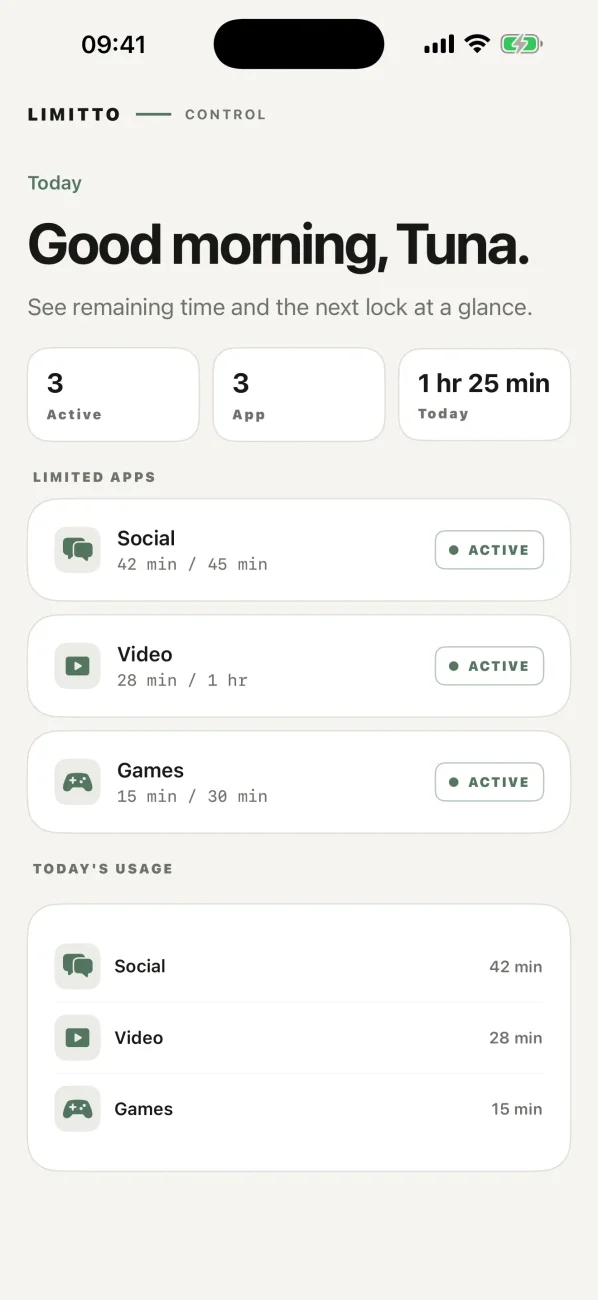
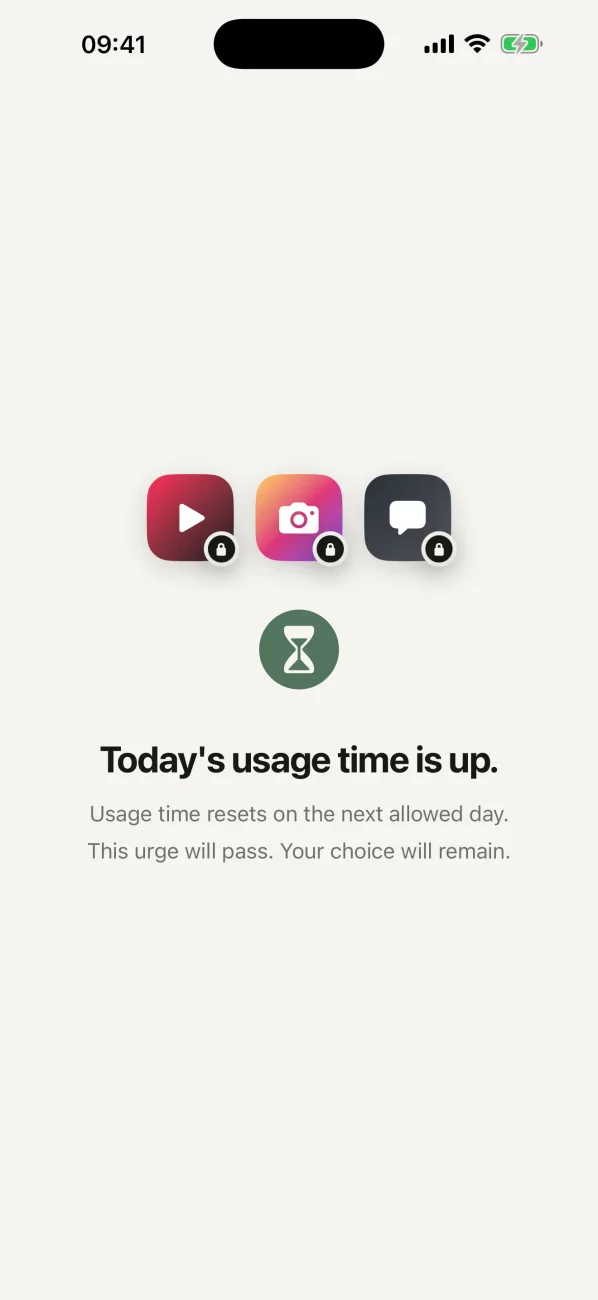
Limitto is a screen time app and app blocker for iPhone. Set a daily limit for each app, and Limitto locks it automatically when the time is up. No willpower required.
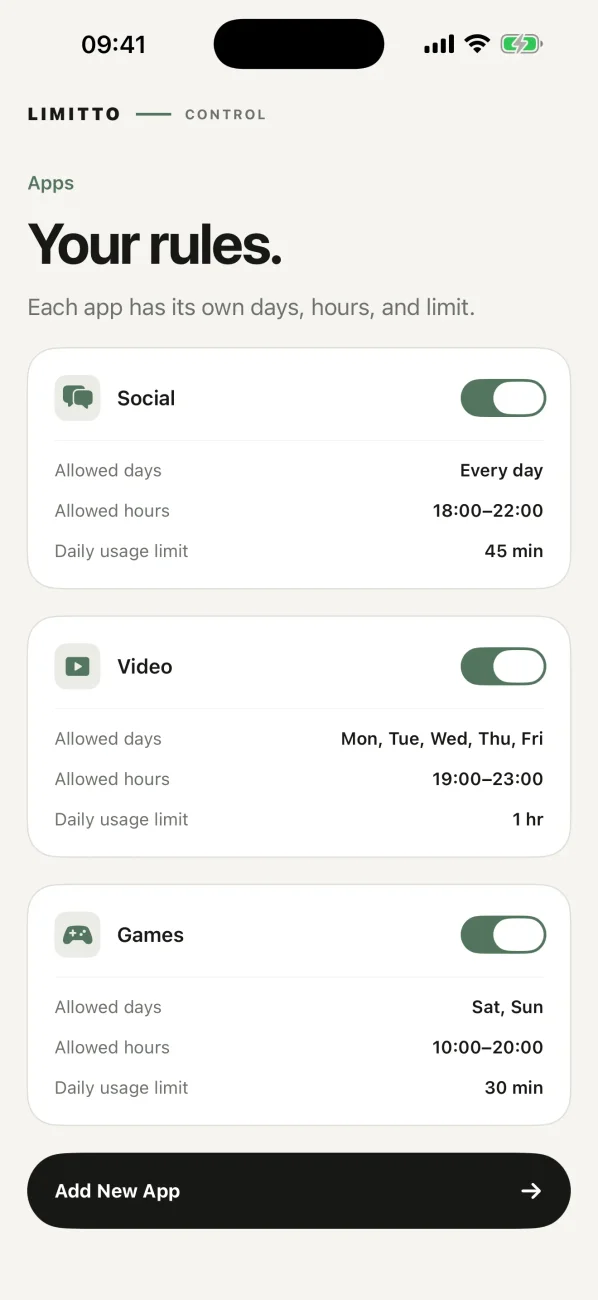
See your recent screen time pattern, understand how those hours add up over the years, and set a realistic personal target. Choose allowed days, allowed hours, and a daily limit for every app separately.
Need a quick break from one app? Start Focus Now for 15 minutes to 8 hours. The block lifts automatically when the session ends.
Highlights:
• A separate daily limit for each app
• Rules for selected days of the week
• All-day or custom allowed hours
• One-time Focus Now sessions
• Reminders before an app locks
• Today and weekly usage summaries
• Optional six-digit PIN to protect settings
• Light and Dark Mode, no account required
Privacy by design:
Your app selections stay on device as privacy-protected Apple tokens. Screen Time usage is shown inside Apple's protected reporting environment and is never sent to Limitto servers.
Limitto Pro offers auto-renewing weekly and annual plans. Eligible new subscribers may receive a 3-day free trial. Trial eligibility, localized price, billing period, and renewal terms are shown on the App Store purchase sheet before you confirm. Subscriptions can be managed or canceled in your Apple Account.
Important limitation:
Limitto uses individual Screen Time authorization. The device owner can delete the app or revoke Screen Time access in system settings. This version does not provide remote child-device management or Family Sharing child-account management.
Terms of Use (Apple Standard EULA):
https://www.apple.com/legal/internet-services/itunes/dev/stdeula/
What’s new
Version 1.2 · Aug 18, 2026
A new onboarding step shows the apps you use most, so you can choose what to limit in seconds. Faster launch, smoother animations, and refreshed wording throughout.
App privacy
What Perdus Labs declares on the App Store about how this app handles data.
-
Data used to track you
May be used to track you across apps and websites owned by other companies.
- Identifiers
-
Data linked to you
May be collected and linked to your identity.
- Identifiers
-
Data not linked to you
May be collected but is not linked to your identity.
- Purchases
- Diagnostics
- Other data
Privacy practices may vary, for example with the features you use or your age.
Information
- Seller
- FURKAN TUNA DEMIR
- Category
- Utilities
- Version
- 1.2
- Updated
- Aug 18, 2026
- Released
- Jul 29, 2026
- Size
- 20.8 MB
- Requires
- iOS 17.0 or later
- Age rating
- 4+
- In-app purchases
- Yes
- Languages
- French, German, English, Spanish, Italian, Japanese, Portuguese, Turkish
- Copyright
- © 2026 Perdus Labs
You might also like
-
 Mochi Parental ControlsParental screen time limits
-
 TrueFocus: Screen Time ControlFocus, App Blocker & Timer
-
 FoxTime: Screen Time BlockerParental controls & app limits
-
 SilentSurfSilentSurf protects.
-
 Brickr: Tap to FocusBlock apps until you tap in
-
 AirFind: Find Lost EarbudsBluetooth Device Finder
-
 Televox: Smart TV CastUtilities
-
 Kids Mode: Safe Child Lock AppParental Control: Allowed Apps
-
 Web Filter for Safari: BlockerBlock Adult Sites & SafeSearch
-
 Locky - Parental ControlBlock Apps, Adult Sites & IAP