Lineal: Precise Screen Ruler
Measure in cm or inches
Designed for iPhone, iPad
Free
- Age rating4+
- CategoryUtilities
- DeveloperYan Soisson
- LanguagesEnglish+ 4 more
- Size717.0 KB
Links to the official App Store page
Download.org hosts no file of Lineal: Precise Screen Ruler. The button opens its official App Store page, published by Yan Soisson. Listing last checked on Nov 17, 2026.
Screenshots
About
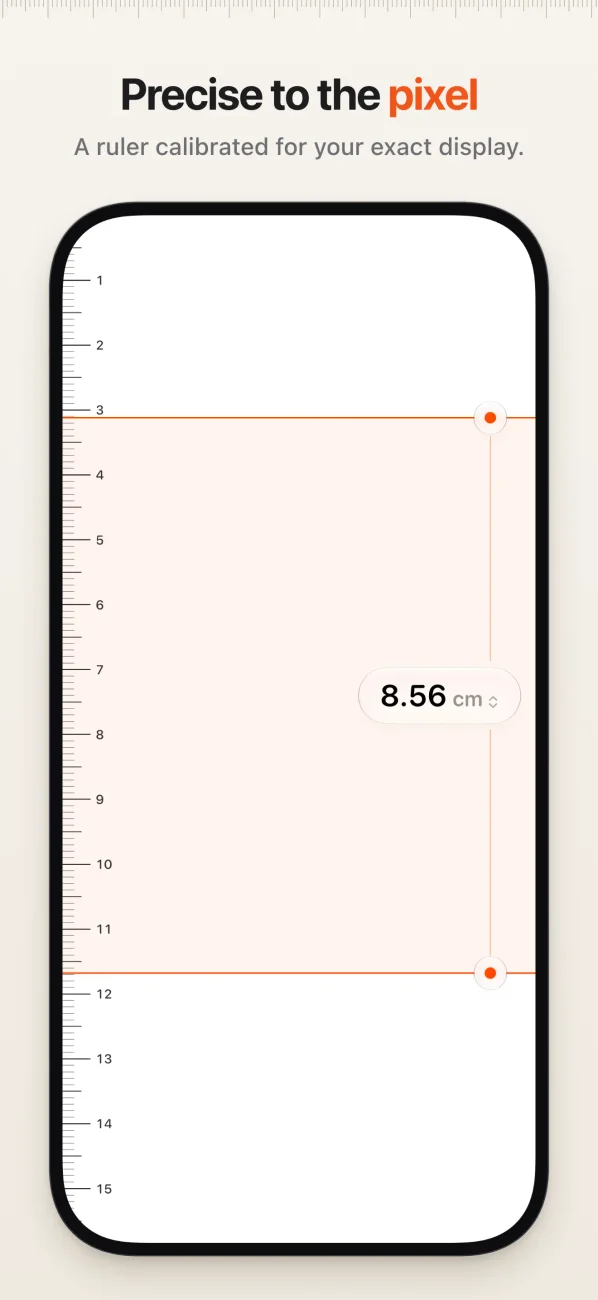
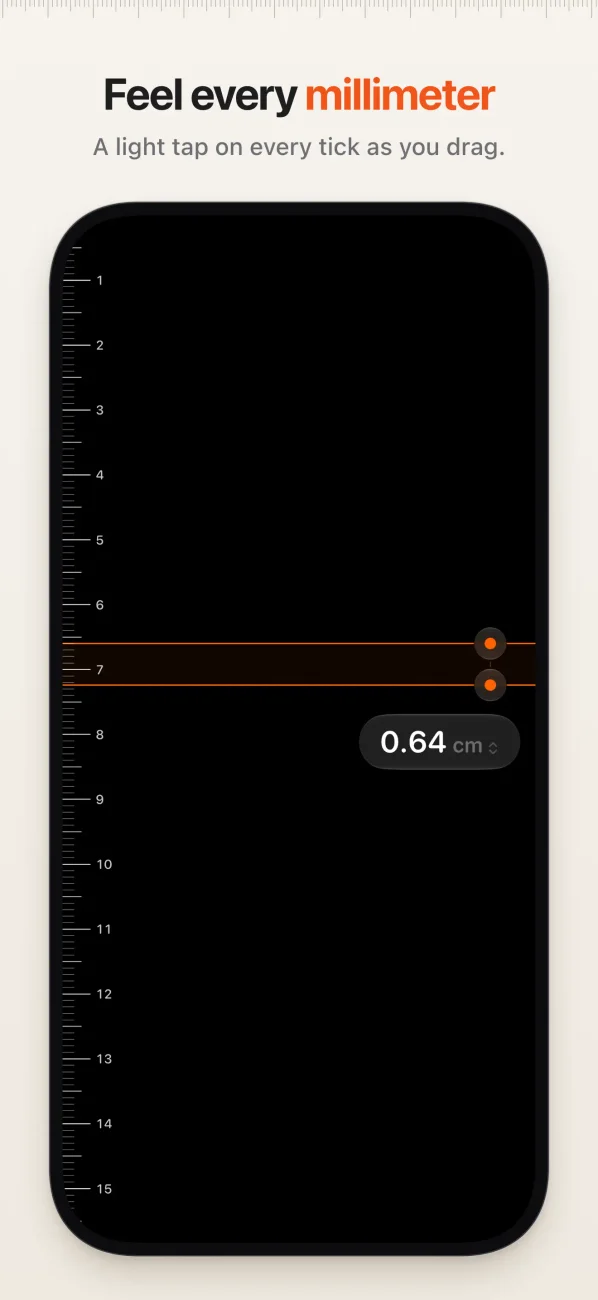
Lineal turns your iPhone or iPad into a ruler that’s as precise as its display allows. Two markers, one distance, nothing else. It measures anything that fits on your display.
Lineal identifies your exact model and the display it’s running on, uses that panel’s physical pixel density, and snaps every tick and both markers to the pixel grid. The distance between the markers is shown with two decimals, in centimeters or inches.
MADE FOR MEASURING
• Drag a marker, or drag anywhere: the nearest marker follows your finger, so your finger never covers the line.
• Drag both markers at once, one finger on each.
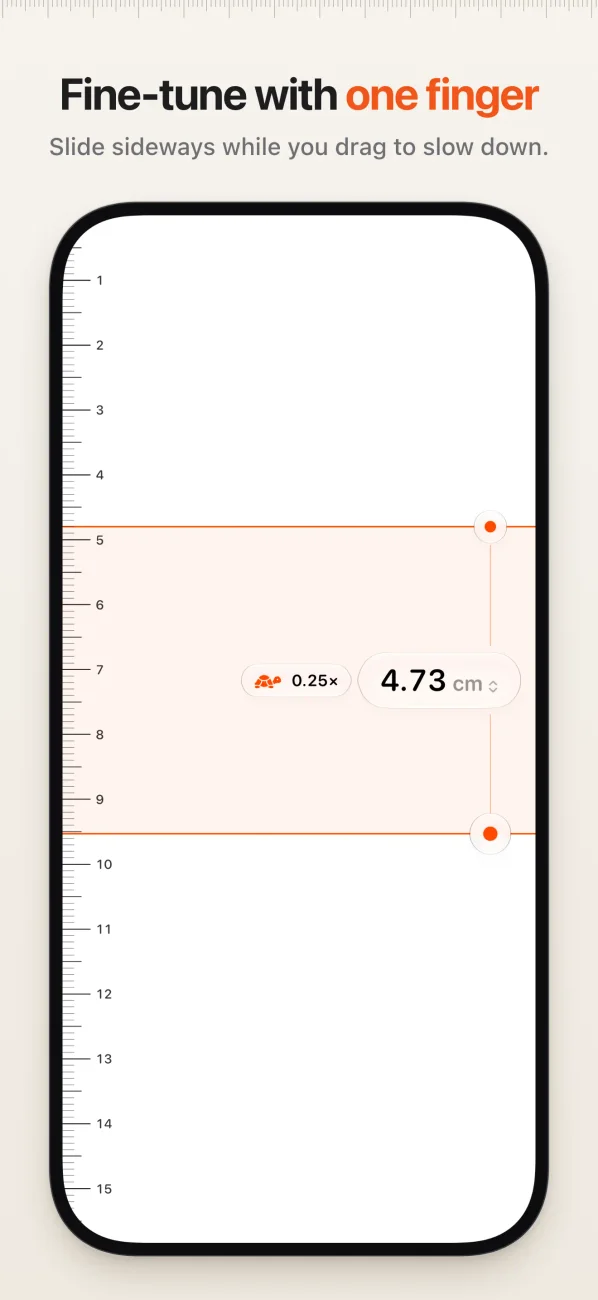
• Fine-tune with one finger: while dragging, slide sideways to slow the marker to half, a quarter, or a tenth of its speed.
• Feel the scale: a light tap on every millimeter or 1/16 inch, a firmer one on every whole centimeter or inch, and a stop at the edge of the screen.
• On iPad with Apple Pencil Pro, you feel every tick in the pencil.
• On iPad with a keyboard, the arrow keys move a marker by one pixel, Shift-arrow by one tick, and Space switches markers.
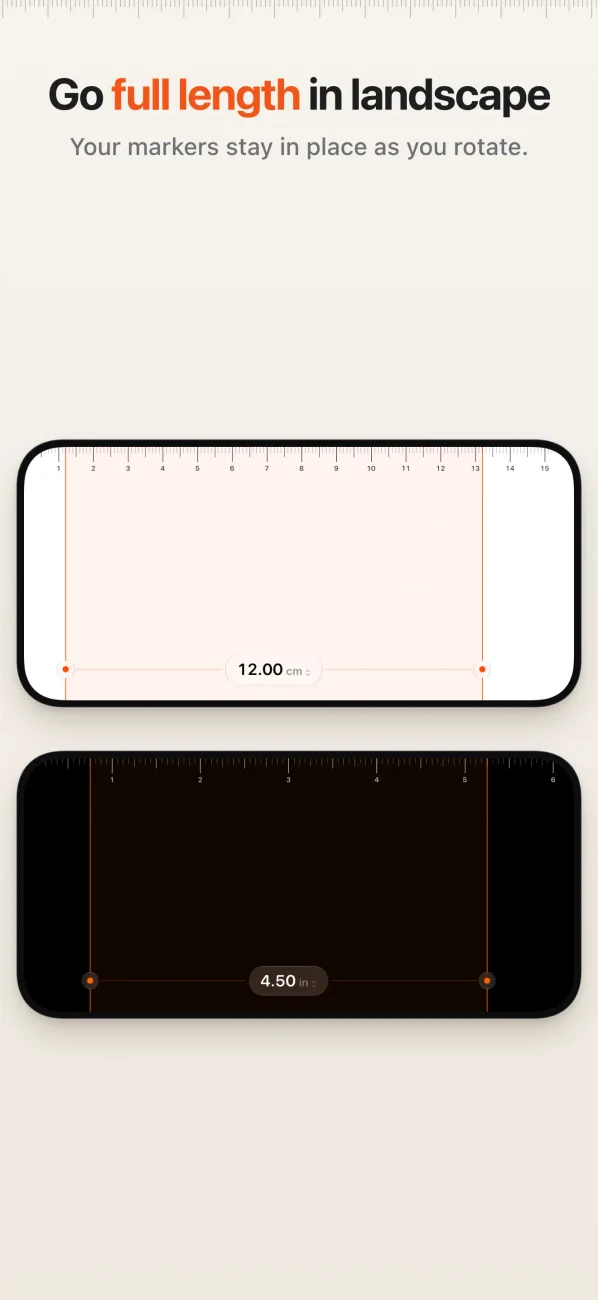
• Works in portrait and landscape. The markers stay in place when you rotate, fold iPhone Duo, or resize an iPad window.
• The screen stays awake while you measure.
CALIBRATED FOR YOUR DISPLAY
• A built-in table holds the pixel density of every supported iPhone and iPad.
• Lineal calculates pixels per point for each axis, so scaled displays and Display Zoom stay exact.
• Published pixel densities are rounded, so a small uncertainty remains: about ±0.1% on iPhone, up to ±0.2% on iPad.
• On iPhone Duo, both the outer and the inner display are calibrated. The inner display measures when it’s fully unfolded.
• On a model Lineal doesn’t know yet, it uses the pixel density of a matching known display; if there is none, it estimates the pixel density and the reading shows ≈.
• Lineal measures on the built-in display only, not on an external display.
ONE SETTING
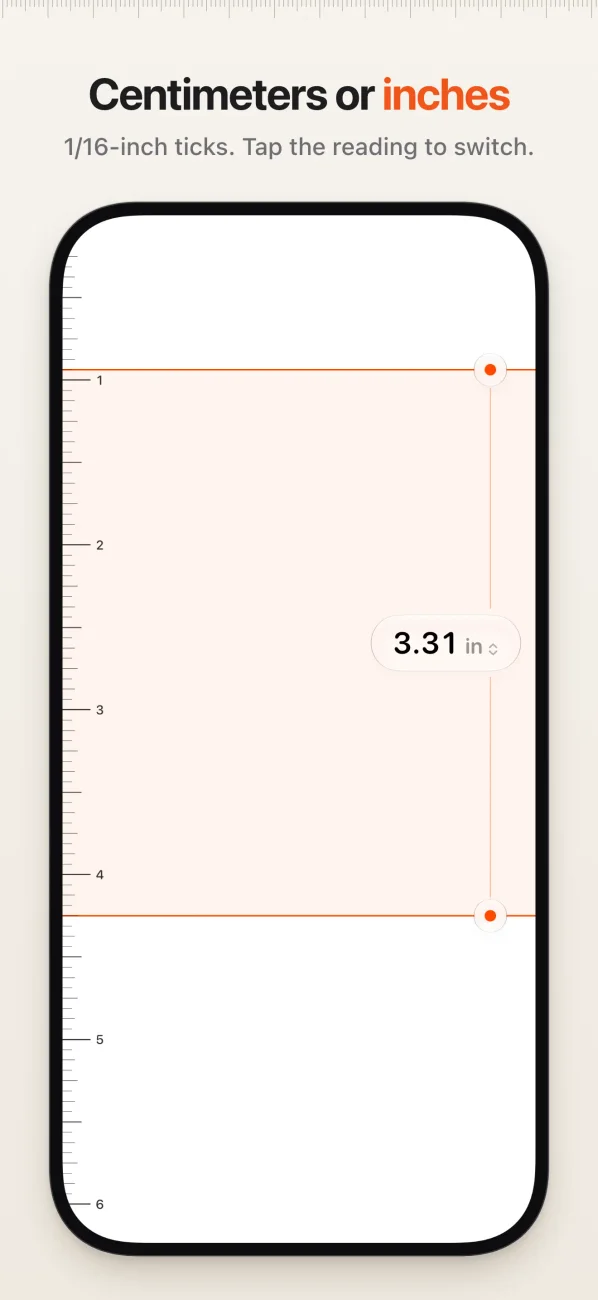
• Centimeters or inches. Tap the reading to choose.
PRIVATE BY DESIGN
• No ads, no account, no tracking. Lineal collects no data.
• No network access, no camera, no AR, no LiDAR.
FOR EVERYONE
• VoiceOver: the markers are adjustable and speak the distance.
• Dynamic Type, Reduce Motion, and Increase Contrast.
• Light and dark appearance.
• In English, German, French, Spanish, and Portuguese (Brazil and Portugal).
App privacy
What Yan Soisson declares on the App Store about how this app handles data.
-
Data not collected
The developer does not collect any data from this app.
Privacy practices may vary, for example with the features you use or your age.
Information
- Seller
- Yan Soisson
- Category
- Utilities
- Version
- 1.0
- Updated
- Nov 2, 2026
- Released
- Nov 2, 2026
- Size
- 717.0 KB
- Requires
- iOS 26.0 or later
- Age rating
- 4+
- Price
- Free
- Languages
- English, French, German, Portuguese, Spanish
- Copyright
- © 2026 Yan Soisson
You might also like
-
 TrueRuler: Pocket RulerMeasure in cm and inches
-
 OpenCCTV: Camera Viewer & NVRLive view, recording & alerts
-
 Sinodonto AcreUtilities
-
 Screen Ruler – Millimetre CmActual Size Measure, Mm Inches
-
 Ring Sizer: Size MeasureFinger Gauge, Chart & Convert
-
 Phone Hardware & DiagnosticsIntegrity & Performance Report
-
 Ruler: Measure, Level & ToolsRuler, level & compass
-
 RulerApp: Ruler & Tape MeasureLevel Tool & Decibel Meter
-
 Ruler & Digital CaliperMeasuring Tool for Small Items
-
 Wiseconn InstallerUtilities