LinkMail: Private Email
Modern mail, fast and private
Designed for iPhone, iPad, Mac
Free · In-app purchases
- Age rating4+
- CategoryProductivity
- DeveloperXavier Devaux
- LanguagesEnglish+ 2 more
- Size15.6 MB
Links to the official App Store page
Download.org hosts no file of LinkMail: Private Email. The button opens its official App Store page, published by Xavier Devaux. Listing last checked on Nov 23, 2026.
Screenshots

About
LinkMail is modern mail, fast and private: a native email client for iPhone, iPad and Mac that keeps your mail on your device.
Try everything for 14 days. After that, a single purchase for all your devices, with no subscription.
A NEW INTERFACE
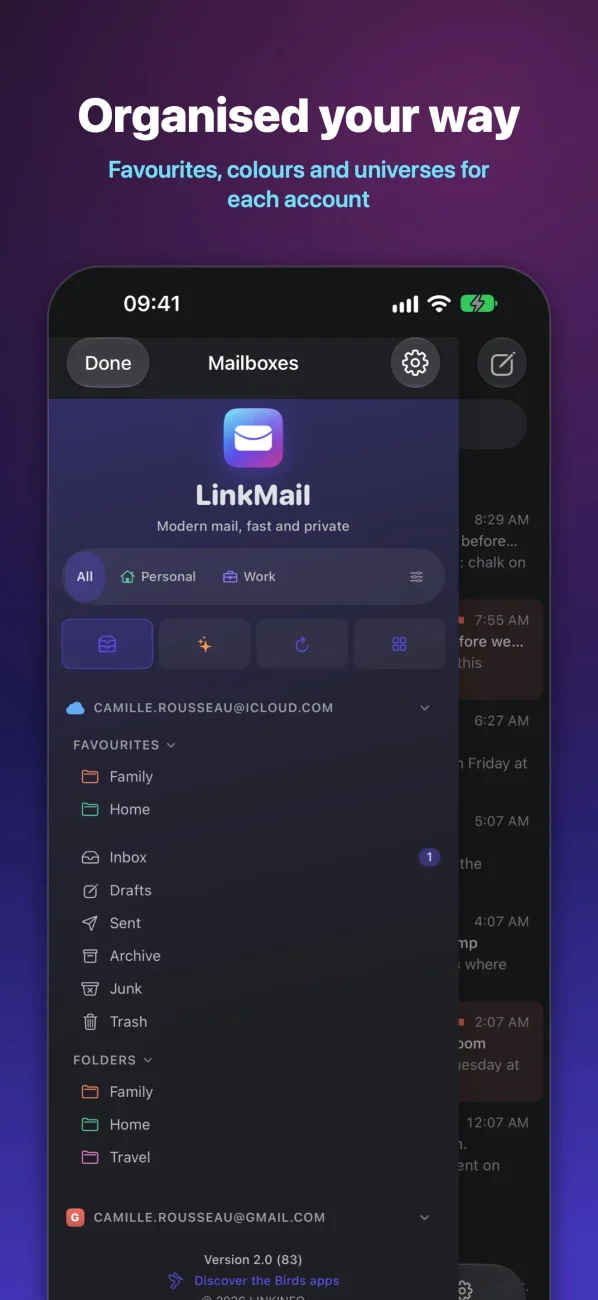
One panel for your accounts, your favourites and your universes, folders in your own colours, and a dark theme by default — light if you prefer.
YOUR MAIL STAYS ON YOUR DEVICE
Everything is stored in a local database, the way Apple Mail does it. Our servers receive no message at all. They only carry what IMAP cannot synchronise between two devices — snoozes, scheduled sends, drafts — and the references passing through are fingerprints computed with a key that never leaves your keychain.
HOSTILE HTML, BLOCKED BY DEFAULT
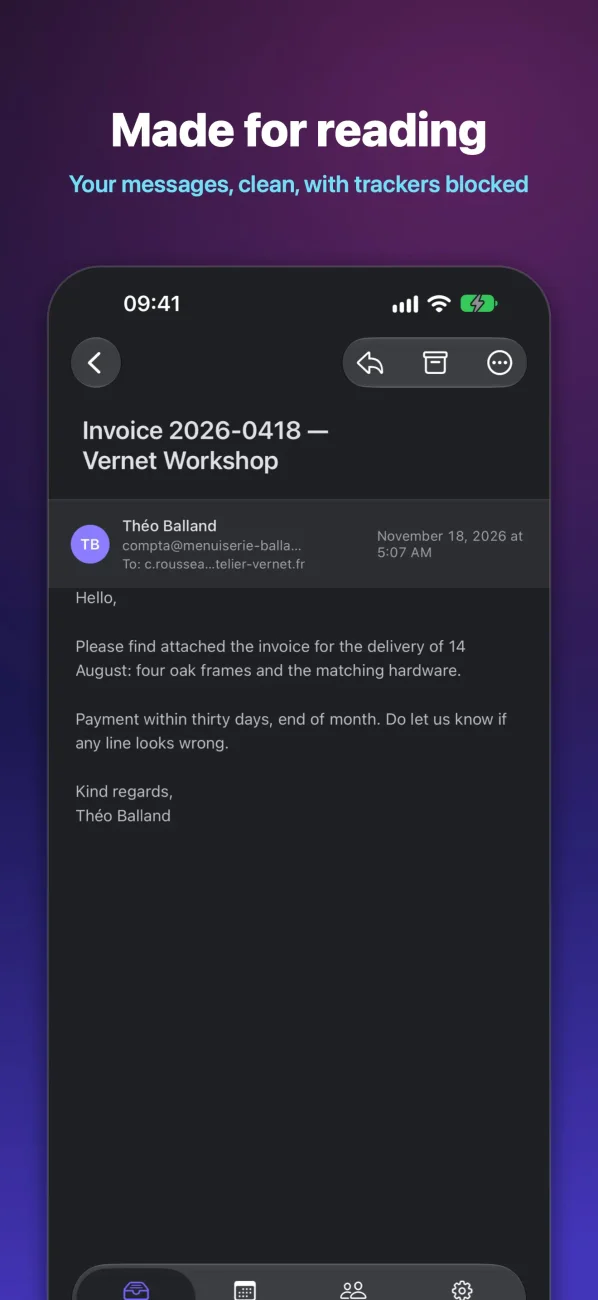
An email is HTML that comes from outside. LinkMail stops remote images, fonts, scripts and tracking pixels before a single byte goes out: the sender does not learn that you opened the message, nor from which address. A discreet bar tells you how many trackers were blocked, and you decide — for this message, for this sender, or for the whole domain.
ALL YOUR ACCOUNTS, WITHOUT MIXING THEM
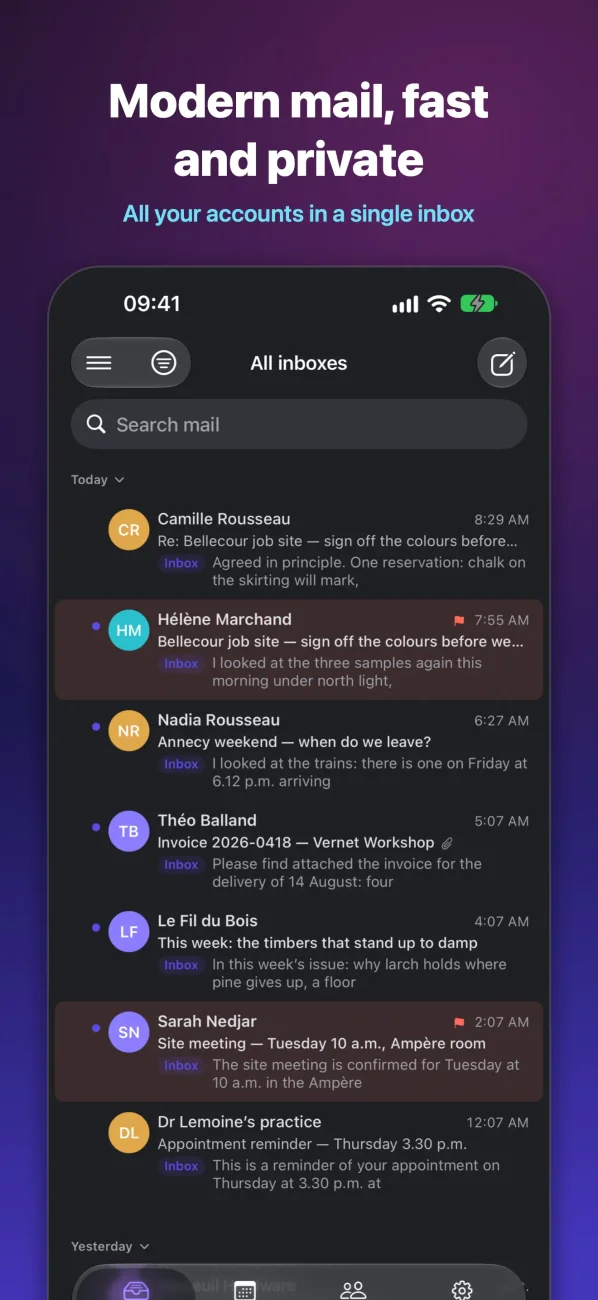
iCloud, Gmail, Outlook, Yahoo and any IMAP server. A unified inbox when you want to see everything at once, and spaces to keep apart what should be: work on one side, the rest on the other, in a single gesture.
A HIERARCHY YOU CAN READ FROM A METRE AWAY
You skim a mailbox by seeing, not by reading. The sender dominates — that is how you look for a message — the subject follows, the preview recedes. An unread message is marked once, decisively, not by three lines in bold.
AT HOME ON IPHONE, IPHONE DUO AND IPAD
On iPhone, four destinations in the tab bar: mail, calendar, contacts, settings. On an open iPhone Duo, your folders and the list on the left, the message on the right. On iPad, columns — folders, list, message — and a calendar that takes the full width with its calendars on the left. This is not the same app resized; these are layouts each thought out for its size.
BUILT FOR LARGE MAILBOXES
Incremental synchronisation with CONDSTORE and QRESYNC, message structure downloaded before the bodies, instant full-text search across a hundred thousand messages, accents and prefixes included. A mailbox of fifty thousand messages is navigable in under a minute.
TRULY OFFLINE
Flag, file, delete, reply: everything applies locally at once, then replays on reconnection. A tunnel, a plane, a train cancel nothing you have just done. Mail from the last two weeks is downloaded in full as it arrives, so a message opens without waiting. The optional offline copy also brings down the mail you choose, within its disk budget.
THE CALENDAR NEXT TO THE MAIL
Your CalDAV calendars beside your messages. Invitations are read and answered from the reader, an appointment spotted in a message goes into the calendar in one step, and reminders never fire on their own.
AN ASSISTANT THAT RUNS ON YOUR DEVICE
The day’s briefing, promises made and received, meeting preparation, finding a slot. On devices that support Apple Intelligence, the model runs on the device: nothing leaves. Using a remote service is an explicit choice, and what is sent is listed word for word in the privacy policy.
NEWSLETTER HOUSEKEEPING
What you receive, what you actually open, and what to unsubscribe from in one go. Unsubscribing goes through the header meant for it, without opening a single tracking page.
AND ALSO
Rich editor and signatures per account or per folder. A contacts book to file mail by your own rules. Export a message as PDF. Notifications with quick actions. Out-of-office replies. Background fetch. Light, dark or automatic theme, independent of the system’s. VoiceOver and Dynamic Type.
LinkMail is developed in France by LinkInfo.
What’s new
Version 2.0.1 · Nov 21, 2026
This update contains bug fixes, performance improvements and new features
App privacy
What Xavier Devaux declares on the App Store about how this app handles data.
-
Data not collected
The developer does not collect any data from this app.
Privacy practices may vary, for example with the features you use or your age.
Information
- Seller
- Xavier Devaux
- Category
- Productivity
- Version
- 2.0.1
- Updated
- Nov 21, 2026
- Released
- Aug 19, 2026
- Size
- 15.6 MB
- Requires
- iOS 18.0 or later
- Age rating
- 4+
- Price
- Free
- In-app purchases
- Yes
- Languages
- English, French, Spanish
- Copyright
- © 2026 LinkInfo
You might also like
-
 Peep MailPrivate mail, calendar & more
-
 nexmailYour mail, your server
-
 Corvo MailYour inbox, already tidy
-
 DevcityMailYour business email, anywhere
-
 OrbMailPrivate email, on-device AI
-
 Korana Mail: AI Email InboxAI assistant, drafts, spend
-
 Hermod Mail: Private EmailBlock trackers. One inbox.
-
 KeyRepoMailIOSEnd-to-End encrypted email
-
 Clair Mind: AI Organized NotesNotes That Connect
-
 ThelemailPrivate encrypted email