Bookmarks - Read Later
Save links, url manager
Designed for iPhone, iPad, Mac
Free · In-app purchases
- Age rating4+
- CategoryProductivity
- DeveloperKhuong Pham
- LanguagesEnglish
- Size54.8 MB
Links to the official App Store page
Download.org hosts no file of Bookmarks - Read Later. The button opens its official App Store page, published by Khuong Pham. Listing last checked on Nov 14, 2026.
Screenshots

About
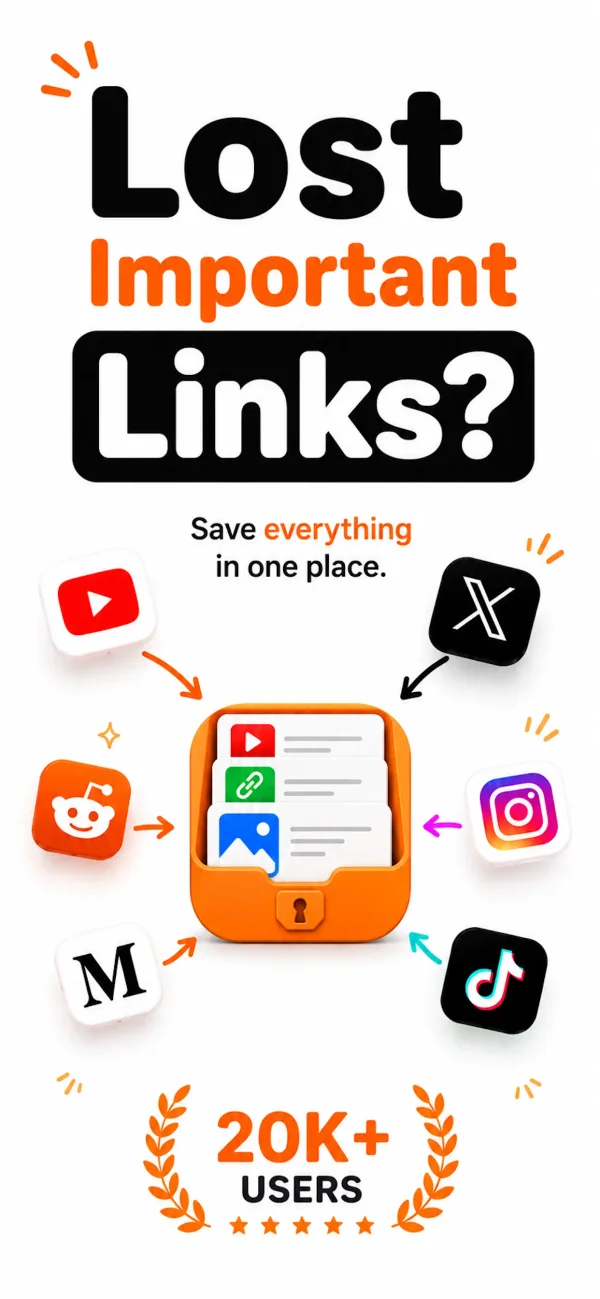
Bookmarks - Read Later is your all-in-one app to save, organize, and read the web. Paste a URL, bookmark from Safari, or queue articles for later, with a clean reader, highlights, and powerful search built in.
Download now and turn scattered links into a library you actually use.
KEY FEATURES:
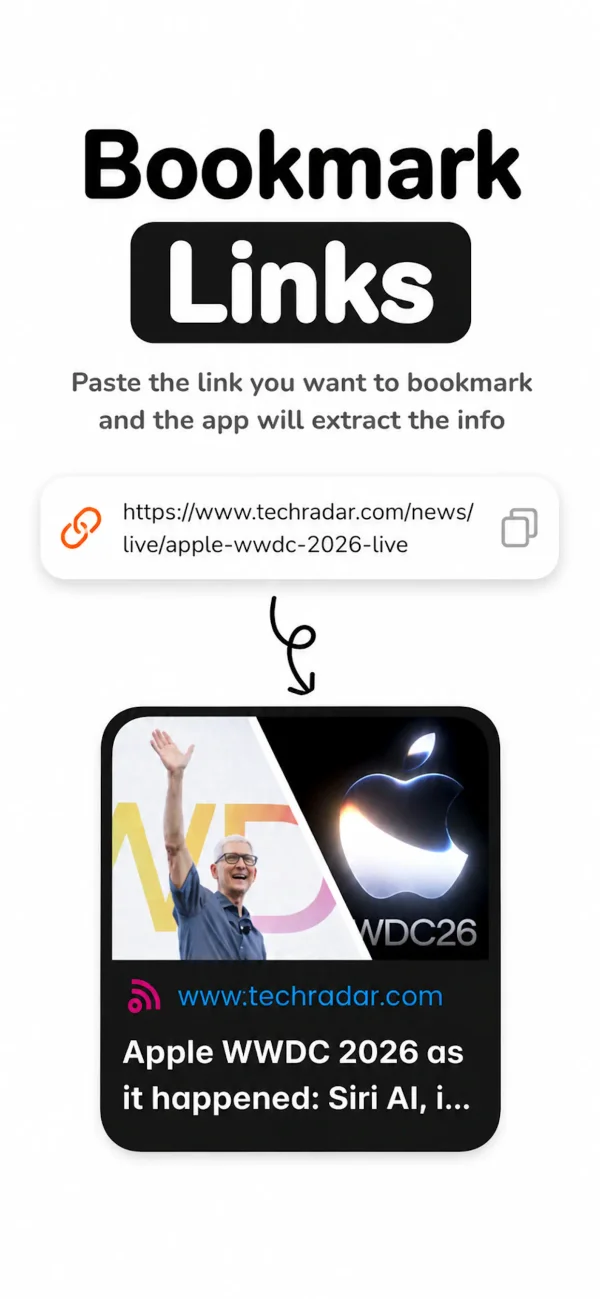
• Save links instantly
Copy a link or tap + to save. The app automatically fetches the thumbnail, title, and site info for a rich preview card.
• Read Later & article reader
Send pages to your reading list, track progress, and read in a distraction-free reader with optional dark mode.
• Highlight text
Select passages while reading, color-code highlights, add notes, and export them as Markdown.
• Offline reading
Download Read Later articles for offline access — perfect for flights, commutes, and spotty Wi‑Fi.
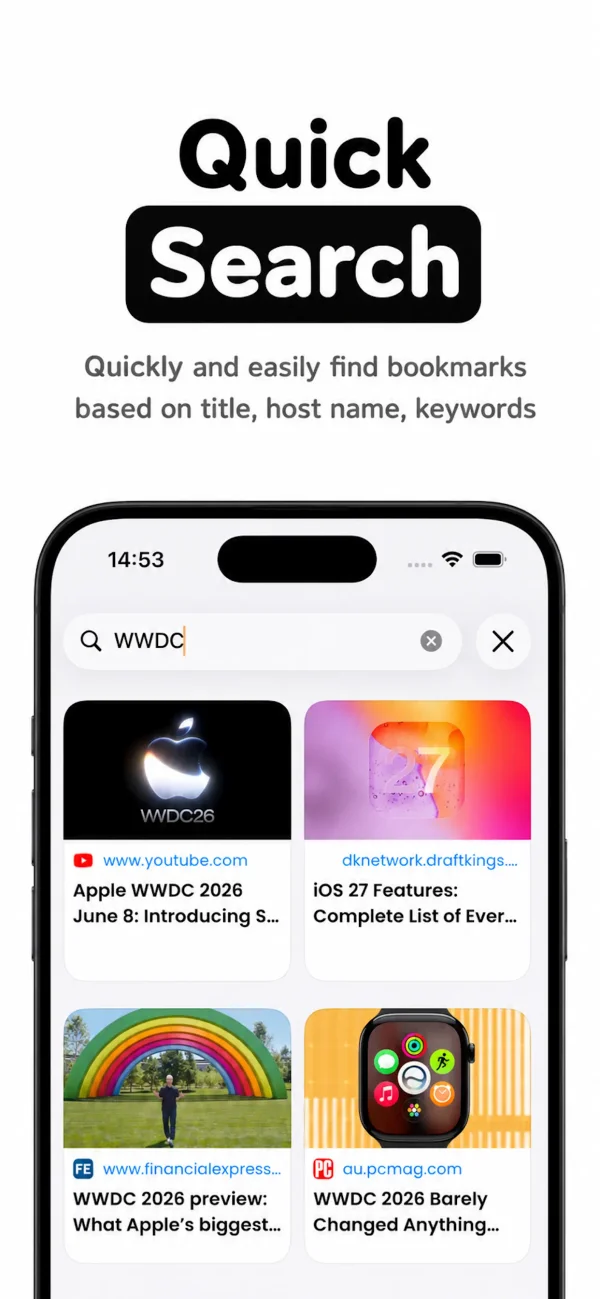
• Quick search
Find bookmarks fast by title, host name, or keywords.
• Organize with folders
Create folders with custom icons and keep your library tidy — nested folders supported.
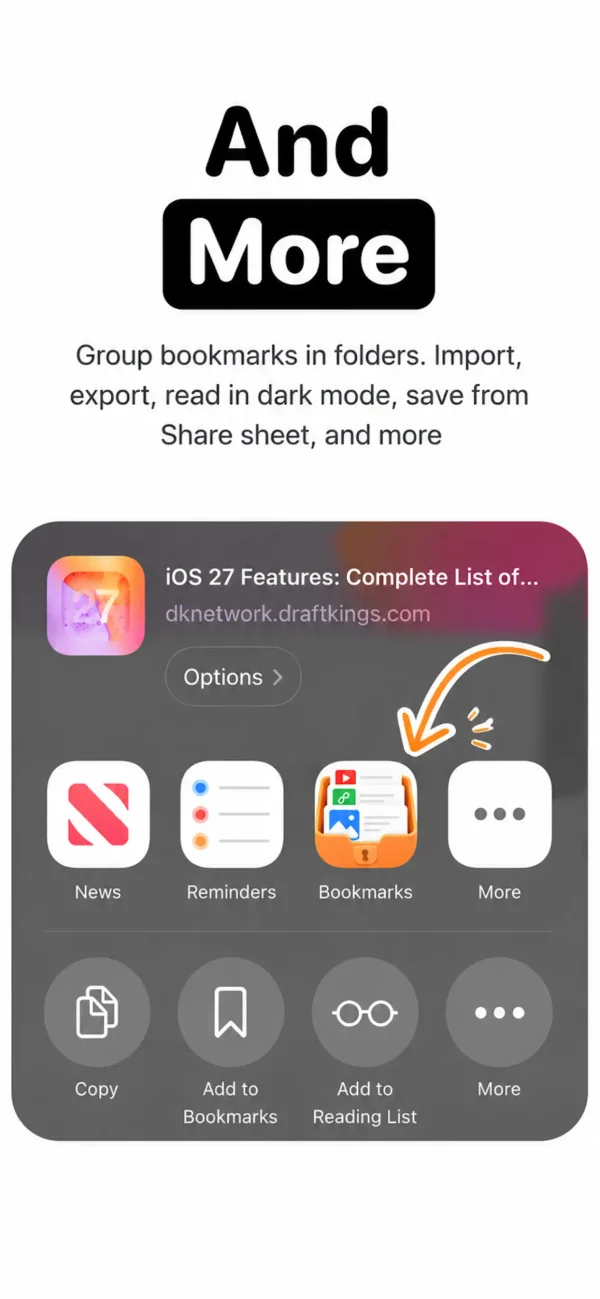
• Share Extension
Save links directly from Safari and other apps. Tap Share and choose Bookmarks - Read Later.
• Siri Shortcuts & widgets
Add bookmarks with Shortcuts, open unread articles, and glance at your queue from a Home Screen widget.
• Lock bookmarks
Lock sensitive bookmarks to hide them behind Face ID, Touch ID, or your device passcode.
• Import & export
Back up your library as JSON or import bookmarks from your browser’s exported HTML file.
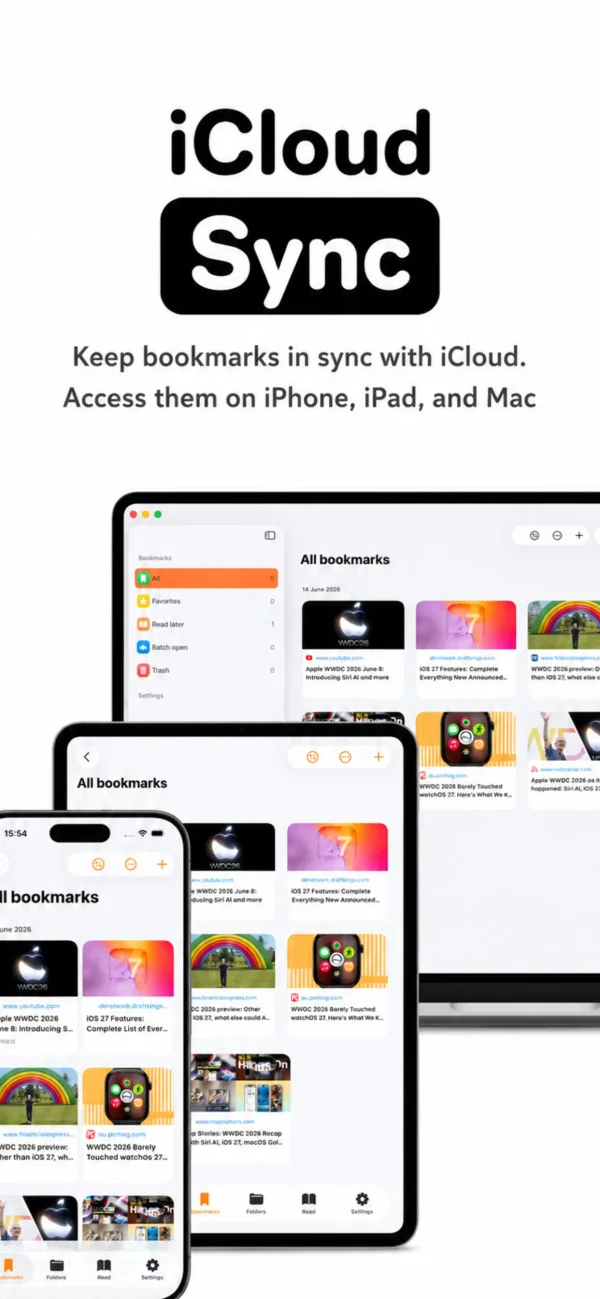
• iCloud Sync (Bookmarks Pro)
Keep bookmarks, folders, and highlights in sync across iPhone, iPad, and Mac.
• Privacy first
No analytics or tracking. Your data stays on your device.
Bookmarks - Read Later works beautifully on iPhone, iPad, and Mac.
For more information, visit https://indiegoodies.com/bookmarks
Terms of Use: https://indiegoodies.com/bookmarks/terms
Privacy Policy: https://indiegoodies.com/bookmarks/privacy
What’s new
Version 2.7.2 · Oct 27, 2026
big update to make Bookmarks faster, cleaner and more personal.
NEW
• Export to browser: save your links as an HTML file and import them into Safari, Chrome, Firefox or Edge. Your folders come along too.
• App Color: pick your favorite color in Settings and the whole app follows.
• A brand new welcome tour for first-time users.
IMPROVED
• Adding a bookmark is now instant. Titles and previews load in the background.
• Share extension: same look as the app, and you can pick a folder or subfolder before saving.
• Importing browser bookmarks is smoother, with clear progress for large files.
• Reader: highlights are easier to use, and you're asked before marking an article as done.
• Widgets: refreshed design that matches your App Color.
• Redesigned Pro screen and Settings.
FIXED
• Purchases can no longer be made twice by accident.
• Various stability fixes and performance improvements.
Thanks for using Bookmarks! If you enjoy the app, a quick review means a lot.
App privacy
What Khuong Pham declares on the App Store about how this app handles data.
-
Data not collected
The developer does not collect any data from this app.
Privacy practices may vary, for example with the features you use or your age.
Information
- Seller
- Khuong Pham
- Category
- Productivity
- Version
- 2.7.2
- Updated
- Oct 27, 2026
- Released
- Mar 14, 2022
- Size
- 54.8 MB
- Requires
- iOS 16.6 or later
- Age rating
- 4+
- Price
- Free
- In-app purchases
- Yes
- Languages
- English
- Copyright
- © Indie Goodies Lab
You might also like
-
 Bookmarks - URL ManagerManage and Organize Links
-
 Linkboard: Bookmarks & RSSOrganize, Tag & Read It Later
-
 Brace.to - Bookmark ManagerSimple & Private Saving Links
-
 Rubra, Interactive Creator HubTurn Content Into Experiences
-
 links for latereffortless bookmark management
-
 Marcit: Bookmark ManagerProductivity
-
 Bookmark Safe - Url managerSecurely manage favorite sites
-
 Bookmark FolderManage bookmark by folder
-
 OLD: Pile - Collect BookmarksPrivate boards & file manager
-
 Klinks: File, AI Meeting, NoteOrganize plan, files and share