LinkSpace: AI Notes & Links
AI Voice Notes, Tasks & Photos
Designed for iPhone
In-app purchases
- Age rating4+
- CategoryProductivity
- DeveloperHing Piu Chan
- LanguagesTraditional Chinese+ 12 more
- Size51.8 MB
Links to the official App Store page
Download.org hosts no file of LinkSpace: AI Notes & Links. The button opens its official App Store page, published by Hing Piu Chan. Listing last checked on Nov 9, 2026.
Screenshots


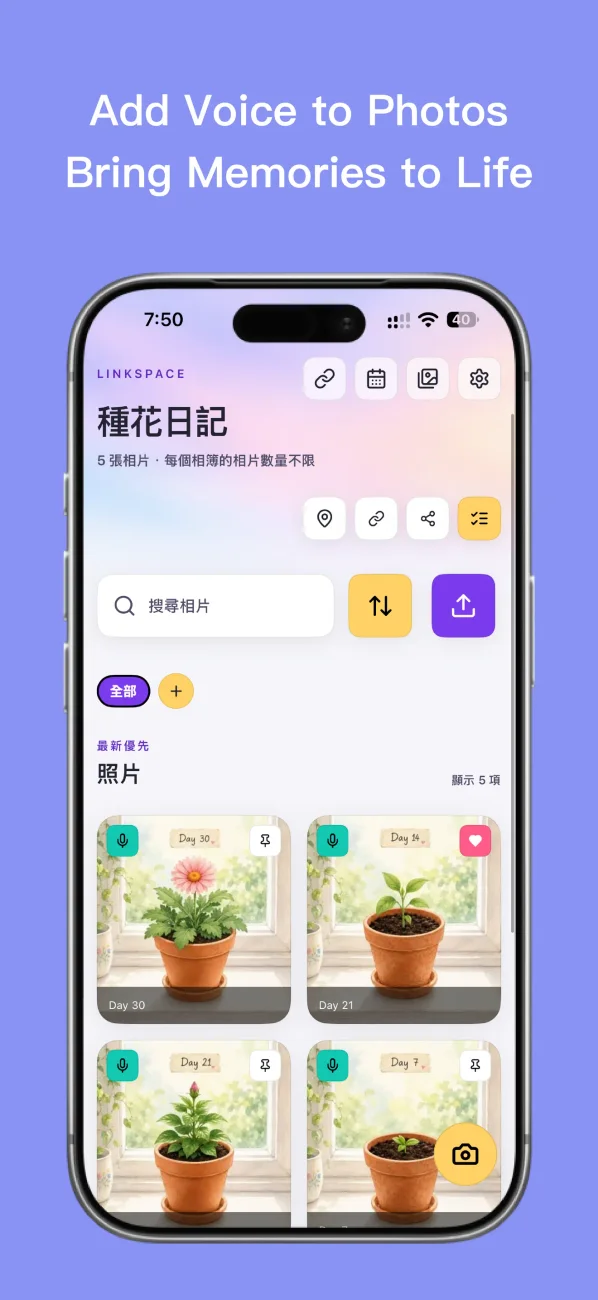
About
LinkSpace is your personal space for the links you want to revisit, the memories you want to keep, and the ideas you want to remember.
SAVE AND ORGANIZE LINKS
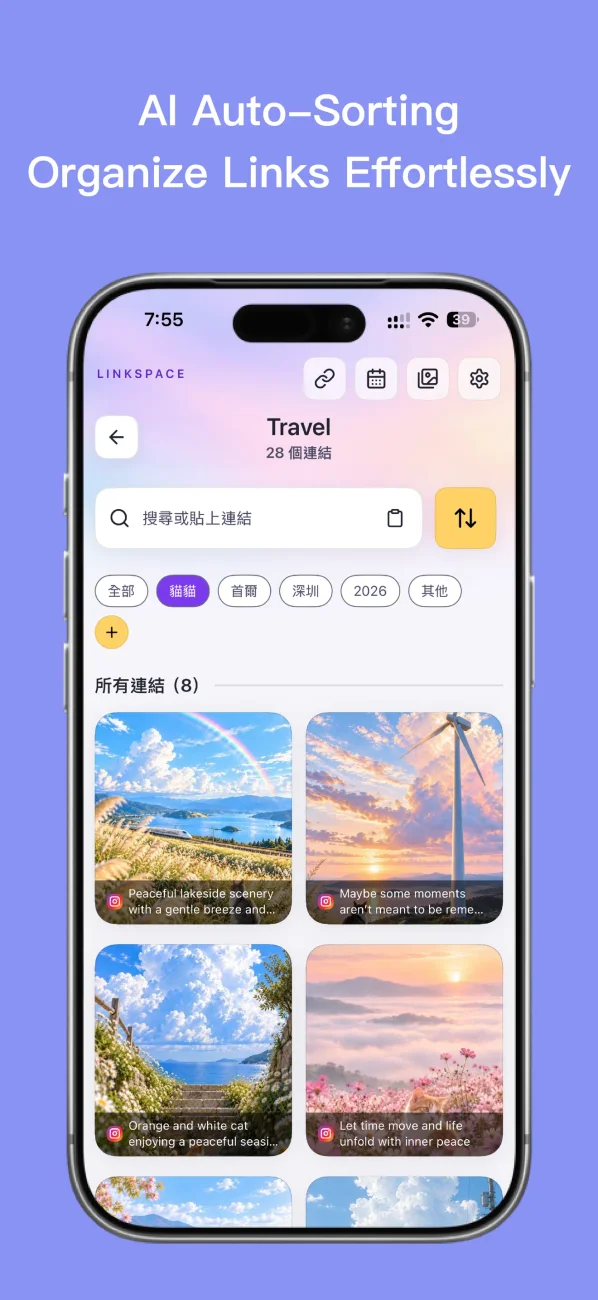
• Save links from other apps using the LinkSpace Share Extension
• Organize links into folders and sections
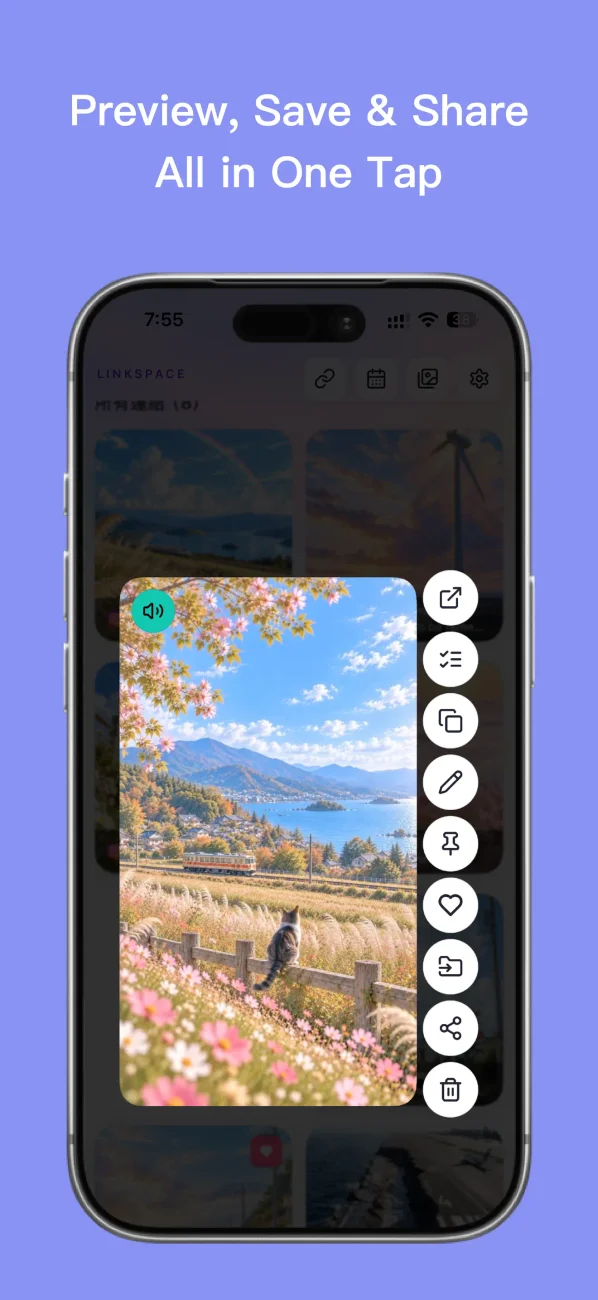
• Pin or favorite items, add descriptions and tags, move links, or archive them for later
• Search your saved collection and quickly return to the right link
NOTES AND REMINDERS
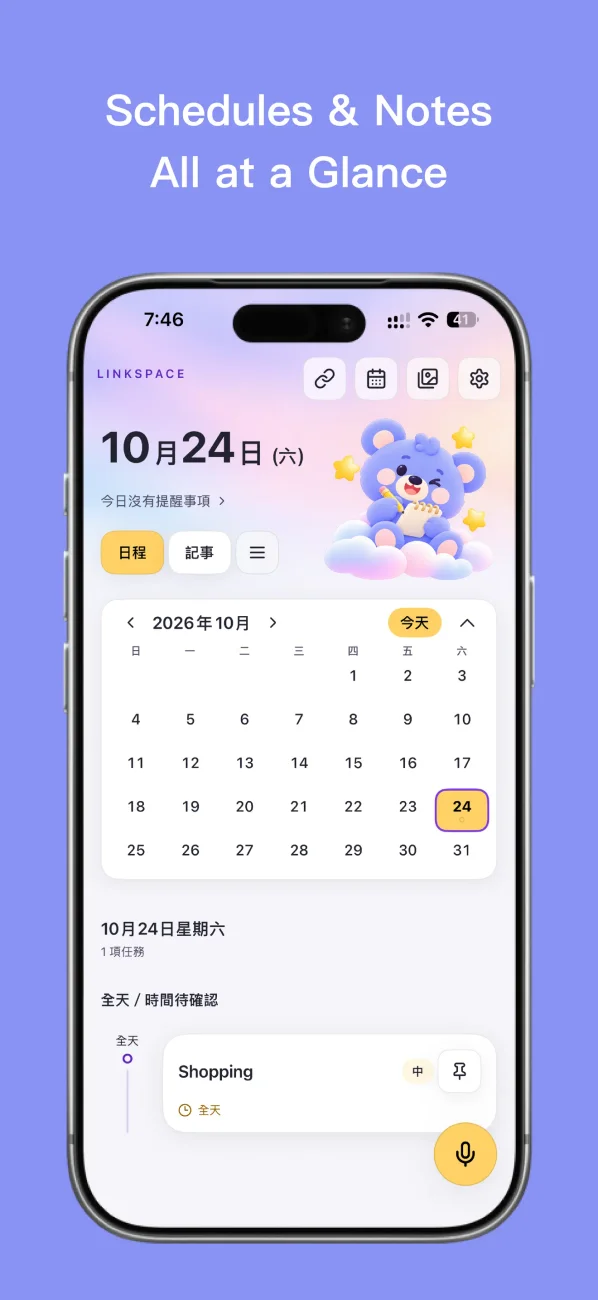
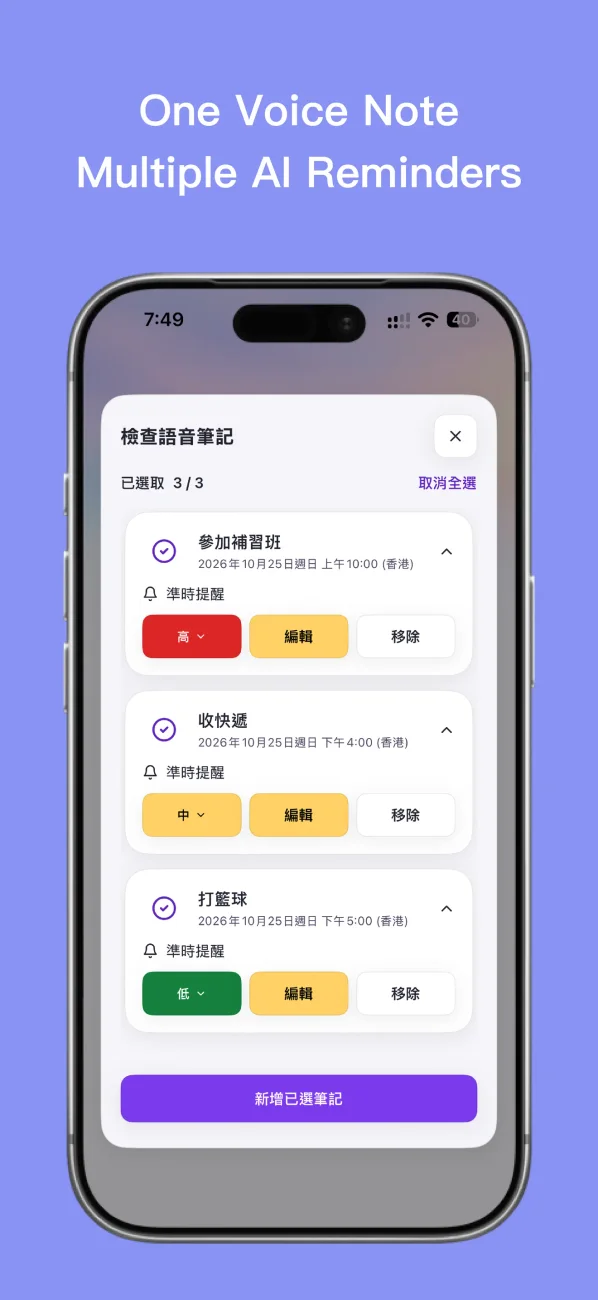
• Create notes with checklists, photos, locations, and priorities
• Set reminders and recurring tasks
• View your notes in a list or calendar and track completed tasks
• Keep notes on your device or enable cloud syncing
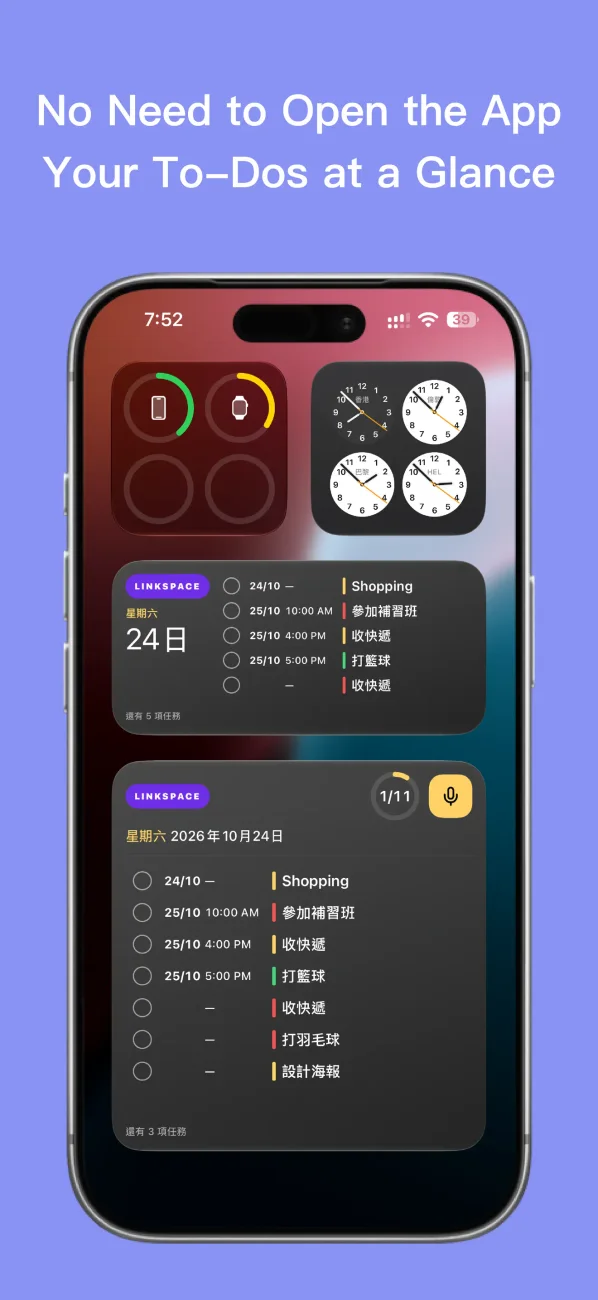
• Use Home Screen widgets to quickly add notes and complete tasks
• See supported reminders on the Lock Screen and Dynamic Island
OPTIONAL AI ASSISTANCE
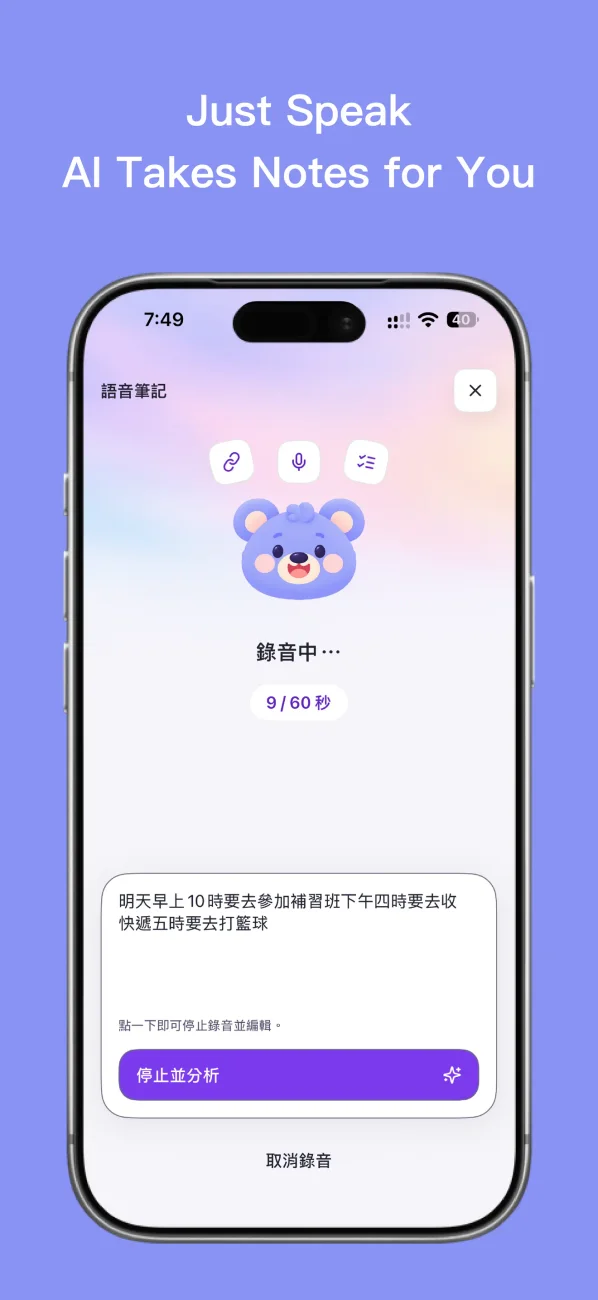
• Turn voice recordings into one or more notes, then review and edit them before saving
• Analyze and organize newly saved links into matching folders
• Create clearer link titles and select relevant icons
• Control optional AI features in Settings
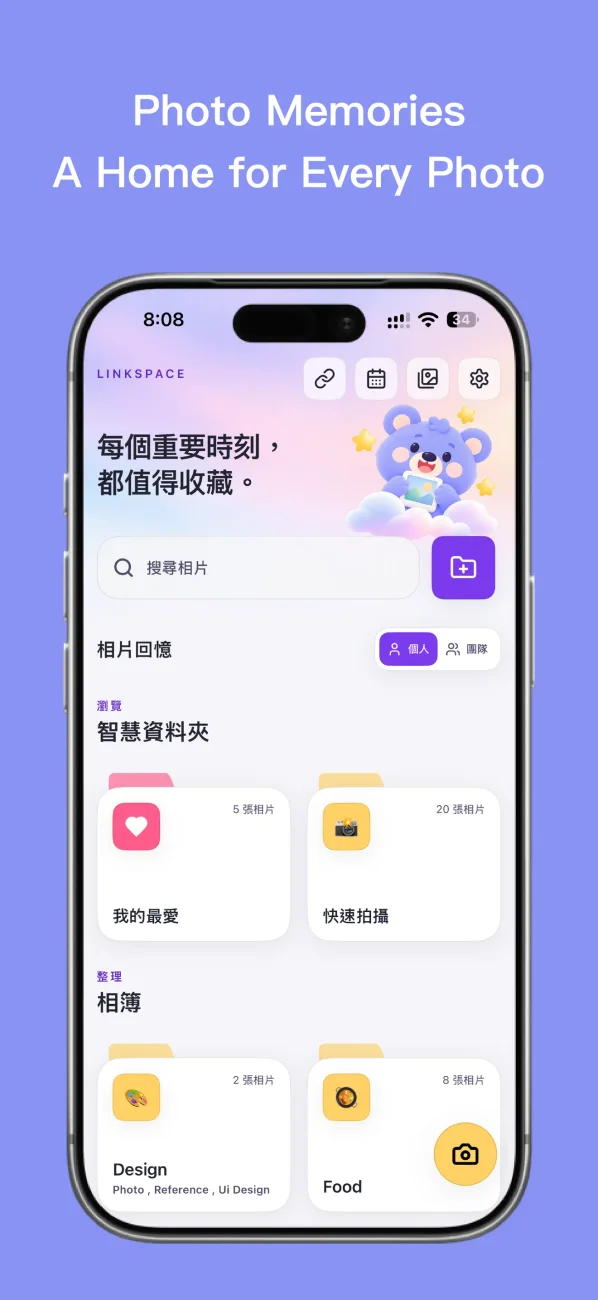
PHOTO MEMORIES
• Capture a Quick Snap or save photos to private albums
• Add descriptions and voice memories to photos
• Pin or favorite photos and share albums with selected teams
• Access synchronized photos from your signed-in devices
• Ultra members can create HD albums that retain original photo files
PERSONAL AND TEAM SPACES
• Keep personal collections separate from shared team content
• Create teams, invite members, and manage roles
• Collaborate on team folders, links, and photo albums
• Allow owners and editors to create and manage team folders
PLANS
Free includes up to 30 new links per day, 300 saved links, 100 shared AI analyses per month—including up to 50 voice-note analyses—1 created team, unlimited joined teams, and 500 MB of Photo Memory storage.
Pro includes unlimited new and saved links, 1,000 shared AI analyses per month, up to 50 created teams, unlimited joined teams, and 3 GB of Photo Memory storage.
Ultra includes unlimited new and saved links, AI analyses with no fixed calendar-month cap, unlimited created and joined teams, 8 GB of Photo Memory storage, and original photo uploads in HD albums. Ultra AI usage is subject to a fair-use limit of 5,000 analyses in any rolling 30-day period.
Link and voice-note analyses share your plan’s AI allowance. Daily and monthly allowances reset according to UTC. Fair-use and short-term rate limits apply.
Monthly and yearly Pro and Ultra subscriptions are available. Prices may vary by storefront and are displayed before purchase.
Payment is charged to your Apple Account when you confirm your purchase. Subscriptions renew automatically unless cancelled at least 24 hours before the end of the current subscription period. Your account will be charged for renewal within 24 hours before the current period ends. You can manage or cancel your subscription in your App Store account settings.
Terms of Use:
https://linkspacestudio.com/terms
Privacy Policy:
https://linkspacestudio.com/privacy
What’s new
Version 3.0 · Oct 24, 2026
What’s new in LinkSpace 3.0:
• A refreshed layout for switching between Links, Schedule & Notes, and Photo Memories.
• Improved calendar, search, and task completion displays.
• Quick Snap inside albums saves new photos directly to the current album.
• Switch between personal and team collections, with controls to show or hide team features.
• New haptic feedback for navigation and key actions, with an on/off switch in Settings.
• Cleaner page headers and clearer favorite icons.
App privacy
What Hing Piu Chan declares on the App Store about how this app handles data.
-
Data linked to you
May be collected and linked to your identity.
- Purchases
- Contact info
- User content
- Identifiers
- Usage data
Privacy practices may vary, for example with the features you use or your age.
Information
- Seller
- Hing Piu Chan
- Category
- Productivity
- Version
- 3.0
- Updated
- Oct 24, 2026
- Released
- Sep 26, 2026
- Size
- 51.8 MB
- Requires
- iOS 18.0 or later
- Age rating
- 4+
- In-app purchases
- Yes
- Languages
- Traditional Chinese, Vietnamese, Indonesian, German, Italian, Japanese, French, Thai, Simplified Chinese, English, Portuguese, Spanish + 1 more
- Copyright
- © 2026 LinkSpace
You might also like
-
 Saves Library: Posts & LinksSearch every save in one place
-
 Stash: Save Posts & Read LaterThreads, X & IG saves, kept
-
 Linkfisher: Bookmark CatcherUltimate cure for link chaos
-
 Bookmarks: Manage & Read LaterFolders, tags & iCloud sync
-
 Tuckii - Save Links & BookmarkRead Later, Private Organizer
-
 ThreadPocket - WebLink ManagerSave social posts & web Links
-
 FamilyCal: Family CalendarShared events & reminders
-
 Chato: Live Voice TranslatorInterpreter for Japan & Travel
-
 DeepSRT MobileAI captions for YouTube
-
 KeepNest: Screenshot OrganizerAI Sorts Your Links & Notes