
- Age rating4+
- CategoryFinance
- DeveloperPavel Gnatyuk
- LanguagesGerman+ 5 more
- Size20.0 MB
Links to the official App Store page
Download.org hosts no file of LiquidReceipt. The button opens its official App Store page, published by Pavel Gnatyuk. Listing last checked on Nov 12, 2026.
Screenshots

About
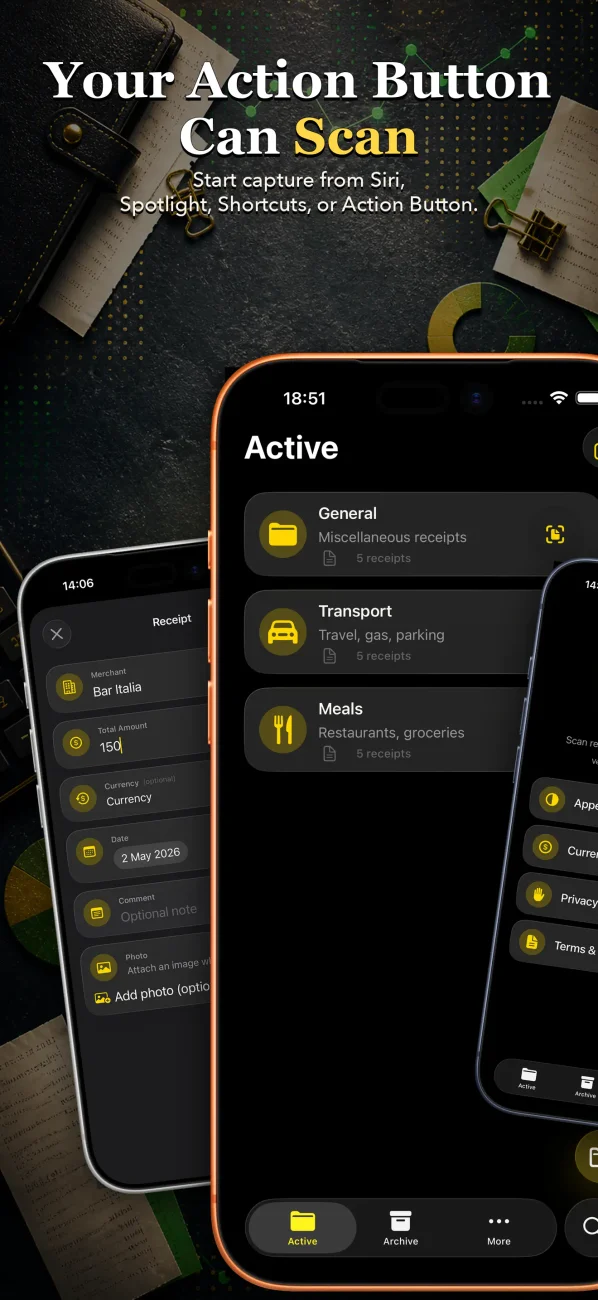
Receipt turns paper receipts into clean, searchable expense records in seconds.
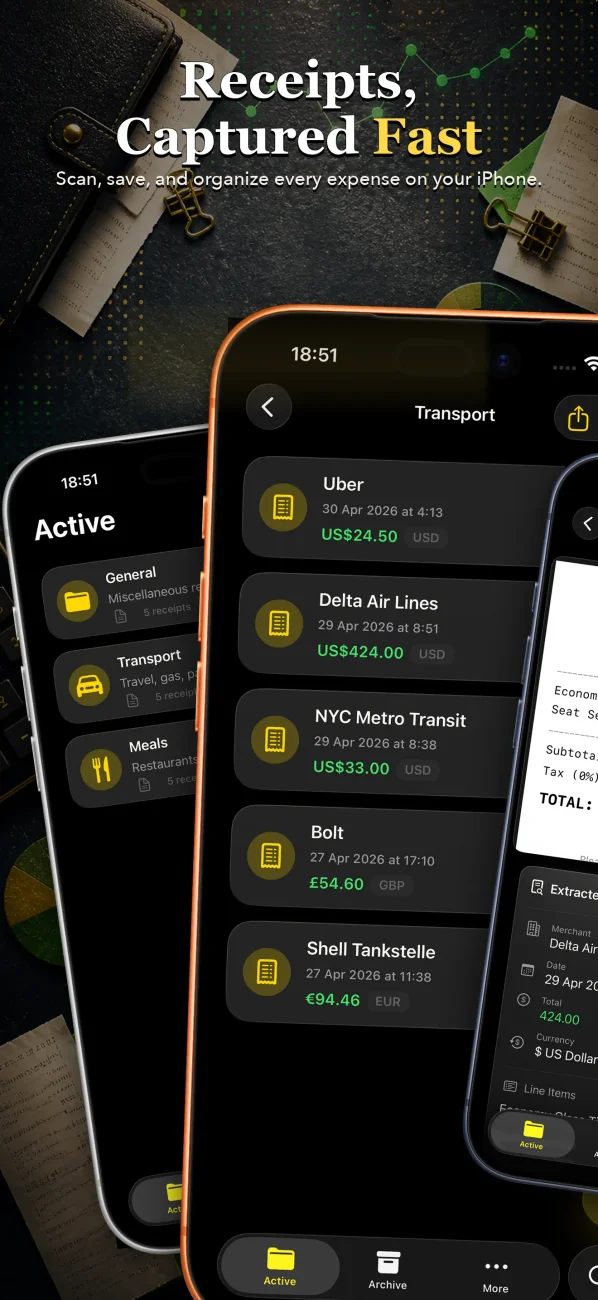
Scan a receipt, and Receipt automatically saves it as a PDF, reads the important details, and organizes everything on your iPhone. It is built for business trips, vacations, reimbursements, freelance expenses, and everyday purchases.
KEY FEATURES
SCAN RECEIPTS TO PDF
Capture paper receipts with your iPhone and keep a digital copy you can open, review, archive, or export later.
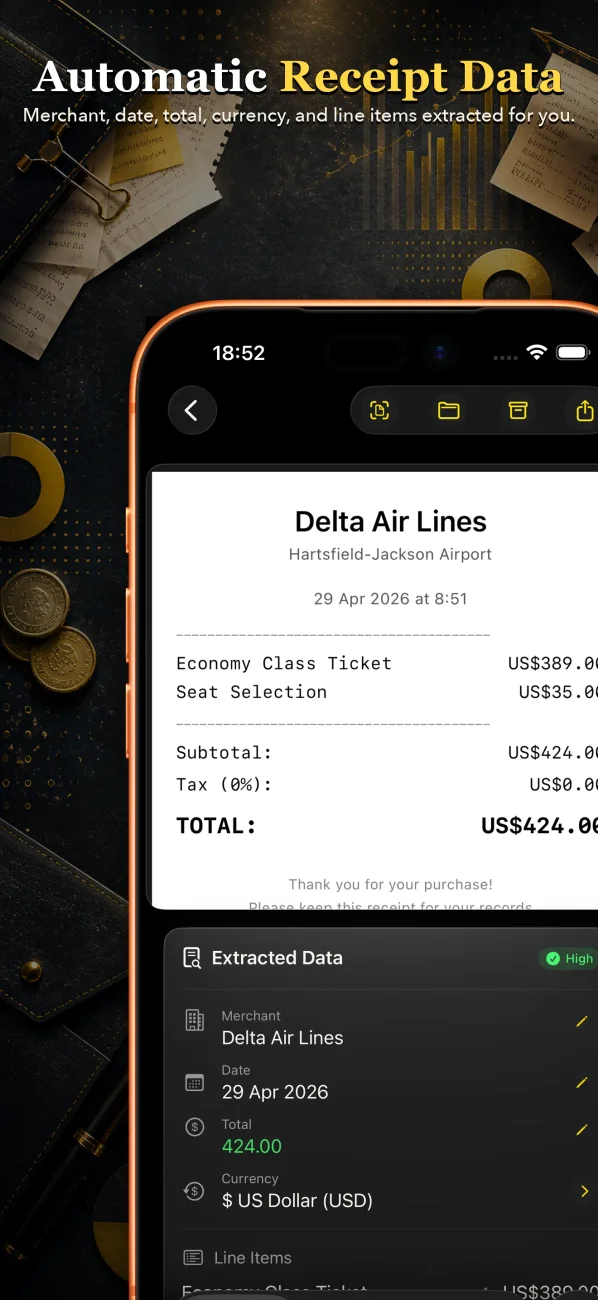
AUTOMATIC DATA EXTRACTION
Receipt reads key details from scanned receipts, including:
- Merchant name
- Transaction date
- Total amount
- Currency
- Line items
- Receipt text
You can review and edit extracted fields whenever needed.
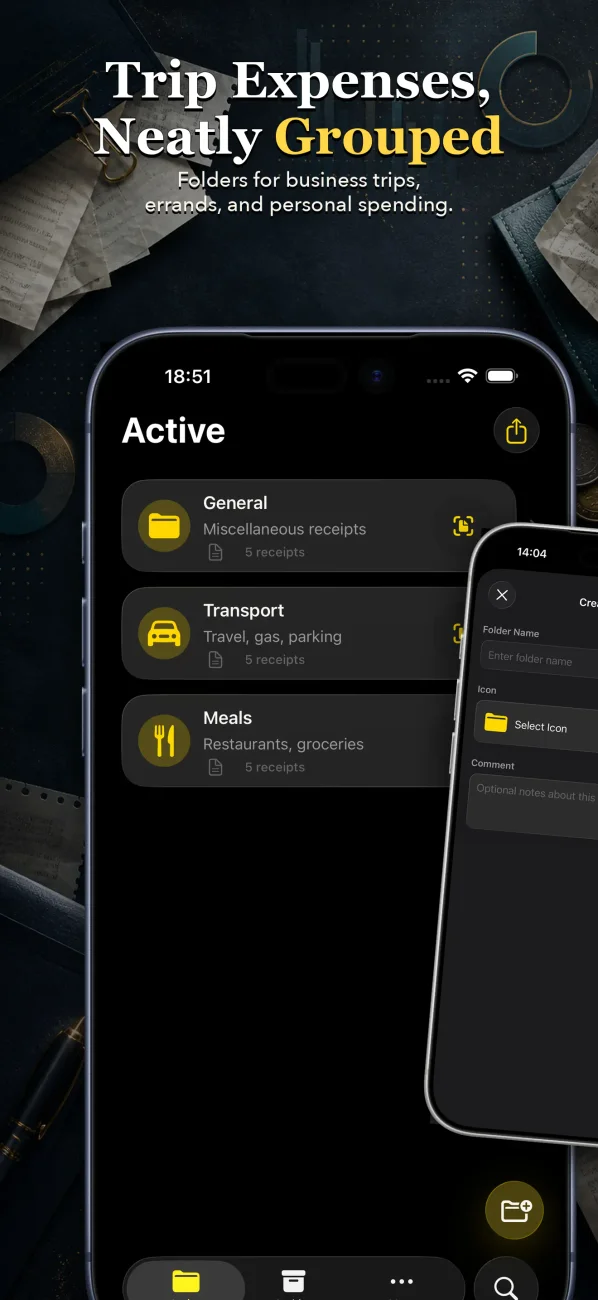
ORGANIZE BY FOLDER
Create folders for trips, projects, clients, errands, or personal spending. Keep work expenses, travel receipts, and daily purchases separate and easy to find.
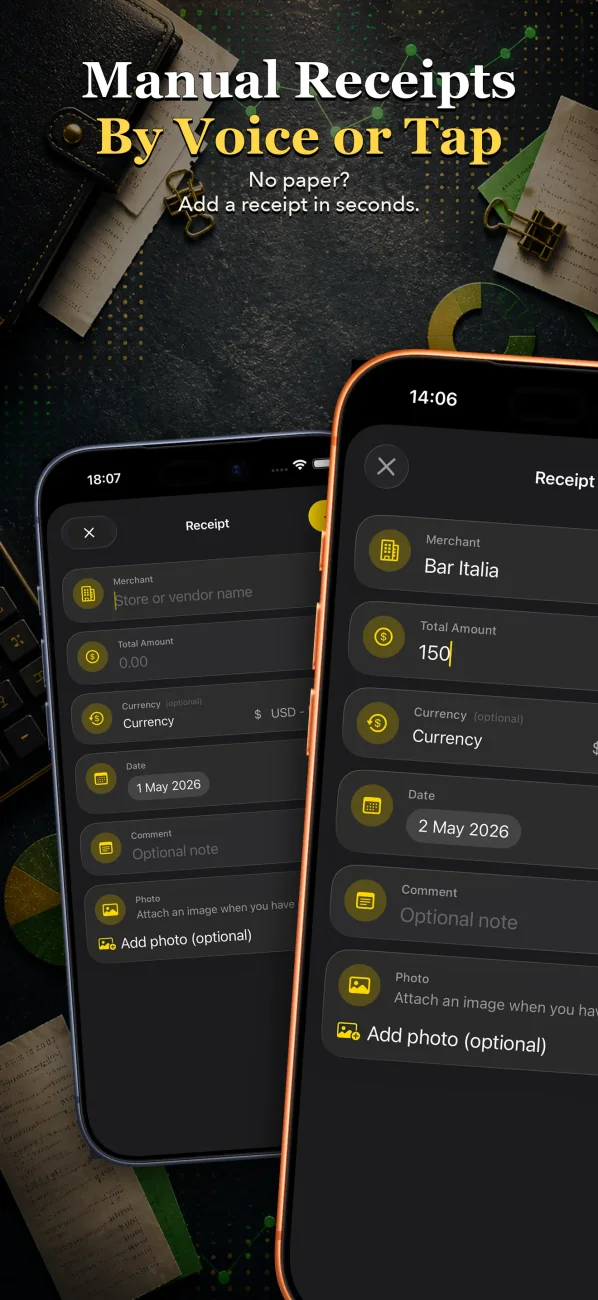
MANUAL RECEIPTS
No paper receipt? Add an expense manually with amount, merchant, currency, date, and notes.
MULTI-CURRENCY SUPPORT
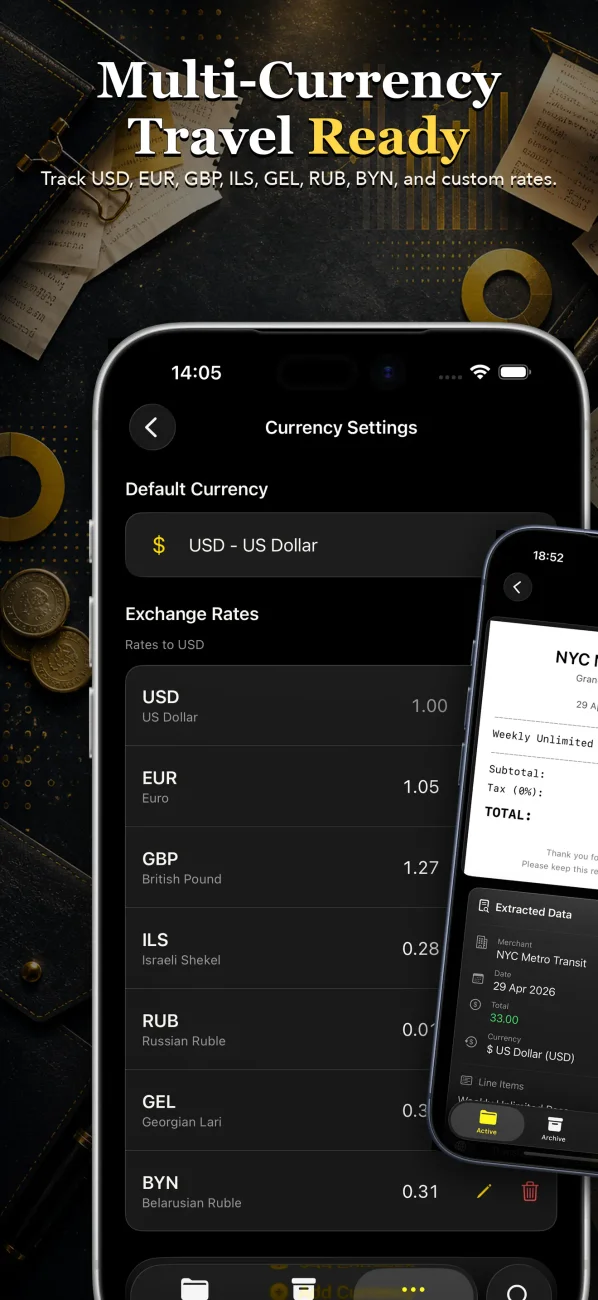
Useful for international travel and cross-border spending. Receipt supports multiple currencies, exchange rates, custom currencies, and currency correction per receipt.
FAST SEARCH
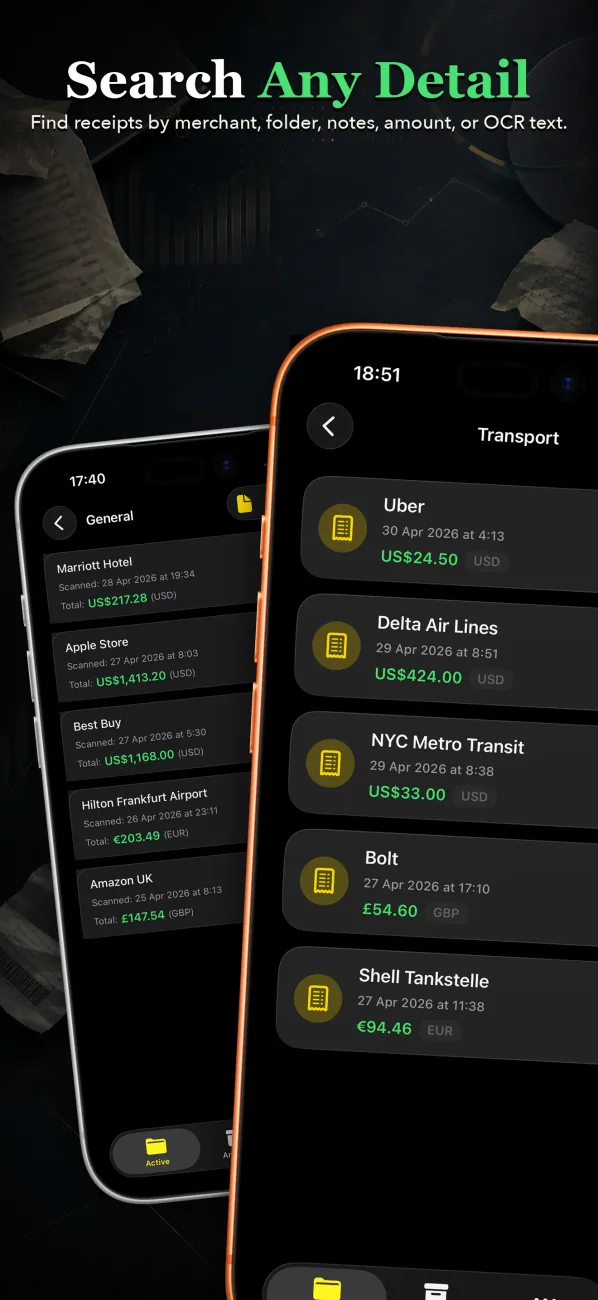
Find receipts by merchant, amount, folder, note, date, or text found inside the receipt.
EXPORT FOR REIMBURSEMENT
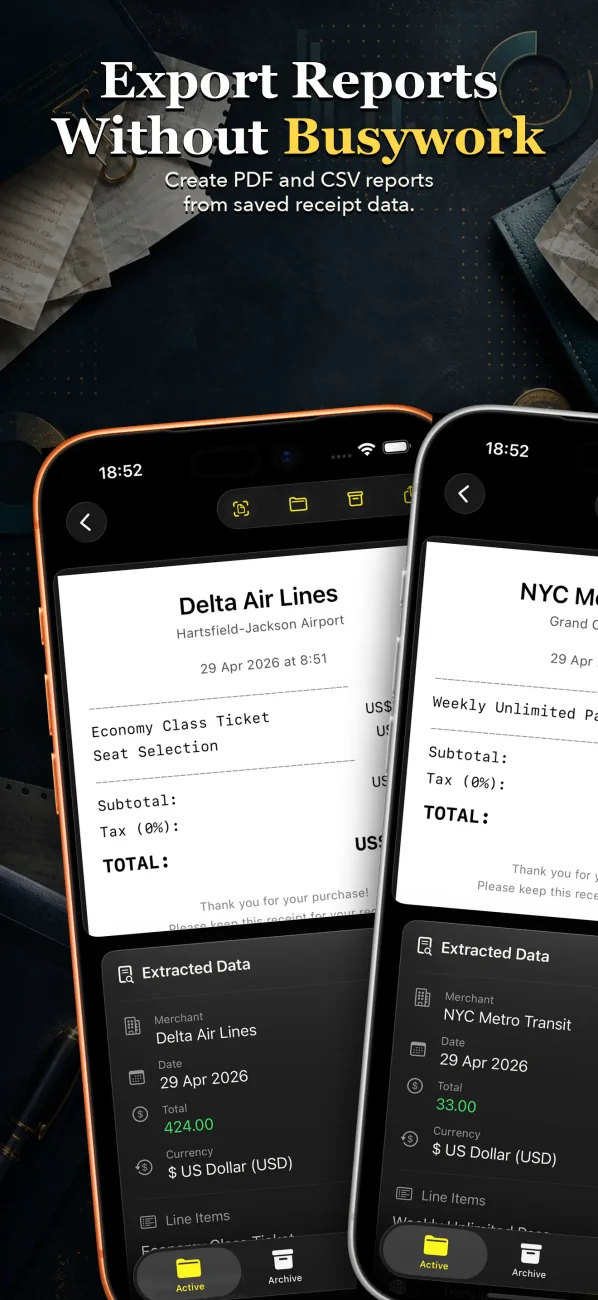
Generate PDF and CSV exports when you need to send receipts to accounting, submit expenses, or keep a personal archive.
IMPORT FROM OTHER APPS
Use the share extension to save receipts from Files, Mail, Safari, Photos, and other apps.
WIDGET AND SHORTCUTS
Start scanning faster from system surfaces like widgets, Shortcuts, Siri, Spotlight, and Action Button where available.
PRIVATE BY DESIGN
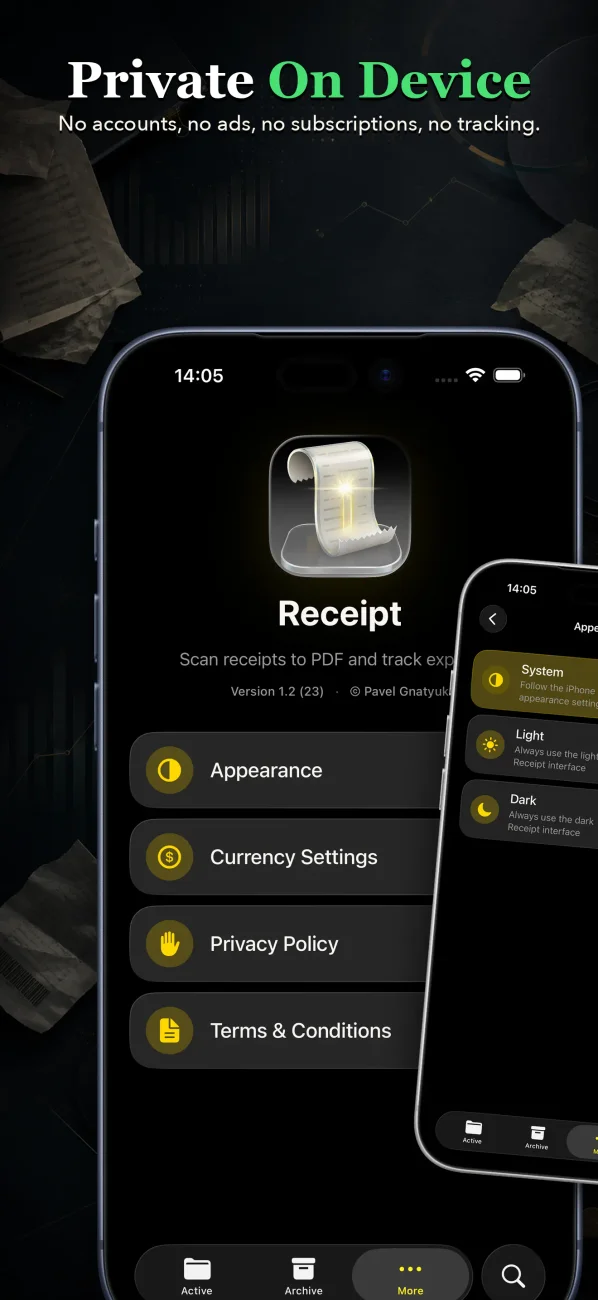
Your receipts contain sensitive financial information. Receipt keeps your data on your device.
- No account required
- No tracking
- No analytics
- No cloud upload
- Works offline
- On-device processing
FREE TO USE
No ads. No subscriptions. No in-app purchases.
Receipt is a focused, private expense tool for anyone who wants to stop losing receipts and keep spending records organized.
What’s new
Version 1.3 · Sep 14, 2026
- Added Siri, Shortcuts, Spotlight, and Action Button support for faster receipt capture.
- Added manual receipts for expenses without a paper receipt.
- Improved receipt search across merchants, notes, folders, amounts, dates, and OCR text.
- Added spending summary support through App Intents.
- Improved Spotlight indexing for active receipts.
- Refined export support so manual receipts are included in reports.
App privacy
What Pavel Gnatyuk declares on the App Store about how this app handles data.
-
Data not collected
The developer does not collect any data from this app.
Privacy practices may vary, for example with the features you use or your age.
Information
- Seller
- Pavel Gnatyuk
- Category
- Finance
- Version
- 1.3
- Updated
- Sep 14, 2026
- Released
- Dec 22, 2025
- Size
- 20.0 MB
- Requires
- iOS 26.0 or later
- Age rating
- 4+
- Languages
- German, English, French, Russian, Spanish, Ukrainian
- Copyright
- © Pavel Gnatyuk
You might also like
-
 Receipt Digitizer: ScannerExpense & Write Off Tracker
-
 Receipt LedgerScan, Sort & Track Receipts
-
 Lowa - Secure AI Expense TrackScan, Track, Analyze Expenses
-
 ReceiptFox: Expense ScannerVAT Expense & Mileage Tracker
-
 ReceiptZero: Receipt ScannerFree Expense & Tax Tracker
-
 Budget DailySimple daily budgeting
-
 Recu: OnDevice Receipt ScannerOn-Device AI receipt scanner
-
 SpendlyGoAI receipt scanner, ERP-ready
-
 iStockfolioSimplify your declarations
-
 Tally: Private Receipt ScannerWarranty & Expense Tracker