Live Recorder: Record Screen
Game Recorder & Live Streaming
Designed for iPhone, iPad, iPod touch
Free · In-app purchases
- Age rating4+
- CategoryUtilities
- DeveloperVERTEC AI SDN. BHD.
- LanguagesEnglish
- Size298.4 MB
Links to the official App Store page
Download.org hosts no file of Live Recorder: Record Screen. The button opens its official App Store page, published by VERTEC AI SDN. BHD. Listing last checked on Nov 27, 2026.
Screenshots
About
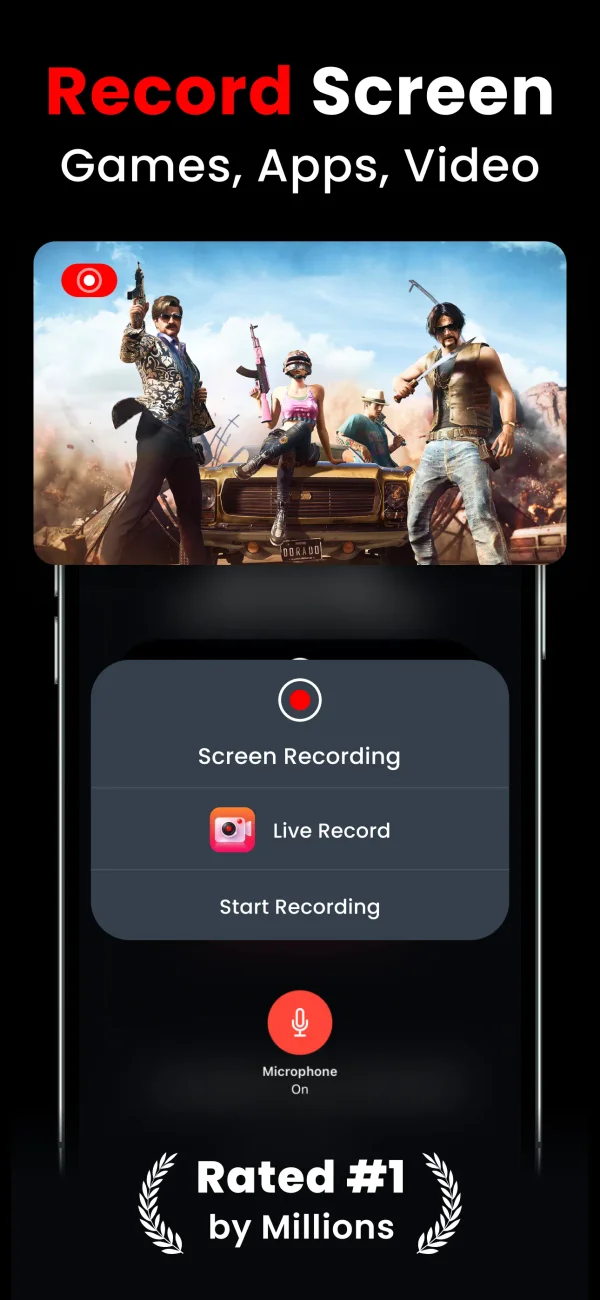
Live Recorder is the all-in-one screen recorder for iPhone and iPad. Record your screen in HD, go live to YouTube, Facebook or Instagram, add your face with FaceCam, and edit your final video — all without leaving the app. One tap to start. No complicated setup.
Designed for gamers, content creators, streamers, and anyone who wants to share their iPhone/iPad screen professionally.
BUILT FOR
- Mobile gamers capturing gameplay highlights and clips
- YouTube creators producing tutorials and walkthroughs
- TikTok and Instagram Reels content creators
- Reaction video creators using FaceCam picture-in-picture
- iPhone and iPad streamers going live to YouTube and Instagram
- Beginners who want a simple, one-tap screen recorder
SCREEN RECORDING
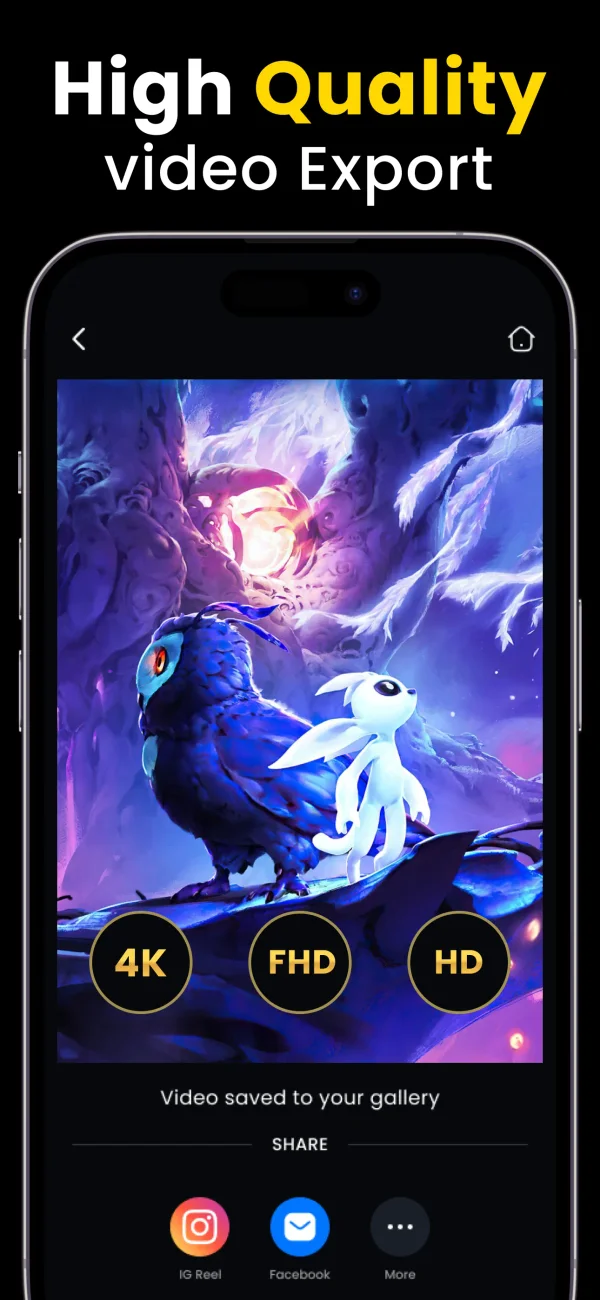
Record any app, game, or screen on your iPhone or iPad in full HD quality. Works across all apps — mobile games, social media, tutorials, walkthroughs, and more. No time limits on premium.
HD LIVE STREAMING
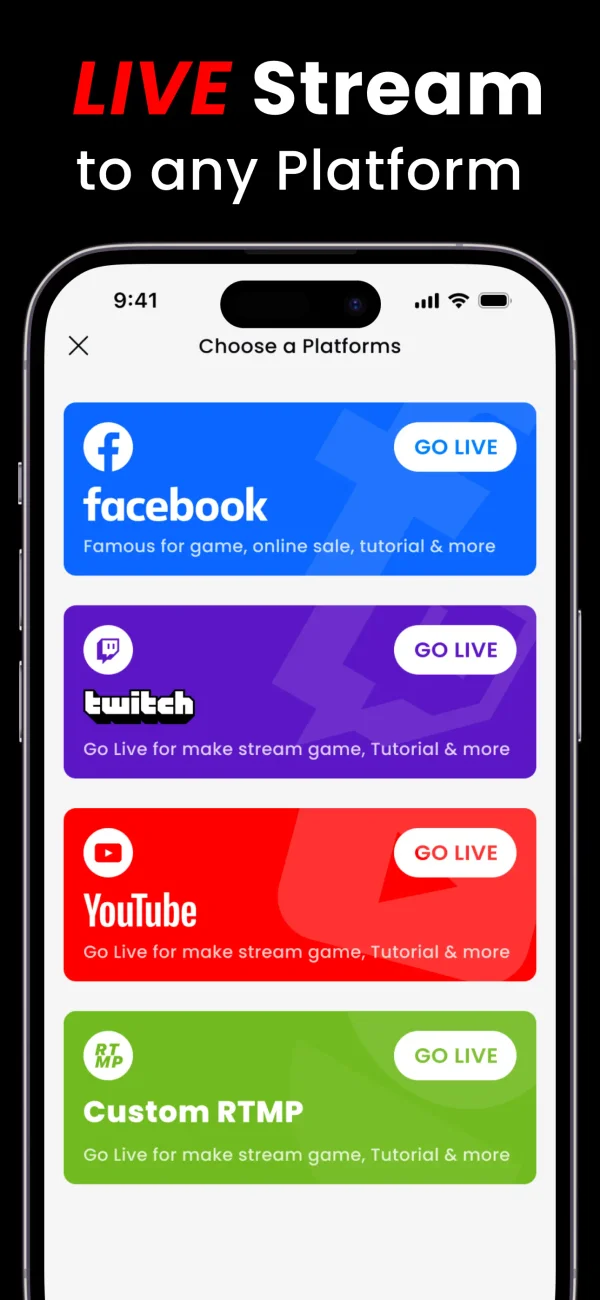
Go live directly from your iPhone to YouTube, Facebook, and Instagram. Stream gameplay, tutorials, or reaction videos to your audience in real time without any third-party streaming software.
FACECAM — PICTURE IN PICTURE
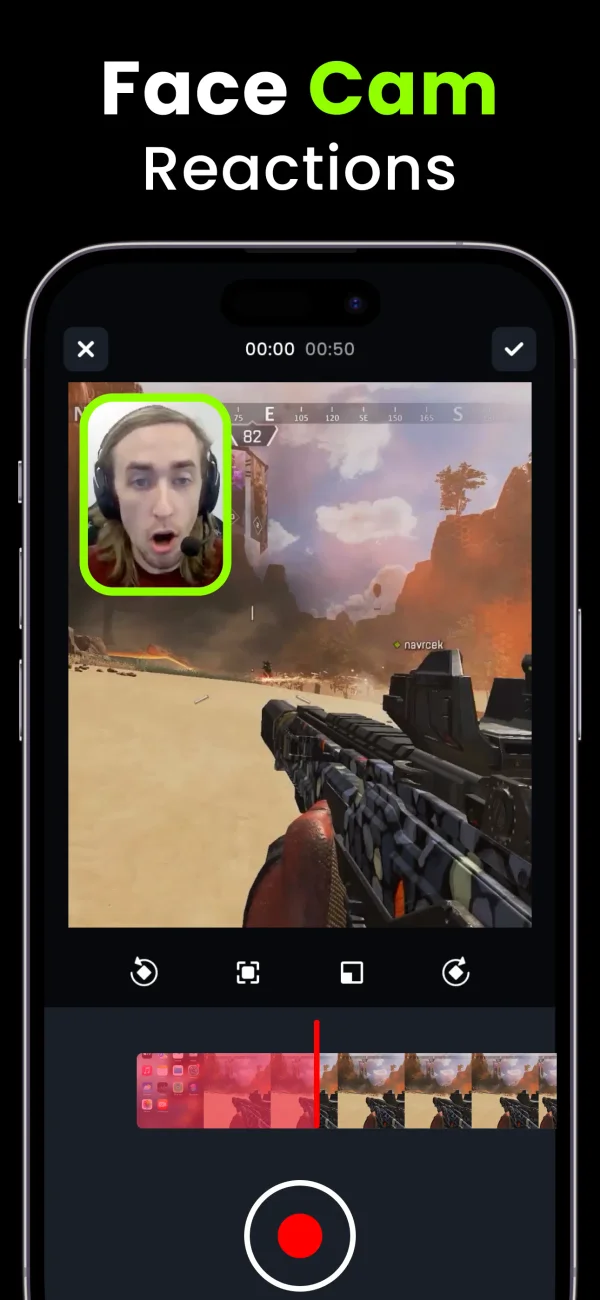
Add your face to any recording or live stream using the built-in FaceCam. Adjust the size, position, and rotation of your FaceCam overlay to create the perfect picture-in-picture layout for your content.
VOICEOVER AND COMMENTARY
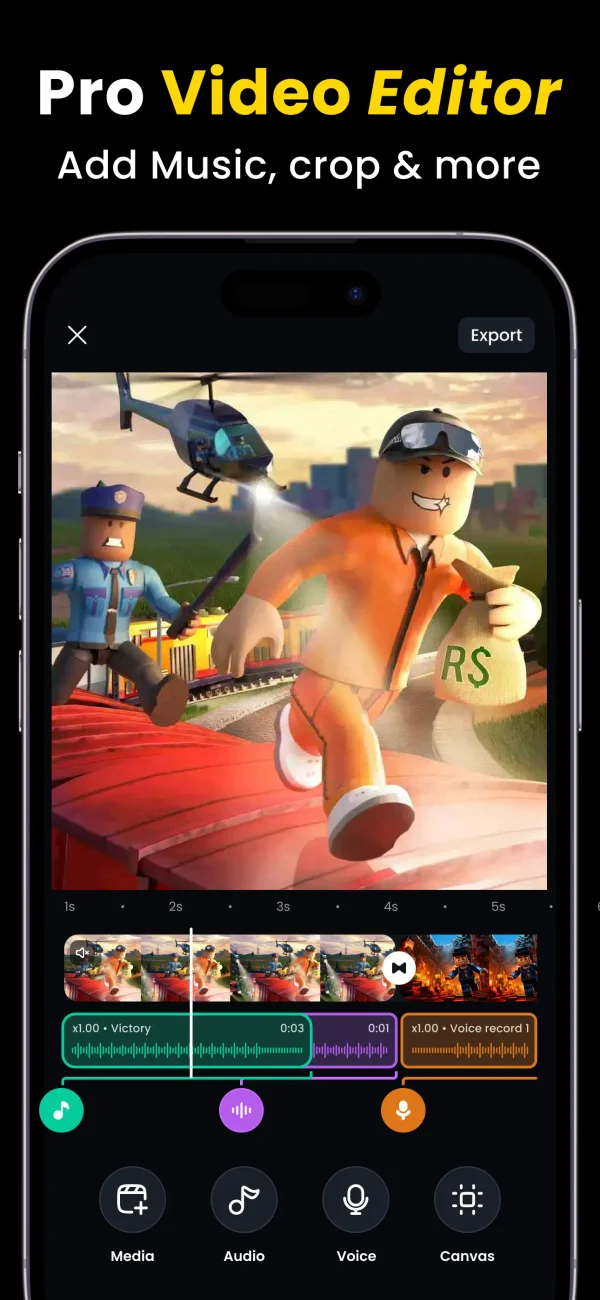
Record your voice directly over your footage inside the app. Ideal for gaming commentary, tutorial narration, and reaction video voiceovers.
BUILT-IN VIDEO EDITOR
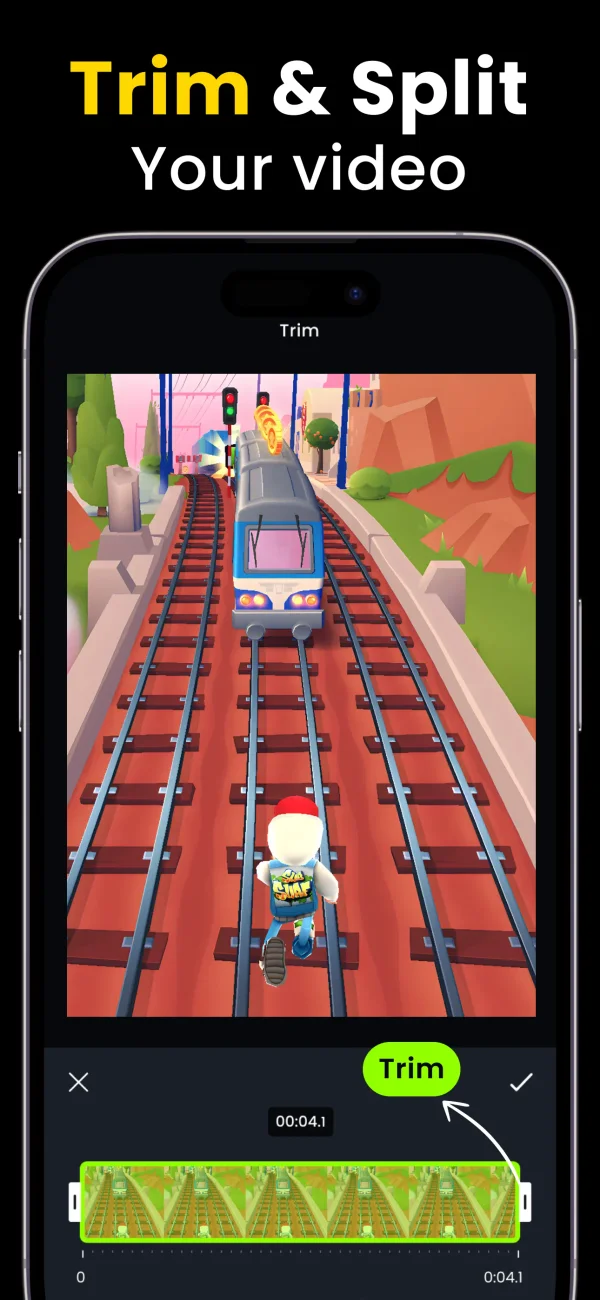
Trim clips, adjust playback speed, apply filters, control volume, rotate footage, split scenes, add background music, and rearrange your video timeline — all inside Live Recorder. No third-party video editor needed.
SAVE DRAFTS
Save any video project as a draft and return to finish editing at any time. Your clips, edits, and settings are preserved exactly as you left them.
WHY LIVE RECORDER
Most iPhone screen recorder apps only record. Live Recorder is one of the few apps that combines HD screen recording, live streaming, FaceCam overlay, voiceover recording, and a full video editor in a single app — removing the need to switch between multiple tools to create and publish content.
SUBSCRIPTION OPTIONS
- Weekly plan: $4.99
- Monthly plan: $7.99 per month
- Annual plan: $49.99 per year
- Remove all ads: $1.99 one-time purchase
Payment is charged to your Apple ID at confirmation of purchase. Subscriptions renew automatically unless cancelled at least 24 hours before the end of the current billing period.
Manage or cancel anytime in iPhone Settings under Subscriptions.
SUPPORT AND FEEDBACK
Live Recorder is updated regularly with new features and improvements based on user feedback. To report a bug or suggest a feature, reach us on Facebook at facebook.com/kingappsstudio
If Live Recorder has helped your content creation, please take a moment to leave a rating on the App Store. Your review helps other creators find the app and helps us keep building.
Privacy Policy: https://sites.google.com/view/kinggamesstudio/privacy-tos/rec-game-privacy-policy
Terms of Use: https://sites.google.com/view/kinggamesstudio/privacy-tos/rec-game-tos
What’s new
Version 3.2.5 · Sep 30, 2026
Thank you for using Live Recorder! This update focuses on a smoother live streaming experience.
* Fixed an orientation issue affecting Live Streaming
* Improved streaming stability across orientations
* General bug fixes and performance improvements
Please keep your app updated to enjoy the latest improvements. As always, we love hearing your feedback — reach us anytime with suggestions or issues!
App privacy
What VERTEC AI SDN. BHD. declares on the App Store about how this app handles data.
-
Data used to track you
May be used to track you across apps and websites owned by other companies.
- Usage data
-
Data not linked to you
May be collected but is not linked to your identity.
- Usage data
Privacy practices may vary, for example with the features you use or your age.
Information
- Seller
- VERTEC AI SDN. BHD.
- Category
- Utilities
- Version
- 3.2.5
- Updated
- Sep 30, 2026
- Released
- Sep 3, 2020
- Size
- 298.4 MB
- Requires
- iOS 15.6 or later
- Age rating
- 4+
- Price
- Free
- In-app purchases
- Yes
- Languages
- English
- Copyright
- © 2023 King Apps Studio
You might also like
-
 Screen Recorder ®Screen Record - Rec Reactions
-
 Screen Recorder: Go RecordFace Cam Reaction Video Editor
-
 Screen Recorder ‑ Record VideoFace Cam, Livestream Recording
-
 Screen Recorder - Go RecordScreen Recorder - Record It
-
 Screen Recorder- Record GameMy phone display recorder app
-
 Screen Recorder Z - LivestreamFace cam, screen recording
-
 Screen Recorder Pro⋆Record Display & Reaction Cam
-
 Screen Recorder for iPhone HDFacecam, Record Video & Stream
-
 Screen Recorder-Video & VoiceFace Cam · Reaction · Audio
-
 Awesome Screen RecorderRecord and share your screen