- Age rating4+
- CategoryPhoto & Video
- DeveloperCanon Inc.
- LanguagesEnglish+ 11 more
- Size148.2 MB
Links to the official App Store page
Download.org hosts no file of Live Switcher Mobile. The button opens its official App Store page, published by Canon Inc. Listing last checked on Nov 18, 2026.
Screenshots


About
Make Your Streams More Engaging.
Live Switcher Mobile is an app that lets you livestream and record video using just your smartphone.
Arrange multiple video sources in a custom layout, add captions and images, and create your own unique streaming layout.
Create professional-looking streams with ease, no computer or specialized equipment required.
[Main Features]
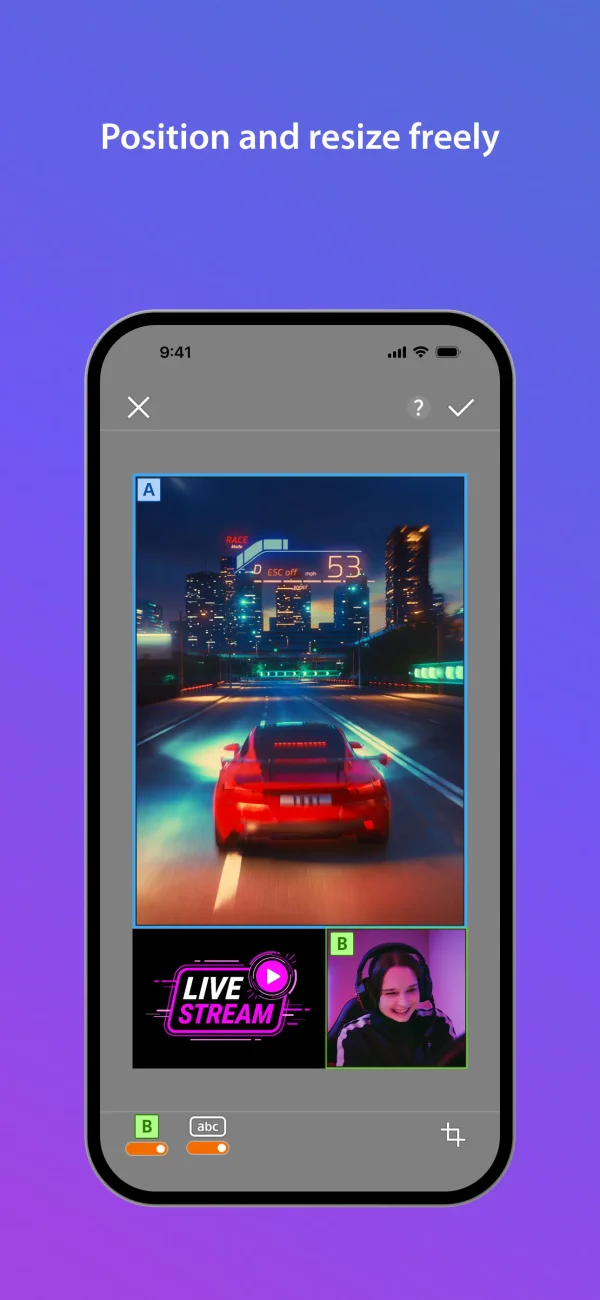
■ Display Two Video Sources on One Screen
Combine gameplay footage and camera video on a single screen.
Create layouts that match your streaming style.
■ Customize Your Layout Freely
Adjust the position, size, and visible area of each video freely.
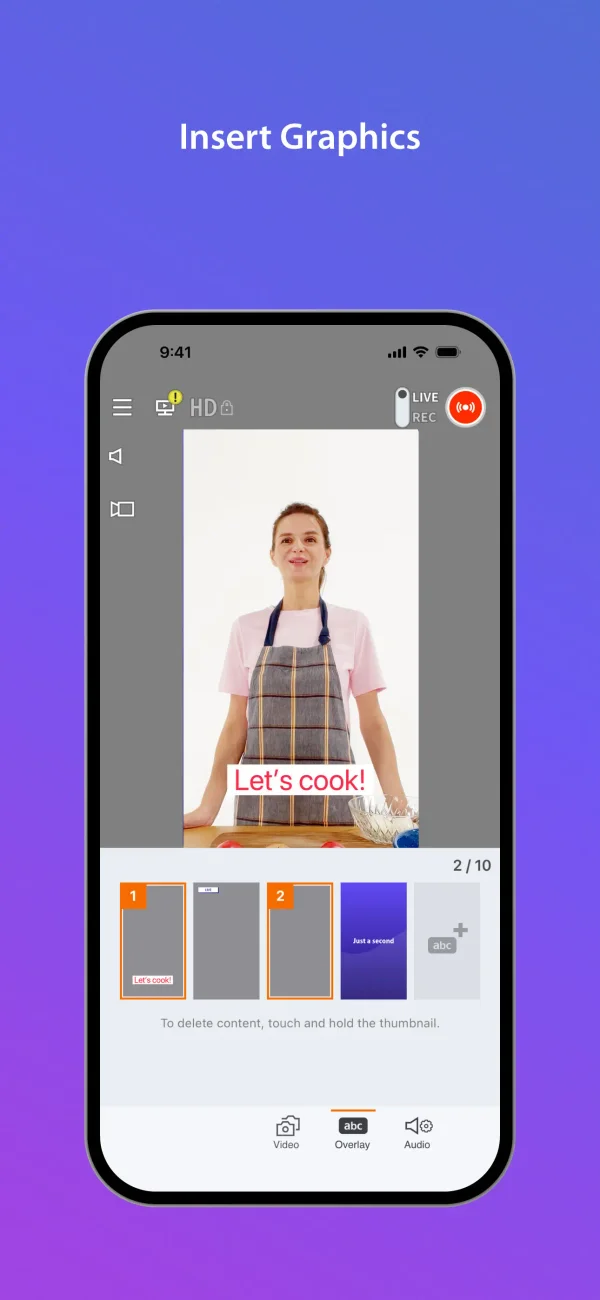
Add captions, images, and videos to create your own unique streaming layout.
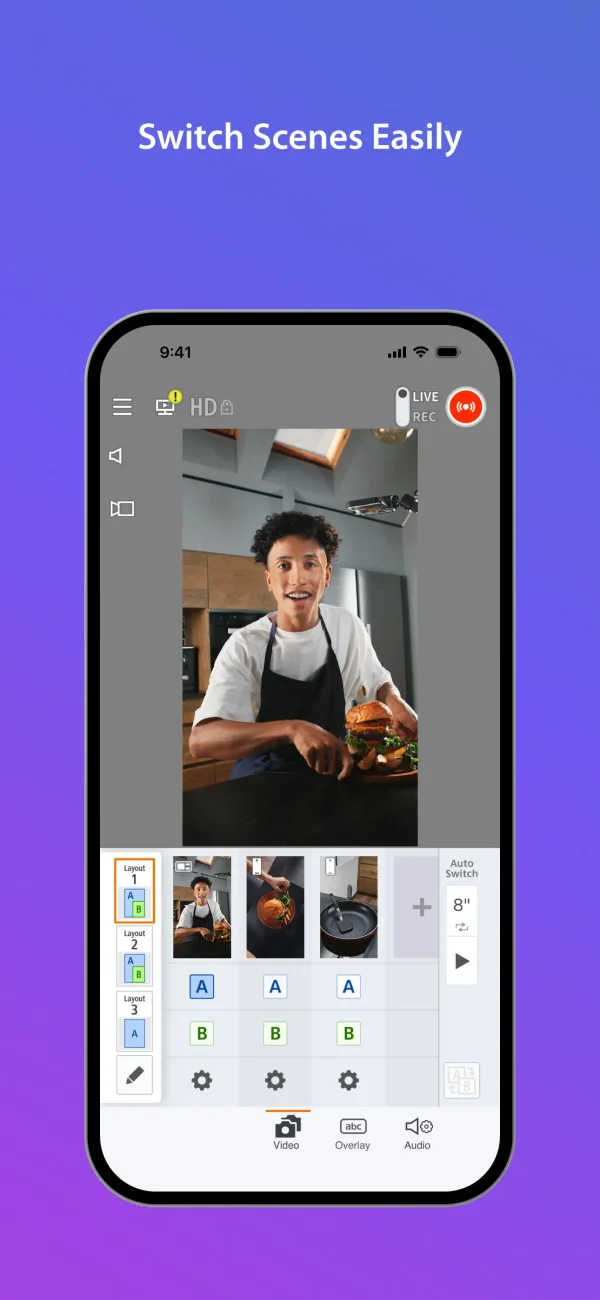
■ Switch Between Multiple Video Sources
Connect multiple smartphones and Canon cameras.
Switch between video sources with a single tap while livestreaming or recording.
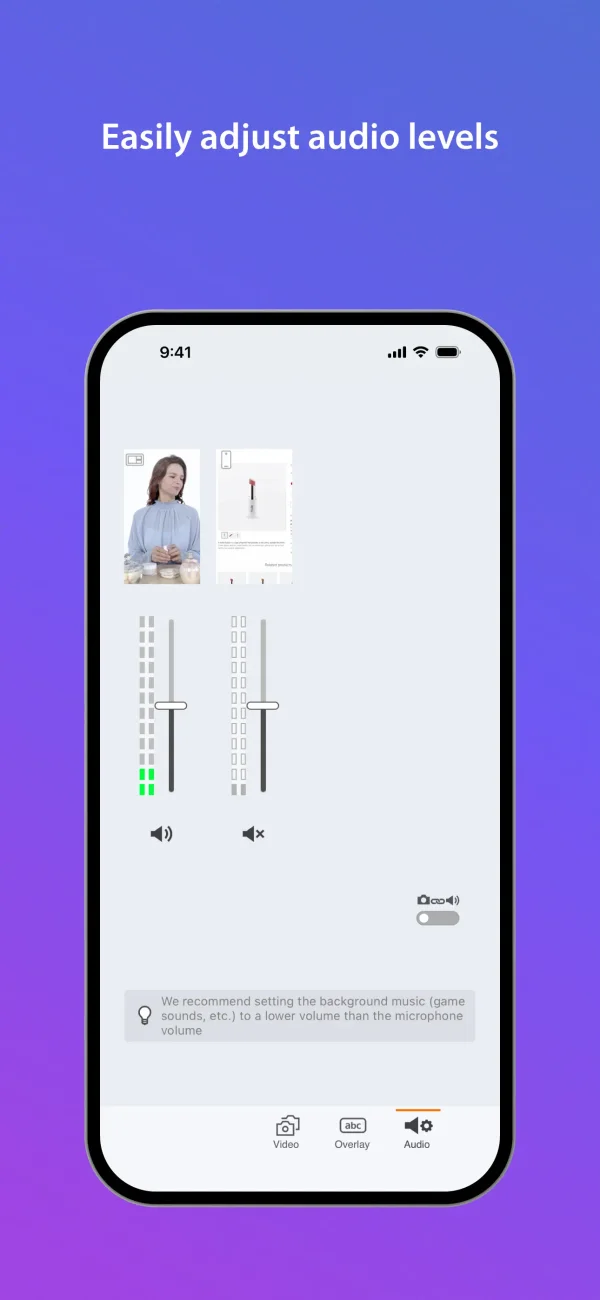
■ Manage Audio in One Place
Adjust the volume of each connected video source individually.
Manage mute and audio on/off settings from a single screen.
[Supported Streaming Services]
YouTube
Facebook
Twitch
RTMP-compatible services
[System Requirements & Supported Devices]
For the latest information on supported operating systems, compatible devices, and supported Canon cameras, please visit:
https://ssw.imaging-saas.canon/app/app.html?app=lsm
[Notes]
- Please install this app on all smartphones you connect.
- When using this app, please ensure that all cameras and smartphones are connected to the same Wi-Fi network.
- This app does not provide live streaming services. When performing live streaming, separate settings for video distribution platforms such as YouTube are required.
- Some functions may not work properly depending on your device and environment.
[Important Information for Your Purchase]
- This app is available for free, but some features require a paid subscription. Please check the purchase screen within the app for details.
- The paid plan is a subscription-based monthly paid service. The service will start immediately after purchasing the subscription.
- Some functions may not work properly depending on your device and environment. Therefore, if you wish to use paid features, please check this app in your environment during the free trial period before registering.
- After the initial registration, the monthly usage fee will be charged to your Apple Account at the end of the one-month free trial period. If you cancel within 24 hours before the end of the free trial period, you will not be charged.
- You can check the next billing date for this service in your App Store account settings.
- Payment will be charged to your Apple Account upon confirmation of purchase. If you do not cancel at least 24 hours before the end of the current period, the subscription will automatically renew and you will continue to be charged. After purchase, you can manage and cancel your subscription in your App Store account settings.
- For residents of Japan: Please check here for the display based on the Act on Specified Commercial Transactions. https://ssw.imaging-saas.canon/app/ja/tokushouhou.html
(*1) YouTube is a registered trademark or trademark of Google LLC. (*2) Facebook is a registered trademark or trademark of Meta Platforms, Inc.
(*2) Facebook is a registered trademark or trademark of Meta Platforms, Inc.
(*3) Twitch is a registered trademark or trademark of Twitch Interactive, Inc.
What’s new
Version 1.5.0 · Sep 13, 2026
■ Flexible Layout Editing
You can now resize, reposition, and crop videos.
■ Easier Audio Management
The new Audio tab lets you manage the volume and mute settings for multiple audio sources in one place.
■ Enhanced Text Overlay Features
With the addition of new fonts, you can create clearer and more eye-catching text overlays.
■ Expanded Free Features
You can now use video layout editing and image/video overlays for free.
App privacy
What Canon Inc. declares on the App Store about how this app handles data.
-
Data used to track you
May be used to track you across apps and websites owned by other companies.
- Purchases
- Identifiers
- Usage data
-
Data not linked to you
May be collected but is not linked to your identity.
- Purchases
- User content
- Identifiers
- Usage data
Privacy practices may vary, for example with the features you use or your age.
Information
- Seller
- Canon Inc.
- Category
- Photo & Video
- Version
- 1.5.0
- Updated
- Sep 13, 2026
- Released
- Jan 19, 2025
- Size
- 148.2 MB
- Requires
- iOS 18.0 or later
- Age rating
- 4+
- Price
- Free
- In-app purchases
- Yes
- Languages
- English, French, German, Italian, Japanese, Korean, Portuguese, Russian, Simplified Chinese, Spanish, Turkish, Ukrainian
- Copyright
- © CANON INC. 2025-2026
You might also like
-
 TopDirector (NDI,SRT,UVC,RTSP)Multicam Switcher, Live Stream
-
 Airmix SoloStream Live Video On The Go!
-
 Omnistream Live Video CreatorOmnistream Live Broadcasting
-
 Switcher: Live Streaming AppMulticam Live Streaming
-
 Obsbot LivePhoto & Video
-
 Cascable Studio: Camera TetherCapture, automate & backup
-
 USB Camera to NDIUVC(USB-C)Monitor, NDI Sending
-
 Larix Broadcaster: Live StreamSRT, NDI, RTMP Live Encoder
-
 Accsoon SEEPhoto & Video
-
 Evoto InstantPhoto & Video