
Switcher: Live Streaming App
Multicam Live Streaming
Designed for iPhone, iPad
Free · In-app purchases
- Age rating4+
- CategoryPhoto & Video
- DeveloperSwitcher Inc.
- LanguagesEnglish+ 2 more
- Size222.0 MB
Links to the official App Store page
Download.org hosts no file of Switcher: Live Streaming App. The button opens its official App Store page, published by Switcher Inc. Listing last checked on Nov 12, 2026.
Screenshots



About
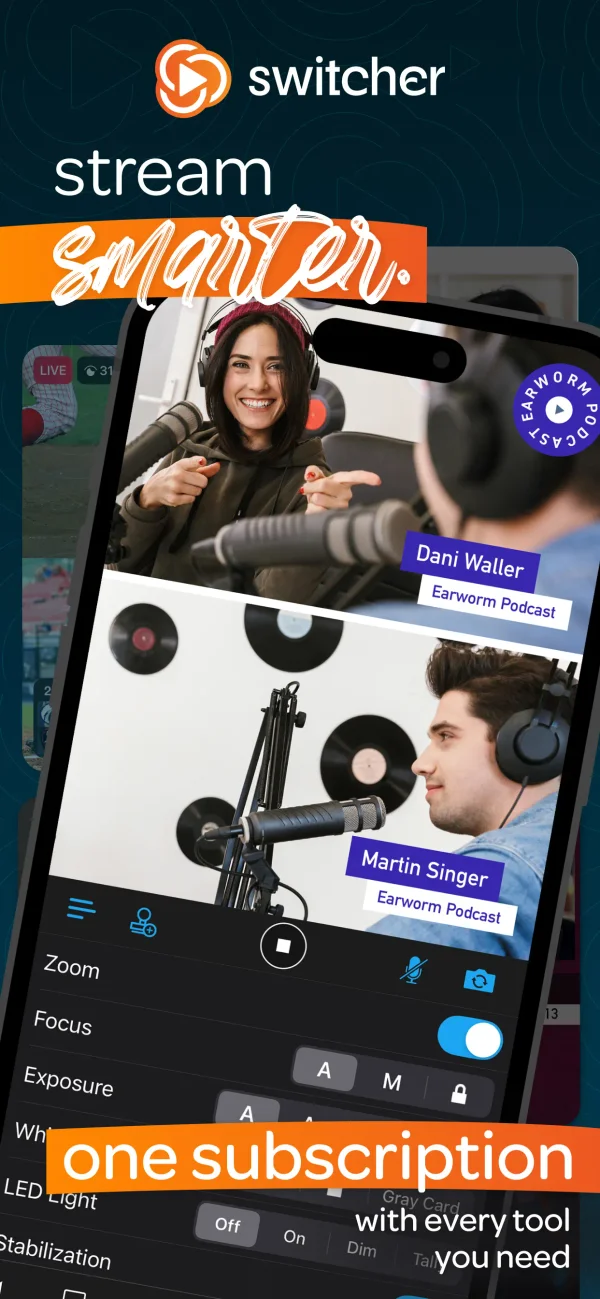
Switcher gives you everything you need to level up your live streaming. Sync your cameras & devices to create a pro-grade multicamera studio in minutes, go live on up to 20 online platforms at once, captivate viewers with multimedia tools, and host, embed, and monetize your content—all from one platform.
▶ “We saw our online giving increase, which allowed us to maintain our church expenses.” — Natalie June | New Greater Love Church
▶ “One or two people can manage a Switcher shoot versus a full 5- to 10-person team.” — Sarah Kelsey | Smart Living
▶ “We can create quality content with Switcher that's on par with content people are making with these several-thousand-dollar setups.” — Alexander Sosa | Life Church
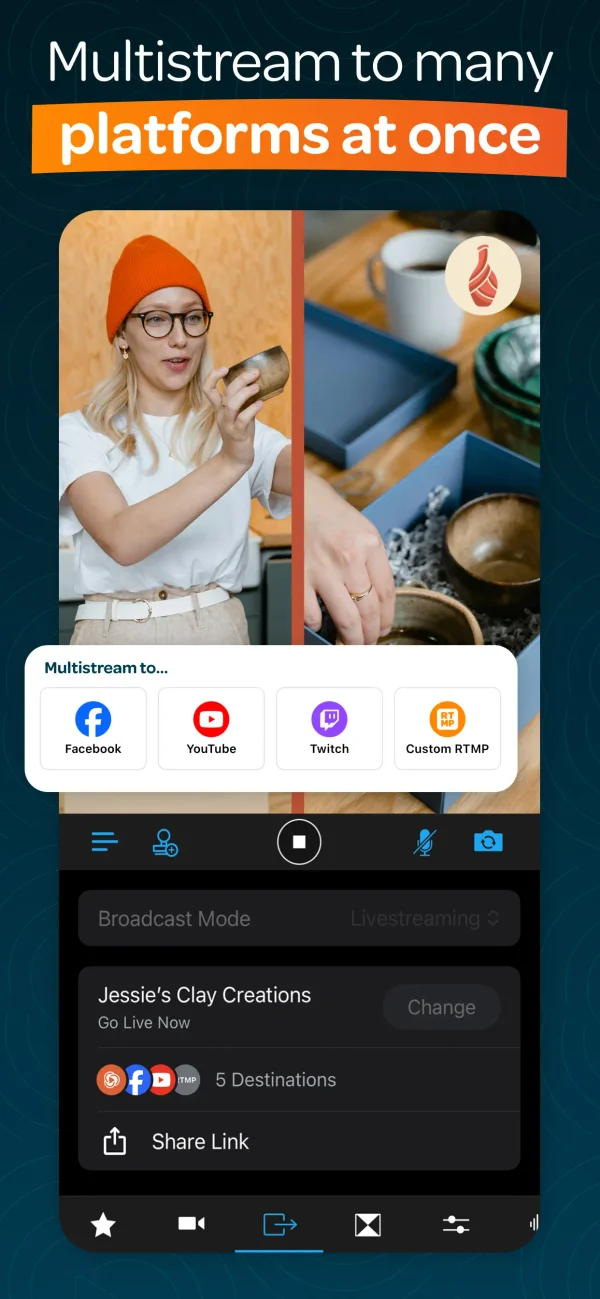
▶ MULTI-STREAM LIVE TO EVERY PLATFORM AT ONCE
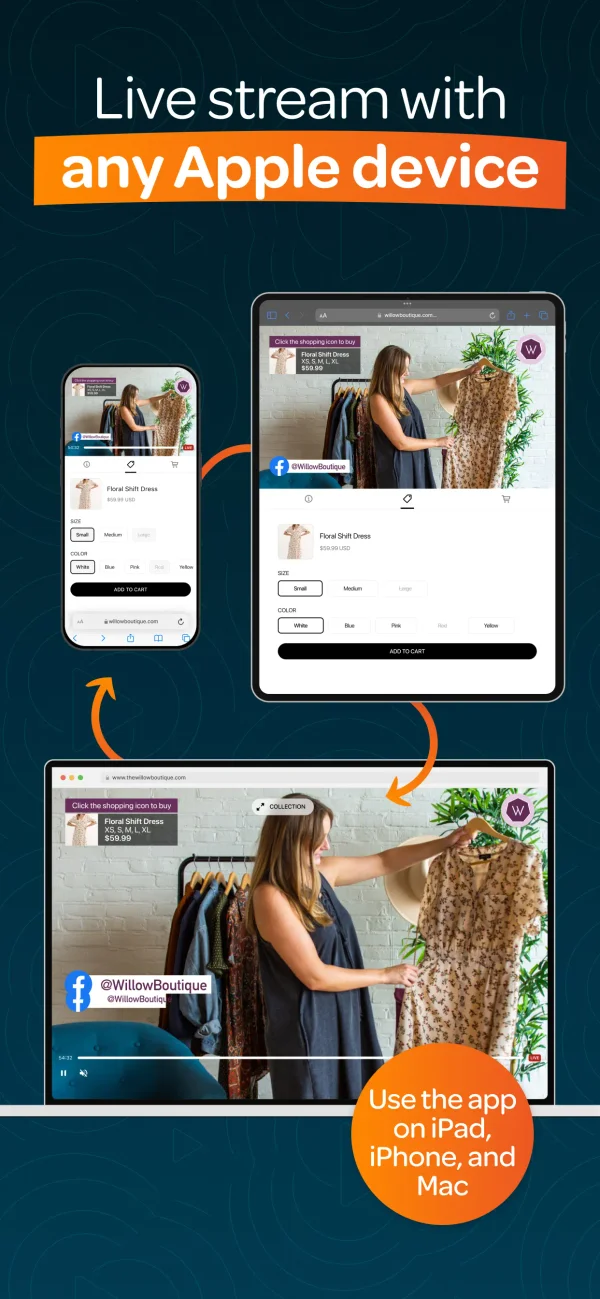
– Go live on FB, YT, Insta, & more—at once
– Live stream on your website & in private online groups
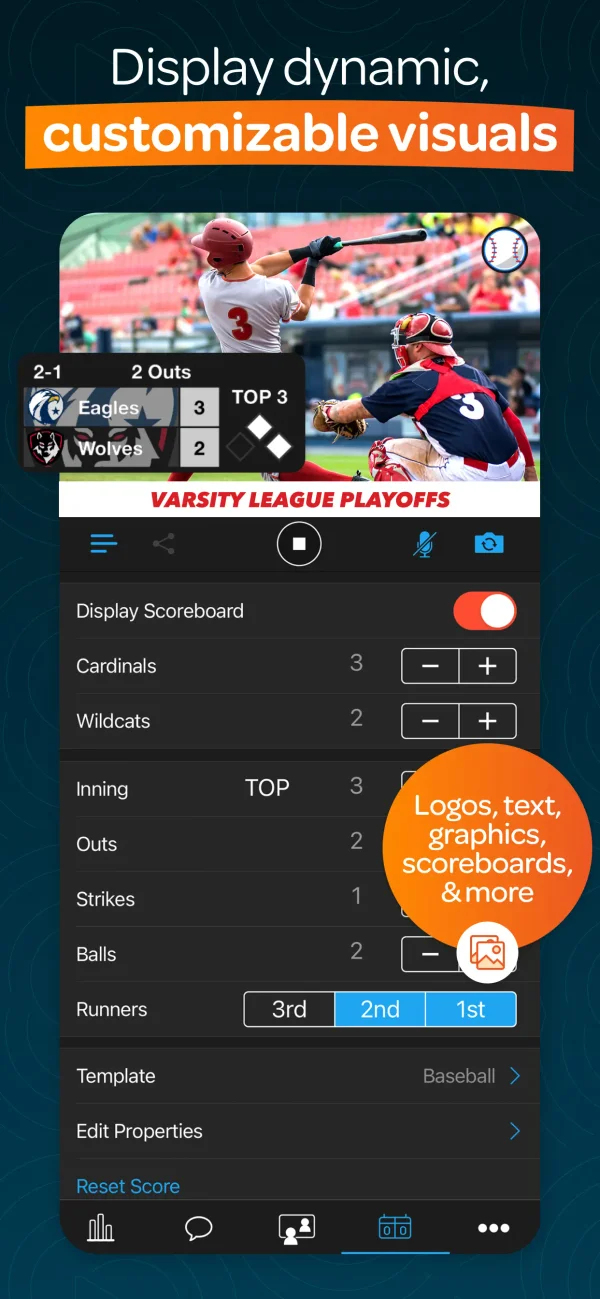
– Display live comments, slides, polls, scoreboards, & more
– Invite up to five remote guests or collaborators to join your streams
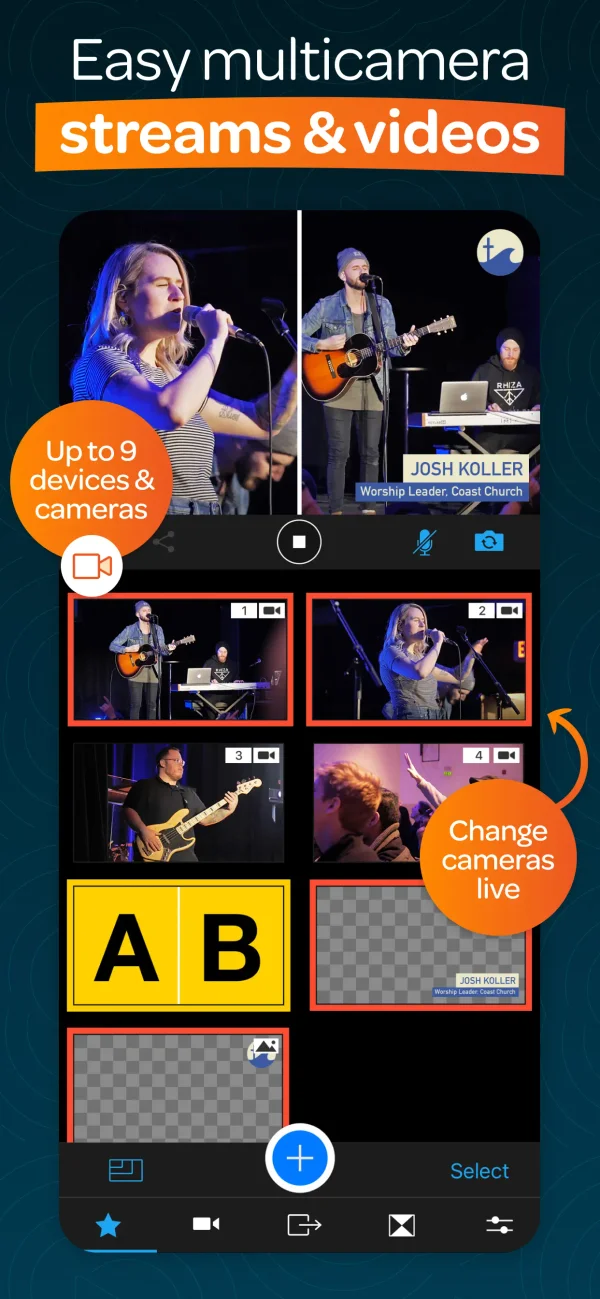
▶ CREATE MULTI-CAMERA VIDEOS & STREAMS EFFORTLESSLY
– Use your Mac, iPad, or iPhone as your main camera-switching device
– Connect up to 9 other camera sources, including iPhones, iPads, Androids, webcams, HDMI cameras (via an Accsoon Seemo adapter), and compatible NDI cameras
– Switch between angles & edit your streams in real-time
– Use the Auto-Switching tool to automatically rotate between angles
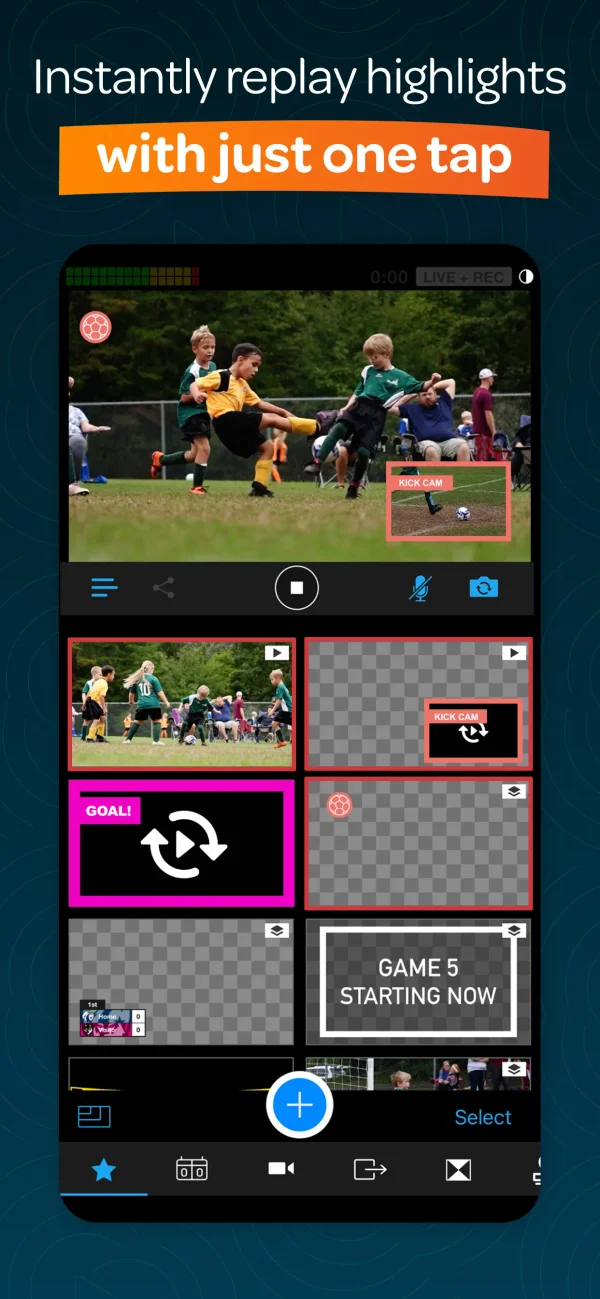
– Use Instant Replay to re-air the last 10, 20, or 30 seconds of your stream
– Display logos, graphics, text, photos, pre-recorded video, & more in real-time
– Use your graphics or customize pre-made templates
– Share multiple camera angles at once with split-screen, picture-in-picture, & grid layouts
– Share your screen & webcam at the same time
– Create multi-camera video clips in seconds & share them directly to social platforms
– Use the ChromaKey/green screen tool to replace backgrounds with custom images or videos
▶ EMBED VIDEOS & STREAMS ANYWHERE
– Transform your website with video players, playlists, & Netflix-style video catalogs
– Host ad-free, branded video content—no competitor recommendations
– Brand your videos & player with your logo, colors, & graphics
– No website? Create a customized Netflix-style video watch page
– Track your growth with built-in video analytics
▶ COLLECT DONATIONS & EARN WHAT YOU DESERVE
– Collect donations directly in your streams via Tithe.ly, PayPal, or Givelify
– Sell tickets to special events or access to exclusive content
– Offer content subscriptions for ongoing support
– Add call-to-action links for giving, sign-ups, or volunteer opportunities
– Sell merch or digital resources with Shopify integration
– Earn what you deserve when you get paid directly by your supporters
▶ GET HANDS ON SUPPORT FROM FRIENDLY EXPERTS
– Reach a real person on our US-based support team, effortlessly
– Get one-on-one setup support to hit the ground running
– Use our help center to find answers to your questions fast
▶ “We quickly realized the ease of using—& teaching others to use—Switcher for our church services & other events.” — Cherilyn Uthe | Faith Productions
▶ “I saw a 10% increase in subscribers almost immediately after I started using Switcher.” — Jon McLeod | Video Producer
▶ “I can count on Switcher—I contact the support team & I’m answered in a day." — Stephanie Reilly | Surprise Lily Boutique
In-app purchases:
▶ STUDIO SUBSCRIPTION
Includes the Mac & iOS apps for multi-camera production, multi-streaming, & social media clip creation & publishing.
▶ SUITE SUBSCRIPTION
Includes the Mac & iOS apps, PLUS browser-based features to host, embed, manage, & monetize your videos & streams.
Learn more @ switcherstudio.com
Have questions? Drop us a line! support@switcherstudio.com
Privacy Policy: switcherstudio.com/privacy-policy
Terms of Use: switcherstudio.com/terms-of-use
Compatible Devices: switcherstudio.com/compatible-devices
What’s new
Version 13.21.3 · Nov 3, 2026
Bug fixes and stability improvements
App privacy
What Switcher Inc. declares on the App Store about how this app handles data.
-
Data used to track you
May be used to track you across apps and websites owned by other companies.
- Identifiers
- Usage data
-
Data linked to you
May be collected and linked to your identity.
- Contact info
- User content
- Identifiers
- Usage data
- Diagnostics
Privacy practices may vary, for example with the features you use or your age.
Information
- Seller
- Switcher Inc.
- Category
- Photo & Video
- Version
- 13.21.3
- Updated
- Nov 3, 2026
- Released
- Sep 25, 2014
- Size
- 222.0 MB
- Requires
- iOS 18.0 or later
- Age rating
- 4+
- Price
- Free
- In-app purchases
- Yes
- Languages
- English, French, Spanish
- Copyright
- Copyright © 2012-2022 Switcher Inc.
You might also like
-
 CameraFi LiveRecording & Live Streaming
-
 Live Now - Live StreamScoreboard & Screen Recorder
-
 Larix Broadcaster: Live StreamSRT, NDI, RTMP Live Encoder
-
 Mevo StudioPhoto & Video
-
 TopDirector (NDI,SRT,UVC,RTSP)Multicam Switcher, Live Stream
-
 Airmix SoloStream Live Video On The Go!
-
 StreamYard GuestJoin a studio as a guest
-
 StreamChamp: Streaming AppStream Games on TW, YT, FB
-
 Accsoon SEEPhoto & Video
-
 VDO.NinjaVideo capture for VDO.Ninja