
Live Wallpaper: ScreenMotion
Video to Live Photo Maker
Designed for iPhone, iPad
Free · In-app purchases
- Age rating4+
- CategoryPhoto & Video
- DeveloperAlparslan Koprulu
- LanguagesEnglish+ 21 more
- Size99.8 MB
Links to the official App Store page
Download.org hosts no file of Live Wallpaper: ScreenMotion. The button opens its official App Store page, published by Alparslan Koprulu. Listing last checked on Nov 23, 2026.
Screenshots

About
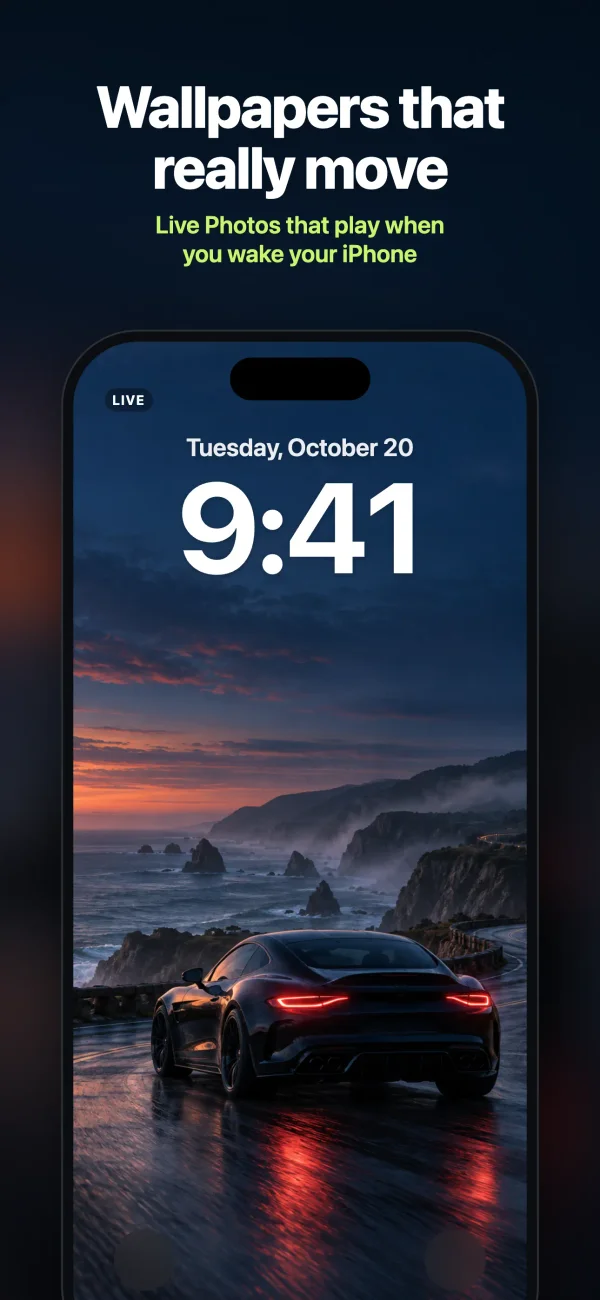
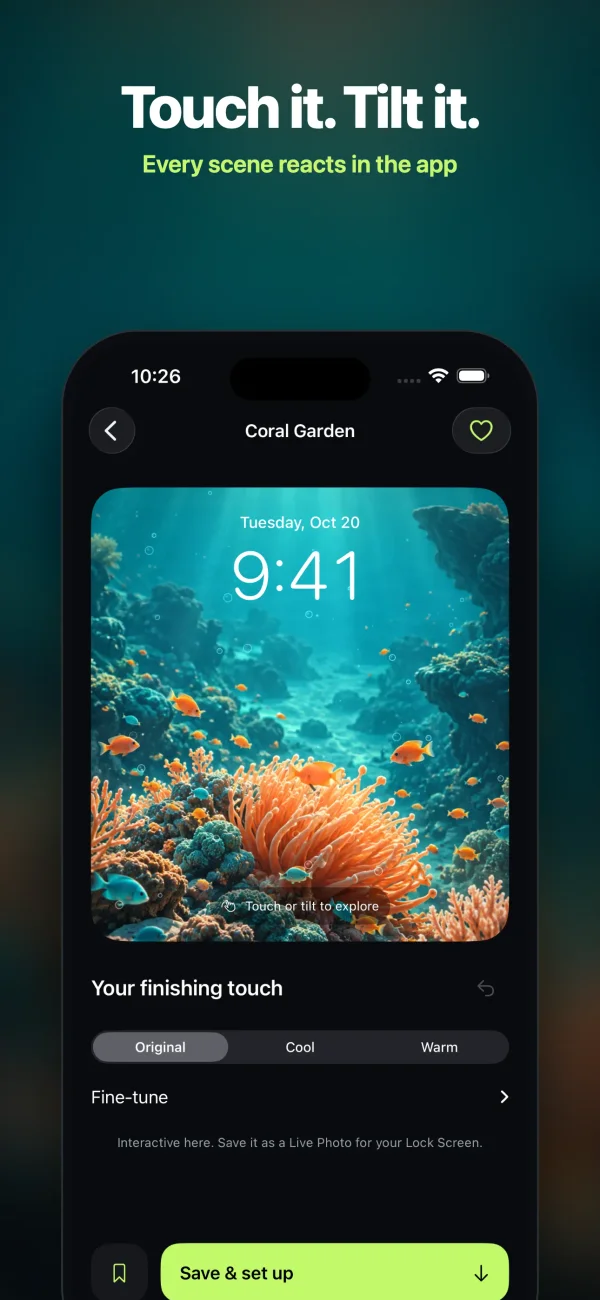
Wallpapers that actually move. Every ScreenMotion scene is a living loop: rain falls, jellyfish drift, headlights glow. Save it as a Live Photo and it plays when you wake your iPhone.
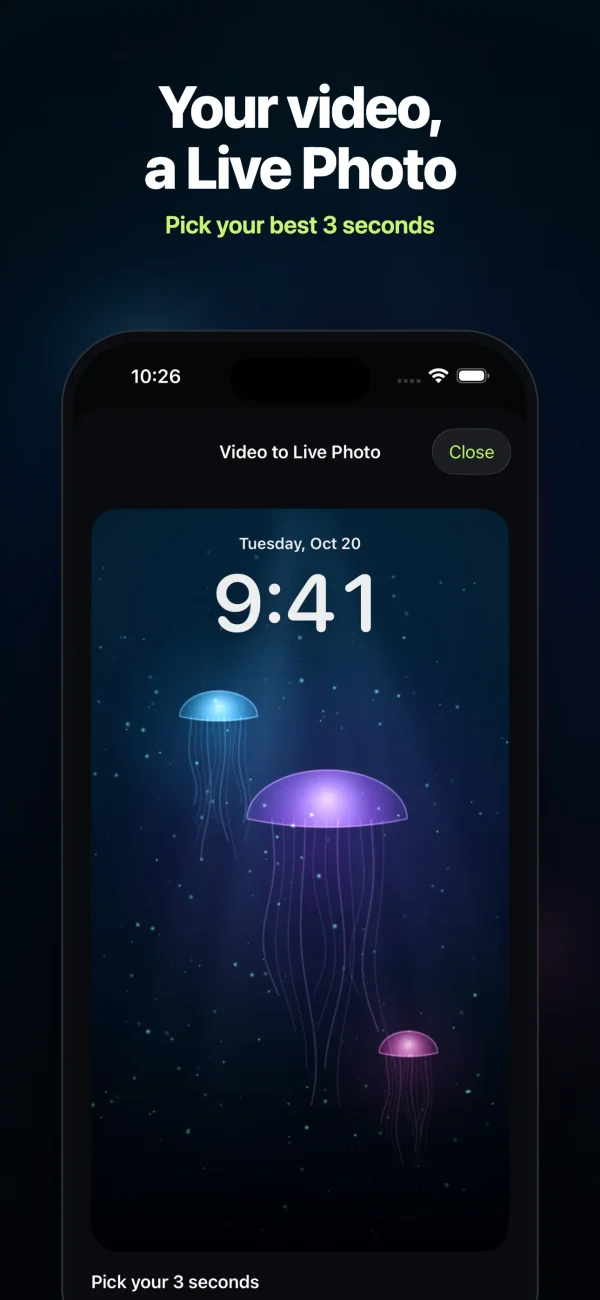
Turn your own video into a Live Photo wallpaper. Pick the best 3 seconds, save to Photos, and set it as your Lock Screen.
WHAT YOU GET
• 36 moving scenes: cinematic loops and playful pixel worlds, from midnight drives and glowing reefs to deep space.
• Your video to Live Photo: choose a clip or record one. Your first 2 videos are free.
• Widgets that react: tap a ScreenMotion widget on your Home Screen and the scene answers with headlight flares, bubbles, shooting stars, or fireflies as it moves from day to dusk to night.
• Tilt on iOS 26: save a still and turn on Spatial Scene, and your Lock Screen shifts as you tilt your iPhone. ScreenMotion shows you every step.
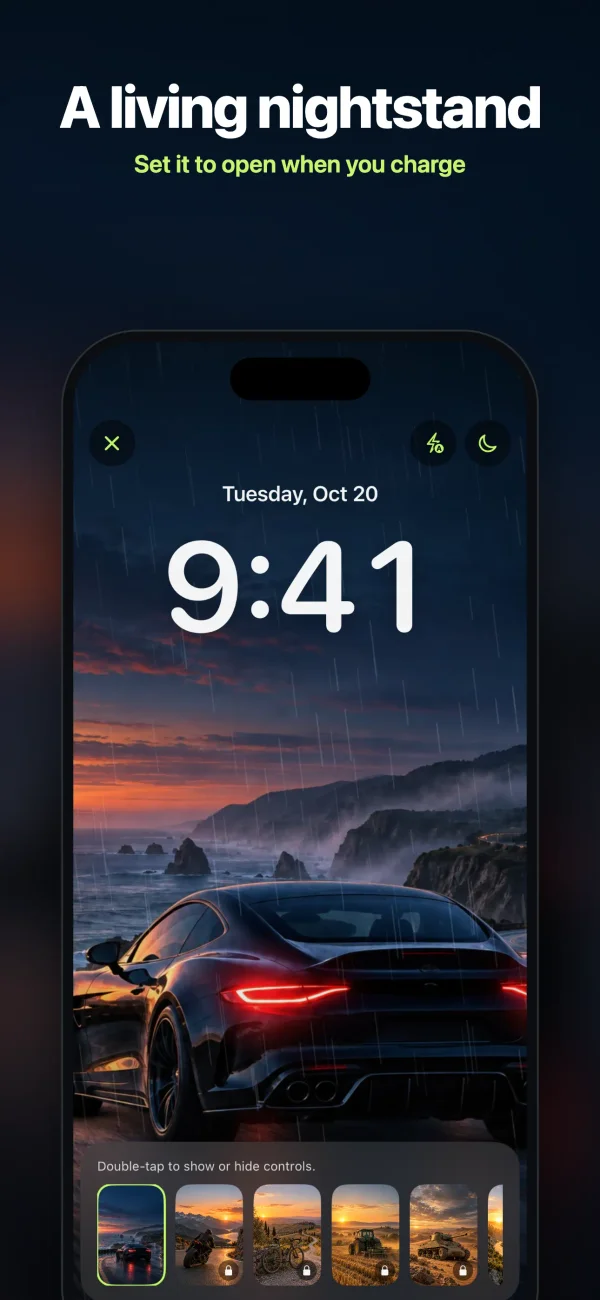
• Nightstand mode: put your iPhone on the charger and keep a living scene with a big clock on screen. Touch and tilt still work.
• Make it yours: color mood, motion, depth, and framing before you save.
• Icon packs: 4 coordinated sets of 24 icons, applied with Shortcuts.
HOW IT WORKS
1. Pick a scene or your own video.
2. Save it to Photos as a Live Photo or still image.
3. Open Settings › Wallpaper › Add New Wallpaper and choose it. iOS asks you to set wallpapers yourself; ScreenMotion guides you through it.
Good to know: Live Photo playback on the Lock Screen depends on your iPhone model and iOS version. Spatial Scene needs iOS 26. Reduce Motion and Low Power Mode turn these effects off. Sound is not kept. The Home Screen wallpaper stays still; widgets are where you can tap.
SCREENMOTION PRO
Five starter scenes and your first 2 videos are free. Pro unlocks every scene, unlimited videos, all icon packs, and scene exports. Monthly or yearly auto-renewing subscription. Payment is charged to your Apple ID at confirmation. Unless canceled at least 24 hours before the end of the current period, the subscription renews automatically. Manage or cancel in your Apple ID subscription settings. Restore Purchases is available in the app. Or unlock Pro once with a one-time Lifetime purchase.
Privacy: https://screenmotion-legal.kprl884.workers.dev/privacy
Terms: https://screenmotion-legal.kprl884.workers.dev/terms
Support: https://screenmotion-legal.kprl884.workers.dev/support
What’s new
Version 1.0.4 · Nov 19, 2026
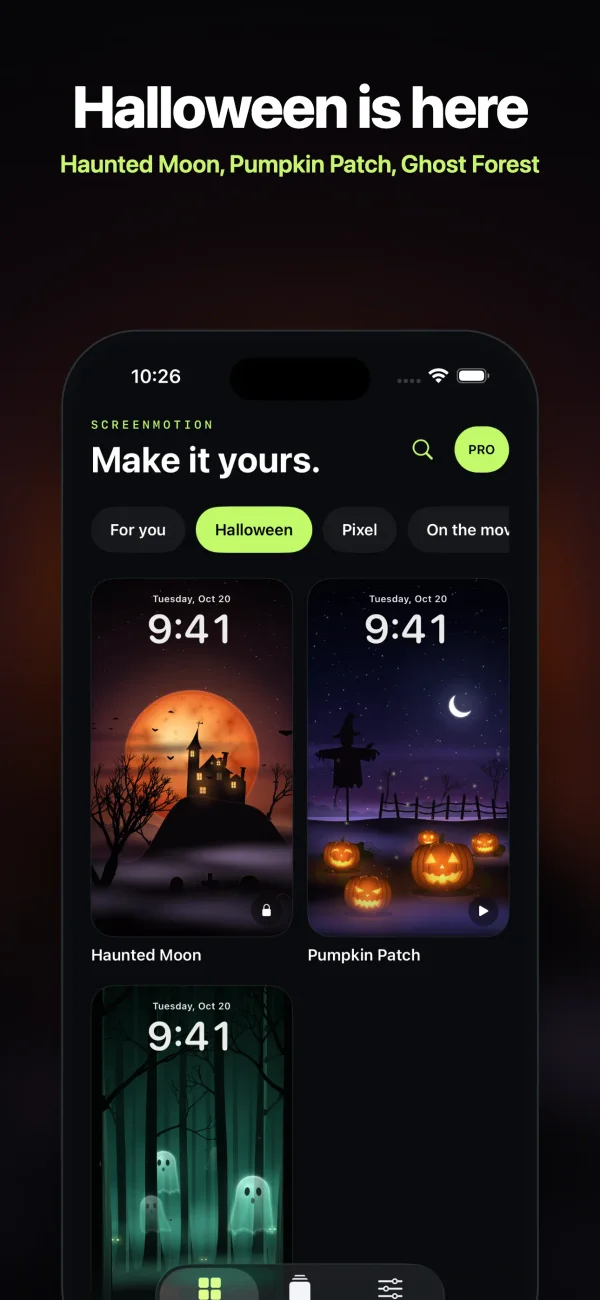
• 3 Halloween scenes: Haunted Moon, Pumpkin Patch and Ghost Forest.
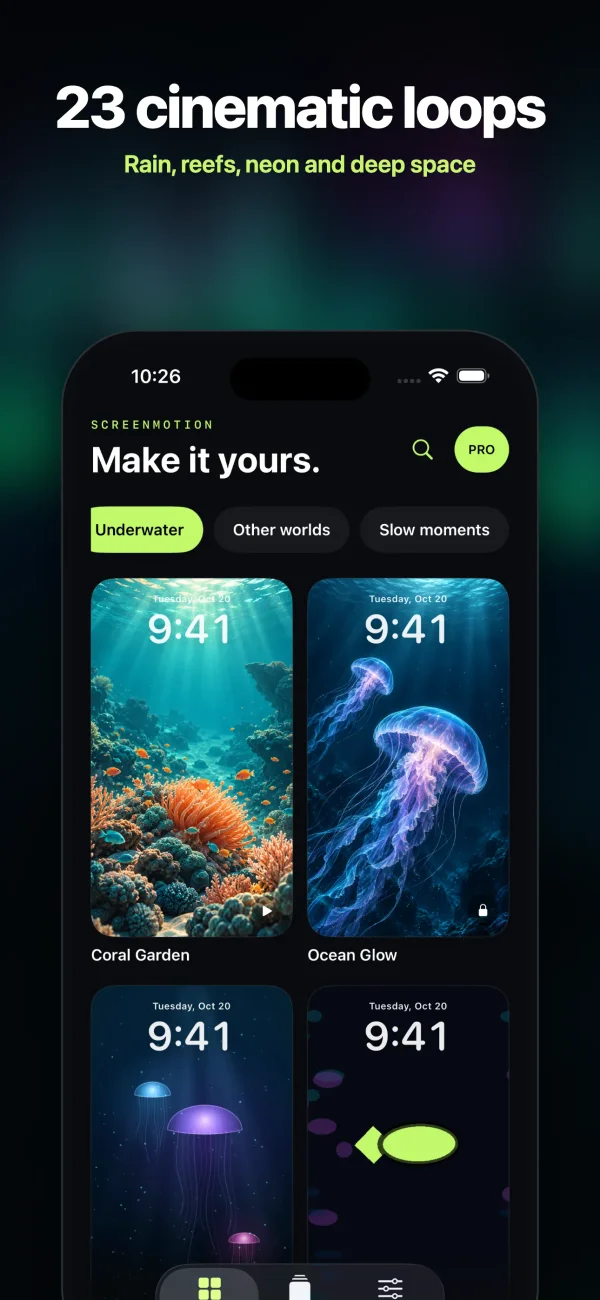
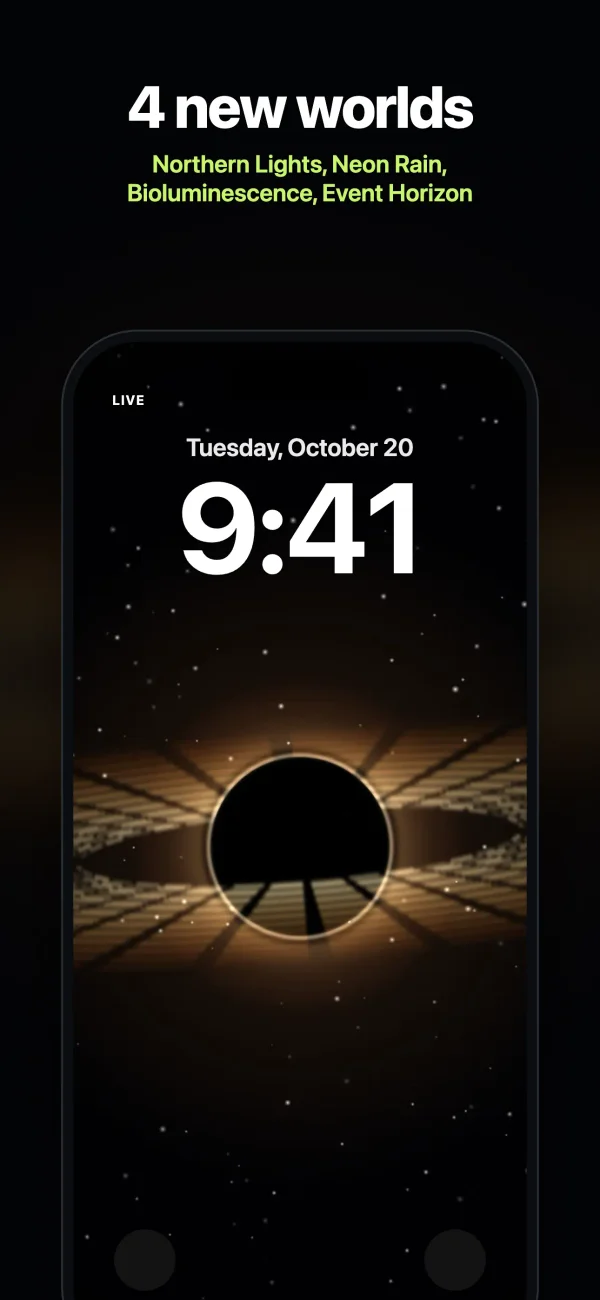
• 4 new code-crafted scenes: Northern Lights, Neon Rain, Bioluminescence and Event Horizon.
• 23 cinematic loops that play in the app and in your Live Photos.
• Nightstand mode now lets you pick any scene while you charge.
• A clearer Pro page with a free trial on the yearly plan.
• Pro now also comes as a one-time Lifetime purchase.
• Set Nightstand to open when you plug in, with a step-by-step Shortcuts guide.
• Fixes and polish.
App privacy
What Alparslan Koprulu declares on the App Store about how this app handles data.
-
Data linked to you
May be collected and linked to your identity.
- Purchases
- Identifiers
- Diagnostics
-
Data not linked to you
May be collected but is not linked to your identity.
- Usage data
Privacy practices may vary, for example with the features you use or your age.
Information
- Seller
- Alparslan Koprulu
- Category
- Photo & Video
- Version
- 1.0.4
- Updated
- Nov 19, 2026
- Released
- Sep 23, 2026
- Size
- 99.8 MB
- Requires
- iOS 17.0 or later
- Age rating
- 4+
- Price
- Free
- In-app purchases
- Yes
- Languages
- English, Arabic, Danish, Dutch, French, German, Hindi, Indonesian, Italian, Japanese, Korean, Norwegian Bokmål + 10 more
- Copyright
- © 2026 Alparslan Koprulu
You might also like
-
 PromptCam: TeleprompterAI teleprompter & recorder
-
 SpeakCue AI TeleprompterAI Teleprompter & Speech Coach
-
 动了吗 - 让锁屏真的动起来Photo & Video
-
 Ondina: AI Photo to VideoAI Video Generator & Dance
-
 DepthlockDepth-effect wallpaper preview
-
 Livewall: Live Wallpaper MakerAI Photo to Live Lock Screen
-
 PhotoFix: Restore Old PhotosOld Photo Restore, Unblur, Fix
-
 LiveMotion: Live WallpaperVideo to Live Wallpaper
-
 NovaWalls: 4K WallpapersHD, Live & AMOLED Backgrounds
-
 LivePhotoX-Video to Live PhotoLive Photo & Wallpaper Maker