
- Age rating4+
- CategoryProductivity
- DeveloperLiveEdit SAS
- LanguagesEnglish+ 1 more
- Size48.2 MB
Links to the official App Store page
Download.org hosts no file of LiveEdit Companion. The button opens its official App Store page, published by LiveEdit SAS. Listing last checked on Nov 16, 2026.
Screenshots


About
LiveEdit Companion is a personal workspace for everyone involved in a live production.
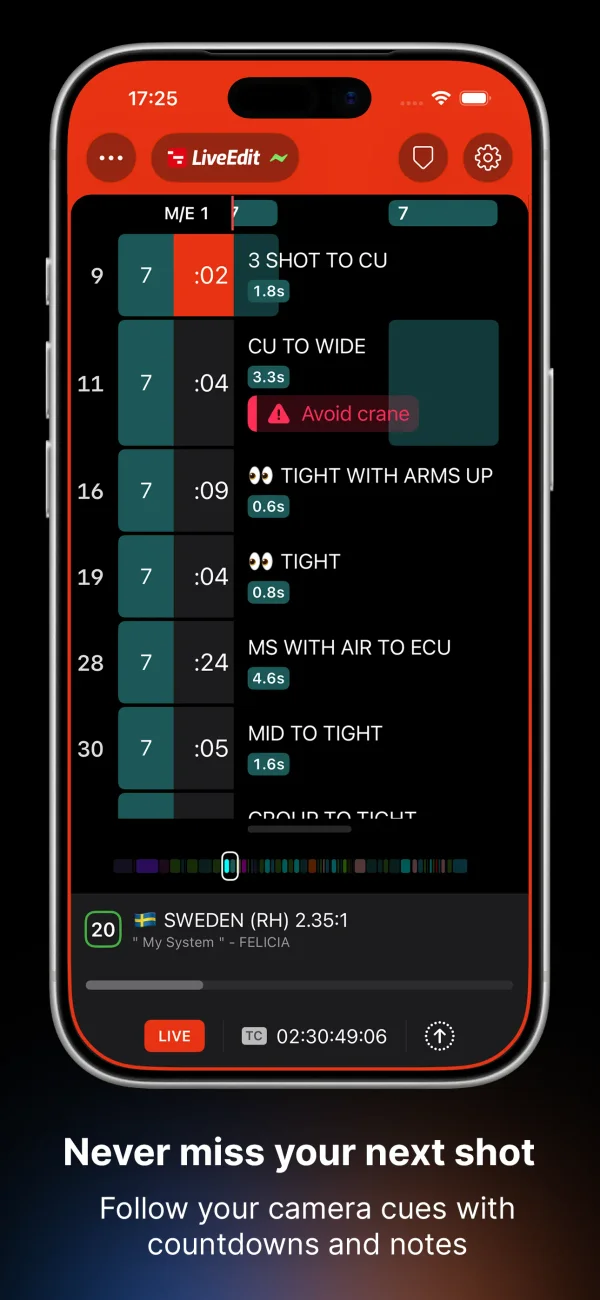
Whether you’re operating a camera, managing the stage, triggering special effects or supporting the show in any other role, Companion gives you your own real-time view of the production.
Every member of the team follows the same show—but each sees only the information that matters to their role. Shots, cues, lyrics, media, notes and timing stay perfectly synchronized, so everyone works from the same production while focusing on what matters to them.
Whether you’re preparing a show from home, rehearsing on site or working live during the event, Companion stays connected through LiveEdit Server and LiveEdit Cloud to keep your workspace up to date wherever you are.
Key Features:
Your production. Your workspace.
- Create a personalized workspace with customizable Views
- Display only the information relevant to your role
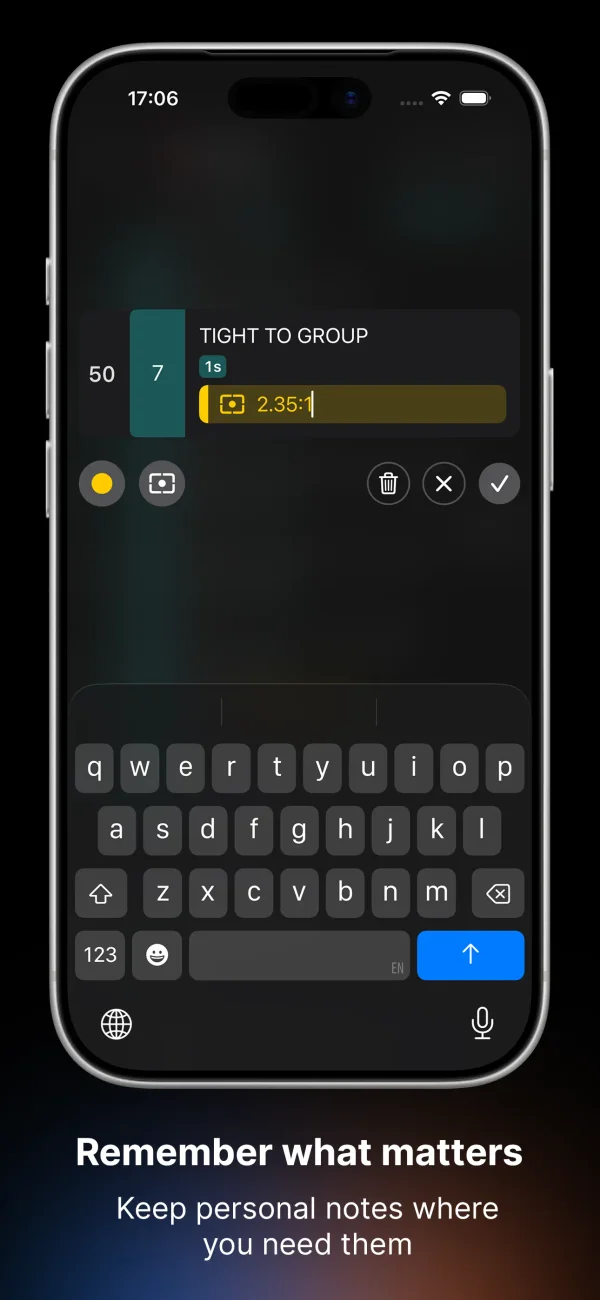
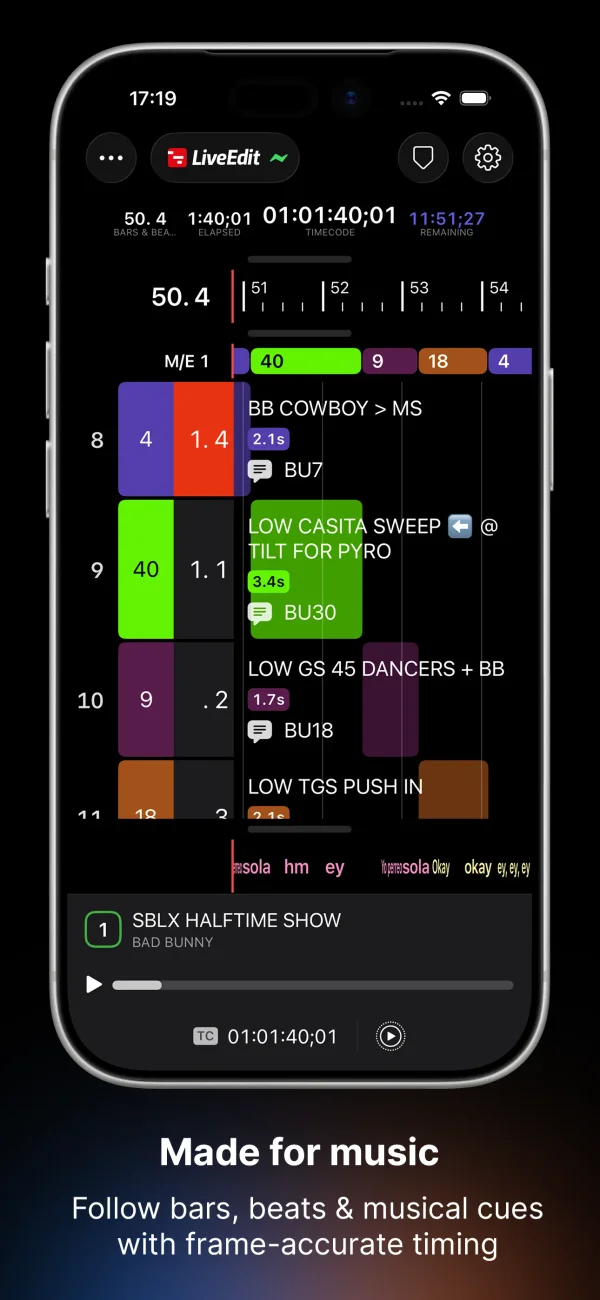
- Add personal notes and timecoded markers
Stay connected to the show
- Follow productions live through Orbit
- Review media exactly when it appears in the show
- Ultra-fast synchronization and media playback
- Monitor your Server, Cloud and Sync status
Built for live productions
- Export shots and personal notes as PDF
- Access multiple productions via QR Codes
- Built for concerts, television, corporate events and any live production.
What’s new
Version 2.1.6 · Oct 20, 2026
Your Companion just got better.
A new interface, smarter layouts, advanced tally, Pre & Post Cues—and LiveEdit Companion on Apple Watch.
Everything you need to stay focused and in sync with the show.
- A cleaner, smoother interface, with simplified camera/cues settings and a new onboarding experience.
- Save layouts for different situations and switch between them in a single tap.
- Tally goes beyond red. Green means you’re next. Yellow shows you’re live across multiple destinations. Purple signals your Pre & Post Cues.
- Set your own Pre & Post Cues to get ready before a shot and know when you’re clear after it.
- Switch to Monochrome Mode to tone down the interface while keeping your camera and cues in color. Less distraction. More focus.
LiveEdit Companion is now on Apple Watch.
Follow the countdown to your next shot and scroll through your shot list, right from your wrist.
And… Bonjour! LiveEdit Companion now speaks French. We’re a French company, after all.
Plus, performance improvements and refinements throughout the app.
v2.1.6 Fixes
- Fixed a scroll issue of the shot list
App privacy
What LiveEdit SAS declares on the App Store about how this app handles data.
-
Data not collected
The developer does not collect any data from this app.
Privacy practices may vary, for example with the features you use or your age.
Information
- Seller
- LiveEdit
- Category
- Productivity
- Version
- 2.1.6
- Updated
- Oct 20, 2026
- Released
- Sep 1, 2025
- Size
- 48.2 MB
- Requires
- iOS 26 or later
- Age rating
- 4+
- Price
- Free
- Languages
- English, French
- Copyright
- © 2026 LiveEdit
You might also like
-
 CueApp by CuePilotThe tool for live production
-
 Live Timecode NotesTake notes with real timecode
-
 ARRI Camera CompanionConfigurable control interface
-
 Vectorworks NomadProductivity
-
 Sidus Link ProLighting Control Wireless DMX
-
 Unity IntercomProductivity
-
 Scriptation: Annotate ScriptsNotes, Breakdowns, Table Reads
-
 Master Tour MobileProductivity
-
 Elgato Stream Deck MobileTap to control your desktop
-
 UniFiEnterprise Network Management