
Sidus Link Pro
Lighting Control Wireless DMX
Designed for iPad
Free · In-app purchases
- Age rating4+
- CategoryProductivity
- DeveloperSidus Link Ltd.
- LanguagesEnglish+ 13 more
- Size584.3 MB
Links to the official App Store page
Download.org hosts no file of Sidus Link Pro. The button opens its official App Store page, published by Sidus Link Ltd. Listing last checked on Nov 17, 2026.
Screenshots


About
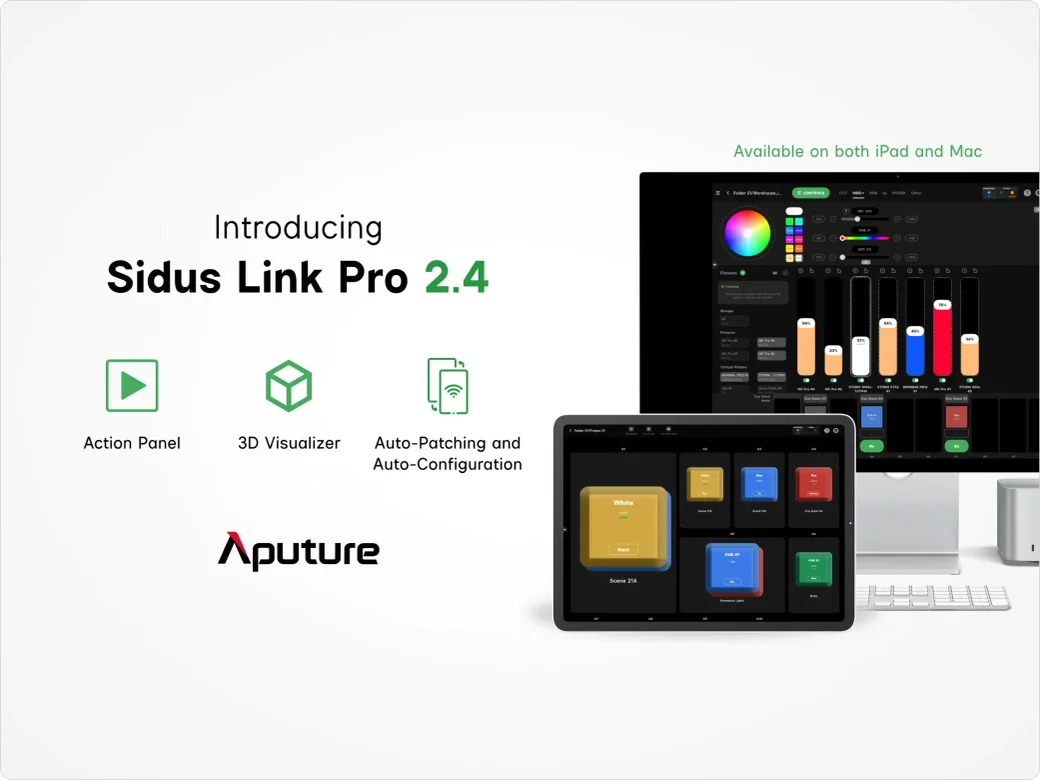
Sidus Link Pro is a powerful lighting control workstation that runs on your iPad and Mac.
Control Aputure lights wirelessly with Sidus Bluetooth and cue any DMX or CRMX-enabled light through sACN and Art-Net using the intuitive Sidus Link interface. Console-style lighting control has never been easier.
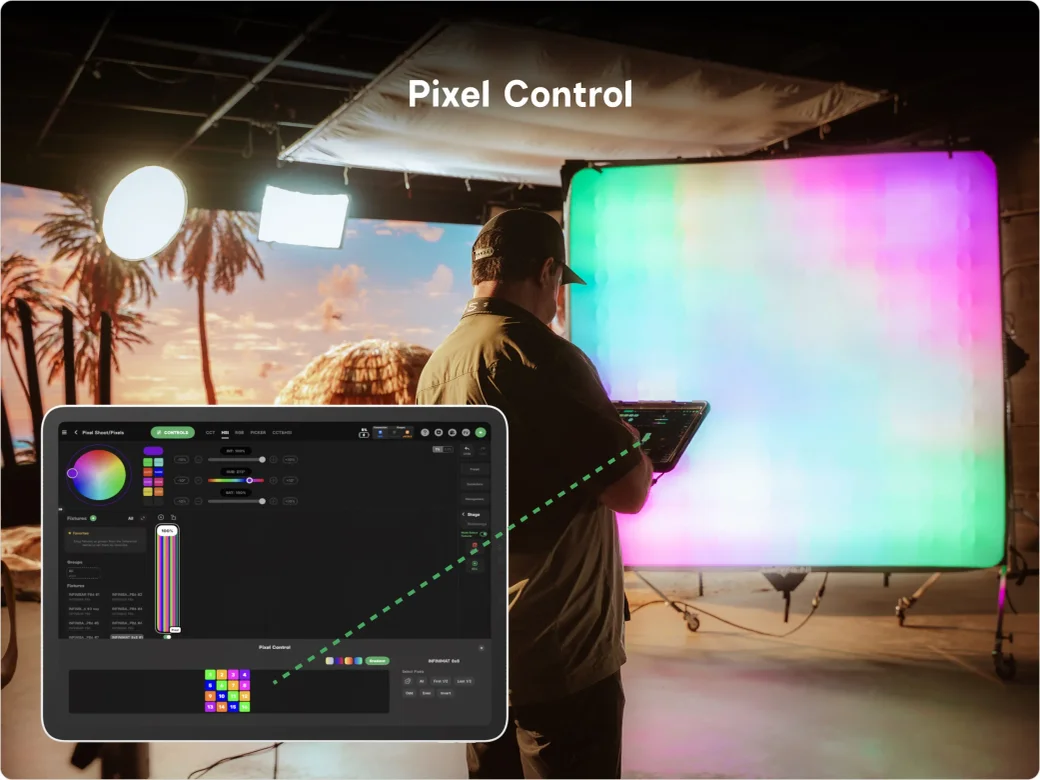
ENAHANCED PIXEL TOOLS
When selecting multi-pixel fixtures, inside the Pixel Window, there are tools for applying gradients across the fixtures, and easy selection tools for first half, second half, odd, even and invert.
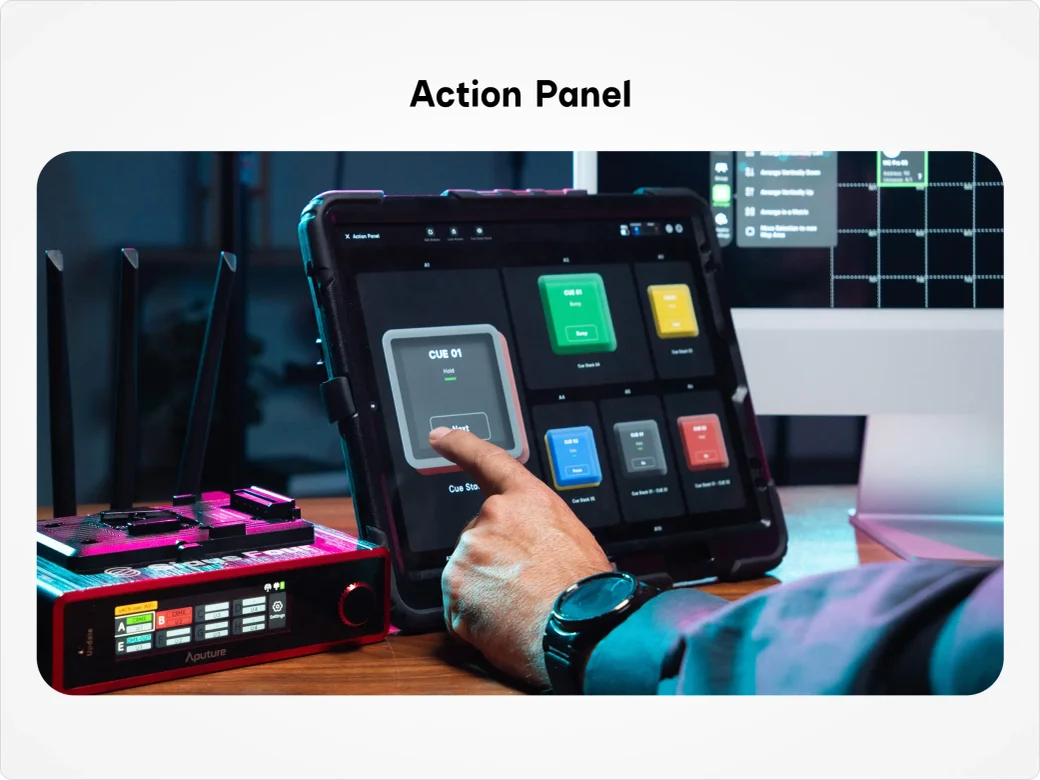
ACTION PANEL
Turn your cues and Quickshots into big, simple “Go” buttons for fast, confident execution. With an optional passcode lock, Action Panel makes it easy to hand control to a client, operator, or venue team.
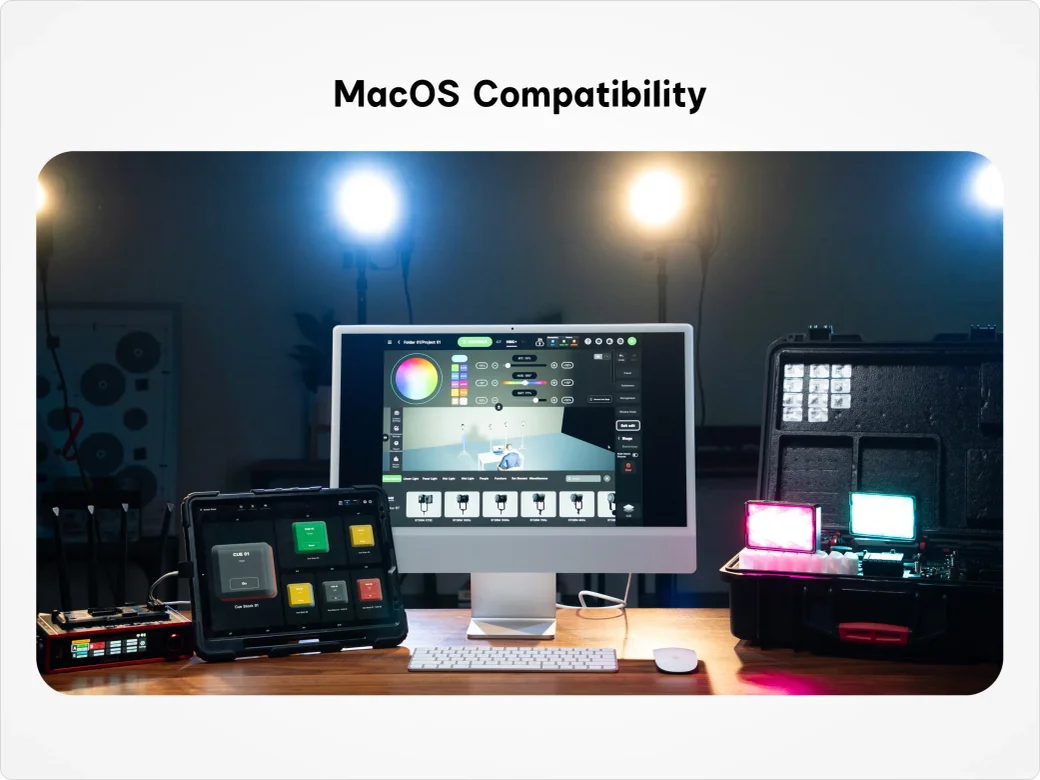
MAC SUPPORT
Plan, design, and refine your lighting setup on Mac with more screen space and keyboard-and-mouse precision.
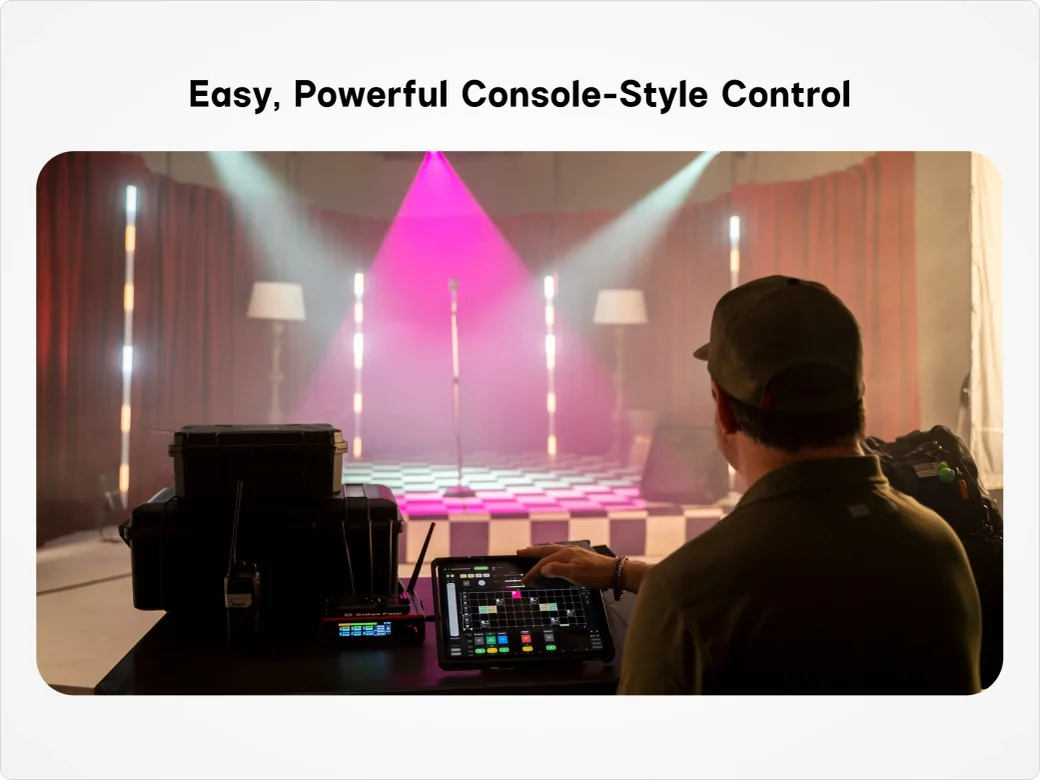
EASY, POWERFUL CONSOLE-STYLE CONTROL
Sidus Link Pro brings the power of a modern lighting console to your iPad and Mac without the complexity, menu diving, or manual reading. Speed is everything on set. Sidus Link Pro is built to be speedy. All of your most used functions are accessible with just a few taps.
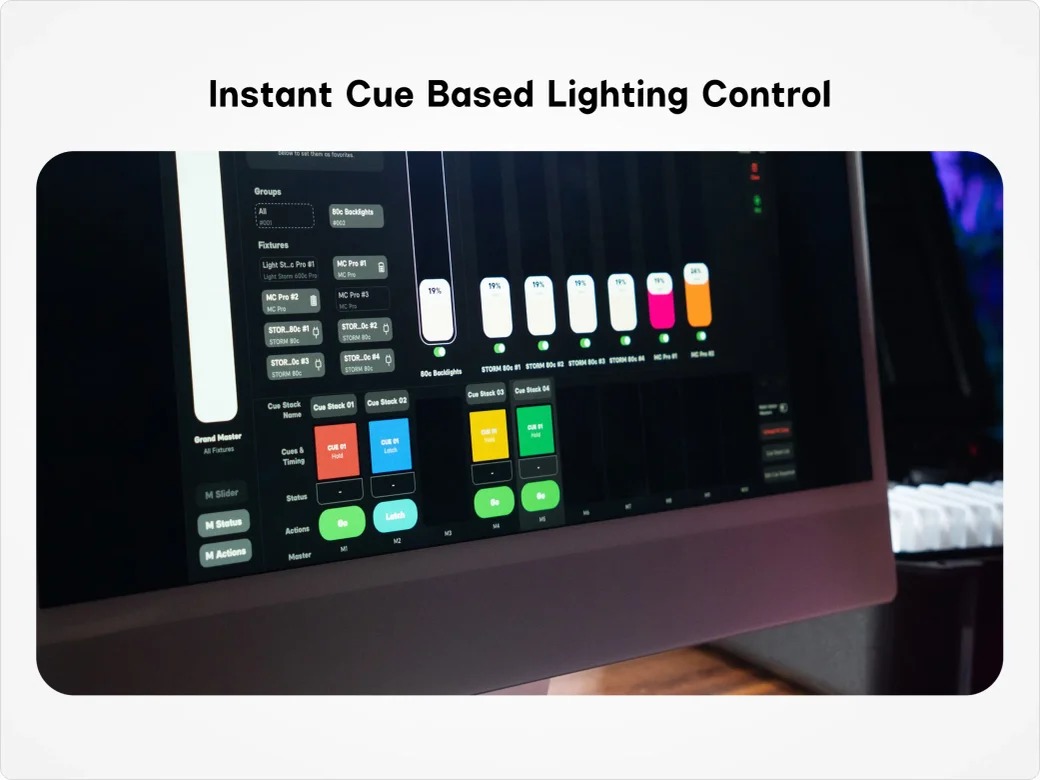
DESIGN DAZZLING SHOWS AND EFFECTS WITH REAL-TIME CUEING.
Send crisp, responsive cues to your DMX-enabled fixtures at the same time, with no Bluetooth delay. Create rich, synchronized lighting changes and organize them into cue stacks with precise timing, transitions, and loops. Drag and drop to reorder with the Cue Sequence Editor.
CONTROL ANY CRMX-ENABLED LIGHT
Sidus Link Pro speaks DMX and wireless CRMX, the control protocol that all lights use. Centralize control of your lighting network in Sidus Link Pro, no matter the fixture manufacturer.
THE CENTER OF YOUR LIGHTING ECOSYSTEM
Sidus Link Pro interfaces with hardware to control fixtures with wired DMX or wireless CRMX capability. Use with any transmitter, node, or router, or partner with Sidus Hardware to unlock powerful monitoring and setup functions. Sidus Link Pro transmits lighting control protocols sACN and Art-Net.
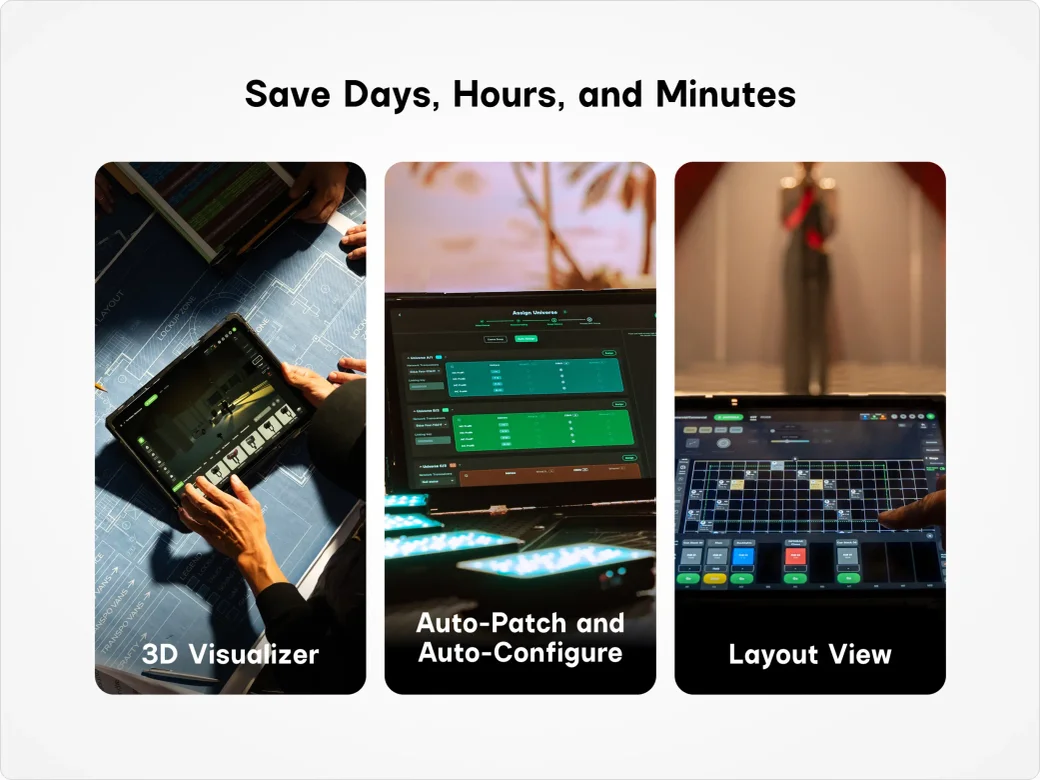
SAVE DAYS WITH 3D VISUALIZER
Plan your setup in a virtual environment. Create spaces, place lights, design looks, and explore ideas before touching physical fixtures. Since 3D Visualizer is built into your control workflow, cues and DMX settings move seamlessly from planning to execution.
SAVE HOURS WITH LIGHTNING FAST AUTO-PATCHING AND AUTO-CONFIGURATION
Skip the setup grind. Sidus Link Pro detects your Aputure lights and reduces your setup by up to hundreds of steps. Easily update fixture settings and DMX profiles from your iPad and Mac.
SAVE MINUTES WITH LAYOUT VIEW
Arrange fixtures in a visual grid to match your physical set. Layout View gives you a faster, more intuitive way to organize fixtures, select the right light, and preview lighting changes in real time.
STABLE, LONG-RANGE CONTROL
With DMX and CRMX workflows, Sidus Link Pro maintains reliable control. When used with Aputure fixtures and Sidus Hardware, gain additional range and real-time health alerts.
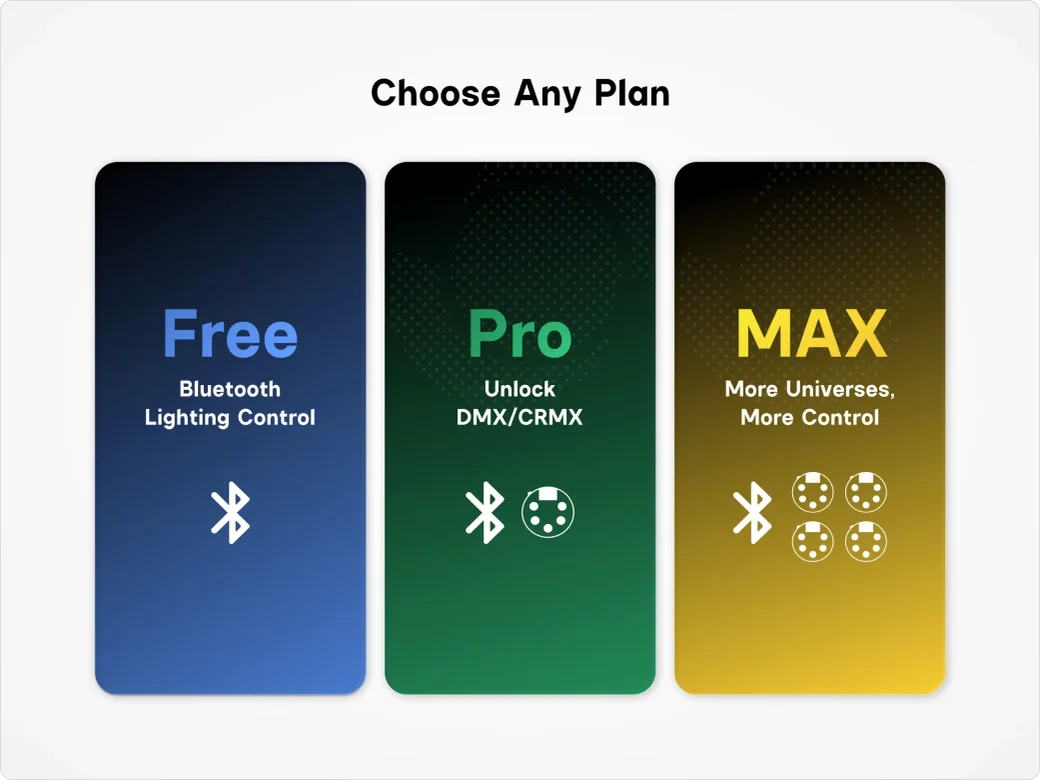
FREE BLUETOOTH CONTROL AND FILMMAKING TOOLS
The Free plan includes Bluetooth control for Aputure and amaran lights, plus access to our full library of Light Modes, FX, Quickshots, Magic Program Pro and Go, Magic Infinity FX, and Diagram Master.
OTHER FEATURES
• Dial in tone with color selection methods like CCT, HSI, CCT RGB, xy, and HSIC+
• Set DMX parameters like Intensity, +/- Green, Hue, Saturation, and Variable Crossfade
• Access DMX profiles, import GDTF profiles, and create your own profiles
• Preview changes before taking them live with the Backstage workspace
• Streamline Bluetooth control with Sidus BT View
• Save and recall presets for Aputure lights with Sidus BT Quickshots
• Auto-Configure, monitor, and update Aputure light firmware in the Fixture Manager
• Create lighting plots and sync with your team with Diagram Master
• Reference Illumination Handbook to compare fixtures and calculate output
What’s new
Version 2.4.21 · Oct 22, 2026
1. Fixed some bugs
2. Optimized app performance
App privacy
What Sidus Link Ltd. declares on the App Store about how this app handles data.
-
Data used to track you
May be used to track you across apps and websites owned by other companies.
- Identifiers
-
Data linked to you
May be collected and linked to your identity.
- Contact info
- Identifiers
-
Data not linked to you
May be collected but is not linked to your identity.
- Location
- Usage data
- Diagnostics
Privacy practices may vary, for example with the features you use or your age.
Information
- Seller
- Sidus Link Ltd.
- Category
- Productivity
- Version
- 2.4.21
- Updated
- Oct 22, 2026
- Released
- Apr 9, 2024
- Size
- 584.3 MB
- Requires
- iOS 15.0 or later
- Age rating
- 4+
- Price
- Free
- In-app purchases
- Yes
- Languages
- English, French, German, Italian, Japanese, Korean, Polish, Portuguese, Russian, Simplified Chinese, Spanish, Thai + 2 more
- Copyright
- ©2019-2026 Sidus Link Ltd. & Aputure Image Industries Co., Ltd. All rights reserved.
You might also like
-
 ARRI Camera CompanionConfigurable control interface
-
 LuminairDMX Art-Net sACN Smart Lights
-
 Tentacle SetupManage your Tentacle devices
-
 PhotometricsProductivity
-
 Slyyd Lighting ControlFast reliable lighting
-
 Scenario mobileFilm diagrams, gear list, crew
-
 Stellar by ARRISmart Lighting Network
-
 NEEWER TeleprompterProductivity
-
 Staff Me UpFind Top Jobs in Production
-
 Final Draft GoIt all starts with a script