LiveShift – Shift Tracker
Work Hours & Pay Calculator
Designed for iPhone, iPad
Free · In-app purchases
- Age rating4+
- CategoryProductivity
- DeveloperKostiantyn Kovalenko
- LanguagesEnglish+ 6 more
- Size29.3 MB
Links to the official App Store page
Download.org hosts no file of LiveShift – Shift Tracker. The button opens its official App Store page, published by Kostiantyn Kovalenko. Listing last checked on Nov 24, 2026.
Screenshots


About
Keep track of every shift — and what you earn from it. LiveShift brings your work schedule, hours and earnings together, from the shift you’re working now to your monthly totals.
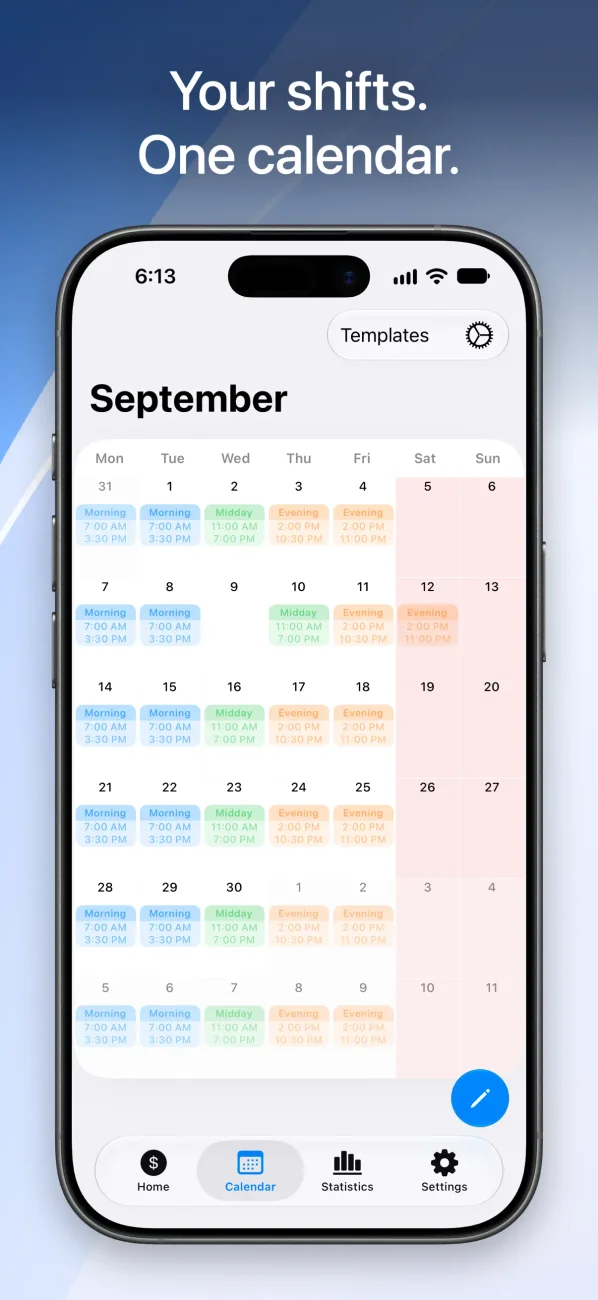
Your schedule at a glance
Plan day shifts, night shifts and days off in a calendar that’s easy to update. QuickShift adds saved shifts with a tap. Create a repeating pattern of shifts and days off, then apply it across the dates you choose. Copy part of your schedule to new dates or remove shifts across a selected date range. Check what’s next from your home screen widget.
See what your work adds up to
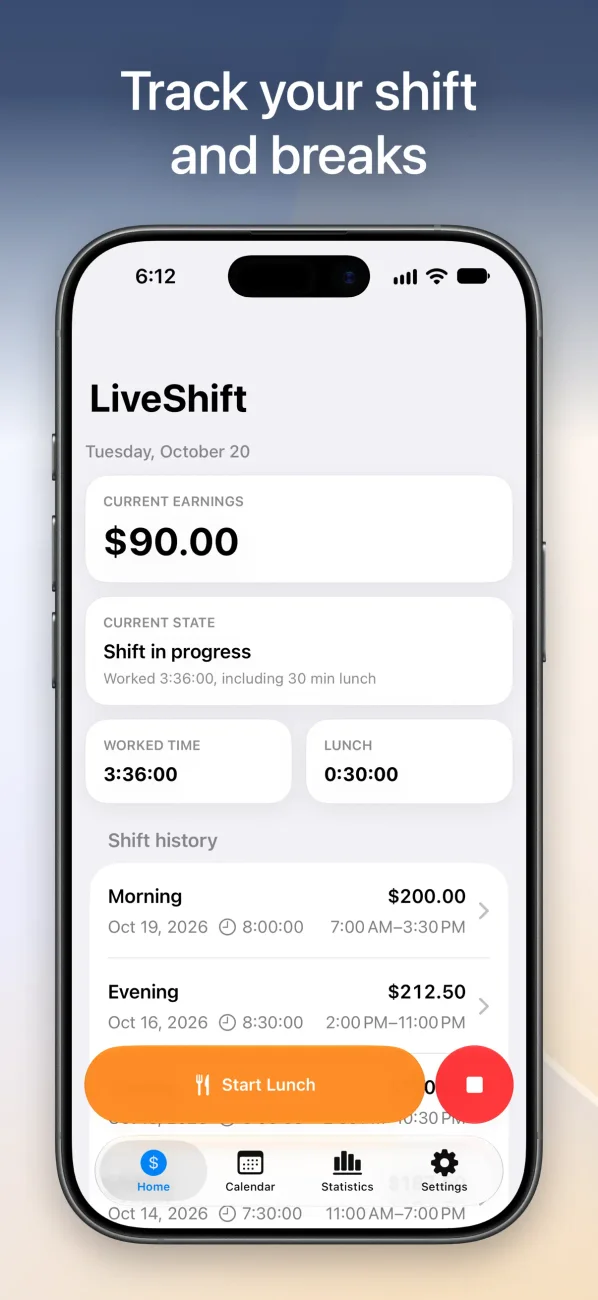
Track hours and estimated pay for each shift. Include hourly rates, shift premiums, tips and sales commissions, then review your earnings for the week, the month or any period you choose.
Plan around your work targets
Set weekly and monthly targets in hours or shifts. Compare your work totals with your targets as you plan the rest of the week or month.
Follow your shift without opening the app
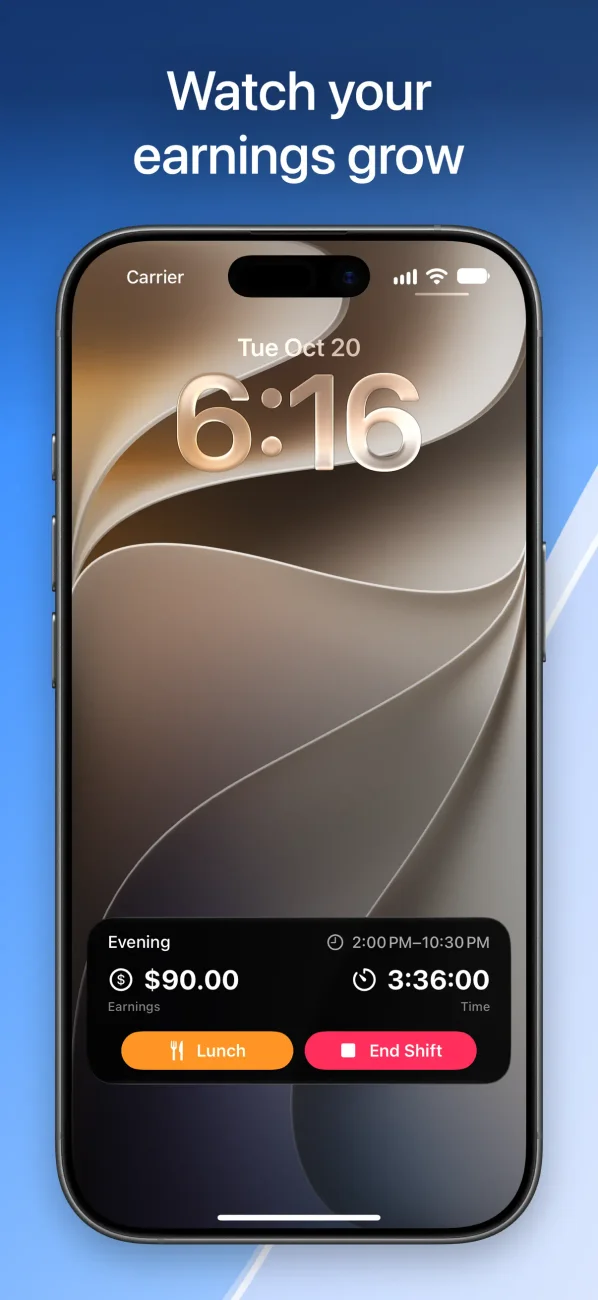
Live Activities show elapsed time and estimated earnings on your Lock Screen and in Dynamic Island on supported iPhones. A quick glance keeps you up to date while you work.
Add a shift to the calendar and its hours and earnings appear in Statistics right away, without running a timer. Or track each shift as it happens. Shifts can start and end automatically on schedule, with no subscription required.
Settings that are easy to find
Pay, lunch, automatic actions and calendars each have their own section, so you can get straight to the setting you need.
LiveShift Premium
Get detailed statistics, PDF and CSV reports, custom overtime pay settings, appearance options and more frequent Live Activity updates.
Terms of Use: https://www.apple.com/legal/internet-services/itunes/dev/stdeula/
Privacy Policy: https://kostkovalenko.github.io/liveshift-pages/privacy-policy-en.html
What’s new
Version 1.8 · Nov 23, 2026
For LiveShift Premium subscribers
• Customize your cards
Add, rearrange, and resize cards on Home and in Statistics.
• More ways to track your work
See your effective hourly rate, scheduled hours, and monthly and yearly records in dedicated cards.
• Overtime in your calendar
Days with monthly overtime pay are now highlighted in color.
For everyone
• A refreshed Home screen
Earnings, work hours, lunch, and shift history are organized into easy-to-read cards.
• Set exact lunch times
Choose when lunch starts and ends in templates and shifts in Calendar tracking mode.
• Improved Live Activities
Your shift’s status is restored more reliably after restarting the app or reconnecting.
App privacy
What Kostiantyn Kovalenko declares on the App Store about how this app handles data.
-
Data linked to you
May be collected and linked to your identity.
- Usage data
- Other data
Privacy practices may vary, for example with the features you use or your age.
Information
- Seller
- Kostiantyn Kovalenko
- Category
- Productivity
- Version
- 1.8
- Updated
- Nov 23, 2026
- Released
- Apr 23, 2026
- Size
- 29.3 MB
- Requires
- iOS 18.0 or later
- Age rating
- 4+
- Price
- Free
- In-app purchases
- Yes
- Languages
- English, French, German, Italian, Polish, Spanish, Ukrainian
- Copyright
- © 2026 Kostiantyn Kovalenko
You might also like
-
 TimePay: Work Hours & PayShifts, Pay & Overtime
-
 Shift Calendar – Shift CycleWork schedule, hours & pay
-
 My Work Shift Planner: RotaHours Tracker & Pay Calendar
-
 Shift Calendar & PaycheckWork Hours & Salary Tracker
-
 Shifts: Work Schedule PlannerRota, Earnings & Tax Tracker
-
 ShiftWallet: Hours & PaycheckShift Tracker & Pay Calculator
-
 Shift Calendar – BackshiftWork Schedule, Hours & Pay
-
 Your salary - Shift calendarsmart app for income tracker
-
 WorkTracker: Shift & PayShift calendar & pay counter
-
 Shift Planner: Calendar & PayWork Roster, Alarm & Overtime