- Age rating4+
- CategoryUtilities
- DeveloperJavier Gomez
- LanguagesEnglish+ 1 more
- Size27.2 MB
Links to the official App Store page
Download.org hosts no file of LNK Wallet. The button opens its official App Store page, published by Javier Gomez. Listing last checked on Nov 12, 2026.
Screenshots


About
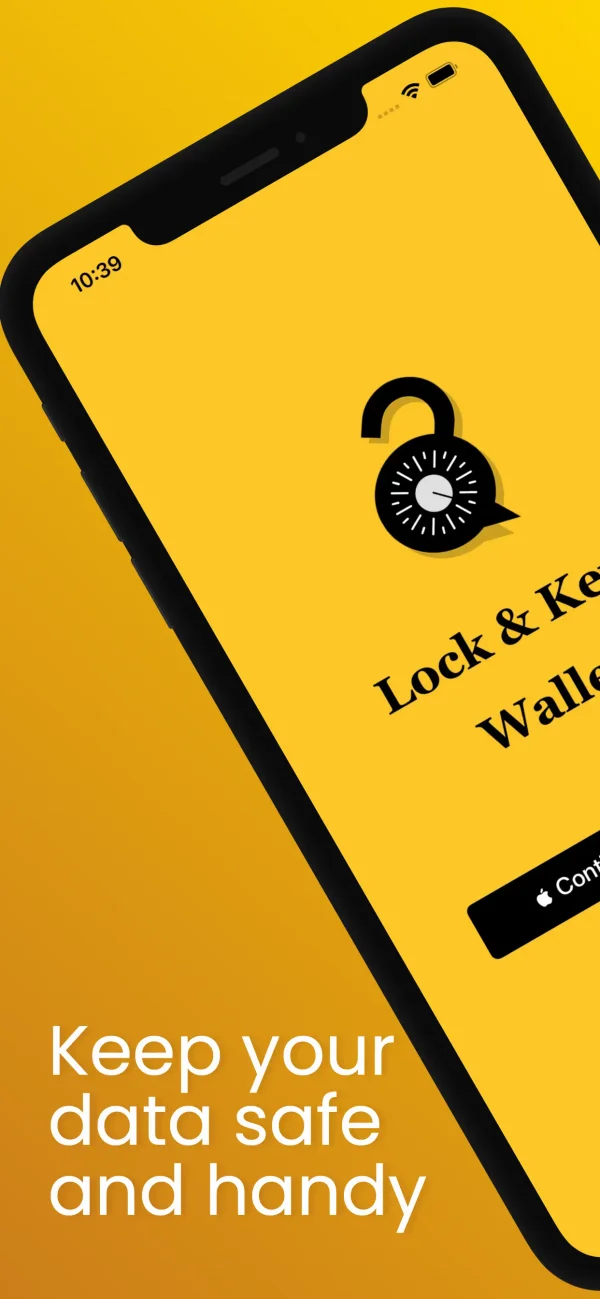
LNK Wallet keeps your passwords, payment cards, photos, and private notes in one place, behind a master password and Face ID.
NEW: PASSWORD AUTOFILL
Your logins now appear right above the keyboard in Safari and in your apps. Tap one, unlock with Face ID or your master password, and LNK Wallet fills it in for you.
• On iOS 26.2 and later, LNK Wallet offers to save new logins when you sign in or sign up
• Get strong password suggestions that follow each site's rules
• Nothing is ever filled or saved without you unlocking it first
EVERYTHING IN ONE VAULT
• Passwords: name, username, email, password, and website
• Payment cards: scan your card with the camera instead of typing it
• Photos: keep sensitive images out of your camera roll
• Secure notes: for anything else you want to keep private
BUILT-IN TOOLS
• Password generator: choose the length, capitals, numbers, and symbols
• Password health: find weak and reused passwords at a glance
PRIVATE BY DESIGN
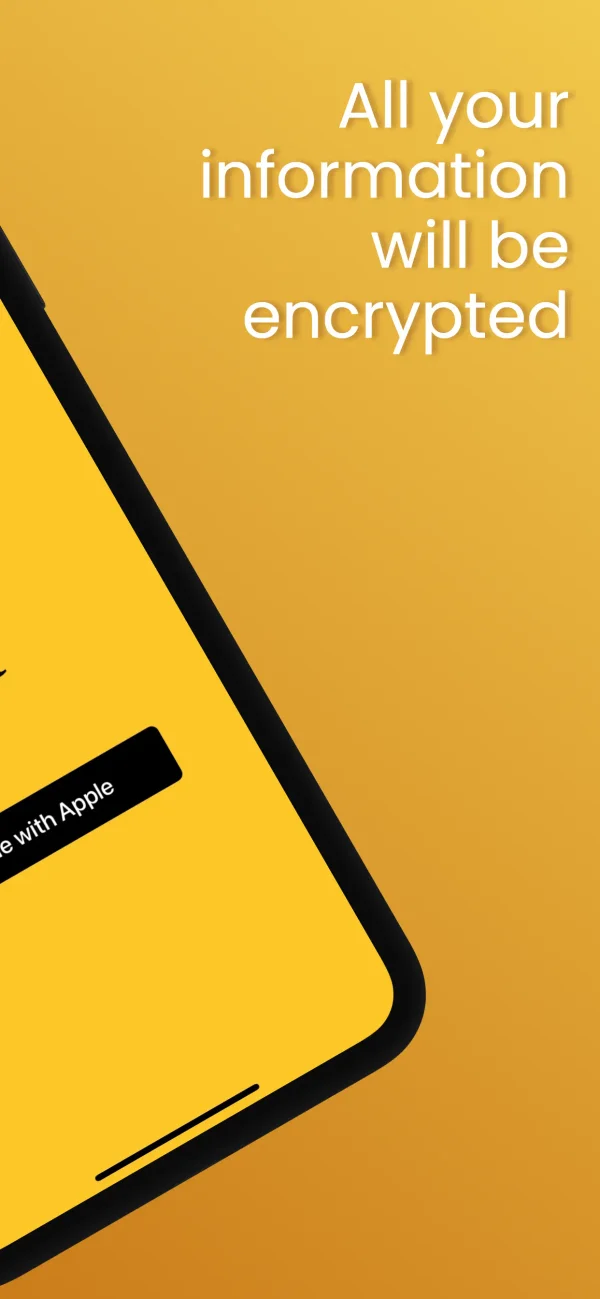
• Everything you store is scrambled on your device before it's uploaded
• Your master password is kept in your own iCloud, separate from your vault
• Sign in with Apple, with no extra account to create
• Face ID unlock and automatic lock when you leave the app
• Optional erase after too many wrong master password attempts
Available in English and Spanish.
Password AutoFill requires iOS 17.6 or later. Saving logins and strong password suggestions require iOS 26.2 or later. Turn it on in Settings › General › AutoFill & Passwords, or from Tools in the app.
What’s new
Version 2.1.1 · Oct 8, 2026
• Fixed: you were asked to sign in again every time you reopened the app. You are now signed in.
• Copy a saved password without revealing it: tap the new copy icon in the password field.
• Copied passwords stay on this device and are cleared from the clipboard automatically. Choose when in Settings › Clear Copied Passwords (1 minute by default).
• Your vault is hidden in the app switcher, and while your screen is being recorded or shared.
• Security improvements to how your account data is accessed.
App privacy
What Javier Gomez declares on the App Store about how this app handles data.
-
Data not collected
The developer does not collect any data from this app.
Privacy practices may vary, for example with the features you use or your age.
Information
- Seller
- Javier Gomez
- Category
- Utilities
- Version
- 2.1.1
- Updated
- Oct 8, 2026
- Released
- Dec 13, 2021
- Size
- 27.2 MB
- Requires
- iOS 17.0 or later
- Age rating
- 4+
- Price
- Free
- Languages
- English, Spanish
- Copyright
- © Javier Gomez 2026
You might also like
-
 IMMBIT Wallet: ETH,BNB,TRXUtilities
-
 Cat Wallet: Access Web3Your Gateway to Crypto World
-
 OBWalletUtilities
-
 Reading3 for RSSUtilities
-
 vKey+Utilities
-
 Keys AppKeys
-
 StealthOS: Private BrowserTor, PGP & Password Manager
-
 MySchoolWalletUtilities
-
 ORBCOMM Field Support ToolUtilities
-
 WWPass KeyYour Key to the digital world