- 対象年齢4+
- カテゴリユーティリティ
- 開発元Javier Gomez
- 言語英語ほか1言語
- サイズ27.2 MB
App Storeの公式ページにリンクしています
Download.orgはLNK Walletのファイルを一切ホストしていません。ボタンを押すと、Javier Gomezが公開しているApp Storeのアプリページが開きます。ページの最終確認:2026/11/12。
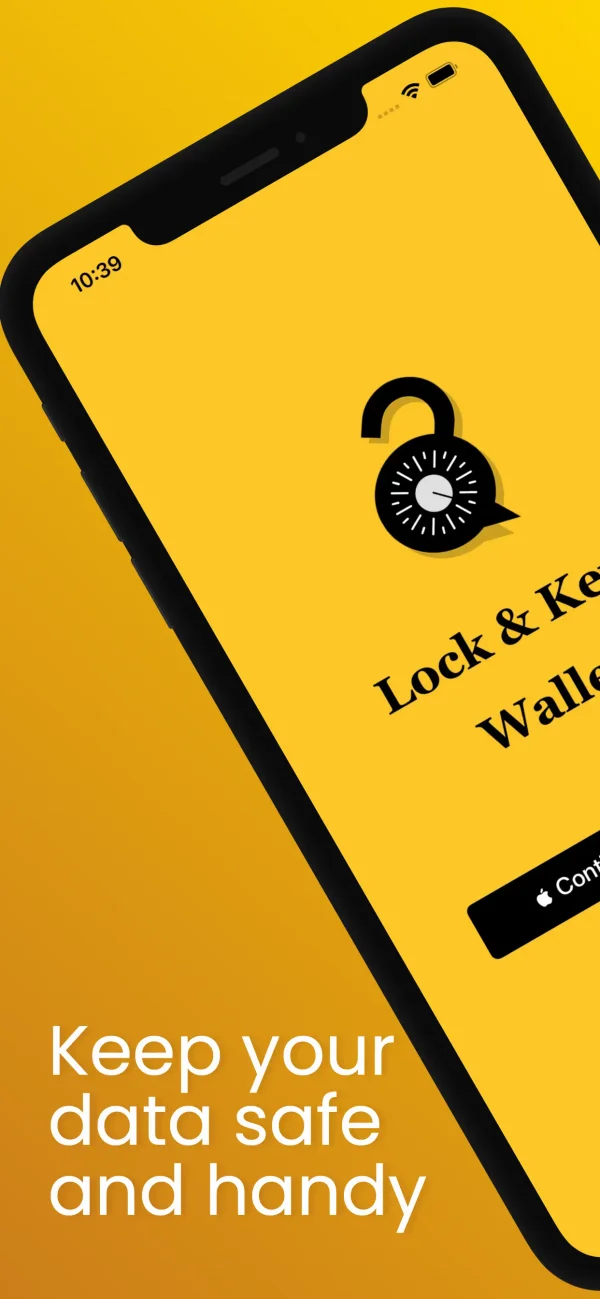
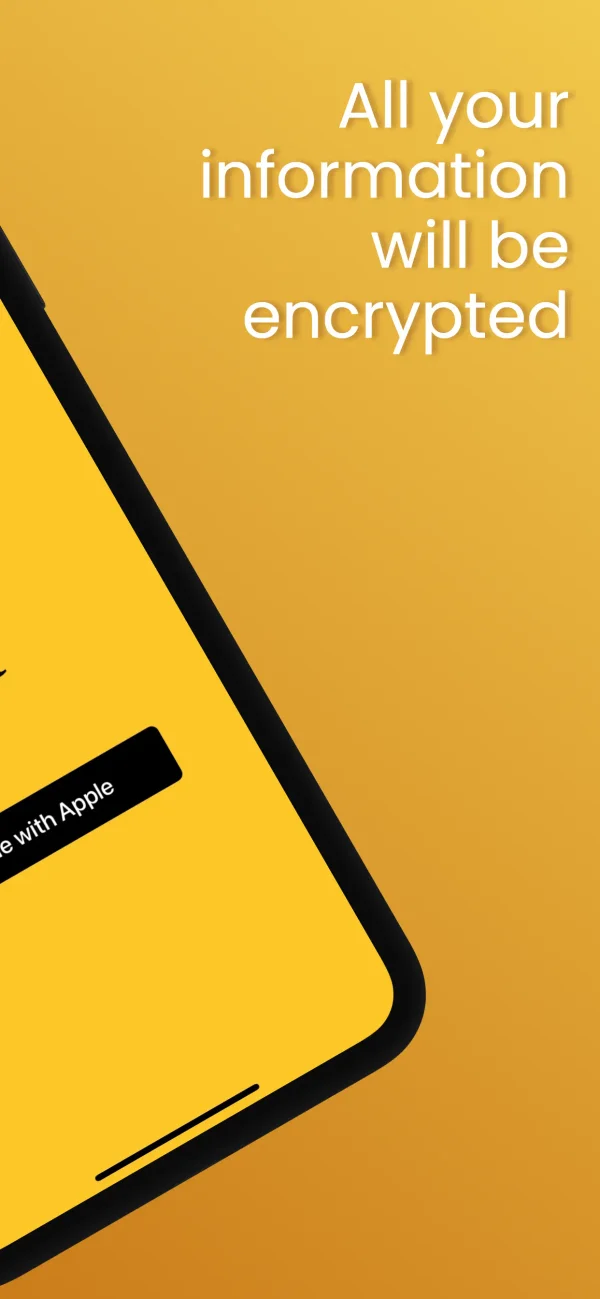
スクリーンショット


概要
開発元はこのテキストをお使いの言語で提供していません。
LNK Wallet keeps your passwords, payment cards, photos, and private notes in one place, behind a master password and Face ID.
NEW: PASSWORD AUTOFILL
Your logins now appear right above the keyboard in Safari and in your apps. Tap one, unlock with Face ID or your master password, and LNK Wallet fills it in for you.
• On iOS 26.2 and later, LNK Wallet offers to save new logins when you sign in or sign up
• Get strong password suggestions that follow each site's rules
• Nothing is ever filled or saved without you unlocking it first
EVERYTHING IN ONE VAULT
• Passwords: name, username, email, password, and website
• Payment cards: scan your card with the camera instead of typing it
• Photos: keep sensitive images out of your camera roll
• Secure notes: for anything else you want to keep private
BUILT-IN TOOLS
• Password generator: choose the length, capitals, numbers, and symbols
• Password health: find weak and reused passwords at a glance
PRIVATE BY DESIGN
• Everything you store is scrambled on your device before it's uploaded
• Your master password is kept in your own iCloud, separate from your vault
• Sign in with Apple, with no extra account to create
• Face ID unlock and automatic lock when you leave the app
• Optional erase after too many wrong master password attempts
Available in English and Spanish.
Password AutoFill requires iOS 17.6 or later. Saving logins and strong password suggestions require iOS 26.2 or later. Turn it on in Settings › General › AutoFill & Passwords, or from Tools in the app.
新機能
バージョン 2.1.1 · 2026/10/8
• Fixed: you were asked to sign in again every time you reopened the app. You are now signed in.
• Copy a saved password without revealing it: tap the new copy icon in the password field.
• Copied passwords stay on this device and are cleared from the clipboard automatically. Choose when in Settings › Clear Copied Passwords (1 minute by default).
• Your vault is hidden in the app switcher, and while your screen is being recorded or shared.
• Security improvements to how your account data is accessed.
アプリのプライバシー
このアプリのデータの取り扱いについて、Javier GomezがApp Storeで申告している内容です。
-
データの収集なし
開発元はこのアプリからデータを収集しません。
プライバシーの取り扱いは、ご利用の機能やお客様の年齢などに応じて異なる場合があります。
情報
- 販売元
- Javier Gomez
- カテゴリ
- ユーティリティ
- バージョン
- 2.1.1
- 更新日
- 2026/10/8
- リリース
- 2021/12/13
- サイズ
- 27.2 MB
- 必要条件
- iOS 17.0以降
- 対象年齢
- 4+
- 価格
- 無料
- 言語
- 英語, スペイン語
- 著作権
- © Javier Gomez 2026