LocalVoiceNote
Offline transcription, AI
Designed for iPhone, iPad
Free · In-app purchases
- Age rating4+
- CategoryProductivity
- DeveloperLiang Cheng
- LanguagesEnglish+ 4 more
- Size691.6 MB
Links to the official App Store page
Download.org hosts no file of LocalVoiceNote. The button opens its official App Store page, published by Liang Cheng. Listing last checked on Nov 27, 2026.
Screenshots




About
LocalVoiceNote turns speech into text directly on your iPhone or iPad — built around Apple's own on-device intelligence, with privacy first.
Apple Speech comes first. On supported devices, LocalVoiceNote transcribes with Apple's built-in on-device speech recognition — the same engine the system uses — so you get fast, natural, low-power results with no setup and no account.
Apple Intelligence powers the thinking. On devices with Apple Intelligence, your transcripts are polished, summarised, and turned into actions entirely on-device. Nothing is uploaded, nothing is stored on a server, and none of it costs you a subscription.
Whisper keeps you covered. If Apple Speech isn't available for your device or your language, LocalVoiceNote falls back automatically to a bundled Whisper Large model. It ships inside the app, needs no download and no network, and covers languages and older devices Apple Speech doesn't reach — so transcription always works.
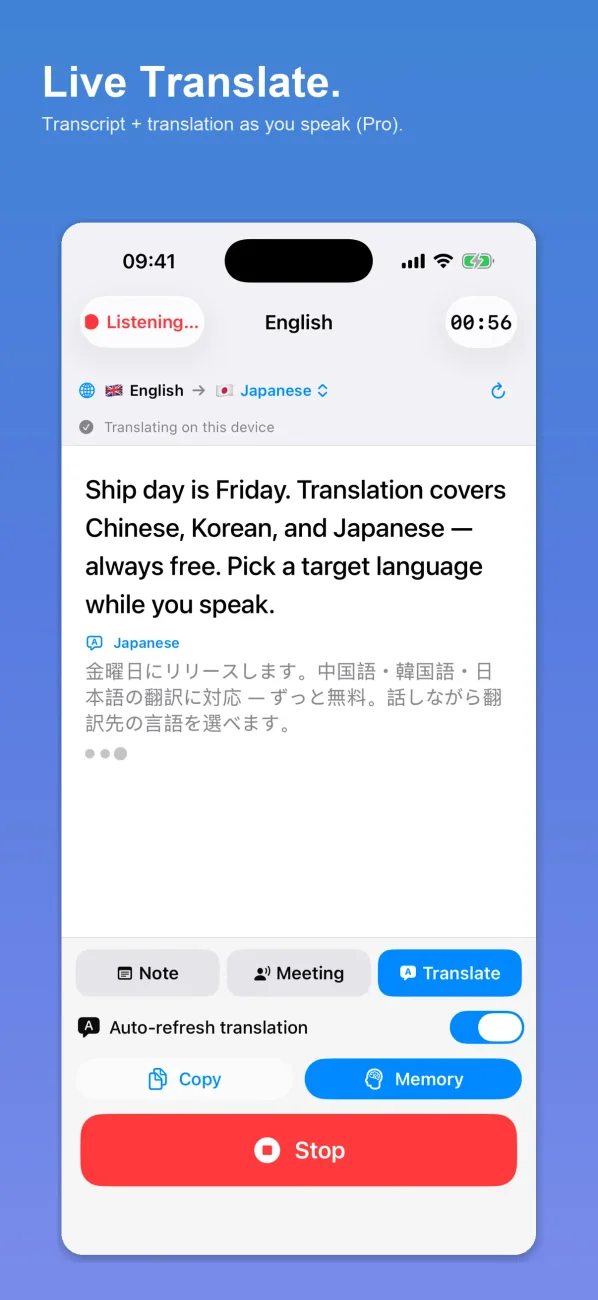
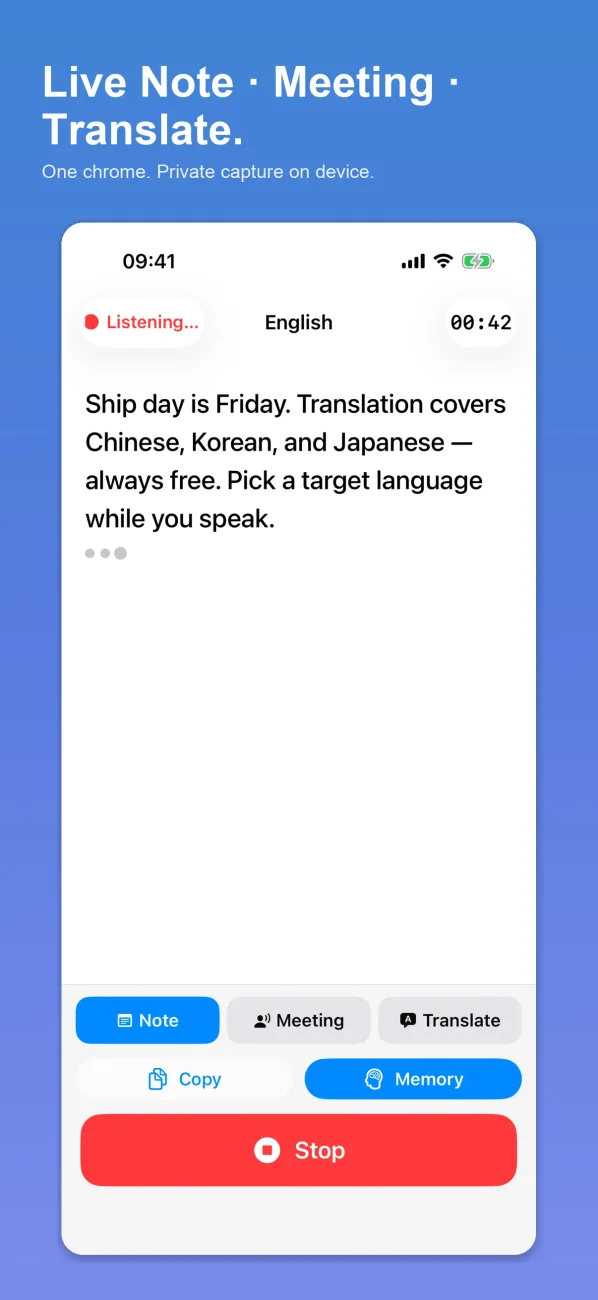
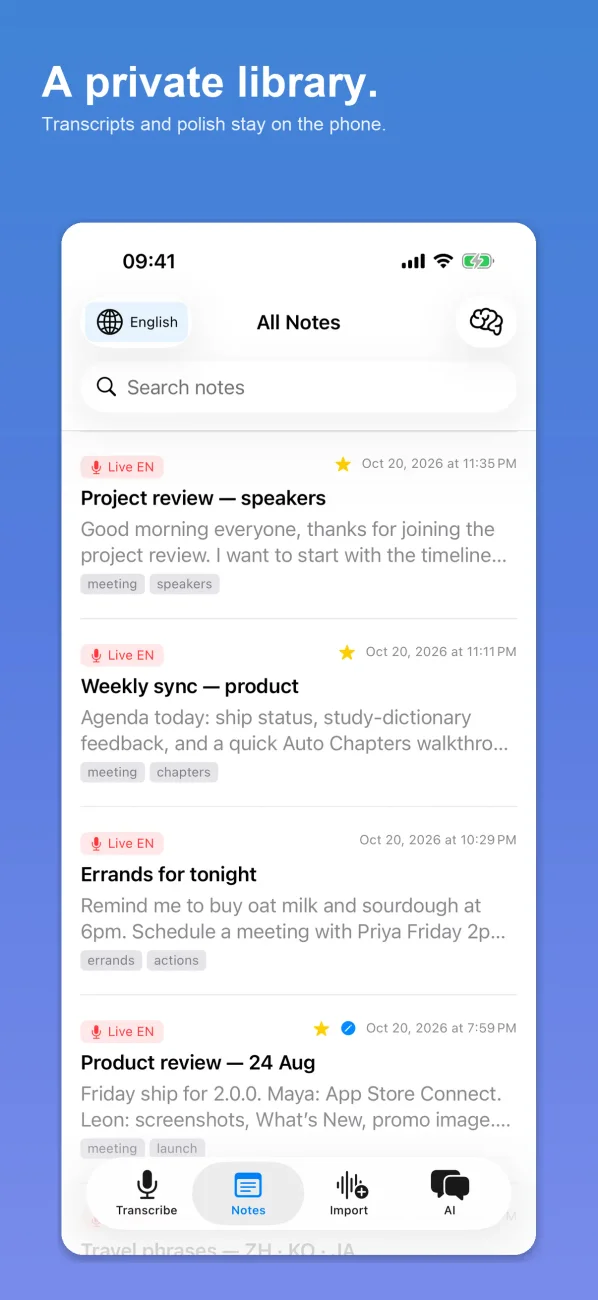
LocalVoiceNote is designed for fast capture: tap once to start recording, speak naturally, and watch your transcript appear live. Save transcripts automatically, rename them, search later, revise text, and translate supported content when needed.
Whether you are capturing meeting notes, voice memos, ideas on the go, lecture summaries, bilingual phrases, or quick dictated drafts, LocalVoiceNote keeps the workflow simple and local.
What’s new
Version 5.0.0 · Nov 26, 2026
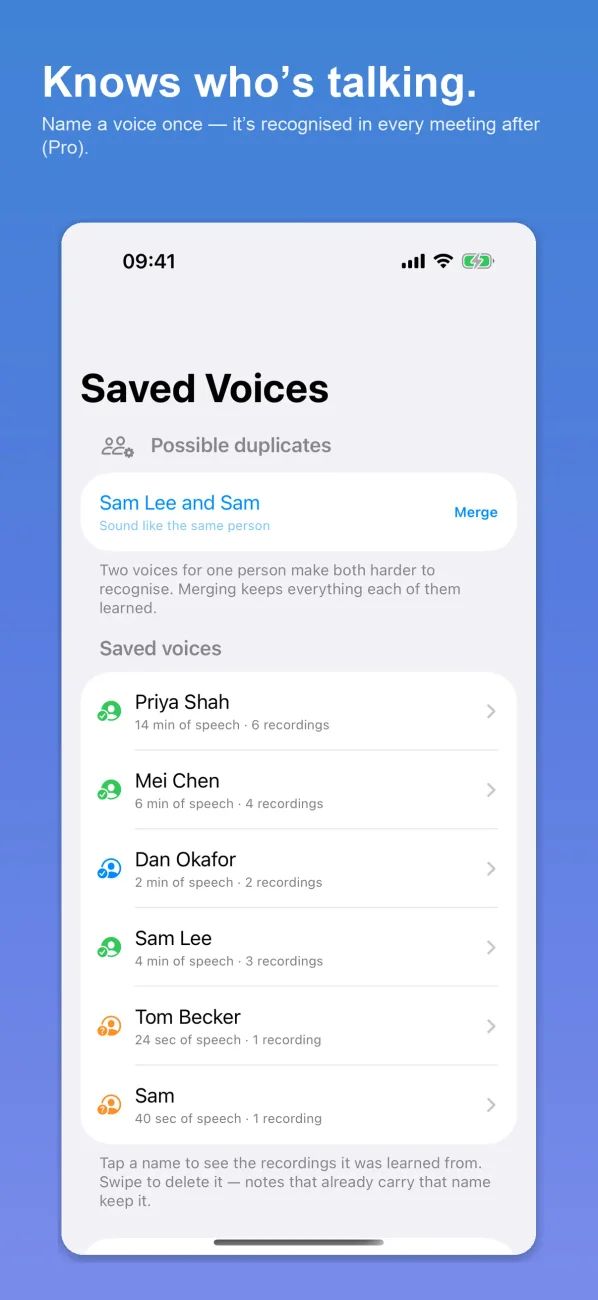
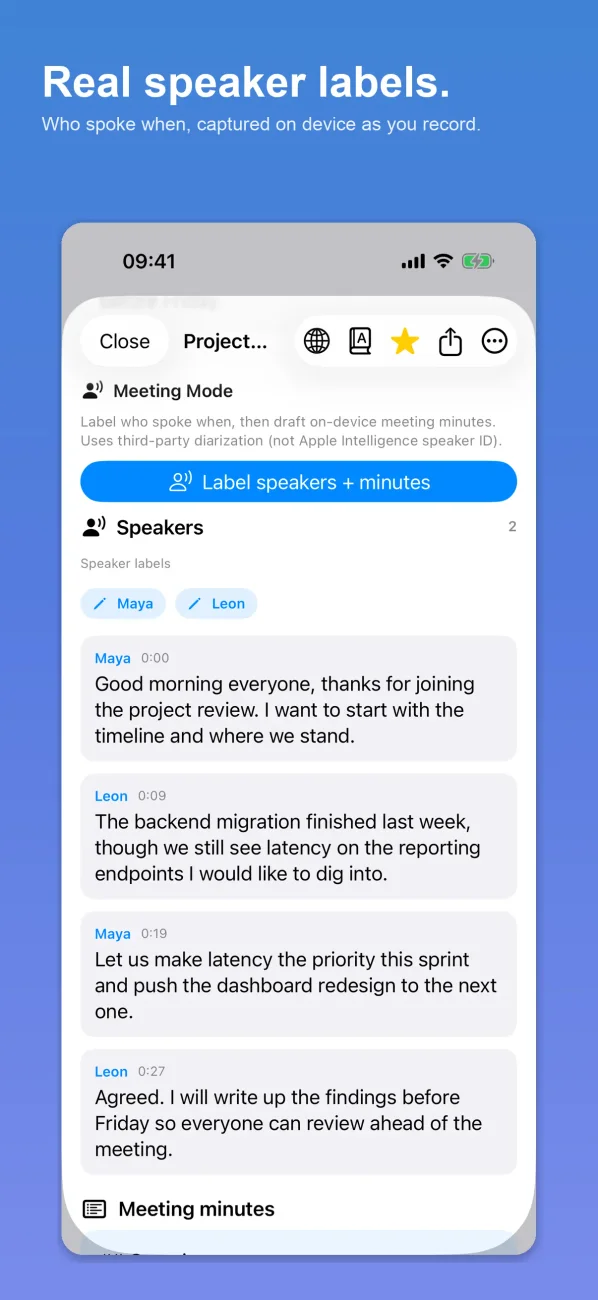
- Recognise people across meetings: name a speaker once on a Meeting Mode note, and LocalVoiceNote recognises their voice in later recordings and labels them for you. Voices are matched on your iPhone and never uploaded (Pro)
- Saved Voices, in Speech Engine (the brain icon at the top of the main screen): see everyone the app has learned to recognise, how well it knows each voice, and which recordings it learned from. Rename, merge duplicates, remove a single recording that taught it the wrong thing, or delete a voice
- When you name a speaker, the app tells you their voice was saved, with Undo right there
- Correcting a wrong name now teaches the app, so the same mistake doesn’t come back next meeting
- Speaker labels work straight away and offline, in every region: the speaker models now come with the app instead of downloading on first use
- More reliable speaker labels when you start a new recording right after finishing one
App privacy
What Liang Cheng declares on the App Store about how this app handles data.
-
Data not collected
The developer does not collect any data from this app.
Privacy practices may vary, for example with the features you use or your age.
Information
- Seller
- Liang Cheng
- Category
- Productivity
- Version
- 5.0.0
- Updated
- Nov 26, 2026
- Released
- Mar 26, 2026
- Size
- 691.6 MB
- Requires
- iOS 17.0 or later
- Age rating
- 4+
- Price
- Free
- In-app purchases
- Yes
- Languages
- English, Japanese, Korean, Simplified Chinese, Traditional Chinese
- Copyright
- © 2026 Liang Cheng
You might also like
-
 LocalNote: Private Voice NotesAI Transcripts, Summaries, Q&A
-
 Zen Timer: Grow with OrbillaPomodoro & study focus timer
-
 Stackclock: Work Hours TrackerTime log, many timers, no ads
-
 Flip Focus: Deep Work TimerApp & Distraction Blocker
-
 Task OptimistThe Task Scheduler
-
 Time Log - Activity TrackerStudy, work and reading time
-
 SessionScribe: Voice to TextOffline Transcription & Notes
-
 Meowji: AI Meeting NotesOn-device transcripts & to-dos
-
 Offline Dictation: VoiceCrispOn-device voice to text notes
-
 TypeVoice: AI Voice KeyboardDictation, Rewrite, Translate