
Lock Launcher Widgets LockFlow
Interactive Shortcuts & Action
Designed for iPhone, iPad
Free · In-app purchases
- Age rating4+
- CategoryGraphics & Design
- DeveloperAndres Piza Buckmann
- LanguagesEnglish+ 10 more
- Size86.7 MB
Links to the official App Store page
Download.org hosts no file of Lock Launcher Widgets LockFlow. The button opens its official App Store page, published by Andres Piza Buckmann. Listing last checked on Nov 25, 2026.
Screenshots


About
Your shortcuts on your Lock Screen.
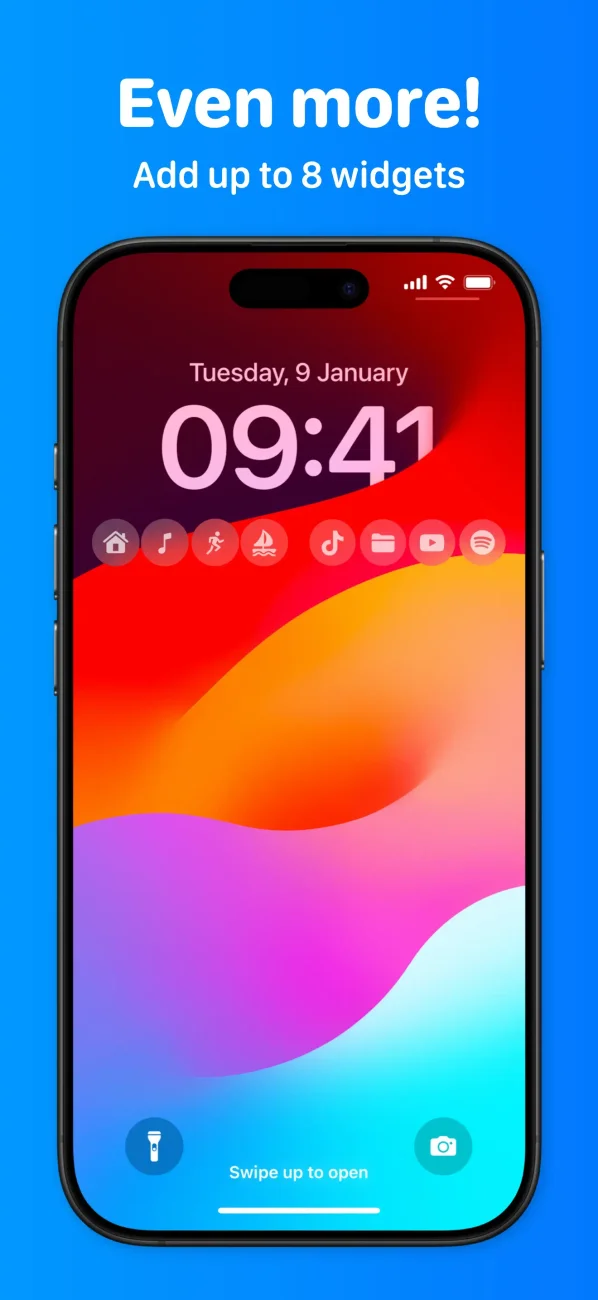
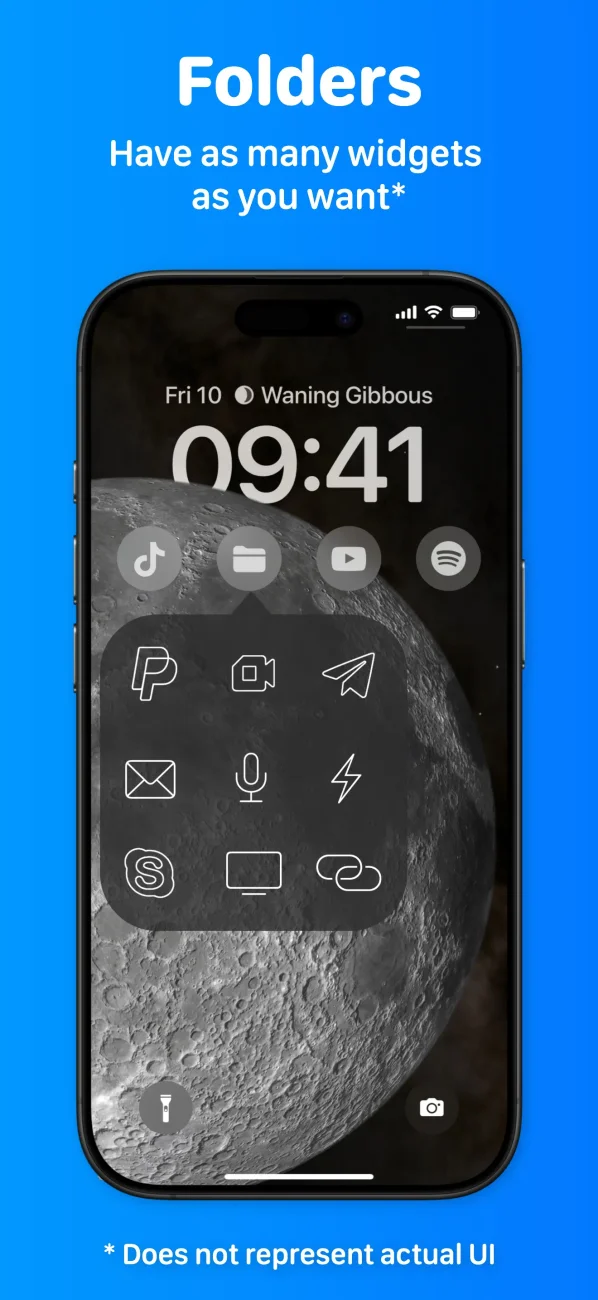
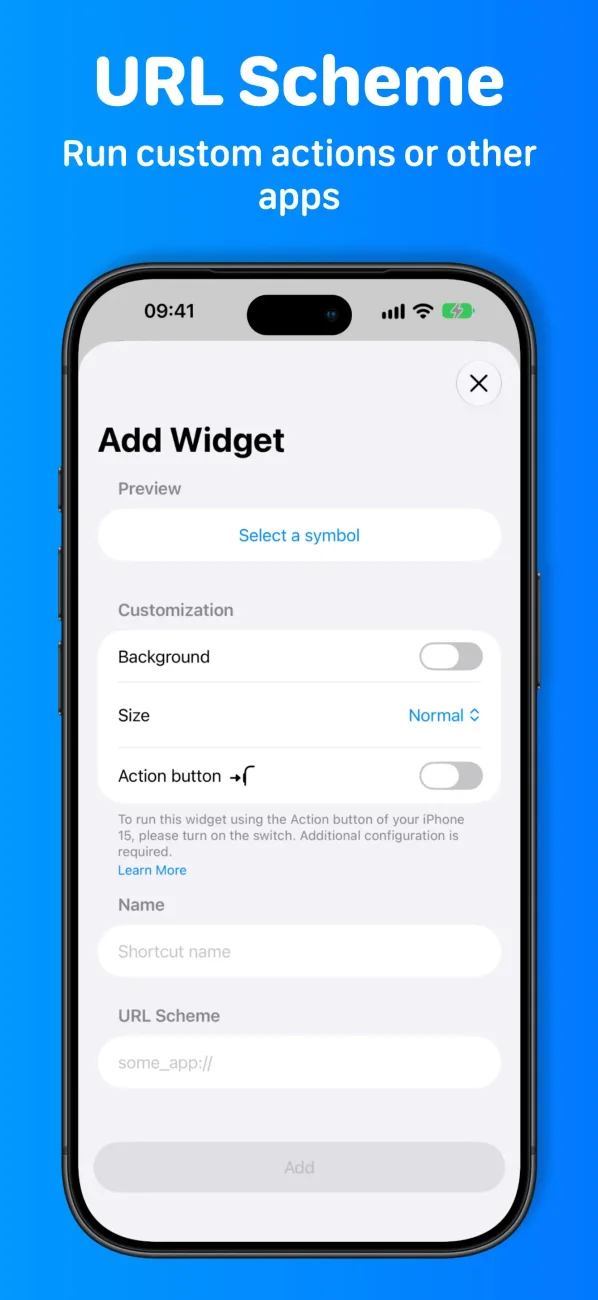
LockFlow is an app that allows you to set quick actions always available with one tap from your Lock Screen. You can execute shortcuts from the Shortcuts app, open apps with App Launchers, open custom URL Schemes or create folders. You can have up to 8 widgets in the Lock Screen thanks to interactive widgets.
Run any Siri Shortcuts you created in the Shortcuts app.
Being able to set shortcuts on your Lock Screen is super useful:
⁃ Run home automations with one tap
⁃ Open an alternative camera app
⁃ Get directions to a specific place
⁃ Send a message to someone you frequently text
⁃ Start playing your latest favorite podcast
⁃ Leverage all your existing shortcuts by making them easily accessible
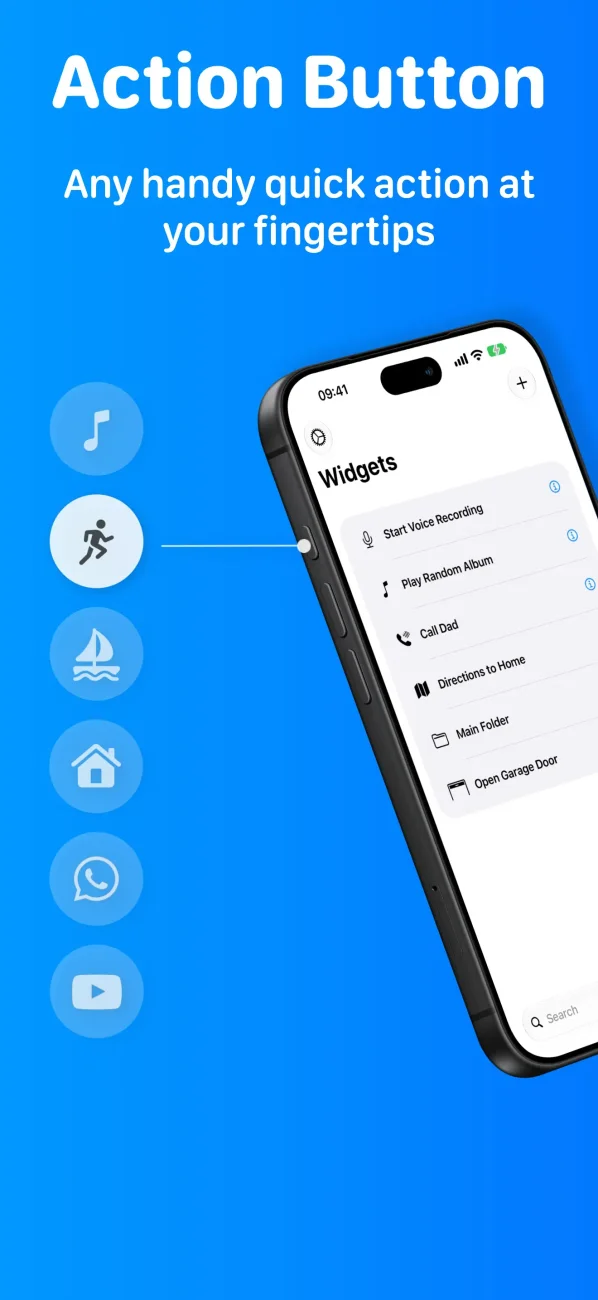
- Support for the Action Button on iPhone 15 models
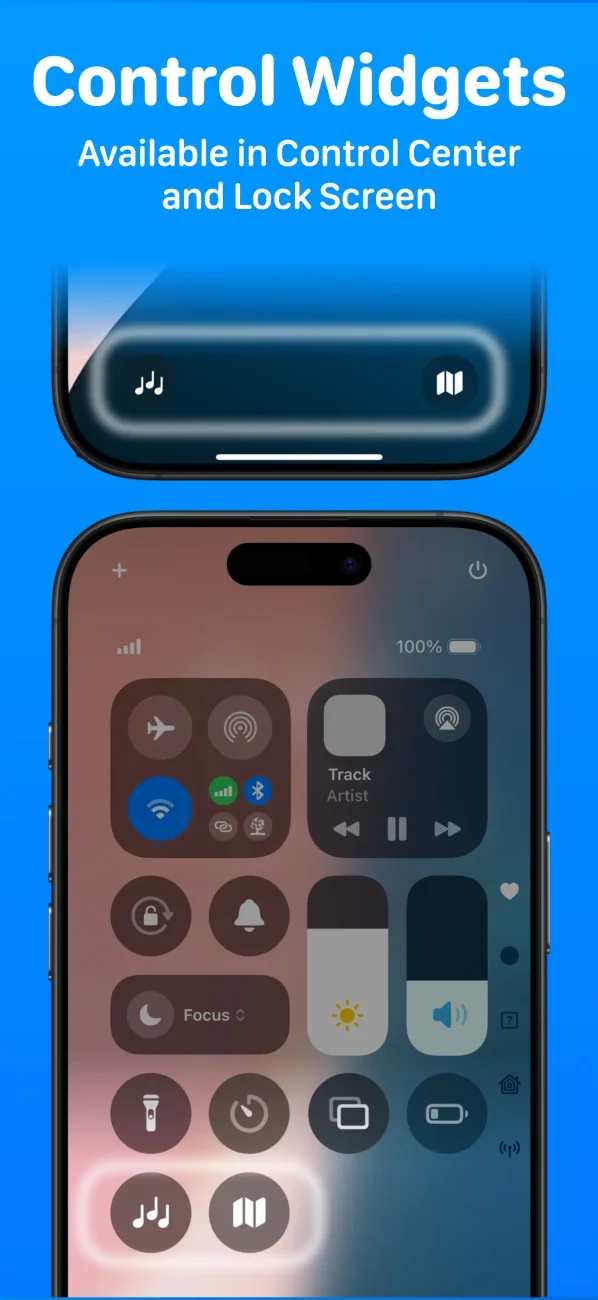
- Control widgets work in Control Center and on the Lock Screen
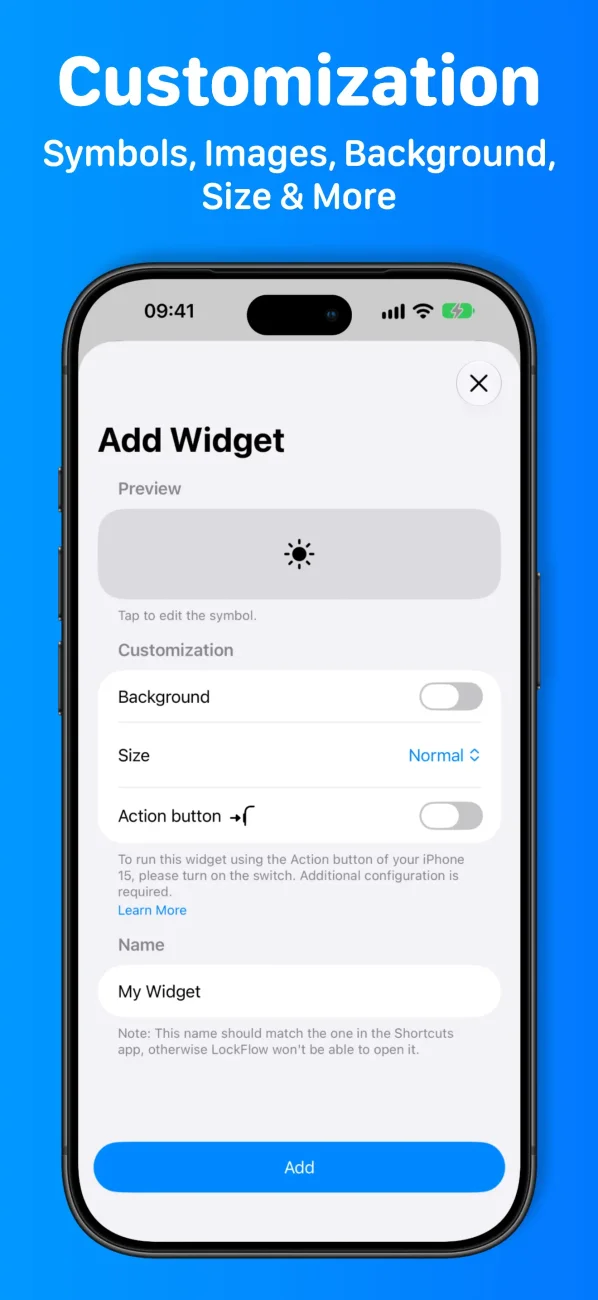
Configuring LockFlow is a super simple 3 step process.
1. Just set the exact name of the shortcut you want to run.
2. Add a symbol that will be visible on the Lock Screen
3. Add that widget in the Lock Screen
Do it from the Lock Screen, Do it with LockFlow
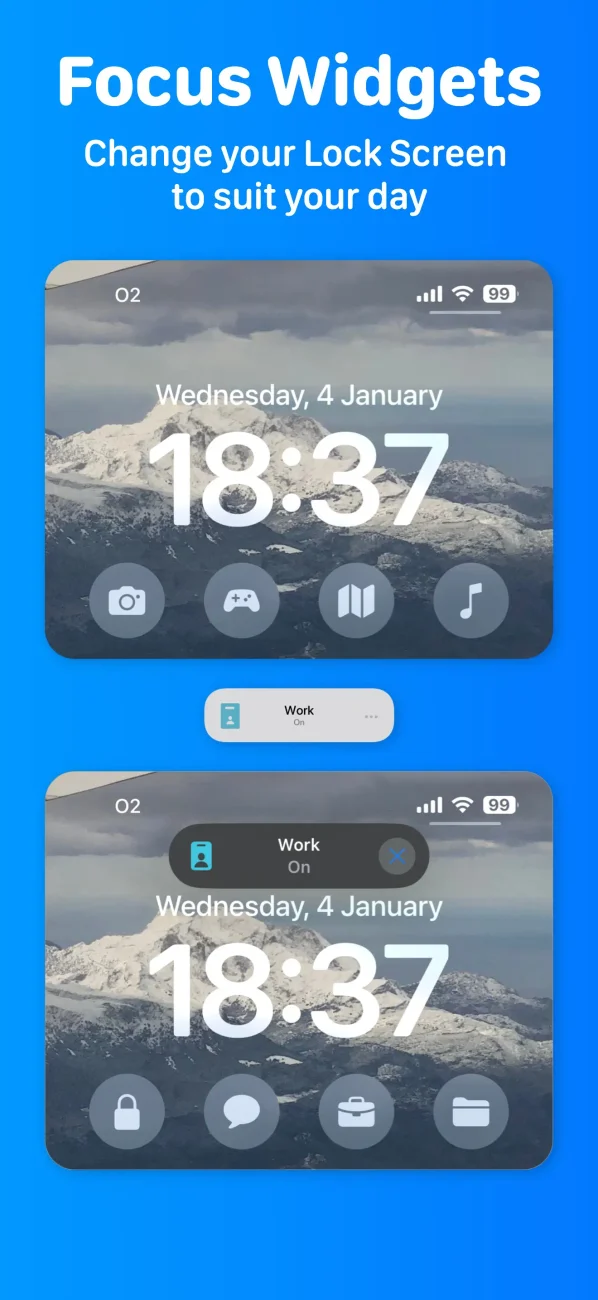
FOCUS WIDGETS
Focus Widgets allows you to have more than four widgets in the Lock Screen. By using Focus Modes you can change the widgets of your Lock Screen automatically when you set a Focus Mode or when you don't have one active.
Note: The app is free to download and use, but some features may require premium access.
Terms and Conditions: https://www.andrespiza.com/apps/lockflow/terms-of-use/
Privacy Policy: https://www.andrespiza.com/apps/lockflow/privacy-policy/
What’s new
Version 3.2.2 · Nov 24, 2026
- Added new App Launchers
This release also has bug fixes and minor improvements to enhance your experience.
Liking the app? Leave a rating or review in the App Store - your feedback helps us improve!
App privacy
What Andres Piza Buckmann declares on the App Store about how this app handles data.
-
Data not linked to you
May be collected but is not linked to your identity.
- Purchases
- Usage data
- Diagnostics
Privacy practices may vary, for example with the features you use or your age.
Information
- Seller
- Andres Piza Buckmann
- Category
- Graphics & Design
- Version
- 3.2.2
- Updated
- Nov 24, 2026
- Released
- Sep 12, 2022
- Size
- 86.7 MB
- Requires
- iOS 17.0 or later
- Age rating
- 4+
- Price
- Free
- In-app purchases
- Yes
- Languages
- English, French, German, Japanese, Korean, Portuguese, Russian, Simplified Chinese, Spanish, Traditional Chinese, Vietnamese
- Copyright
- © Andrés Pizà Bückmann 2026
You might also like
-
 Lock Launcher - Launch AppsNo Redirect & Widgets & Island
-
 Launcher x – App LauncherOpen Apps Directly + Widgets
-
 Blur Video·Blur Video Background
-
 Video Stabilizer.Stabilize Shaky Videos
-
 Resume Maker: CV MakerCover Letter Creator
-
 SizeSnap: Dimensions on PhotosMeasurement Notes & PDF Export
-
 Lock Screen 27: Widgets & Icon4k Live Wallpapers, Themes App
-
 Wallpapers for Dynamic Island.Aesthetic wallpaper background
-
 Island WidgetsDynamic Island & Lock Screen
-
 Beyond Scan: OCR & PDF ScannerDocuments, Photos & Signatures