Lock Screen 27: Widgets & Icon
4k Live Wallpapers, Themes App
Designed for iPhone, iPad, iPod touch
Free · In-app purchases
- Age rating4+
- CategoryGraphics & Design
- DeveloperProtools LLP
- LanguagesEnglish
- Size112.2 MB
Links to the official App Store page
Download.org hosts no file of Lock Screen 27: Widgets & Icon. The button opens its official App Store page, published by Protools LLP. Listing last checked on Nov 28, 2026.
Screenshots

About
Style Your iPhone & iPad with Custom Icons, Aesthetic Widgets & Live Wallpapers
With Lock Screen & Widgets 26, transforming the look of your iPhone or iPad has never been easier — or more fun. Choose from beautifully designed icon packs, interactive widgets, animated wallpapers, and trendy themes, all in one simple app.
What You Get
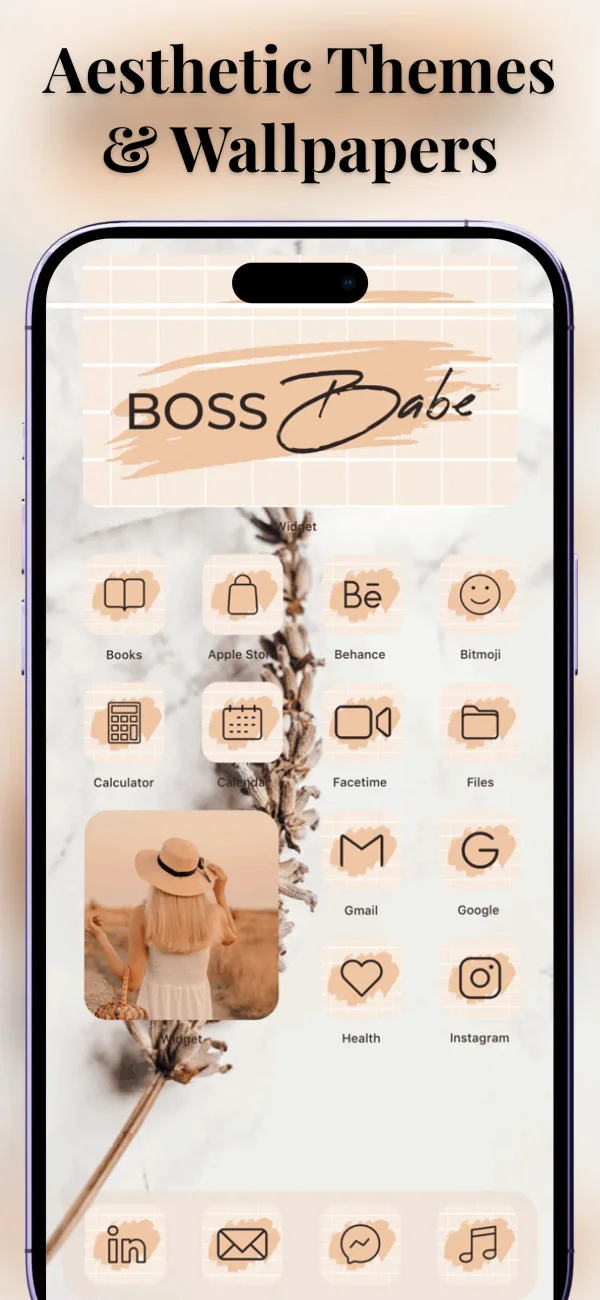
Custom Themes
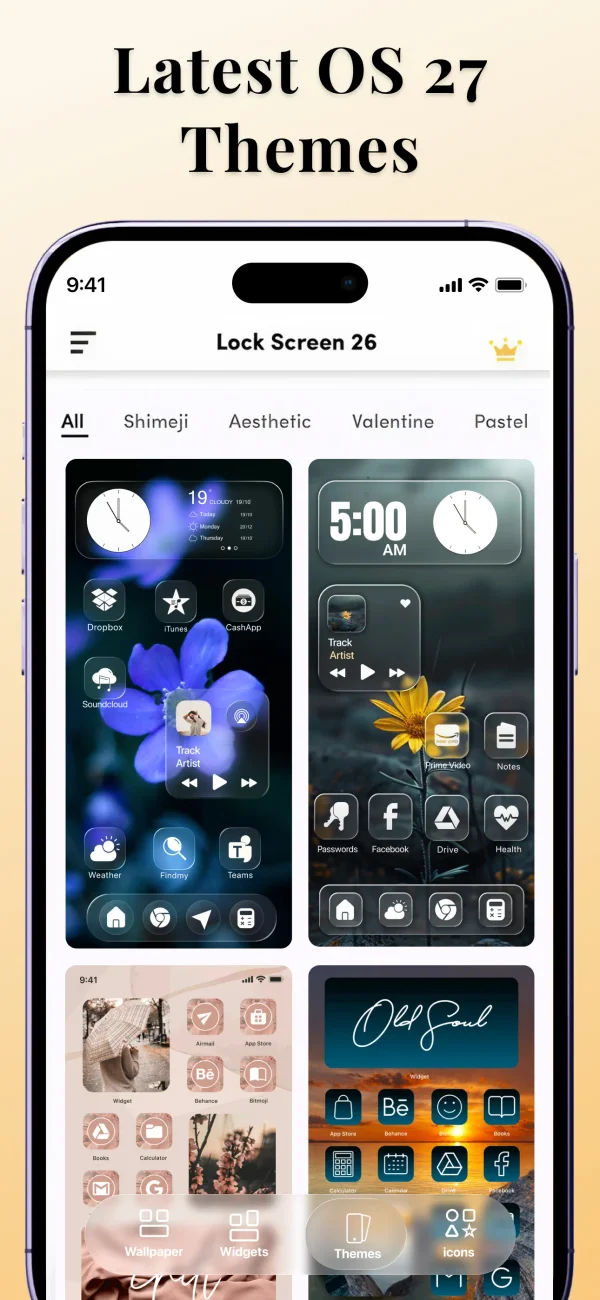
Curated home screen setups with matching icons, widgets, and wallpapers. One tap and your device looks brand new.
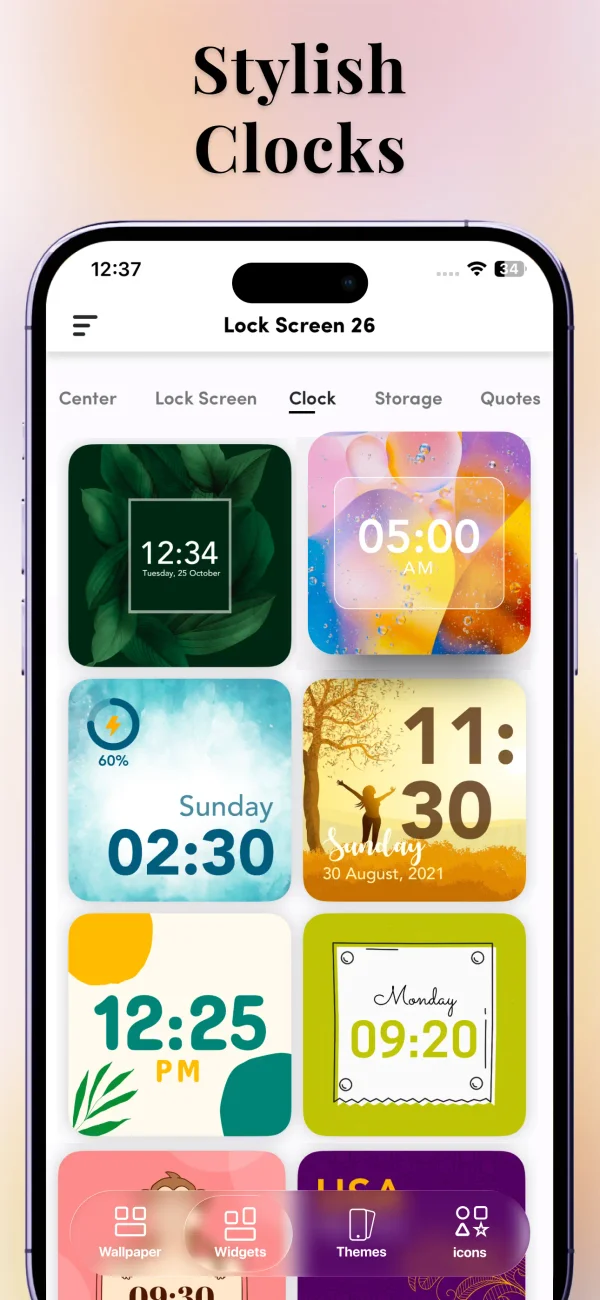
Aesthetic Widgets
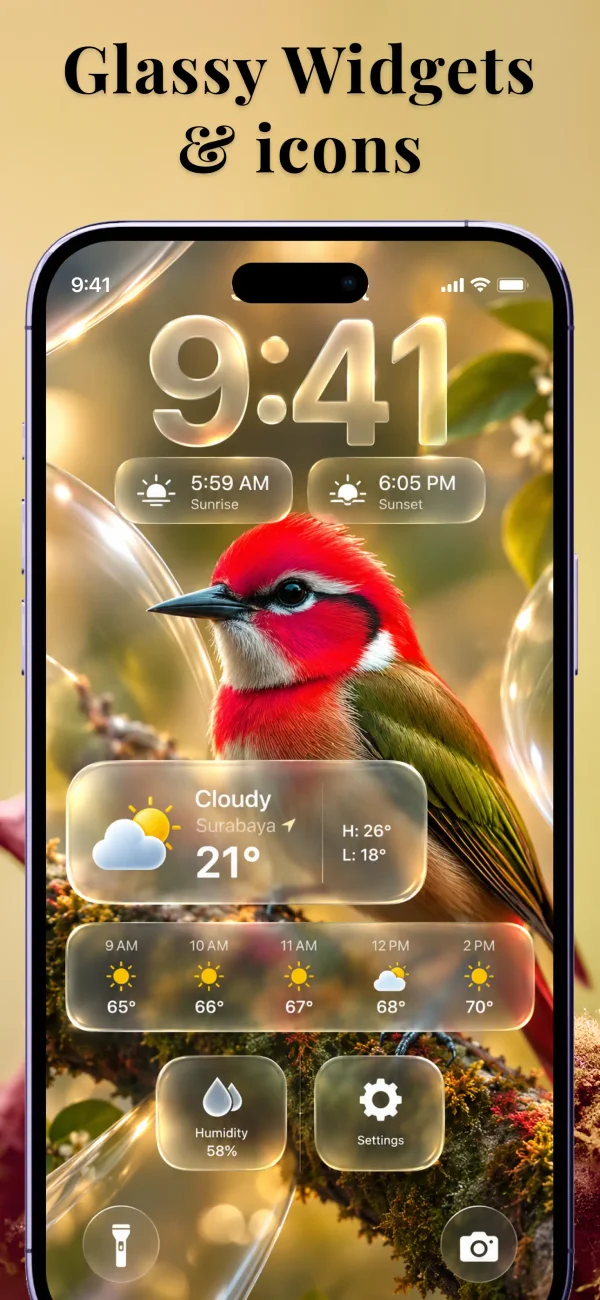
Add stylish widgets like Neon clocks, Daily Quotes, Custom Settings panels, and more. Mix, match, and layer your look.
50+ Icon Packs
Change how your apps appear with over 50 stunning icon collections in various styles — minimalist, bold, vintage, glassy, and more.
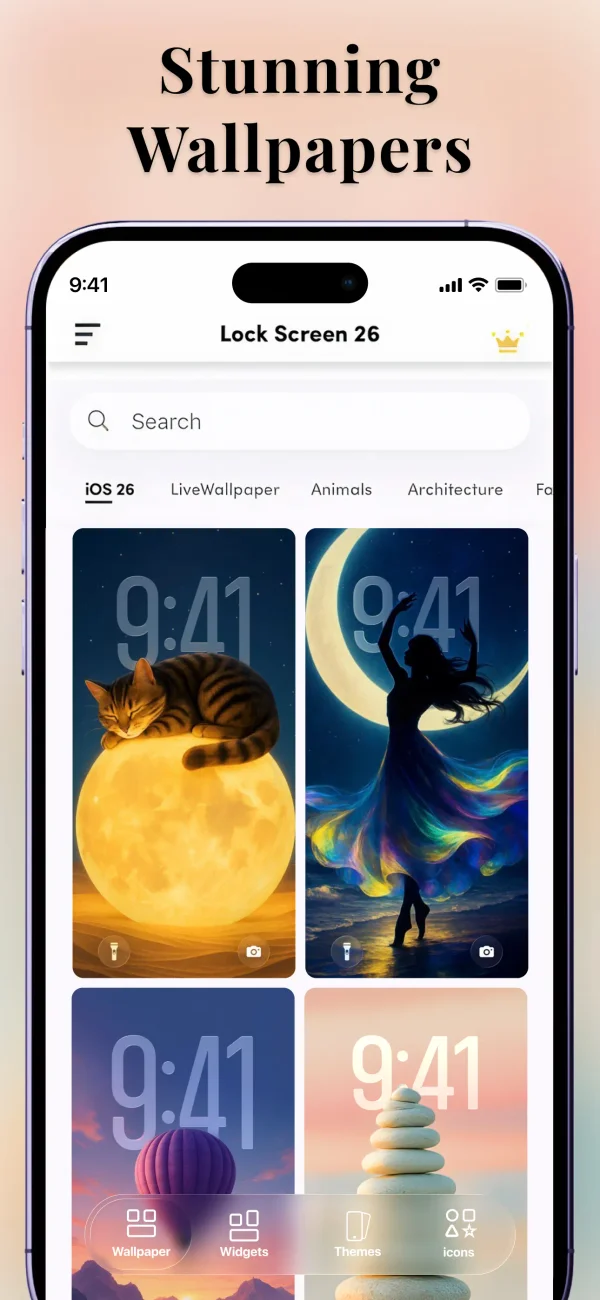
Live Wallpapers
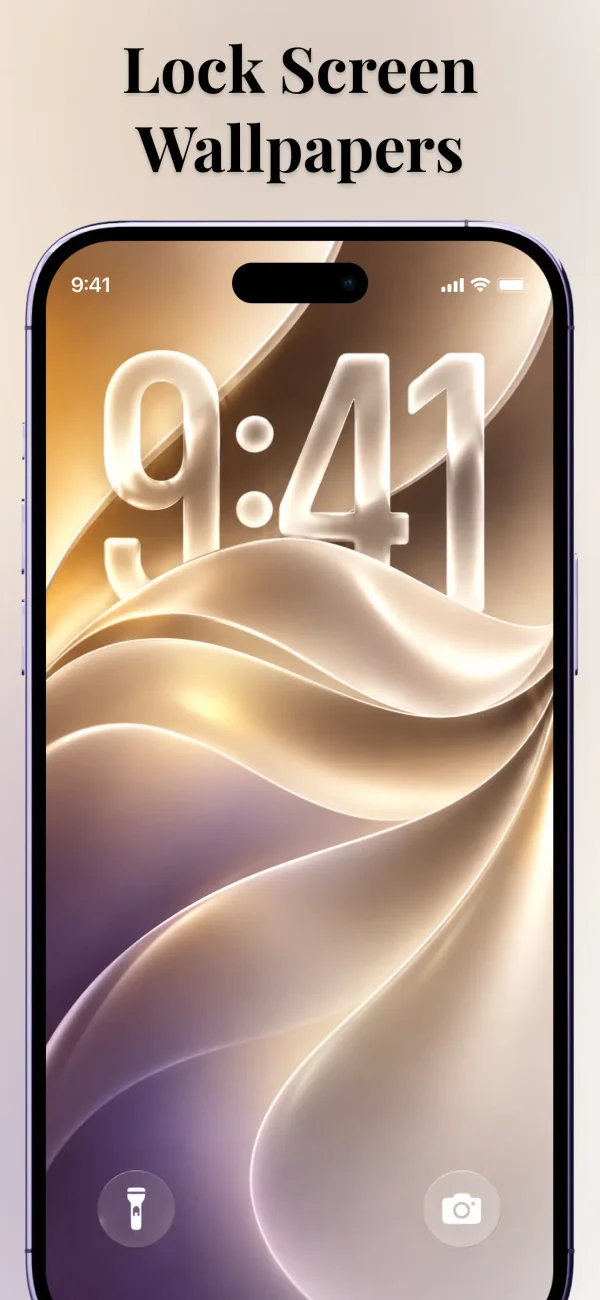
Bring your screen to life with high-quality animated wallpapers designed to make your lock and home screen stand out.
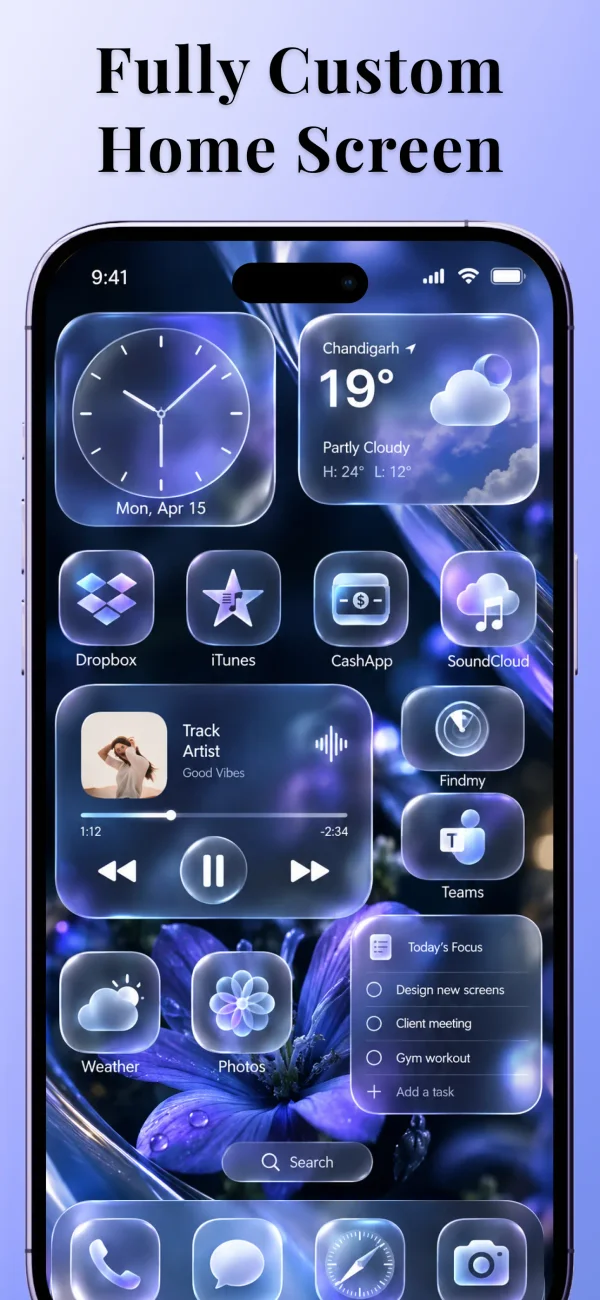
Glassy UI Elements
Experience the latest iOS design trends with sleek, translucent UI that gives your device a premium, futuristic feel.
Custom Icon Creator
Design your own icons — pick a background, choose from hundreds of icons, and add them directly to your home screen.
How It Works
1. Choose a Theme – Tap to preview and install your favorite setup
2. Customize Icons – Select individual icons or full icon packs
3. Apply Wallpaper – Save and set static or live wallpapers
4. Create Icons – Use the built-in icon maker for a fully custom look
Why Users Love It
Simple & Intuitive – Designed for effortless customization
Regular Updates – New icon packs, widgets, and themes added frequently
All-in-One Solution – Everything you need in one beautifully designed app
Built for iOS – Optimized for iPhone & iPad with smooth performance
Your iPhone. Your Style.
Subscription Details:
Lock screen offers premium features through auto-renewable subscriptions. Payment will be charged to your Apple ID account upon confirmation of purchase. Subscriptions automatically renew unless canceled at least 24 hours before the end of the current period. You can manage your subscription and turn off auto-renewal in your account settings.
For more details on managing subscriptions, visit: https://support.apple.com/en-us/HT202039
Privacy Policy - https://api.posterapp.org/IconThemer/privacy-policy.html
Terms of Service - https://api.posterapp.org/IconThemer/terms-and-conditions.html
Don’t settle for a boring home screen.
Download Lock Screen & Widgets 26 and turn your device into a design masterpiece — no design skills required.
What’s new
Version 1.8.13 · Nov 5, 2026
We've made your Lock Screen experience even better!
- Added support for Radio, Local Music, Apple Music, and Apple Podcasts.
- Refreshed Maps and Trip interfaces for a cleaner, smoother experience.
- Improved overall app performance and responsiveness.
- Fixed bugs and made other enhancements to improve your experience
Thanks for using our app! We're always working to make it better for you.
App privacy
What Protools LLP declares on the App Store about how this app handles data.
-
Data not linked to you
May be collected but is not linked to your identity.
- Diagnostics
Privacy practices may vary, for example with the features you use or your age.
Information
- Seller
- PROTOOLS LLP
- Category
- Graphics & Design
- Version
- 1.8.13
- Updated
- Nov 5, 2026
- Released
- Jan 31, 2022
- Size
- 112.2 MB
- Requires
- iOS 15.0 or later
- Age rating
- 4+
- Price
- Free
- In-app purchases
- Yes
- Languages
- English
- Copyright
- © Protools LLP
You might also like
-
 Icon Changer: Widget.s, ThemesAesthetic Icons, Wallpaper App
-
 Glass Wallpapers 4K: Depth 27Liquid 3D Live Lock Screens
-
 Glass Wallpapers • OS 26 & 274K Live Wallpaper, Lock Screen
-
 WallpX iPhone Wallpapers 17 4KDynamic Island wallpaper 27
-
 Dressy: Lock Screen WidgetsWallpapers, Icons, Phone Theme
-
 Live Wallpapers 27 Lock ScreenDIY island & Notch Backgrounds
-
 Live Screen 27: 4K WallpapersVideo to Moving Wallpaper
-
 Lock Launcher Widgets LockFlowInteractive Shortcuts & Action
-
 Glass: iPhone Wallpapers 27Lock Screen Widgets & Icon
-
 Launcher x – App LauncherOpen Apps Directly + Widgets