Lock Screen Notes: Sticky Memo
Voice to Checklist & Widget
Designed for iPhone, iPad
Free · In-app purchases
- Age rating4+
- CategoryProductivity
- DeveloperSho Fujimoto
- LanguagesEnglish+ 17 more
- Size75.9 MB
Links to the official App Store page
Download.org hosts no file of Lock Screen Notes: Sticky Memo. The button opens its official App Store page, published by Sho Fujimoto. Listing last checked on Nov 27, 2026.
Screenshots

About
Just say it. No typing, and your note lands right on your Home Screen.
Sticky Memo puts your notes on your Home Screen and Lock Screen, so you see them every time you pick up your phone.
WHEN IT HELPS
- An idea hits you on a walk
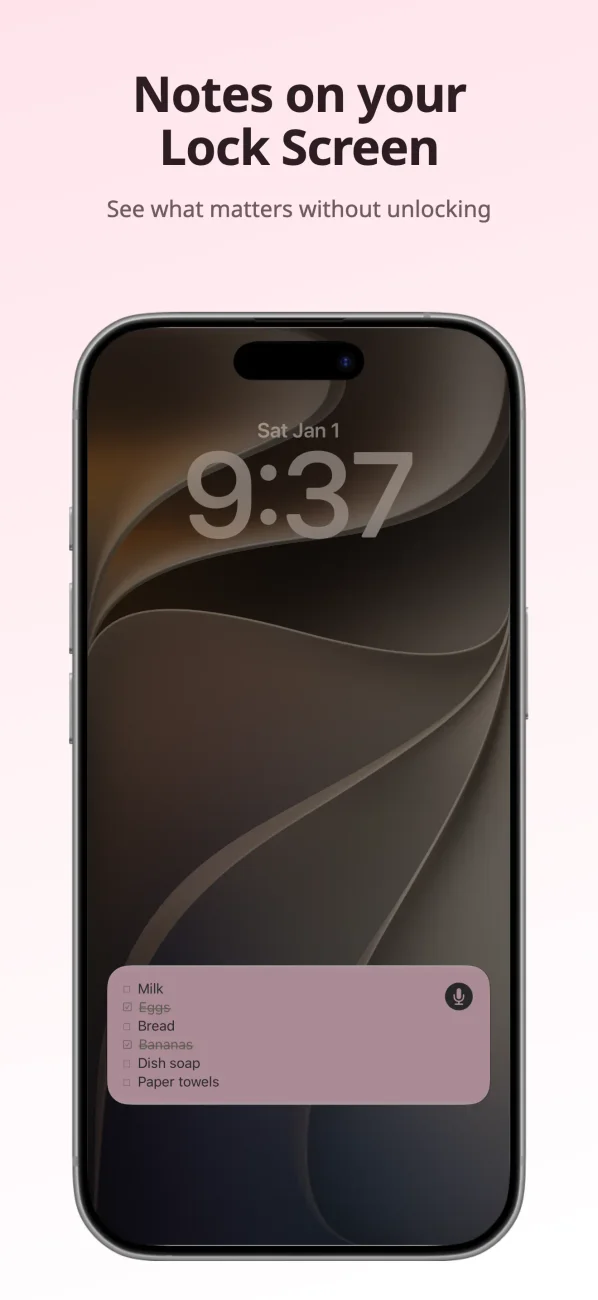
Tap the mic on your Lock Screen and just talk. No stopping to type: what you say becomes your note.
- You always forget what to buy
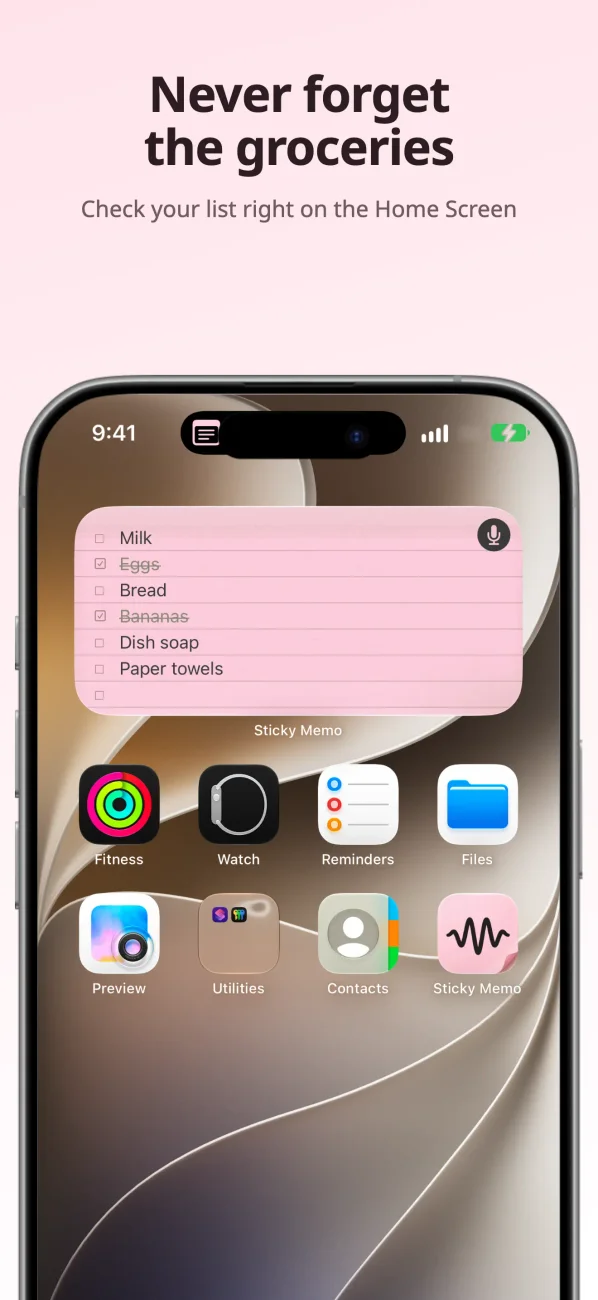
Keep your shopping list in a Home Screen widget and check it right in the store. Bought it? Tap its checkbox on the widget. No need to open the app.
- You want a to-do list, but typing it is a chore
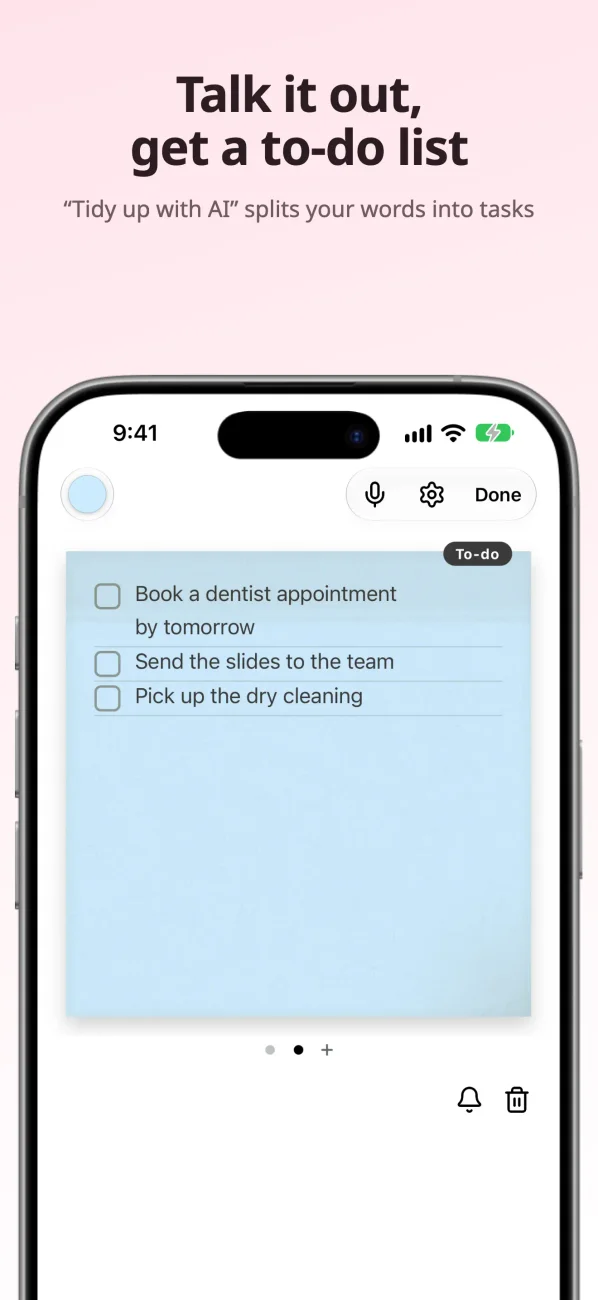
Say whatever comes to mind and tap "Tidy up with AI". Your words become a tidy list, one task per line. All you do is talk.
- You used to write reminders on your hand
Your note stays on the widget all day. What to pack before you leave, what to do today: one look at your Home Screen.
- You need a nudge at a set time
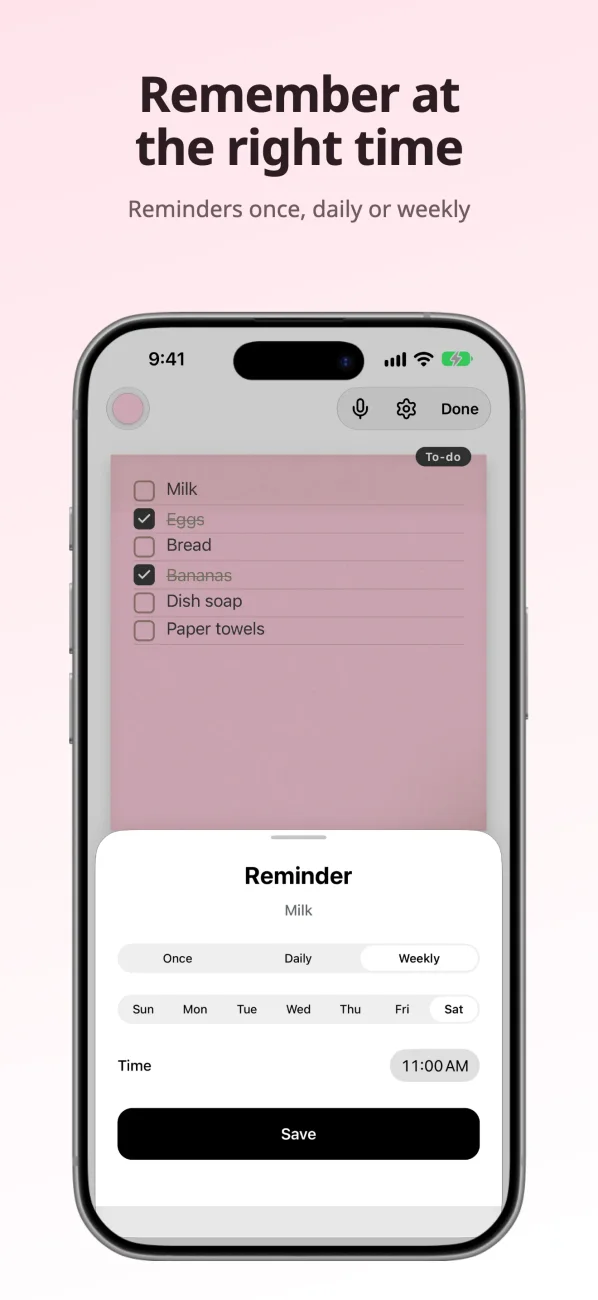
Add a reminder to a note or to a single to-do item. Once, every day or every week.
FEATURES
- Home Screen widgets in small, medium and large
- Notes on your Lock Screen (Live Activity)
- Voice input with "Tidy up with AI"
- To-do lists you can check off in the app or on the widget
- To-dos sort by priority, and you can reorder them by pressing and holding a checkbox. Checked items gather at the bottom, ready to clear in one go
- Send memo: share the open memo with family and friends by Messages or email
- Pro: export all your memos to a file and import them again, handy when you switch phones
- Siri: say "Add to Sticky Memo" to add to your memo without opening the app
- Now available on iPad, including the Extra Large widget
- Reminders: free and unlimited
- Six paper colors, plain, lined, grid or to-do paper, and handwriting-style fonts
- Swipe left and right to switch notes
- No account needed. Your notes stay on your device
ABOUT THE LOCK SCREEN
Because of how iPhone works, the note on your Lock Screen disappears after about 12 hours. Open the app and it shows up again.
Home Screen widgets stay put.
PRIVACY
Your notes are stored only on your device. Only when you tap "Tidy up with AI" is the dictated text sent to our server to be tidied up, and it is not stored.
FREE AND PRO
Free: up to 2 notes and 2 AI tidy-ups a day. Widgets, the Lock Screen, voice input, to-do lists and reminders stay free.
Sticky Memo Pro: unlimited notes and up to 50 AI tidy-ups a day. Choose a monthly or yearly subscription, or a one-time purchase.
Subscriptions renew automatically unless cancelled at least 24 hours before the end of the current period. Manage or cancel them in your Apple Account settings.
Privacy Policy: https://shofj.com/en/apps/widget-memo/privacy-policy
Terms of Use: https://shofj.com/en/apps/widget-memo/terms-of-service
Apple Standard EULA: https://www.apple.com/legal/internet-services/itunes/dev/stdeula/
What’s new
Version 3.0.2 · Nov 26, 2026
• Reorder to-dos: press and hold a checkbox, then drag
• Checked items move to the bottom. Fold them under the "Done" divider or clear them all at once (you can turn this off in Settings)
• Tap "Memo" or "To-do" in the top-right corner of a note to switch its type. New notes start as a plain memo
• With the keyboard closed, your note stretches down the screen so you can see more
App privacy
What Sho Fujimoto declares on the App Store about how this app handles data.
-
Data not linked to you
May be collected but is not linked to your identity.
- Purchases
- User content
Privacy practices may vary, for example with the features you use or your age.
Information
- Seller
- Sho Fujimoto
- Category
- Productivity
- Version
- 3.0.2
- Updated
- Nov 26, 2026
- Released
- Nov 3, 2026
- Size
- 75.9 MB
- Requires
- iOS 16.4 or later
- Age rating
- 4+
- Price
- Free
- In-app purchases
- Yes
- Languages
- English, Dutch, French, German, Indonesian, Italian, Japanese, Korean, Polish, Portuguese, Russian, Simplified Chinese + 6 more
- Copyright
- © 2026 Sho Fujimoto
You might also like
-
 Sticky Notes: Daily To Do ListLock Screen Widget & Reminders
-
 Noter: Notes, Lists & TablesChecklists, tables, calendar
-
 Klarflow – Tasks & PlannerVoice To-Do List with AI
-
 MemolinkProductivity
-
 Fridge: Lock Screen NotesSticky to-do checklist widget
-
 Folded Notes: Private NotesPrivate encrypted notes
-
 Clarent – Minimal TodoTasks, Reminders & Focus Timer
-
 MyCalendar: Calls & RemindersProductivity
-
 超シンプルメモ - ロック画面ToDoProductivity
-
 ぱっと手帳 予定表もメモもウィジェットに表示Productivity