Lock Screen Widgets 16-Widget
Lock screen 16, lockwidgets
Designed for iPhone, iPod touch
Free · In-app purchases
- Age rating4+
- CategoryGraphics & Design
- DeveloperGulooloo Tech
- LanguagesEnglish+ 2 more
- Size164.9 MB
Links to the official App Store page
Download.org hosts no file of Lock Screen Widgets 16-Widget. The button opens its official App Store page, published by Gulooloo Tech. Listing last checked on Nov 12, 2026.
Screenshots
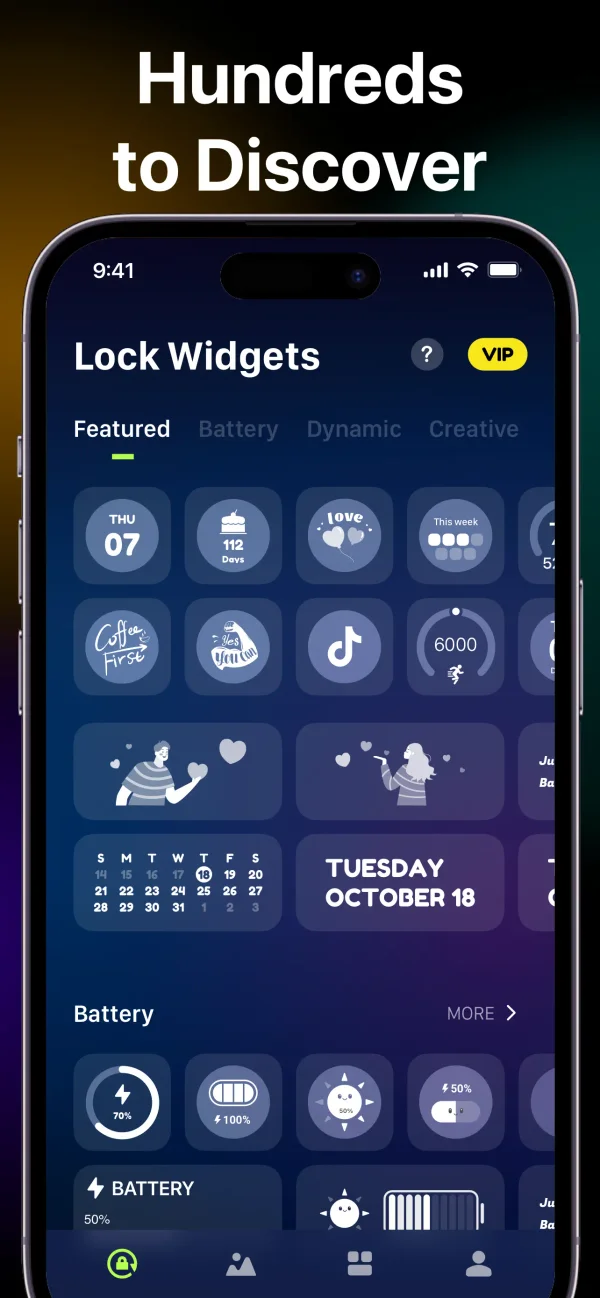
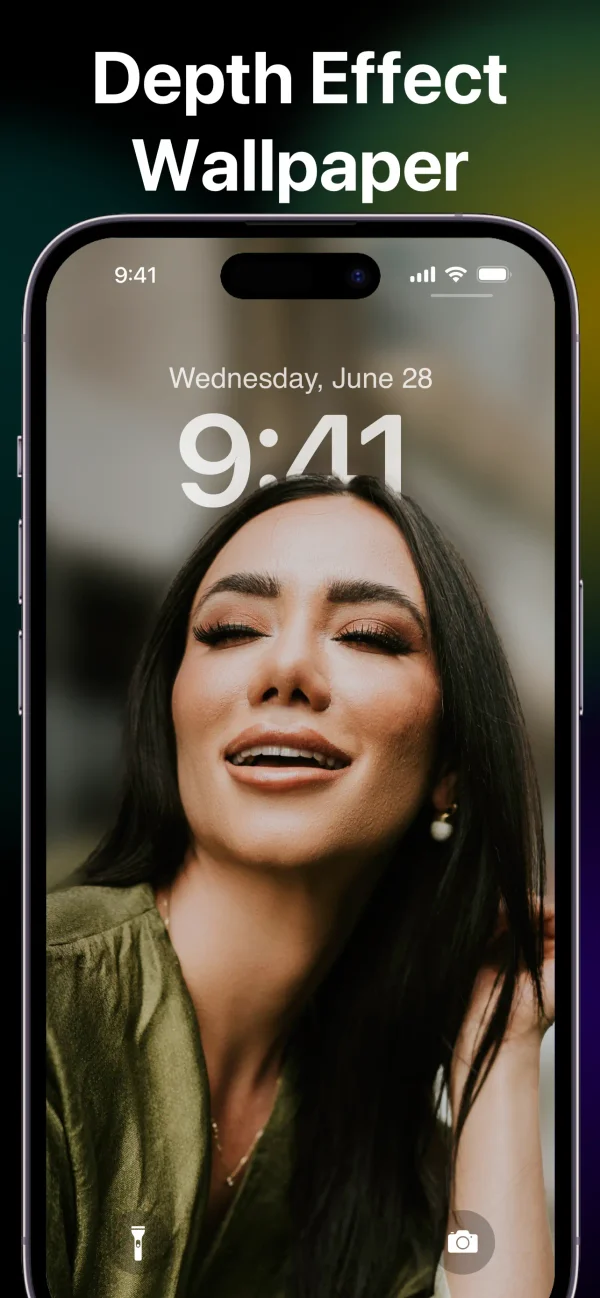
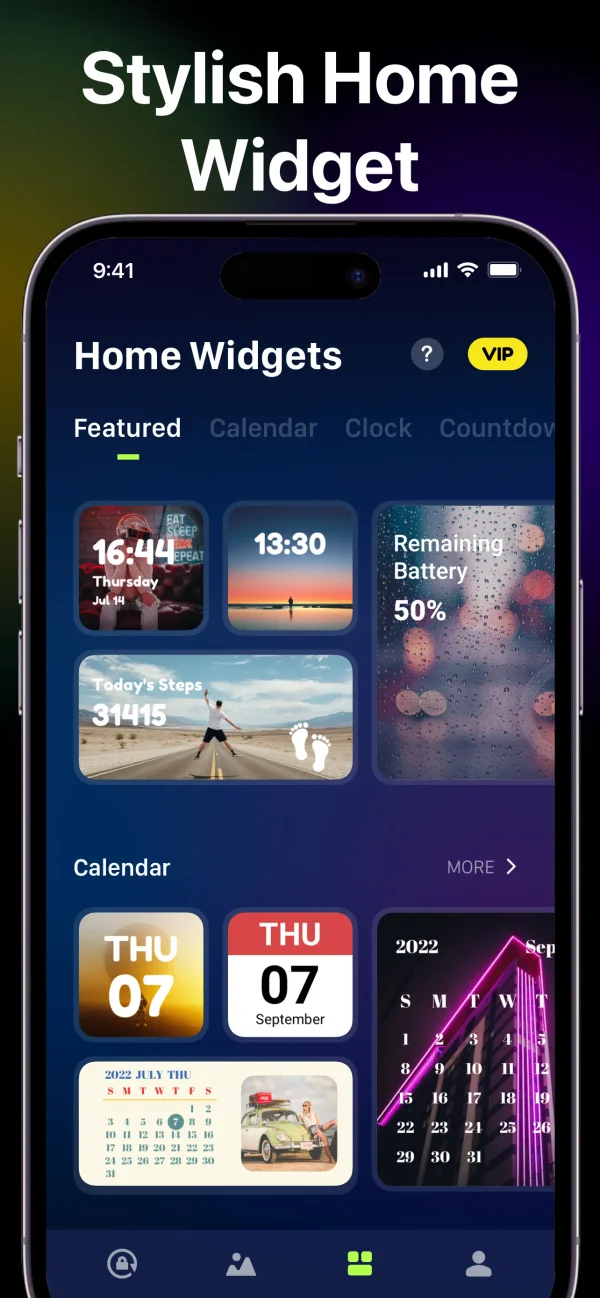
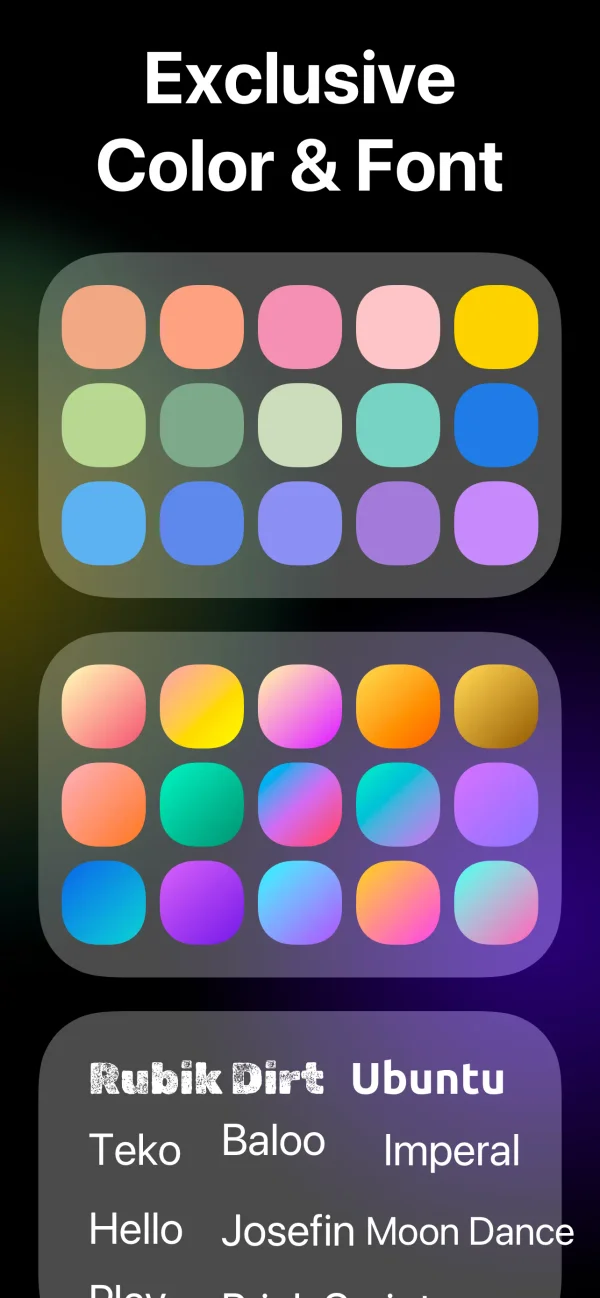
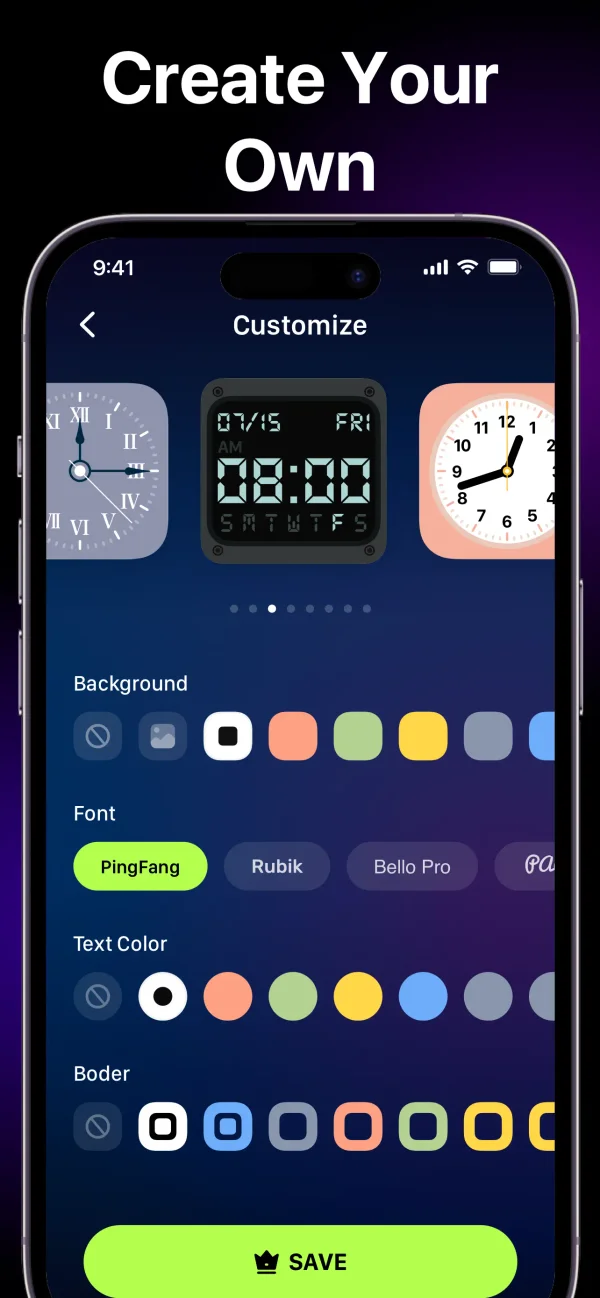
About
Fancy new lock screen widgets?
Tired of a normal widget that has limited customization?
A fantastic lock screen and home screen widgets app including dynamic icons, quick launcher, countdown, battery, healthy, etc. is definitely what you want!
You can create your own fancy widgets with the easy-to-use widget editor. Makes your phone screen adorable! It offers various styles for you to choose from. All widgets you need are here :
- Add all size widgets
- Various widget styles
- Multiple fonts and colors
What makes Lock Screen Widget stand out:
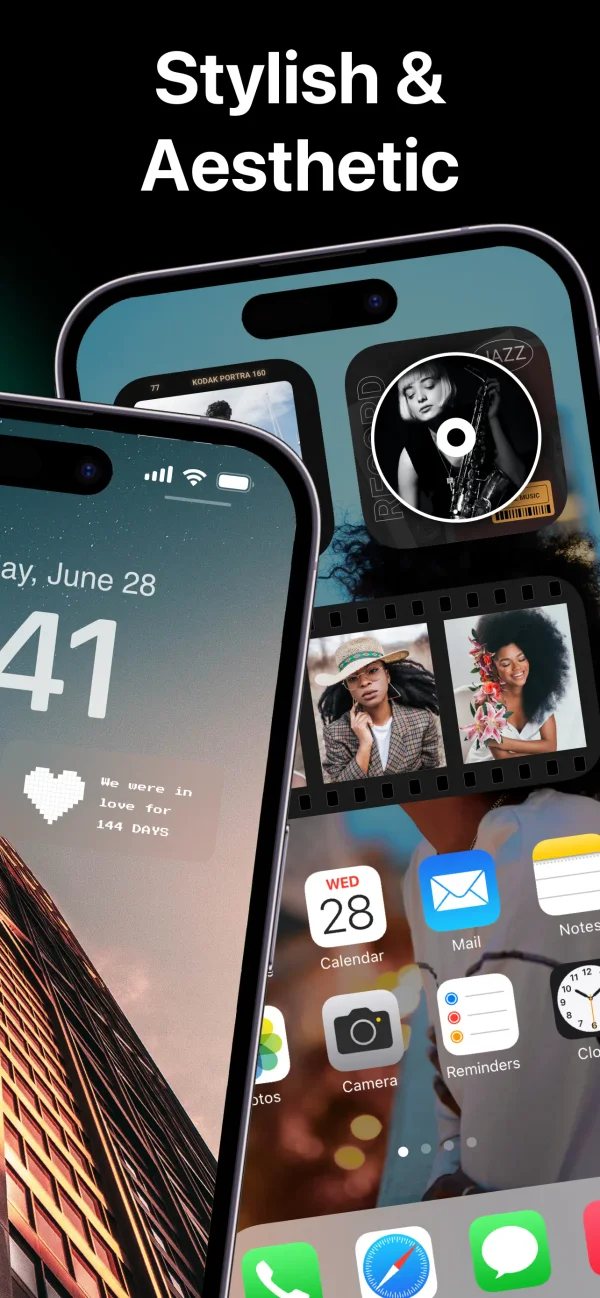
Various Aesthetic Widget
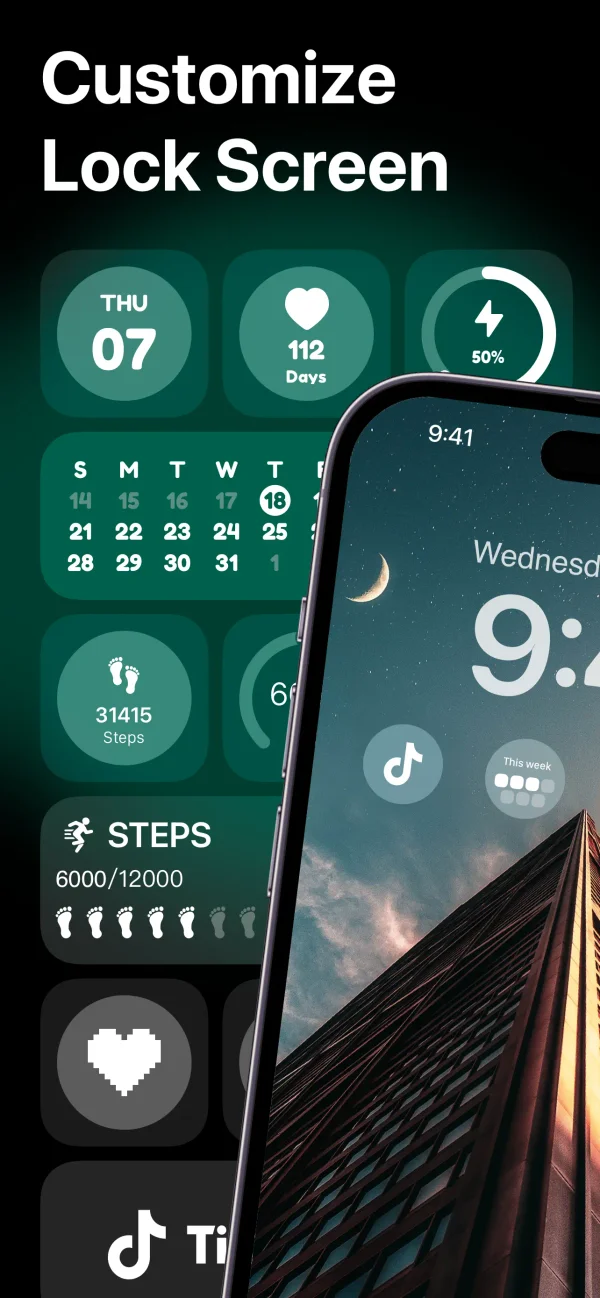
Lock Screen Widget support all kinds of Widget. You can enjoy 200+ lock screen widgets & wallpapers after updating. Add a calendar, battery, and even a to-do list to your lock screen to let it become personalized.
All sizes are supported: Circular, Rectangular, Inline
Various types are available: dynamic icons, quick launcher, countdown, battery, healthy, etc.
Custom by yourself
Constantly update
Home Screen Widgets
With massive well-designed widgets, you can quickly make the widgets you need.
The calendar widget helps you check the date quickly on the home screen. In the Countdown widget, you can add deadlines which enables you to check the left time for important days anytime and anywhere. The clock widget gives you a chance to add multiple fancy clock styles to your screen
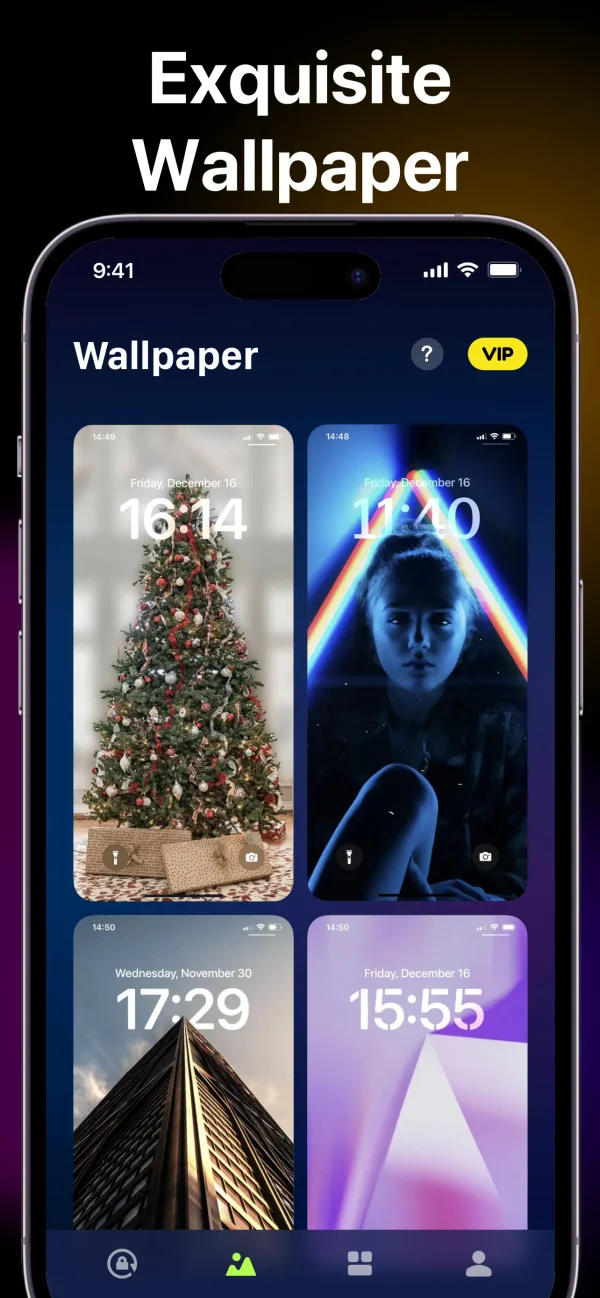
HD Lock Screen Wallpapers
- All wallpapers are high-quality
- Perfectly fit the Depth Effect
- Gorgeous wallpapers with various styles
Easy Set Up steps
With Lock Screen Widget, There are ONLY TWO STEPS that take less than 30 seconds to set a widget:
Long press anywhere on the home screen. Click " + " in the upper left corner. Search "Lock Screen Widget"
Select a size. Touch and hold to enter edit mode. Click "Edit Widget".Choose the widget you want to add to the home screen
After the setup, all the widgets are free to use!
Custom Widget
The Lock Screen Widget is highly Customizable. It allows you to customize the widget color, widget font, widget border, etc. Also, you can use your own preference on time & date formats. With Lock Screen Widget, there are no limits to customizing your Lock Screen & Home Screen
If you have any questions, please contact us: widget.ios@guloolootech.com
Terms of use:
http://guloolootech.com/terms-of-use.html
Privacy Policy:
http://guloolootech.com/privacy-policy.html
What’s new
Version 1.0.9 · Nov 8, 2024
1. Update image sources
App privacy
What Gulooloo Tech declares on the App Store about how this app handles data.
-
Data not linked to you
May be collected but is not linked to your identity.
- Purchases
- Identifiers
- Usage data
- Diagnostics
Privacy practices may vary, for example with the features you use or your age.
Information
- Seller
- Gulooloo Tech Co., Limited
- Category
- Graphics & Design
- Version
- 1.0.9
- Updated
- Nov 8, 2024
- Released
- Dec 5, 2022
- Size
- 164.9 MB
- Requires
- iOS 14.0 or later
- Age rating
- 4+
- Price
- Free
- In-app purchases
- Yes
- Languages
- English, Simplified Chinese, Traditional Chinese
- Copyright
- © 2021 Gulooloo Tech Co., Limited
You might also like
-
 Glass Wallpapers-26 LockScreenLock Screen Widgets,Wallpaper
-
 StandBy Widgets 17 Wallpapers4K Live Backgrounds & Themes
-
 Dressy: Lock Screen WidgetsWallpapers, Icons, Phone Theme
-
 WiGet - Cool Widgets & ThemesBattery, Clock, Quote, Steps
-
 Lively Widget - 5000+ DesignsMost Customizable Widget App
-
 Skin - Widgets, Icons, ThemesCustomize Home and Lock Screen
-
 Lock Screen 27: Widgets & Icon4k Live Wallpapers, Themes App
-
 Widgit - App Launcher WidgetsCustom Aesthetic & Interactive
-
 DuoTheme: Foldable WallpaperWidget, Live Wallpaper, Themes
-
 Lock launcher - Group & ScreenLock Screen Widgets & Launcher