
Locker Pro - Password Manager
Password Photo Drawing Voice
Designed for iPhone, iPad, iPod touch
Free · In-app purchases
- Age rating4+
- CategoryProductivity
- Developer晖 姚
- LanguagesEnglish+ 7 more
- Size9.9 MB
Links to the official App Store page
Download.org hosts no file of Locker Pro - Password Manager. The button opens its official App Store page, published by 晖 姚. Listing last checked on Nov 12, 2026.
Screenshots
About
Too many passwords to remember? Still, use the same password for each site? Locker - the safest and most convenient private information manager, provides a whole new way of protecting your personal information.
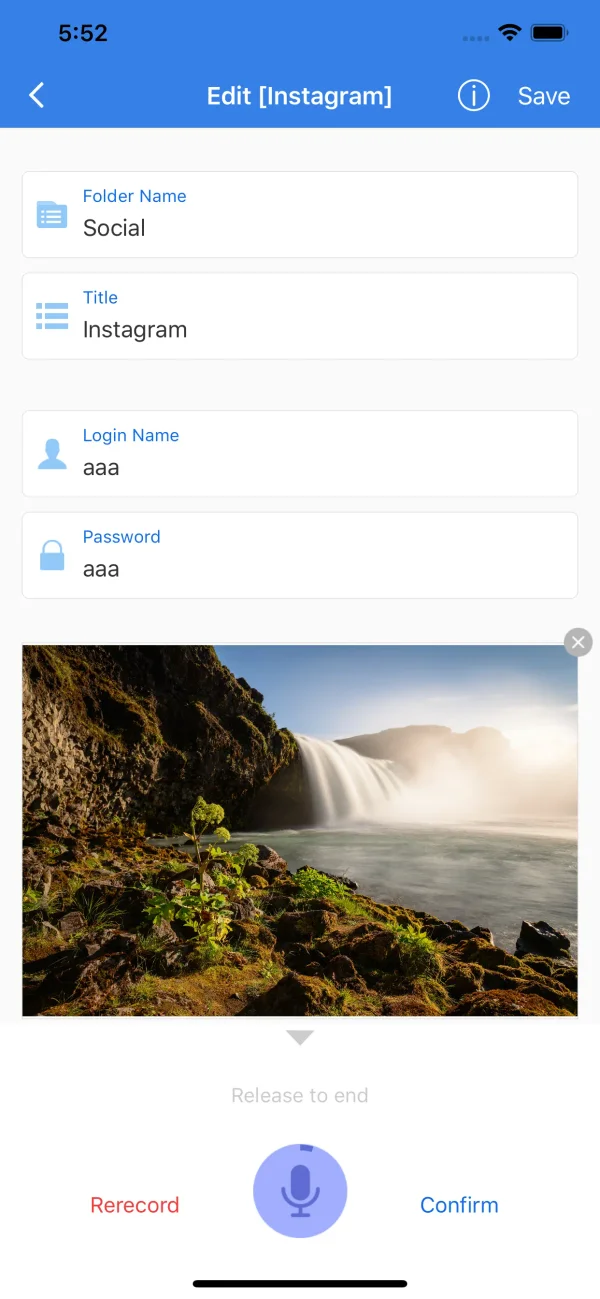
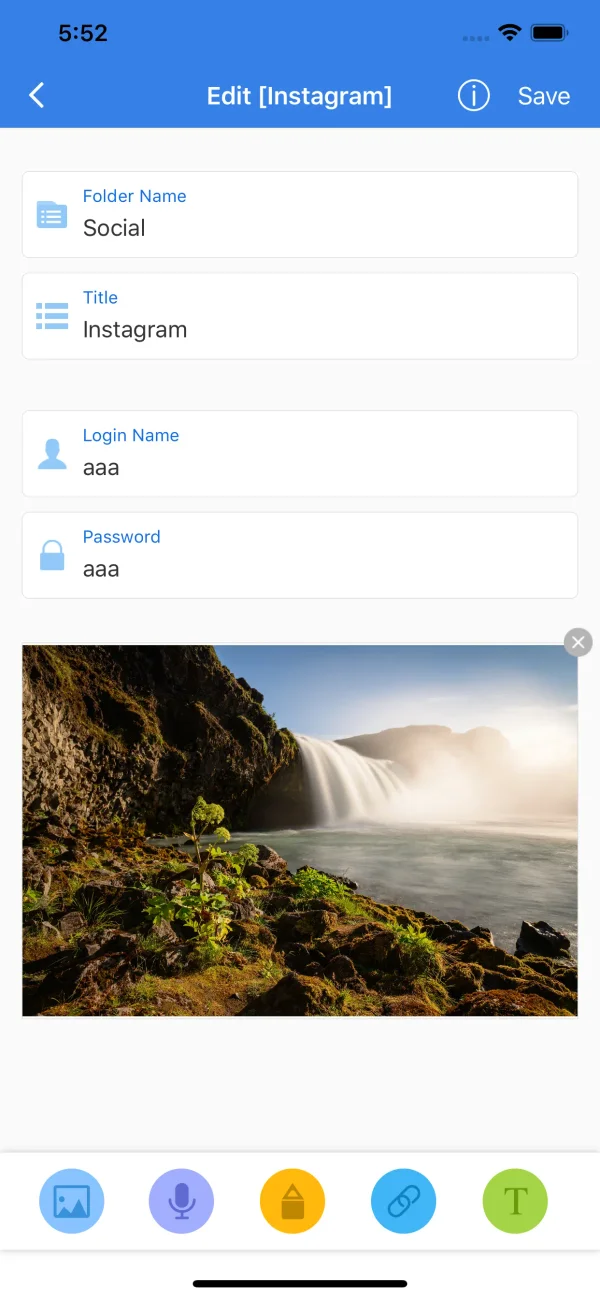
Store passwords safely and effortlessly. Supports text, hand-drawn notes and photos.
— FEATURES —
- Support import and export, easy to manage your passwords.
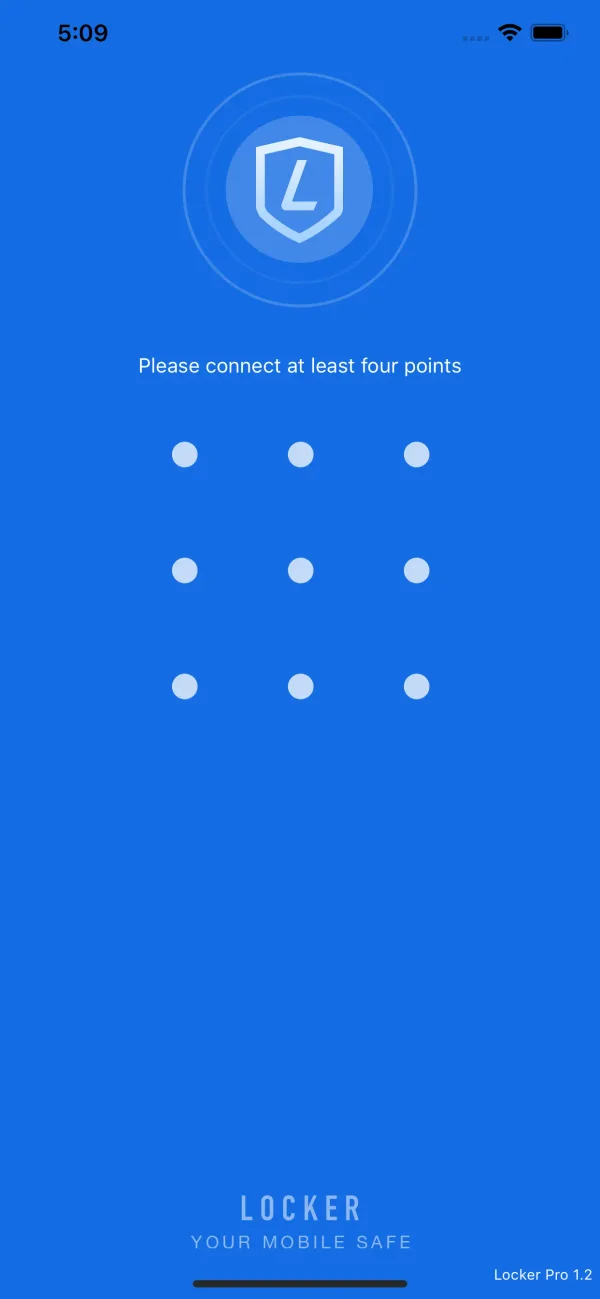
- Support gesture and fingerprint, login faster.
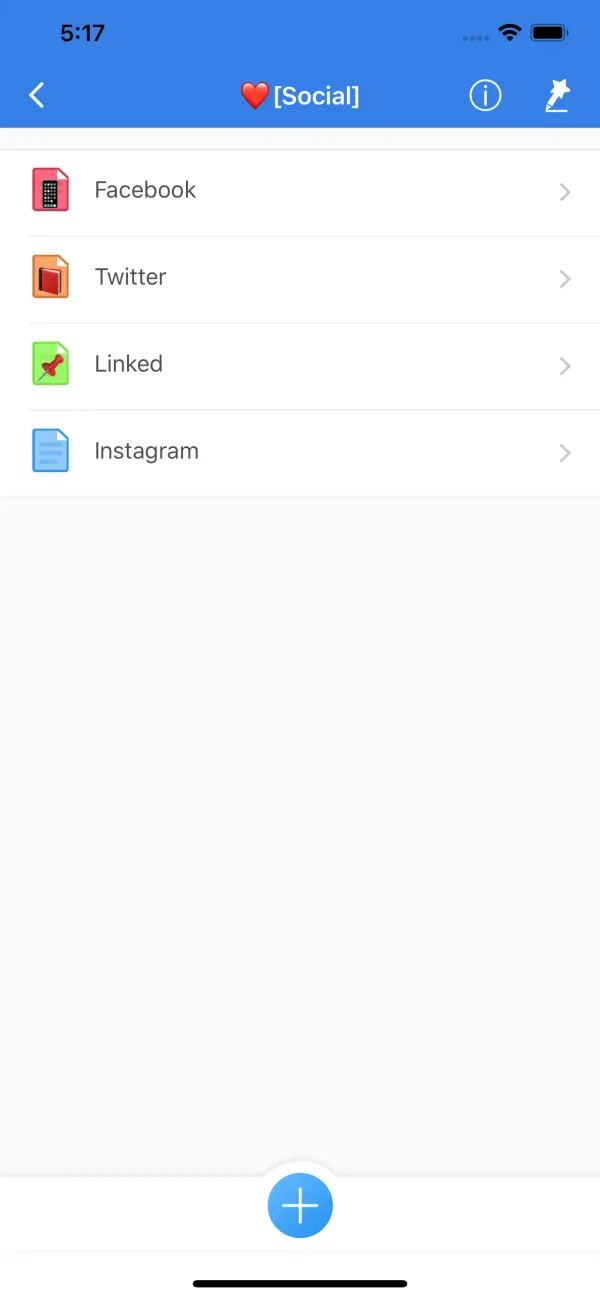
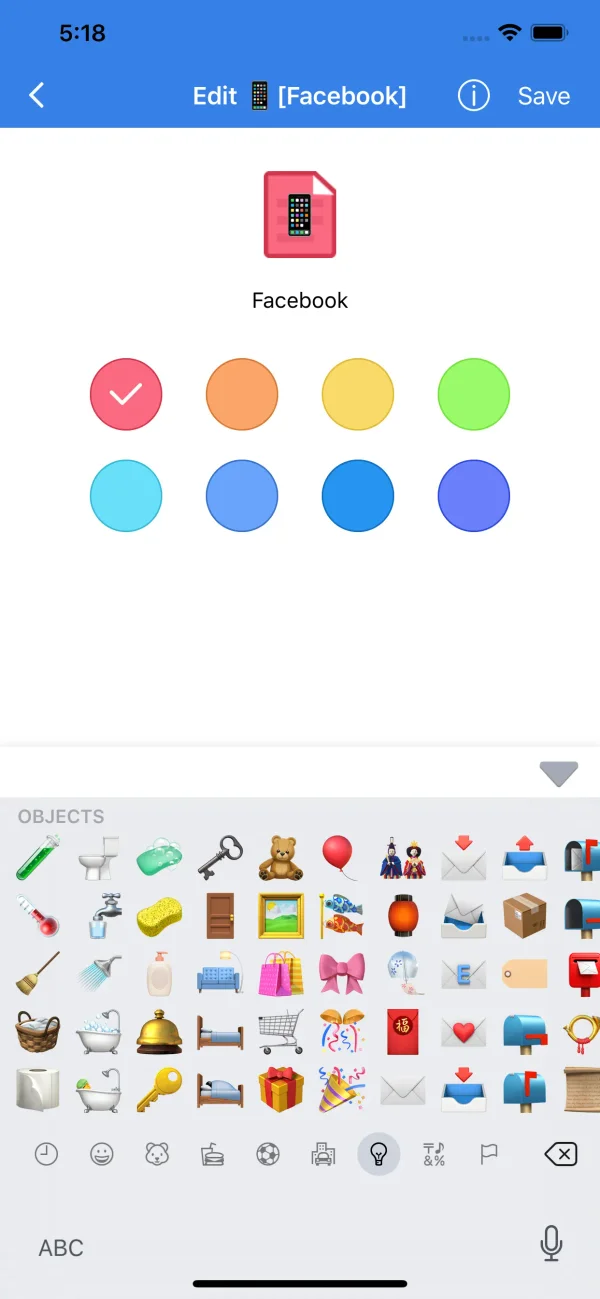
- Customize color and icon for the record.
- High-strength encryption to ensure your data is safe.
- Support text, hand drawing, and photo.
- Powerful association features, allowing you to quickly enter data.
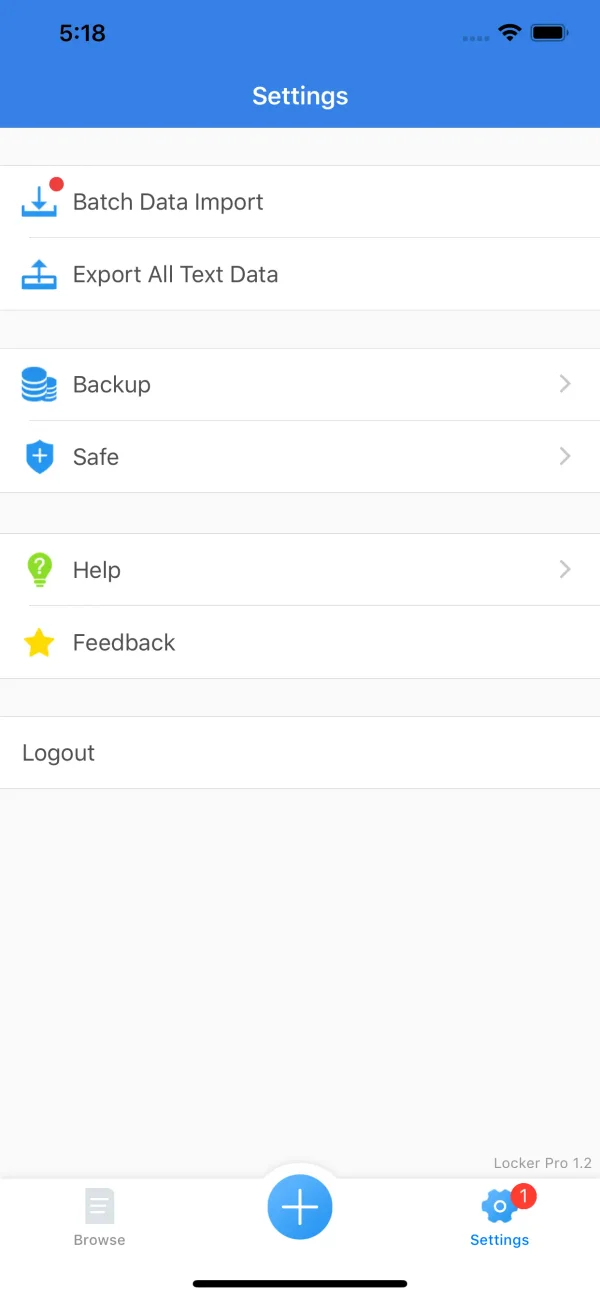
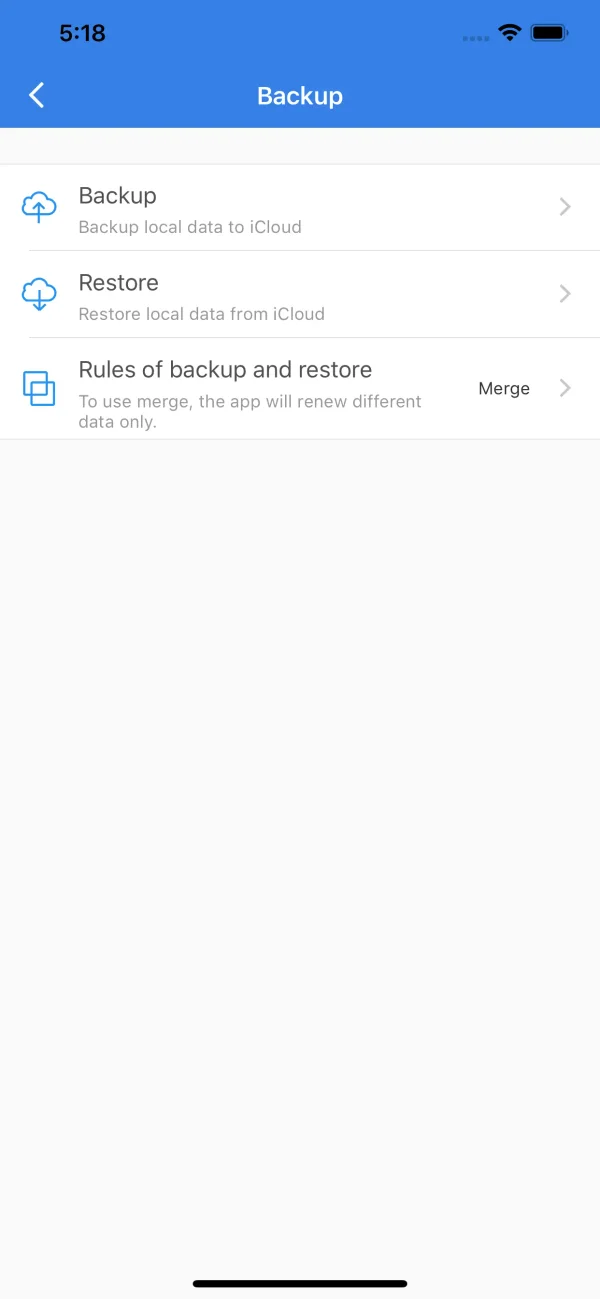
- Support for iCloud backup and iCloud restore. Even for changing phone or the phone had lost, it can quickly recover data.
- Data destruct feature, after the wrong password more than setting times, the data will be destroyed
— SECURITY —
Through Apple's security mechanism scrutinized and iOS security systems, all private data can be only stored in user’s devices or iCloud by encrypted. Nobody, including developers, is able to get private data and master passwords. It can be assured that encrypted private data cannot be hacked.
— LOCKER —
Nowadays, everyone accesses the website with an account and password. It is dangerous when you use the same username and password. Once it had been stolen, other website’s information is at risk of leakage. On the other hand, when you use different and complex passwords, it is very hard to remember all of them. So, YOU NEED LOCKER!
Locker is a safe and convenient password manager.
It is easy to use, fast import and input.
It can manage text, hand-painted pictures.
It is very safe, even if the developers can not break the user's data.
If any questions and feedback, please contact us by Email. we are looking forward to your feedback which is our greatest driving force to move on.
support@mxcode.com
- Privacy Policy: https://api.mxcode.com/html/locker/privacy/en.html
- Terms of Use: https://api.mxcode.com/html/locker/terms/en.html
What’s new
Version 2.2 · Oct 17, 2026
- Fixed crash bug on iOS 27.
App privacy
What 晖 姚 declares on the App Store about how this app handles data.
-
Data not collected
The developer does not collect any data from this app.
Privacy practices may vary, for example with the features you use or your age.
Information
- Seller
- 晖 姚
- Category
- Productivity
- Version
- 2.2
- Updated
- Oct 17, 2026
- Released
- Aug 10, 2018
- Size
- 9.9 MB
- Requires
- iOS 15.6 or later
- Age rating
- 4+
- Price
- Free
- In-app purchases
- Yes
- Languages
- English, French, German, Japanese, Korean, Simplified Chinese, Spanish, Traditional Chinese
- Copyright
- © 2017-2026 MXCODE
You might also like
-
 Password Manager-Secret LockerBiometric Locker For Passwords
-
 Locker Password ManagerYour digital vault
-
 Passsword Manager VaultMaster PIN : Password Reminder
-
 Password Manager'Lock Apps Keep Vault Safe
-
 Password Manager iPassSafePassword Generator & Autofill
-
 Codebook Password ManagerPassword Manager & Data Vault
-
 SplashID Safe Password ManagerProductivity
-
 Passwords CloudUser-friendly Password Manager
-
 Sticky Password Manager & SafeThe secure password manager
-
 iPassworder Password ManagerEasiest way to store passwords