Lockin App Blocker
Block distractions fast
Designed for iPhone, iPad
Free · In-app purchases
- Age rating4+
- CategoryProductivity
- LanguagesEnglish+ 7 more
- Size2.5 MB
Links to the official App Store page
Download.org hosts no file of Lockin App Blocker. The button opens its official App Store page, published by . Listing last checked on Nov 18, 2026.
Screenshots

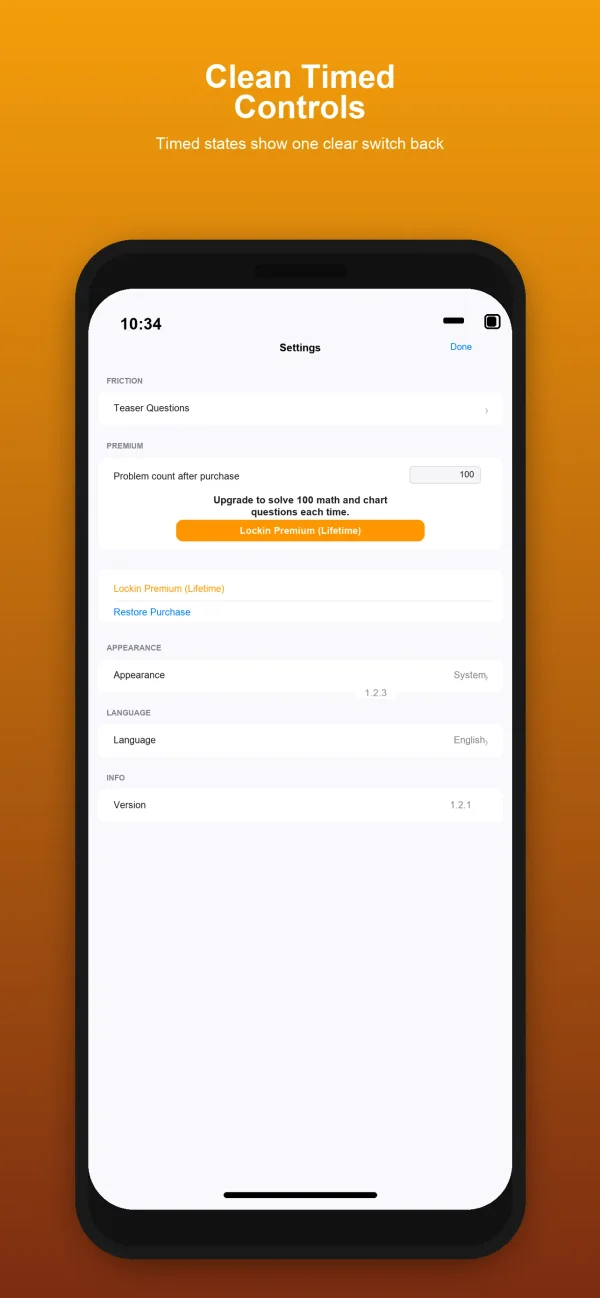
About
Stay locked in
Lockin helps you break free from the endless pull of short-form videos and social media.
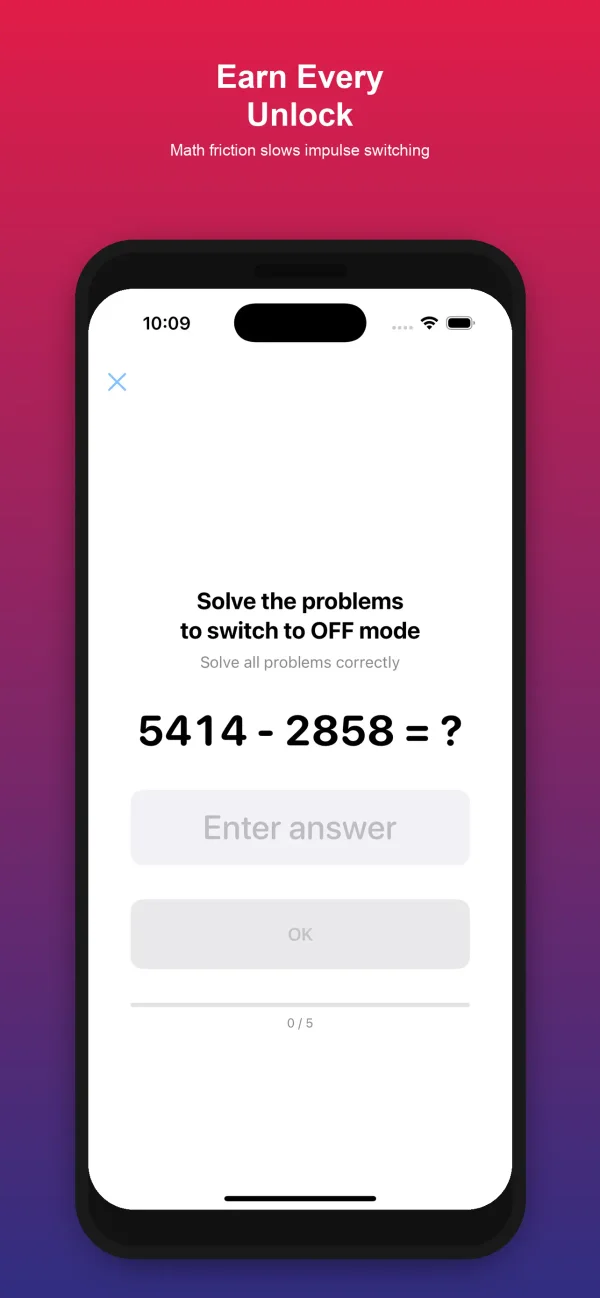
Turn it on to block distracting websites and apps at the system level. When you try to turn it off, Lockin adds deliberate friction first, giving your future self a few extra seconds to choose focus.
KEY FEATURES
Powerful Blocking
- System-level blocking of websites and apps
- One-tap batch block for TikTok, Instagram, YouTube, and other short-form platforms
- Works across all browsers, including Safari
Friction System — The Core Mechanic
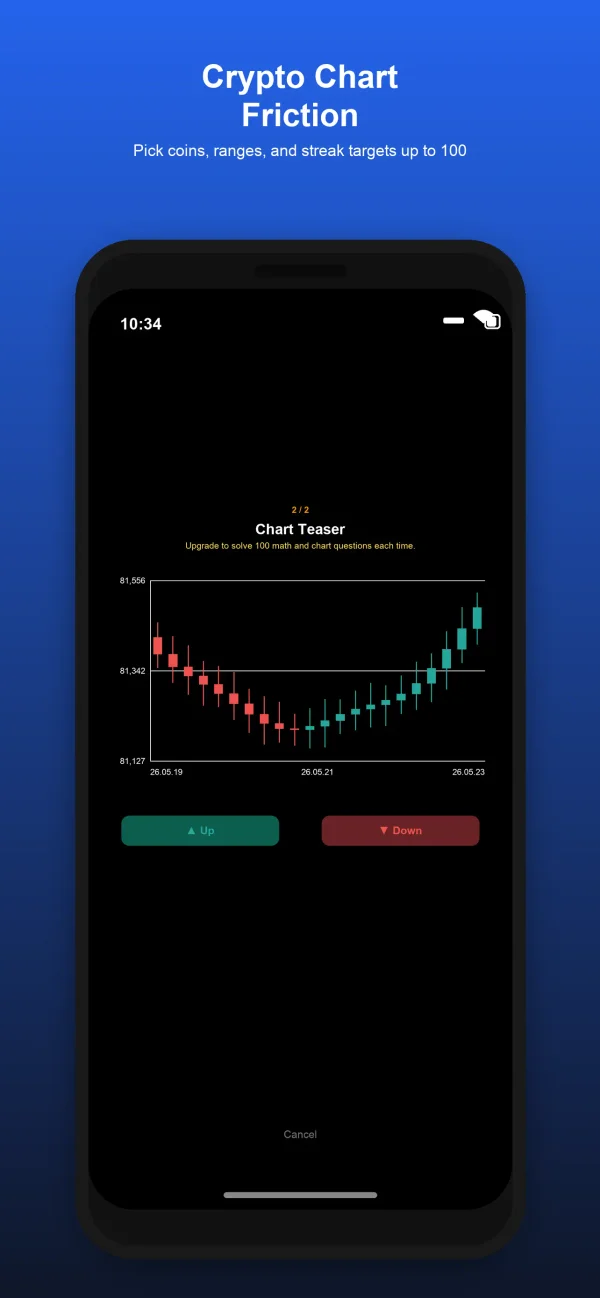
- Free: Solve one math teaser and one chart teaser before unblocking
- Paid ($0.99 lifetime): Solve 1–100 customizable math and chart challenges
- Makes impulsive unblocking feel like actual work — so you only do it when you mean it
GitHub-Style Contribution Widget
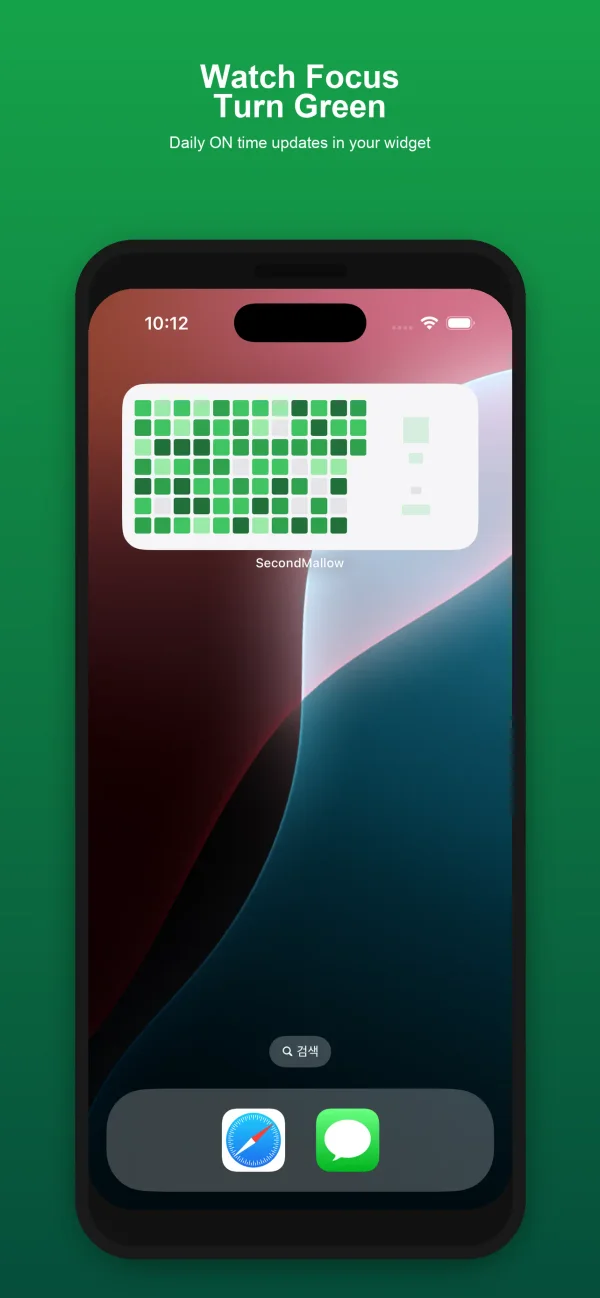
- Home screen widget shows your ON-mode time as a contribution graph
- See at a glance how consistently you have held focus each day
- Tap the widget to instantly add a URL from your clipboard to the block list
Simple ON/OFF Control
- ON mode: blocking active
- OFF mode: unblocked (requires passing your friction challenge)
- Temporary ON: start a 15, 30, or 60 minute focus sprint
- Temporary OFF: take a short break and let Lockin re-lock automatically
- No complicated schedules. Just clear commitment controls.
9 Languages + Emoji Mode
Korean, English, Japanese, Simplified Chinese, Traditional Chinese, German, French, Spanish — and a fun Emoji mode for when you need a little levity.
Free to Start, $0.99 to Upgrade
- Free tier: unlock after one math teaser and one chart teaser
- Lifetime ($0.99): unlock premium math and chart challenge modes
PRIVACY FIRST
No servers. No accounts. No data collection.
All data stays on your device. Optional iCloud sync between your own devices.
Lock in your focus today.
What’s new
Version 1.2.3 · May 28, 2026
- Timed ON now applies blocking immediately and refreshes Screen Time authorization when needed
- Timed ON/OFF states now show one clear switch back instead of stacking timed options
- Chart friction now supports more coins, selectable ranges, and streak targets up to 100
- Website blocking now covers common mobile and www subdomains
App privacy
What declares on the App Store about how this app handles data.
-
Data not linked to you
May be collected but is not linked to your identity.
- Identifiers
Privacy practices may vary, for example with the features you use or your age.
Information
- Seller
- hyunkyoung moon
- Category
- Productivity
- Version
- 1.2.3
- Updated
- May 28, 2026
- Released
- May 24, 2026
- Size
- 2.5 MB
- Requires
- iOS 18.6 or later
- Age rating
- 4+
- Price
- Free
- In-app purchases
- Yes
- Languages
- English, French, German, Japanese, Korean, Simplified Chinese, Spanish, Traditional Chinese
- Copyright
- © 2026 mokwoo inc
You might also like
-
 Offscroll: Screen Time ControlPause before you scroll
-
 MindLock: Quiz App BlockerLimit Screen Time & Focus
-
 Math Shield - Focus & UnlockUnlock Apps with Math
-
 SnapOut : Math App BlockerBlock apps with math puzzles
-
 Write First: App BlockerBlock apps until you check in
-
 BrainPass: Think to UnlockApp blocker for screen time
-
 Focus Gate: App BlockerLimit Screen Time & Focus
-
 Deny: Screen Time LockBeg friends for screen time
-
 PIM: App Blocker & Screen TimeMake your phone less addictive
-
 MathGate: App BlockerEarn screen time with math