Offscroll: Screen Time Control
Pause before you scroll
Designed for iPhone, iPad
Free · In-app purchases
- Age rating4+
- CategoryProductivity
- DeveloperAliaksei Kernazhytski
- LanguagesEnglish
- Size19.0 MB
Links to the official App Store page
Download.org hosts no file of Offscroll: Screen Time Control. The button opens its official App Store page, published by Aliaksei Kernazhytski. Listing last checked on Nov 18, 2026.
Screenshots



About
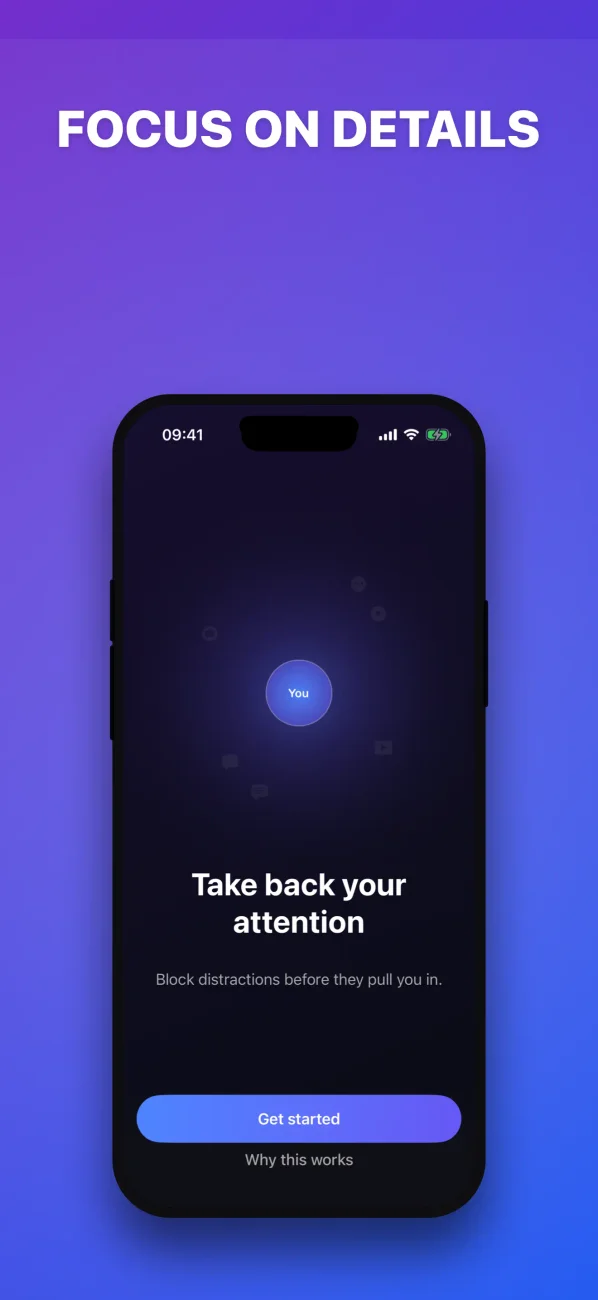
Offscroll helps you break compulsive phone habits by inserting a gentle moment of intention before you open distracting apps. Instead of mindlessly scrolling, you pause, reflect, and choose how you spend your time — so your phone works for you, not against you.
How it works
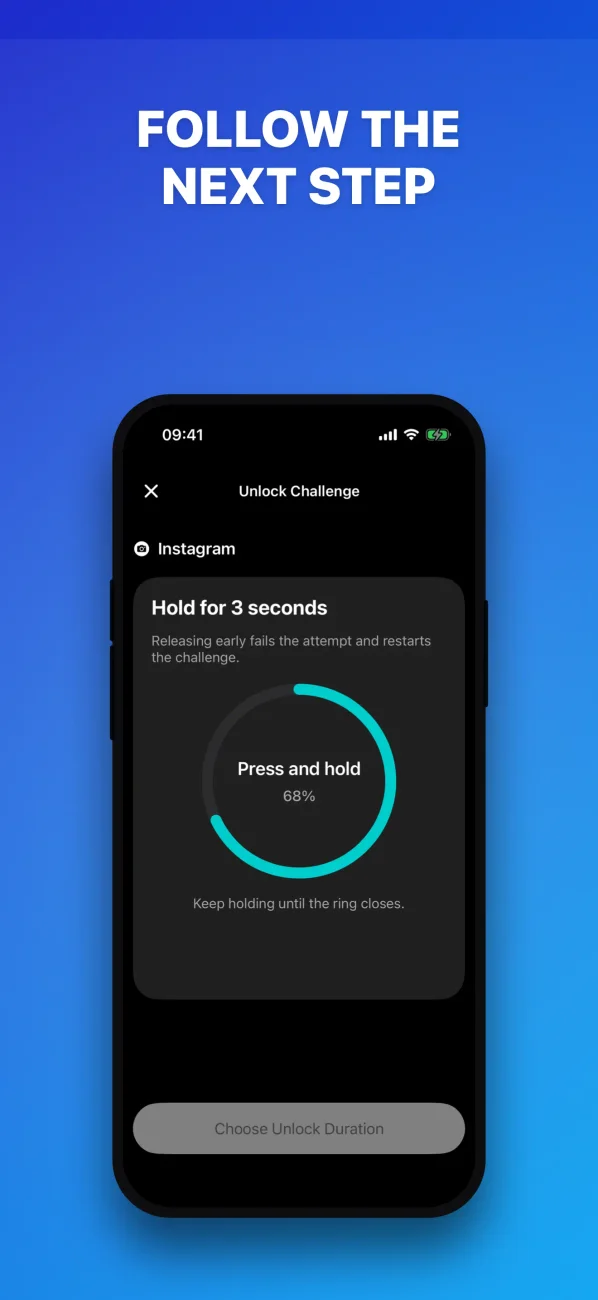
- Mindful unlock interventions: choose Reason, Affirmation, Breathe, or Pause mode to add a short, intentional step before any blocked app opens.
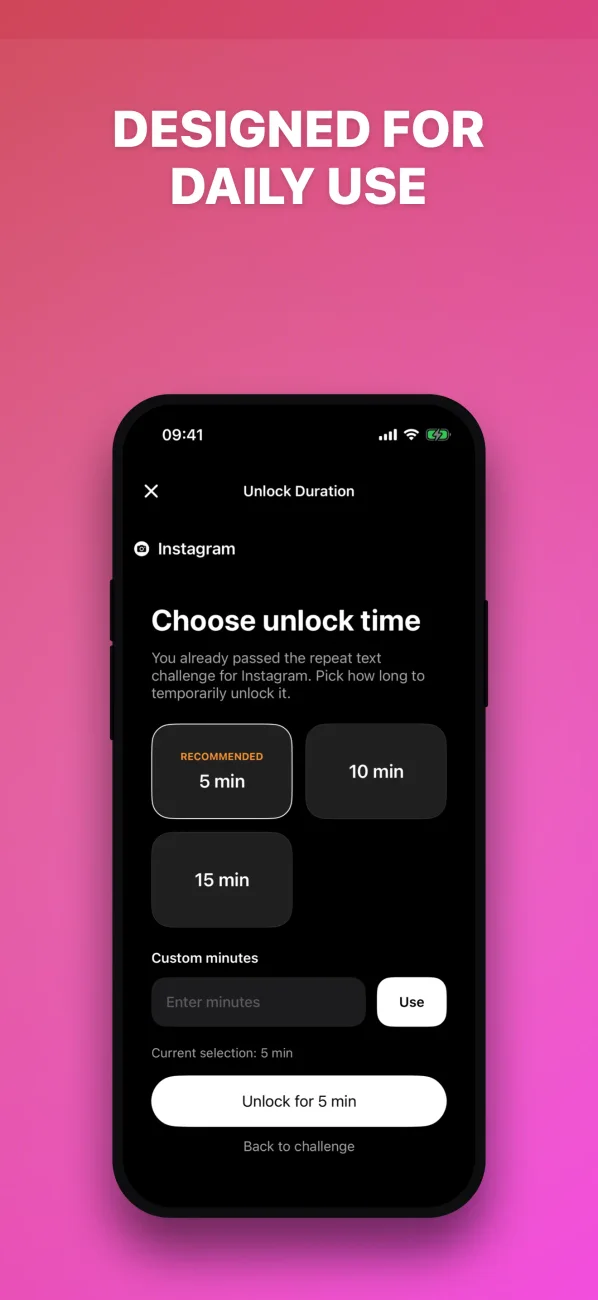
- App & website blocking with custom unlock durations so you can tailor friction without fully giving up access.
- Personalized onboarding that measures your scrolling time, highlights what you’re losing, and helps you set a realistic goal.
- Dashboard & weekly stats tracking usage, unlock attempts, and trends so you can see progress over time.
- Streaks and simple rewards to reinforce consistent, purposeful behavior.
Built on Apple Screen Time (Family Controls) for reliable blocking. Private and on-device — no data leaves your phone. Requires Screen Time enabled in Settings.
Designed for students, knowledge workers, and creatives who want to reclaim focus without quitting their phone. Install Offscroll to turn autopilot into intention.
Offscroll Premium — Subscription
Offscroll Premium is an auto-renewable subscription that unlocks unlimited app & website protection, category blocking, repeating focus schedules, and every unlock challenge. Choose a monthly or yearly plan, each with a free trial. Payment is charged to your Apple Account at confirmation of purchase. Your subscription renews automatically unless canceled at least 24 hours before the end of the current period. Manage or cancel anytime in your Apple Account settings.
Terms of Use (EULA): https://www.apple.com/legal/internet-services/itunes/dev/stdeula/
Privacy Policy: https://docs.google.com/document/d/1yD_4L_XJ4CSqtIQZDPKgdk-9yymxGxaZCzPP9RrO4nE/edit?usp=sharing
What’s new
Version 1.3 · Aug 1, 2026
Focus Sessions
Start a session the moment you need to concentrate. Offscroll shields your chosen apps for as long as you set, and a Live Activity keeps the countdown on your Lock Screen.
Daily Limits
Give any app a daily time budget. When it runs out, the shield goes up until tomorrow.
Strict Mode
Commit to a window where protection can't be weakened — no quick edits, no talking yourself out of it.
Allowlist
Block everything except the short list of apps you actually need right now.
Home Screen Widget
See what's protected at a glance, without opening the app.
Quieter Safari
A new Safari extension strips the endless feeds from the sites you choose, so a quick look stays quick.
Shortcuts and Siri
Start a session or turn protection on from Shortcuts, Siri and Focus filters.
Also in this update: adjustable friction on the unlock flow, so getting past the shield takes as much effort as you want it to.
App privacy
What Aliaksei Kernazhytski declares on the App Store about how this app handles data.
-
Data not collected
The developer does not collect any data from this app.
Privacy practices may vary, for example with the features you use or your age.
Information
- Seller
- Aliaksei Kernazhytski
- Category
- Productivity
- Version
- 1.3
- Updated
- Aug 1, 2026
- Released
- Jun 27, 2026
- Size
- 19.0 MB
- Requires
- iOS 26.0 or later
- Age rating
- 4+
- Price
- Free
- In-app purchases
- Yes
- Languages
- English
- Copyright
- © 2025 Aliaksei Kernazhytski
You might also like
-
 Lockin App BlockerBlock distractions fast
-
 Keelder: Screen Time LimitPause apps with your own words
-
 MindLock: Quiz App BlockerLimit Screen Time & Focus
-
 Math Shield - Focus & UnlockUnlock Apps with Math
-
 SnapOut : Math App BlockerBlock apps with math puzzles
-
 Write First: App BlockerBlock apps until you check in
-
 BrainPass: Think to UnlockApp blocker for screen time
-
 HoldOn: Block Apps & Save TimeSlow Down Before You Open Apps
-
 Focus Gate: App BlockerLimit Screen Time & Focus
-
 Deny: Screen Time LockBeg friends for screen time