LockMyApps Screen Time Control
App Blocker, Pomodoro Timer
Designed for iPhone
Free · In-app purchases
- Age rating4+
- CategoryProductivity
- DeveloperAndrew Lee
- LanguagesEnglish+ 1 more
- Size59.6 MB
Links to the official App Store page
Download.org hosts no file of LockMyApps Screen Time Control. The button opens its official App Store page, published by Andrew Lee. Listing last checked on Nov 13, 2026.
Screenshots
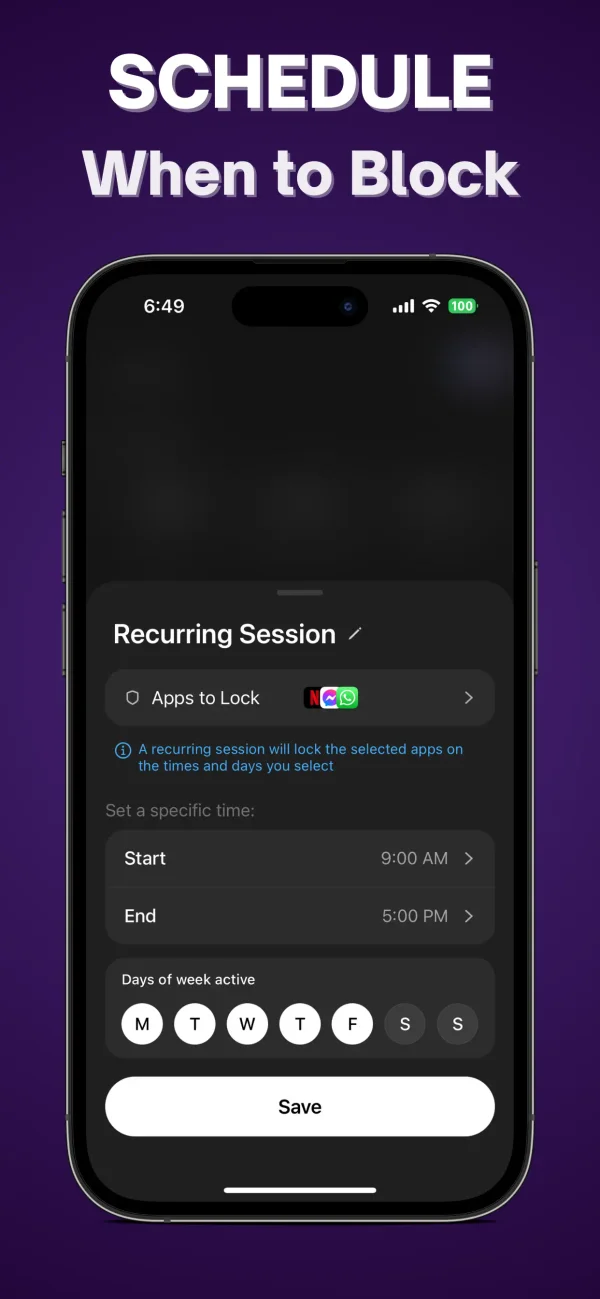
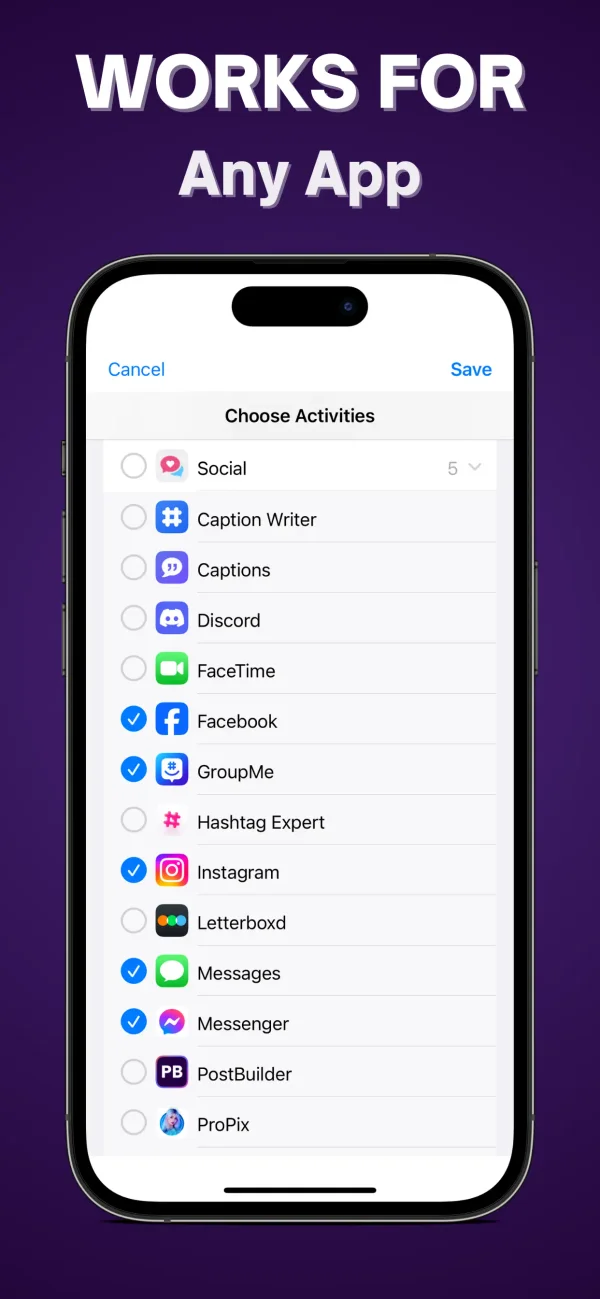
About
Introducing LockMyApps, the revolutionary AI-powered productivity app that helps you reduce your screen time so that you can focus on what matters in the real world.
What LockMyApps can do for you:
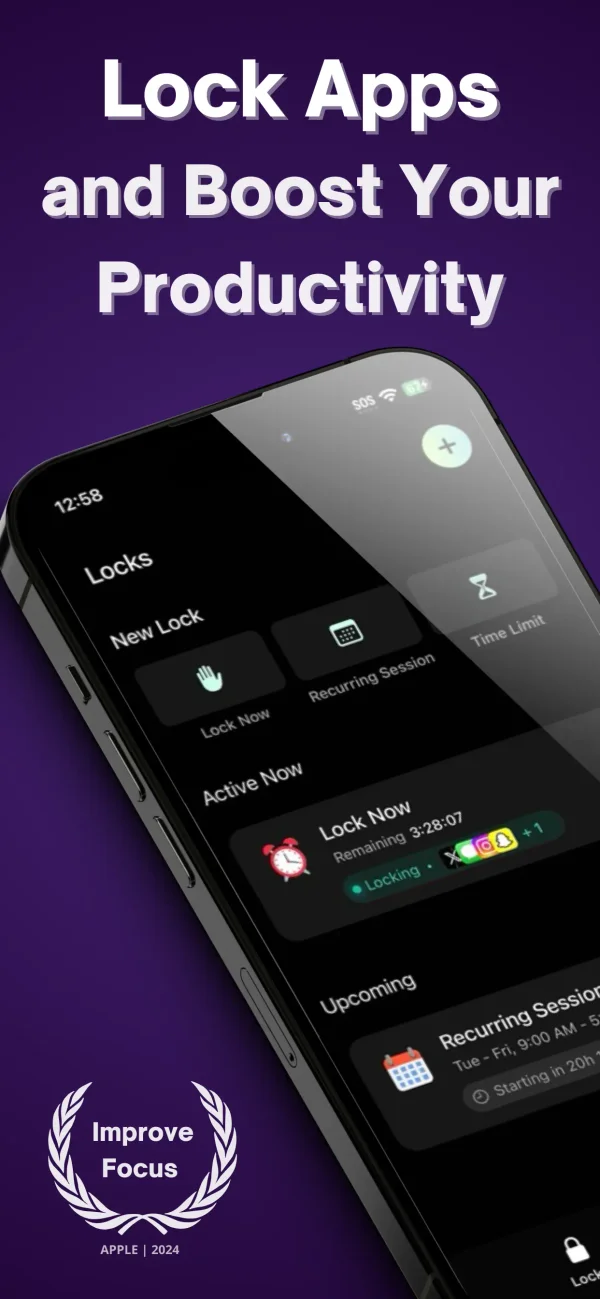
● Set productivity timers to block out apps
● Increase your productivity
● Reduce your screen time
● Reduce “doom scrolling” on your phone
And more.
————————————————————
How to use LockMyApps:
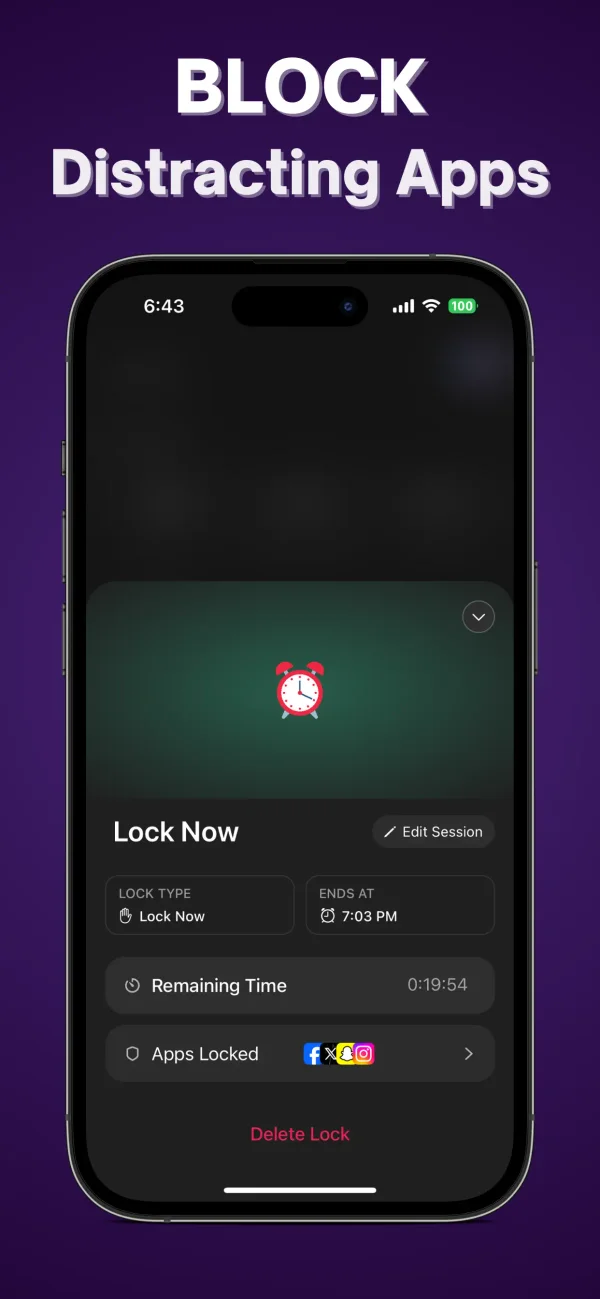
1. Select the apps that you want to temporarily block on your phone
2. Set the amount of minutes or hours you want to block your apps
3. Your selected apps will be unable to be opened until your timer is completed
*If you need to remove the block on your apps (due to an emergency or something) you can do so in your app’s settings
————————————————————
LockMyApps Premium policy:
Once you sign up to LockMyApps Premium, you will have full access to all of LockMyApps's features.
You can cancel your subscription any time and you will be sent a reminder before your LockMyApps subscription begins after your trial.
With LockMyApps Premium, you get access to the full app:
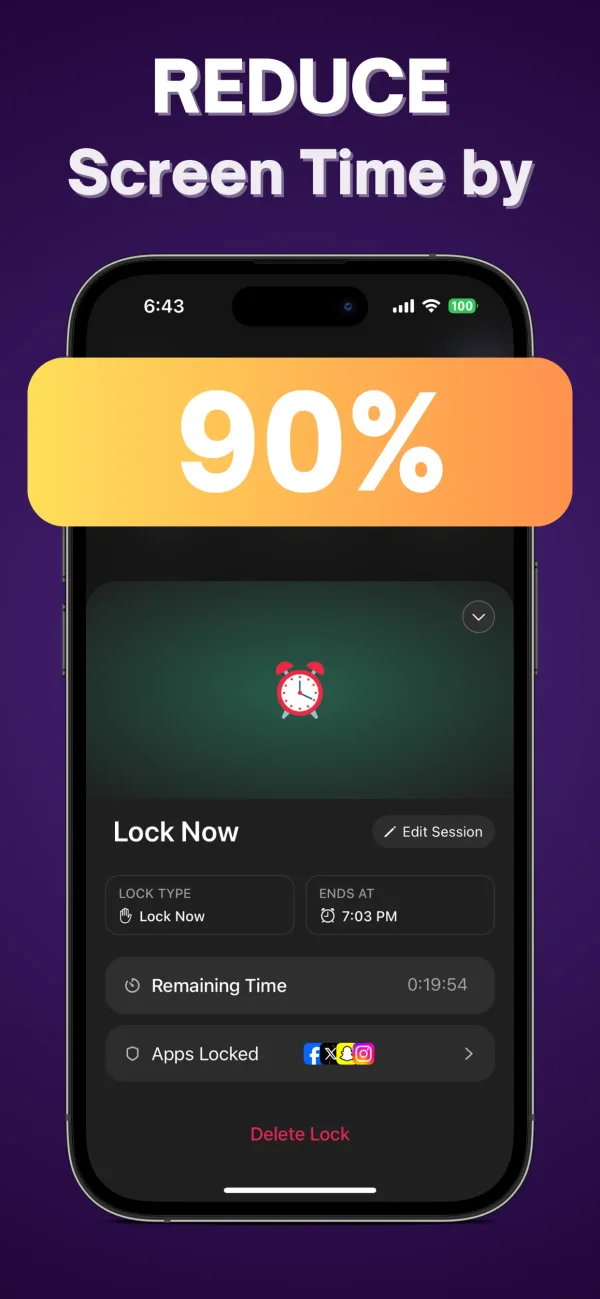
● Lock your apps and reduce your screen time up to 90%
● Use the Lock Now feature for short term focus
● Add daily time limits to your apps
● Schedule when to lock your apps ahead of time
● Works for any app on your phone
● No ads
● Cancel anytime
LockMyApps Premium options:
● LockMyApps Weekly: $8.99/week
● LockMyApps Yearly: 3 days free and then $69.99/year
————————————————————
Have any questions or recommendations? Feel free to reach out to me at:
Andrew@AndrewLee.Ventures
Privacy Policy: https://andrewlee.ventures/privacy
Terms Of Use: https://andrewlee.ventures/terms-of-use
What’s new
Version 1.13 · Mar 15, 2026
Fixed a bug that some users were experiencing when setting recurring time blocks on their phones.
If you're enjoying LockMyApps, please let us know by writing a quick app review - it would have a tremendous impact on helping others find the app in the App Store.
Have any questions or issues?
Feel free to reach out to me at Andrew@AndrewLee.Ventures
App privacy
What Andrew Lee declares on the App Store about how this app handles data.
-
Data used to track you
May be used to track you across apps and websites owned by other companies.
- Usage data
-
Data linked to you
May be collected and linked to your identity.
- Usage data
-
Data not linked to you
May be collected but is not linked to your identity.
- Location
- Usage data
- Diagnostics
Privacy practices may vary, for example with the features you use or your age.
Information
- Seller
- Andrew Lee
- Category
- Productivity
- Version
- 1.13
- Updated
- Mar 15, 2026
- Released
- Jul 28, 2024
- Size
- 59.6 MB
- Requires
- iOS 16.0 or later
- Age rating
- 4+
- Price
- Free
- In-app purchases
- Yes
- Languages
- English, French
- Copyright
- © LockMyApps, 2025
You might also like
-
 App Blocker: Limit Screen TimeSocial Media Blocker for Focus
-
 Vox: AI Note Taker & SummaryRecord Lecture,Call & Meetings
-
 Teleprompter Video ™Captions, Prompter & Script
-
 Habit Tracker - HabitPalStreaks & Accountability
-
 Routine Planner - TodoticsGoal Tracker
-
 AI Podcast Maker - PODLMLLM Notes - Text To Speech
-
 BoyMath. Dating Intelligence.Roster Budgeting & Performance
-
 PDF Editor-Scan & ConverterScan Documents, Fill & eSign
-
 Screen Time Control - Stay OffFocus,App Blocker,Timer
-
 RushList: Shared To Do ListGroceries, Tasks & Reminders