PDF Editor-Scan & Converter
Scan Documents, Fill & eSign
Designed for iPhone, iPad
Free · In-app purchases
- Age rating4+
- CategoryProductivity
- DeveloperMitaliben Meshiya
- LanguagesEnglish+ 31 more
- Size32.5 MB
Links to the official App Store page
Download.org hosts no file of PDF Editor-Scan & Converter. The button opens its official App Store page, published by Mitaliben Meshiya. Listing last checked on Nov 23, 2026.
Screenshots

About
Introducing PDF Scanner: Scan & eSign, a powerful and all-in-one solution designed to help you scan, create, and sign PDF documents effortlessly. This app turns your device into a reliable PDF scanner while also providing secure digital signature tools to finalize documents anytime, anywhere.
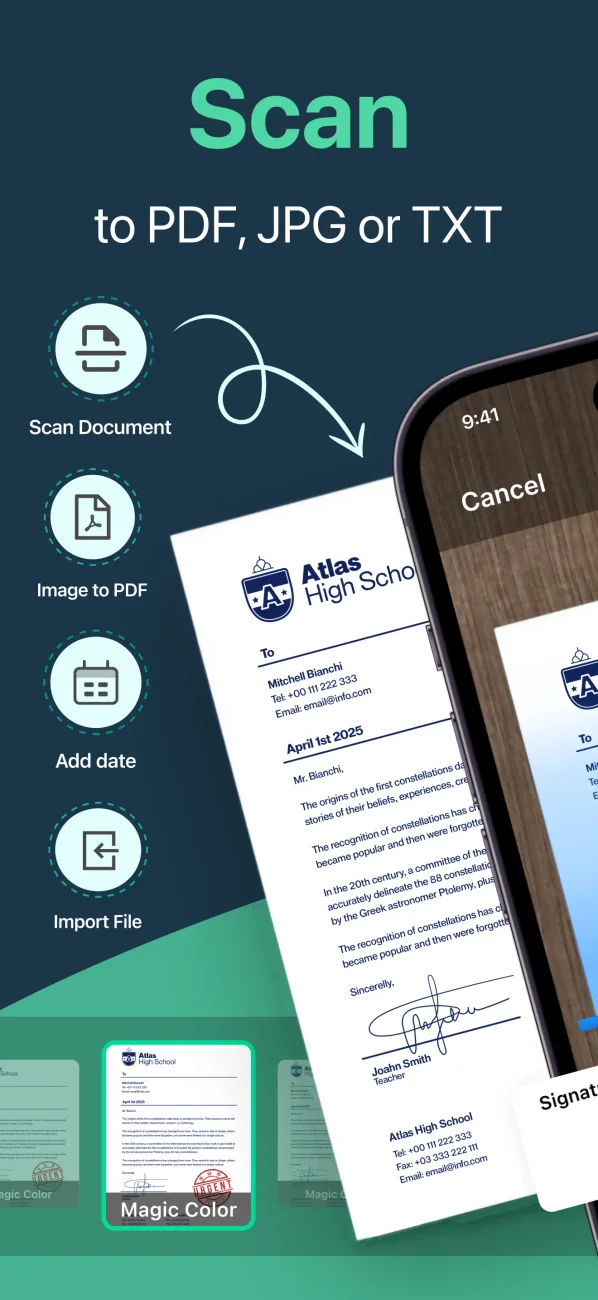
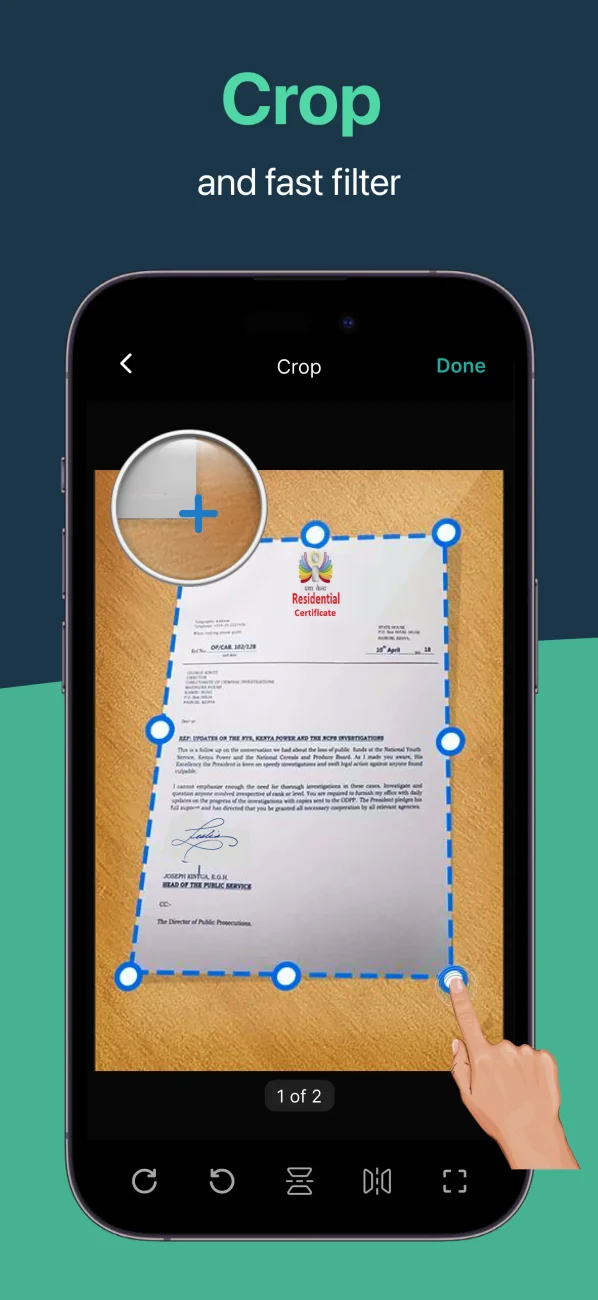
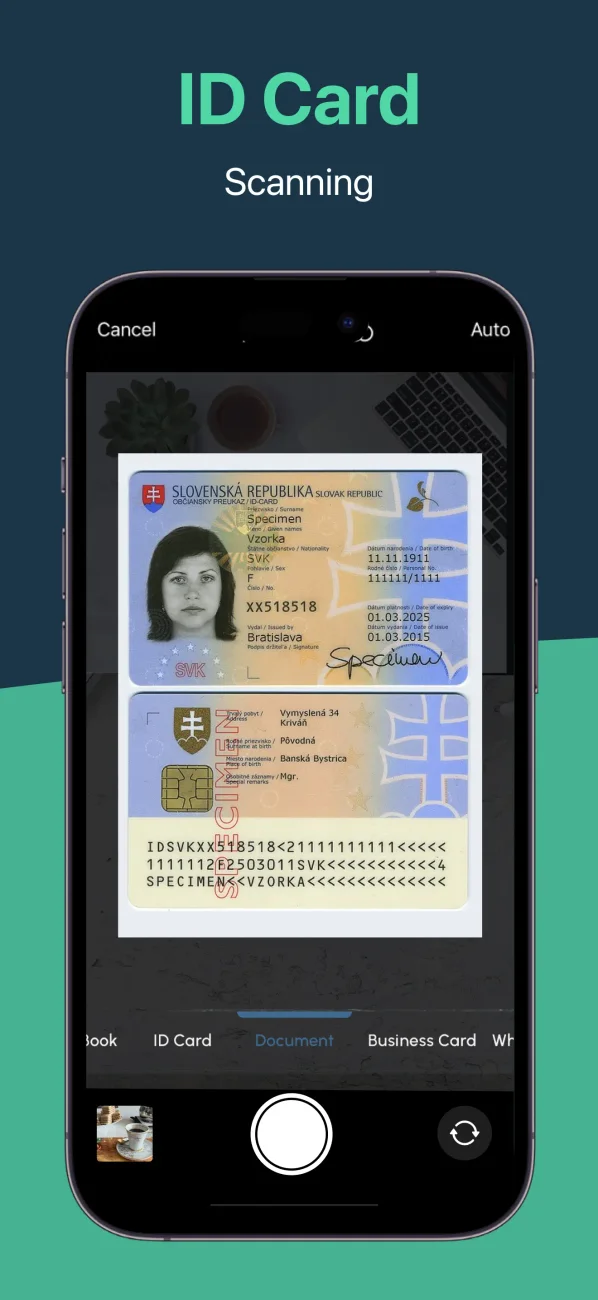
At the heart of the PDF Scanner: Scan & eSign is its ability to seamlessly scan documents, convert images into PDFs, and digitally sign files with ease. Whether you’re managing business paperwork, forms, or personal documents, this app offers essential tools carefully crafted for both scanning and signing needs:
Document Scanner
Quickly scan documents using your device’s camera and convert them into high-quality PDF files. Capture contracts, receipts, invoices, notes, and forms with clarity and precision.
Add Signature to PDF
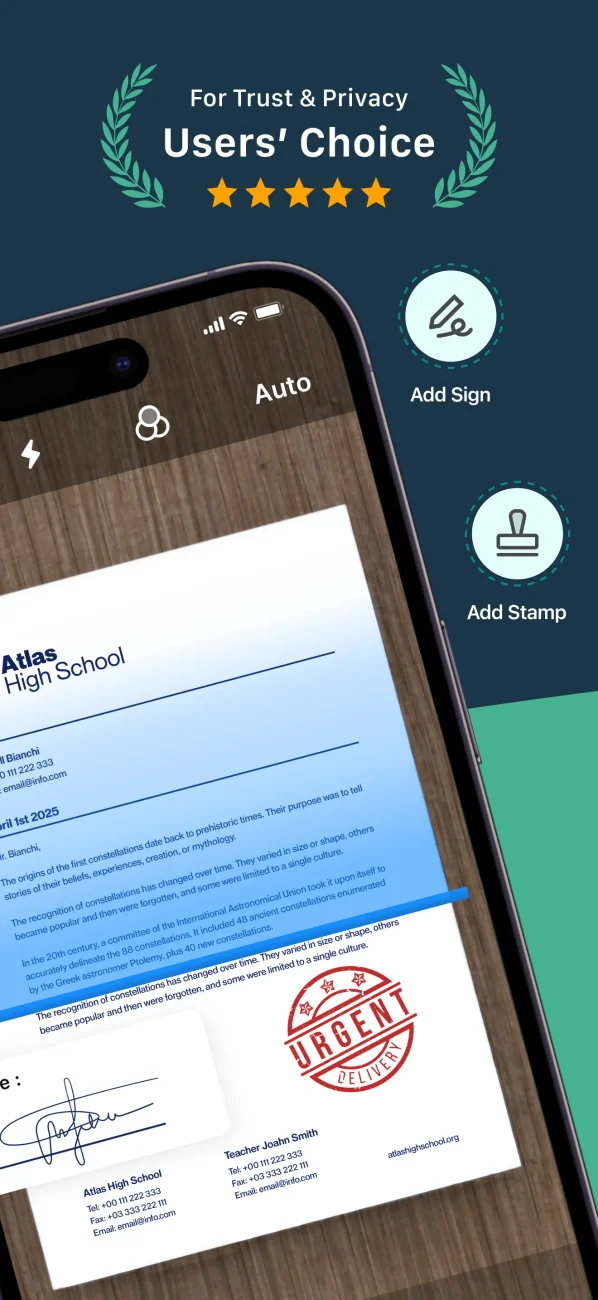
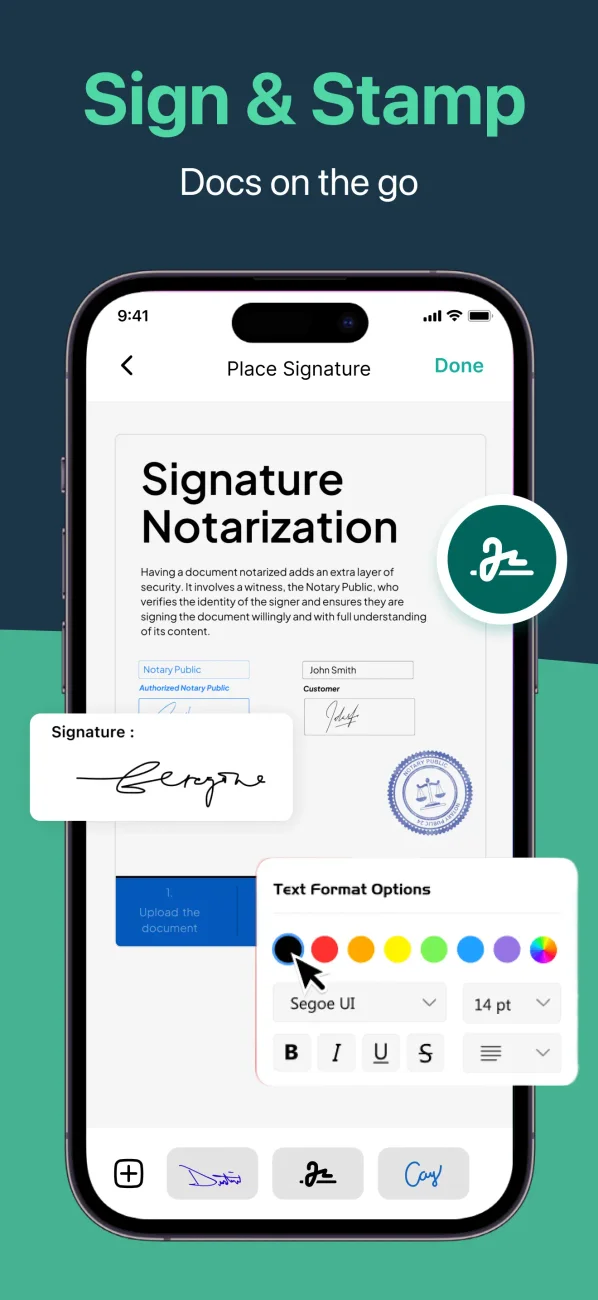
Sign PDF documents digitally in just a few taps. The app allows you to add your signature to scanned or imported PDFs, making it easy to approve and complete documents on the go.
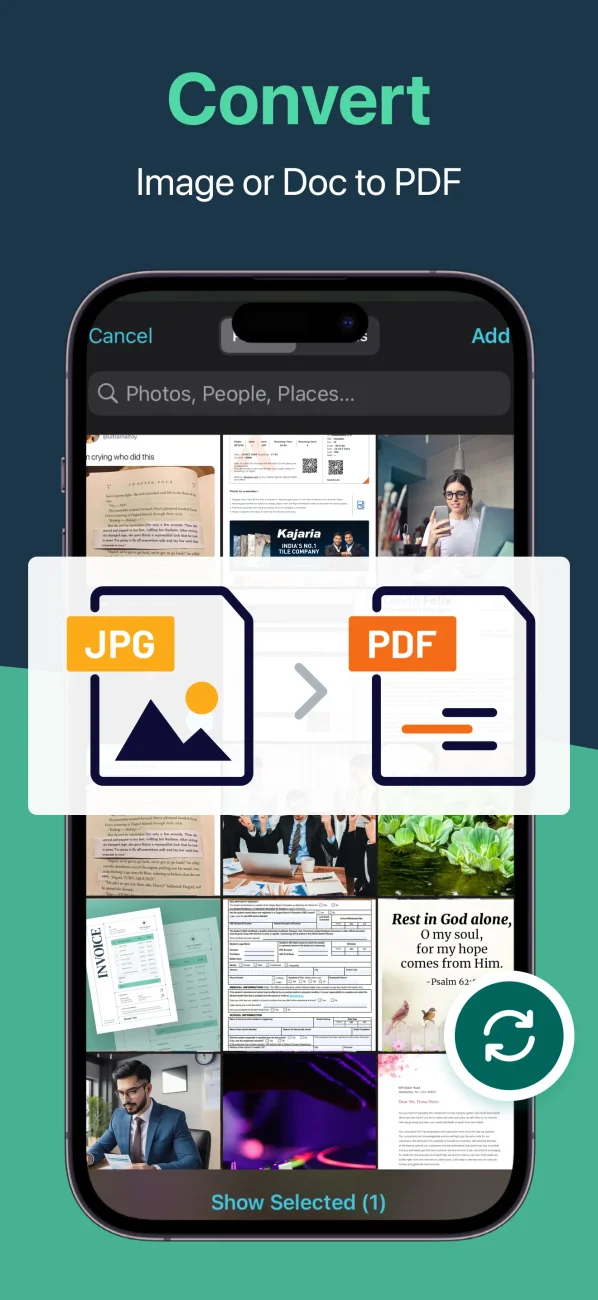
Image to PDF Converter
Convert images into PDF files instantly. Organize, save, and share your images in a professional PDF format for better document management.
Add Stamps
Unleash your creativity with our stamp customization tools. Tailor stamps to suit your style or brand, adding a touch of personalization to your documents and making them uniquely yours.
Add Date
Insert dates into your PDF files to keep records accurate and up to date. Perfect for agreements, forms, and official paperwork.
Simple & User-Friendly Interface
Designed for ease of use, the PDF Scanner: Scan & eSign offers a clean and intuitive interface, allowing users of all experience levels to scan, sign, and manage documents effortlessly
The PDF Scanner: Scan & eSign combines powerful scanning capabilities with secure digital signature features to deliver a complete document solution. Whether you’re a student digitizing notes, a professional signing contracts, or anyone needing fast PDF scanning and signing, this app is built to simplify your workflow. Experience smarter document handling with the PDF Scanner: Scan & eSign — where scanning meets secure signing.
Disclaimer :- before downloading our app please read our privacy policy & terms of service
Privacy Policy :- https://bestiosapps.com/privacy.html
Terms of Service :- https://bestiosapps.com/terms.html
What’s new
Version 5.7 · Nov 20, 2026
- Bug Fixes – Resolved crashes and minor issues to improve stability and reliability.
App privacy
What Mitaliben Meshiya declares on the App Store about how this app handles data.
-
Data not collected
The developer does not collect any data from this app.
Privacy practices may vary, for example with the features you use or your age.
Information
- Seller
- Mitaliben Meshiya
- Category
- Productivity
- Version
- 5.7
- Updated
- Nov 20, 2026
- Released
- Jun 21, 2023
- Size
- 32.5 MB
- Requires
- iOS 17.6 or later
- Age rating
- 4+
- Price
- Free
- In-app purchases
- Yes
- Languages
- English, Arabic, Catalan, Croatian, Czech, Danish, Dutch, Finnish, French, German, Greek, Hebrew + 20 more
- Copyright
- © @Mitali
You might also like
-
 Vox: AI Note Taker & SummaryRecord Lecture,Call & Meetings
-
 AI Podcast Maker - PODLMLLM Notes - Text To Speech
-
 Teleprompter Video ™Captions, Prompter & Script
-
 Scan PDF-Convert DocumentOCR & PDF document scanner
-
 Habit Tracker - HabitPalStreaks & Accountability
-
 Todoable: Family CalendarDaily Schedule, Planner, To-do
-
 Routine Planner - TodoticsGoal Tracker
-
 PDF Document Scanner - CaptizeSmart Receipts, Convert & Edit
-
 App Blocker: Limit Screen TimeSocial Media Blocker for Focus
-
 Email Writer : AI Email WriterAI email writer and assistant