
Screen Time Limit - LockTy
Stop Doomscrolling & Detox
Designed for iPhone, iPad
Free · In-app purchases
- Age rating4+
- CategoryProductivity
- DeveloperGabriel Sanchez Palma
- LanguagesEnglish+ 1 more
- Size55.1 MB
Links to the official App Store page
Download.org hosts no file of Screen Time Limit - LockTy. The button opens its official App Store page, published by Gabriel Sanchez Palma. Listing last checked on Nov 23, 2026.
Screenshots
About
Lockty helps you use your phone less without relying on willpower.
It starts with a short conversation: your hours a day, your age and how you use your phone. Lockty shows you how many days a year go into the screen and builds a plan to get them back.
RULES THAT HOLD
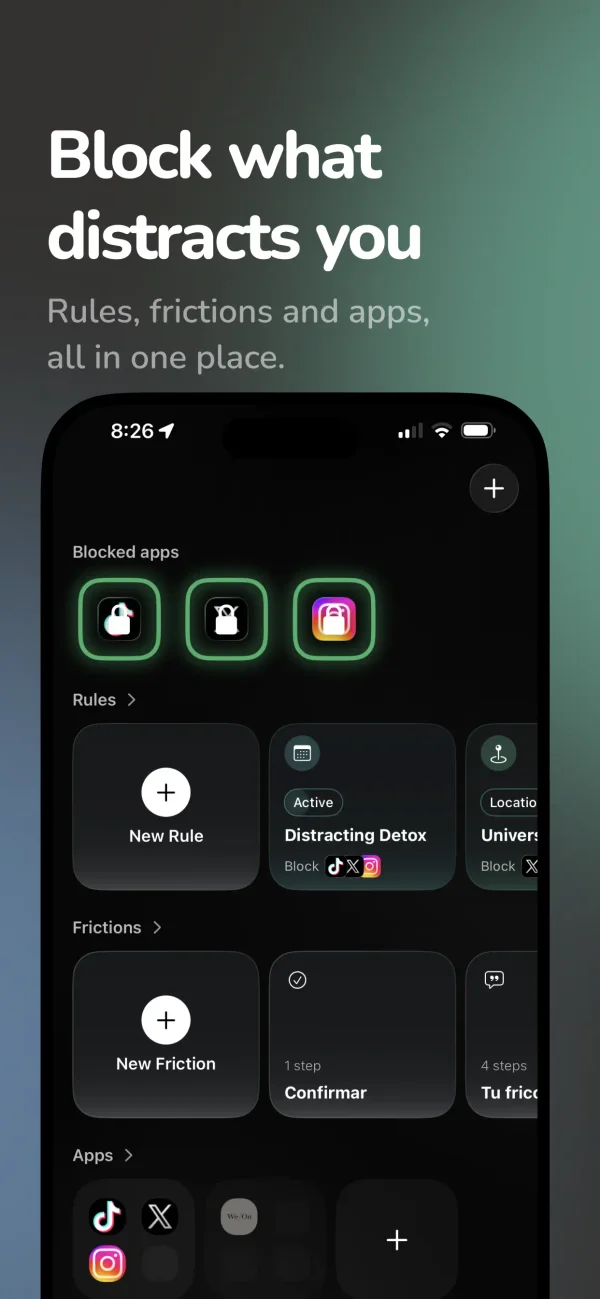
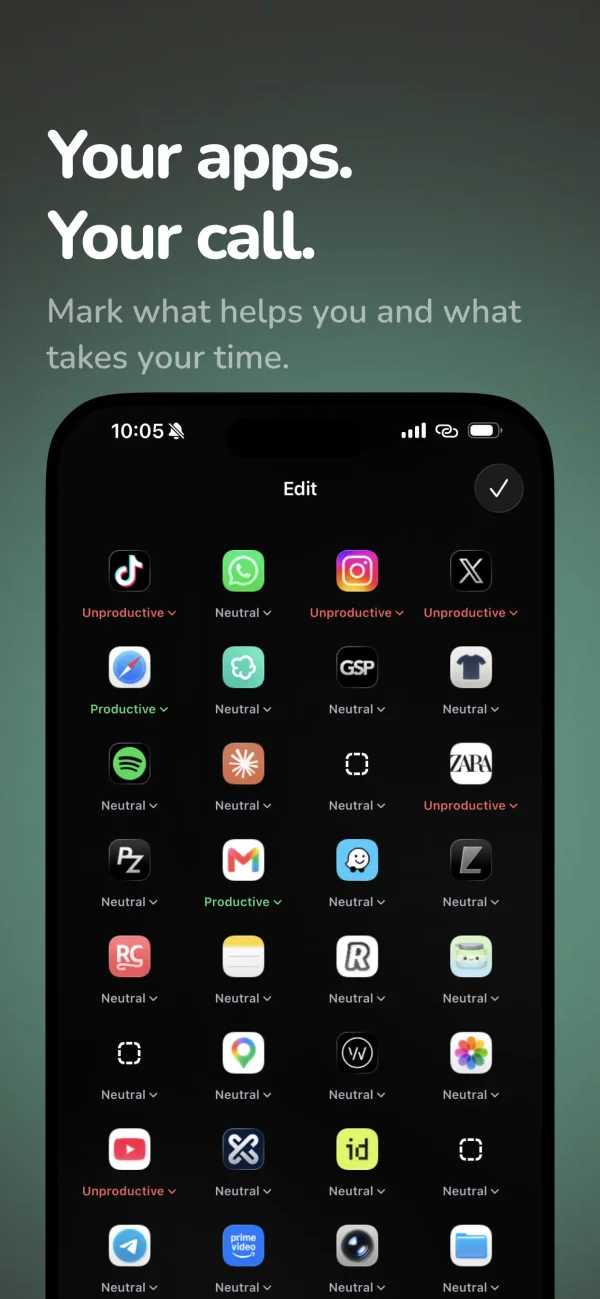
• Daily limit: decide how much time your distracting apps get each day.
• Opening limit: cap how many times a day you open them.
• Short sessions: only a few minutes each time.
• When time is up, the app is blocked behind a Lockty screen.
MODES FOR EVERY MOMENT
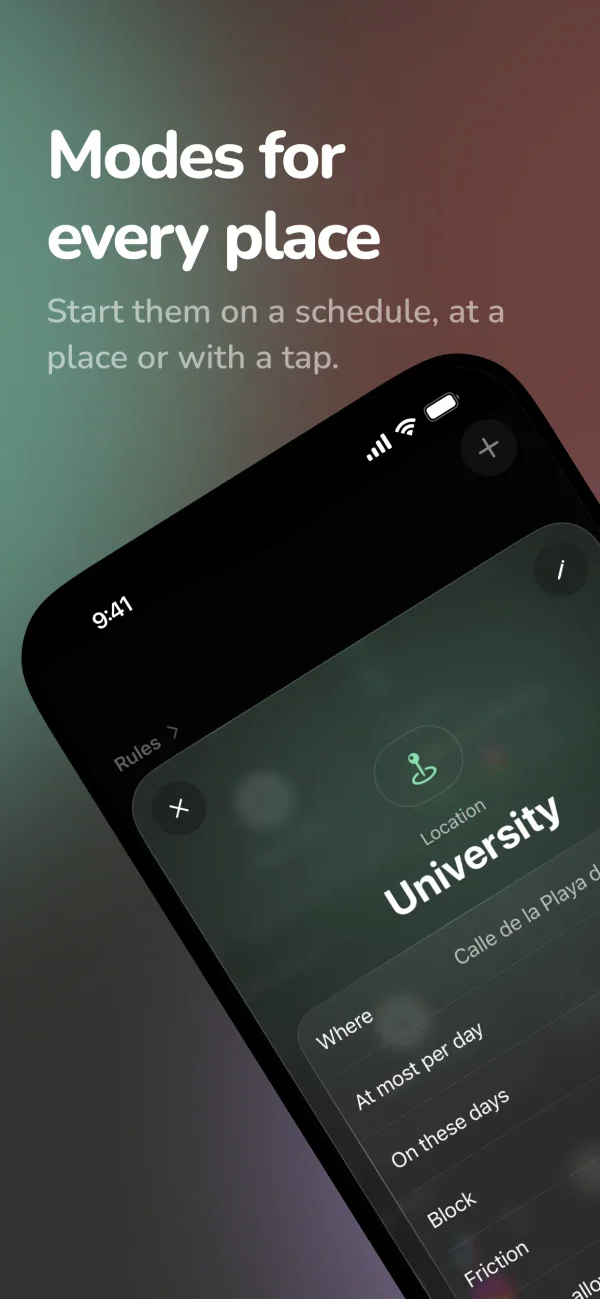
• Schedule modes by time, start them when you arrive somewhere, or with an NFC tag.
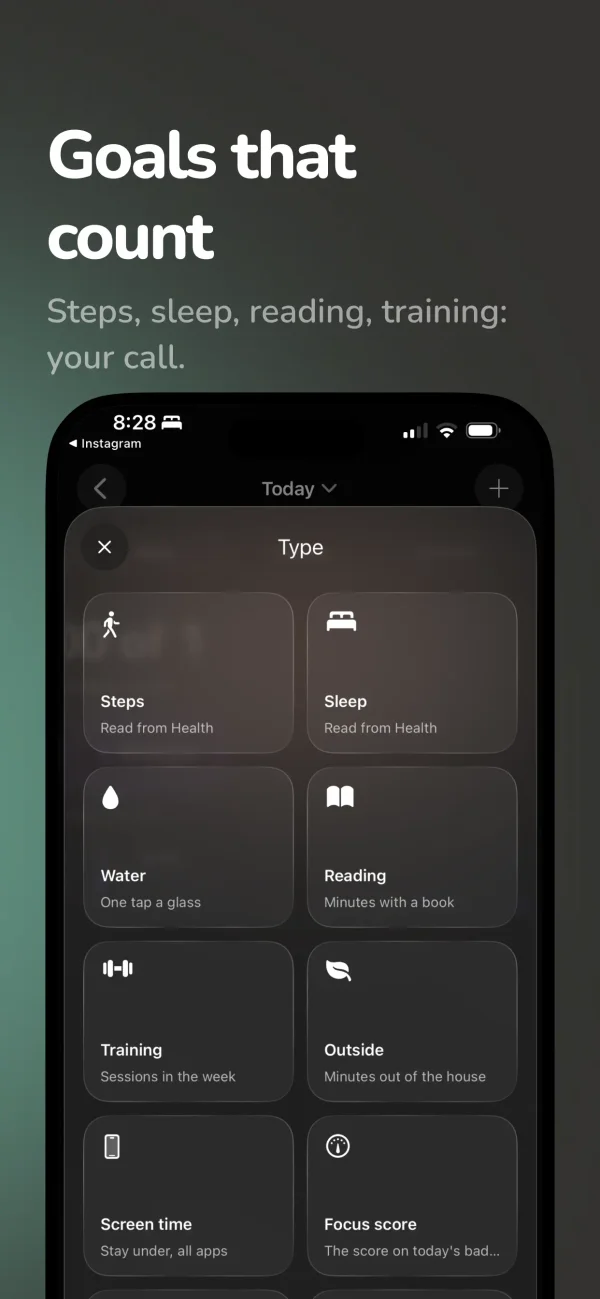
• Add tasks: read, stretch, meditate…
• Strict Mode for when you want no excuses.
FRICTIONS THAT MAKE YOU THINK
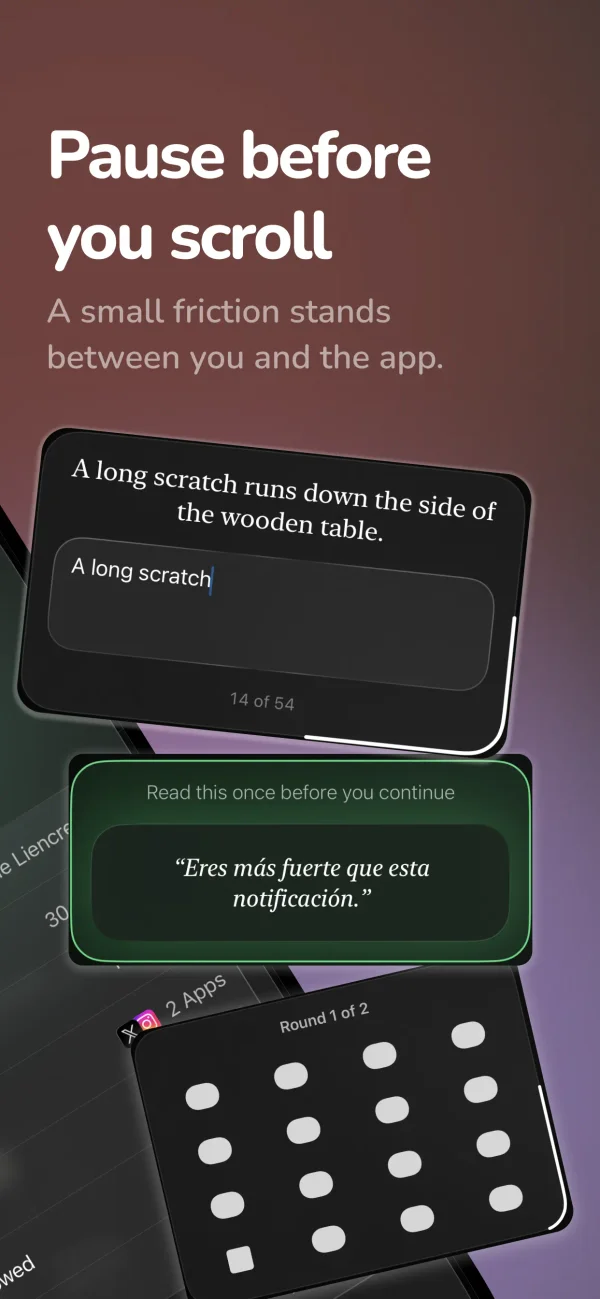
Before unlocking, Lockty asks for a pause: breathe, write what you're opening it for, copy a phrase, solve a small challenge or read your own words. Every friction is made your way.
YOUR DAY AT A GLANCE
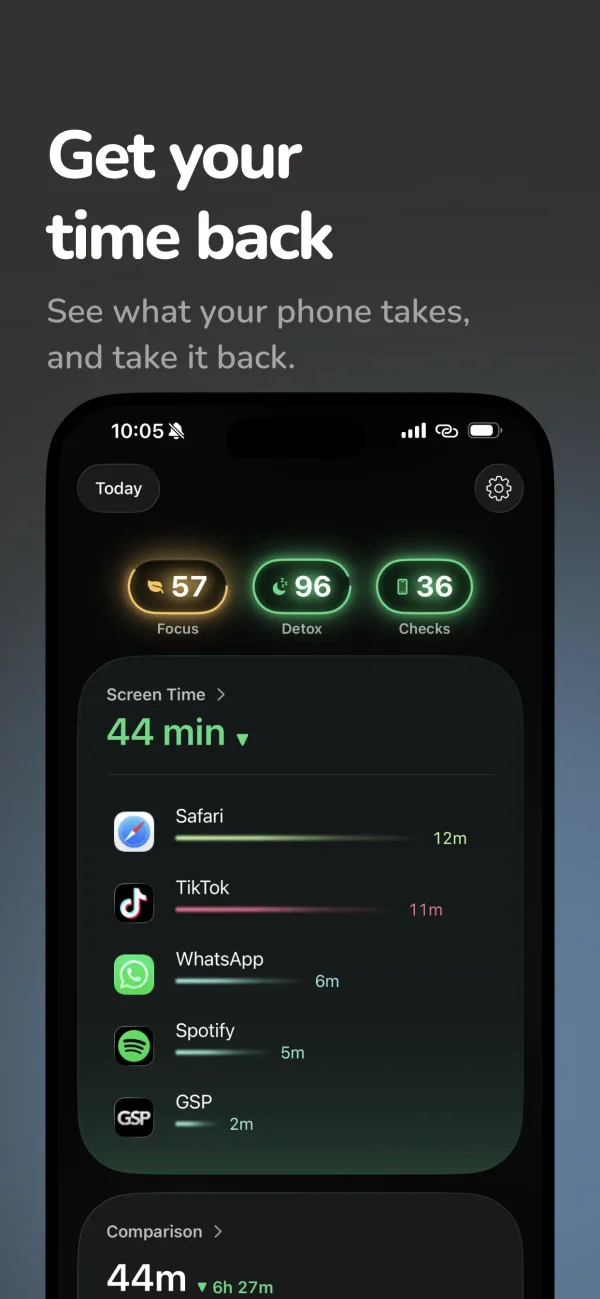
• Focus, Detox and Checks scores.
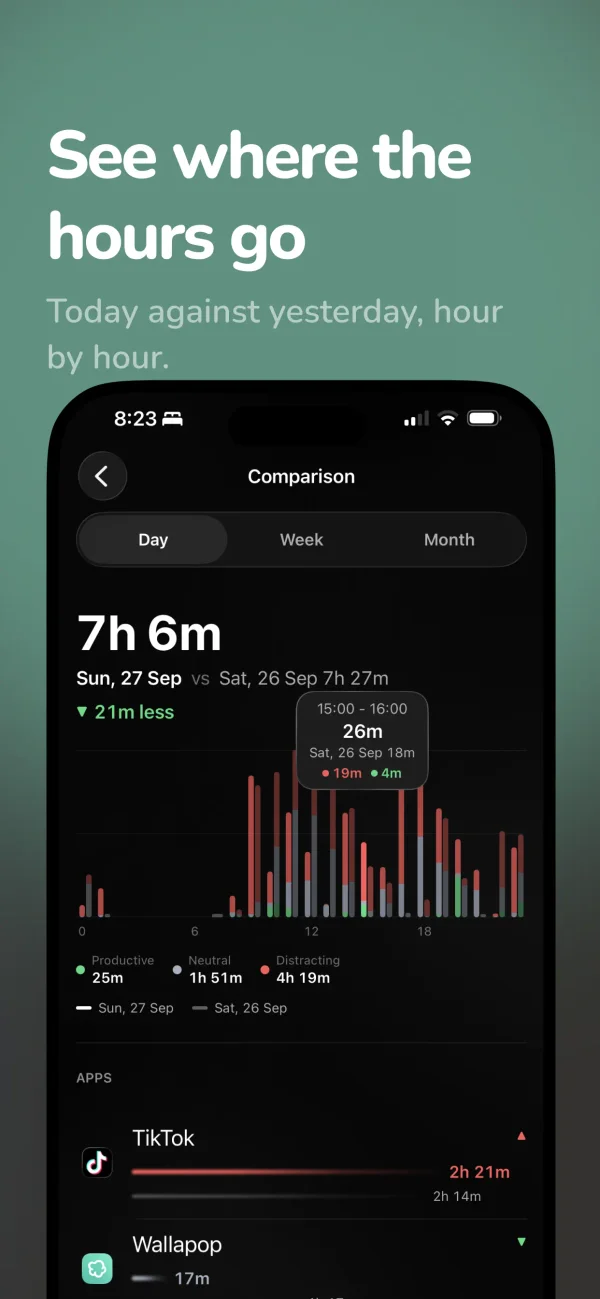
• The apps that take the most time, and how your usage changes.
• History for every mode: what happened, what you unlocked and why.
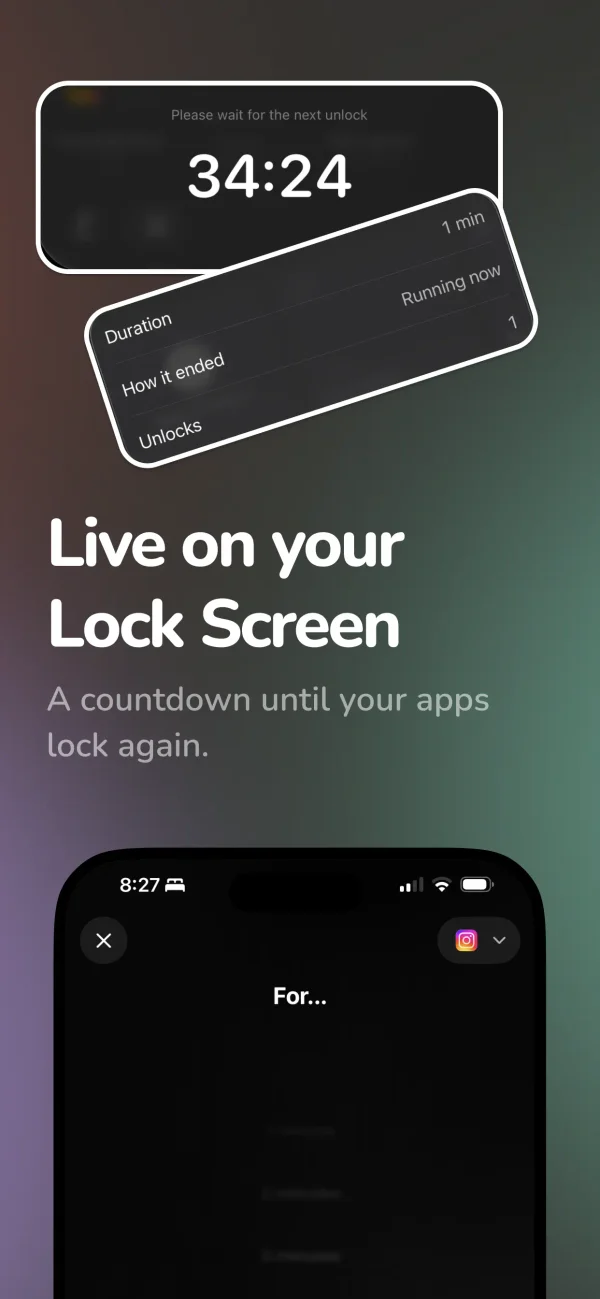
• Widgets and a Live Activity with your unlock countdown.
PRIVATE FOR REAL
Lockty uses Apple's Screen Time API. Your usage data stays on your iPhone: Lockty doesn't see what you type, what you browse or your Screen Time data. No account to create. You can export your data to a file encrypted with your password.
LOCKTY UNLIMITED
Lockty is used with an Unlimited subscription, weekly, monthly or yearly. Payment is charged to your Apple Account at confirmation of purchase. The subscription renews automatically unless cancelled at least 24 hours before the end of the current period; you can manage and cancel it in your Apple Account settings.
Terms of Use: https://lockty.app/terms
Privacy Policy: https://lockty.app/privacy
What’s new
Version 1.1.1 · Nov 15, 2026
You can now activate in the app a subscription bought on our website. Plus improvements and fixes.
App privacy
What Gabriel Sanchez Palma declares on the App Store about how this app handles data.
-
Data linked to you
May be collected and linked to your identity.
- Contact info
- Identifiers
-
Data not linked to you
May be collected but is not linked to your identity.
- Usage data
Privacy practices may vary, for example with the features you use or your age.
Information
- Seller
- Gabriel Sanchez Palma
- Category
- Productivity
- Version
- 1.1.1
- Updated
- Nov 15, 2026
- Released
- Oct 18, 2026
- Size
- 55.1 MB
- Requires
- iOS 18.0 or later
- Age rating
- 4+
- Price
- Free
- In-app purchases
- Yes
- Languages
- English, Spanish
- Copyright
- © 2026 Gabriel Sanchez Palma
You might also like
-
 CleanTidy: Clean Up StorageClean Up Photos & Videos
-
 Quit: Screen Time BlockerStop Doomscrolling & Focus
-
 Unhook: Scroll App BlockerScreen Time Control & Limits
-
 Oratoki - Lock In & AscendSelf Improvement & Habits
-
 Solta: App Blocker & FocusStop scrolling. Live your life
-
 Echo: AI Prompt LibraryDiscover & Copy AI Prompts
-
 Aurise: Alarm To Wake UpStop Snoozing Actually Wake Up
-
 Duro: Homescreen Habit TrackerSet Streaks & Visualize Habits
-
 Name Generator: Baby & BrandBusiness, nickname & pet ideas
-
 Span (Did I?) – Task TrackerSimple routine reminders