
Quit: Screen Time Blocker
Stop Doomscrolling & Focus
Designed for iPhone, iPad, iPod touch
Free · In-app purchases
- Age rating4+
- CategoryProductivity
- DeveloperMarkus Rau
- LanguagesEnglish
- Size71.0 MB
Links to the official App Store page
Download.org hosts no file of Quit: Screen Time Blocker. The button opens its official App Store page, published by Markus Rau. Listing last checked on Nov 15, 2026.
Screenshots
About
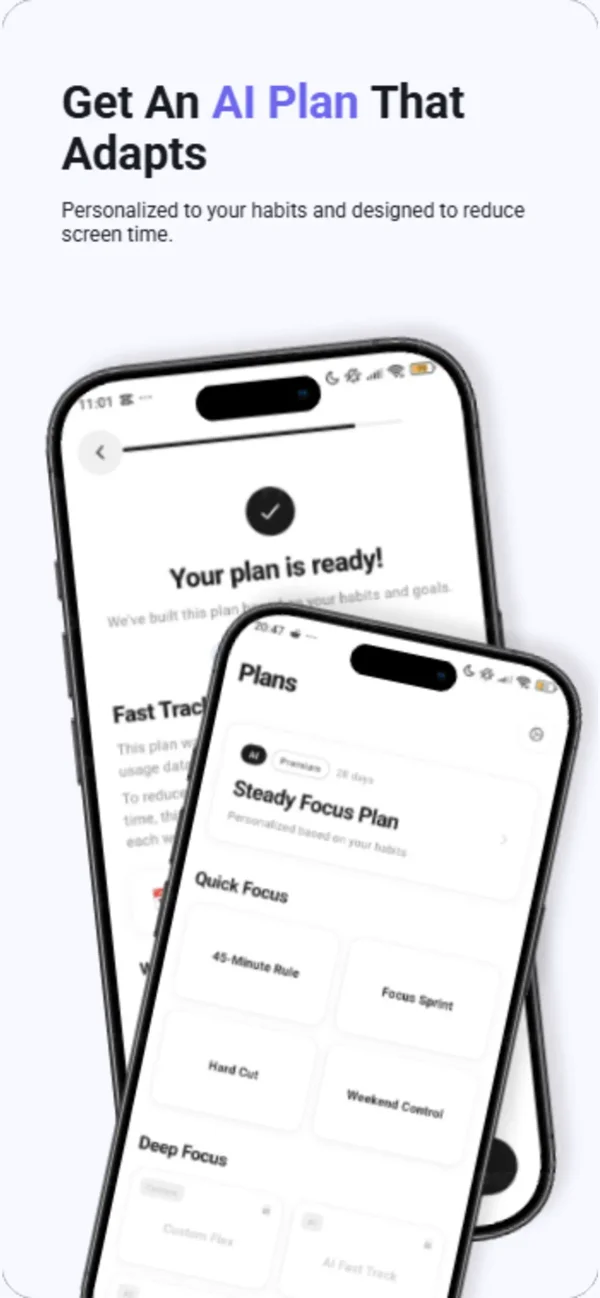
Quit helps you stop doomscrolling and take back your screen time — with an AI plan that lowers your daily limit week by week, instead of blocking you when it's already too late.
Most of us spend four hours a day on our phones. Very little of it is time we chose. Quit shows you the real number, then gives you a plan to bring it down.
HOW QUIT WORKS
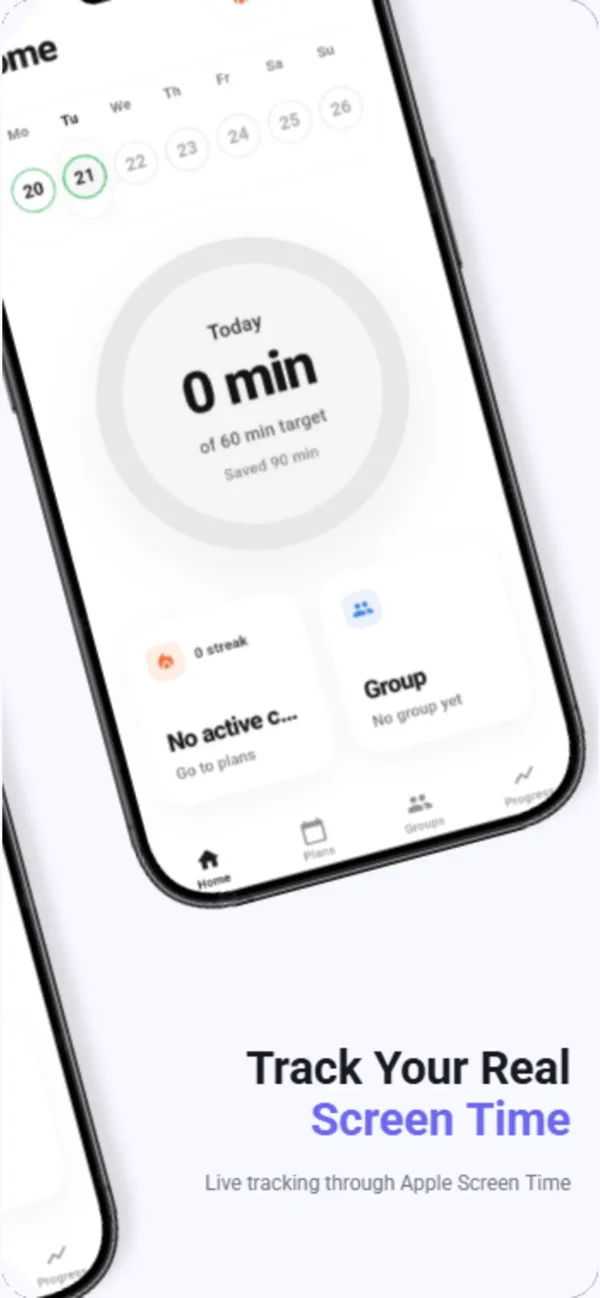
Quit reads your actual usage through Apple Screen Time and builds a personalised plan around it. Your daily limit doesn't stay fixed — it drops a little each week, so you're always moving toward your goal without hitting a wall you can't clear.
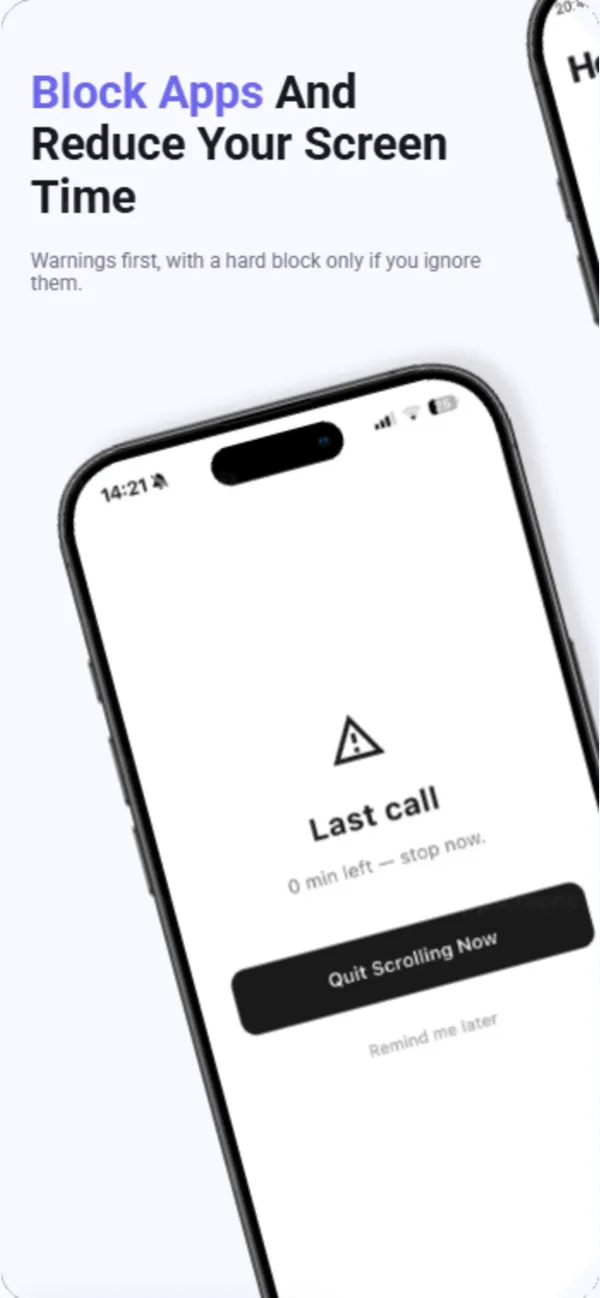
And before you reach that limit, Quit warns you. At 50%, 70% and 90% you get a checkpoint with a real choice: stop now, or keep going. Most people stop at a warning. The hard block is the last resort, not the first.
FEATURES
• Real screen time tracking: Your actual usage via Apple Screen Time — no manual logging, no estimates.
• AI focus plans: A plan built on your real baseline, not a generic limit that's the same for everyone.
• Weekly reduction: Your target drops gradually, so progress never depends on one perfect day.
• Early warnings: Three checkpoints before the block, each with a genuine choice.
• App blocking: Choose exactly which apps get limited. Everything else stays open.
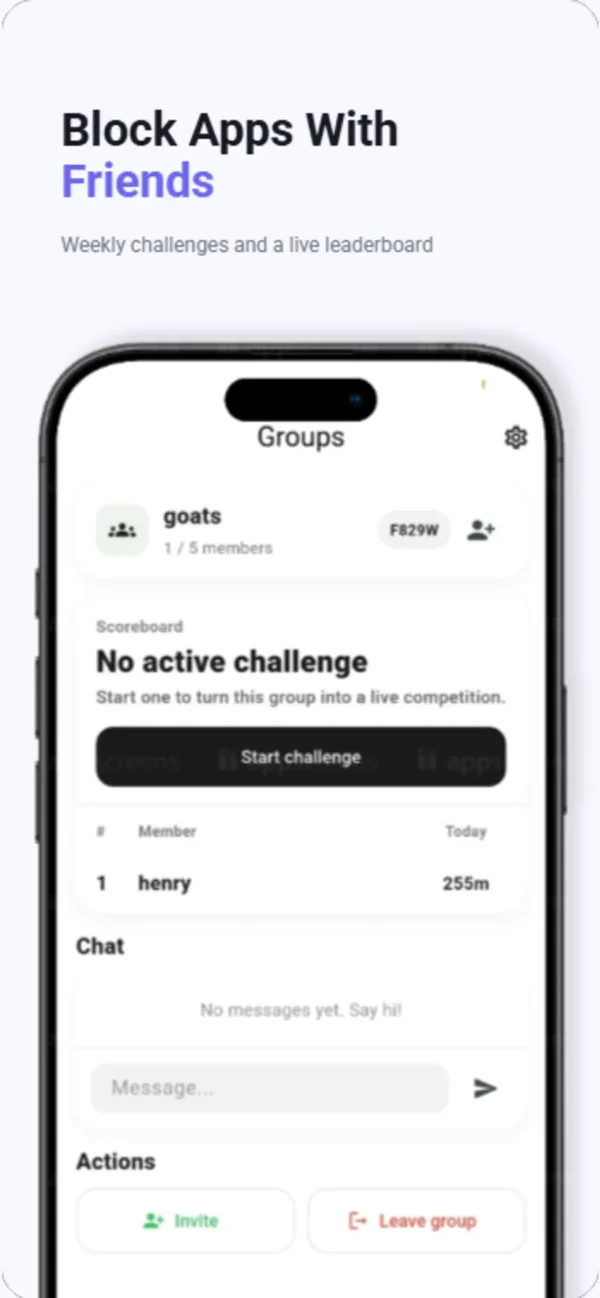
• Group challenges: Create a group, start a weekly challenge, follow a live leaderboard.
• AI coach: Ask about your habits, your progress, your plan — 5 questions a day.
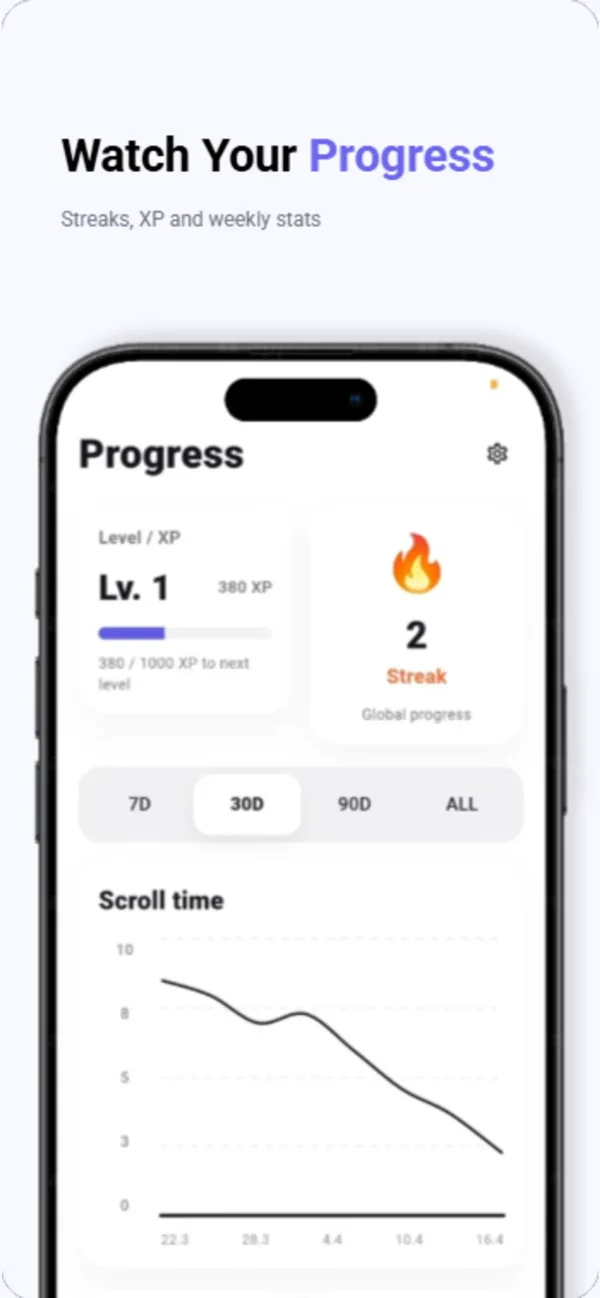
• Streaks, XP and stats: See how far you've come and how many hours you've saved.
WHAT YOU GET BACK
Hours. The first thing most people notice isn't the number going down — it's the evenings that suddenly have room in them again. Time for a book, a run, a conversation that isn't interrupted.
Quit shows you exactly how much time you've reclaimed, every day.
WHAT MAKES QUIT DIFFERENT
Other screen time apps give you a wall. You hit your limit, you're locked out, and the rest of the day feels written off — so you disable the block and start over tomorrow.
Quit gives you a number that moves. A limit that lowers itself, warnings before the block, and friends who can see whether you stuck to it.
If you've deleted Instagram three times and reinstalled it three times, the problem was never your willpower. It was the tool.
TRY IT FREE
Premium includes AI plans, the AI coach, group challenges and your full history.
3 days free — cancel anytime in Settings.
Available in 10 languages.
Terms of Use: https://henry2010rau-coder.github.io/quit-terms/
Privacy Policy: https://henry2010rau-coder.github.io/quit-privacy/
What’s new
Version 1.5 · Sep 23, 2026
Performance enhancements
App privacy
What Markus Rau declares on the App Store about how this app handles data.
-
Data linked to you
May be collected and linked to your identity.
- Purchases
- Contact info
- User content
- Identifiers
-
Data not linked to you
May be collected but is not linked to your identity.
- Diagnostics
Privacy practices may vary, for example with the features you use or your age.
Information
- Seller
- Markus Rau
- Category
- Productivity
- Version
- 1.5
- Updated
- Sep 23, 2026
- Released
- Jun 7, 2026
- Size
- 71.0 MB
- Requires
- iOS 15.0 or later
- Age rating
- 4+
- Price
- Free
- In-app purchases
- Yes
- Languages
- English
- Copyright
- © 2026 Markus Rau
You might also like
-
 Screen Time Limit - LockTyStop Doomscrolling & Detox
-
 Control FreedomProductivity
-
 Screen Time Control app +App Blocker, Focus & Timer
-
 Forge: Self-MasteryStandards. Action. Evidence.
-
 Armadillo: Block Apps & SitesSet an end to doomscrolling!
-
 Wick-Deep Work, Study & FocusPomodoro timer & app blocker
-
 Roty - Unrot Your BrainProductivity
-
 Focus Tycoon: Deep WorkPomodoro timer & app blocker
-
 StackAHabit: Habit StackingProgressive Overload Habits
-
 EarnScroll - Doom Scroll BlockEarn Screen Time · App Blocker