LockWords: Lock Screen Widgets
Word of the Day & Bible Verse
Designed for iPhone
In-app purchases
- Age rating12+
- CategoryEducation
- DeveloperVladyslav Shchuka
- LanguagesEnglish+ 27 more
- Size89.2 MB
Links to the official App Store page
Download.org hosts no file of LockWords: Lock Screen Widgets. The button opens its official App Store page, published by Vladyslav Shchuka. Listing last checked on Nov 10, 2026.
Screenshots
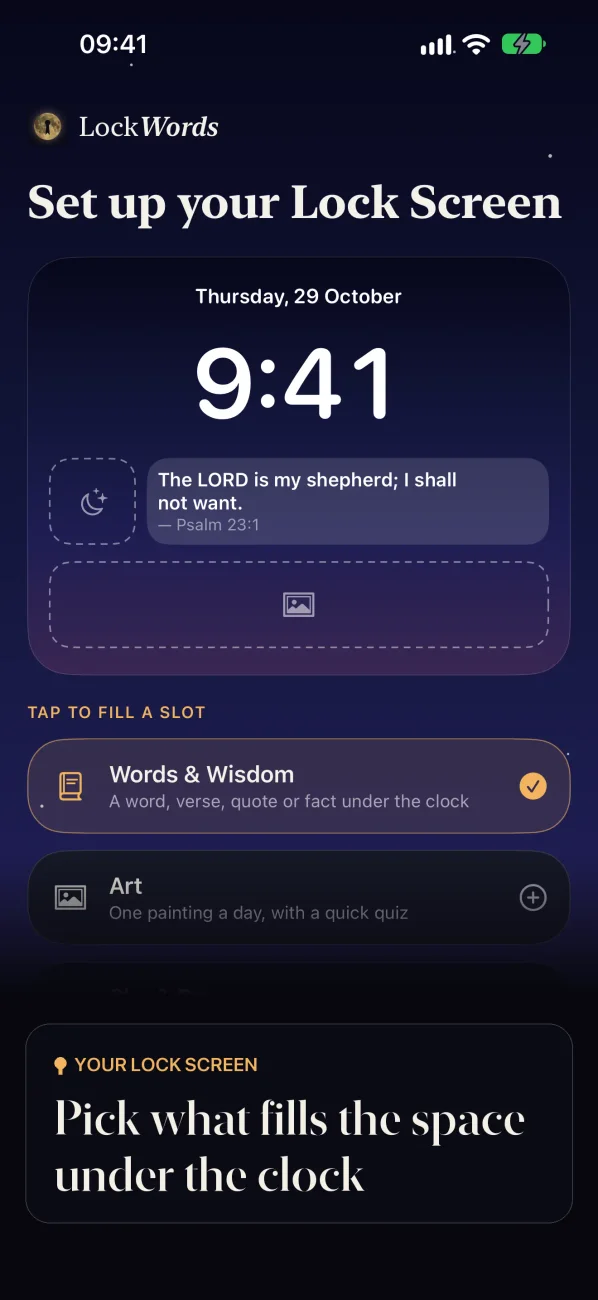

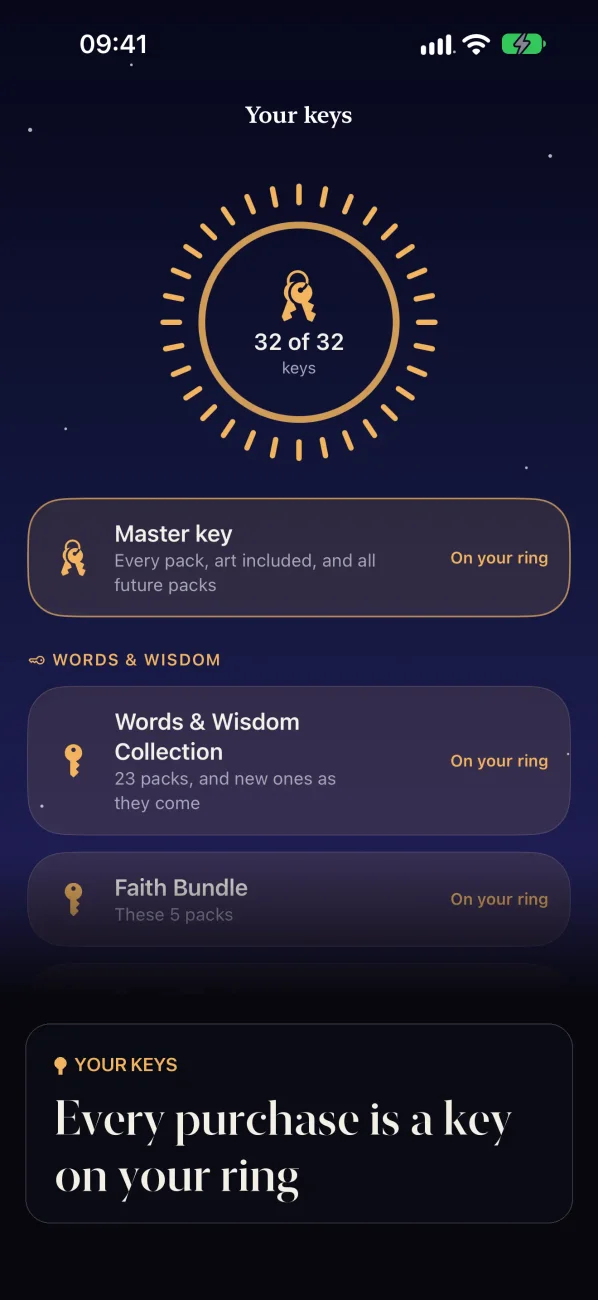
About
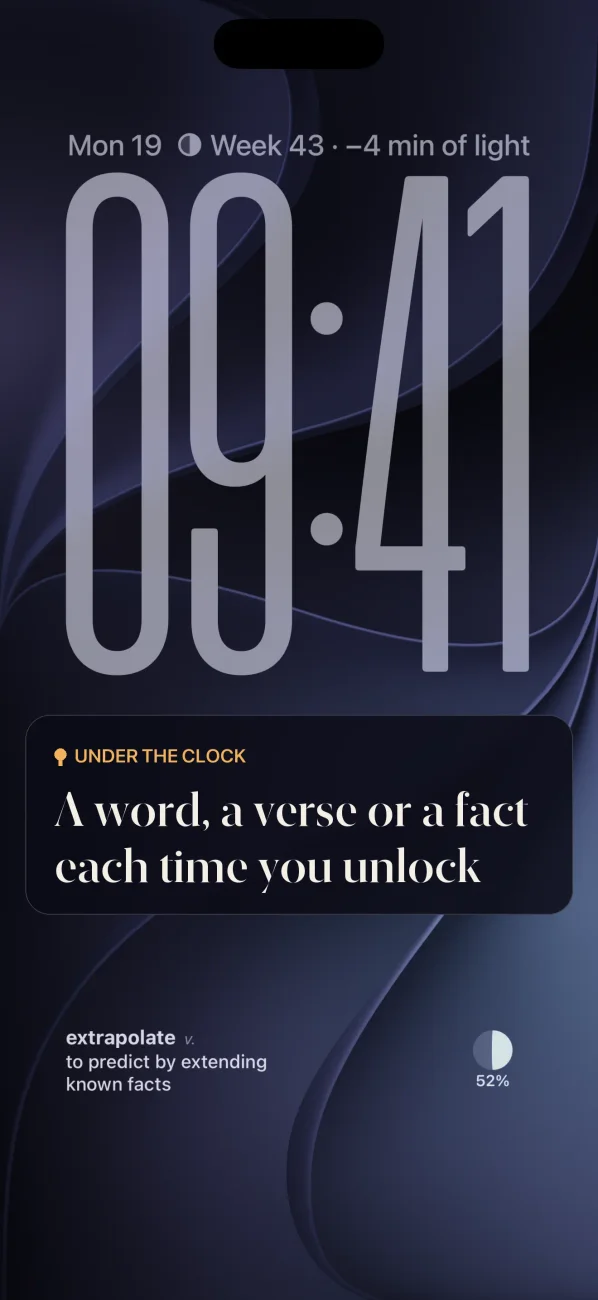
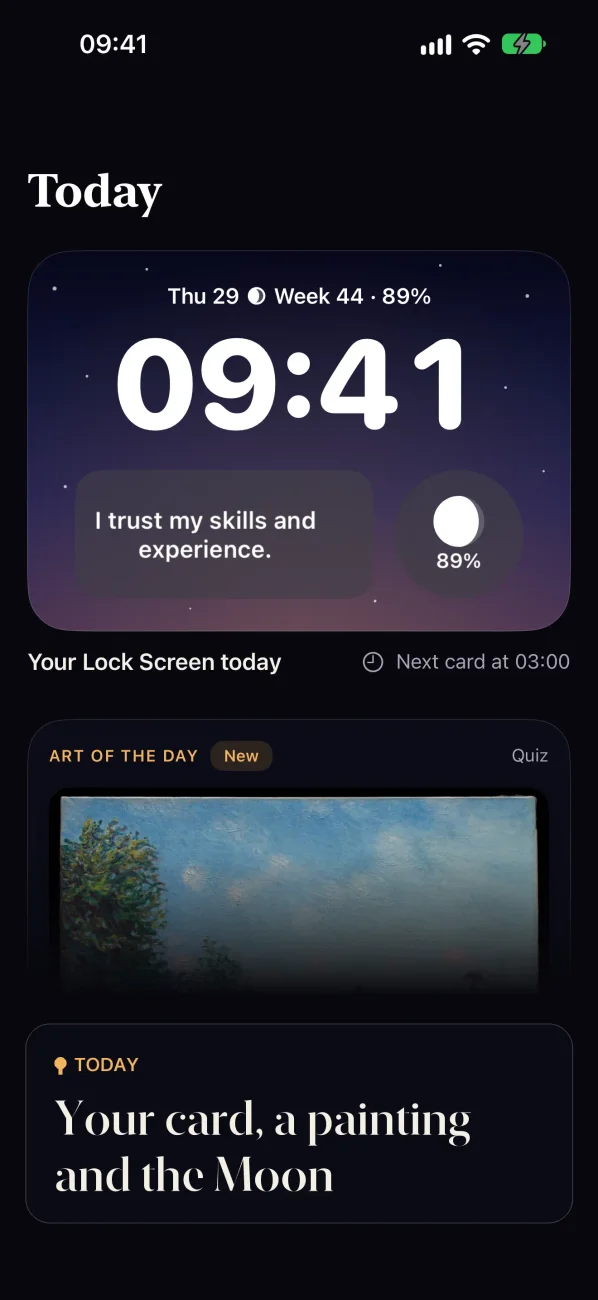
Get a little smarter every time you unlock your phone. LockWords puts a new card under the clock on your Lock Screen, every hour or on whatever schedule you pick: a word worth knowing, a fact, a Bible verse, a line from Marcus Aurelius, a painting with its story. It takes a few seconds, and over a week it adds up.
LEARN IN SECONDS, WITHOUT SITTING DOWN TO STUDY
Read the card, learn the word, move on. Tap "I know it" and the word leaves the rotation, so you only see what is still new to you. A small ring on the Lock Screen shows how much of your word packs you already know. On the medium and large Home Screen widgets you also get Next, plus Save on verses, quotes and facts. Save the cards and artworks you like and share the ones you want to pass on.
22 CARD PACKS, 5,468 CARDS
Smart Words, SAT and GRE words, rare and beautiful words, idioms, Latin phrases, Spanish and French basics, business vocabulary, Bible verses (KJV), short prayers, affirmations, Stoic quotes, calm reminders, money wisdom, fun facts, space and science, psychology, On This Day and riddles. Mix several packs into one widget, or pin a single pack to it.
KNOW THE ART YOU LOOK AT
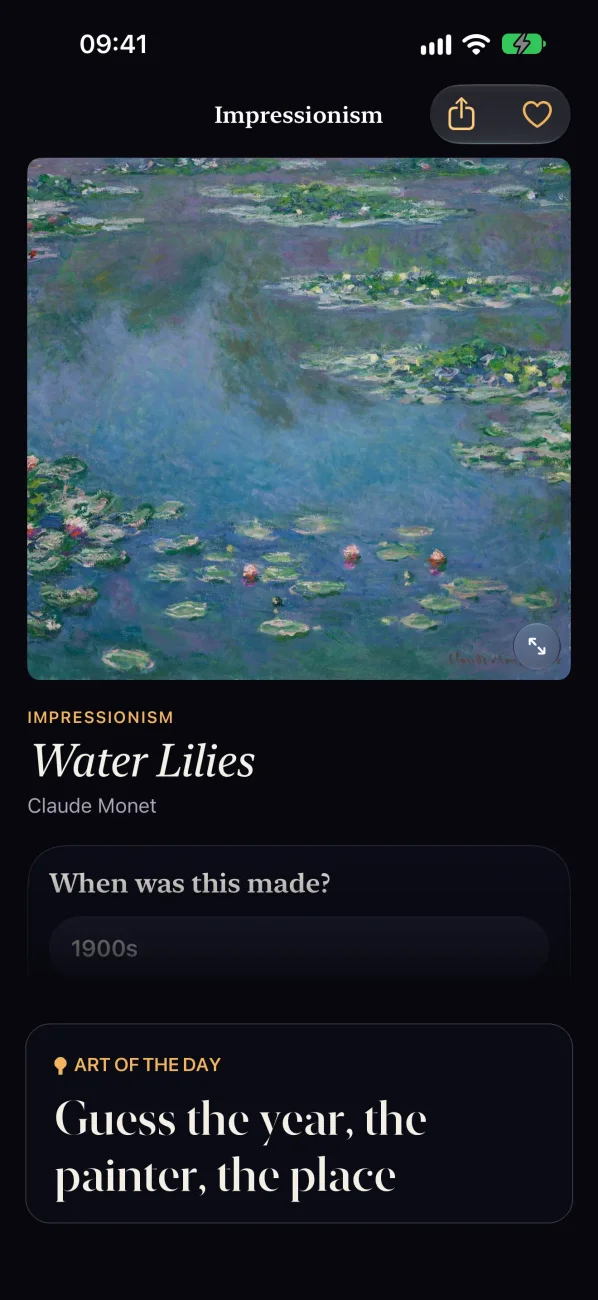
292 public-domain artworks in 6 packs, from Impressionism to Japanese woodblock prints, botanical illustrations, old maps, space and the Dutch Golden Age. Each one comes with its story and a credit to the museum that holds it. Open a painting and zoom in to see the brushwork up close, even offline.
The Art of the Day widget asks who made it, when, or which plant or place it shows. Tap one of three answers right on the medium or large Home Screen widget, no need to open the app. The title, the artist and the year show up after you answer, and your streak keeps count.
SKY & DAY
The Moon's phase, how much of it is lit, sunrise and sunset, the change in daylight since yesterday, and the week number. It works without a place; add a city or your approximate location if you want local sunrise and sunset. Location is optional and asked for only when you choose to use it.
THREE WIDGET STYLES
Choose Full Bleed, Glass Window or Almanac for your Home Screen widgets in Edit Widget. The Widgets tab shows every widget with a live preview and the steps to add it to your Lock Screen, Home Screen or StandBy.
THE DETAILS
• Lock Screen, Home Screen and StandBy widgets
• A new card every 30 minutes, every hour, every few hours or once a day
• Works offline
• The app speaks 29 languages; the word cards are in English, the artwork stories are translated
• No account, no ads, no tracking
ONE-TIME PURCHASES, NO SUBSCRIPTION
Affirmations and the Impressionism art pack are included, and every other pack lets you try its first cards before you buy. Get a single pack with a one-time purchase, a whole collection (Words & Wisdom or Art), or All Packs, which also includes every pack we add later. There is no subscription.
Right now there are 28 packs: nearly 5,500 cards and 292 artworks.
Terms of Use: https://xzot.github.io/lockwords/terms.html
Privacy Policy: https://xzot.github.io/lockwords/privacy.html
What’s new
Version 2.1 · Oct 31, 2026
• Two new faith packs: Psalms & Proverbs (King James text) and Wisdom of the Saints.
• Each pack now has its own key, and bigger keys open a whole collection. Open Your keys in the Library to see what each one opens. Everything you bought is already on your keyring.
• A new first screen, Set up your Lock Screen, helps you fill the empty widget slots and pick what your cards are about.
• Settings moved to the bottom of the Widgets tab, next to the widgets they change.
• Share a card or a painting as a picture.
• Fixed: the Moon covered its name on the small Sky widget, sunset times were cut off on the Lock Screen, and Library labels didn't line up.
App privacy
What Vladyslav Shchuka declares on the App Store about how this app handles data.
-
Data not collected
The developer does not collect any data from this app.
Privacy practices may vary, for example with the features you use or your age.
Information
- Seller
- Vladyslav Shchuka
- Category
- Education
- Version
- 2.1
- Updated
- Oct 31, 2026
- Released
- Sep 30, 2026
- Size
- 89.2 MB
- Requires
- iOS 17.0 or later
- Age rating
- 12+
- In-app purchases
- Yes
- Languages
- English, Bulgarian, Croatian, Czech, Danish, Dutch, Estonian, Finnish, French, German, Greek, Hungarian + 16 more
- Copyright
- © 2026 Vladyslav Shchuka
You might also like
-
 WidgetWord: Learn Every DayA New Word Every Hour
-
 BenimDinimEducation
-
 Introductory Psychology TutorLearn, Practice & Master
-
 Math Daily: Brain TrainingNumber Quiz & Quick Practice
-
 Cotidie: A Latin Quote a DayAncient wisdom, every morning
-
 Random Bible Verse GeneratorDaily KJV Scripture by Topic
-
 FLAGVOYA: Flag Puzzle & QuizBuild, draw & learn 187 flags
-
 LockNLearn: Kelime Pratiği YapEducation
-
 Hapax: Word of the Day WidgetAesthetic daily vocabulary
-
 Vocab Builder: Lock ScreenDaily English Words Widget