Locus: Focus & App Blocker
Block Apps, Cut Screen Time
Designed for iPhone
In-app purchases
- Age rating4+
- CategoryProductivity
- DeveloperBAHADIR SOFUOGLU
- LanguagesEnglish+ 7 more
- Size11.0 MB
Links to the official App Store page
Download.org hosts no file of Locus: Focus & App Blocker. The button opens its official App Store page, published by BAHADIR SOFUOGLU. Listing last checked on Nov 12, 2026.
Screenshots



About
Locus blocks the apps that break your focus — for real.
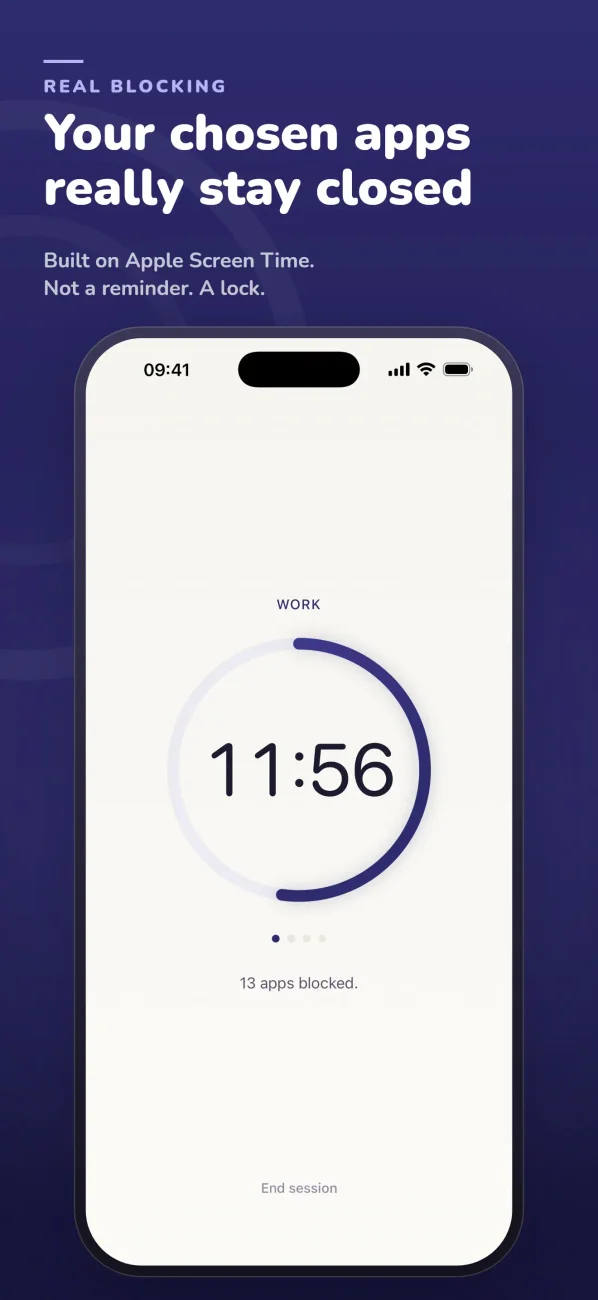
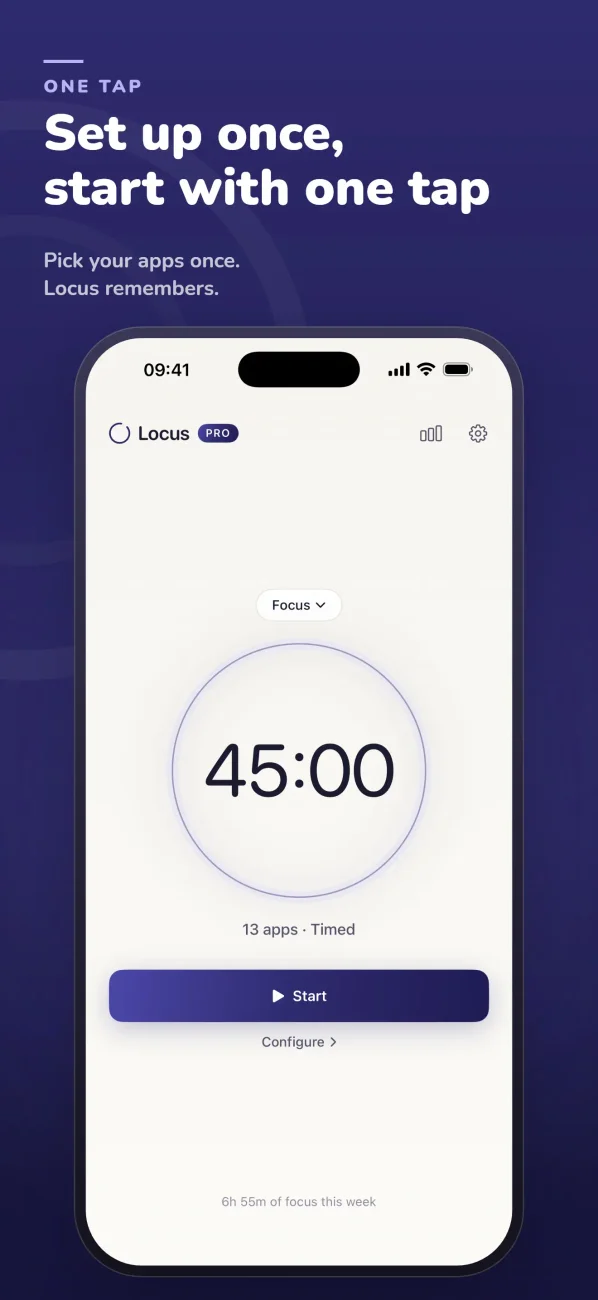
Pick a focus mode, choose the apps and websites that distract you, and start. For the whole session they're actually closed. No nagging, no streaks, no detox score — just a calm shield between you and the scroll.
Locus is built for people who are serious about focus: students and exam-takers who need to study, and professionals who do deep work. If you've ever said "I just want my phone to be quiet while I work," this is for you.
WHY LOCUS IS DIFFERENT
Most screen-time apps either show a gentle "take a breath" screen you tap past in seconds, or block so loosely you bypass them in one move. Locus removes the decision entirely. Once a session starts, the block is real.
FOCUS MODES
• Timed session — set a duration, block your distracting apps, and focus until time's up.
• Pomodoro — work and break cycles (25/5 or your own). Apps stay blocked while you work and open on breaks.
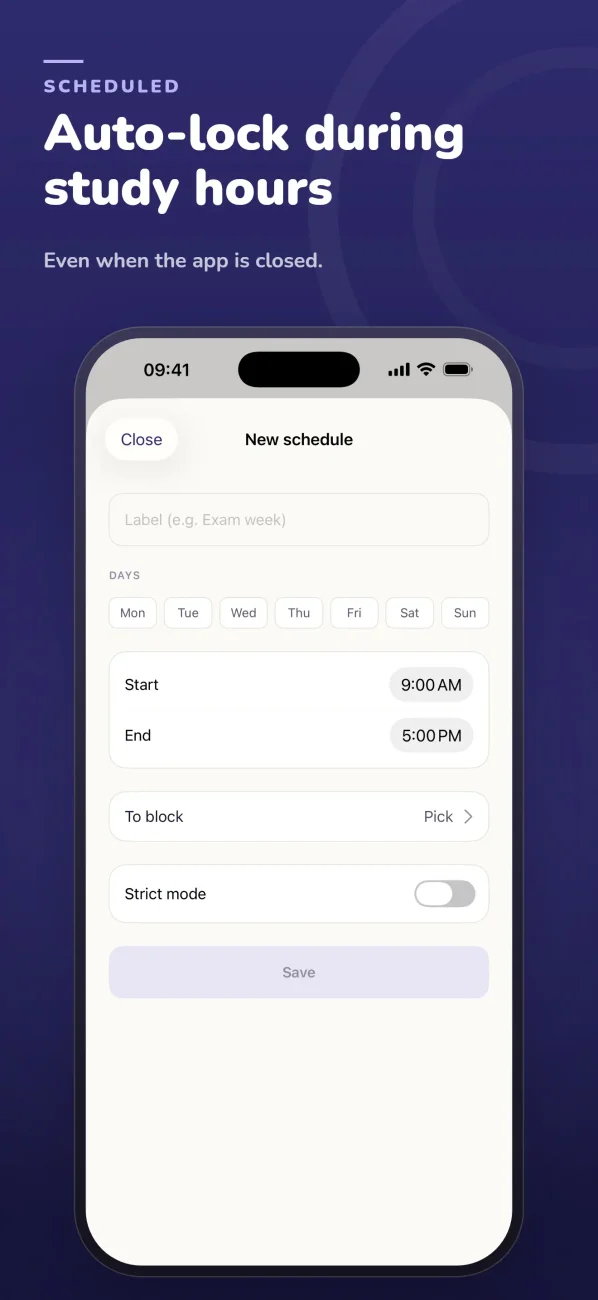
• Scheduled focus — recurring weekly blocks for study hours, work hours, or exam week. Focus turns on automatically.
STRICT MODE
Make quitting harder. Ending a session early takes a deliberate confirmation step, so a moment of weakness doesn't cost you your focus.
CALM, NOT JUDGMENTAL
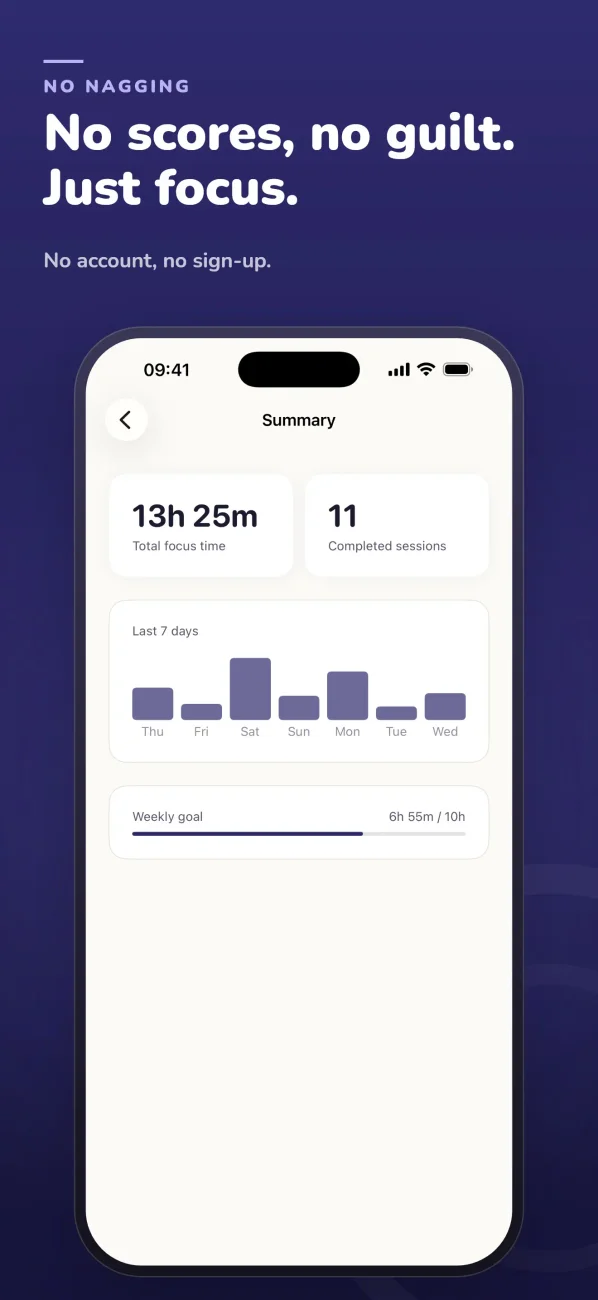
A simple summary shows your total focus time and completed sessions. No guilt-tripping analytics and no gamified badges — just quiet feedback that respects your attention.
PRIVATE BY DESIGN
Locus works offline and needs no account. Your app selection stays on your device. Blocking is built on Apple Screen Time (Family Controls), so it's enforced by iOS itself.
Truly focus. Start your first session today.
Note: Locus uses Apple's Screen Time permission to block apps and websites. It does not collect or share your usage data.
Legal
Terms of Use (EULA): https://locus-indol.vercel.app/en/terms
Privacy Policy: https://locus-indol.vercel.app/en/privacy
What’s new
Version 1.3 · Nov 5, 2026
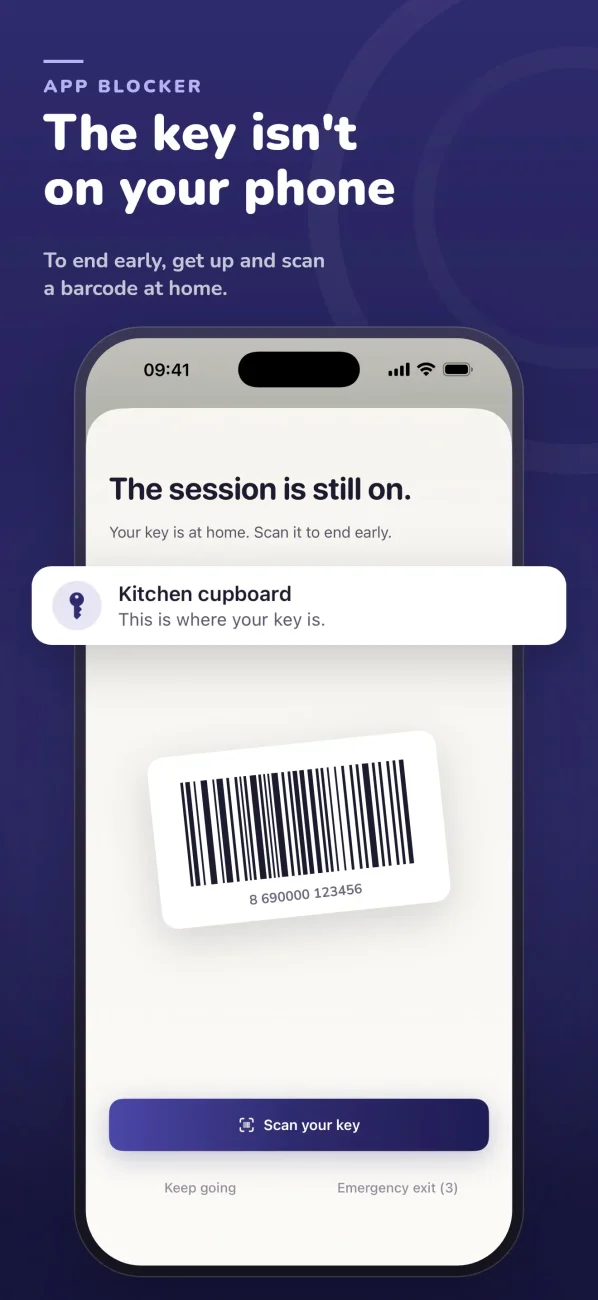
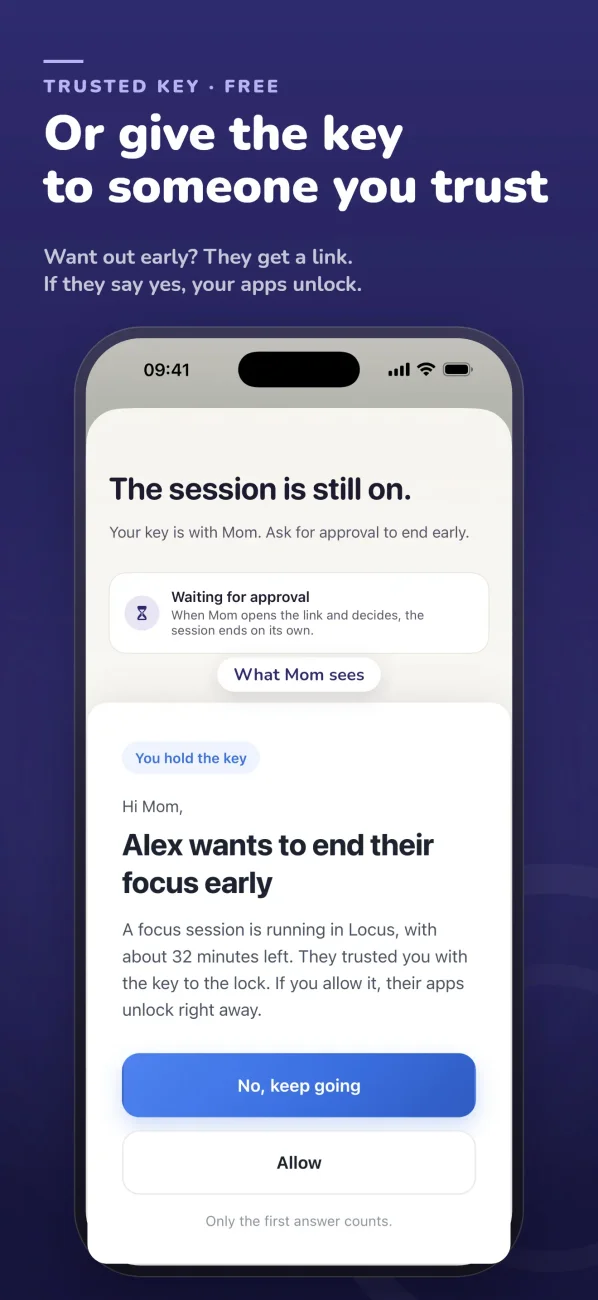
New: Keys. Put the key to your session outside your phone. A session only ends early after you scan a barcode at home or someone you trust says yes. Also new: a daily focus reminder, how many times the shield held, and a faster first setup.
App privacy
What BAHADIR SOFUOGLU declares on the App Store about how this app handles data.
-
Data not linked to you
May be collected but is not linked to your identity.
- Purchases
- Identifiers
- Usage data
Privacy practices may vary, for example with the features you use or your age.
Information
- Seller
- BAHADIR SOFUOGLU
- Category
- Productivity
- Version
- 1.3
- Updated
- Nov 5, 2026
- Released
- Jul 1, 2026
- Size
- 11.0 MB
- Requires
- iOS 17.0 or later
- Age rating
- 4+
- In-app purchases
- Yes
- Languages
- English, Arabic, French, German, Japanese, Portuguese, Spanish, Turkish
- Copyright
- © 2026 Locus
You might also like
-
 Focus Tower: Study TimerPomodoro & Screen Time Blocker
-
 LockAway: Streak TrackerADHD Focus & Habit Builder
-
 Zone Focus: Distraction FreeBlock Distracting Websites
-
 Doombreak - App BlockerStop doomscroll & Reels
-
 No Scroll: Stop DoomscrollingBlock Short Videos & Feeds
-
 Capsla: Pomodoro & App BlockerFocus Timer for Study & Work
-
 LockIn: Focus & Pomodoro TimerApp Blocker for Deep Work
-
 Forepause: Adult Phone LimitsQuiz first, then open apps
-
 Proof of Focus: No ScrollingProve Your Focus. Do Work.
-
 Vext: Screen Time ControlFocus & App blocker