
Lody - Run Code Agent Anywhere
Remote Control for All Agents
Designed for iPhone, iPad
Free
- Age rating4+
- CategoryDeveloper Tools
- DeveloperShanghai Zhouchan Information Technology Co., Ltd.
- LanguagesEnglish+ 1 more
- Size159.0 MB
Links to the official App Store page
Download.org hosts no file of Lody - Run Code Agent Anywhere. The button opens its official App Store page, published by Shanghai Zhouchan Information Technology Co., Ltd. Listing last checked on Nov 24, 2026.
Screenshots
About
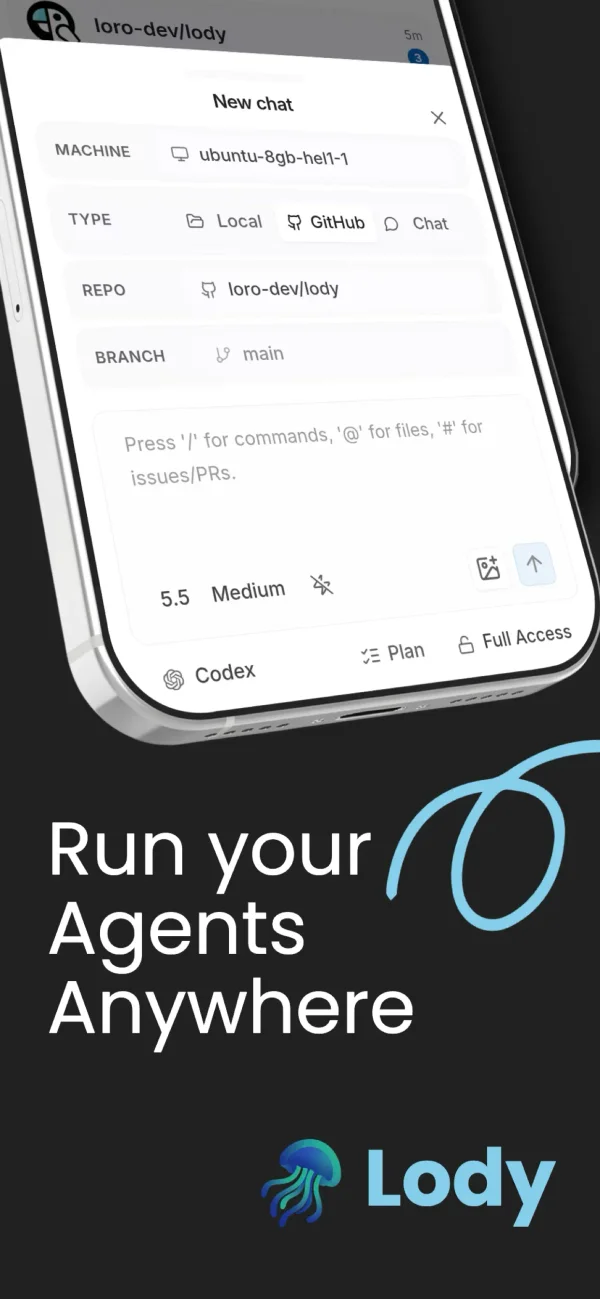
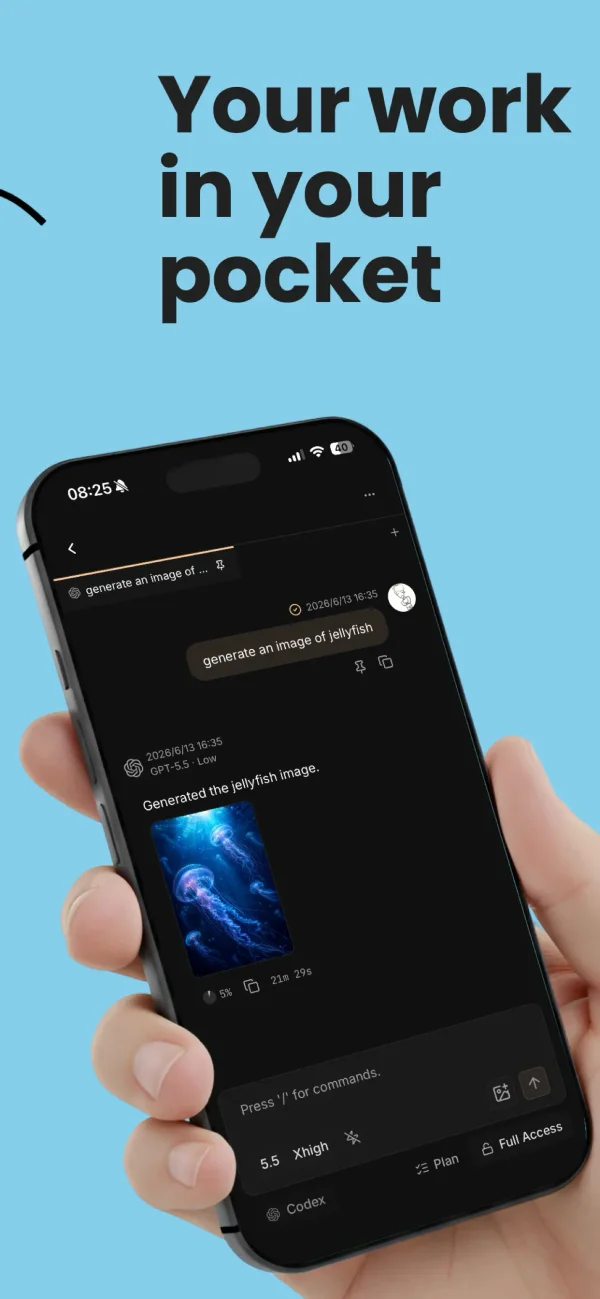
Lody is the remote control for your coding agents. Start a task from your phone, and Claude Code, Codex, or any CLI agent runs it on your own computer or server—then review every change, anywhere.
■ One remote for every coding agent
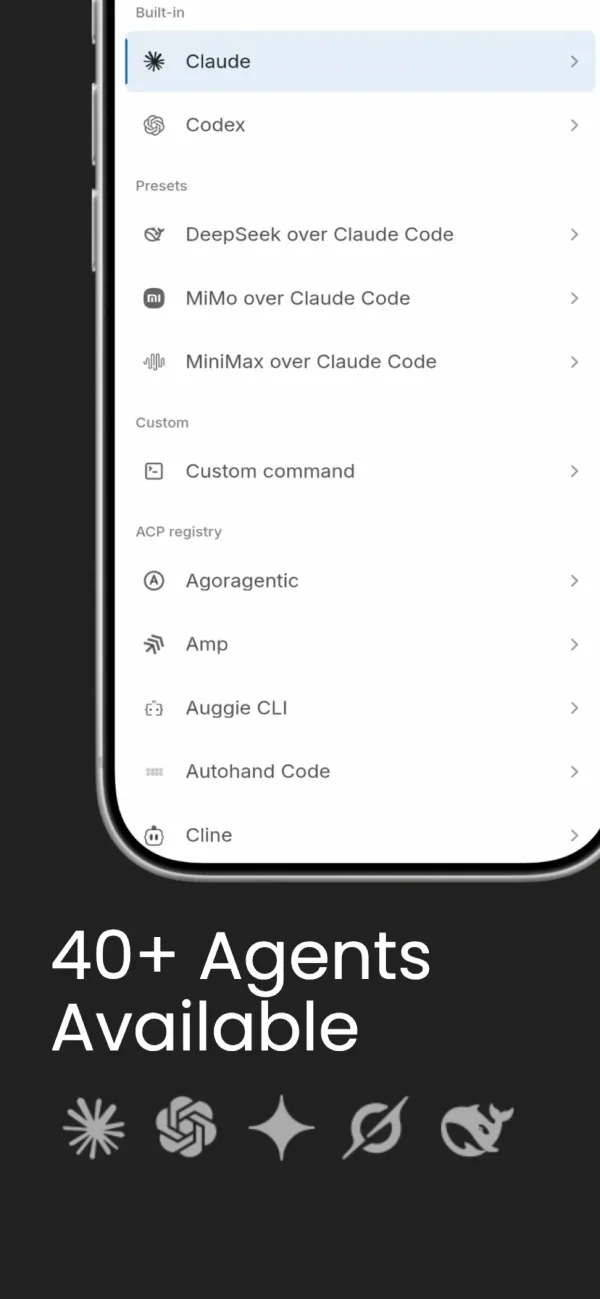
• Works with Claude Code, Codex, Gemini CLI, OpenCode, Kimi, and any ACP-compatible agent
• Bring your own subscription or API key—Lody runs the agents on your machines, with your models
• Switch models, modes, slash commands, and Fast Mode right inside the chat
■ Control all your computers and servers
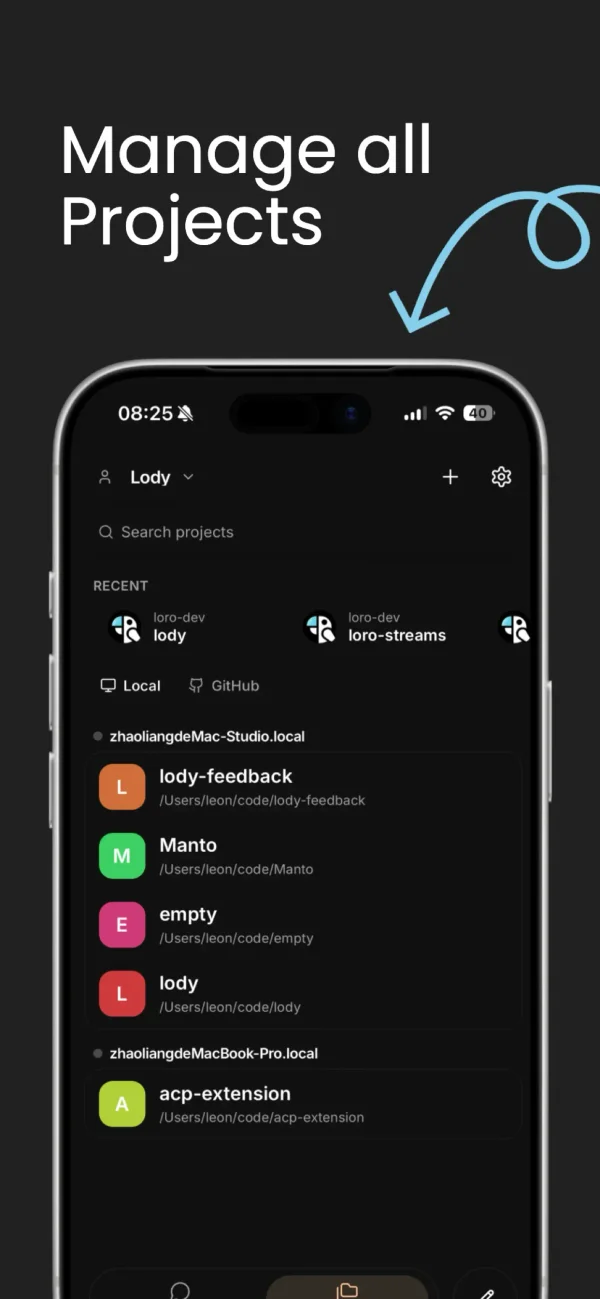
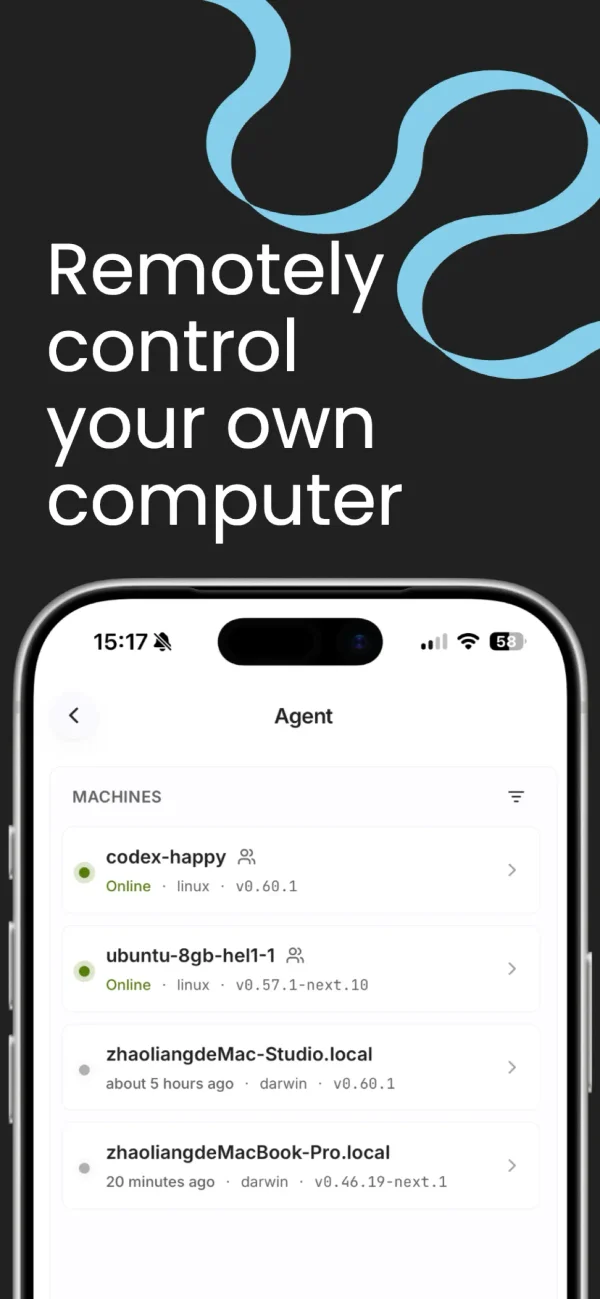
• Connect every laptop, dev box, and cloud server to one account
• Start a session on any online machine from your phone or browser
• Machines stay private by default—share a build server or cloud worker with your team in one tap
• Daemon mode keeps agents running in the background and recovers automatically after a restart
■ Run agents in parallel, safely
• Every task gets its own isolated Git worktree—no collisions between parallel runs
• Sandboxed execution with native runtime controls and fewer permission prompts
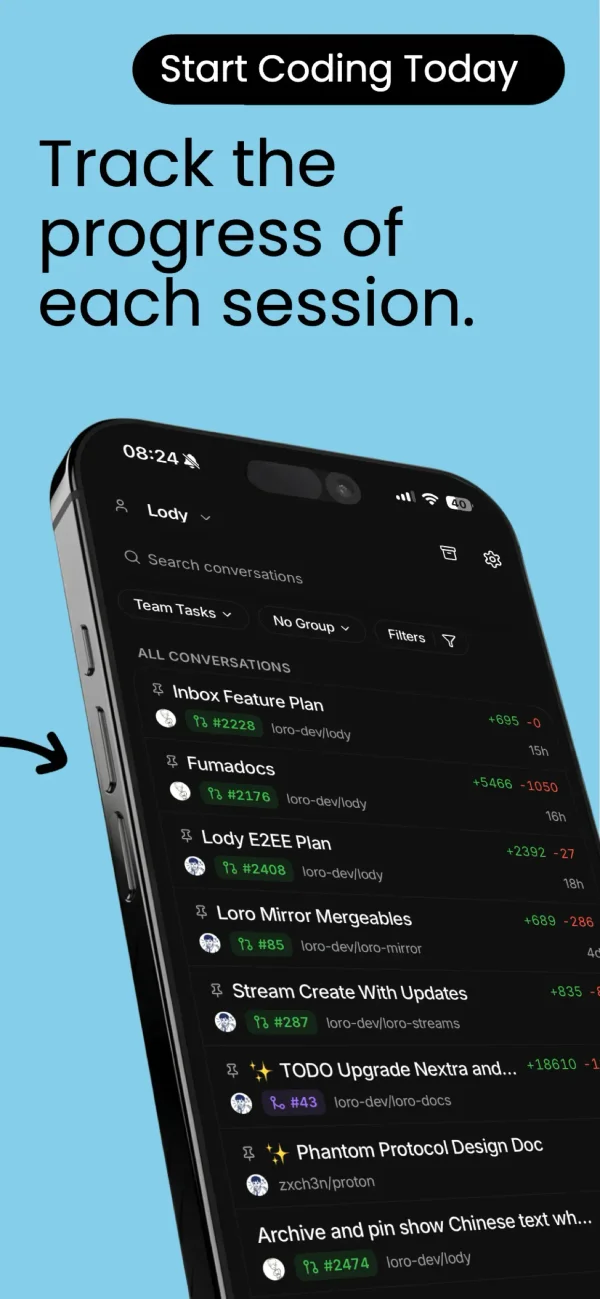
• Session tabs keep the main chat, sub-agents, files, and diffs together in one view
■ Review everything from anywhere
• Each turn ends with an in-context diff, so you can review without opening your IDE
• A real-time file tree and project file browser stay synced with the working directory
• Search inside a conversation across messages, tool calls, terminal output, and diffs
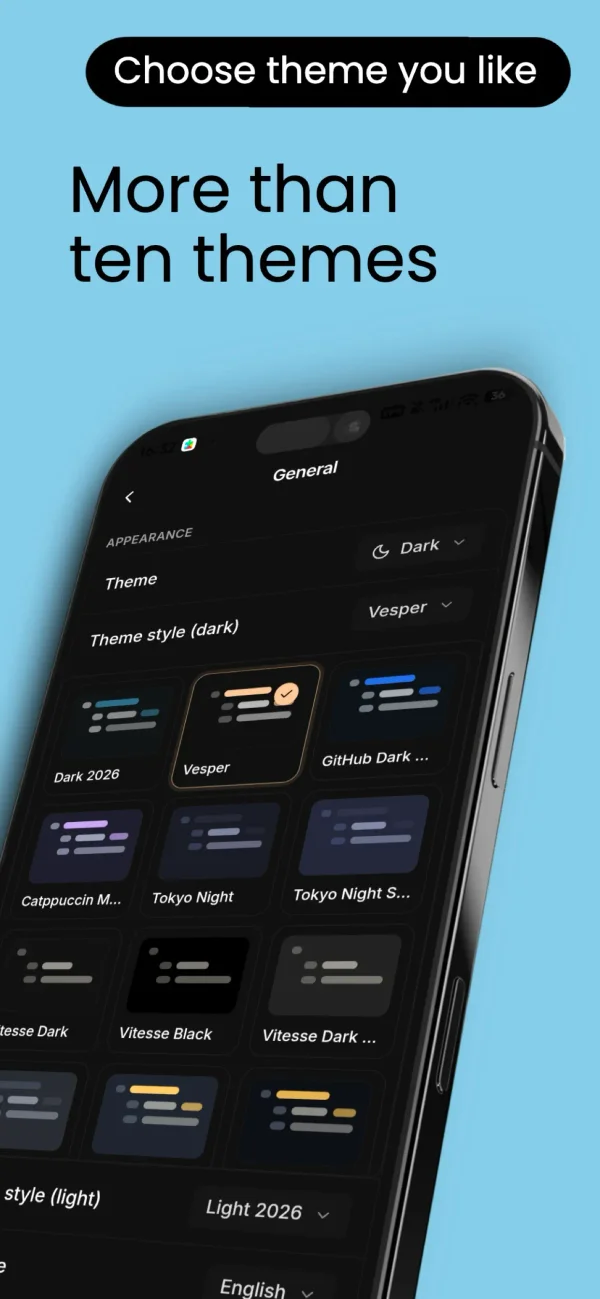
• VS Code themes give you familiar code and diff colors
• Lody Preview opens a live UI preview with desktop, tablet, and mobile viewports—drop visual annotations and send them straight back to the agent
■ GitHub, built in
• Start a task from any Issue or Pull Request with a simple #mention
• PR status, CI checks, and review comments sync automatically—no tab-switching
• Mark drafts ready for review, merge, and delete branches without leaving Lody
• Leave line comments on diffs and sync them to GitHub PR Review; replies post back both ways
• Auto commit & push and "Fix PR comments" keep your branch moving
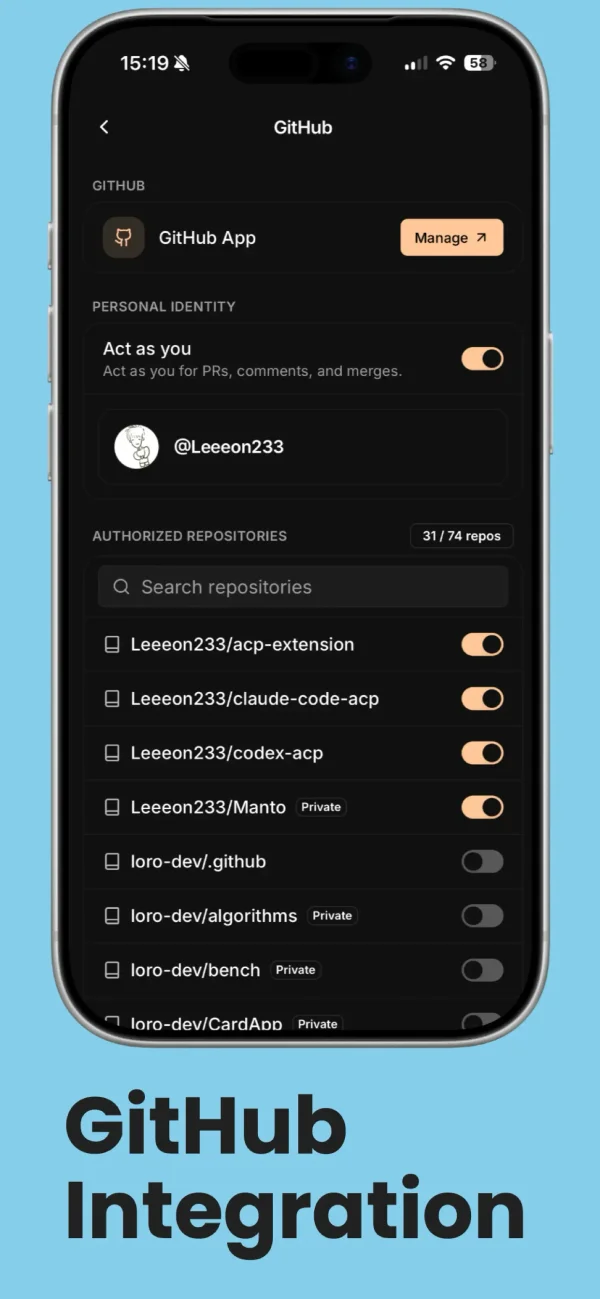
• Act as yourself on GitHub for comments, reviews, and merges
■ Built for your team
• Share agent configs and full conversation context so everyone stays aligned
• Invite members, set roles, and view your teammates' sessions
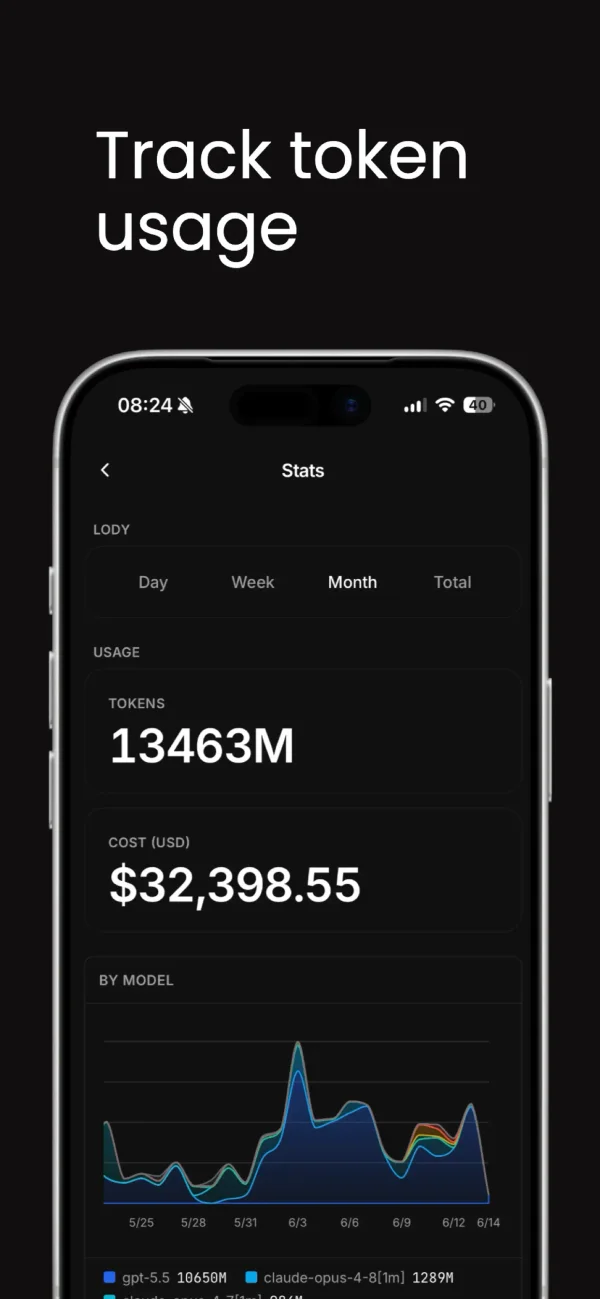
• Track AI token usage and cost by member
■ Made for mobile
• Native iOS apps designed for small screens
• Live Activities on iPhone show running agent status on the Lock Screen and Dynamic Island
• Push notifications when a task finishes, an agent needs approval, or a PR is ready
• Approve permissions, review diffs, and reply on the go
• Works offline for cached conversations and saved diffs
Install Lody on your machine, and take your coding agents with you—everywhere.
What’s new
Version 0.115.1 · Nov 24, 2026
■ New
- EverMe is now available as an account-wide memory provider. Install it with one click or set it up manually.
- Organize sessions into Focus, Later, and Settled in the new Status view. Snooze a session for one or three hours, or drag it back into Focus.
- Group pinned sessions and arrange them by hand. Choose which groups to show on each device or start a session directly inside a group. The sidebar scrolls as you drag a session near the edge.
- Link or unlink a GitHub PR from a session, hand a linked PR to Auto delivery, and see merge feedback in the sidebar.
- Open a session’s working directory in Finder or File Explorer from its menu. Modifier-click a URL in the terminal to open it in your browser.
- Preview attachments in the session side panel and adjust video playback speed.
- Press Up or Down in an empty composer to recall sent messages. Customize shortcuts for model search, thinking effort, and the attachment menu.
- Codex adds an Ultrafast speed option. You can now sign in to Antigravity remotely from Lody.
- In Lody Agent settings, view and refresh the models available from a custom endpoint and set the default model, thinking effort, and autonomy for new sessions. The Prompt and Agent Role editors have also been redesigned.
- Let Lody run a long command in the background. When it exits, the session receives the result and continues. Session editors can also manage automations on shared machines.
- Export and import workspaces from desktop Settings → Data or the CLI. Members of the destination workspace get read-only access to content imported from another workspace.
App privacy
What Shanghai Zhouchan Information Technology Co., Ltd. declares on the App Store about how this app handles data.
-
Data not linked to you
May be collected but is not linked to your identity.
- Contact info
- User content
- Browsing history
- Identifiers
- Usage data
- Diagnostics
Privacy practices may vary, for example with the features you use or your age.
Information
- Seller
- Shanghai Zhouchan Information Technology Co., Ltd.
- Category
- Developer Tools
- Version
- 0.115.1
- Updated
- Nov 24, 2026
- Released
- Jun 27, 2026
- Size
- 159.0 MB
- Requires
- iOS 16.4 or later
- Age rating
- 4+
- Price
- Free
- Languages
- English, Simplified Chinese
- Copyright
- © 2026 LoroHub LLC
You might also like
-
 NowdexTrack your agent usage
-
 AgmenteAgent Client Protocol client
-
 AirBuild: AI App TeammatesVibe Coding & Prototyping
-
 CFPanelMobile Console for Cloudflare
-
 KittyLitterCodex on your phone
-
 QuickTUI: AI Agent TerminalClaude, Codex, herdr & tmux
-
 Agents AnywhereRemote computer control
-
 Happier - Remote Claude, CodexOpenCode, Pi, Grok coding app
-
 LunelShip from anywhere
-
 Remote Pi - Coding AgentPair your phone to Pi Code