
Happier - Remote Claude, Codex
OpenCode, Pi, Grok coding app
Designed for iPhone, iPad
Free
- Age rating4+
- CategoryDeveloper Tools
- DeveloperLeeroy Brun
- LanguagesEnglish
- Size153.6 MB
Links to the official App Store page
Download.org hosts no file of Happier - Remote Claude, Codex. The button opens its official App Store page, published by Leeroy Brun. Listing last checked on Nov 21, 2026.
Screenshots
About
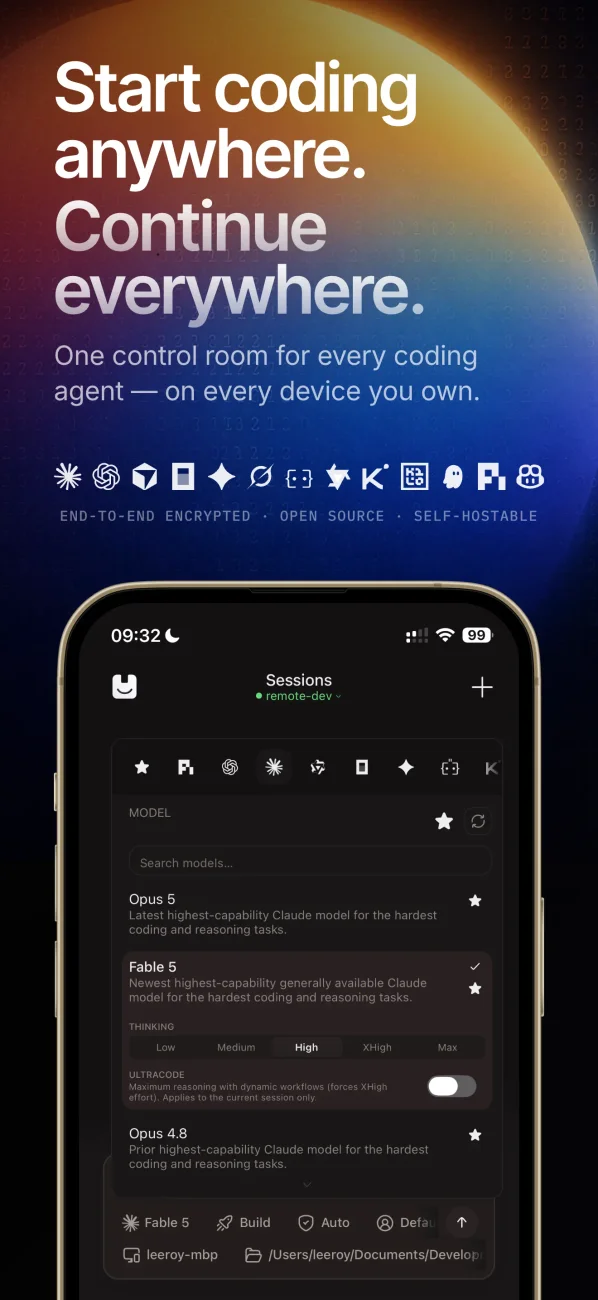
Happier is an open-source, end-to-end encrypted companion app for AI coding agents:
Claude Code, Codex, OpenCode, Cursor, Pi, Grok, Gemini, Copilot, Qwen, Kimi, Kilo, Kiro, Auggie.
Run sessions on your computer, and continue them from your phone.
Use our desktop app or web app, and truly start working from anywhere.
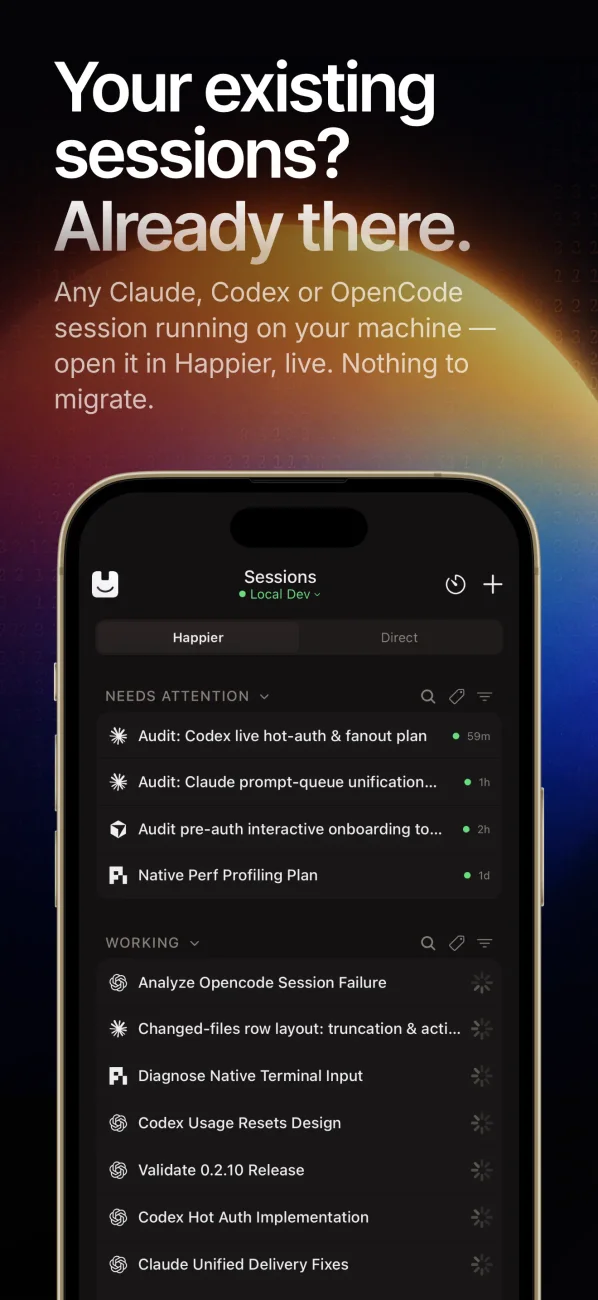
YOUR EXISTING SESSIONS? ALREADY THERE.
Open any Claude Code, Codex or OpenCode session running on your computer — live, from your phone. Nothing to migrate, nothing to learn.
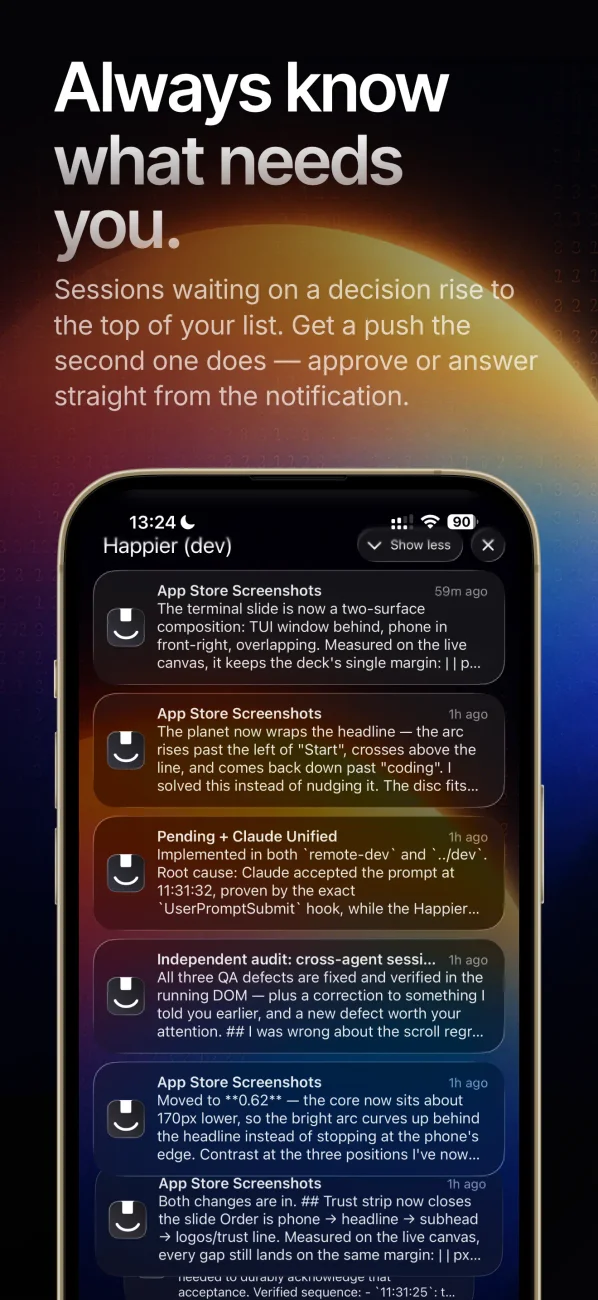
APPROVE FROM ANYWHERE
Your agent asks to run a command and you get a push notification with Allow and Deny on it. Sessions waiting on a decision rise to a "Needs attention" group at the top of your list; everything still running gathers under "Working".
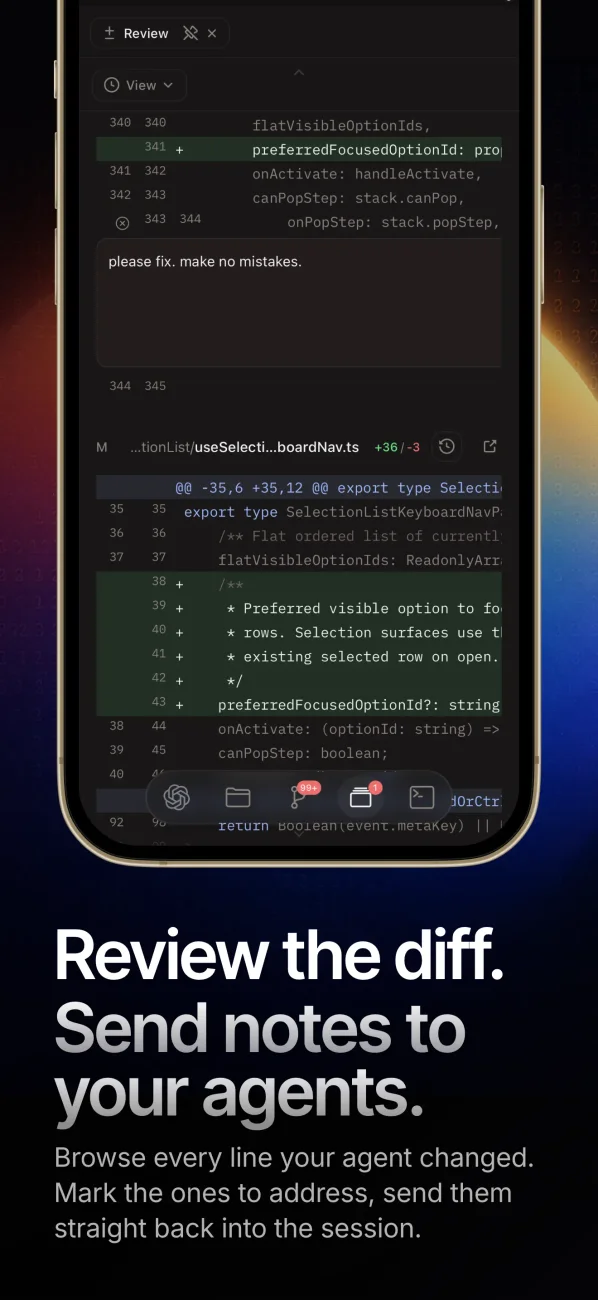
REVIEW THE DIFF. SEND NOTES TO YOUR AGENTS.
Browse every line your agent changed. Mark the exact lines you want addressed, choose which notes to send, and hand them straight back — same session, or a new one.
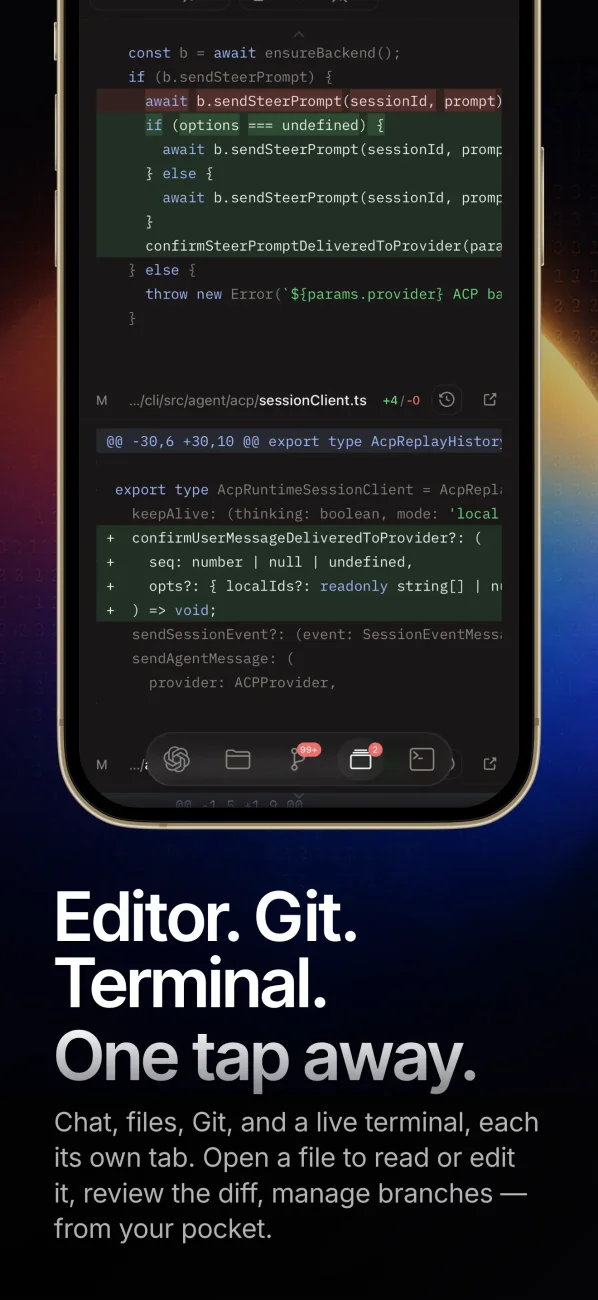
EDITOR. GIT. TERMINAL. ONE TAP AWAY.
Chat, files, Git and a live terminal, each its own tab. Open a file to read or edit it, review the diff, manage branches and open a pull request.
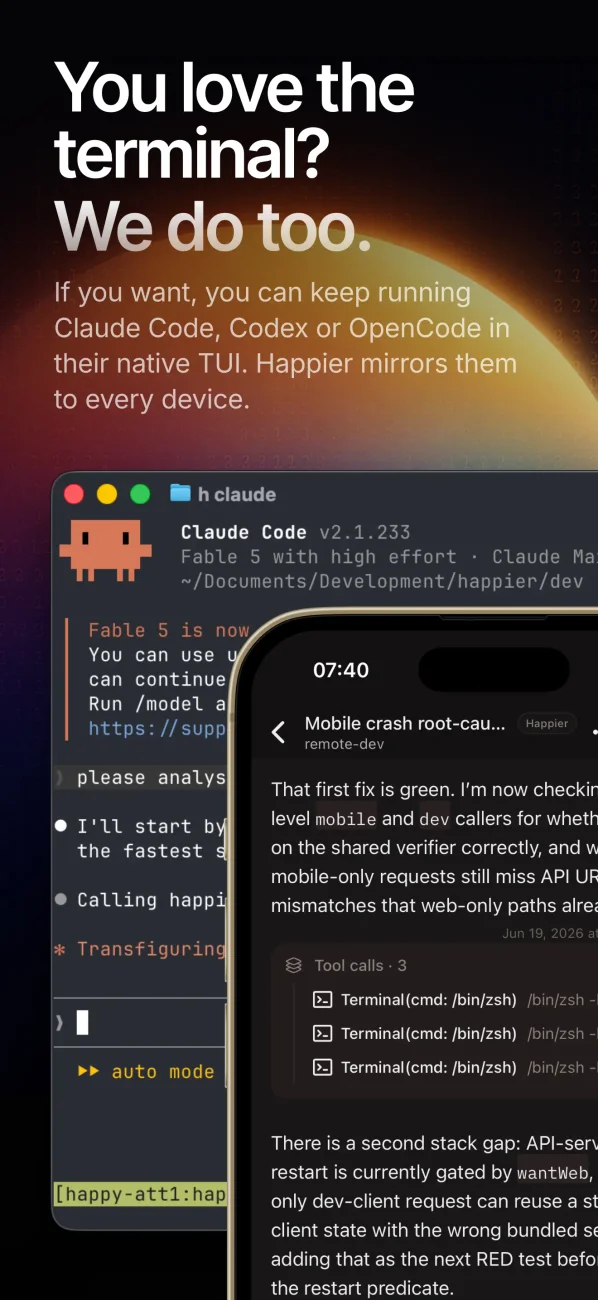
YOU LOVE THE TERMINAL? WE DO TOO.
If you want, you can keep running Claude Code, Codex or OpenCode in their native TUI. Happier mirrors them to every device, so you can follow along, send messages and approve permissions from anywhere — and switch between the terminal and Happier whenever you like.
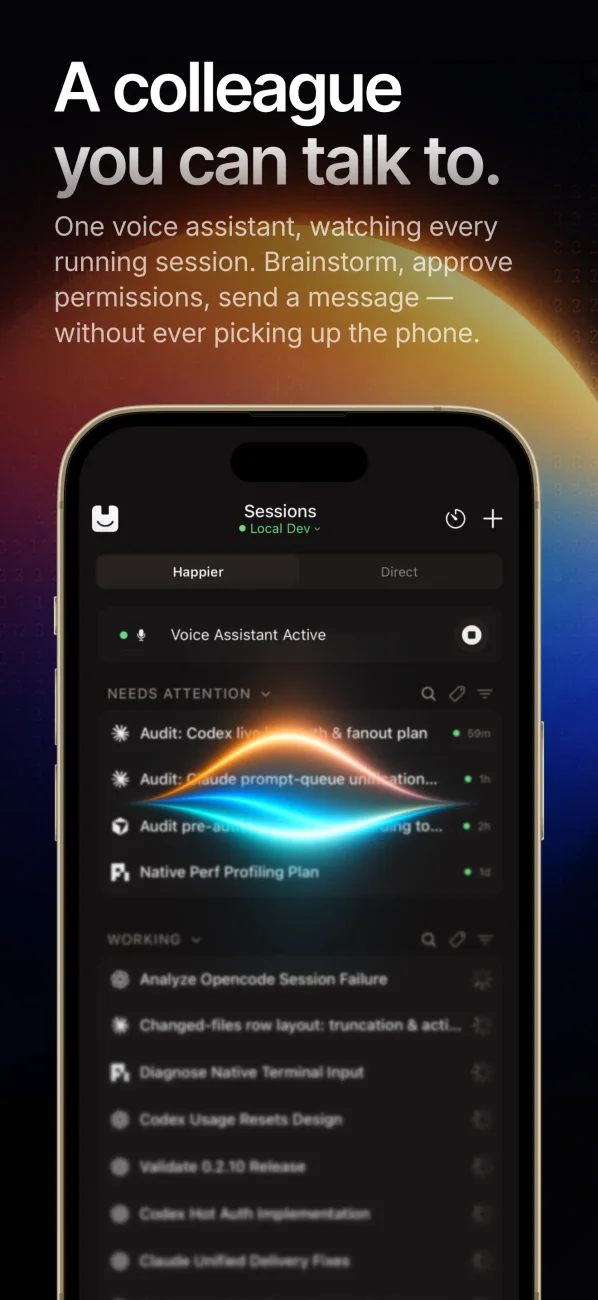
A COLLEAGUE YOU CAN TALK TO
The voice assistant watches every running session. Brainstorm the next change, approve a permission or send a message, without picking up the phone.
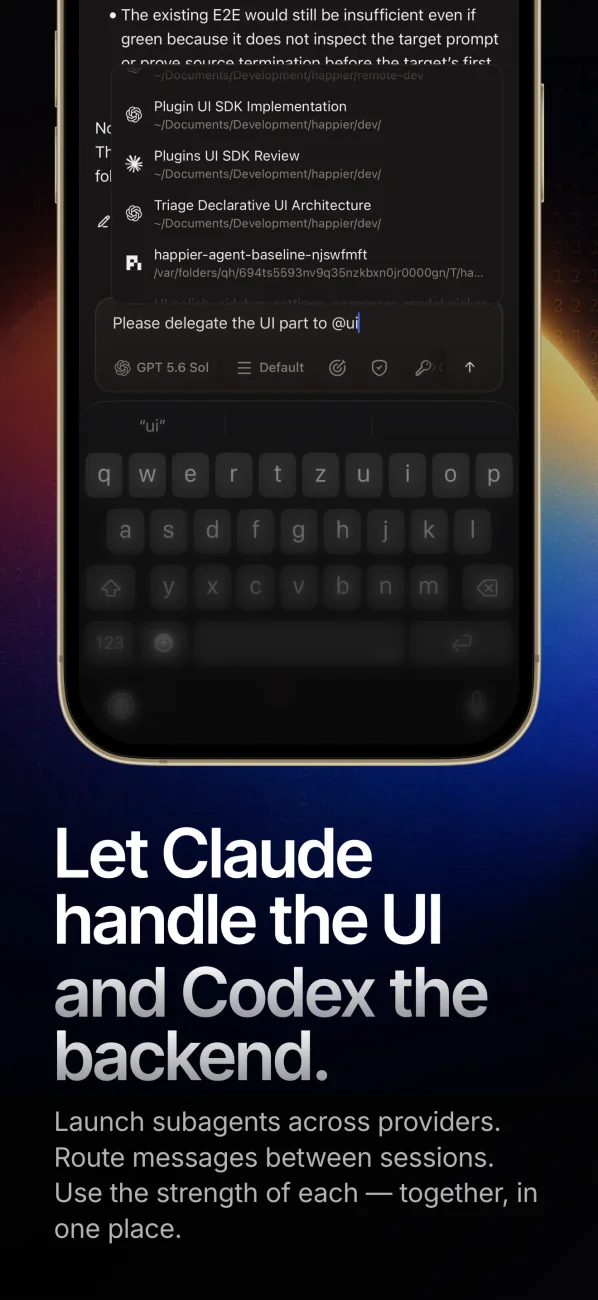
YOUR SESSIONS WORK AS A TEAM
A session can start another session, send it messages and read its transcript — so a Claude session and a Codex session can split the work between them. Each one still runs its own subagents, on whichever backend you choose.
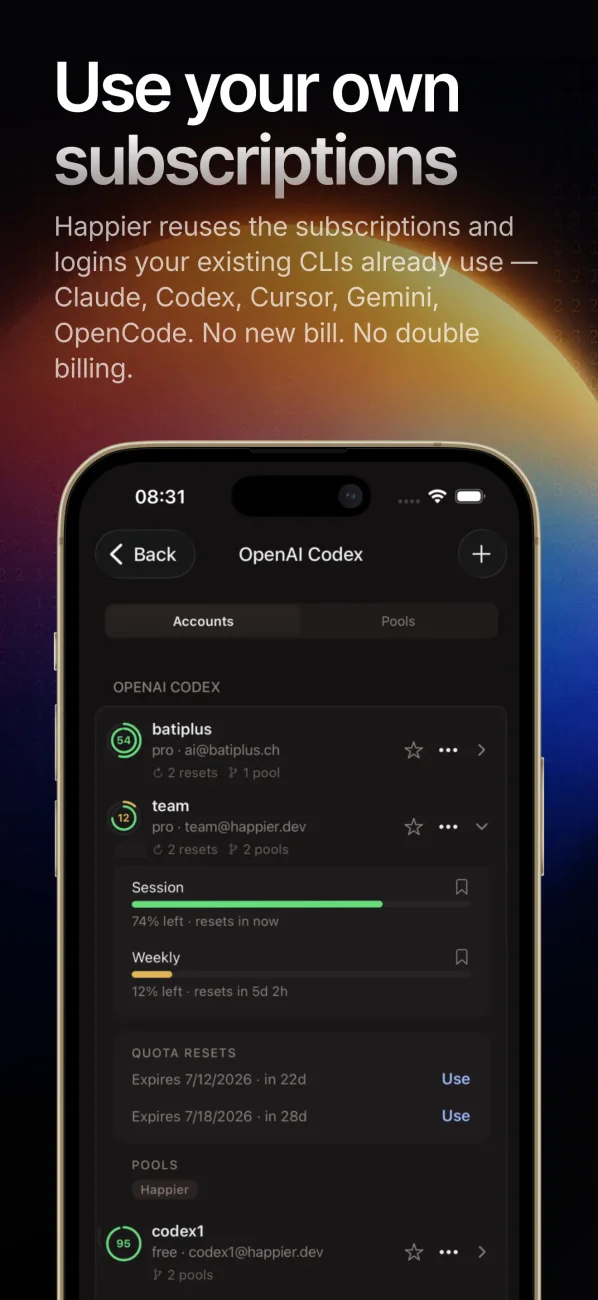
USE THE SUBSCRIPTIONS YOU ALREADY PAY FOR
Happier reuses the subscriptions and logins your existing CLIs already use — Claude, Codex, Cursor, Gemini, OpenCode. No new bill, no double billing, and Happier sells no AI of its own.
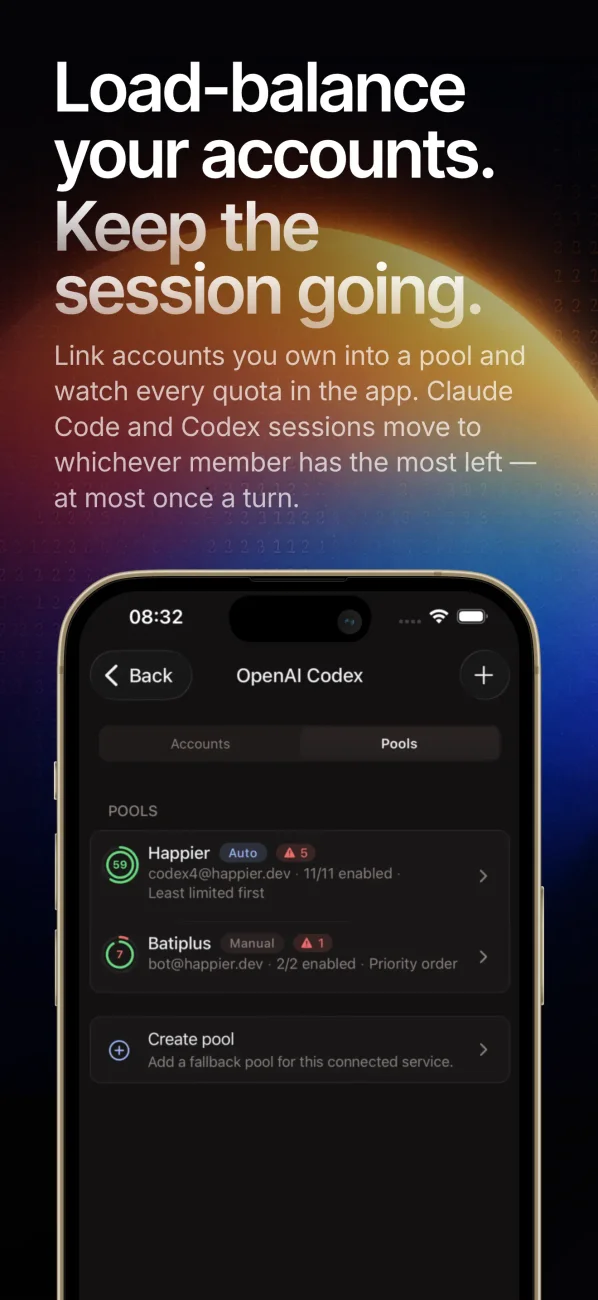
POOL YOUR ACCOUNTS. KEEP THE SESSION GOING.
Link accounts you own into a pool and watch usage and quota resets for every one of them in the app. Nothing switches until you build a pool — once you have, Claude Code and Codex sessions can change account without stopping, moving to whichever member has the most quota left, at most once a turn and never past a reset time the provider has published.
OPEN SOURCE. END-TO-END ENCRYPTED.
Your messages, prompts and session content are encrypted on your device before they reach a server: AES-256-GCM under a key drawn for that one session, sealed to an account key that is created on a device and never leaves your devices. The relay stores ciphertext and has nothing to open it with. Put the relay on your own hardware with one command — happier relay host install — or reach your computer over Tailscale and use no relay at all.
FREE, AND MIT LICENSED
The CLI, the mobile apps, the desktop app, the web app and the relay. No seat count, no trial, no feature gate.
github.com/happier-dev/happier
HOW TO START
1. On your computer: curl -fsSL https://happier.dev/install | bash
(Windows: iwr https://happier.dev/install.ps1 -useb | iex)
2. Scan the QR code your terminal prints, with this app.
3. Start a session from the app, or run "happier claude" or "happier codex" in your terminal.
REQUIRES A COMPUTER
Happier is the client for agents running somewhere you control. It does not run an agent in the cloud, and your repository is never copied to us: the agent reads and writes files on the computer it runs on, and that computer stays the only full copy.
Not affiliated with, or endorsed by, Anthropic, Google, GitHub or Cursor.
What’s new
Version 0.2.22 · Nov 18, 2026
Start several sessions back to back: send, stay on New Session and start the next one while the first spins up. Keep typing after you send, and swipe the composer to reuse earlier messages. Read Markdown tables comfortably, open them full screen and copy them as CSV. Claude and Codex accounts can keep going on credits and extra usage once included quota runs out, and Claude history retention is now a setting. Long sessions load and update faster. Plus fixes for Claude questions, Codex history and reviews, the keyboard, session deletion and Back.
App privacy
What Leeroy Brun declares on the App Store about how this app handles data.
-
Data not linked to you
May be collected but is not linked to your identity.
- User content
- Identifiers
- Usage data
- Diagnostics
Privacy practices may vary, for example with the features you use or your age.
Information
- Seller
- Leeroy Brun
- Category
- Developer Tools
- Version
- 0.2.22
- Updated
- Nov 18, 2026
- Released
- Feb 26, 2026
- Size
- 153.6 MB
- Requires
- iOS 16.0 or later
- Age rating
- 4+
- Price
- Free
- Languages
- English
- Copyright
- © Happier
You might also like
-
 WhisperCodeOpenCode + speech-to-text
-
 OpenLens- OpenCode clientOpenCode remote client
-
 LunelShip from anywhere
-
 OpenClient for OpenCodeClient for OpenCode
-
 KittyLitterCodex on your phone
-
 RawClawDeveloper Tools
-
 Vicoa: Claude Code & Codex IDEVibe Code Anywhere, AI Agents
-
 CC Pocket: Code AnywhereCodex, Claude & Antigravity
-
 Syncthing MonitorDeveloper Tools
-
 OpenCode Mobile AppDeveloper Tools