
Logd: Private Notes
minimal notes. offline.
Designed for iPhone, iPad, iPod touch
Free · In-app purchases
- Age rating9+
- CategoryProductivity
- DeveloperSarah Mwatsuma
- LanguagesEnglish
- Size49.6 MB
Links to the official App Store page
Download.org hosts no file of Logd: Private Notes. The button opens its official App Store page, published by Sarah Mwatsuma. Listing last checked on Nov 18, 2026.
Screenshots



About
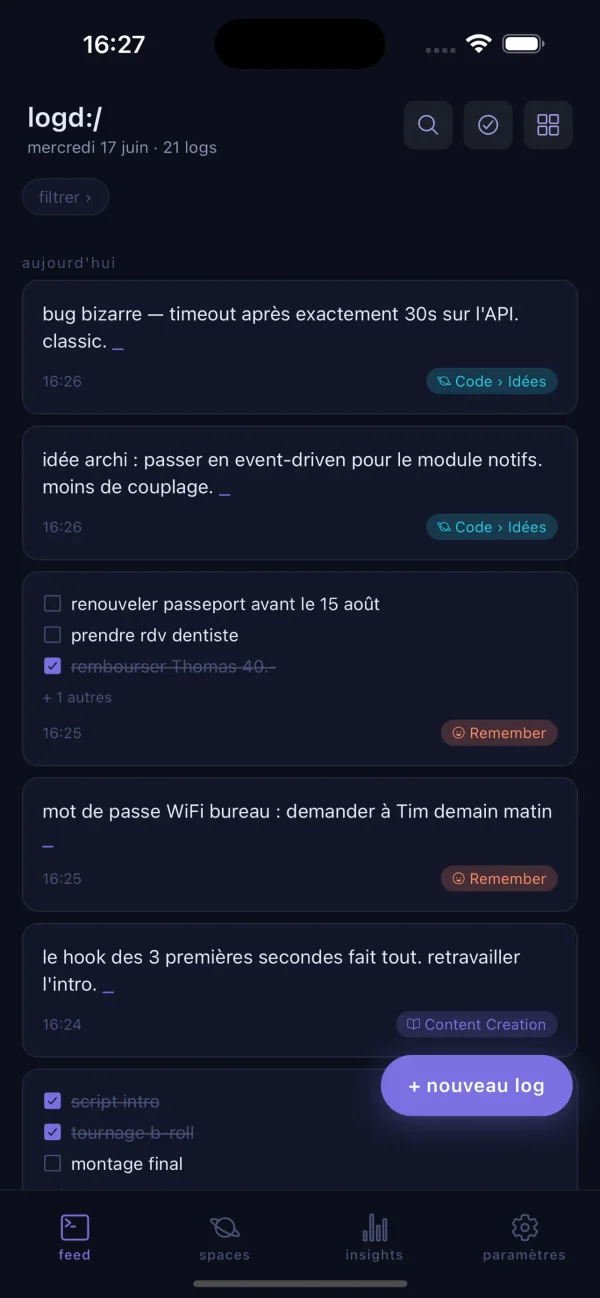
Logd is the fastest way to capture your thoughts, ideas and moments. Open the app. Type a few words. Tap commit_. That's it.
No titles. No formatting. Just a chronological feed of everything you've logged, organised with thematic Spaces.
>_ Logd never stores any data on external servers. Your logs live exclusively on your device.
FREE FEATURES
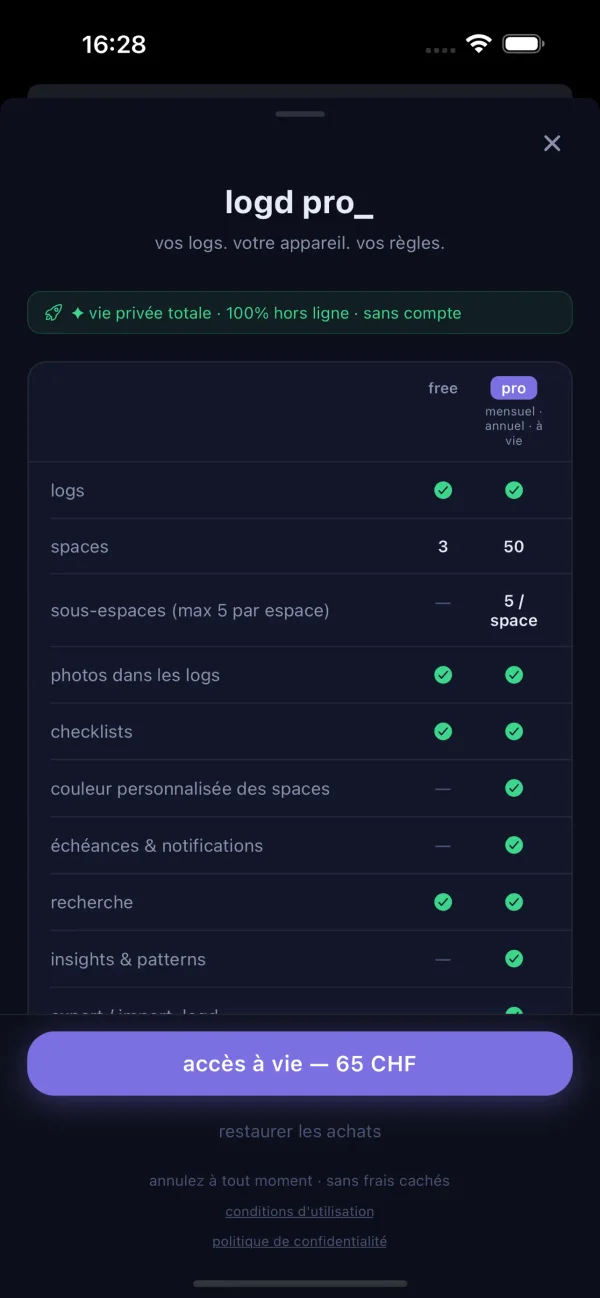
→ Unlimited logs
→ Up to 3 Spaces
→ Photos in logs
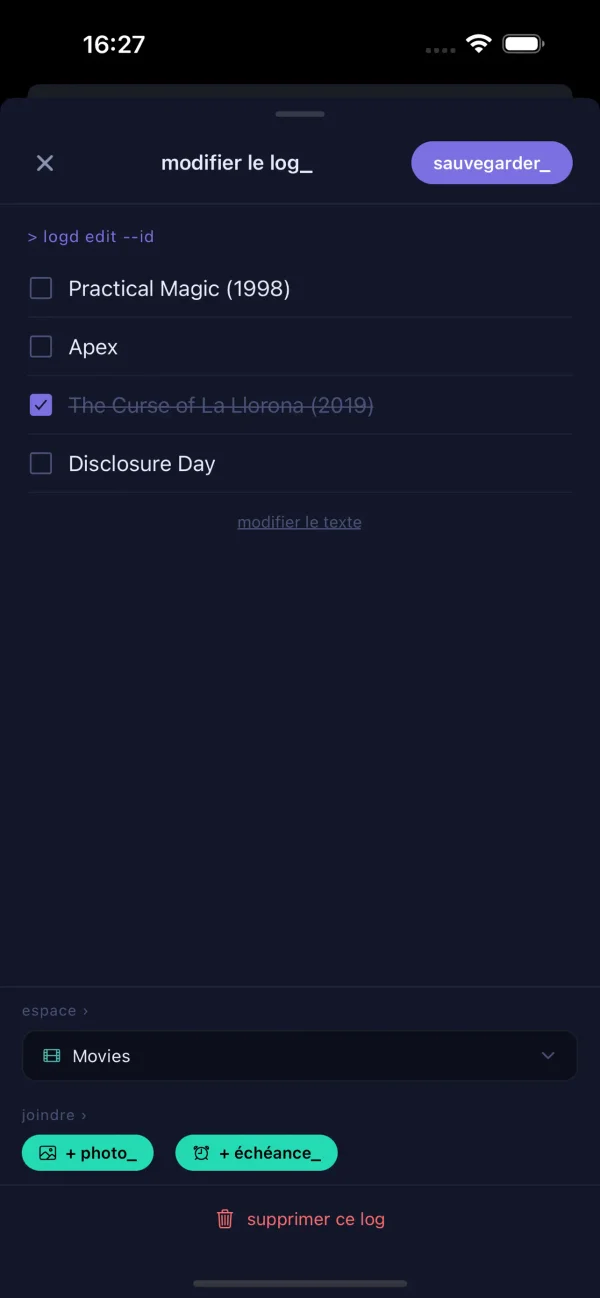
→ Interactive checklists
→ Instant full-text search
→ Smart Space suggestions
→ Advanced filters (period, date, photo, checklist)
→ Add a log directly from a Space
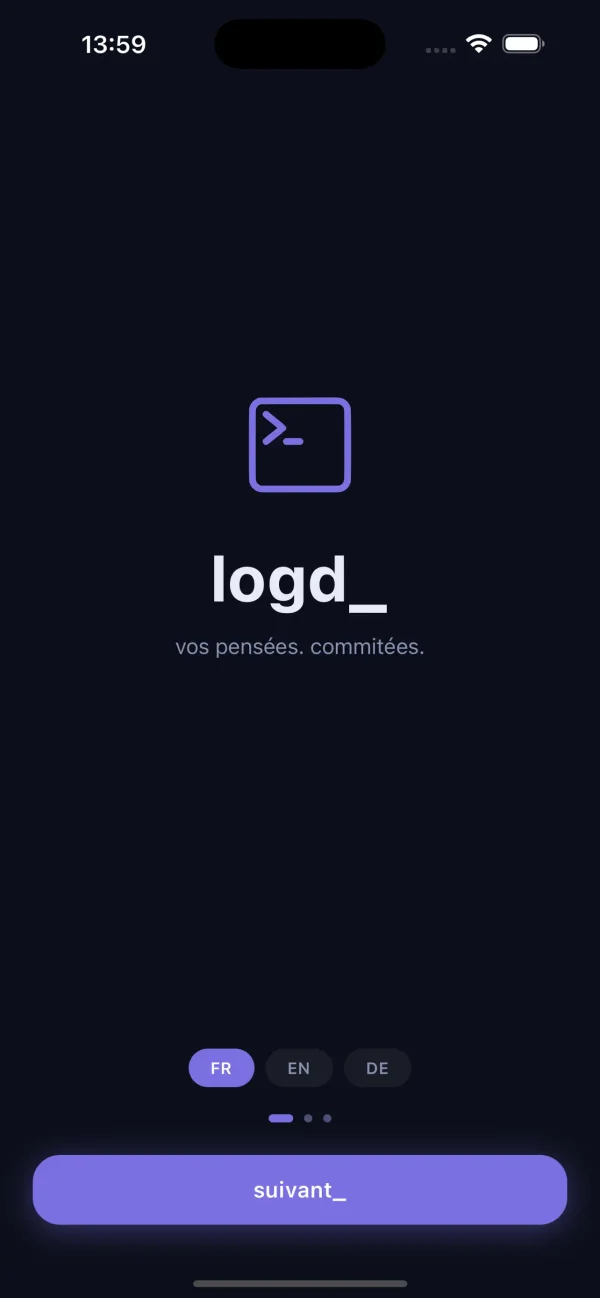
→ Available in FR · EN · DE
LOGD PRO
→ Up to 50 Spaces
→ Sub-spaces (up to 5 per space)
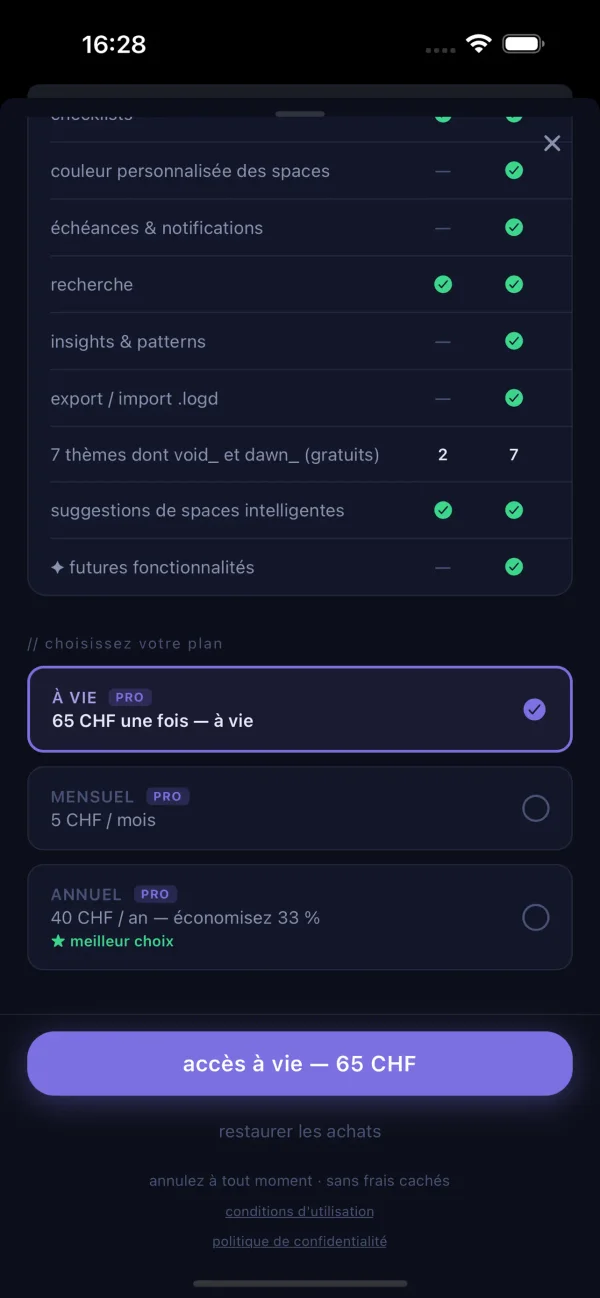
→ Due dates with notifications (30 min reminder)
→ Custom color for each Space
→ Insights & patterns (streak, mood, recurring words, weekly chart)
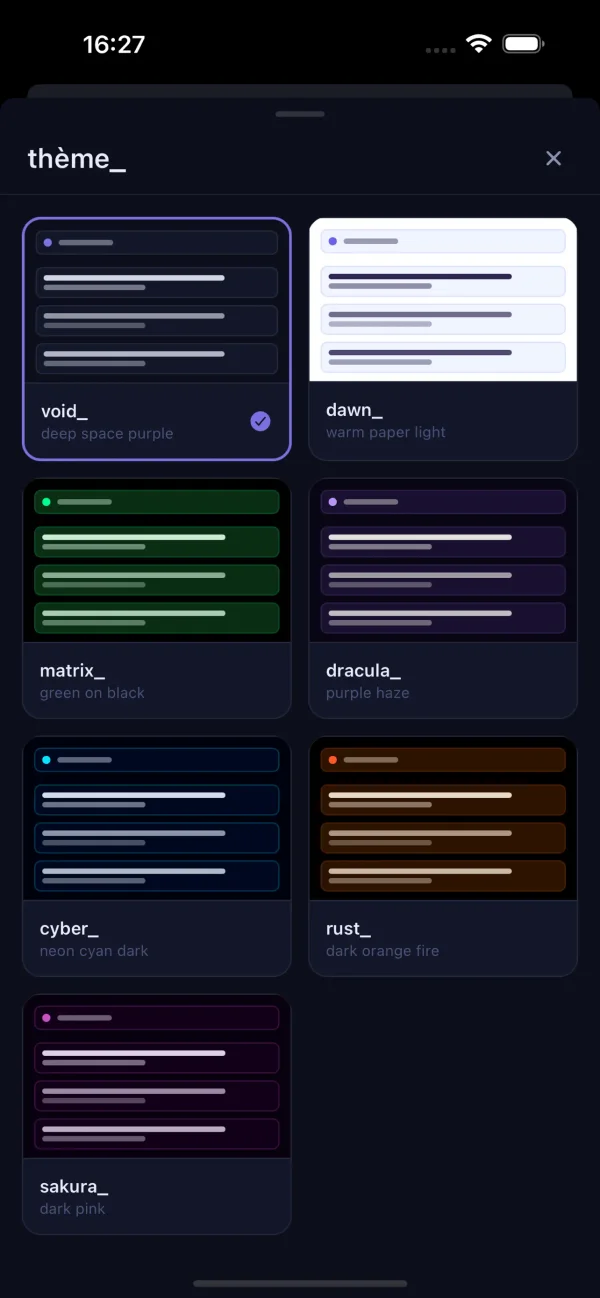
→ 7 themes incl. 2 free (void_ & dawn_)
→ Export / Import .logd
→ Smart Space creation
→ Future Pro features
LOGD PRO SUBSCRIPTIONS
→ Monthly: 5 CHF/month — auto-renewable
→ Yearly: 40 CHF/year — auto-renewable
→ Lifetime: 65 CHF — one-time purchase
Payment will be charged to your Apple ID account at confirmation of purchase. Subscriptions automatically renew unless cancelled at least 24 hours before the end of the current period. You can manage and cancel your subscription in your App Store account settings.
total privacy · 100% offline · no account
Terms of Use: https://www.apple.com/legal/internet-services/itunes/dev/stdeula/
Privacy Policy: https://skelium.com/privacy
What’s new
Version 1.2.0 · Jun 19, 2026
* new: multiple photos per log (up to 20) — select several at once from your gallery
* new: take photos directly from the camera within the app
* new: tap any photo to view fullscreen — tap again or × to close
* new: full backup — export and restore all logs, spaces, sub-spaces and photos
* new: danger zone in settings — delete all logs, spaces, sub-spaces or everything
* improvement: photo thumbnails larger and clearer (110×110 in logs, 72×72 in feed)
* improvement: photo chip shows count and limit — "+ photo_ (2/20)"
* improvement: save animation confirms when a log is committed
* improvement: checklist items display as visual checkboxes in the feed
* improvement: "edit text" button more visible in checklist view
* improvement: checklist button always available even when log already has a list
* improvement: space and sub-space color and icon editing via inline modal
* improvement: 58 icons available for spaces and sub-spaces
* fix: space color picker no longer closes when tapping a color
* fix: sub-space color and icon changes now save correctly
* fix: photo × button fully visible on thumbnails
App privacy
What Sarah Mwatsuma declares on the App Store about how this app handles data.
-
Data not collected
The developer does not collect any data from this app.
Privacy practices may vary, for example with the features you use or your age.
Information
- Seller
- Sarah Mwatsuma
- Category
- Productivity
- Version
- 1.2.0
- Updated
- Jun 19, 2026
- Released
- May 27, 2026
- Size
- 49.6 MB
- Requires
- iOS 15.1 or later
- Age rating
- 9+
- Price
- Free
- In-app purchases
- Yes
- Languages
- English
- Copyright
- © 2026 - Sarah Mwatsuma
You might also like
-
 Terminal JournalRetro Look // Track Goals
-
 BlinkInk: Private NotesSimple, offline note taking
-
 Ember: Markdown NotesPrivate Writing & Prompt Vault
-
 Notetive - Notes and ThinkingThink Clearly, Write Faster
-
 DeMindsContent to Markdown Assets
-
 Git Sync Markdown Notes: mdnbWiki links, folders & search
-
 Notepad - Dark ThemeMinimal. Warm. Yours.
-
 IntelliNote — AI NotebookAI-Powered Research Notebook
-
 Snippets: Quick Markdown NotesSync via iCloud
-
 Phone Cleaner: Storage ManagerClean Large, Junk & Duplicates