- Age rating4+
- CategoryProductivity
- DeveloperChristian Irack Flores Maldonado
- LanguagesEnglish+ 2 more
- Size4.7 MB
Links to the official App Store page
Download.org hosts no file of Look & Talk. The button opens its official App Store page, published by Christian Irack Flores Maldonado. Listing last checked on Nov 12, 2026.
Screenshots
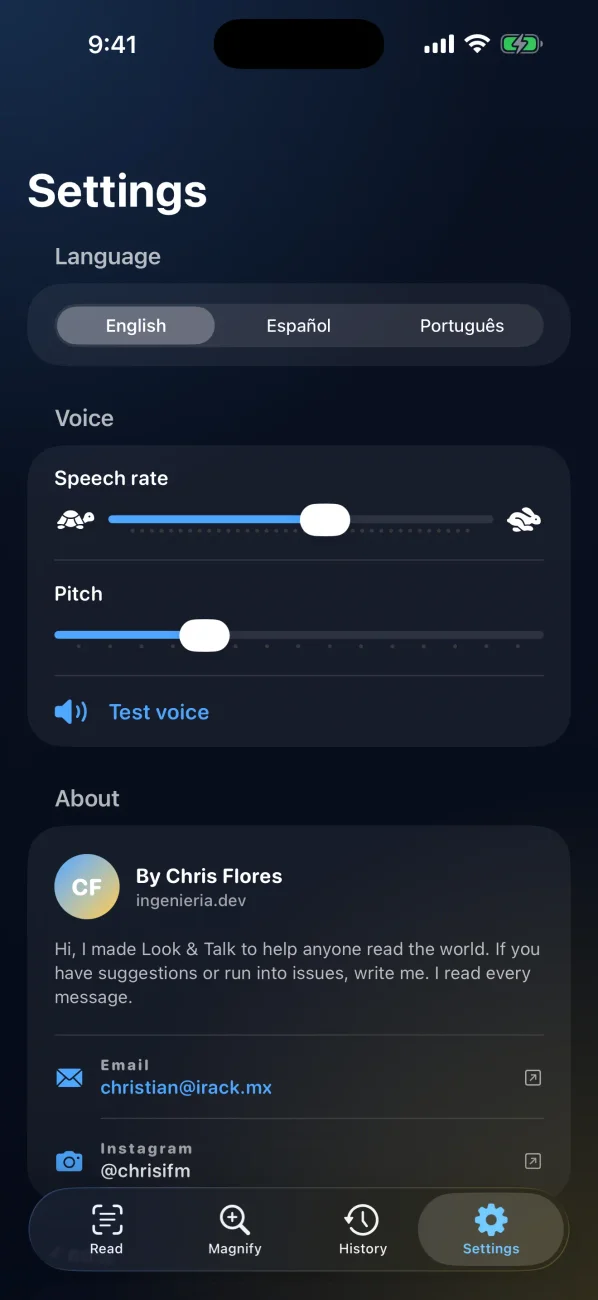
About
Look & Talk reads the world out loud.
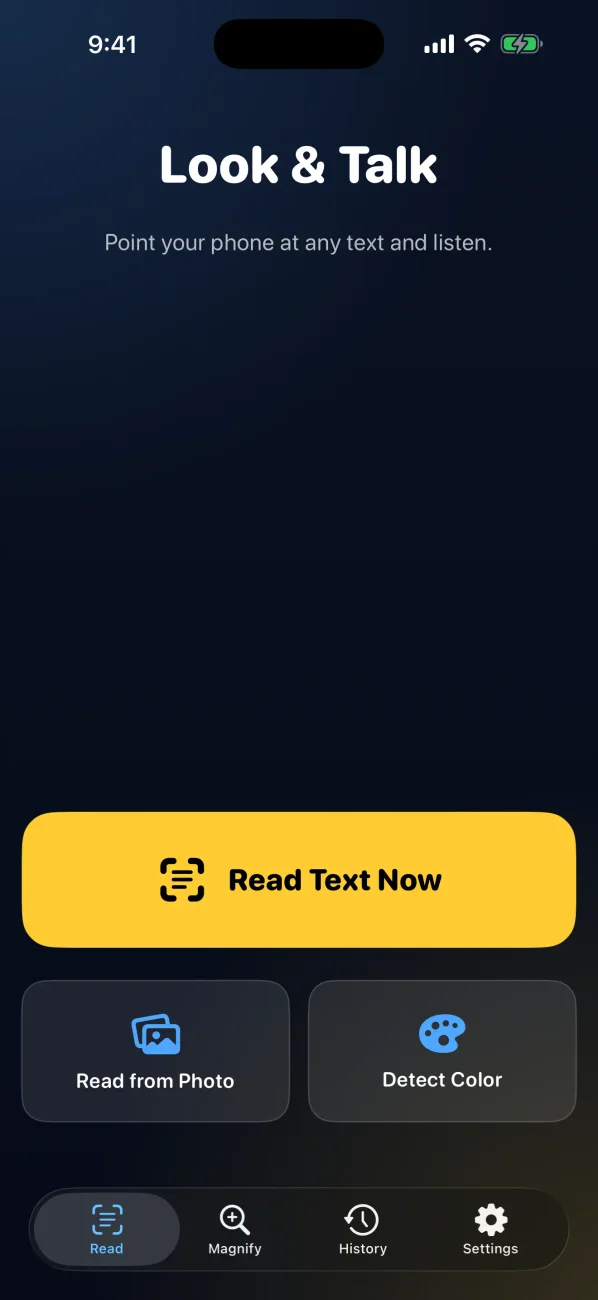
Hold up your iPhone, and any text in front of the camera is spoken back to you in seconds. Built for blind and low-vision users — and for anyone who needs a hand reading small print, foreign menus, mail, signs, or screens.
Everything happens on your device. No login. No accounts. No tracking. No ads. Nothing leaves your iPhone.
WHAT IT DOES
• Live text reader — Point the camera at anything with text, and Look & Talk starts reading the moment it sees the words.
• Read from photos — Open any image in your library and Look & Talk reads it aloud.
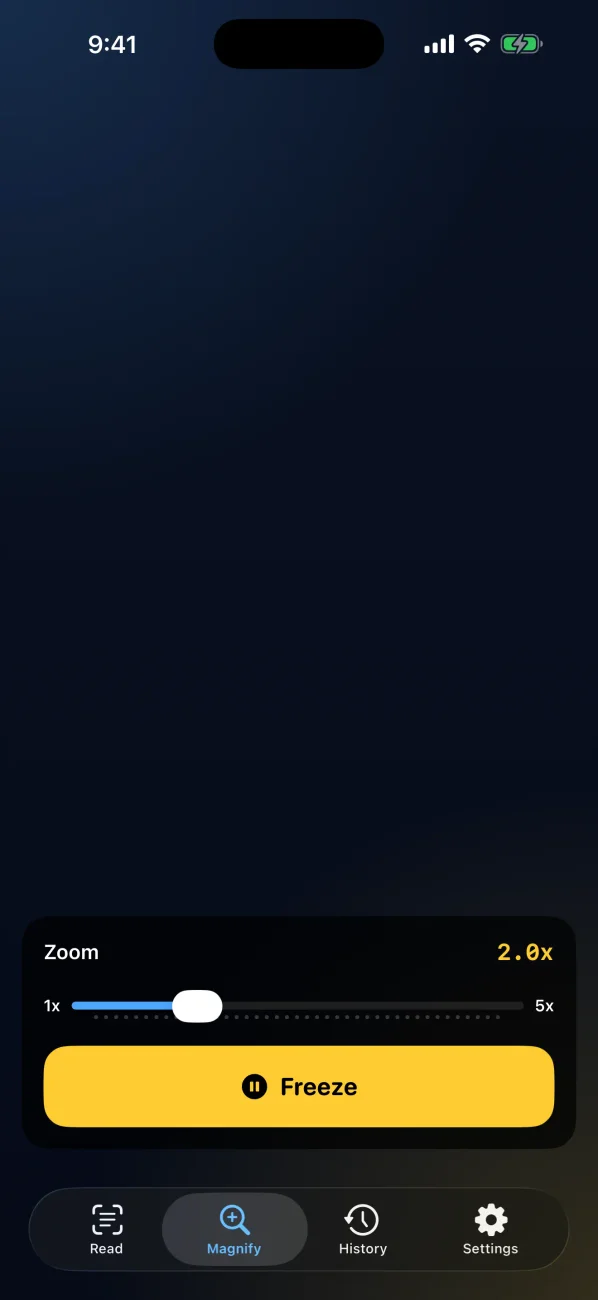
• Magnifier — Up to 5x camera zoom with a freeze button so you can hold a moment still and read at your own pace.
• Color detector — Aim the camera at a shirt, a bottle, or a label and hear the color out loud. Helpful for picking outfits, sorting laundry, or just navigating a colorful world.
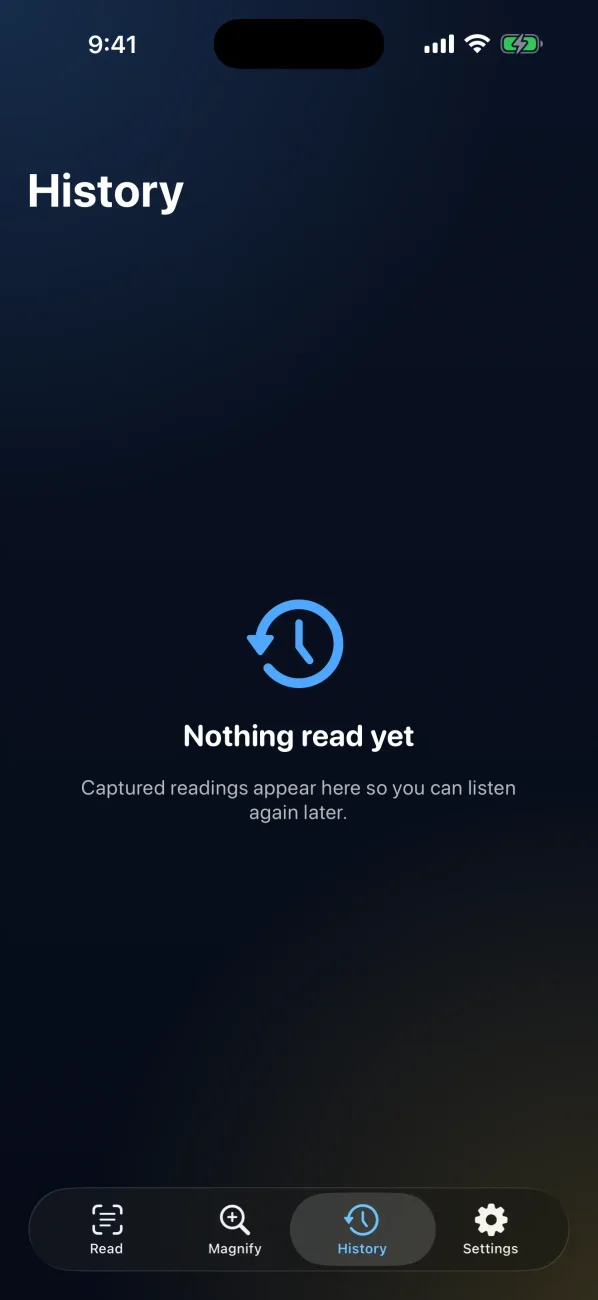
• Listening history — Every reading is saved on your device so you can hear it again later. Tap and listen. Swipe to delete. Nothing syncs to the cloud.
• Lock Screen widget and Control Center — One tap to start reading without unlocking your phone.
• Siri shortcut — "Hey Siri, read text" opens the camera and starts reading.
DESIGNED FOR ACCESSIBILITY FROM THE FIRST PIXEL
• Big, high-contrast buttons. Targets larger than 60 points everywhere.
• Full VoiceOver support with descriptive labels and hints.
• Dynamic Type up to the largest accessibility size.
• Reduce Motion and Increase Contrast respected throughout.
• Adjustable speech rate and pitch in Settings.
• Haptic feedback so you feel a confirmation when something is read.
• Three-language interface: English, Spanish, Portuguese (Brazil).
WHY ON DEVICE MATTERS
Look & Talk uses Apple's Vision framework and Foundation Models on your iPhone to recognize text and speak it. Your photos, the labels you scan, the signs you point at — all of it stays with you. There is no server. No analytics. No third-party AI.
DEVICE REQUIREMENTS
Look & Talk works best on iPhone 12 or newer (A12 Neural Engine or later). The describer feature uses Foundation Models on Apple Intelligence-capable devices and falls back gracefully on others. iOS 26 or newer.
SUPPORT
Hand-built by an indie developer who reads every email. Write me at christian@irack.mx, or say hi at @chrisifm on Instagram.
LINKS
Privacy Policy: https://legal.ingenieria.dev/readeye/privacy-policy.html
Terms of Use: https://www.apple.com/legal/internet-services/itunes/dev/stdeula/
Support: https://legal.ingenieria.dev/readeye/support.html
App privacy
What Christian Irack Flores Maldonado declares on the App Store about how this app handles data.
-
Data not collected
The developer does not collect any data from this app.
Privacy practices may vary, for example with the features you use or your age.
Information
- Seller
- Christian Irack Flores Maldonado
- Category
- Productivity
- Version
- 1.0.1
- Updated
- May 10, 2026
- Released
- May 10, 2026
- Size
- 4.7 MB
- Requires
- iOS 26.0 or later
- Age rating
- 4+
- Languages
- English, Portuguese, Spanish
- Copyright
- © 2026 Ingenieria.dev
You might also like
-
 Pants: No ShortsSocial Media Screen Time Limit
-
 Big Text NoteWrite to talk, face to face
-
 Offline AI - Private LLMOffline Personal AI Assistant
-
 SpeakON: AI Voice KeyboardDictation, Translation & Notes
-
 AI Transcribe by EvernoteTranscribe audio, video, image
-
 Dual Messenger For WA AccountSocial Spy Whatsapp Sm Message
-
 Text to Speech Reader-SpeecheeRead Books Aloud with AI Voice
-
 Unglue: Screen Time FriendApp Blocker & Habit Tracker
-
 Seeing AITalking Camera for the Blind