Big Text Note
Write to talk, face to face
Designed for iPhone, iPad
Free · In-app purchases
- Age rating4+
- CategoryProductivity
- DeveloperZEC Inc.
- LanguagesEnglish+ 23 more
- Size4.7 MB
Links to the official App Store page
Download.org hosts no file of Big Text Note. The button opens its official App Store page, published by ZEC Inc. Listing last checked on Nov 23, 2026.
Screenshots

About
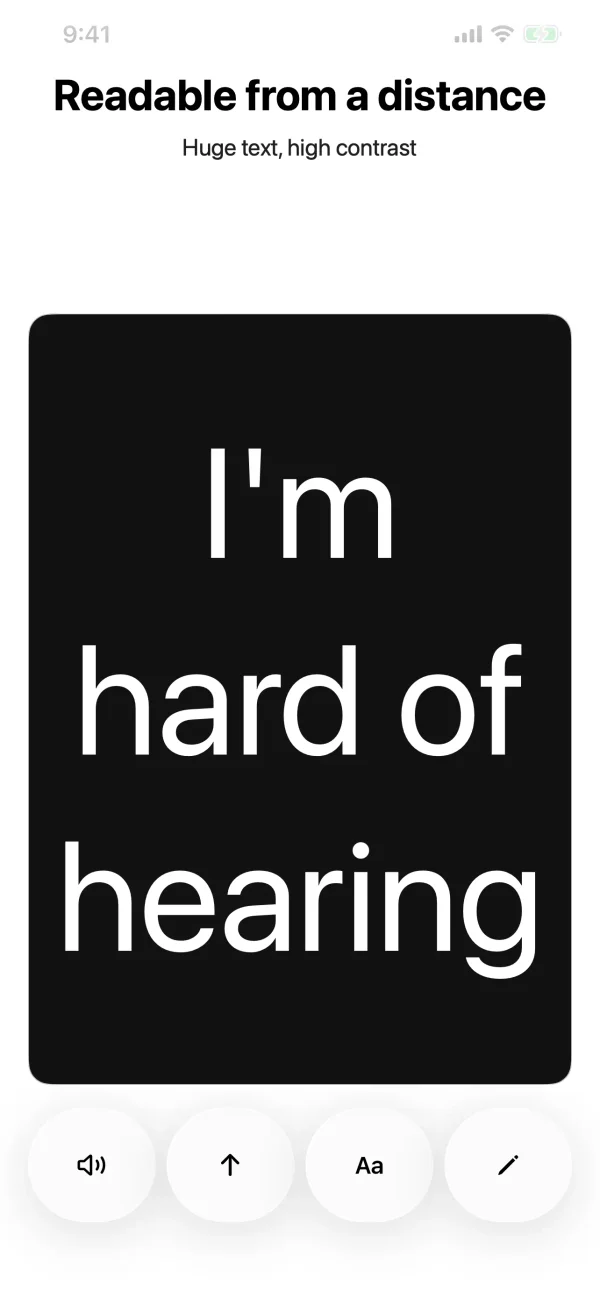
Big Text Note shows one note in large, easy-to-read text so you can hold it up to the person in front of you.
It works as a simple communication board: for talking with someone who is deaf or hard of hearing, for the days when your own voice is not available, for noisy places like stations and event halls, or for a quick word at a counter or reception desk. Type it, show it, and if needed, let the device say it.
Read Aloud speaks the note with the voices built into your iPhone or iPad. The language is detected from the text, and nothing is sent to a server.
Voice input turns what the other person says into text on the device and writes it straight onto the board in big letters. Tap the mic to start and the red stop button to finish. Audio is never saved; only the text on the board is stored.
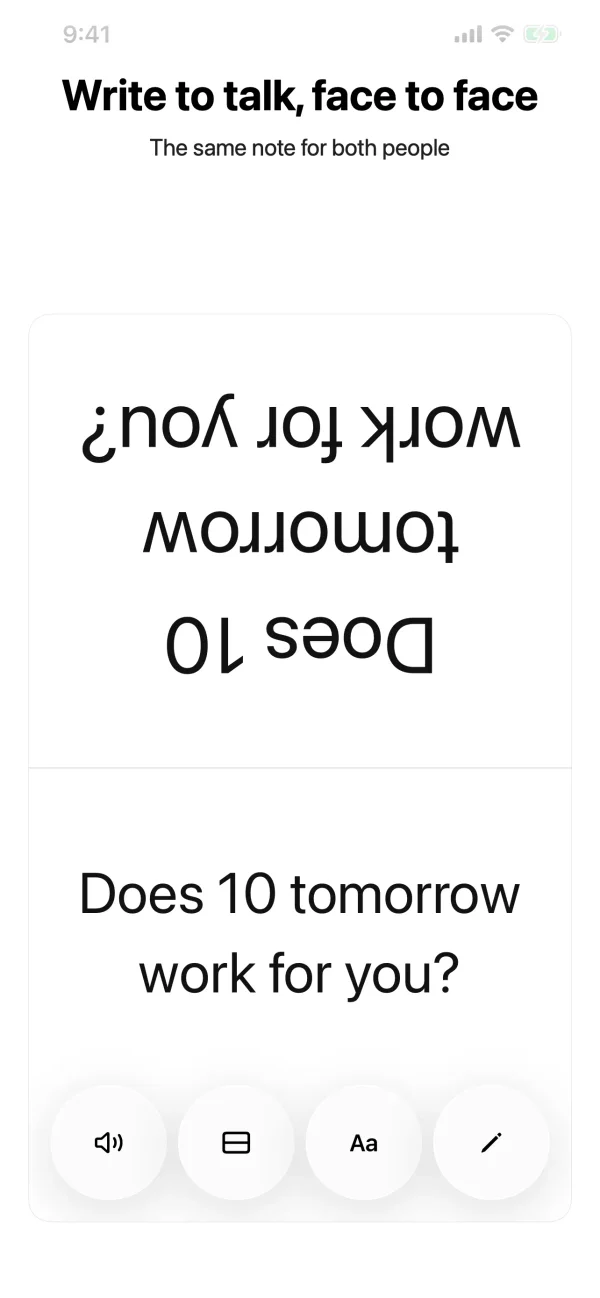
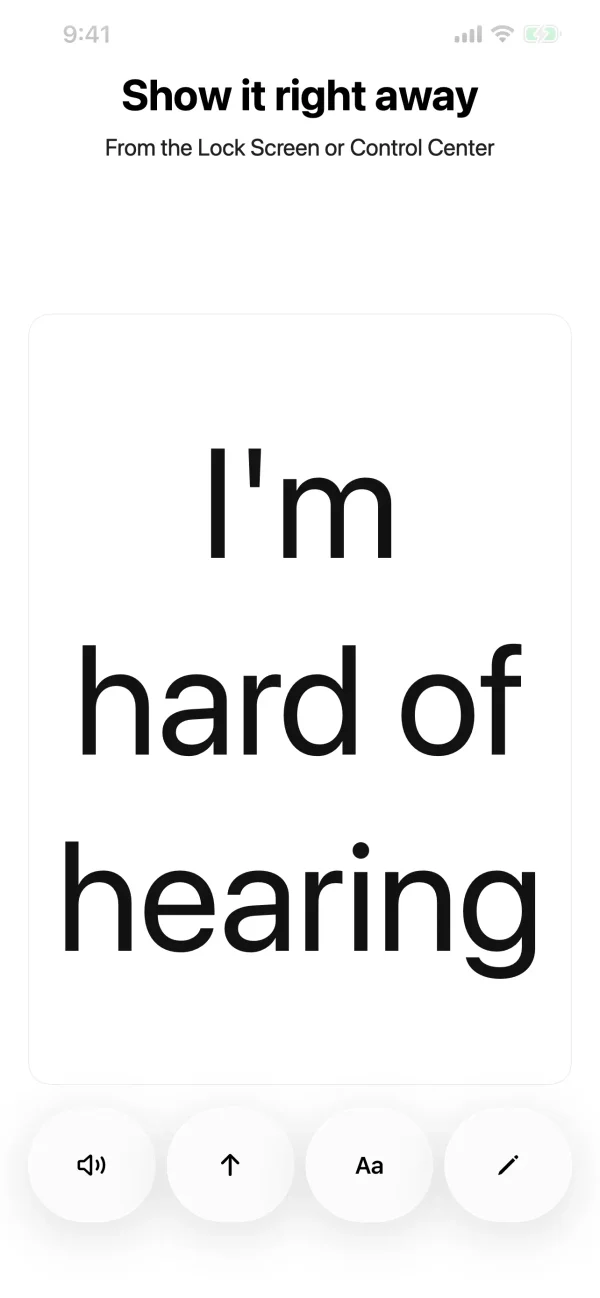
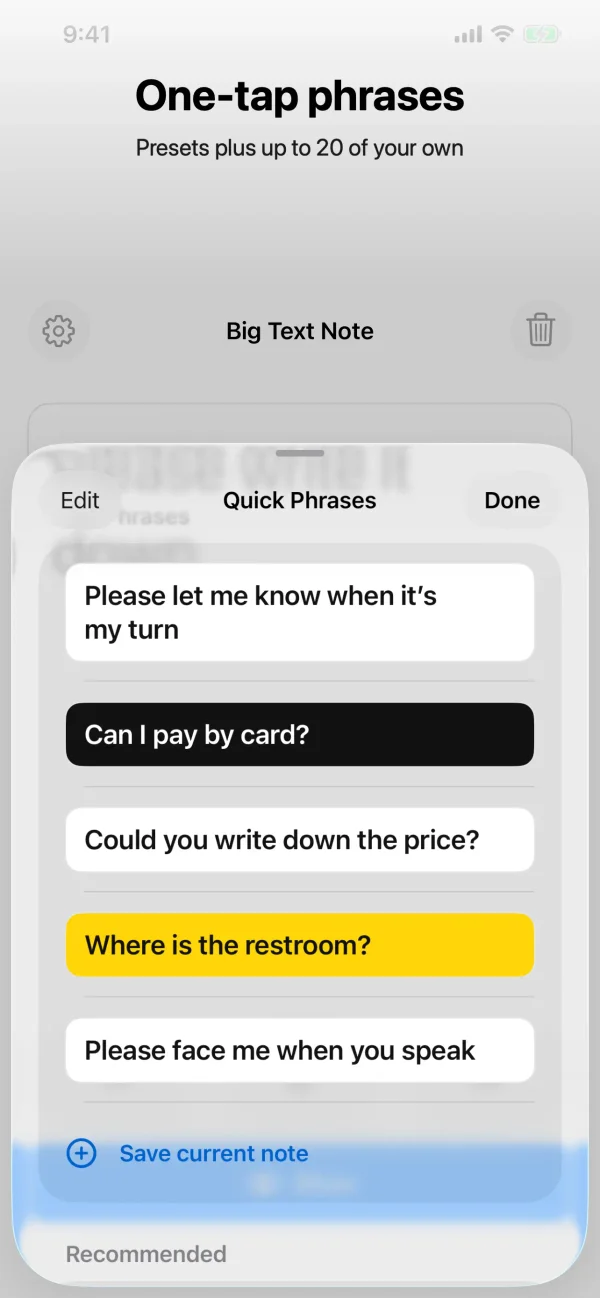
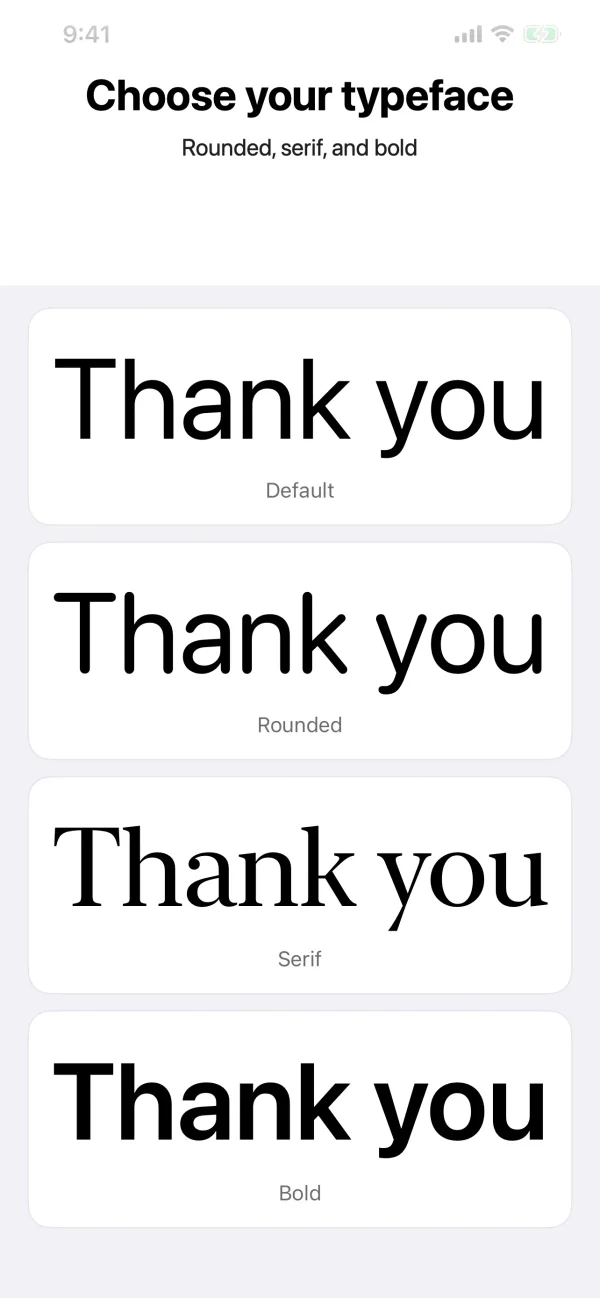
Show mode turns the note into a clear message board. Pick Normal, Large, or Huge, fine-tune the size, and choose text and background colors, including high-contrast pairs. Flip the note upside down for the person across the table, or turn your iPhone sideways for one long line. The screen stays on while Show mode is open. Quick Phrases keeps four ready-made lines and up to 20 of your own, one tap away. Reorder your phrases whenever you like.
Add the Home Screen widget to keep the current note in view. No account, no ads, no tracking, and no server sync. The note stays on your device.
Write to talk, flip for the person across, or open straight from the Lock Screen and Control Center.
On iPhone Duo’s larger display, write on the left and show an automatically enlarged message on the right.
Big Text Note Pro
Translate your note on this device with Pro (iOS 18 or later).
Show the translation to the person opposite you.
iOS may ask to download language data the first time. An internet connection is needed for the download.
Writing, showing, speech, phrases and widgets stay free.
Eligible new yearly subscribers get a one-week free trial. Monthly subscriptions have no free trial.
Billed monthly. Renews automatically. Cancel anytime.
Billed yearly. Renews automatically. Cancel anytime.
Cancel in App Store account settings at least 24 hours before your trial or subscription ends to avoid renewal. Deleting the app does not cancel your subscription.
Terms of Use (EULA): https://www.apple.com/legal/internet-services/itunes/dev/stdeula/
What’s new
Version 1.15.0 · Nov 20, 2026
Meet someone in their language: Pro translates your notes into large text on iOS 18 or later. A short welcome guide helps you get started. Your existing tools stay free.
App privacy
What ZEC Inc. declares on the App Store about how this app handles data.
-
Data not collected
The developer does not collect any data from this app.
Privacy practices may vary, for example with the features you use or your age.
Information
- Seller
- ZEC Inc.
- Category
- Productivity
- Version
- 1.15.0
- Updated
- Nov 20, 2026
- Released
- May 11, 2026
- Size
- 4.7 MB
- Requires
- iOS 17.0 or later
- Age rating
- 4+
- Price
- Free
- In-app purchases
- Yes
- Languages
- English, Arabic, Czech, Danish, Dutch, Finnish, French, German, Indonesian, Italian, Japanese, Korean + 12 more
- Copyright
- © 2026 ZEC Inc.
You might also like
-
 でか文字メモ 大きい文字のメモ帳Productivity
-
 Bigger NotesProductivity
-
 Senior Note: Big Fonts, LargeLarge Text Notes & To-Do List
-
 DaywritProductivity
-
 BookNotesProductivity
-
 MemogementProductivity
-
 Simple Notepad: Folder NotesColor notes, folders & widgets
-
 Memo - Quick NotesFast notes with checklists
-
 TypeOutType to speak. Read replies.
-
 かんたんカレンダーProductivity