
- Age rating4+
- CategoryPhoto & Video
- DeveloperKarst Lok
- Size16.2 MB
Links to the official App Store page
Download.org hosts no file of LTC Detective M. The button opens its official App Store page, published by Karst Lok. Listing last checked on Nov 13, 2026.
Screenshots

About
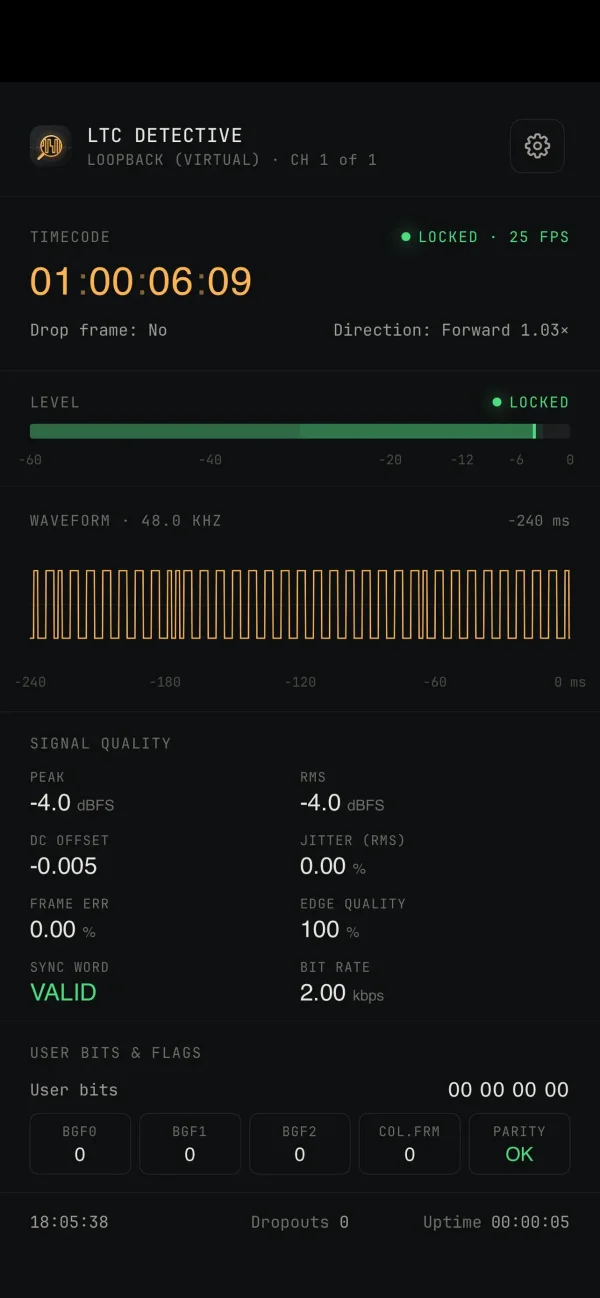
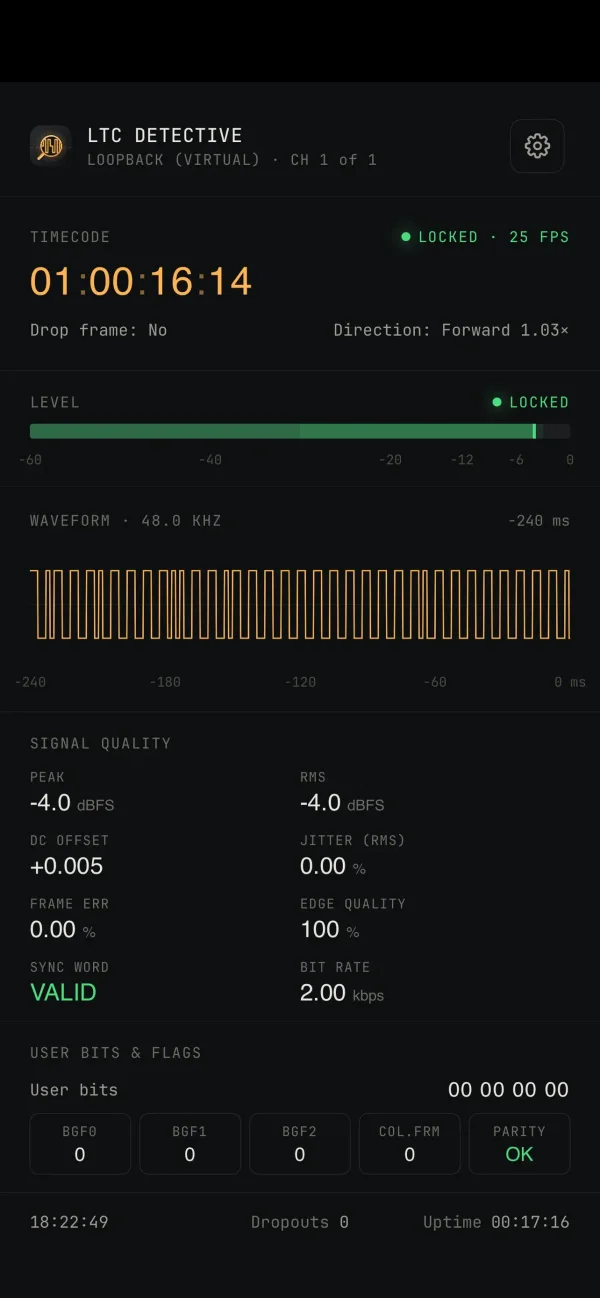
LTC Detective reads SMPTE linear timecode (SMPTE ST 12-1) from any audio input on your iPhone or iPad and displays the decoded timecode alongside detailed signal quality measurements.
Most LTC readers show you the timecode and stop there. LTC Detective also shows you what the signal itself is doing.
WHAT IT READS
— SMPTE LTC at 23.976, 24, 25, 29.97 drop-frame, 29.97 non-drop, and 30 fps
— Drop frame flag, color frame flag, BGF0/BGF1/BGF2 user bit flags
— User bits (8 hex characters)
— Forward and reverse playback, with playback speed measured against the audio sample clock
WHAT IT MEASURES
— Peak level (dBFS)
— RMS level (dBFS)
— DC offset
— Jitter (RMS, in microseconds)
— Frame error rate
— Edge quality
— Sync word validity
— Bit rate
— Parity check
These are the measurements you need to diagnose a marginal LTC feed: a tape head that needs cleaning, a cable run picking up induced noise, a sample-rate mismatch causing drift, an AC-coupled output adding DC offset, a generator drifting against house sync.
WHAT IT SHOWS
— Live waveform of the LTC signal (240 ms scrolling window)
— Input level meter with -60 to 0 dBFS scale
— Locked / no-signal / drifting / frozen status
— Capture timestamp, dropout count, uptime
— Time since last valid LTC frame
INPUTS
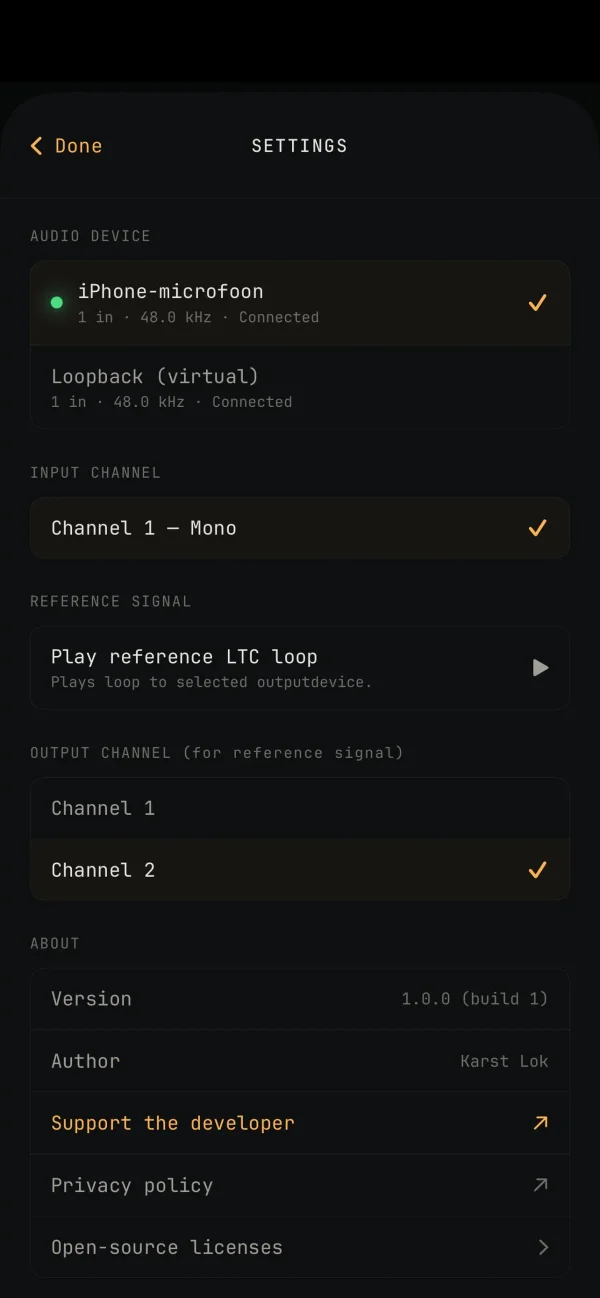
— Built-in iPhone microphone
— Any USB-C or Lightning audio interface that's class-compliant with iOS
— Loopback input for testing with the built-in reference LTC generator
The reference LTC generator plays a clean test signal out of the selected output channel so you can verify your input chain is working before you go to set.
NO ACCOUNTS, NO TELEMETRY, NO ADS
The app does not collect data, does not phone home, and works fully offline. There is no account to create. There is nothing to sign in to.
PLATFORM
— Requires iOS 17 or later
— Built with native AVAudioEngine and the Accelerate framework for sub-microsecond timing accuracy
— LTC decoding via libltc (LGPL, dynamically linked; license notice in the About screen)
This is version 1.0. Coming in future updates: capture logs, exportable measurement data, and an iPad landscape layout.
App privacy
What Karst Lok declares on the App Store about how this app handles data.
-
Data not collected
The developer does not collect any data from this app.
Privacy practices may vary, for example with the features you use or your age.
Information
- Seller
- Karst Lok
- Category
- Photo & Video
- Version
- 1.0
- Updated
- Apr 28, 2026
- Released
- Apr 28, 2026
- Size
- 16.2 MB
- Requires
- iOS 17.0 or later
- Age rating
- 4+
- Copyright
- © 2026 Karst Lok
You might also like
-
 JSlate: Production TimerPhoto & Video
-
 Holly TimecodeSMPTE Timecode Generator
-
 4:20SMPTE LTC Reader & Generator
-
 VeeJam - Video Sampler EditorVideo editing you can play
-
 ImageQuiltBreathing Quilted Photo Mosaic
-
 LM-MonitorNDI® & SRT video monitor
-
 OMT CameraAn OMT Camera for your phone
-
 Easy360ViewerPhoto & Video
-
 TopDirectorTitleTitles & Graphics for Streams
-
 LDX ScannerFull insight about your LDX100