Lu Reader: EPUB & Ebook Reader
EPUB, PDF, TXT reader & TTS
Designed for iPhone, iPod touch
Free
- Age rating4+
- CategoryBooks
- Developersanghun jeong
- LanguagesEnglish+ 10 more
- Size95.0 MB
Links to the official App Store page
Download.org hosts no file of Lu Reader: EPUB & Ebook Reader. The button opens its official App Store page, published by sanghun jeong. Listing last checked on Nov 14, 2026.
Screenshots

About
Lu Reader is a fast, clean, all-in-one reader for your documents and e-books - with no clutter and no sign-up required.
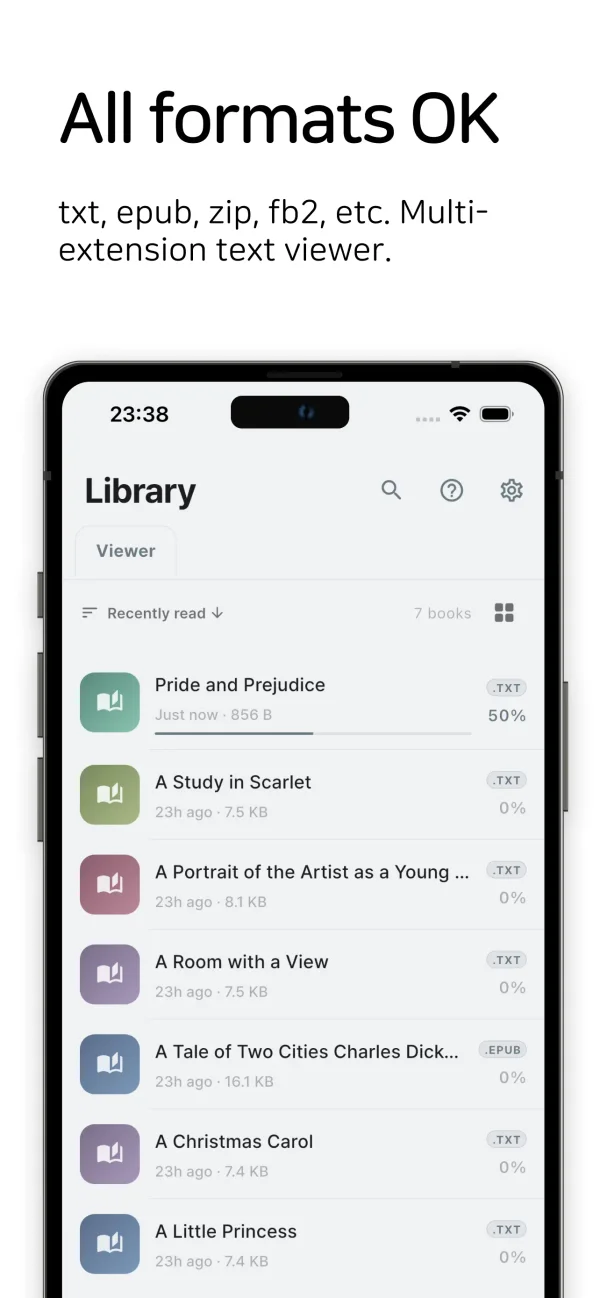
SUPPORTED FORMATS
- Text and e-books: TXT, EPUB, PDF, FB2, DOC, DOCX, HWP, HWPX
- Archives containing text files: ZIP, CBZ
COMFORTABLE READING
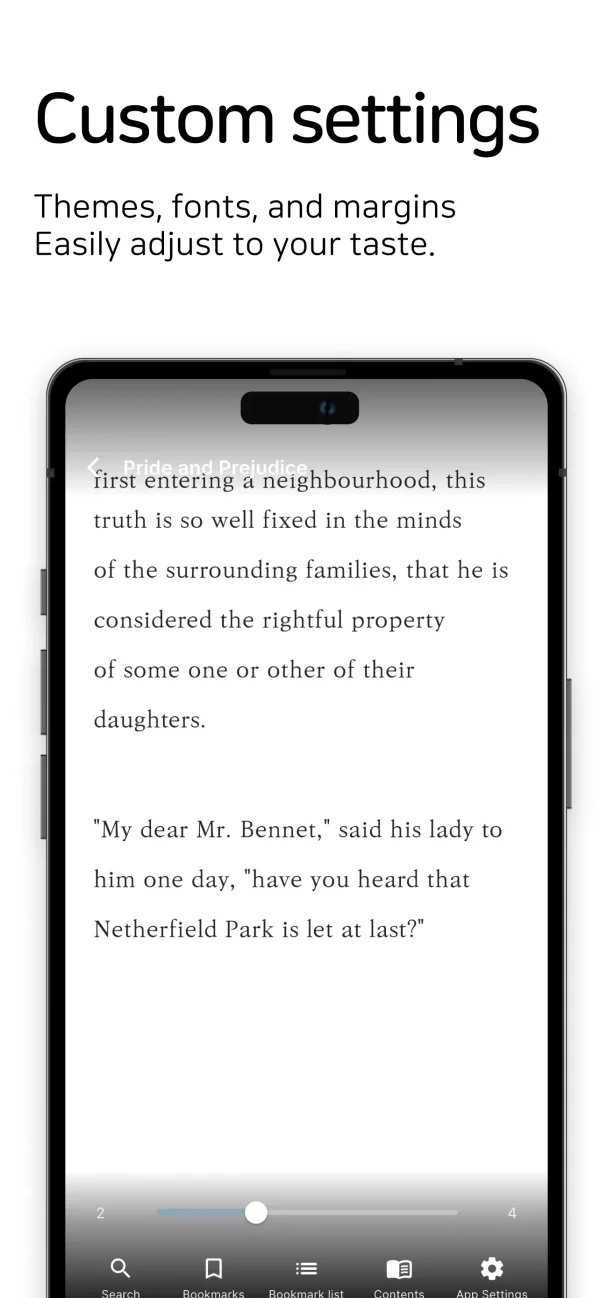
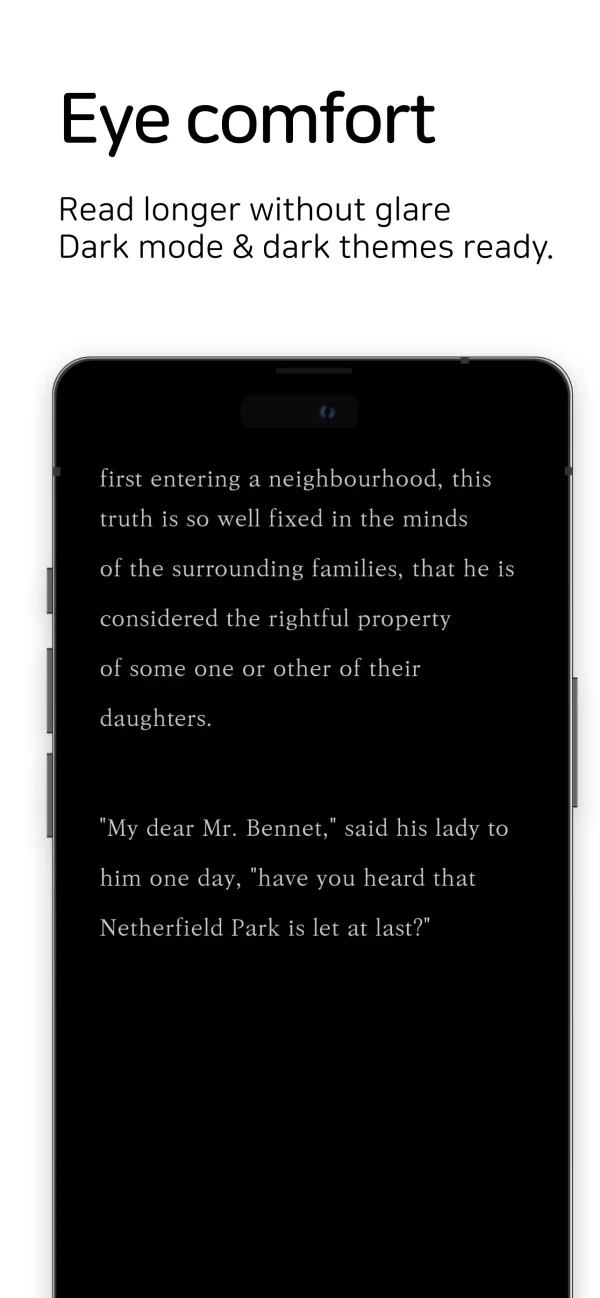
- 11 color themes (cream, sepia, mint, black, navy and more)
- Fine-tune font size, line spacing and margins
- In-app brightness control for reading in the dark
- Keep-screen-on, screen rotation and immersive full-screen mode
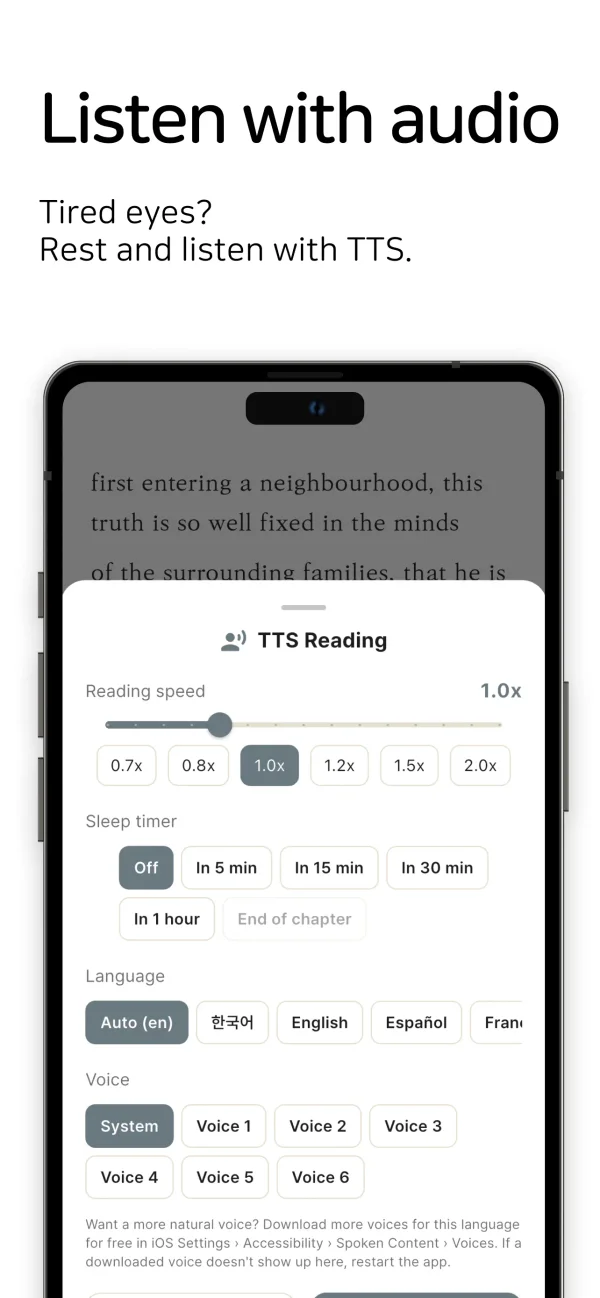
VOICE READING (TTS)
- Listen to any text with the current sentence highlighted
- Adjustable speed from 0.6x to 2.0x
- Choose from voices installed on your device
- Sleep timer to stop automatically
AUTOMATIC TABLE OF CONTENTS
- Builds a chapter list even for plain TXT files
- Detects multilingual chapter patterns
- Jumps to and highlights the current chapter
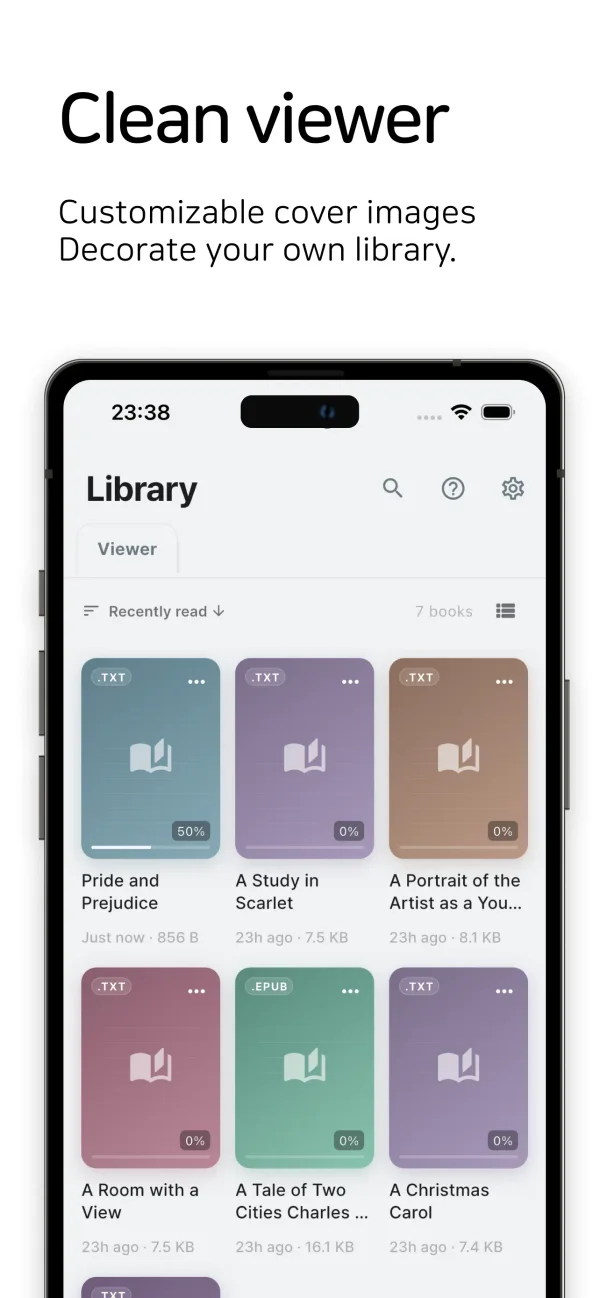
SMART LIBRARY
- Add files from the Files app or the in-app file browser
- Reading progress percentage and progress bar
- Sort by name, date or progress, and search by filename
- Bookmark your position; select a word for dictionary and translation
- Auto-scroll and in-text search
BACKUP & RESTORE
- Safely back up your books, reading positions, bookmarks and settings to your own Google Drive
- Restore everything on a new device
Lu Reader keeps the focus on reading. Download it and enjoy your library, your way.
What’s new
Version 1.1.2 · Oct 18, 2026
In Text mode, you can now jump straight to a page by entering its number. And if you land on the wrong page, the new undo button takes you right back to your previous position!
App privacy
What sanghun jeong declares on the App Store about how this app handles data.
-
Data used to track you
May be used to track you across apps and websites owned by other companies.
- Identifiers
-
Data linked to you
May be collected and linked to your identity.
- Location
- Identifiers
-
Data not linked to you
May be collected but is not linked to your identity.
- Usage data
- Diagnostics
Privacy practices may vary, for example with the features you use or your age.
Information
- Seller
- sanghun jeong
- Category
- Books
- Version
- 1.1.2
- Updated
- Oct 18, 2026
- Released
- Sep 24, 2026
- Size
- 95.0 MB
- Requires
- iOS 15.5 or later
- Age rating
- 4+
- Price
- Free
- Languages
- English, Arabic, French, German, Japanese, Korean, Portuguese, Russian, Simplified Chinese, Spanish, Thai
- Copyright
- © Novalabs Studio
You might also like
-
 Koofy Reader - EPUB, TXT & TTSRead and listen to your books
-
 Unfold: TXT, Comic, PDF ReaderYour files, no garbled text
-
 OnlyText: TXT & EPUB ReaderNovels, PDF, ebooks & comics
-
 Realbook: EPUB PDF Book Reader3D Page Flip & Audiobook TTS
-
 Librosy: eBook Reader & NotesEPUB, PDF, FB2 & paper books
-
 Bookbreath - Calm Paper ReaderDuo two-page · TXT EPUB PDF
-
 Redelore - Personal LibraryBook Tracker & EPUB Reader
-
 Timebound EPUB ReaderRead your own EPUBs
-
 EPUB Reader - ebook,PDF,MangaOffline books, audiobooks, TTS
-
 UXAR ReaderE-book & Audiobook Reader