
Lumina Deck
Your phone is the macro deck
Designed for iPhone, iPad, iPod touch
Free · In-app purchases
- Age rating4+
- CategoryProductivity
- DeveloperCeasar Esquivel
- LanguagesEnglish
- Size25.9 MB
Links to the official App Store page
Download.org hosts no file of Lumina Deck. The button opens its official App Store page, published by Ceasar Esquivel. Listing last checked on Nov 20, 2026.
Screenshots


About
Your iPhone is already on your desk. It might as well do something.
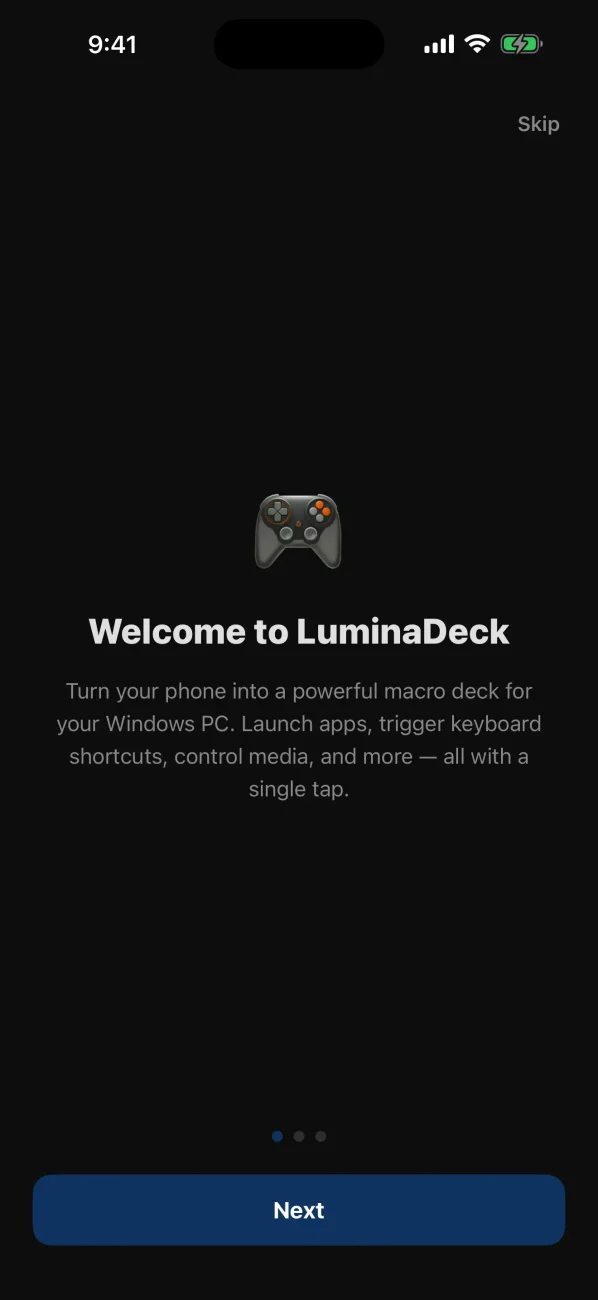
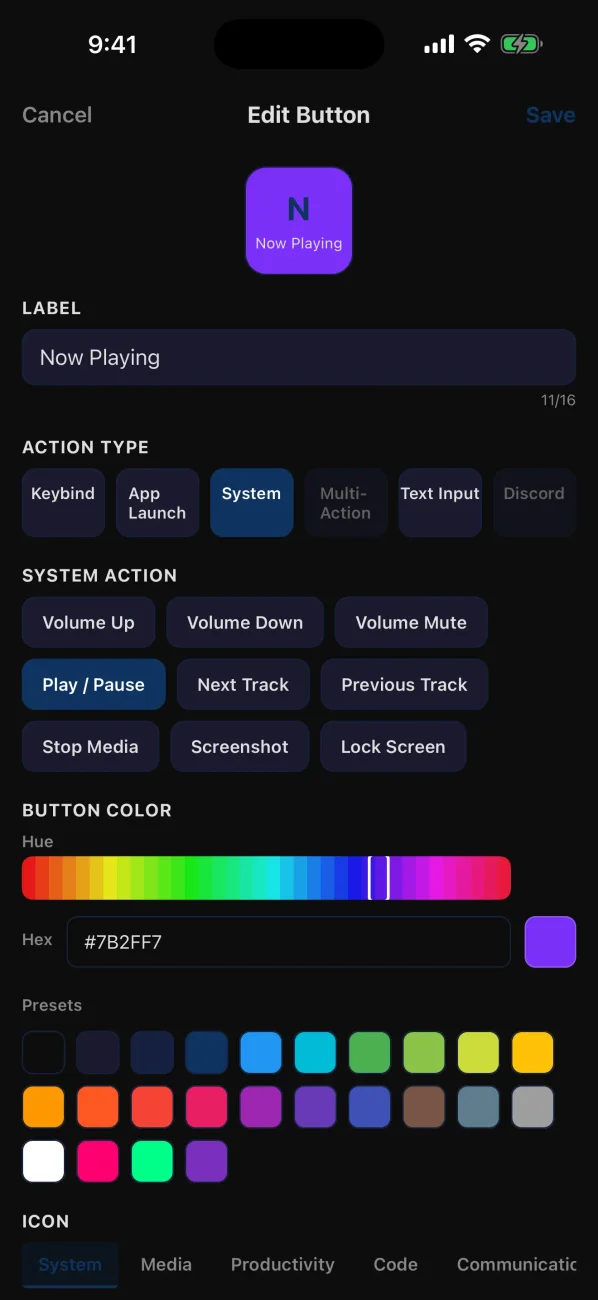
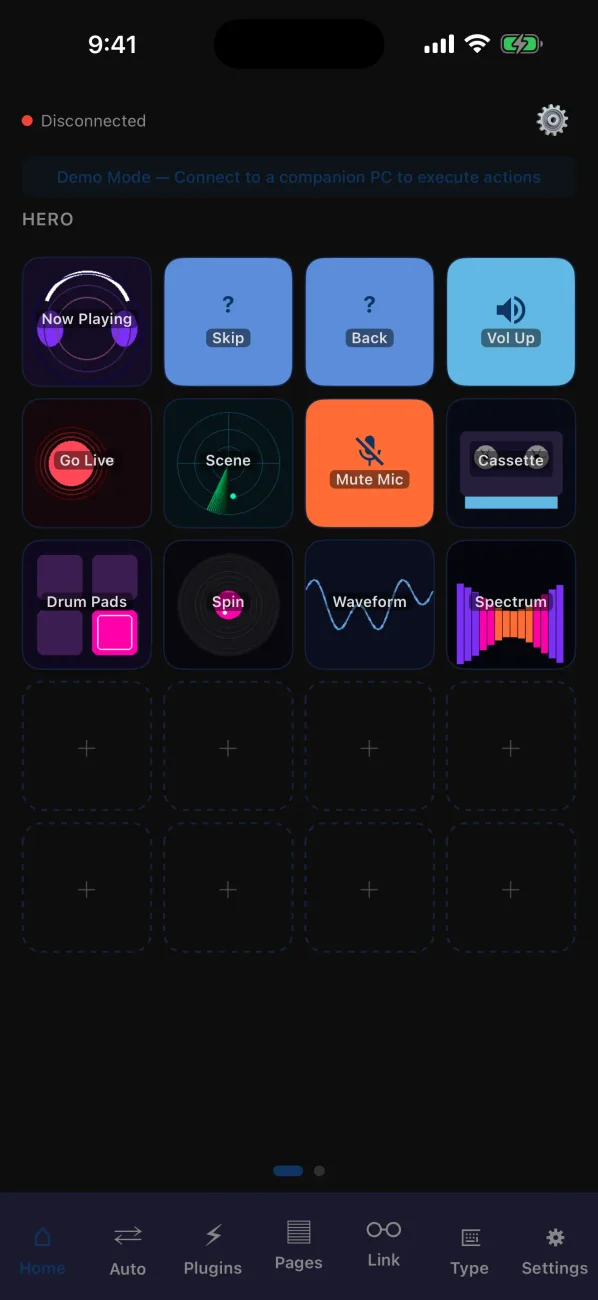
LuminaDeck turns it into a customizable grid of buttons that fire real actions on your Windows PC over local Wi-Fi. Keyboard shortcuts, app launchers, OBS scene switches, Discord controls, media keys, multi-step macros — one tap, no hardware.
WHAT YOU GET
• Custom button grids, 2x4 up to 8x8 (Pro)
• 55+ action types: keybinds, system commands, app launchers, media controls, OBS scenes, Discord commands, clipboard actions, soundboard audio
• Auto-profile switching — when OBS, VS Code, or Spotify takes focus on the PC, the deck swaps to that layout automatically
• Trackpad mode — turn the phone into a precision trackpad for the PC
• Phone-as-keyboard — type from your phone keyboard directly into any focused Windows window
• Multi-page decks with swipe navigation
• Five themes: Obsidian (free) plus Aurora, Daylight, Retro Neon, and Slate (Pro)
NO ACCOUNT, NO CLOUD
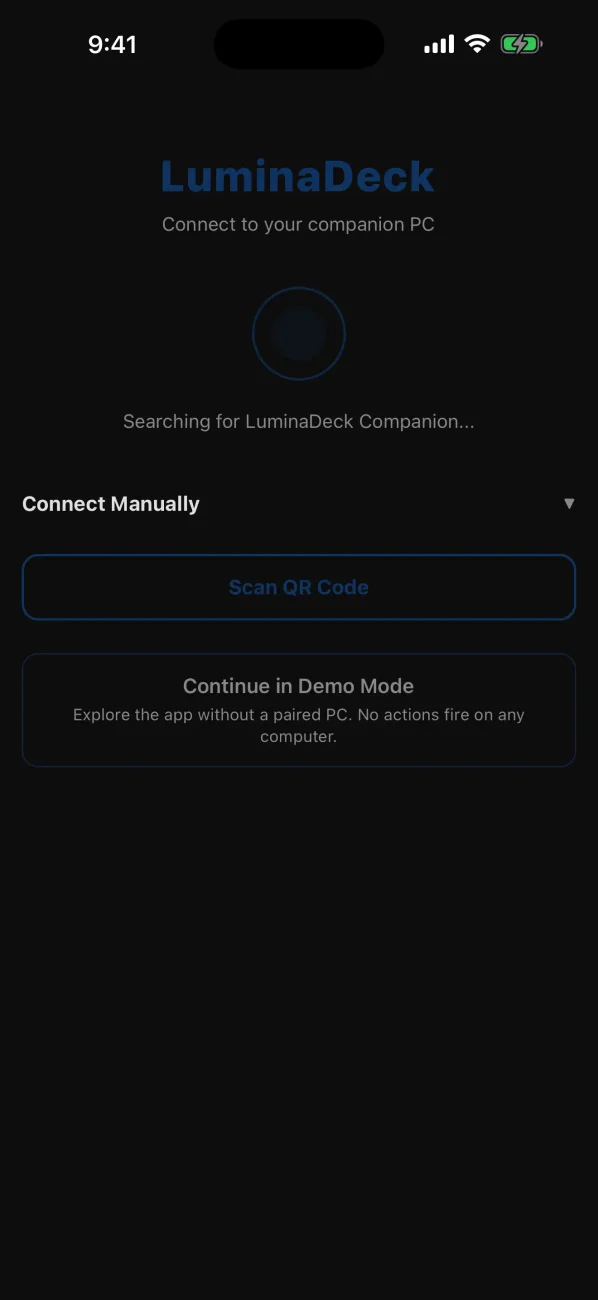
Pair with a QR scan. The phone and PC talk directly over your Wi-Fi network — TLS-encrypted, no relay server, no sign-in. Latency stays under 30 ms because nothing leaves your network.
Setup takes under a minute: install LuminaDeck Studio on the PC, scan the QR code, and the deck works.
WHO IT'S FOR
• Streamers who want OBS scene switching and Discord controls without buying dedicated hardware
• Developers who want a build/test/format/commit row of tiles next to their keyboard
• Knowledge workers who want clipboard tools, app launchers, and shortcuts they actually remember
• Anyone whose iPhone is already sitting on a stand next to their monitor
PLUGIN PACKS
• OBS — scene switching, source toggles, recording start/stop, stream start/stop
• Discord — mute, deafen, push-to-talk, channel switching
• Coder Pack — git status, run tests, format buffer, common dev shortcuts
• Soundboard — trigger audio clips on the PC instantly
• Trackpad Mode — phone becomes a precision pointer
ONE-TIME PRO, NO SUBSCRIPTION
The free tier is fully usable: build a deck, fire actions, switch profiles. Pro is a one-time $9.99 unlock that adds the larger 8x8 grid, premium themes, and the plugin packs. No monthly fee, no recurring charge, no account required.
PRIVATE BY DEFAULT
• No telemetry. No analytics. No ad SDKs.
• No data leaves your local network.
• No login required to use the app.
• Open WebSocket protocol — third-party clients welcome.
REQUIREMENTS
• iPhone or iPad on iOS 16 or later
• Windows 10 (2004+) or Windows 11 PC running the free LuminaDeck Studio companion
• Phone and PC on the same Wi-Fi network
Studio download: https://luminaaio.com/luminadeck
QUESTIONS
Email hello@luminaaio.com. We answer.
LuminaDeck is an independent product. Not affiliated with any hardware macro deck manufacturer.
What’s new
Version 1.4.1 · Aug 11, 2026
Reliability update:
• Comp code redemption is more robust
• OBS controls are now part of LuminaDeck Pro
• Bug fixes and stability improvements
App privacy
What Ceasar Esquivel declares on the App Store about how this app handles data.
-
Data not collected
The developer does not collect any data from this app.
Privacy practices may vary, for example with the features you use or your age.
Information
- Seller
- Lumina Automations LLC
- Category
- Productivity
- Version
- 1.4.1
- Updated
- Aug 11, 2026
- Released
- May 13, 2026
- Size
- 25.9 MB
- Requires
- iOS 15.1 or later
- Age rating
- 4+
- Price
- Free
- In-app purchases
- Yes
- Languages
- English
- Copyright
- © 2026 LuminaDeck. All rights reserved.
You might also like
-
 SIDeck StudioCustom Deck, Camera & OBS
-
 RazorLexProductivity
-
 OverdeckMobile streaming controller
-
 Arca by Privacy EverywhereEasy to use encrypted email
-
 PhoneDeckv1.4
-
 MATRIC: Custom Control PanelsShortcuts for your Windows PC
-
 myeBook – Digital Book Creatorcreate ebook with simple steps
-
 DeckPilot - Workflow ControlWorkflows, Macros & Shortcuts
-
 Voiced Pro・AI Voices & DubbingProfessional Voice Creator
-
 Smart Assistant: One AI ChatWorks on Gemini, OpenAI, Grok