- 対象年齢4+
- カテゴリ仕事効率化
- 開発元Ceasar Esquivel
- 言語英語
- サイズ25.9 MB
App Storeの公式ページにリンクしています
Download.orgはLumina Deckのファイルを一切ホストしていません。ボタンを押すと、Ceasar Esquivelが公開しているApp Storeのアプリページが開きます。ページの最終確認:2026/11/20。
スクリーンショット


概要
開発元はこのテキストをお使いの言語で提供していません。
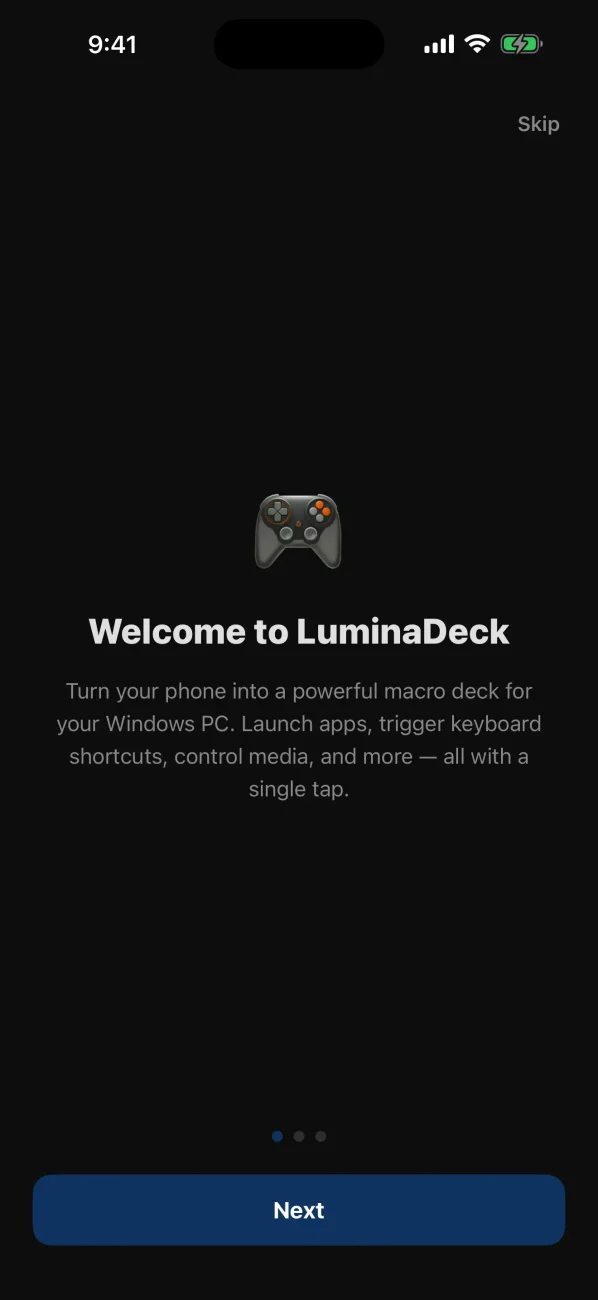
Your iPhone is already on your desk. It might as well do something.
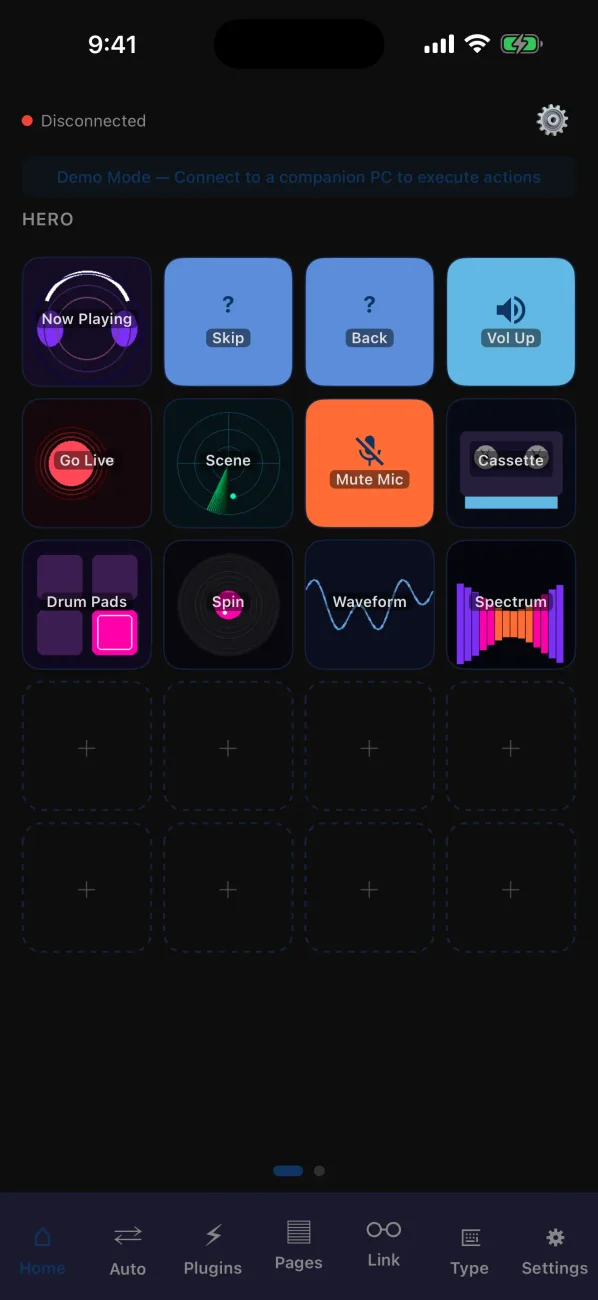
LuminaDeck turns it into a customizable grid of buttons that fire real actions on your Windows PC over local Wi-Fi. Keyboard shortcuts, app launchers, OBS scene switches, Discord controls, media keys, multi-step macros — one tap, no hardware.
WHAT YOU GET
• Custom button grids, 2x4 up to 8x8 (Pro)
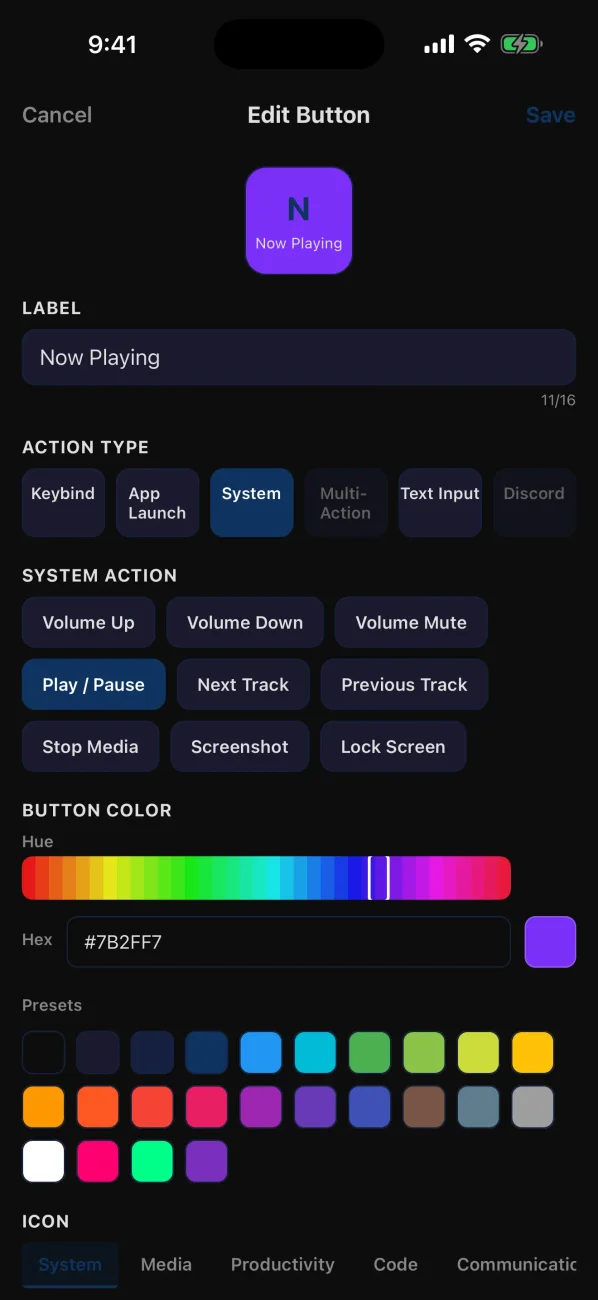
• 55+ action types: keybinds, system commands, app launchers, media controls, OBS scenes, Discord commands, clipboard actions, soundboard audio
• Auto-profile switching — when OBS, VS Code, or Spotify takes focus on the PC, the deck swaps to that layout automatically
• Trackpad mode — turn the phone into a precision trackpad for the PC
• Phone-as-keyboard — type from your phone keyboard directly into any focused Windows window
• Multi-page decks with swipe navigation
• Five themes: Obsidian (free) plus Aurora, Daylight, Retro Neon, and Slate (Pro)
NO ACCOUNT, NO CLOUD
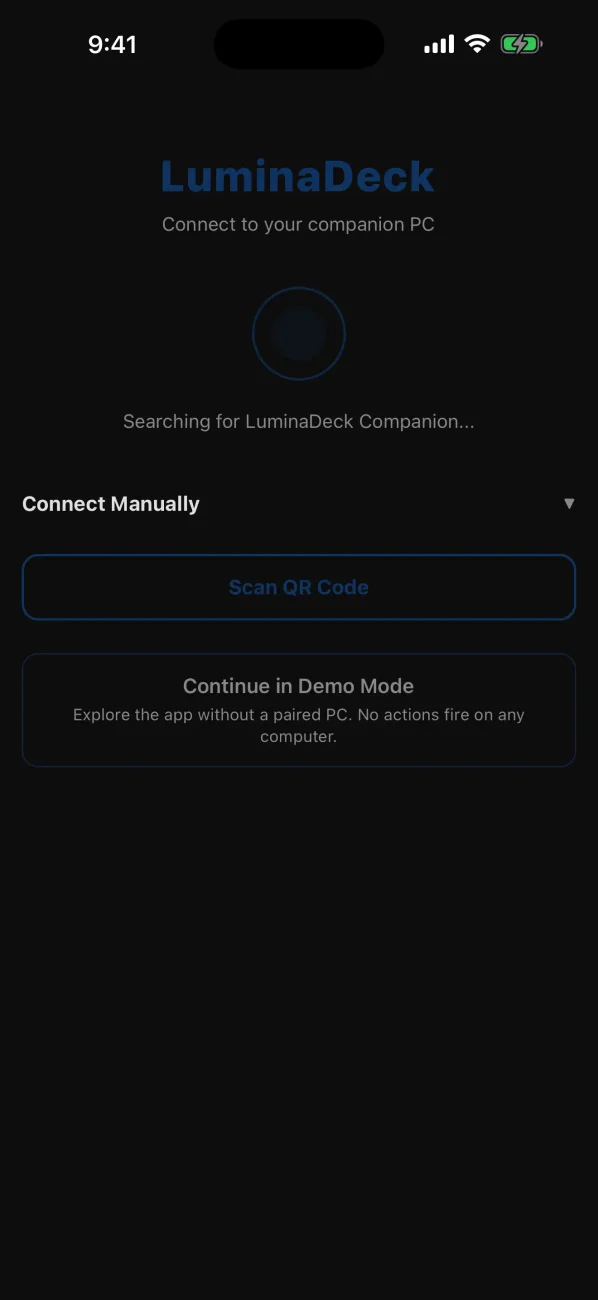
Pair with a QR scan. The phone and PC talk directly over your Wi-Fi network — TLS-encrypted, no relay server, no sign-in. Latency stays under 30 ms because nothing leaves your network.
Setup takes under a minute: install LuminaDeck Studio on the PC, scan the QR code, and the deck works.
WHO IT'S FOR
• Streamers who want OBS scene switching and Discord controls without buying dedicated hardware
• Developers who want a build/test/format/commit row of tiles next to their keyboard
• Knowledge workers who want clipboard tools, app launchers, and shortcuts they actually remember
• Anyone whose iPhone is already sitting on a stand next to their monitor
PLUGIN PACKS
• OBS — scene switching, source toggles, recording start/stop, stream start/stop
• Discord — mute, deafen, push-to-talk, channel switching
• Coder Pack — git status, run tests, format buffer, common dev shortcuts
• Soundboard — trigger audio clips on the PC instantly
• Trackpad Mode — phone becomes a precision pointer
ONE-TIME PRO, NO SUBSCRIPTION
The free tier is fully usable: build a deck, fire actions, switch profiles. Pro is a one-time $9.99 unlock that adds the larger 8x8 grid, premium themes, and the plugin packs. No monthly fee, no recurring charge, no account required.
PRIVATE BY DEFAULT
• No telemetry. No analytics. No ad SDKs.
• No data leaves your local network.
• No login required to use the app.
• Open WebSocket protocol — third-party clients welcome.
REQUIREMENTS
• iPhone or iPad on iOS 16 or later
• Windows 10 (2004+) or Windows 11 PC running the free LuminaDeck Studio companion
• Phone and PC on the same Wi-Fi network
Studio download: https://luminaaio.com/luminadeck
QUESTIONS
Email hello@luminaaio.com. We answer.
LuminaDeck is an independent product. Not affiliated with any hardware macro deck manufacturer.
新機能
バージョン 1.4.1 · 2026/8/11
Reliability update:
• Comp code redemption is more robust
• OBS controls are now part of LuminaDeck Pro
• Bug fixes and stability improvements
アプリのプライバシー
このアプリのデータの取り扱いについて、Ceasar EsquivelがApp Storeで申告している内容です。
-
データの収集なし
開発元はこのアプリからデータを収集しません。
プライバシーの取り扱いは、ご利用の機能やお客様の年齢などに応じて異なる場合があります。
情報
- 販売元
- Lumina Automations LLC
- カテゴリ
- 仕事効率化
- バージョン
- 1.4.1
- 更新日
- 2026/8/11
- リリース
- 2026/5/13
- サイズ
- 25.9 MB
- 必要条件
- iOS 15.1以降
- 対象年齢
- 4+
- 価格
- 無料
- アプリ内課金
- あり
- 言語
- 英語
- 著作権
- © 2026 LuminaDeck. All rights reserved.