Macon+: Remote Desktop & AI
Agents, SSH & screen share
Designed for iPhone, iPad
Free · In-app purchases
- Age rating4+
- CategoryDeveloper Tools
- DeveloperAli Haidar
- LanguagesEnglish+ 13 more
- Size136.4 MB
Links to the official App Store page
Download.org hosts no file of Macon+: Remote Desktop & AI. The button opens its official App Store page, published by Ali Haidar. Listing last checked on Nov 23, 2026.
Screenshots

About
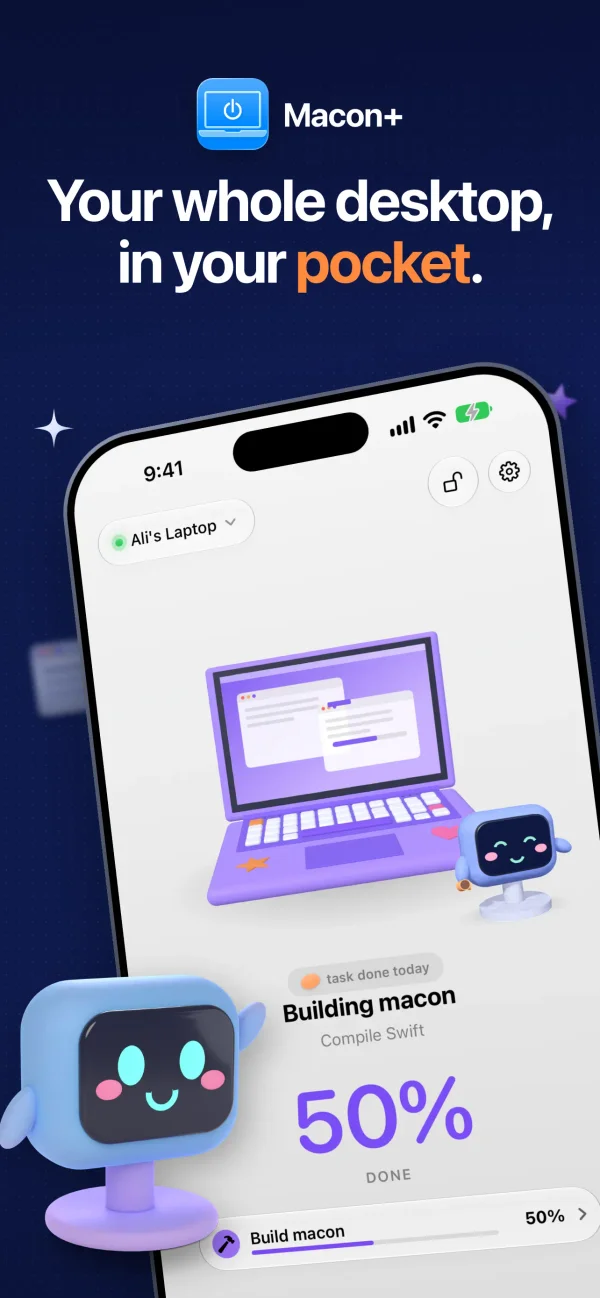
MacOn + turns your iPhone or iPad into a home screen for your Mac. Pair once with a single-use code and the Mac on your desk comes with you: its screen, its apps, its builds, its terminal, even its lock screen.
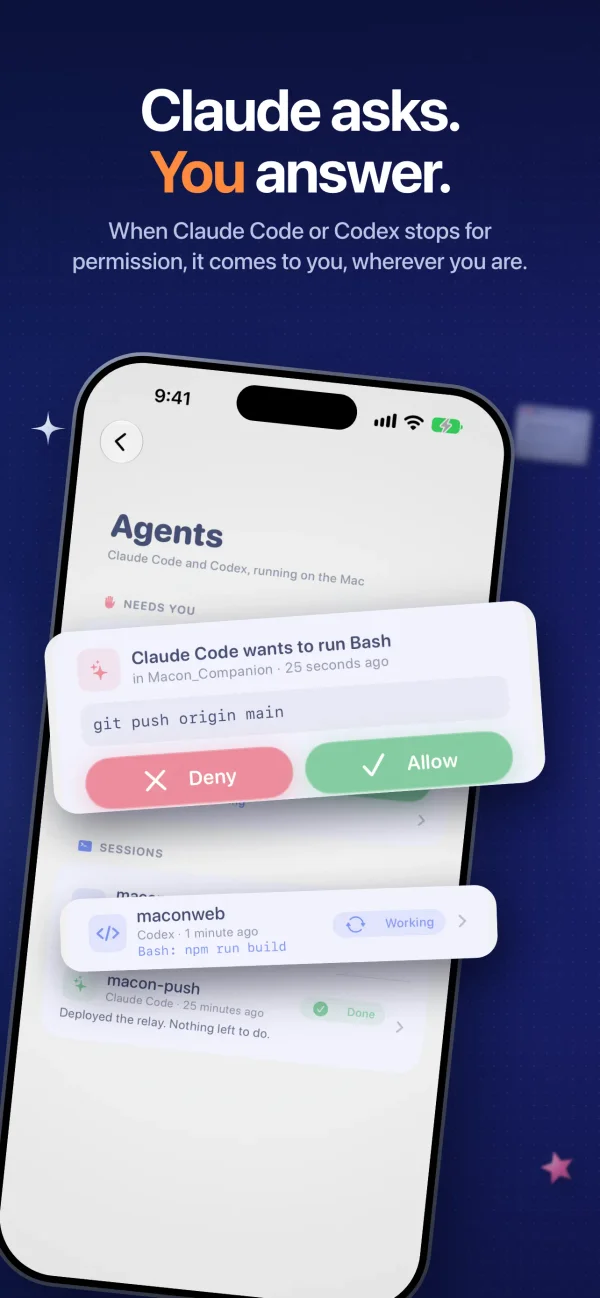
Works with Claude Code, Codex and Cursor running on your desktop.
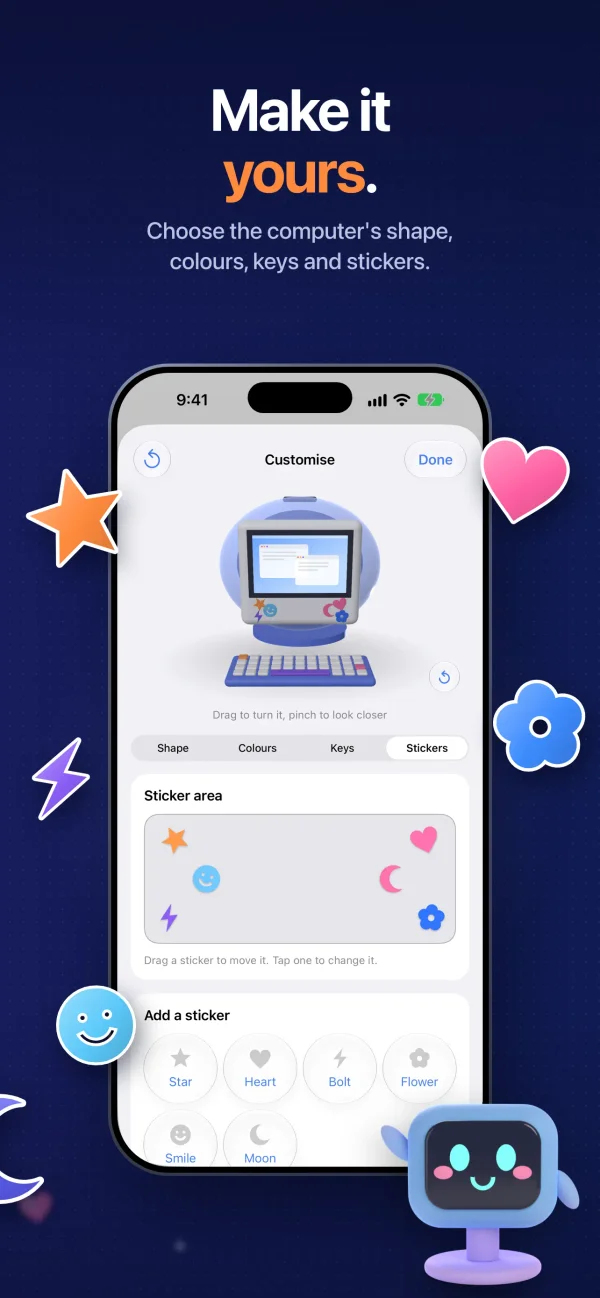
It is built like a toy, in a soft 3D clay world you can spin with a finger, and it comes in seventeen themes shared with the Mac app.
SEE IT, DRIVE IT
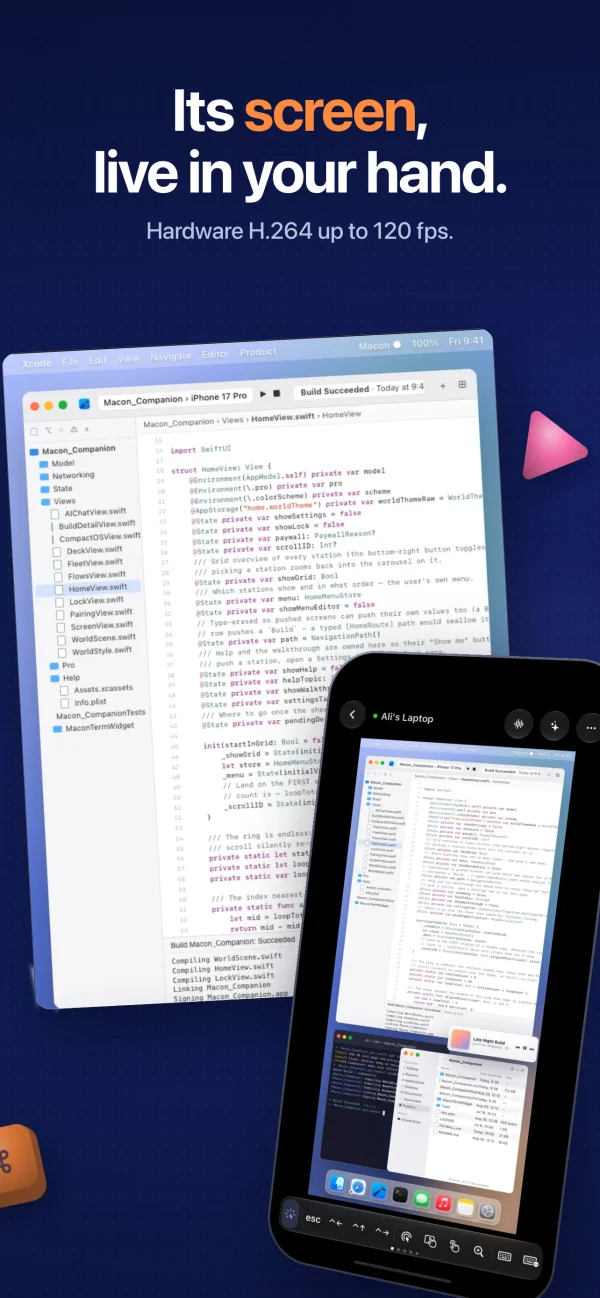
• Stream the Mac's screen in hardware H.264, up to 120 fps on ProMotion
• Control it with touch, a virtual trackpad and a Sidecar-style Touch Bar
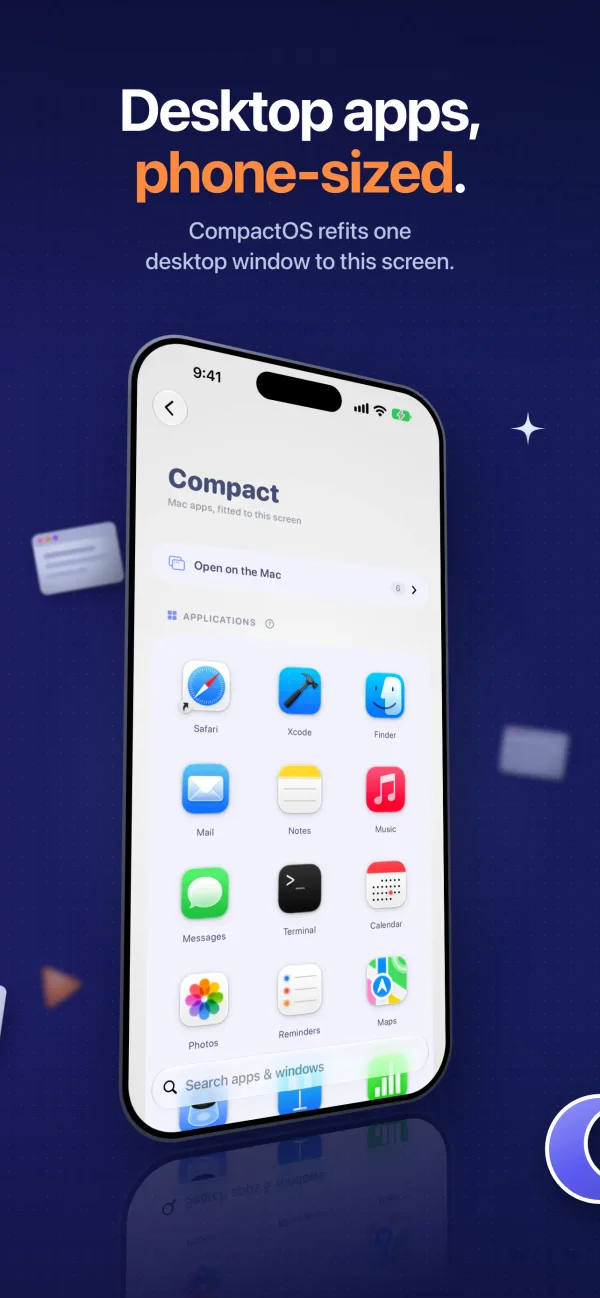
• CompactOS refits one Mac window to your phone, so Xcode, Safari or Notes behave like phone apps
• Picture in Picture keeps the Mac on screen while you use other apps
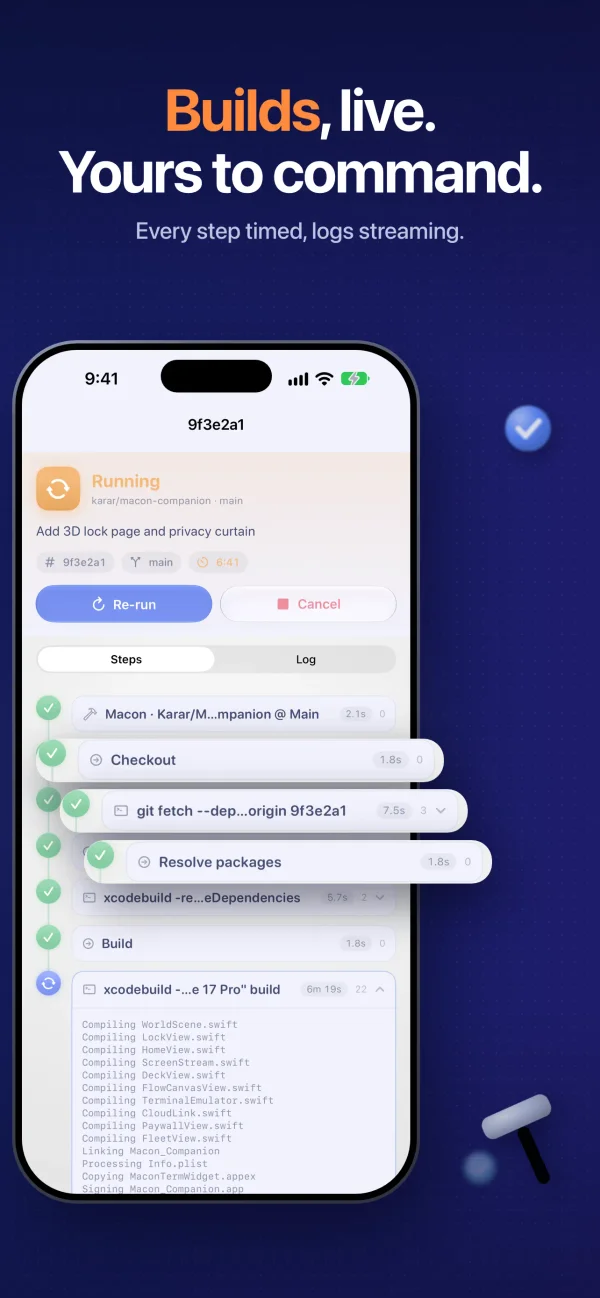
BUILDS, LIVE
• Every pipeline as a step timeline with streaming logs, durations and the raw console
• Watch, run, re-run or cancel from anywhere
• The full pipeline editor on your phone: provider, repo, branch, triggers, timeouts
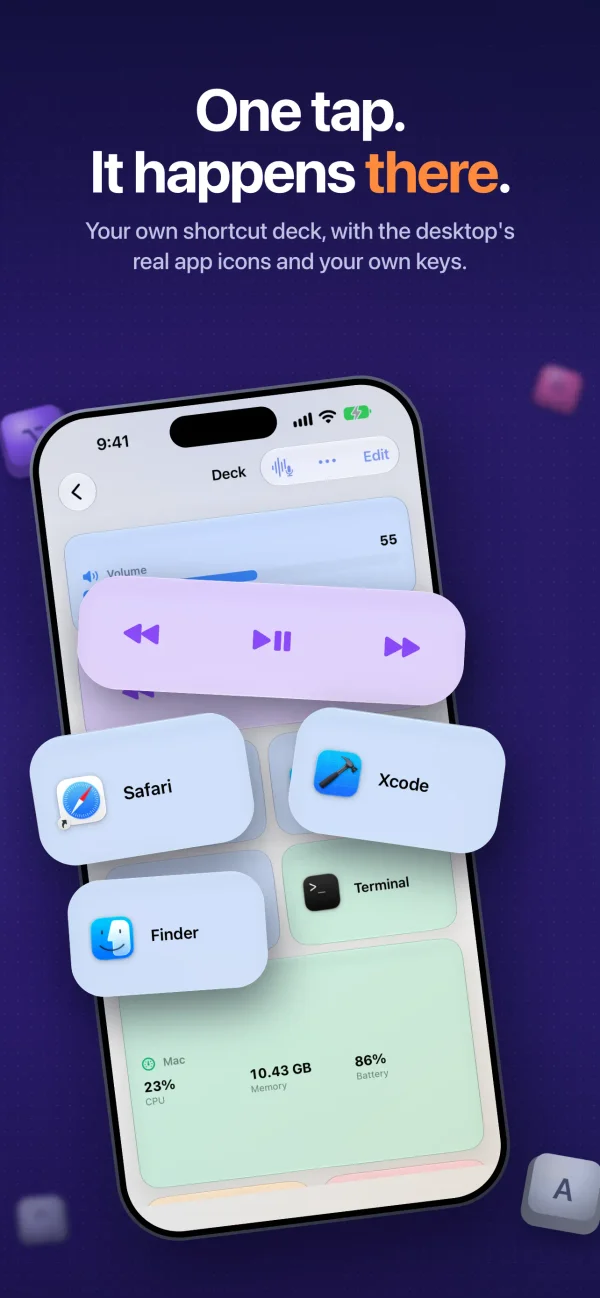
A DECK AND FLOWS
• Turn the device into a Stream Deck: apps with their real icons, shortcuts, media keys, sliders, and live tiles for CPU, battery and builds
• Wire up automations as clay blocks on swinging strings: triggers, shell, files, web, AI and logic
• Run them from the deck, on a schedule, or when a folder changes
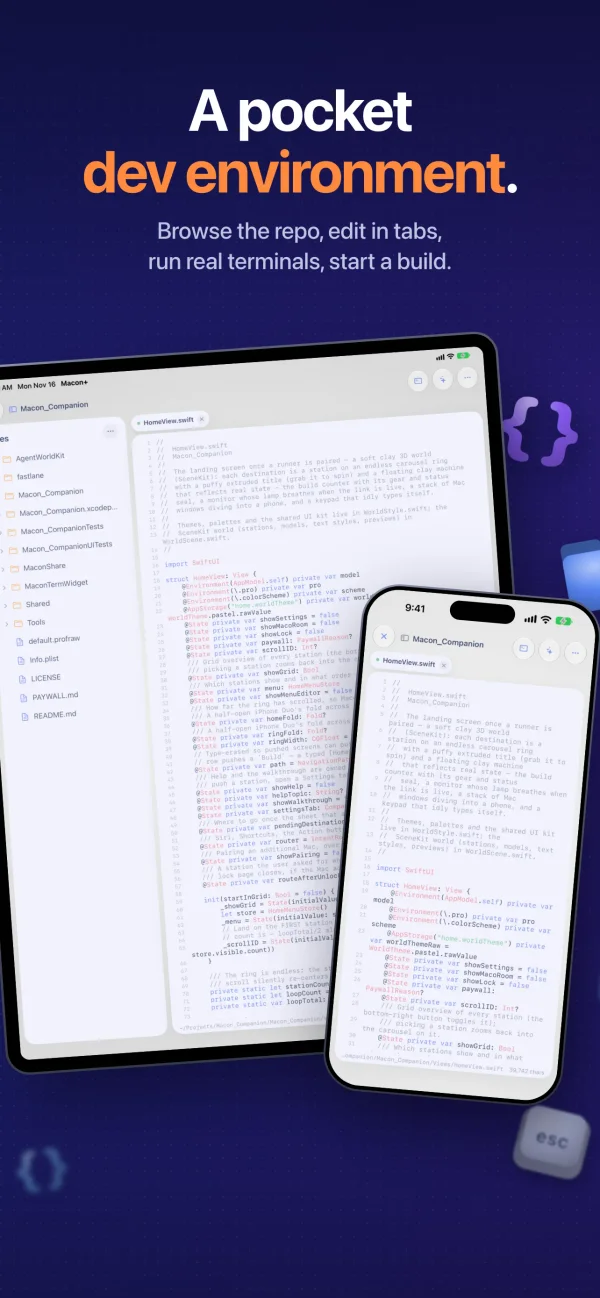
A POCKET DEV ENVIRONMENT
• Browse the repo, edit in tabs, save back to the Mac
• Real terminals on the Mac, tabs included. Shells keep running when you leave
• Build and test Xcode projects, pick schemes and destinations
JUST ASK
• Chat with AI running on your own Mac through Ollama
• Or speak a task and Jev drives the Mac step by step, reading the screen as it goes. Jev comes with Pro, with no API key to find
• Bring your own AI: Claude, OpenAI, Gemini, a local model, or any OpenAI-compatible endpoint. Keys live in the Mac's Keychain, never on the phone
WAKE IT, UNLOCK IT
• Wake the Mac over your network, a free Cloudflare tunnel, or iCloud
• Unlock it from a themed 3D padlock, with an optional privacy curtain so nobody sees the screen but you
• Universal clipboard between the Mac and your devices
FLEET
• Every paired device hanging off your Mac on a string, with a live glow for the active ones
EVERY POWER, YOUR CALL
Screen sharing, control, wake and unlock are all off until you turn them on in the Mac app. Pairing codes are single-use and expire. Your code, keys and screen never leave your Mac. There is no MacOn server in between.
WHAT YOU NEED
The free MacOn app for macOS 14 or later, from macon.id. Same Wi-Fi to start, or turn on Remote access on the Mac to reach it from anywhere.
FREE AND PRO
Free, forever: unlimited screen, control and CompactOS on your home network; build monitoring, live logs and run or cancel from anywhere; local AI chat; and 40 minutes a day of remote screen when you are away.
MacOn Pro adds unlimited remote access from anywhere, unlocking the Mac and the privacy curtain, Jev, the full code workspace, unlimited deck keys and flows, Picture in Picture, every theme, and every Mac you own.
Pro is an auto-renewable subscription: $39.99 a year with a 7-day free trial, $4.99 a month, or $1.99 a week. Prices may vary by region. Payment is charged to your Apple Account when you confirm the purchase. The subscription renews automatically unless you cancel at least 24 hours before the end of the current period. Any unused part of a free trial is forfeited when you buy a subscription. Manage or cancel it in your Apple Account settings.
Privacy Policy: https://macon.id/privacy
Terms of Use: https://macon.id/terms
What’s new
Version 1.3.1 · Nov 19, 2026
SEE HOW IT WORKS
New here? Before you pair, a one-minute tour plays a coding agent at work on your desktop while you are out. Answer its question from your phone, watch it finish, then look around: the live screen, Maco and everything else.
SET UP FASTER
Send the desktop download link from your phone by AirDrop, Mail or Messages, or copy it, right from the pairing screen.
ALSO
• When an agent is waiting on you while you are away, tapping the notice now takes you straight to it
• Small fixes and polish
App privacy
What Ali Haidar declares on the App Store about how this app handles data.
-
Data not collected
The developer does not collect any data from this app.
Privacy practices may vary, for example with the features you use or your age.
Information
- Seller
- Ali Haidar
- Category
- Developer Tools
- Version
- 1.3.1
- Updated
- Nov 19, 2026
- Released
- Sep 10, 2026
- Size
- 136.4 MB
- Requires
- iOS 26.0 or later
- Age rating
- 4+
- Price
- Free
- In-app purchases
- Yes
- Languages
- English, Arabic, French, German, Hebrew, Hindi, Indonesian, Japanese, Korean, Portuguese, Russian, Simplified Chinese + 2 more
- Copyright
- © 2026 Ali Haidar
You might also like
-
 DockerHub - Container ManagerManage Docker over SSH
-
 AppStore Screenshot StudioApp Screenshot Maker
-
 Analytics Widgets for GoogleGA4 Realtime & AI Chat Analyst
-
 Models ZooOn-device AI model zoo
-
 JSONEditor - JSON ViewerJSON Editor, Formatter
-
 JSON Editor MobileDeveloper Tools
-
 StoreView: App Screenshot ToolDevice Bezels for AppStore
-
 Docker Manager GUI - WhaleDeckUnraid & Linux Server Monitor
-
 InteractfulLearn SwiftUI
-
 Docker Server AdminDocker, Linux Stats, SSH, SFTP