
Macro Lens
Capture the World in Detail
Designed for iPhone
$2.99 · In-app purchases
- Age rating4+
- CategoryPhoto & Video
- DeveloperEduardo Callado
- LanguagesEnglish
- Size15.7 MB
Links to the official App Store page
Download.org hosts no file of Macro Lens. The button opens its official App Store page, published by Eduardo Callado. Listing last checked on Nov 22, 2026.
Screenshots
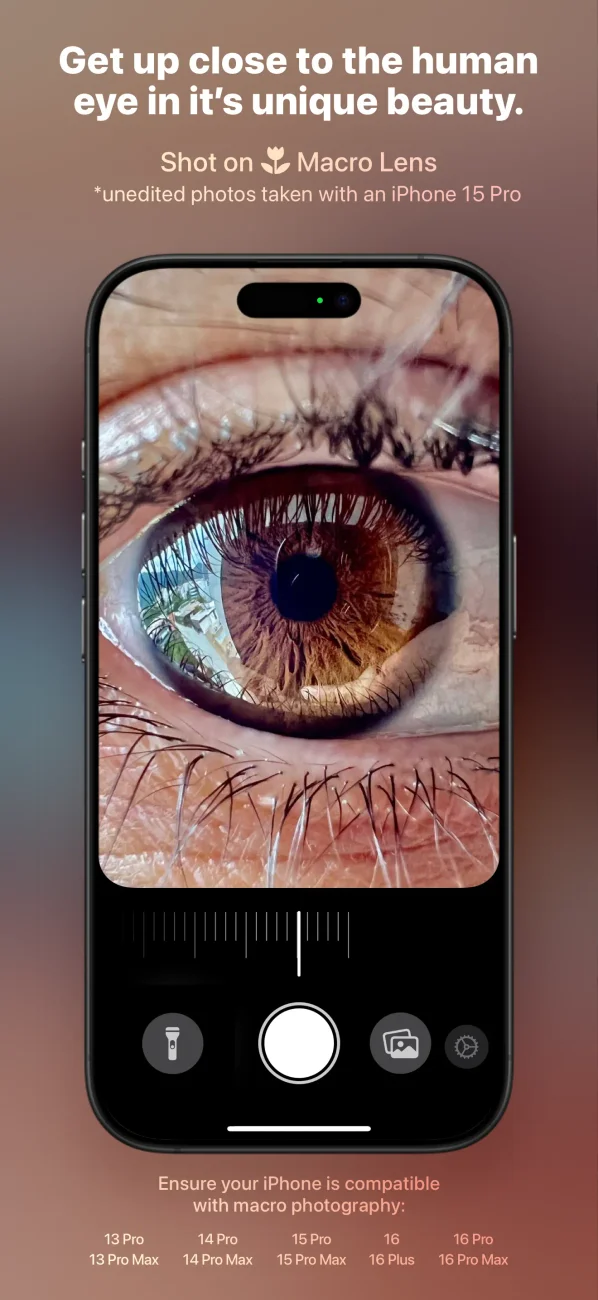
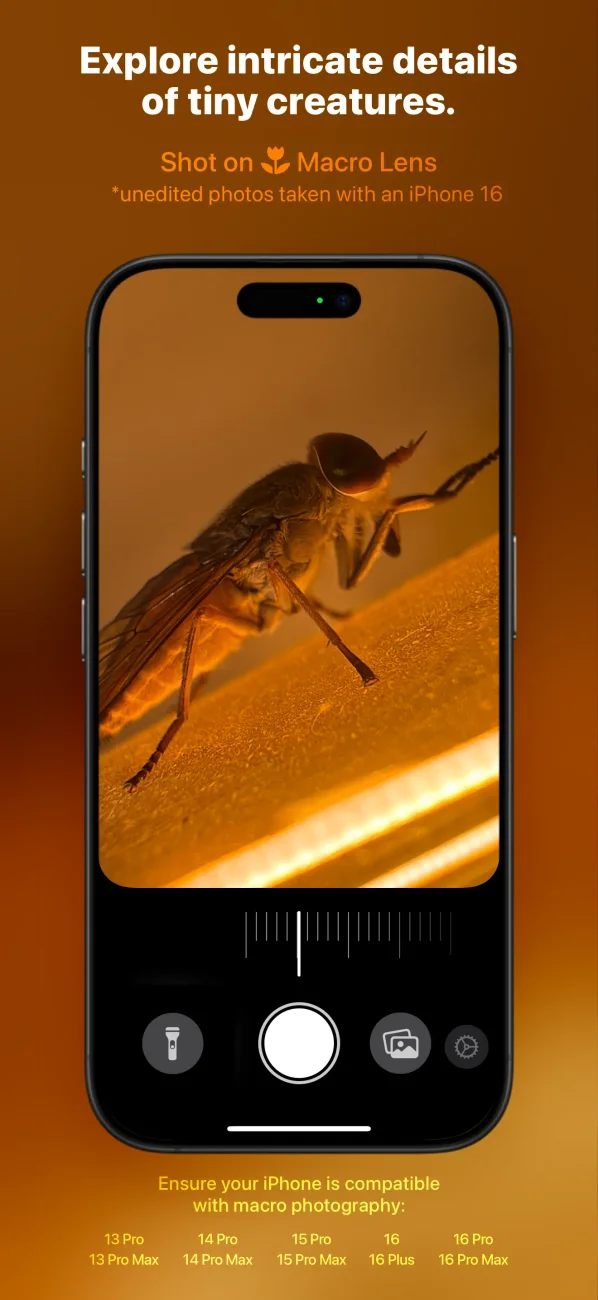
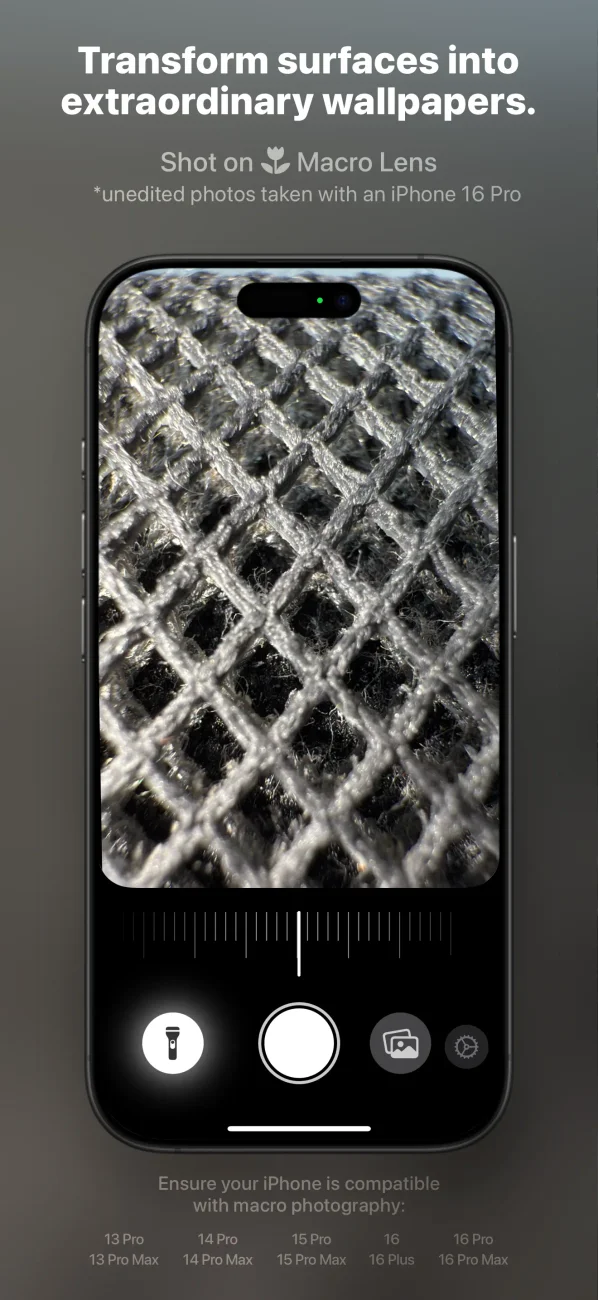


About
Simple yet powerful, Macro Lens is an all-in-one camera app designed for macro photography enthusiasts.
Macro Lens gives iPhone creators a focused macro workflow with real-time controls for focus, zoom, flash intensity, and brightness, plus quick switching between photo and video.
• Streamlined Interface: Keep your attention on the subject with dedicated adjustment panels and convenient shortcuts. Touch and hold a control to access its options.
• Easy Setup: Get started with guided camera and photo library permissions. Location access is optional, and no account is required.
• Manual and Auto Focus: Fine-tune focus with a dedicated slider, or enable continuous autofocus to let the camera adjust as you compose your shot.
• Zoom and Pinch Control: Frame tiny subjects using the Zoom slider or a familiar pinch gesture directly on the camera preview.
• Adjustable Lighting: Control continuous torch intensity to illuminate small subjects and balance light on dark or reflective surfaces.
• Brightness Control: Adjust exposure to brighten or darken your image before capturing.
• Photo and Video Modes: Switch directly on the camera screen to capture still images or motion. Record video at 60 fps when supported by your iPhone’s camera configuration.
• Photo Viewfinder: Enable an optional overview with a framing guide to help you compose shots while zoomed in. Drag it to either upper corner—the app remembers your preferred position.
• Camera Control Support: Take photos and start or stop video recording using the physical Camera Control button on compatible iPhones.
• Lock Screen and Control Center Access: Add the Macro Lens control to quickly open the camera from your Lock Screen or Control Center.
• Keep the Screen Awake: Take your time composing and capturing without interruptions from Auto-Lock while the app is active.
• Save to Photos: Captured photos and videos are saved directly to your photo library.
• Optional Location Tags: Add location information to your photos and videos to help you remember where each shot was taken.
Have an idea for Macro Lens? Submit a feature request directly from Settings or contact us by email for support.
Requires iOS 26 or later. Close-focus capability, torch availability, and video frame rates depend on your iPhone’s camera hardware.
What’s new
Version 1.12 · Nov 16, 2026
• Add iPhone Duo support
• Fixed a video recording crash
App privacy
What Eduardo Callado declares on the App Store about how this app handles data.
-
Data not linked to you
May be collected but is not linked to your identity.
- Diagnostics
Privacy practices may vary, for example with the features you use or your age.
Information
- Seller
- Eduardo Callado
- Category
- Photo & Video
- Version
- 1.12
- Updated
- Nov 16, 2026
- Released
- Sep 24, 2024
- Size
- 15.7 MB
- Requires
- iOS 26.0 or later
- Age rating
- 4+
- Price
- $2.99
- In-app purchases
- Yes
- Languages
- English
- Copyright
- © 2026 Macro Lens. All rights reserved.
You might also like
-
 BlaX Macro CameraLive macro camera
-
 Macro ModeMacro Photography Camera
-
 Macro Camera Pro: Manual FocusPhotography & DSLR Controls
-
 MacroShaderA macro photography app
-
 InfiZoom - CameraSelfie Timer & Zoom Camera
-
 CameraPixels LiteUnique photo and video camera
-
 Macroscope CamBasically a Microscope.
-
 Pro Zoom 100x - HD Tele CameraZoom Closer with Pro Clarity
-
 SolimacAI Video GeneratorText,Image,Product to ArabicAI
-
 ProCam: Manual Camera LensLong exposure and macro camera