
Magic Eraser Background Editor
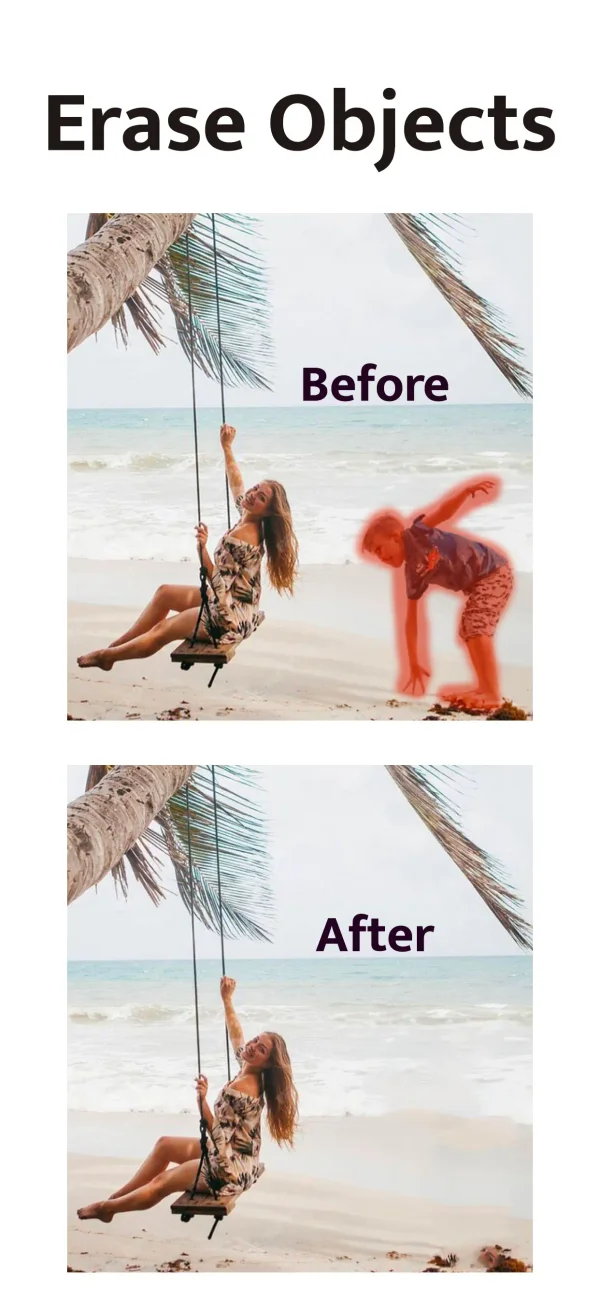
Remove Objects & Erase People
Designed for iPhone, iPad, iPod touch
Free · In-app purchases
- Age rating4+
- CategoryBusiness
- DeveloperAlan Cushway
- LanguagesEnglish+ 16 more
- Size178.1 MB
Links to the official App Store page
Download.org hosts no file of Magic Eraser Background Editor. The button opens its official App Store page, published by Alan Cushway. Listing last checked on Nov 25, 2026.
Screenshots

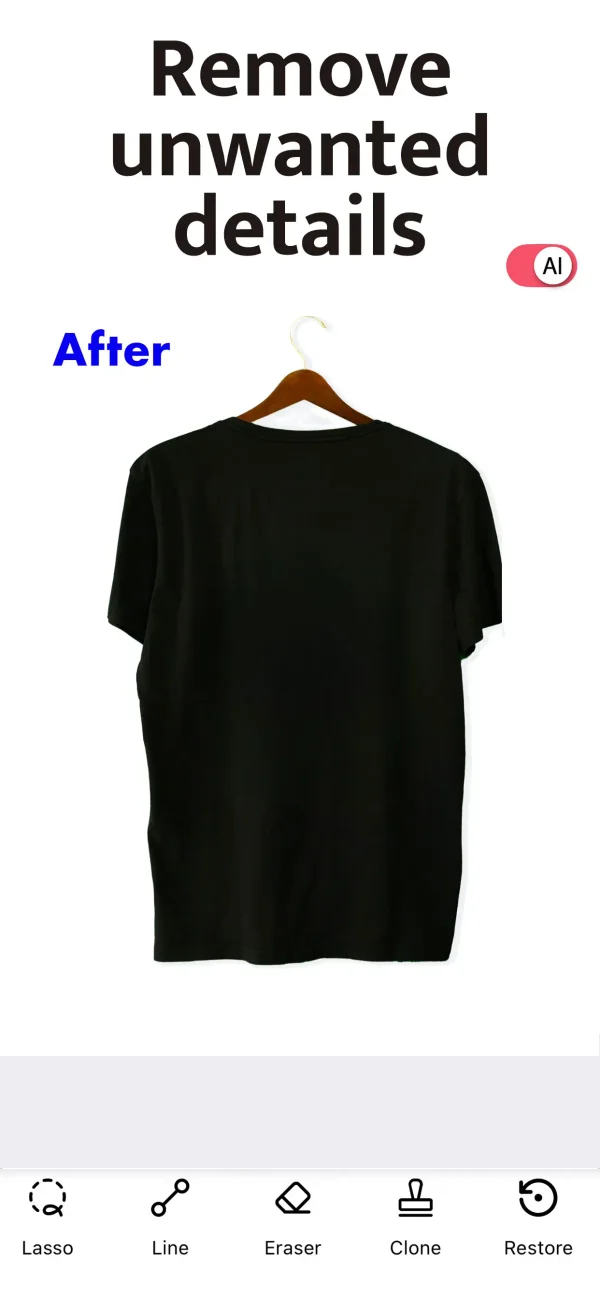
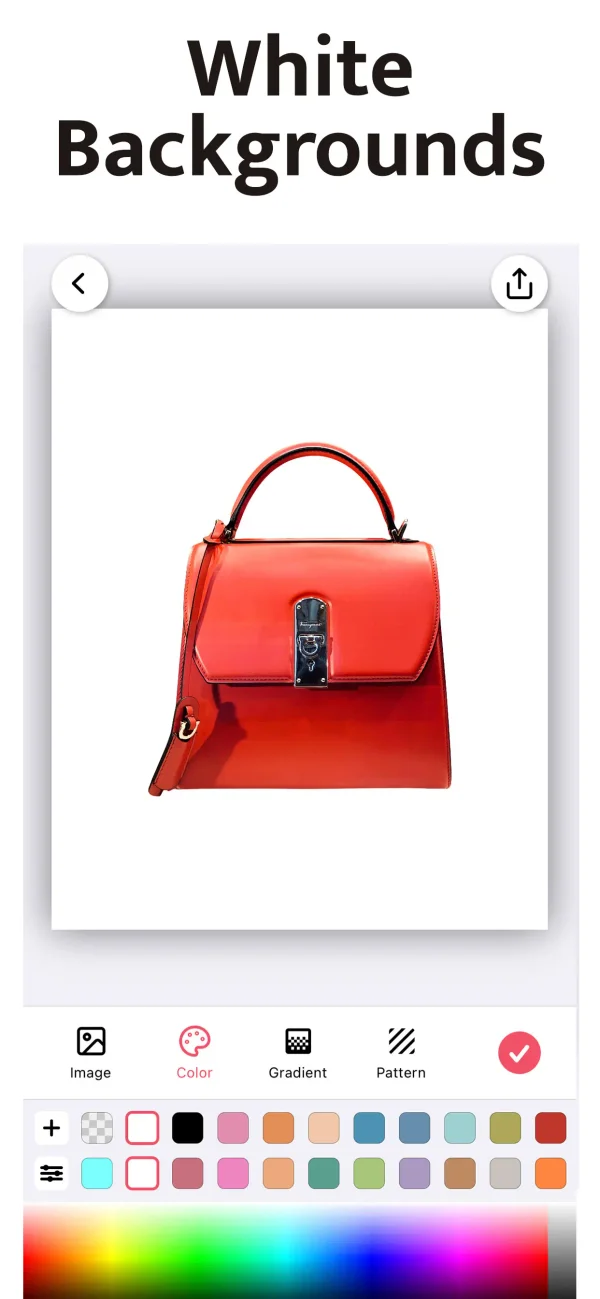
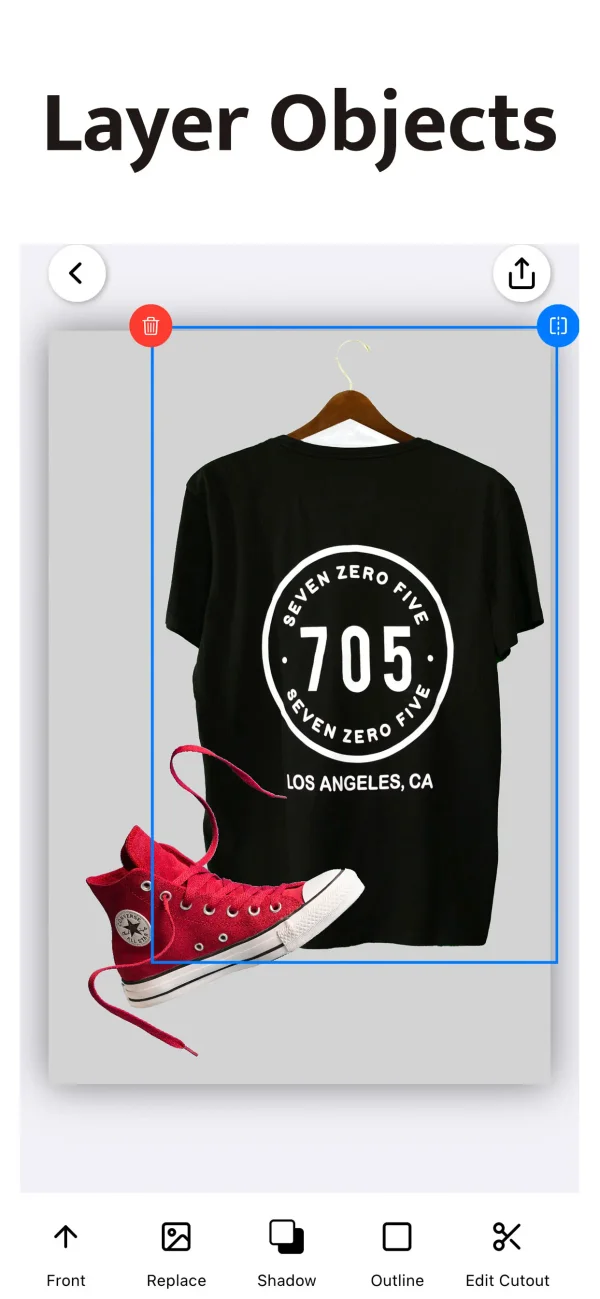
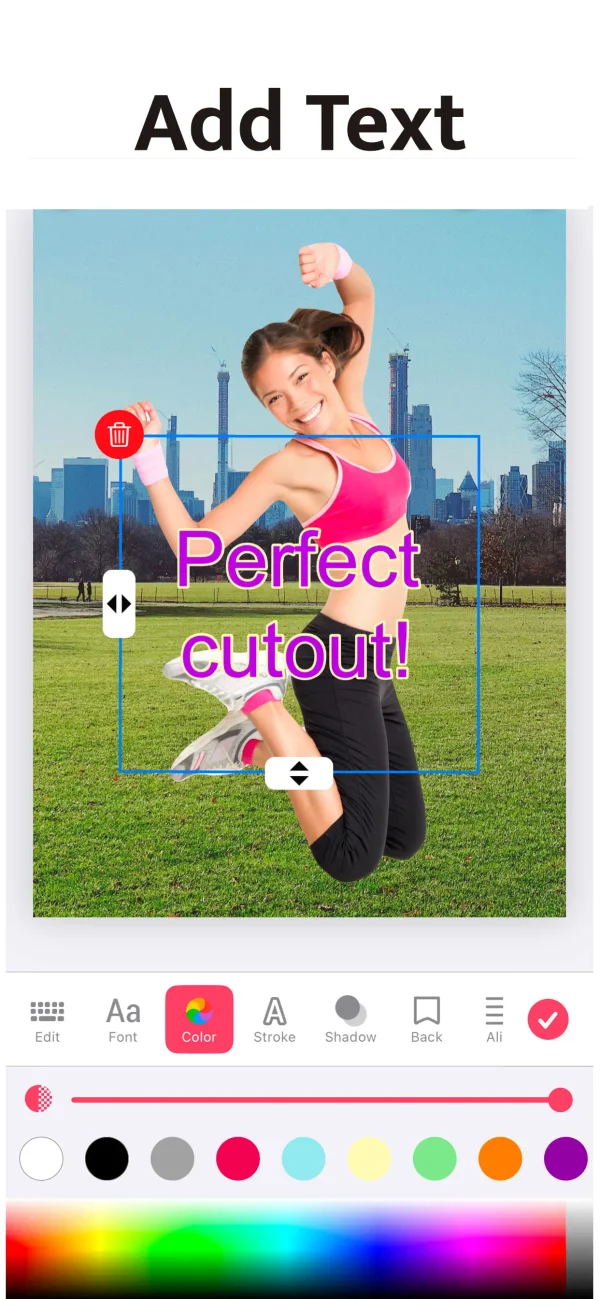
About
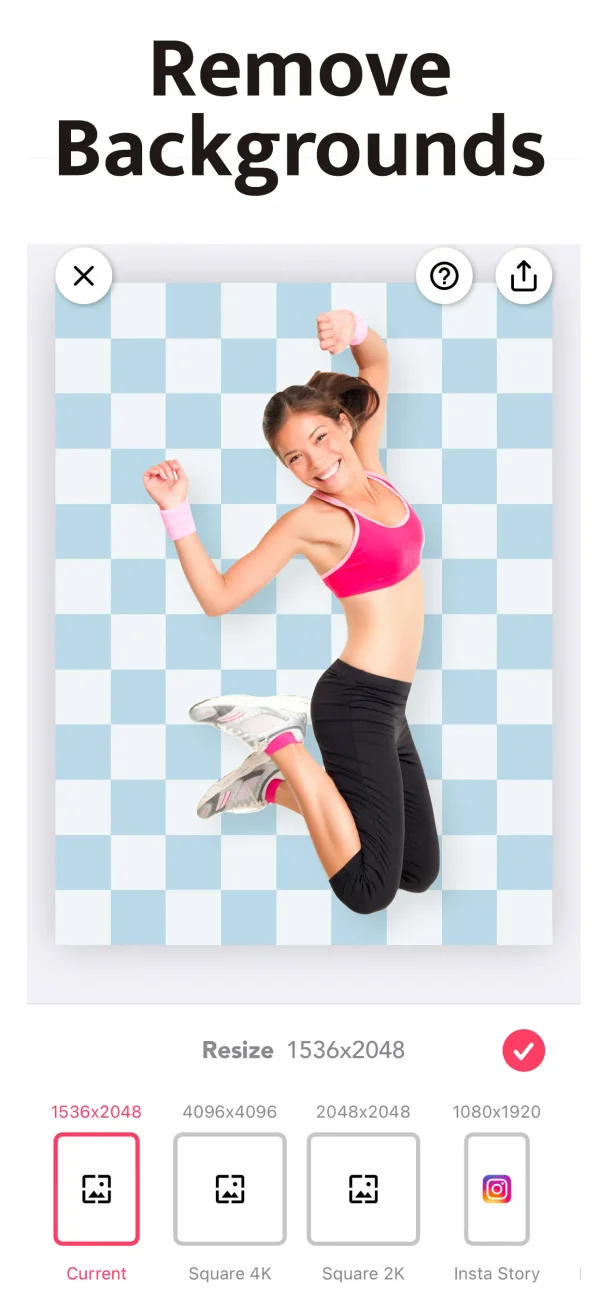
Remove Backgrounds & Objects Instantly – No Watermark, High-Res, Free!
Join over 10 million creators using Magic Eraser to transform their photos with the power of AI! Instantly remove backgrounds or unwanted objects, fine-tune with smart editing tools, and save in high-resolution PNG or JPG—all without a watermark.
Whether you're a small business owner, online seller, or just love beautiful images, this is the most user-friendly background remover on the App Store. It’s perfect for Instagram, Shopify, Pinterest, Etsy, and more.
Why You’ll Love It:
One-Tap Background/Object Removal
AI-Powered Precision Editing
Save in High Resolution – PNG or JPG
No Watermarks – Even on the Free Version!
Extra Features Available at an Affordable Price
Create Stunning Visuals For:
Product listings (Etsy, eBay, Poshmark, Depop)
Branded content & stories (Instagram, Pinterest)
Marketing materials (Shopify, Amazon, Facebook)
Powerful Editing Features Include:
Custom Brushes – Choose from triangle, circle, square with offset adjustment
Collages – Combine multiple cutouts into one perfect post
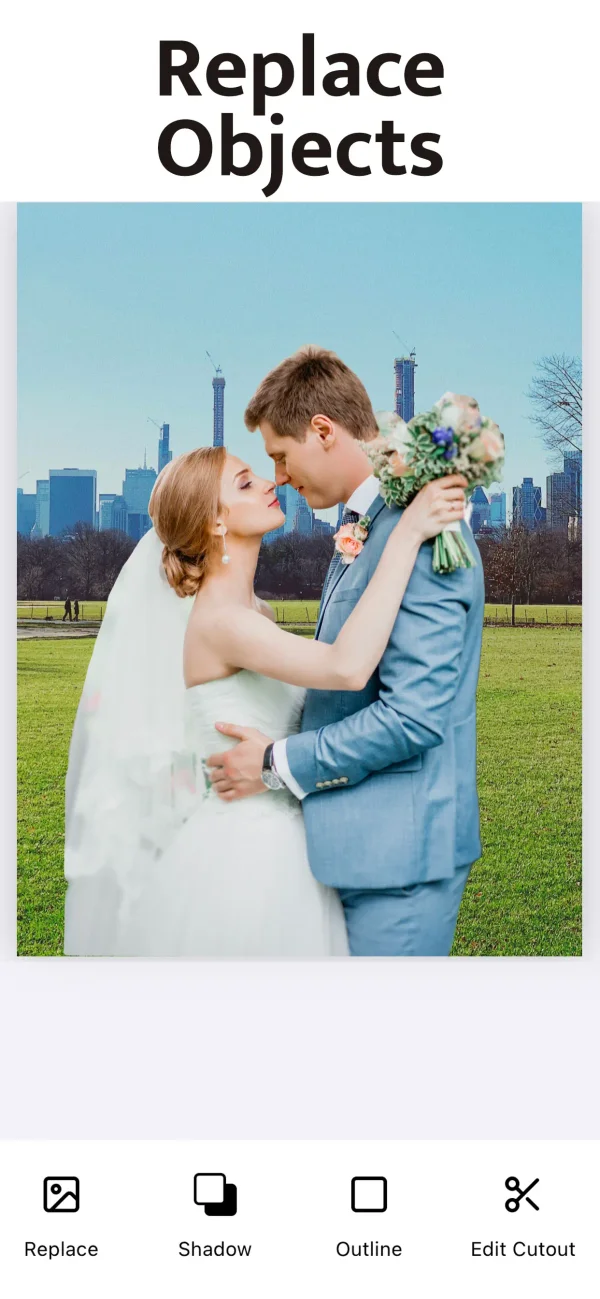
Background Options – White, solid color, gradient, or custom images from Pixabay & Unsplash
Realistic Shadows – Adjustable color, blur, 3D shadows for depth
Outlines – Make your cutouts pop with stylish outlines
Canvas Presets – Instagram, Shopify, Pinterest, LinkedIn, and more
Full Image Editor – Tweak brightness, contrast, vibrance, saturation, highlights, and more
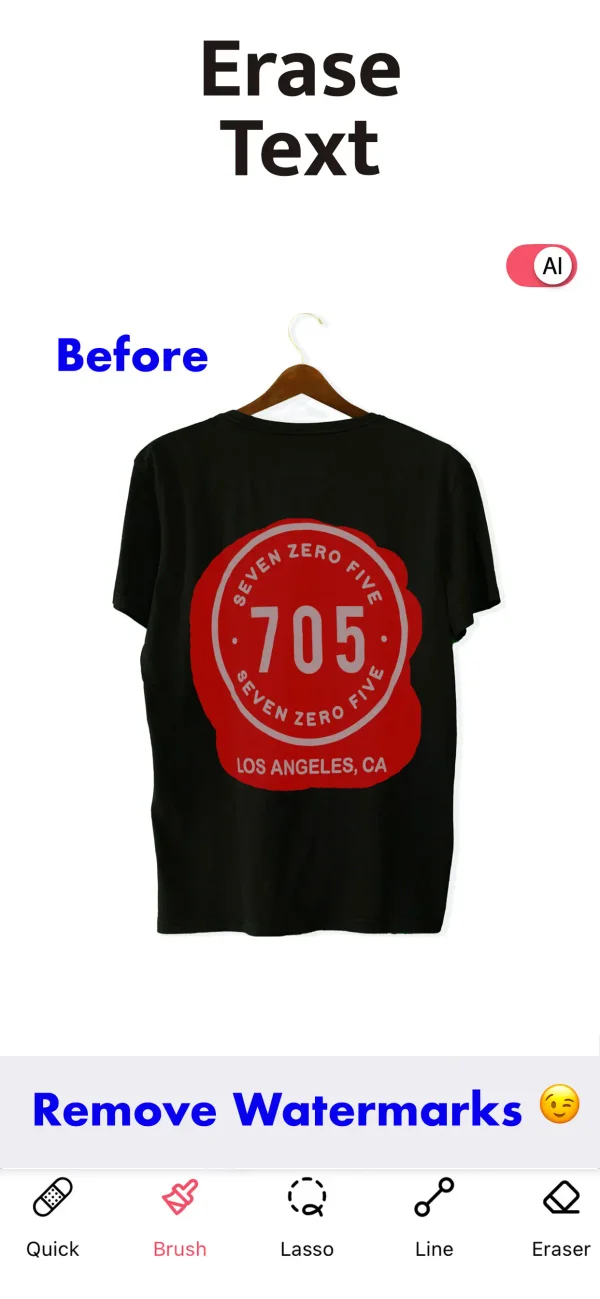
BONUS: It can even remove watermarks like magic :)
Download Magic Eraser today and take your images—and your brand—to the next level.
Here's what some of our users had to say:
*****
AWESOME!
by Camryn mcknight on 01/26/2016 - Version: 1.3.0
If you are looking for an app that can help with thumbnails or YouTube banners, you have picked the right one! This app is completely amazing to cut out my backgrounds and easy to use. I give this a 5 out of 5!
Best App On The Market by Steve92292
Don't know how I would function without this app. Im a marketer who uses this app on a daily some times over photoshop. Let That Sink In. Big thank you to the developers
I recommend it to everyone by Chbird
Use this app every single day, and I love it. The precision of the tool and the ability to rotate, mask, invert, etc. make it a breeze for creating amazingness. I'd give it 10 stars if I could. My friends always ask how I do custom photo edits so quickly...I tell them about Magic Eraser. LOVE.
Unbelievably Good! by Watt fry
Seriously one of the best back ground eraser apps there is. And I've tried them all.
Best ever app by Warriorkit101
No tricks, no buying, all instant! Perfect for minecraft! Thank you!
Great app.
Created a few business logos and some pretty amazing shirts!
*****
So, what are you waiting for? Download for free!
SUBSCRIPTION
You can subscribe for unlimited access to all features, including: All brush shapes, and No more Ads
- You'll be able to use all features for the duration of your subscription
- Payment will be charged to your iTunes Account at confirmation of purchase
- The subscription renews automatically unless auto-renewal is turned off for at least 24-hours before the end of the current period
- The account will be charged for renewal within 24-hours prior to the end of the current period at the cost of the chosen package
- Subscriptions may be managed by the user and auto-renewal may be turned off by going to the user's Account Settings after purchase
- Any unused portion of a free trial period, if offered, will be forfeited when the user purchases a subscription
Terms of use:
http://cushwayapps.com/app-privacy/magiceraser/terms.html
Privacy policy:
http://cushwayapps.com/app-privacy/magiceraser/privacy.html
Have you found a bug, got a suggestion, or want a new feature?
Email us at: support@honkhonkpunch.com
What’s new
Version 3.20.1 · Nov 4, 2026
New: refine the edges of your cutouts. Shrink, grow or soften the edge with a slider and see the result live.
Plus a magnifier that shows exactly what you're erasing under your finger, and bug fixes and polish.
We'd love to hear what you think. Leave a review, and if you have feedback or suggestions, email us at support@honkhonkpunch.com.
App privacy
What Alan Cushway declares on the App Store about how this app handles data.
-
Data used to track you
May be used to track you across apps and websites owned by other companies.
- Purchases
- Location
- Identifiers
- Usage data
-
Data not linked to you
May be collected but is not linked to your identity.
- Purchases
- Location
- Identifiers
- Usage data
- Diagnostics
Privacy practices may vary, for example with the features you use or your age.
Information
- Seller
- Honk Honk Punch Pty Ltd
- Category
- Business
- Version
- 3.20.1
- Updated
- Nov 4, 2026
- Released
- May 24, 2015
- Size
- 178.1 MB
- Requires
- iOS 15.0 or later
- Age rating
- 4+
- Price
- Free
- In-app purchases
- Yes
- Languages
- English, French, German, Italian, Japanese, Korean, Malay, Portuguese, Russian, Simplified Chinese, Spanish, Swedish + 5 more
- Copyright
- © 2026 Honk Honk Punch Pty Ltd
You might also like
-
 GoDaddy: Websites & MarketingDomains, websites & marketing
-
 The Image Converter □Convert JPG, PNG, HEIC, PDF
-
 QR Code Generator - QRHyperCreate Every QR Code You Need
-
 Paper: Sketch, Draw & CreateSketch with confidence
-
 Add Watermark -Batch ProcessWatermark Maker & Processor
-
 Narrator's VoiceTTS with AI voices
-
 Image Converter: JPEG PDF HEICConvert to JPG PNG & SVG File
-
 Photo to PDF Converter ScannerPicture to PDF Maker App
-
 Acuity: Appointment SchedulerClient scheduling & calendar
-
 Pencil Calendar: Daily PlannerGood structured notes & tasks