
- Age rating4+
- CategoryProductivity
- DeveloperDiego Manuel Acevedo Diaz
- LanguagesEnglish+ 10 more
- Size24.4 MB
Links to the official App Store page
Download.org hosts no file of MagicaLCore. The button opens its official App Store page, published by Diego Manuel Acevedo Diaz. Listing last checked on Nov 18, 2026.
Screenshots


About
MagicaLCore: Machine Learning Training on iPad
Train your own machine learning models directly on your iPad. No Mac, no servers and no code.
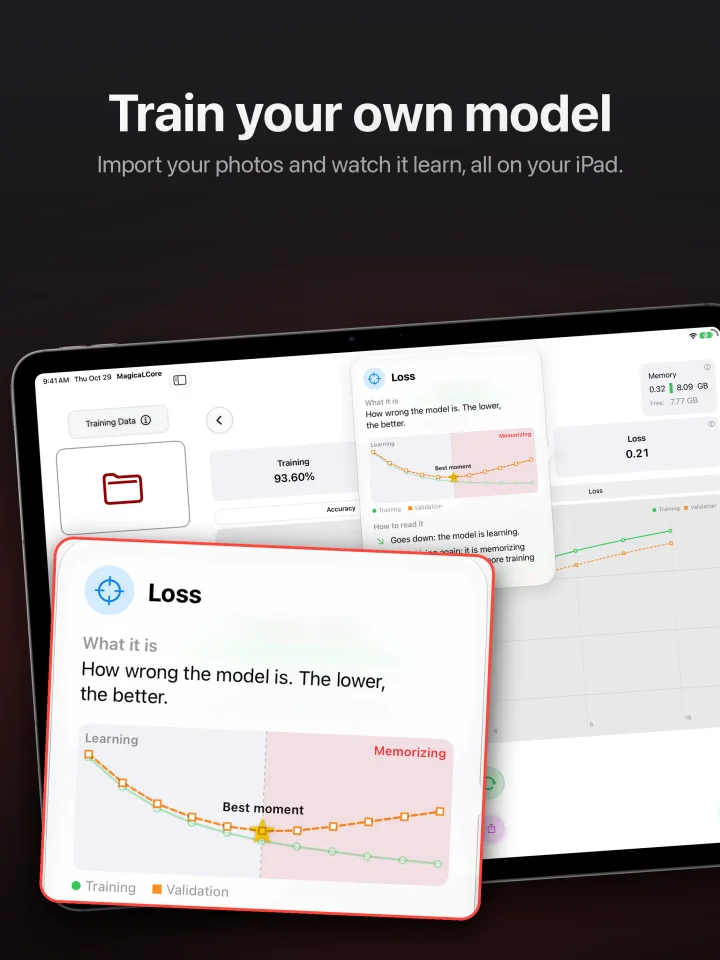
Import your photos, recordings, texts or tables, watch the model learn step by step and test it instantly with the camera or the microphone. When it's ready, export it and use it in your own apps.
Six kinds of models:
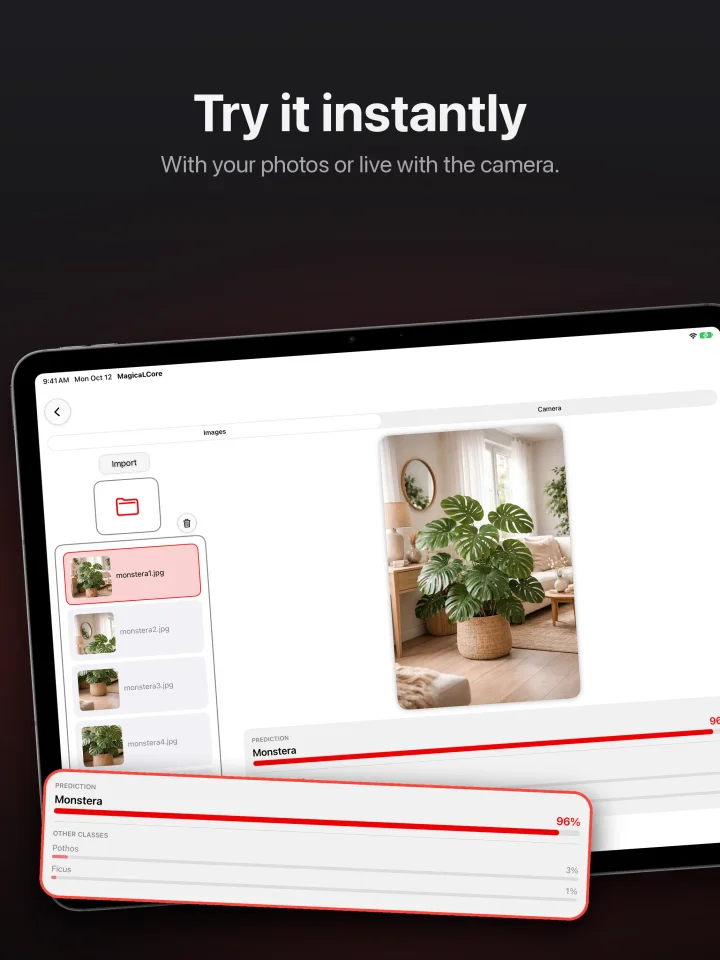
- Images: tell your plants, pets or objects apart.
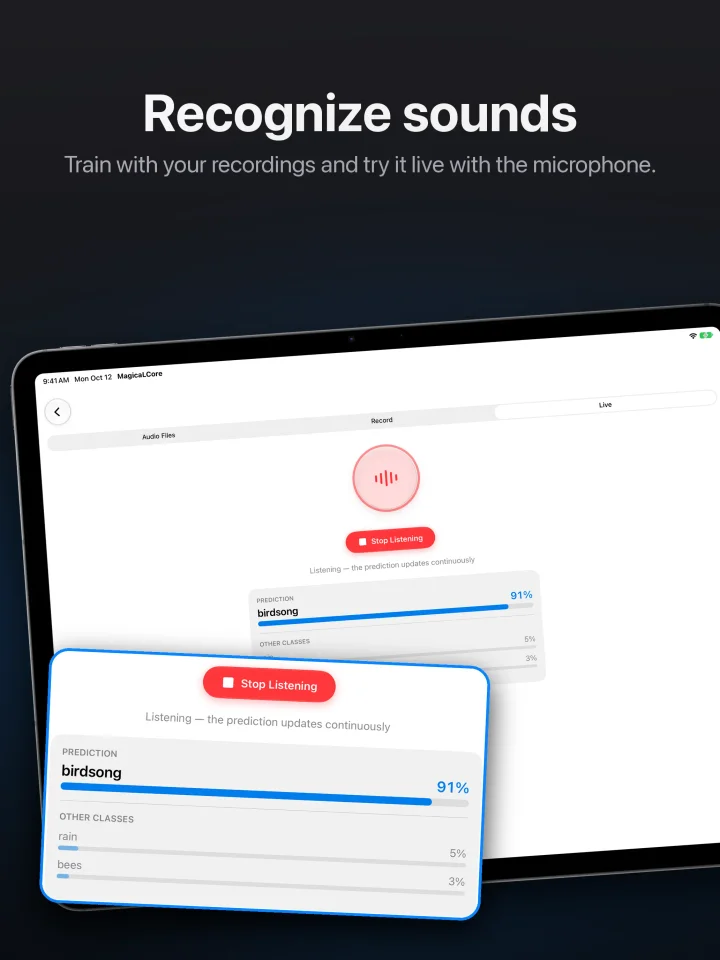
- Sounds: recognize sounds from your own recordings.
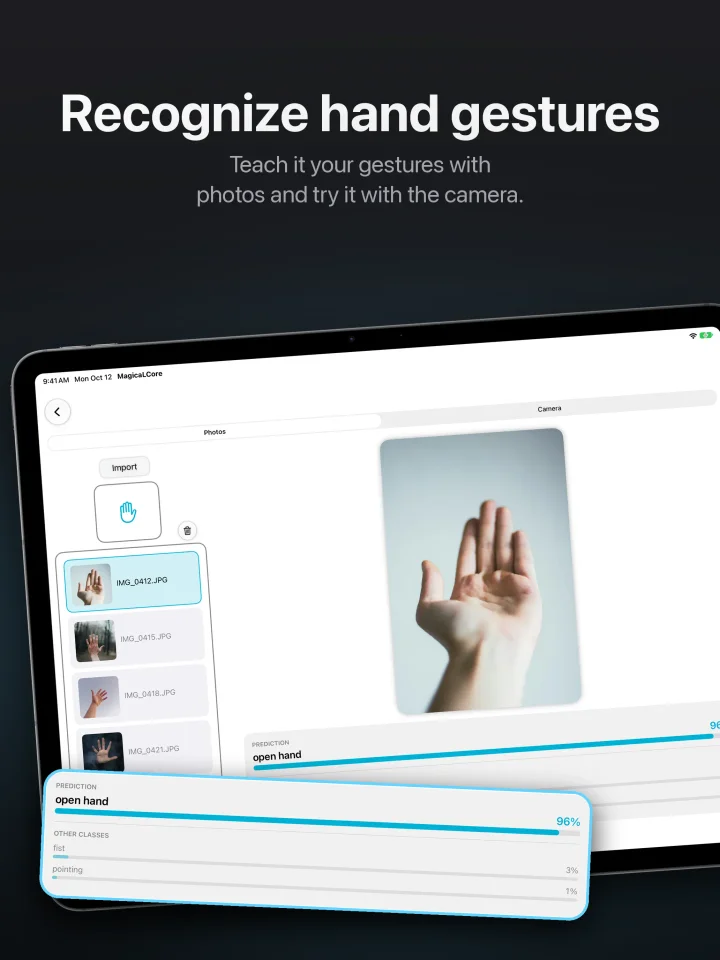
- Hand poses: teach it gestures, like rock, paper, scissors.
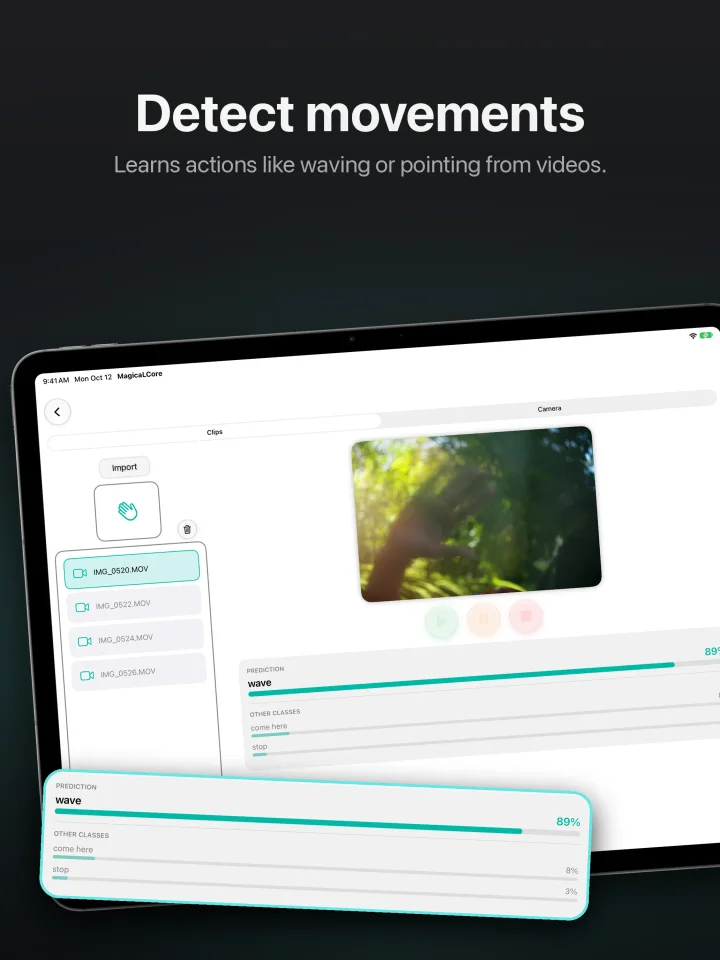
- Hand actions: learn movements, like waving, from videos.
- Text: sort messages, reviews or notes by topic, in several languages.
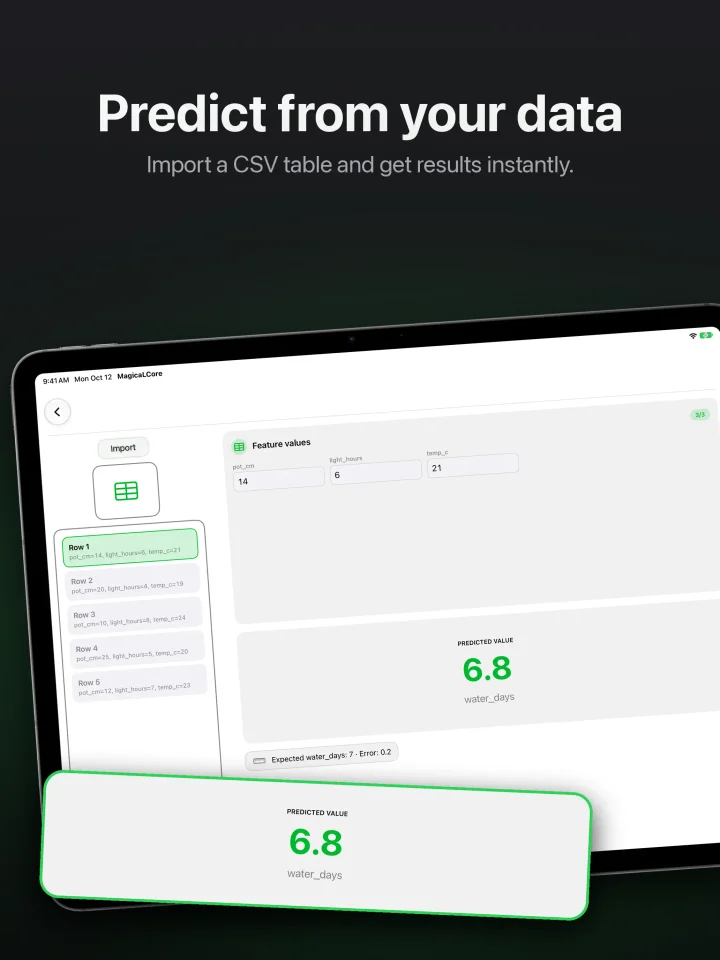
- Tabular data: import a CSV and get classifications or numeric predictions.
Everything you need in one app:
- On-device training: your data is processed on the iPad, and training works offline.
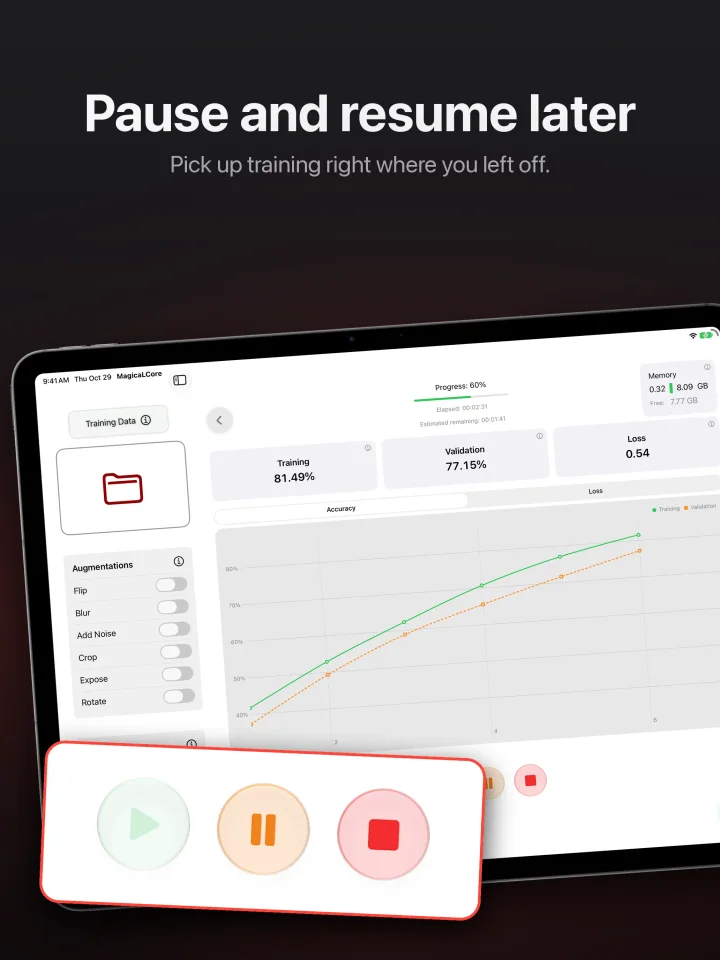
- Live metrics: a chart of accuracy and loss at every iteration.
- Real-time testing: with photos, files and videos, or live with the camera and microphone.
- Pause and resume: stop a training session and pick it up later from the history, right where it left off.
- Large datasets: even from an external drive, with clear warnings about space and time.
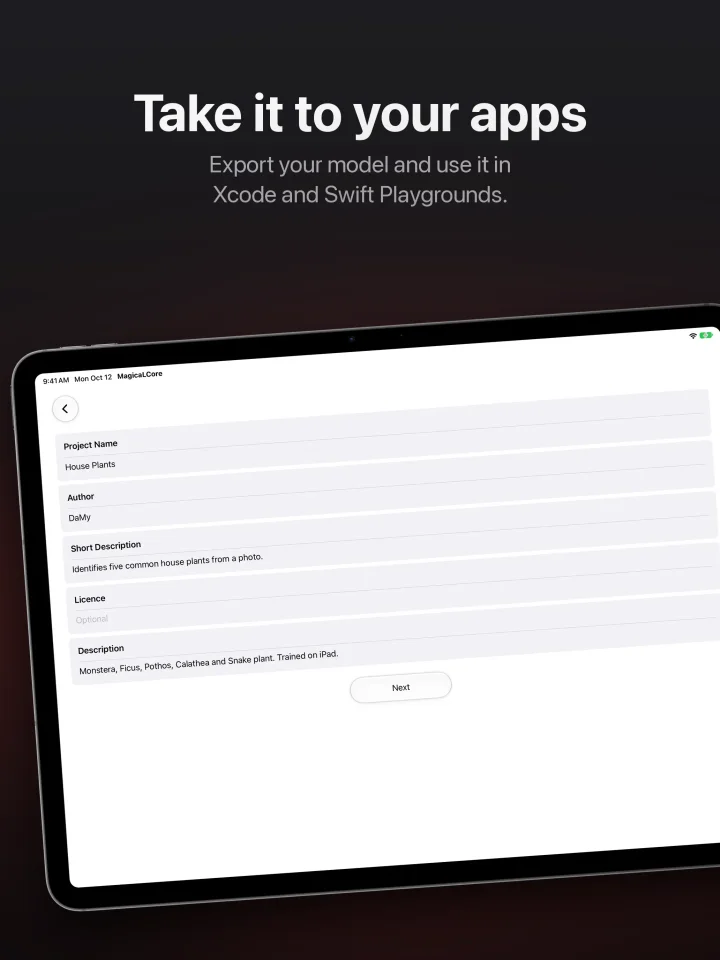
- Export: name the model and export it as a ready-to-use .mlmodel for Swift Playgrounds and Xcode.
- Tutorials: a step-by-step guide for every model type, with good practices for preparing data.
- iCloud support: access finished models across your iPads (optional).
- Available in 13 languages, with a Liquid Glass design and light and dark mode.
Free and Pro:
MagicaLCore is free to download and includes ads. MagicaLCore Pro removes the ads and lifts the limits of the free version, as an auto-renewable subscription or a one-time lifetime purchase.
Requires an iPad with Apple silicon (M1 or later).
Terms of use: https://www.apple.com/legal/internet-services/itunes/dev/stdeula/
Privacy policy: https://www.magicalcoreapp.com/privacy
What’s new
Version 2.1.0 · Nov 14, 2026
What’s new in MagicaLCore 2.1:
- New introduction: a quick guide shows you around the first time you open the app.
- Tutorials and Courses: alongside the tutorials, courses with class lessons and step-by-step exercises (with Pro).
- Small fixes and improvements.
App privacy
What Diego Manuel Acevedo Diaz declares on the App Store about how this app handles data.
-
Data used to track you
May be used to track you across apps and websites owned by other companies.
- Identifiers
-
Data not linked to you
May be collected but is not linked to your identity.
- Identifiers
- Usage data
- Diagnostics
Privacy practices may vary, for example with the features you use or your age.
Information
- Seller
- Diego Manuel Acevedo Diaz
- Category
- Productivity
- Version
- 2.1.0
- Updated
- Nov 14, 2026
- Released
- Jun 23, 2025
- Size
- 24.4 MB
- Requires
- iOS 26.0 or later
- Age rating
- 4+
- Price
- Free
- In-app purchases
- Yes
- Languages
- English, Arabic, French, German, Italian, Japanese, Korean, Portuguese, Simplified Chinese, Spanish, Traditional Chinese
- Copyright
- © Diego Manuel Acevedo Díaz
You might also like
-
 Eazy Reminder AppCapture. Organize. Remember.
-
 SparkRing — 思路集Productivity
-
 QuolyAI Chat, Write, Create & More
-
 Video Production PlannerWrite scripts, plan & organize
-
 TimeGuide - Daily PlannerTasks, Calendar Sync, Widgets
-
 AgentOS - AI Agent HostYour Personal AI Agent
-
 LavaChat: Your AI HubYour Custom Multi-AI Chat
-
 3sparks ChatAI Chat Client and Keyboard
-
 SimVSMValue stream mapping
-
 Secret Diary - password notesPrivate Markdown Journal